

オリジナル3Dモデル「たんばさん」
- Digital2,500 JPY
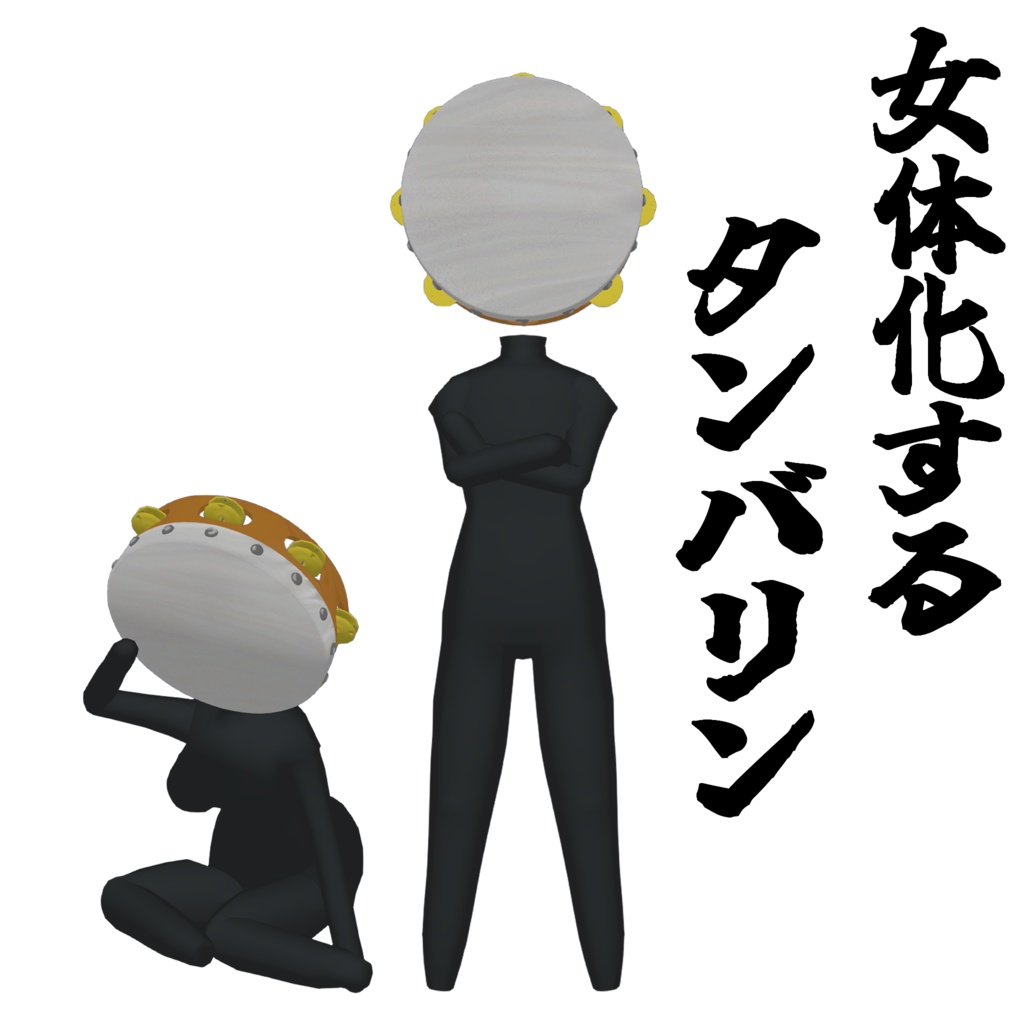
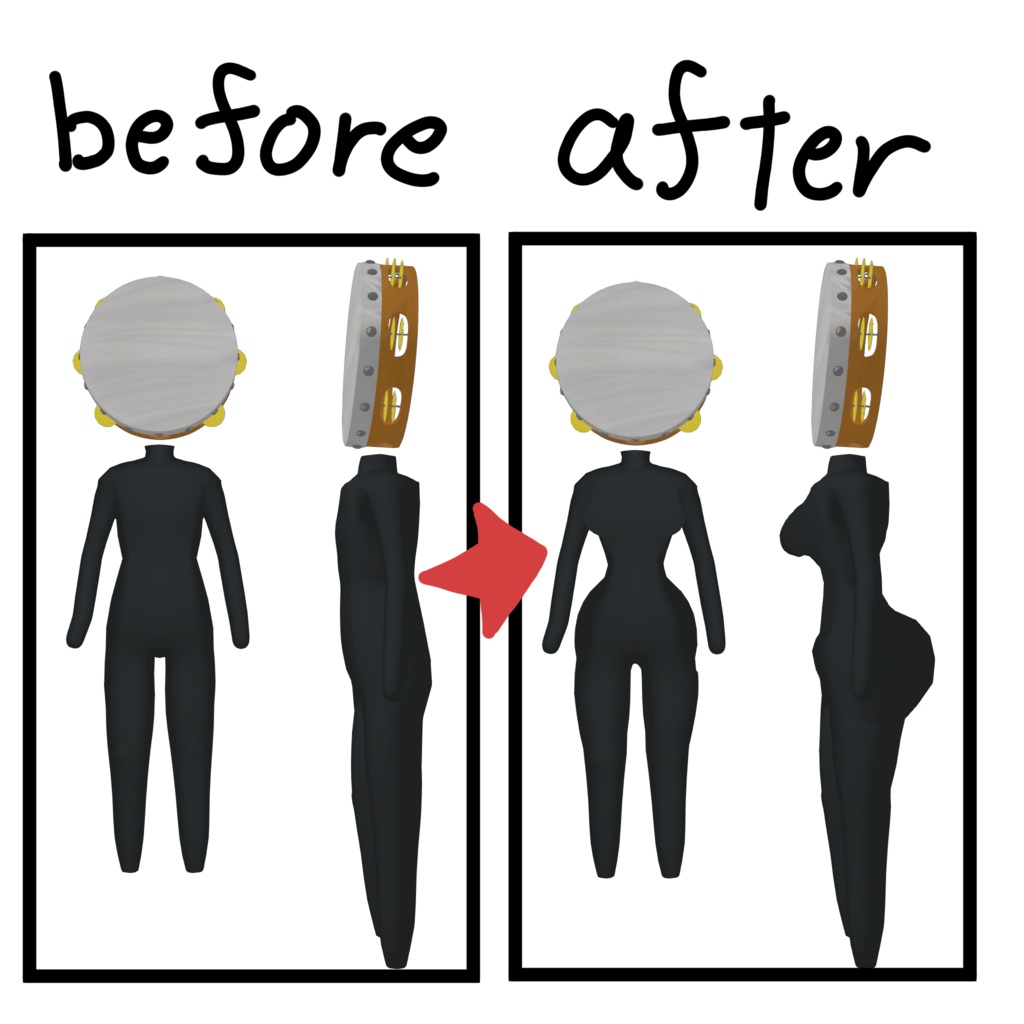
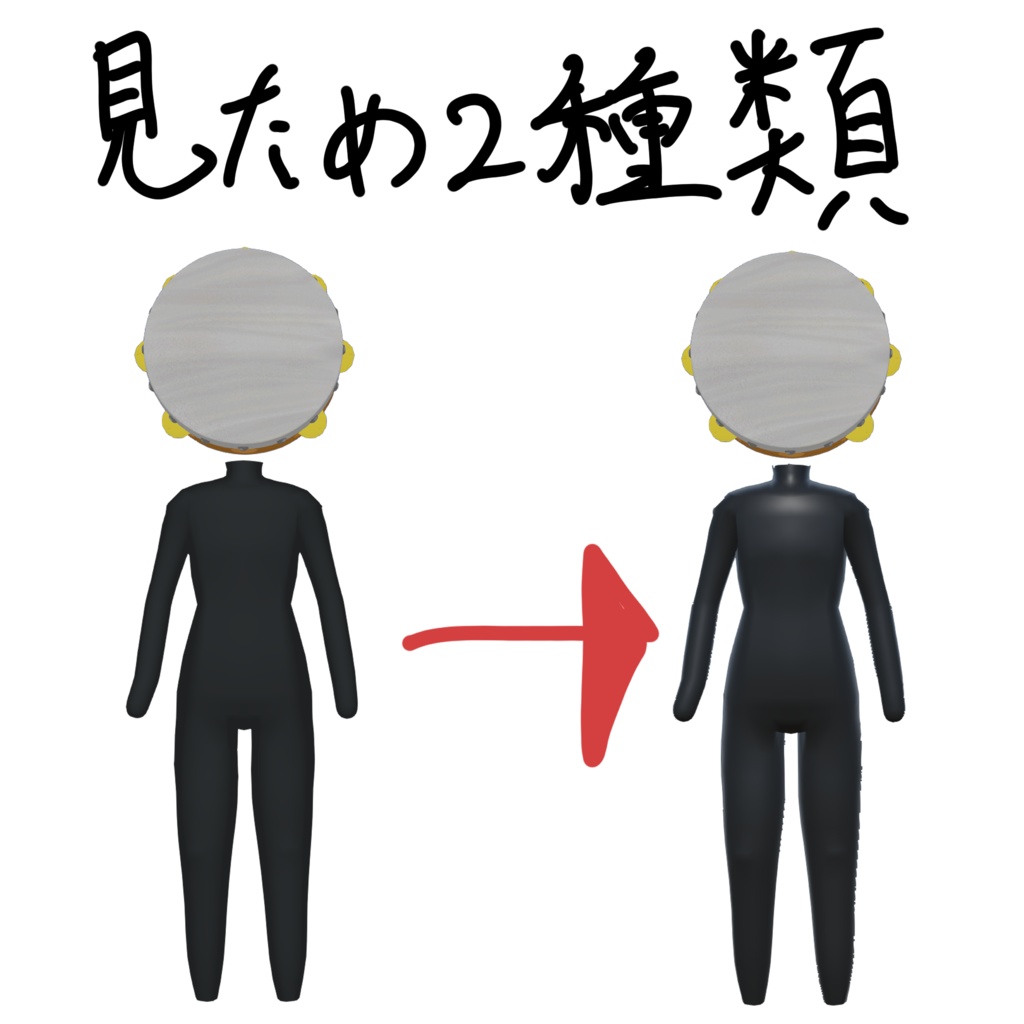
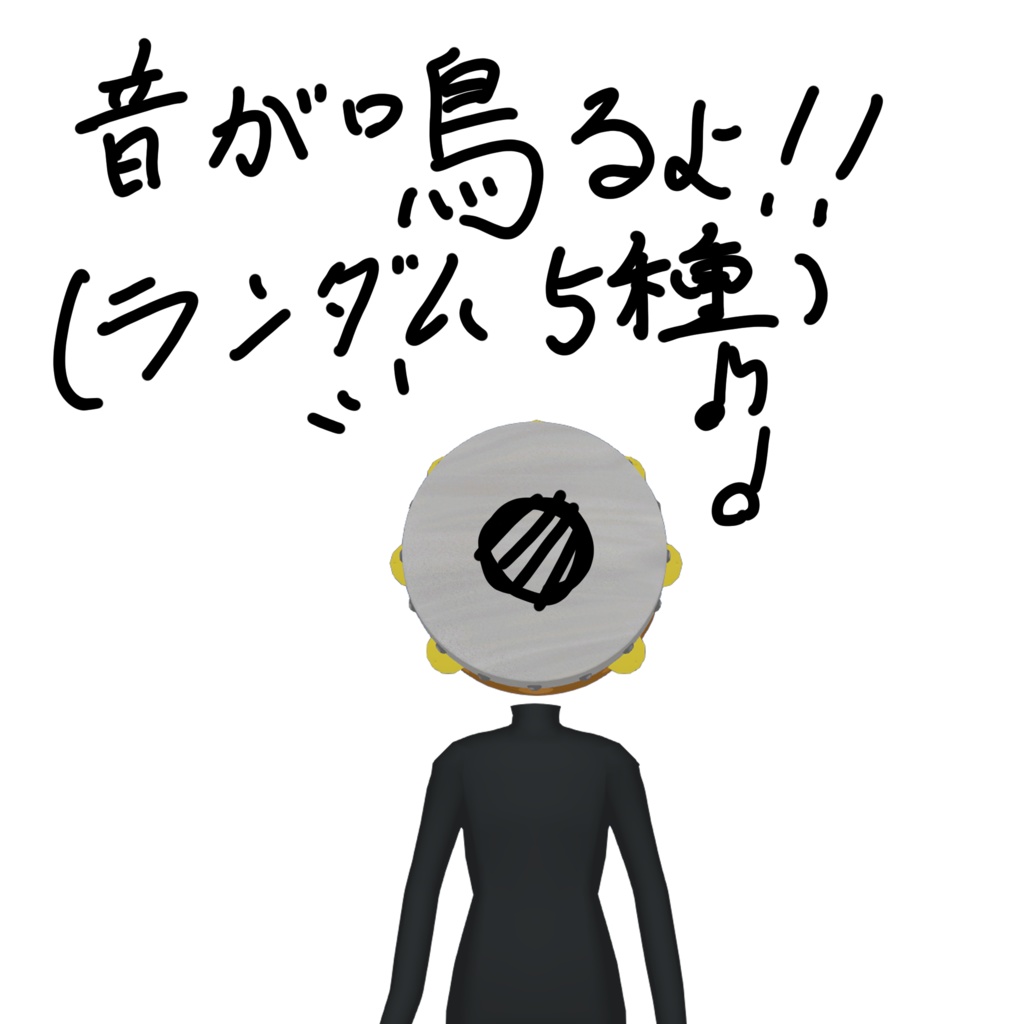
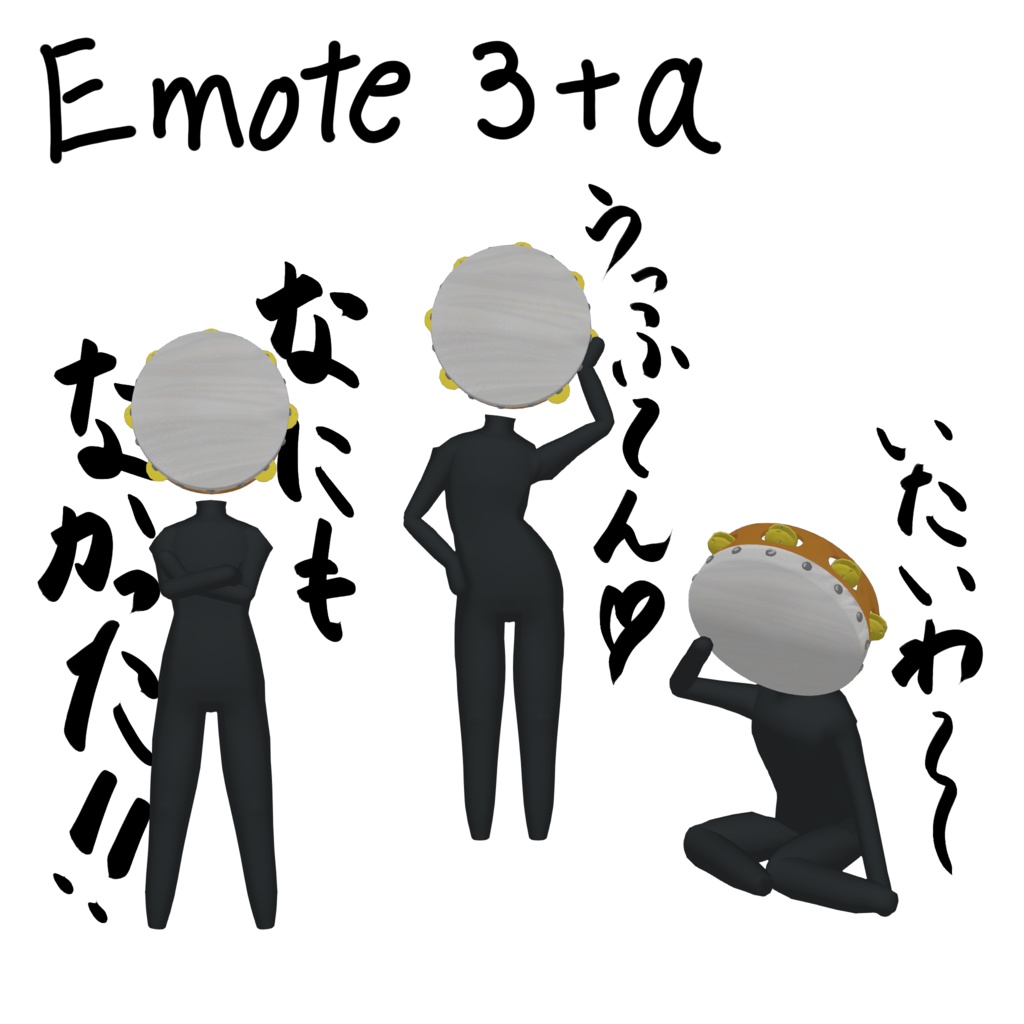


【日本語】 【商品説明】 VRChat専用アバターです。 TS化(女体化)できるアバターでかつ音のタンバリンだと面白いなという思い付きで制作しました。 Expression Menuに四種類のギミックを追加しています。 1.見た目チェンジ 見た目を2択から変更できます。 2.エモートギミック ・吹っ飛ばされる ・腕を組み ・痛がる ・セクシーポーズ 3. 女体化ギミック 回転させることでサイズを変換できるボタンが追加 ・太もも ・胸 ・腰 ・おしり 4. 音が鳴るギミック ・頭に接触判定がある手で触れることで音が鳴らせます。 (自身でボタンで音を鳴らすこともオンオフの切り替えもできます。) このアバターはlilToonと依存関係にあります。 素敵なアバター同士の交流や、その他写真撮影などでお楽しみください。 【内容】 ・tanba_0004 mobile UnityPackage ・tanba_0004 PC UnityPackage (Prefab/テクスチャ/マテリアルなどを含みます。) ・license(利用規約) ・read_me.txt(導入方法) ・credit.txt ・tanba_sample.png 【仕様/Specifications】 ・フルトラッキング未確認 (作者がコントローラーを所持していないので、フルトラの優しい方がいらっしゃいましたら、ご連絡ください。) ・PC対応 ・Quest対応 ・IOS対応 【導入方法】 1.Unityでプロジェクトを開く 2.UnityPackageをインポート 3.VRChat SDKでアップロード (PC版に関してはliltoon依存のため導入をお願いいたします。) 【対応環境】 ・Unity2022.3 ・VRChat SDK3 【利用規約】 ・個人利用:OK ・改変:OK ・再配布:禁止 ・本データ単体での再販売:禁止 【注意】 ・不具合があればBOOTHメッセージにてご連絡ください。 [English] 【Product Description】 This is an avatar designed exclusively for VRChat. I created this based on the idea that it would be fun to have an avatar that can transform into a female form and also functions as a musical tambourine. I’ve added four types of gimmicks to the Expression Menu. 1. Appearance Change You can switch between two different appearances. 2. Emote Gimmicks ・Get knocked back ・Cross arms ・Act in pain ・Sexy Pose 3. Female Body Transformation Gimmick A button has been added that allows you to change body proportions by rotating it. ・Thighs ・Chest ・Waist ・Buttocks 4. Sound-Emitting Gimmick ・You can make a sound by touching the head with a hand that has collision detection. (You can also manually trigger the sound via a button and toggle it on/off.) This avatar is dependent on lilToon. Please enjoy interacting with other wonderful avatars or using it for photo shoots. 【Contents】 ・tanba_0004 mobile UnityPackage ・tanba_0004 PC UnityPackage (Includes Prefabs, textures, materials, etc.) ・license (Terms of Use) ・read_me.txt (Installation Instructions) ・credit.txt ・tanba_sample.png 【Specifications】 ・Full tracking not verified (The author does not own a controller, so if anyone with full tracking experience could test this, please contact me.) ・PC compatible ・Quest compatible ・iOS compatible 【Installation Instructions】 1. Open a project in Unity 2. Import the UnityPackage 3. Upload via the VRChat SDK (For the PC version, please install liltoon as it is a dependency.) 【Supported Environments】 ・Unity 2022.3 ・VRChat SDK 3 【Terms of Use】 ・Personal use: OK ・Modification: OK ・Redistribution: Prohibited ・Resale of this data alone: Prohibited 【Note】 ・If you encounter any issues, please contact us via BOOTH messages.