

🐂🐂 カウボーイ キャップガン! - Cowpoke Cap Gun! - 🐂🐂
- Digital500 JPY
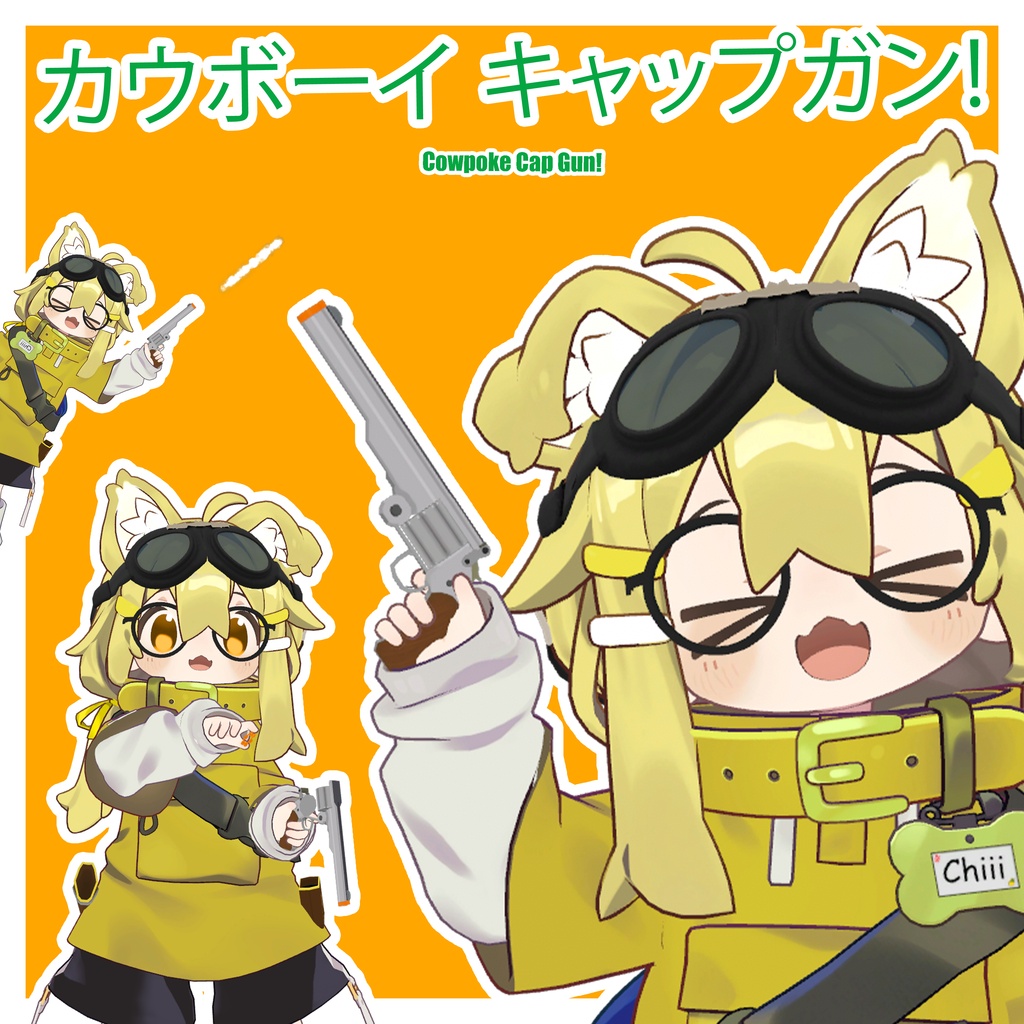
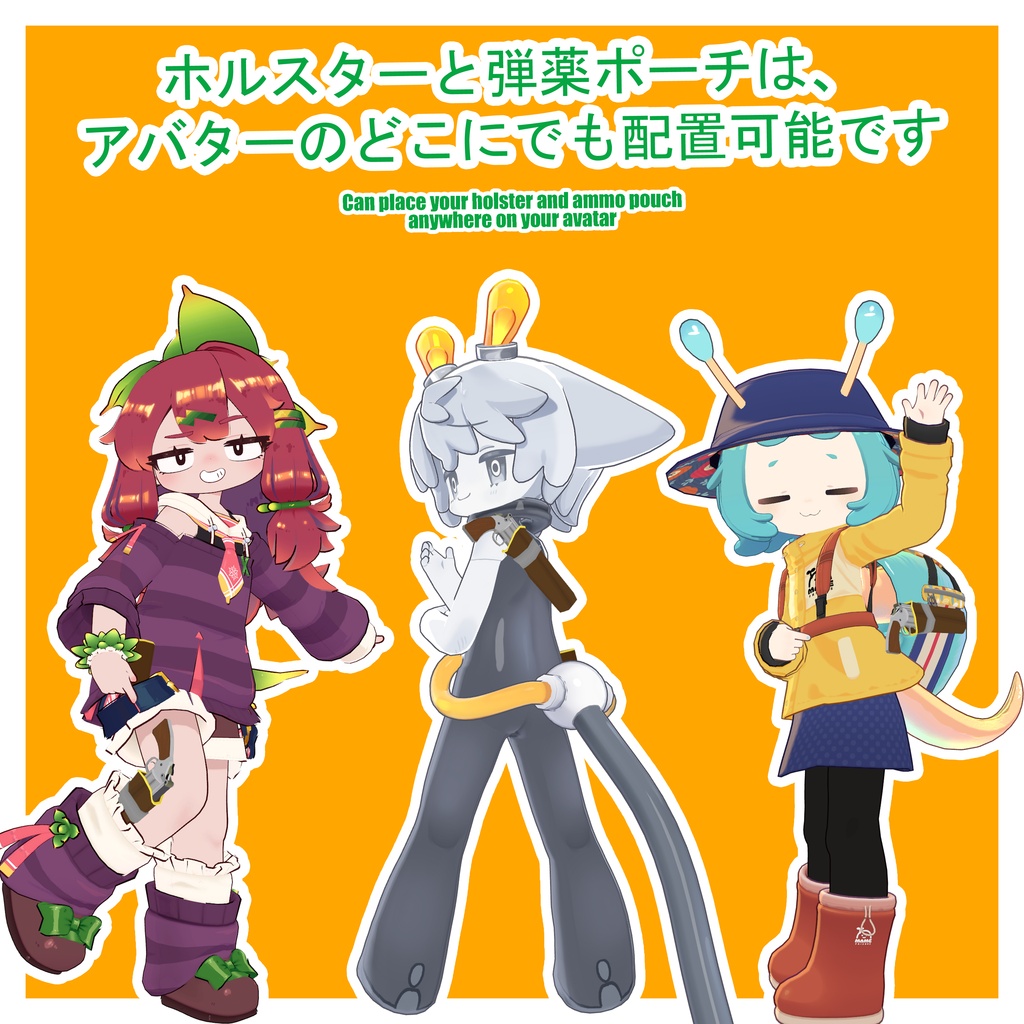
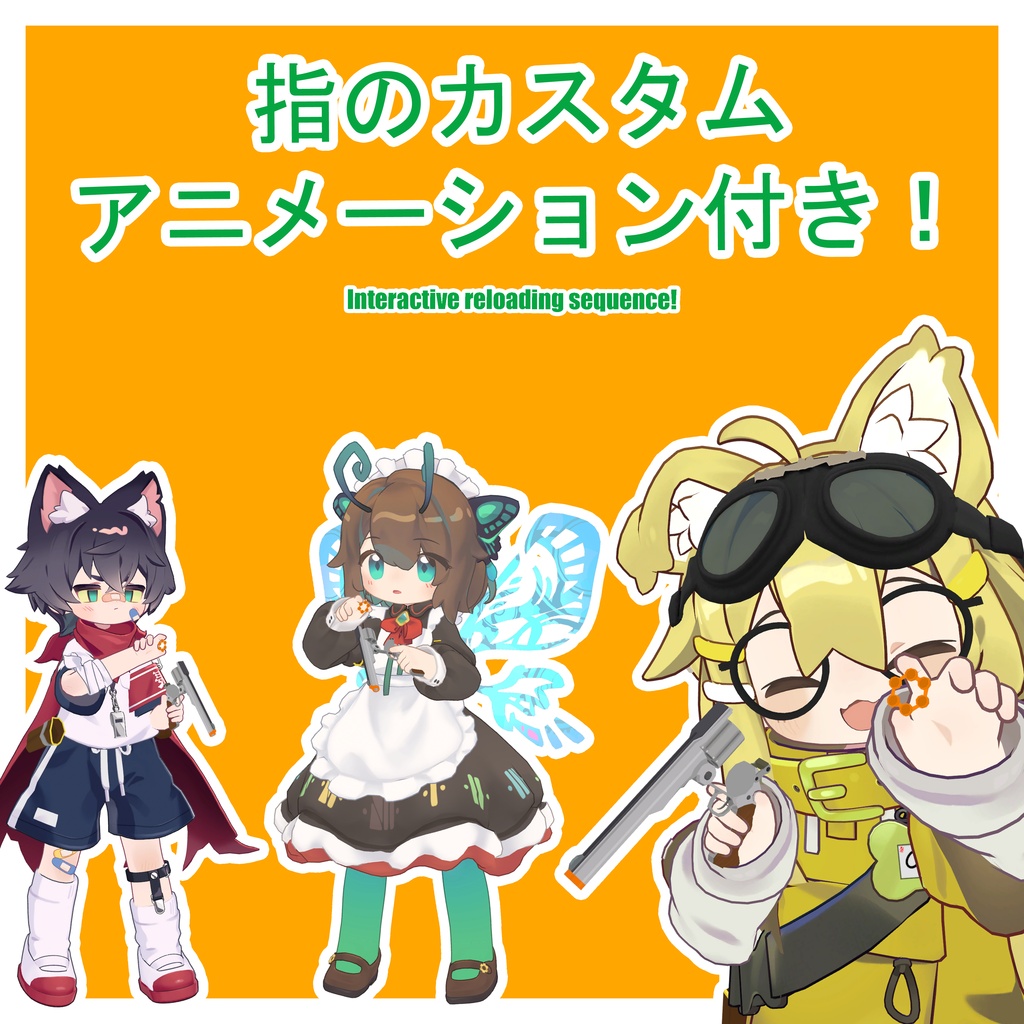
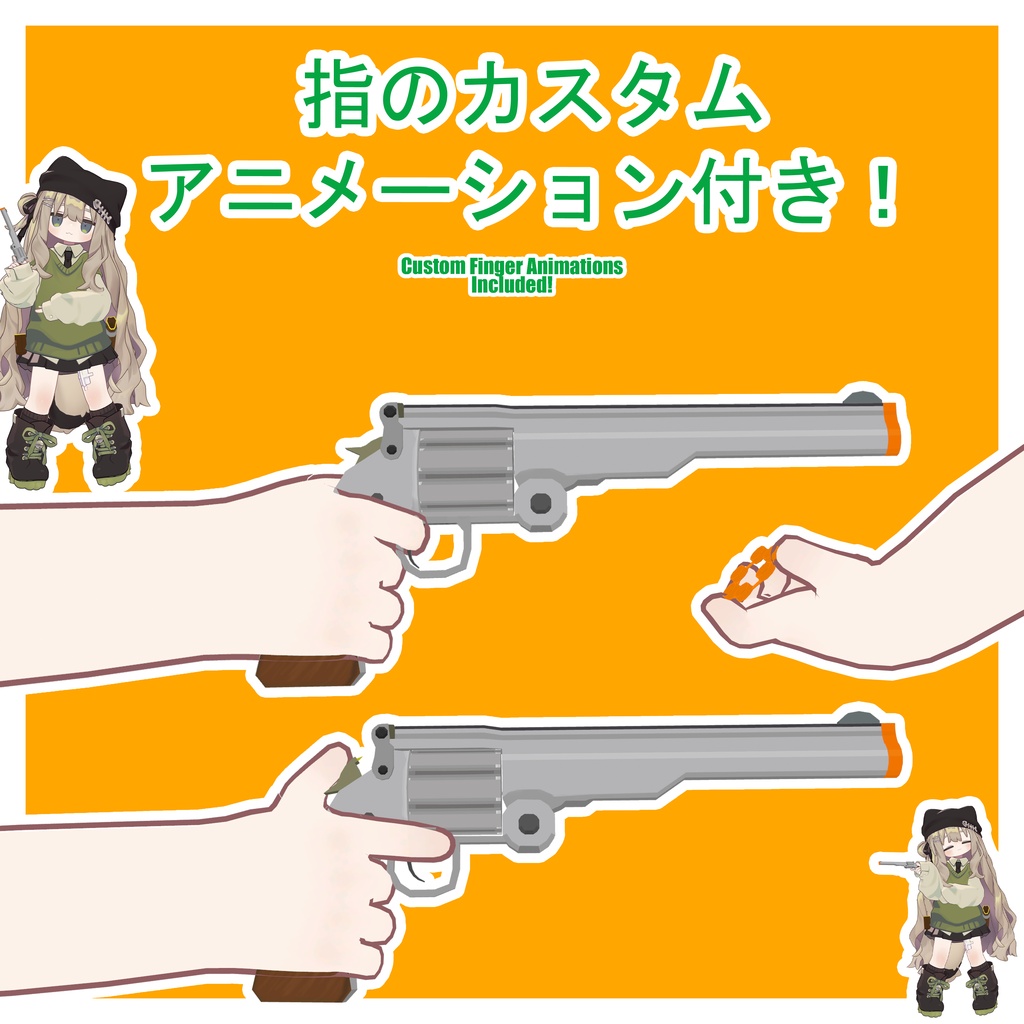
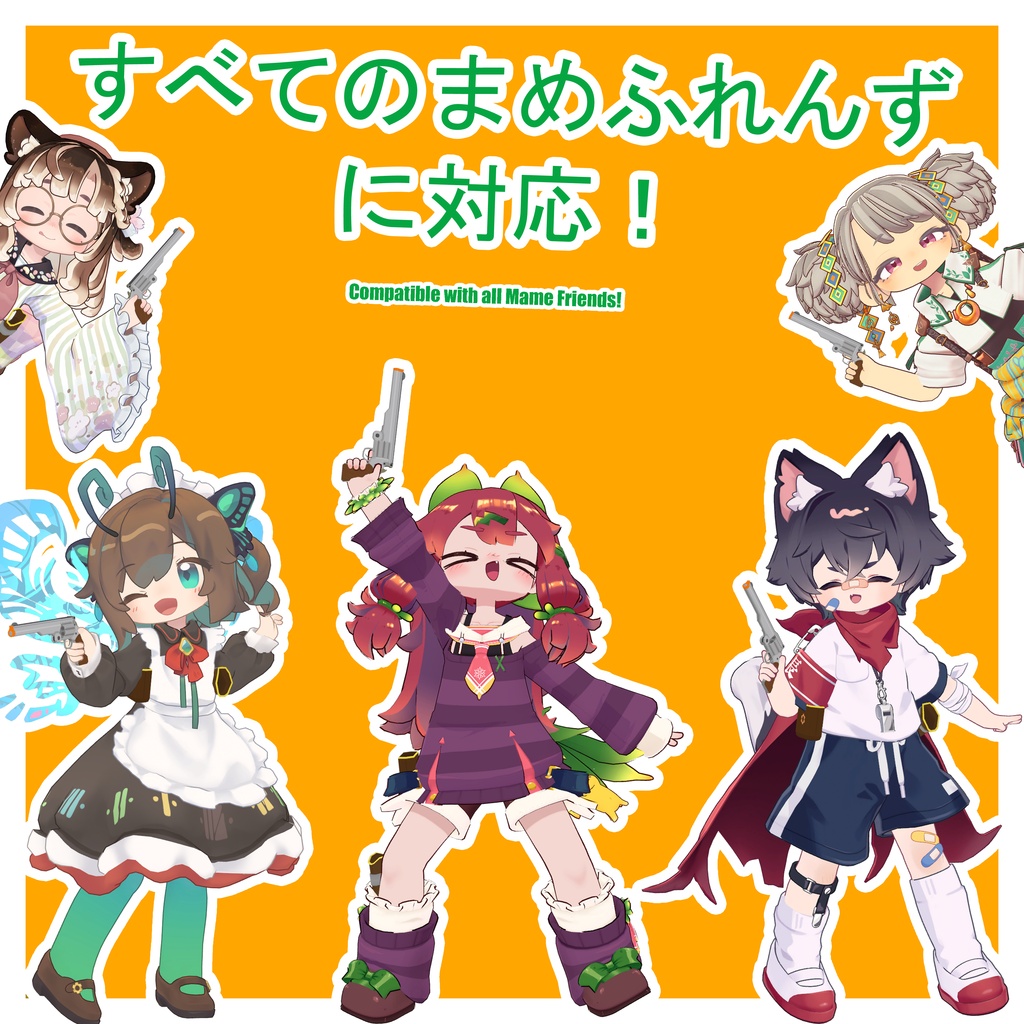


JP 友達と一緒に楽しめる、シンプルで安全なキャップガン(かんしゃく玉ピストル)のおもちゃです!アバターの好きな場所に配置できるホルスターと弾薬ポーチが付属しています。さらに没入感を高める指のアニメーション付き! 🐄 前提条件: lilToon Shader: https://booth.pm/ja/items/3087170 Modular Avatar: https://modular-avatar.nadena.dev/ 🐄 セットアップ方法 1「Cchiii Shop」 > 「Cowpoke CapGun」 > 「Prefabs」に移動し、お好みのプレハブを選んでアバターにドラッグ&ドロップします。 2. ヒエラルキーでプレハブを選択し、「MA Merge Animator」コンポーネントを探します。「統合されるアニメーター」の項目にある「アバターを選択してください」の部分をクリックして該当フォルダを開き、使用しているアバターに合うアニメーターを指定(適用)します。 (※注意:これにより、既存のジェスチャーアニメーターが完全に上書きされます!すでにカスタムジェスチャーを設定している場合は、新しいアニメーターにそれらを追加するか、ご自身のアニメーターに今回の変更分を追加してください。ご不便をおかけして申し訳ありません!) 3. 「Holster Proxy」と「Ammo Pouch Proxy」スロットに、それぞれ配置したい位置に最も近いターゲットボーンを設定します。その後、すぐ下にある「adjust」スロットを使って位置を調整するか、あるいはBone Proxyのアタッチメントモードを「子として・ワールド位置と向きを維持」に変更した上で、「Proxy」スロットを使って位置を調整してください。 4. 以上でセットアップは完了です!お楽しみください! セットアップ動画はこちらからご覧いただけます: https://www.youtube.com/watch?v=QPRtG8hqxAY 🐄 使用方法 ホルスターから抜く:銃のグリップ(持ち手)の近くに手を置き、フィスト(拳)のジェスチャーをします。 ホルスターに収める:銃身(バレル)をホルスターの中に入れ、オープンハンド(手を開く)のジェスチャーをします。 発砲:キャップガンを手に持った状態で、ビクトリー(ピース)のジェスチャーをします。残弾がない場合は、代わりに空撃ちになります。 持ち替え:空いている手を銃のグリップに近づけ、フィストのジェスチャーをして持ち替えます。 リロード手順 1. 空いている手をハンマー(撃鉄)付近のレバーに置き、指差しのジェスチャー(ポイント)をして銃身を解放します。 2. 使用済みの薬莢(空き薬莢)を取り出すには、空いている手をシリンダーの後方に近づけ、手を握るジェスチャーをして回収します。 3. 弾薬を弾薬ポーチに移動させ、手を開く(オープンハンド)ジェスチャーをして収納します。 4. 再びポーチに手を伸ばし、手を握るジェスチャーをして新しい弾薬を取り出します。 5. 新しい弾薬をシリンダーの後方に近づけ、手を開くジェスチャーをして装填します。 6. 空いている手を銃身の下側に置き、手を握るジェスチャーをして銃身を再びロック(結合)します。 (※銃身をロックするまでは、手の持ち替えやホルスターへの収納はできません) 実際の動作についてはデモ動画をご参照ください。 🐄 対応アバター すべての現行「まめふれんず」に対応! その他の「まめふれんず」はこちらからご覧いただけます: https://mamefriends.com/ 🐄 仕様 ポリゴン数:△ 3,268 Skinned Mesh Renderers:1 マテリアルスロット:5 PhysBoneコンポーネント:1 テクスチャメモリ:17.66 Mb パーティクルシステム:1 最大パーティクル数:100 🐄 サムネイルおよび動画で使用しているアバター: まめひなた: https://booth.pm/en/items/4340548 クロンカ: https://booth.pm/en/items/4256853 リルレオ: https://booth.pm/en/items/7374627 ノラミアリィ: https://booth.pm/en/items/7657739 キプフェル: https://booth.pm/en/items/5813187 エピボポ: https://booth.pm/en/items/7872581 イサナイ・ヌク: https://booth.pm/en/items/6044846 モデル*みつまめ: https://booth.pm/en/items/5748454 イルネル: https://boothplorer.com/avatar/6289095 🐄 更新履歴 バージョン 1.1: オーディオシステムの改善、および射撃間のディレイの大幅な短縮 バージョン 1.0:初版リリース 🐄 利用規約 改変や、あらゆる用途への利用が自由に可能です。 本アセットの二次配布および転売は禁止します。 𝐄𝐍 A simple cap gun toy for some harmless fun with friends! Includes a holster and ammo pouch which you can place anywhere on your avatar. Comes with finger animations for extra immersion! 🐄 Prerequisites: lilToon Shader: https://booth.pm/ja/items/3087170 Modular Avatar: https://modular-avatar.nadena.dev/ 🐄 How to Set Up 1. Navigate to: Cchiii Shop > Cowpoke CapGun > Prefabs, then choose your prefab and drag and drop it onto your avatar. 2. Select the prefab in the hierarchy and look for the modular avatar animator merger that contains an animator named "Please Select Avatar". Click on it to be taken to the gesture animator folder. Input the animator that matches the avatar you are using. (Please note, this will fully replace your gesture animator! If you already have custom gestures, you can add them to the new one or add the modifications to yours. Sorry for any inconvenience!) 3. On the "Holster Proxy" and "Ammo Pouch Proxy" slots set the target bone closest to where you would like to place both then you can either position using the "adjust" slots below or change attachment mode to "As child; keep position and rotation" on bone proxy then use the "Proxy" to position. 4. You are all set up! Enjoy! The setup video can be found here: https://www.youtube.com/watch?v=QPRtG8hqxAY 🐄 How to use Remove from holster: Place your hand near the gun grip, then do the fist gesture. Place in holster: Place the gun barrel inside the holster and do the open hand gesture. Fire: With the cap gun in hand, do the victory gesture. If you do not have ammo, you will perform a dry fire instead. Switch Hands: Bring the gun grip towards your free hand, then do the fist gesture to switch. Reload sequence 1. Place your free hand on the lock near the hammer, then do the finger point gesture to release the barrel. 2. To remove current ammo, place your free hand near the back of the cylinder and do the fist gesture to bring it to your hand. 3. Move the ammo into the ammo pouch and do the open hand gesture to dispose of it. 4. Reach back into the pouch and do the fist gesture to acquire new ammo. 5. Bring the new ammo towards the back of the cylinder and do the open hand gesture to insert it. 6. Place your free hand on the underside of the barrel, then do the fist gesture to relock the barrel. (You cannot switch hands or holster the gun until the barrel is relocked) Refer to the demo video to see it in action. 🐄 Compatible Avatars Compatible with all current Mamefriends! You can find a list of all Mamefriends here: https://mamefriends.com/ 🐄 Product Specifications Polygon Count: △ 3,268 Skinned Mesh Renderers: 1 Material Slots: 5 PhysBone Components: 1 Texture Memory: 17.66 Mb Particle Systems: 1 Total Max Particles: 100 🐄 Avatars used in thumbnails and video: Mamehinata: https://booth.pm/ja/items/4340548 Clonka : https://booth.pm/en/items/4256853 LilLeo: https://booth.pm/en/items/7374627 NoraMiaree: https://booth.pm/en/items/7657739 Kipfel : https://booth.pm/en/items/5813187 EPBOPO: https://booth.pm/en/items/7872581 Isanai Nuku: https://booth.pm/en/items/6044846 Mitsumame: https://booth.pm/en/items/5748454 Yilnel : https://boothplorer.com/avatar/6289095 🐄 Update History Ver 1.1: Improve audio system and significantly reduce delay between shots Ver 1.0: Initial Release. 🐄 Terms of use Free to modify and use it in anything you would like. Please do not redistribute or sell this asset.