
HoloWaifu - 3D Desktop AI Assistant for Windows
- Digital0 JPY
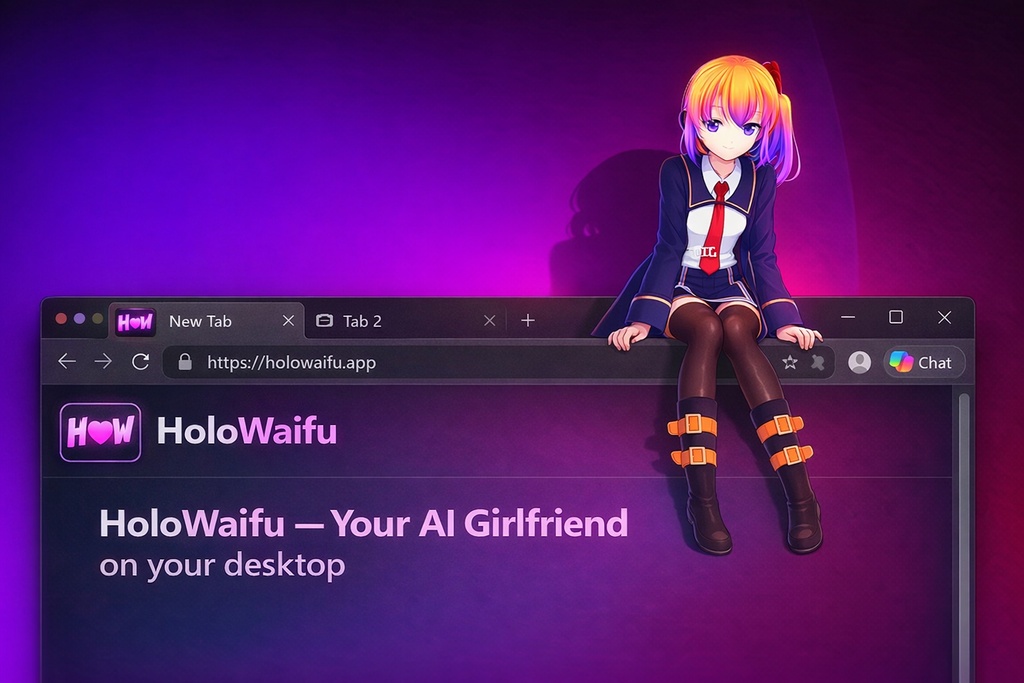
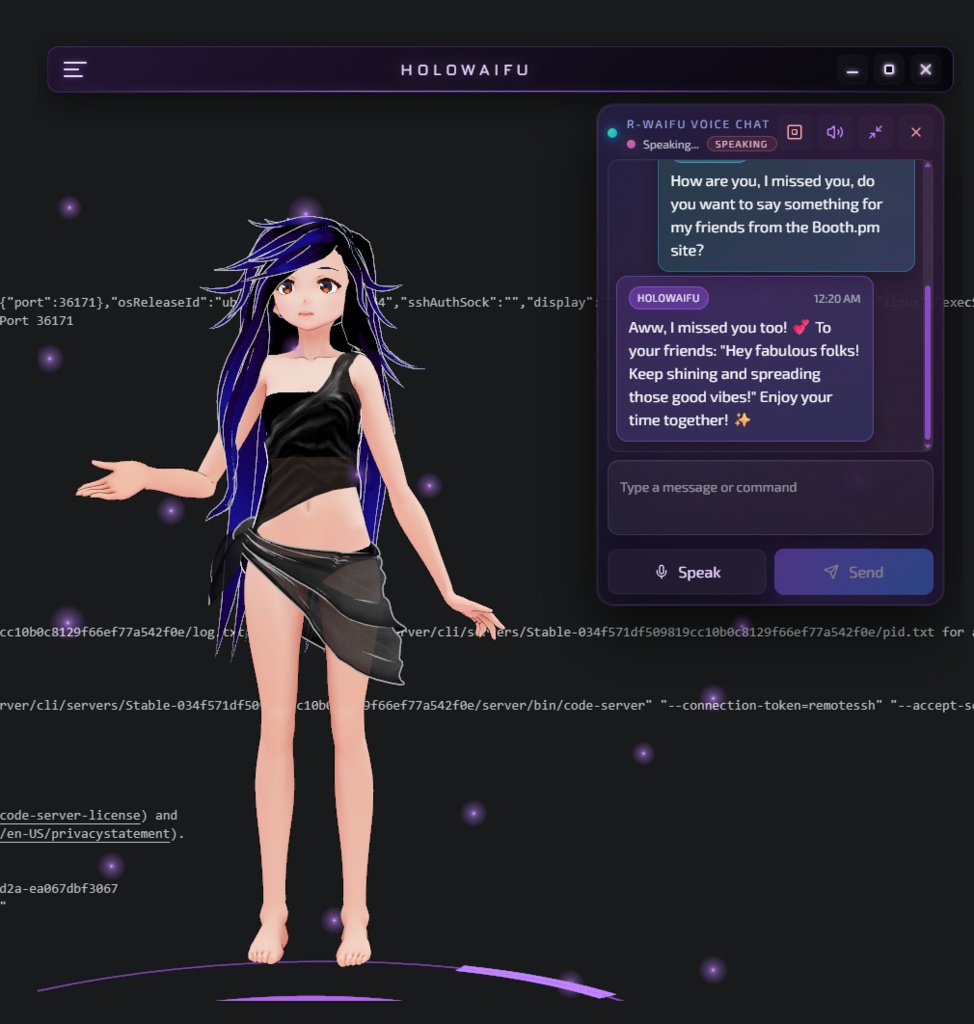
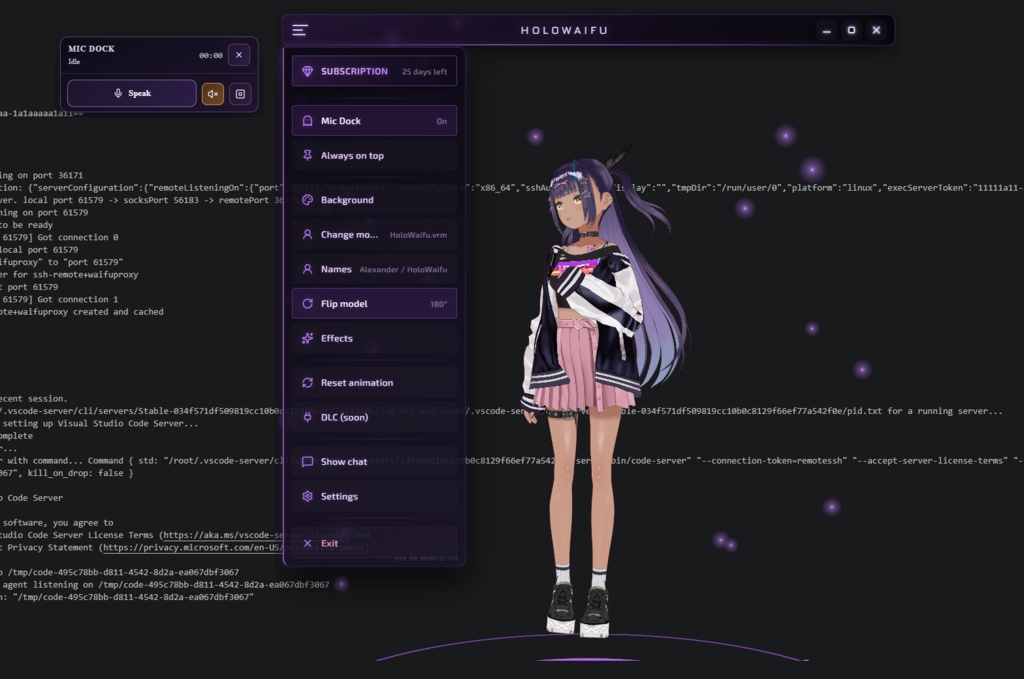
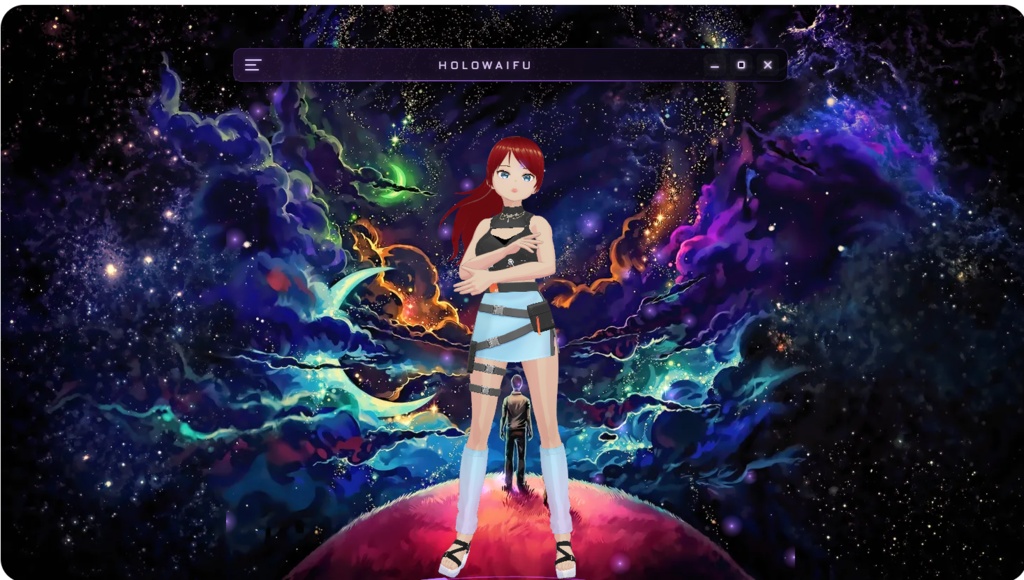
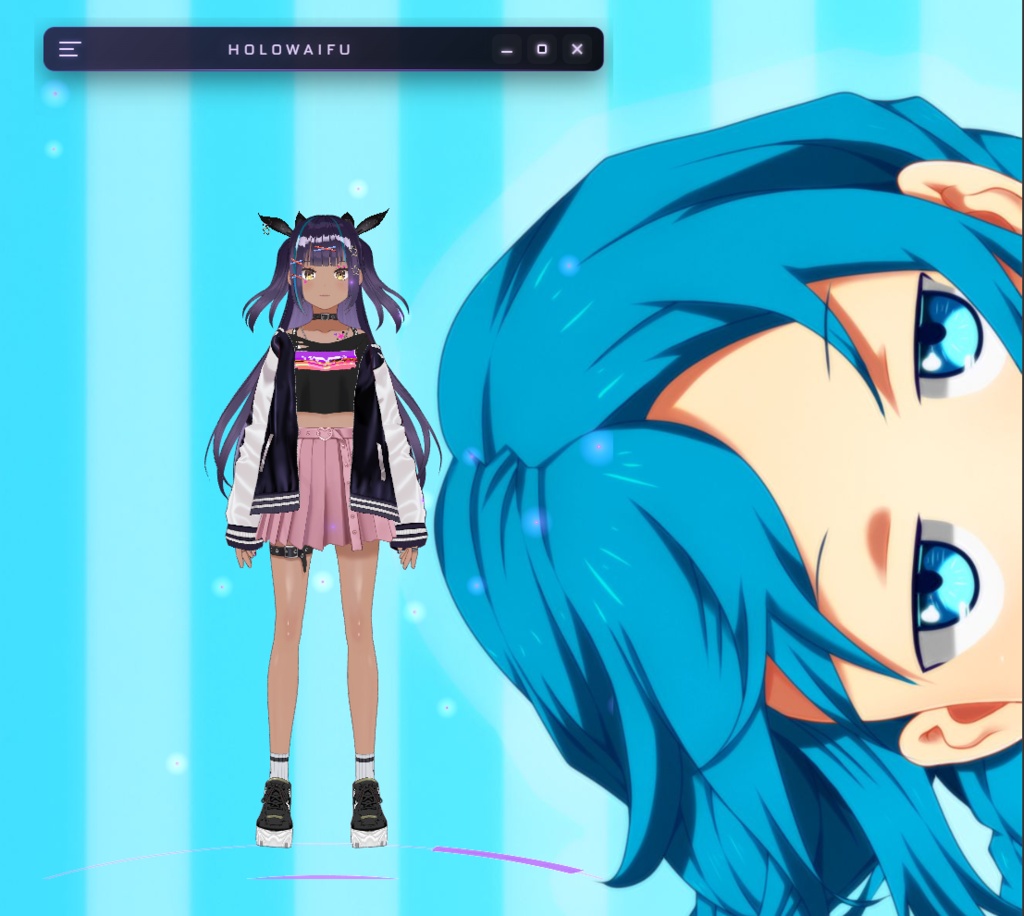
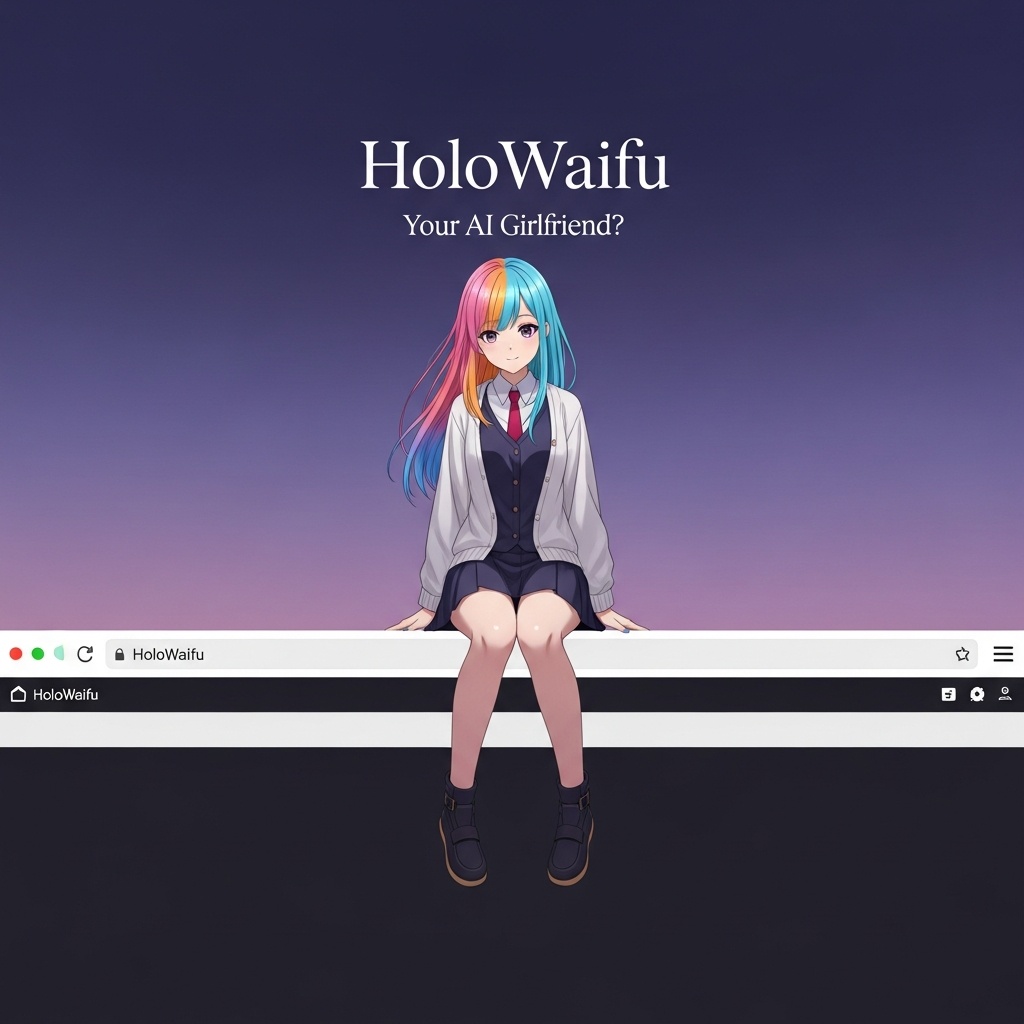
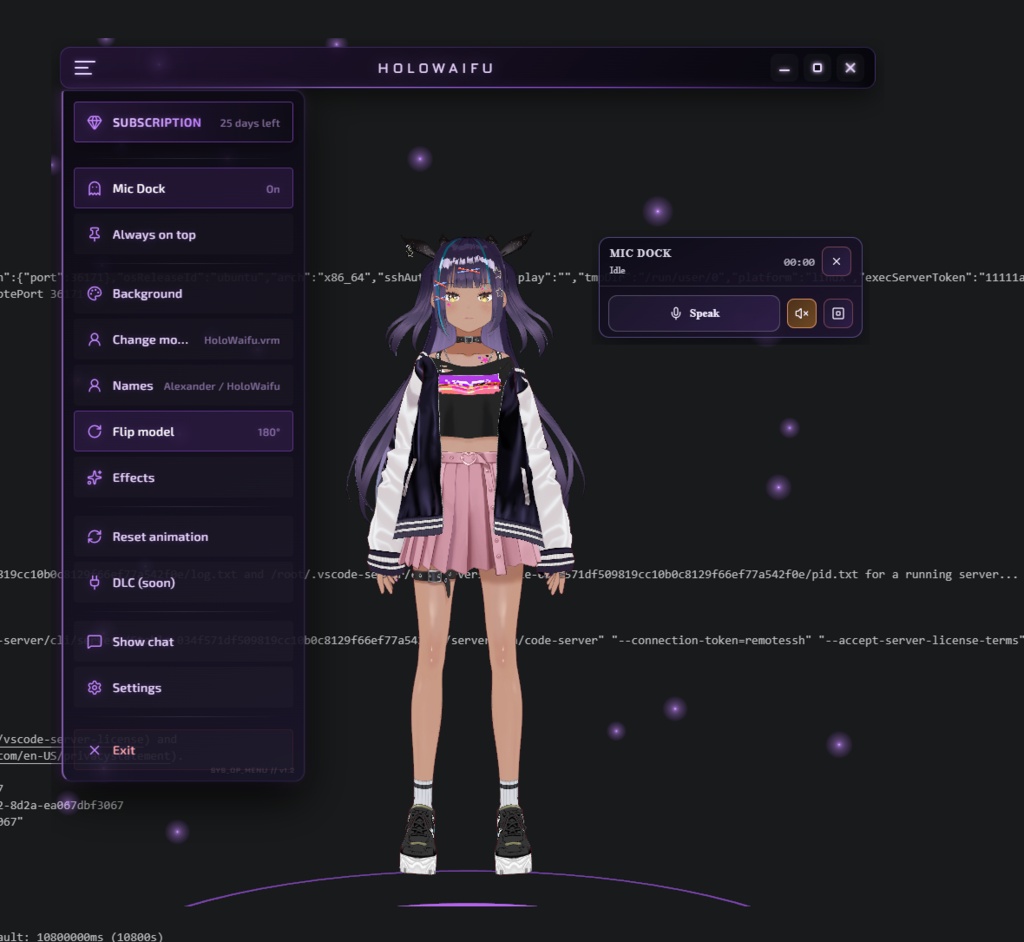
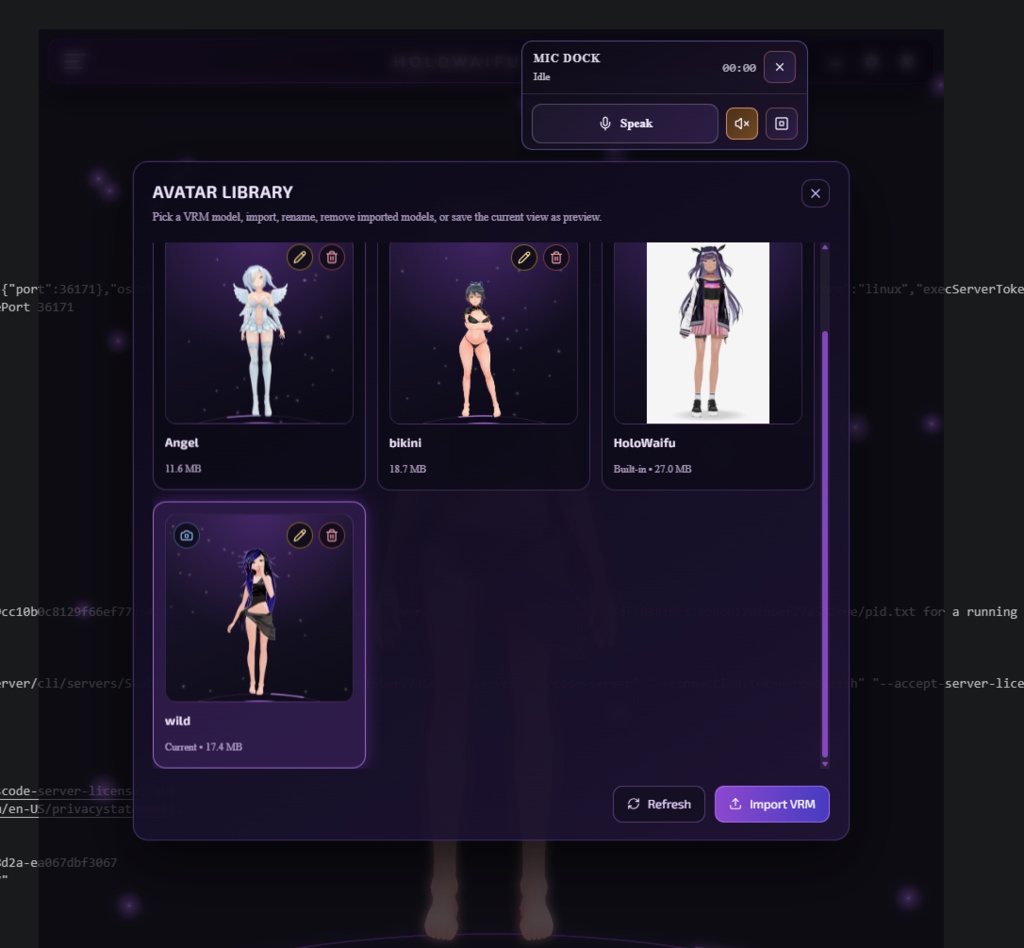
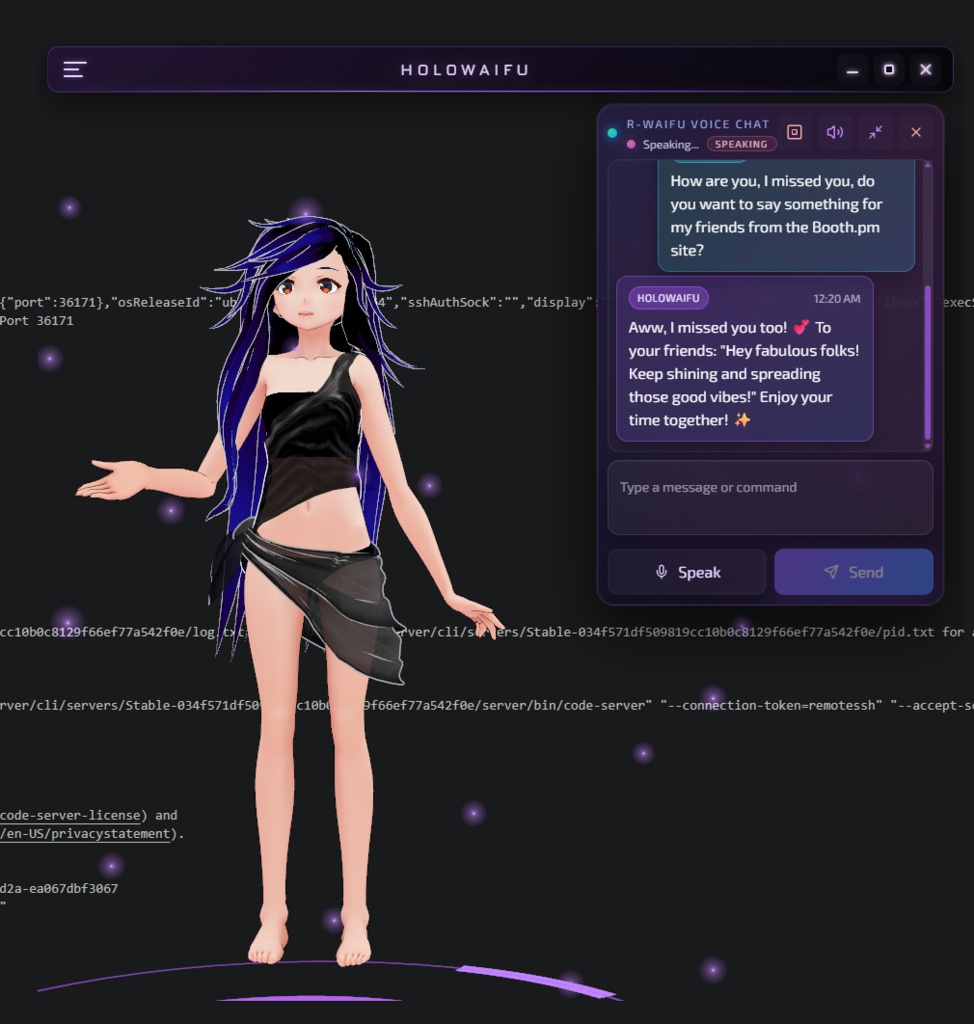
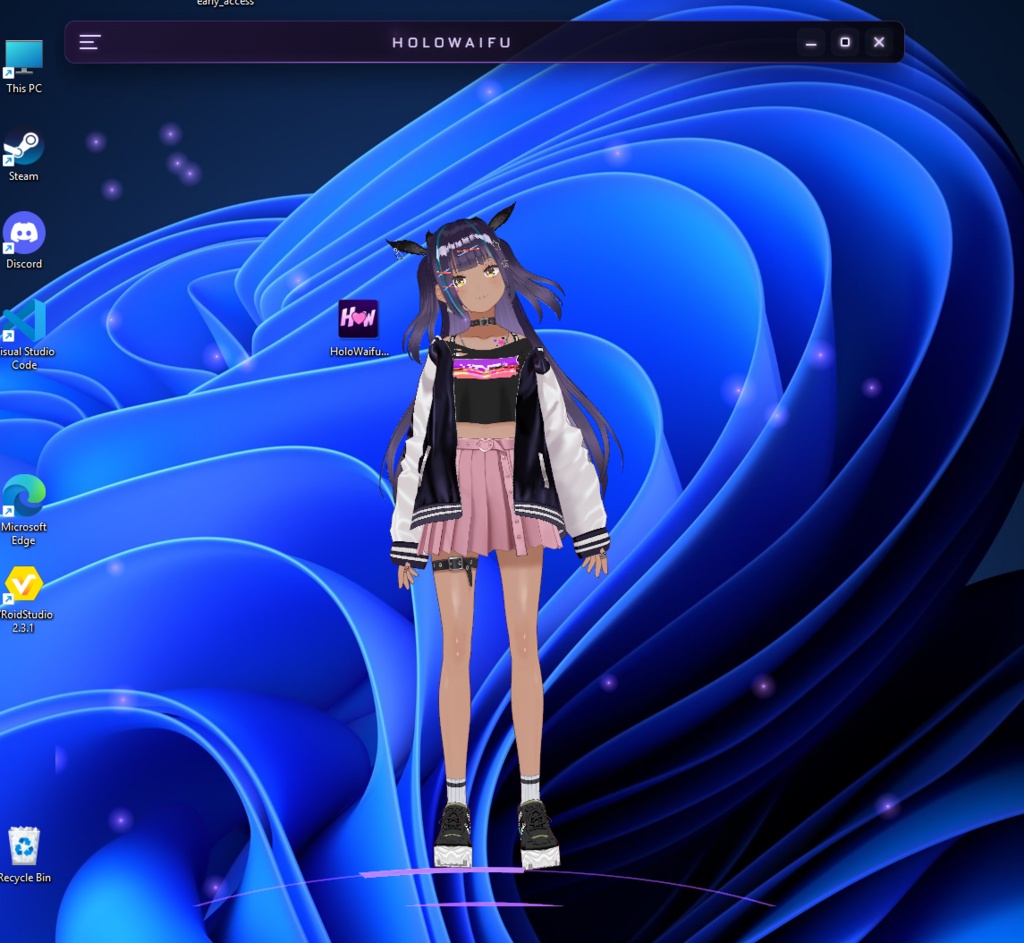


HoloWaifu is a Windows desktop AI assistant application with a 3D character overlay. Instead of using only a regular chat window, HoloWaifu displays a VRM character directly on your desktop as a transparent overlay. You can interact with the assistant using text or voice and use compatible VRM avatars that you have the right to use. This BOOTH page provides a download link for the HoloWaifu Windows application. Official website: https://holowaifu.app Main features: - 3D VRM character desktop overlay - Text and voice interaction - Real-time character display on your Windows desktop - Support for compatible VRM avatars - Local user memory file - Windows desktop assistant experience Important notes: - This product is software for Windows. - VRM avatars shown in screenshots, videos, or promotional materials are for demonstration purposes only. - VRM avatars are not included with the application unless explicitly stated. - You may use your own VRM models if you have permission from the creator or rights holder. - Internet connection is required for AI features. - Some features may require activation or an access key. - The application is provided as-is and may be updated over time. How to use: 1. Download HoloWaifu from the provided link. 2. Install and launch the application on your Windows PC. 3. Follow the instructions inside the app. 4. Use your own compatible VRM avatar if desired. Support: If you have installation problems, activation issues, bugs, or questions, please contact us through Discord: https://discord.gg/ET2Xx9JCF Feedback and bug reports are welcome. Prohibited use: - Do not redistribute, resell, or re-upload the application without permission. - Do not reverse engineer, modify, decompile, or extract internal application data. - Do not use this software for illegal activity, harassment, abuse, or content that violates public order and morals. - Do not use third-party VRM models unless you have permission from the creator or rights holder. Disclaimer: HoloWaifu is provided as-is. The developer is not responsible for damage, data loss, hardware/software problems, or other issues caused by improper use, system configuration, third-party software, or unsupported environments. Please make sure your PC meets the requirements before use. 🙏 Special Thanks / Credits Some VRM avatars shown in screenshots, videos, or promotional materials were created by talented artists and creators. These VRM avatars are used for demonstration and promotional purposes only. Important: VRM avatars listed below are not included with the HoloWaifu application unless explicitly stated. Please check each creator's own license terms before using their models. - Default: "AvatarSample_B" by VRoid Project https://www.pixiv.net/support.php?mode=select_vroid - "EpsilonNought" by keiichiisozaki https://twitter.com/keiichiisozaki - "水着いろは" by ホウホケキヨ https://hub.vroid.com/en/users/3335450 - "Bmm 1.0" and "Ctg 1.0 Toggles" by JustAPalNH http://youtube.com/JustAPal - Model Name: 白 Author: わい License URL: https://vrm.dev/licenses/1.0/ - Model Name: Natsukeru Author: Natsu License URL: https://vrm.dev/licenses/1.0/ - Title: reisan Author: rei License URL: https://vrm.dev/licenses/1.0/
Official Website
https://holowaifu.app/
Bring Your Desktop to Life with HoloWaifu
HoloWaifu is a next-generation AI desktop companion designed to make your workspace feel alive. Unlike static overlays, HoloWaifu features: Full Customization: Import any .VRM model to change your companion’s appearance instantly. Emotional Interaction: Voice and text chat with real-time AI memory and personality. Always With You: A transparent, non-intrusive overlay that sits on your desktop while you work, play, or code. Privacy First: Your conversations and data stay local. No hidden tracking.
System Requirements
- OS: Windows 10/11 (64-bit) - CPU: Intel Core i5 or AMD Ryzen 5 (Quad-Core) - Memory: 8 GB RAM (Recommended: 16 GB for smooth 3D rendering) - Graphics: NVIDIA GeForce GTX 1050 / AMD Radeon - RX 560 or better (Dedicated GPU highly recommended) - Storage: 500 MB available space (plus space for your custom VRM models) - Microphone recommended for voice interaction Note: Internet connection required for AI interaction features.
Update informations
[2026-06-4] v1.2.0 — Major Update [2026-05-10] v1.1.0 — Major Update [2026-05-01] v1.1.0 — Initial Release
requirements
Windows 10/8/7 macOS 10.13+ CPU: 2.4GHz CPU Quad Core Memory: xxxGB Graphics: Geforce GTX 750 Storage: xxxGB