

Bone↔Mesh & related PB Selector
- Digital0 JPY
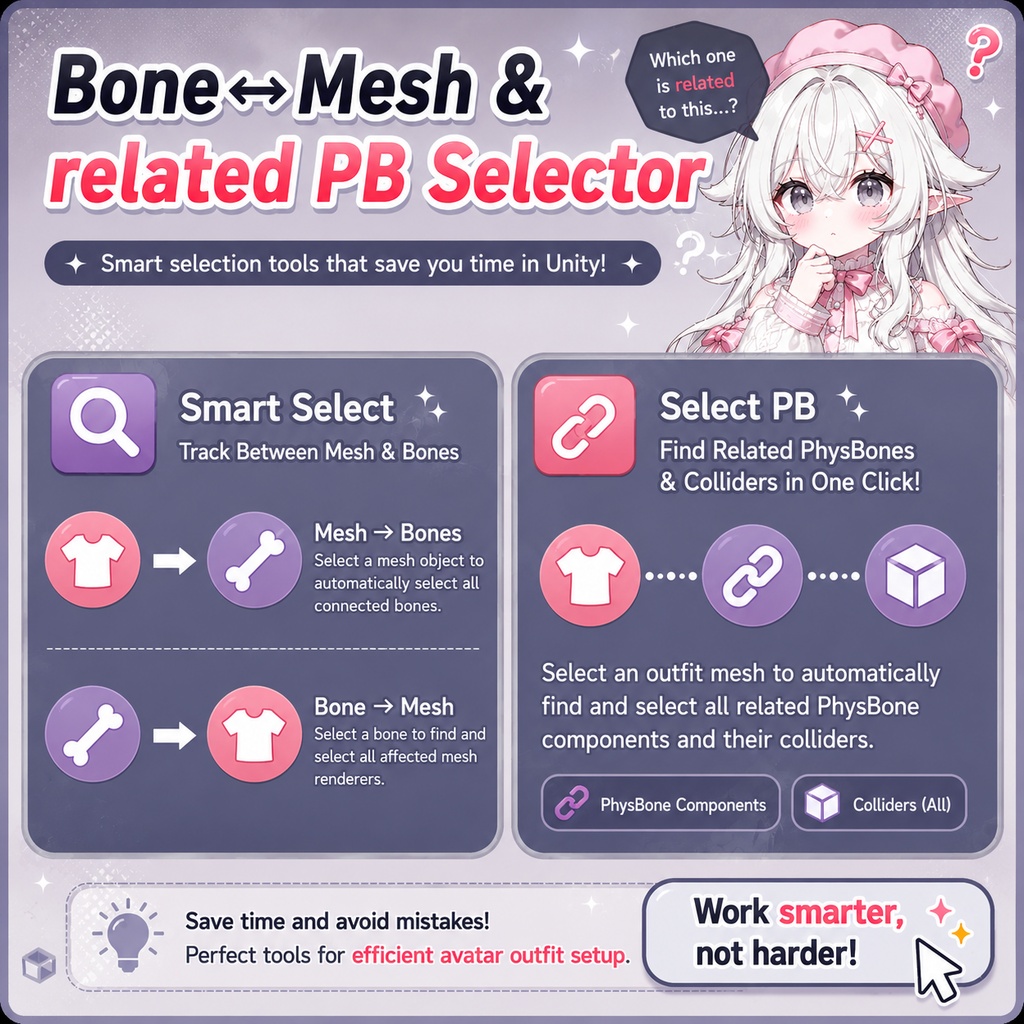
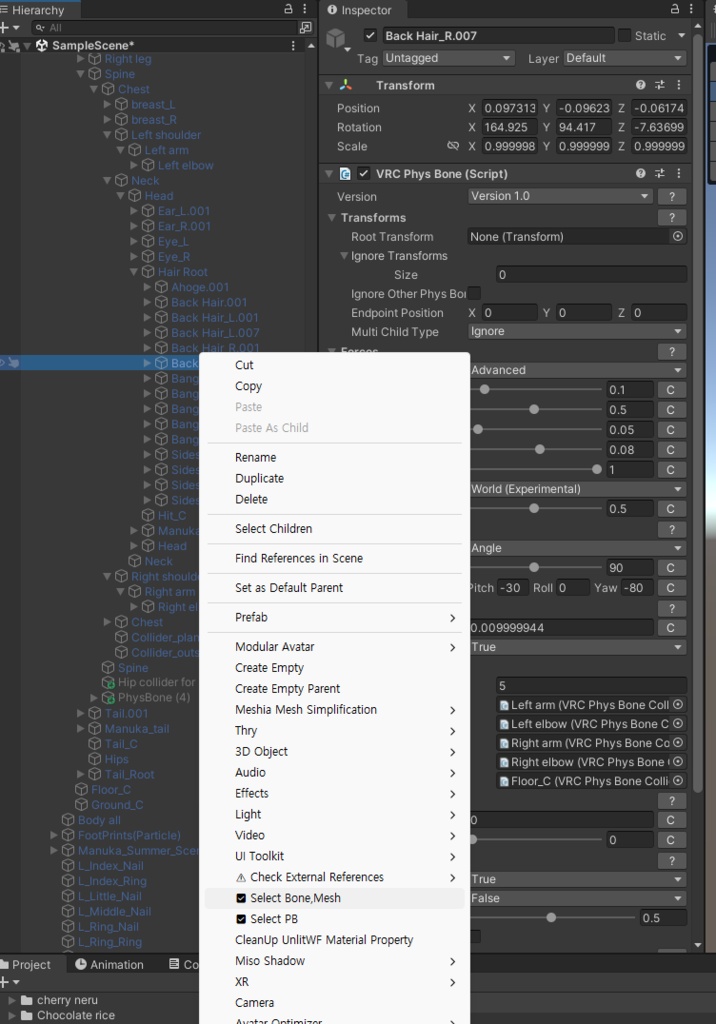
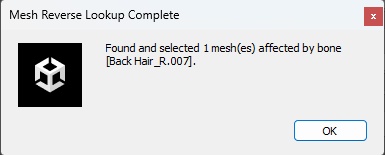
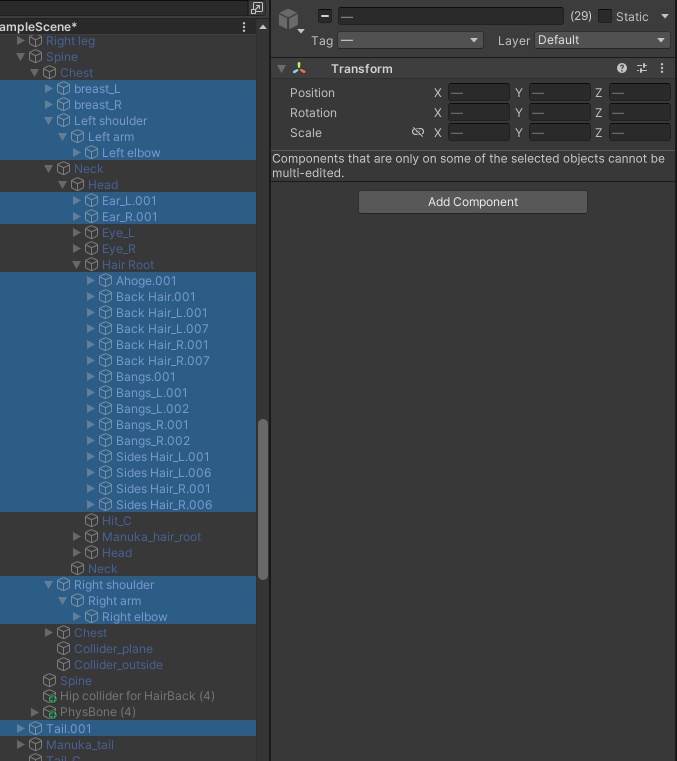
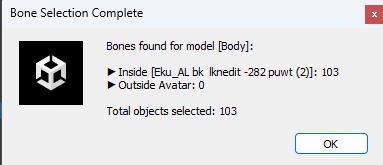


Gemini を活用して、アバター衣装制作で便利に使える Unity エディタースクリプトを作成しました。 - メッシュ・ボーン相互選択(Smart Select) 衣装(Mesh)→ ボーン(Bone):SkinnedMeshRenderer を持つ衣装オブジェクトを選択して実行すると、そのメッシュに関連付けられているすべてのボーンを選択します。 ボーン(Bone)→ 衣装(Mesh):特定のボーンを選択して実行すると、そのボーンの影響を受けているすべての SkinnedMeshRenderer オブジェクトを逆引きして選択します。 - 関連 PhysBone 一括選択(Select PB) 衣装を選択して実行すると、そのメッシュに関連付けられたボーンに設定されているすべての VRChat PhysBone コンポーネントと、それらに登録されている Colliders までまとめて選択します。 v1.1 - ボーンからメッシュを選択する機能を実行した際、誤ってオブジェクト名を変更しようとしてしまう不具合を修正しました。 EN I used Gemini to create a handy Unity editor script that streamlines avatar clothing workflows. - Bidirectional Mesh-Bone Tracking (Smart Select) Mesh to Bones: Selecting a clothing object (SkinnedMeshRenderer) and running this feature automatically finds and selects all bones linked to that mesh. Bone to Meshes (Reverse Lookup): Selecting a specific bone and running this feature automatically finds and selects all SkinnedMeshRenderer components affected by that bone. - Automatic PhysBone & Collider Selection (Select PB): Selecting a clothing object and running this feature automatically detects all VRChat PhysBone components applied to the associated bones, along with any Colliders registered inside those PhysBone scripts. v1.1 - Fixed an issue where the script attempted to rename the object when executing the bone-to-mesh selection feature. //KO 제미나이(Gemini)를 활용해 아바타 의상 작업 시 유용하게 쓸 수 있는 유니티 에디터 스크립트를 만들어봤습니다. - 메쉬-본 상호 추적 (Smart Select) 의상(Mesh) → 본(Bone) 추적: 의상의 SkinnedMeshRenderer가 있는 오브젝트를 선택하고 실행하면, 해당 메쉬에 연결된 모든 본들을 선택해 줍니다. 본(Bone) → 의상(Mesh) 역추적: 특정 본을 선택하고 실행하면, 해당 본의 영향을 받는 모든 SkinnedMeshRenderer 오브젝트들을 역추적해서 선택해 줍니다. - 연관 피스본 자동 선택 (Select PB): 의상을 선택하고 기능을 실행하면, 해당 메쉬에 연결된 본에 적용된 모든 VRChat PhysBone 스크립트와 해당 스크립트 내에 등록된 콜라이더(Colliders)까지 한 번에 모두 찾아 선택해 줍니다. v1.1 - 본에서 메쉬를 선택하는 기능을 실행했을때, 오브젝트 이름을 변경하려는 오류를 수정했습니다.