
【VRoid】スタイリッシュなケモ耳セット / Stylish Fox & Wolf Kemomimi Ears (Extra Part)
- Digital250 JPY
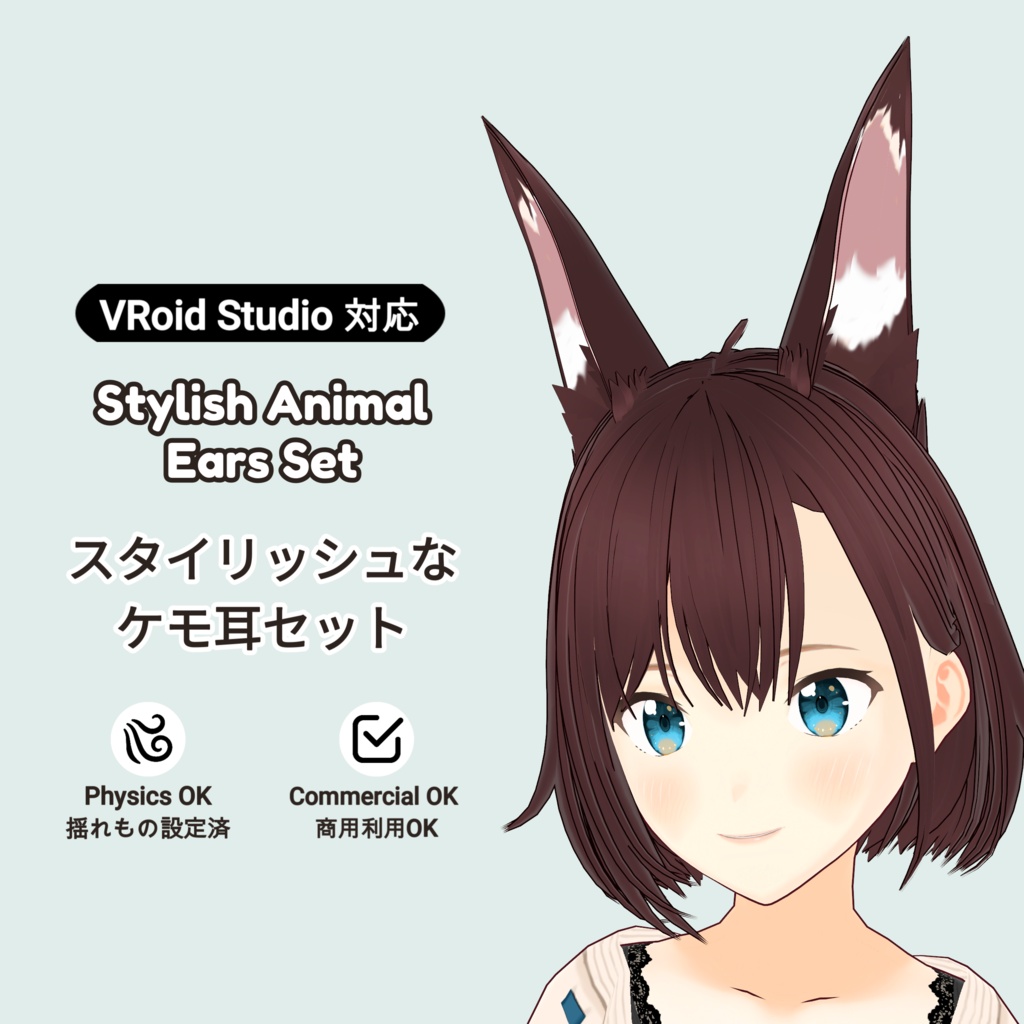
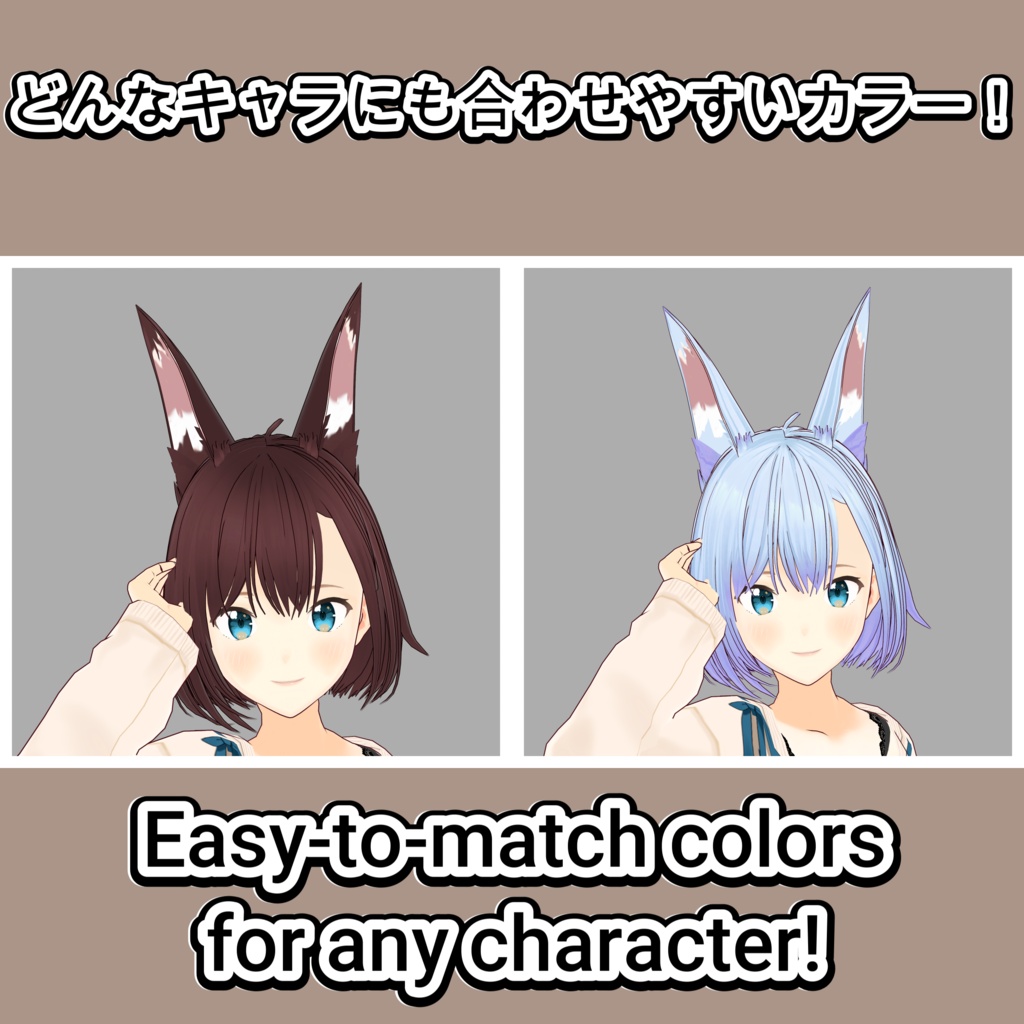
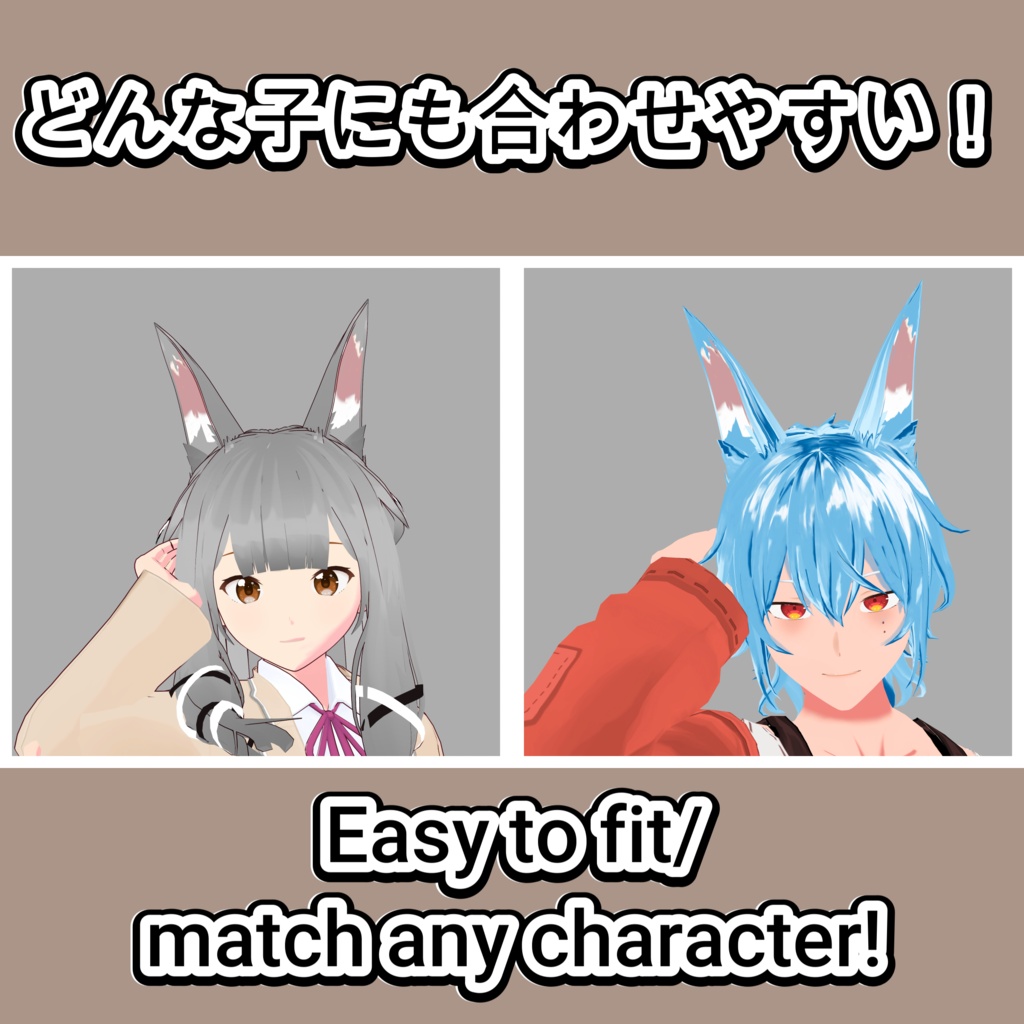
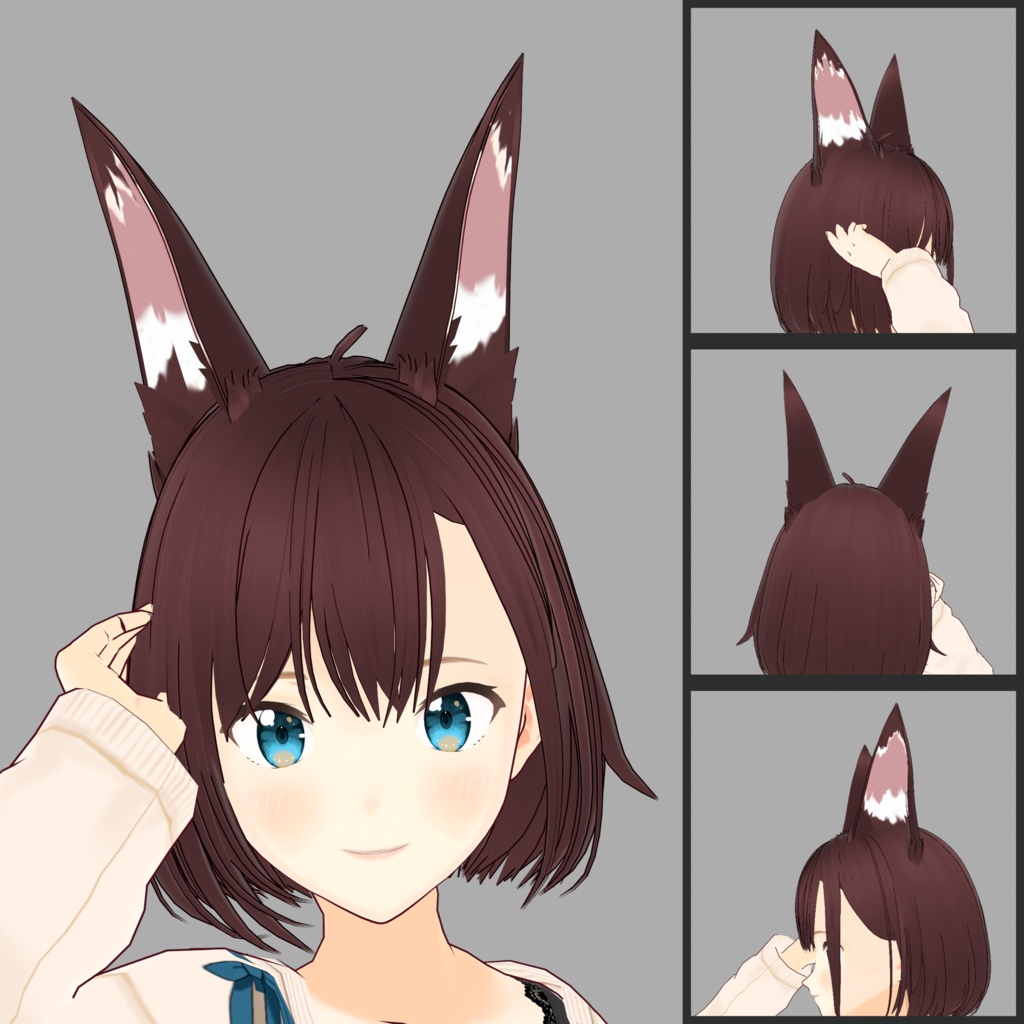
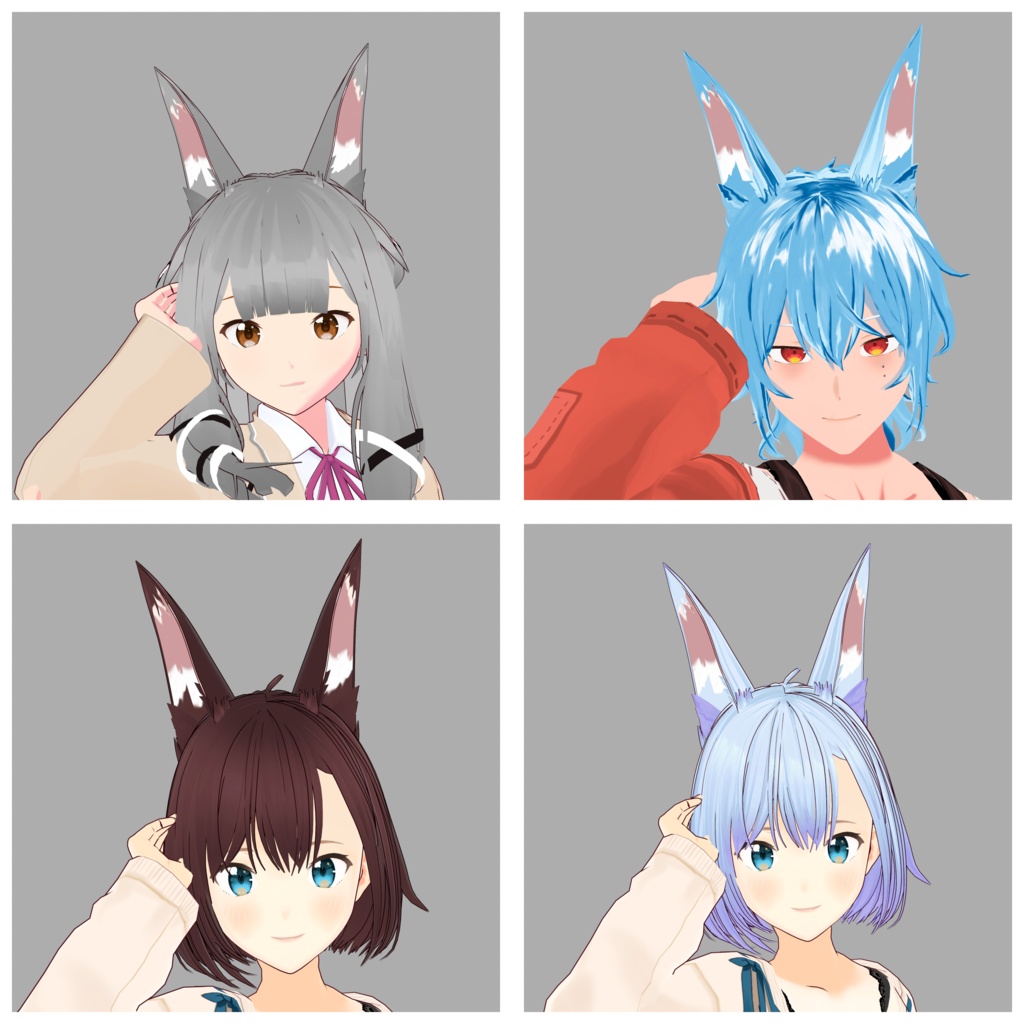
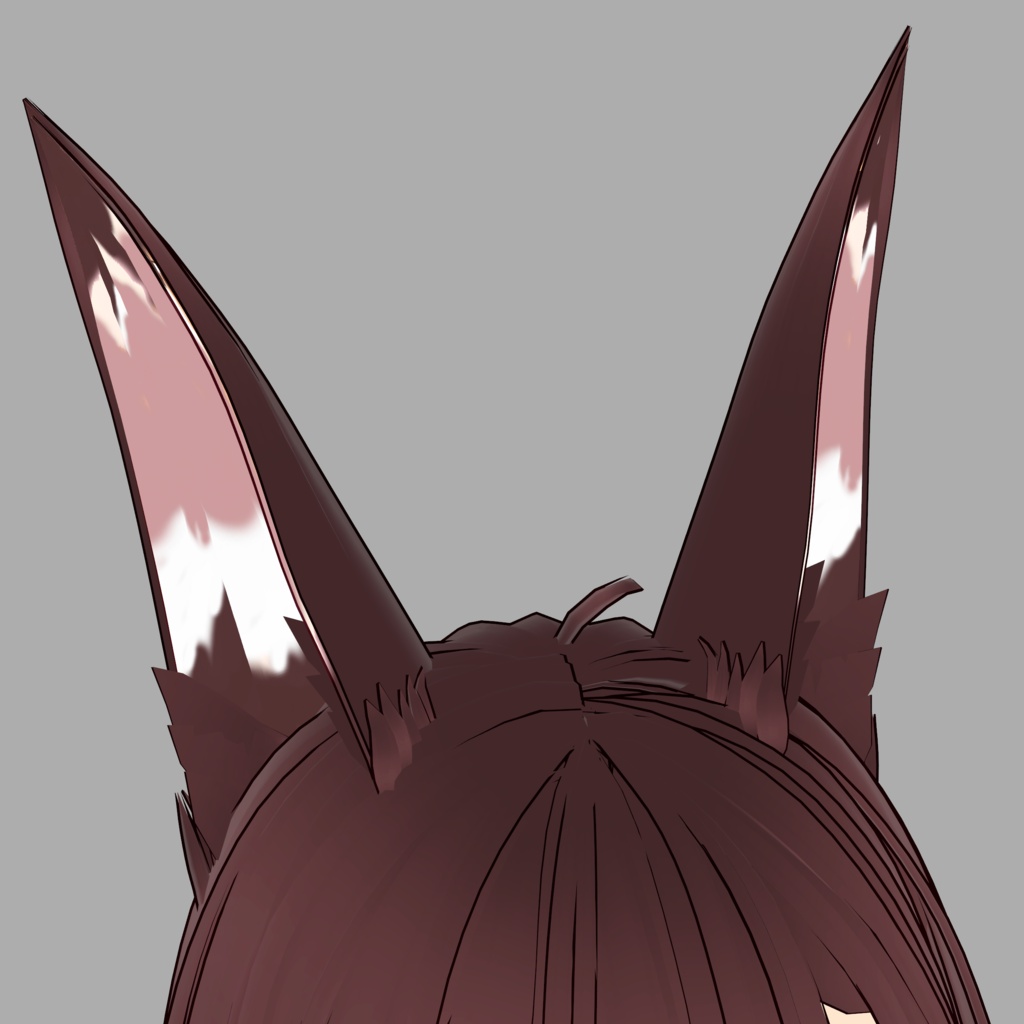


シンプルで洗練されたシルエットのスタイリッシュなアニマル耳(つけ髪)です。 クールさと気品を兼ね備えたデザインで、狐や狼、犬などのキャラクターに美しく馴染みます。 耳の内側パーツはテクスチャの塗りつぶし(バケツツール)で簡単にお好みの色へ変更できるため、あなたの子の髪色や個性に合わせた自由なカスタマイズが可能です。 Stylish animal ears (Extra Hair Part) featuring a simple and sophisticated silhouette. Designed with a perfect balance of cool aesthetics and elegance, they beautifully complement fox, wolf, or canine-style characters. The inner ear texture can be easily customized using the bucket fill tool, allowing you to effortlessly match the colors to your avatar's hair and unique personality! 🎁 Contents / 内容物 ● .vroidcustomitem ファイル ● Includes the .vroidcustomitem file. ─── ʚ♡ɞ ─── 💌 Support / 応援 もし活動を応援していただける方がいましたら、レジでのBOOST(上乗せ)機能を頂けると励みになります!ありがとうございます! If you would like to support my work, please consider using the BOOST function at checkout! Thank you so much! ⚠️ IMPORTANT / ご注意 【VRChatでのご利用について / For VRChat Users】 ● 本製品はVRoid Studio用の髪型データです。VRChatで使用する際は、ご自身でVRoid Studioを経由してエクスポートし、Unity等でセットアップしていただく必要があります。 ● This product is a hairstyle data file for VRoid Studio. To use it in VRChat, you must export it yourself via VRoid Studio and set it up in Unity. 耳のテクスチャは商品に含まれております。 モデル本体、髪型(ヘアセット)、および衣装は付属しておりません。画像は着用例です。 The ear textures are included with this product. Character models, hairstyles, and outfits are NOT included. Images are for display purposes only. 📋 Information テクスチャ、色、パーツの大きさや太さなどは、ご自身のキャラクターに合わせて自由に変更・調整していただけます。 Customization: You are free to change the textures, colors, and asset size/thickness to suit your own character’s style! ⚖️ Terms of Use / 利用規約 ご使用は利用者の自己責任となります。本データ使用により生じた損害について、製作者は一切の責任を負いません。 Use of this data is at your own risk. The creator is not responsible for any issues or losses. ✅ Allowed / 許可事項: ● メッシュや形状の改変 (Modification of the mesh/shape) ● 個人利用および商用利用(VTuber活動、VRChat等での使用) (Personal and commercial use for VTubing, VRChat, etc.) ● 性的表現・暴力表現への使用 (Use in R-18 or violent content) ❌ Prohibited / 禁止事項: ● データの再配布、および二次配布 (Redistribution or secondary distribution) ● 自作発言 (Claiming the materials as your own work) ● データの転売(改変したデータも含まれます) (Selling the data, including modified versions) 🛠️ How to Use / 使い方 1. VRoid Studioを起動します。 Open VRoid Studio. 2. 「髪型」タブの「つけ髪」から「カスタム」を選択し、本データをインポートしてください。 Go to the "Hair" tab, select "Extra" from the menu, click "Custom," and import this file. 3. 「テクスチャを編集」から、お好みの色に塗りつぶして完成です! Go to "Edit Texture" and use the bucket fill tool to match your character's color!
