

【ライラパイライト専用】オオカミボディ・ヘアテクスチャ+シェイプキーセット
- Digital300 JPY
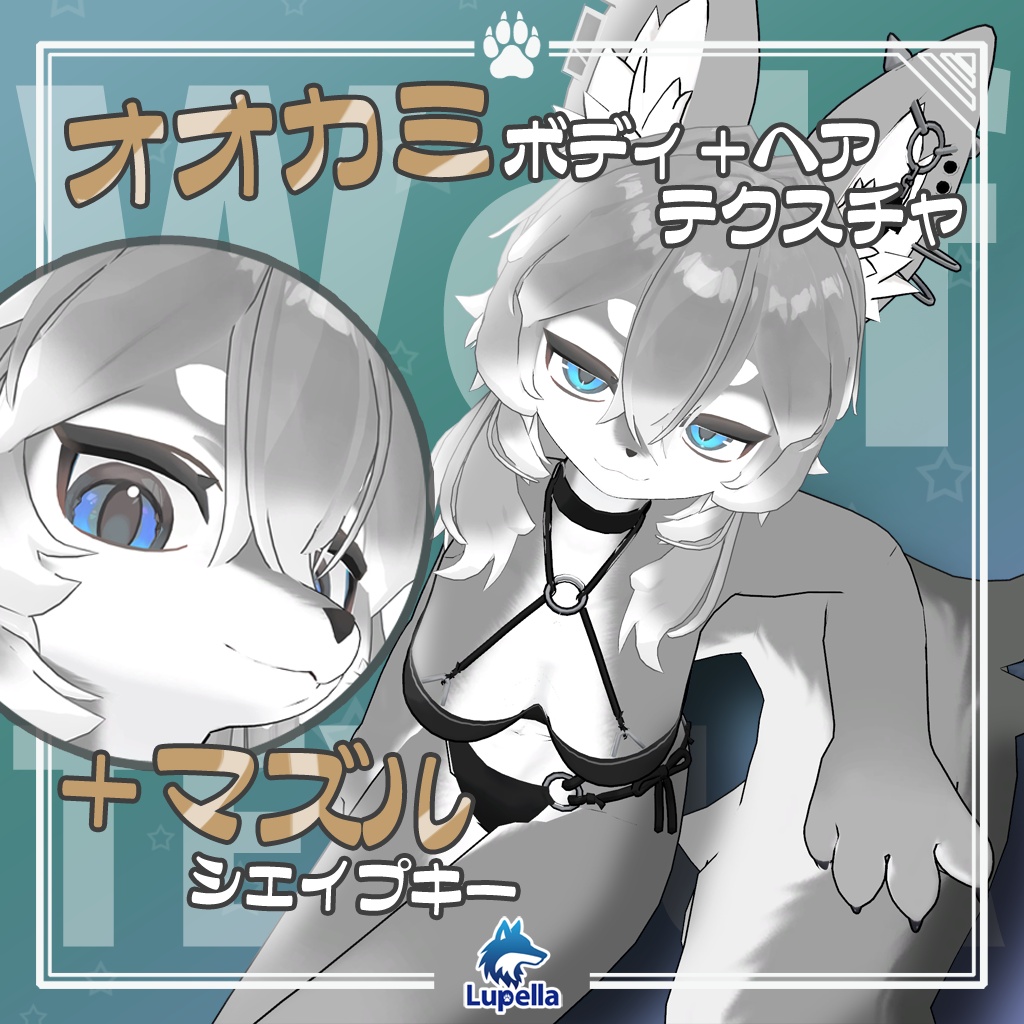
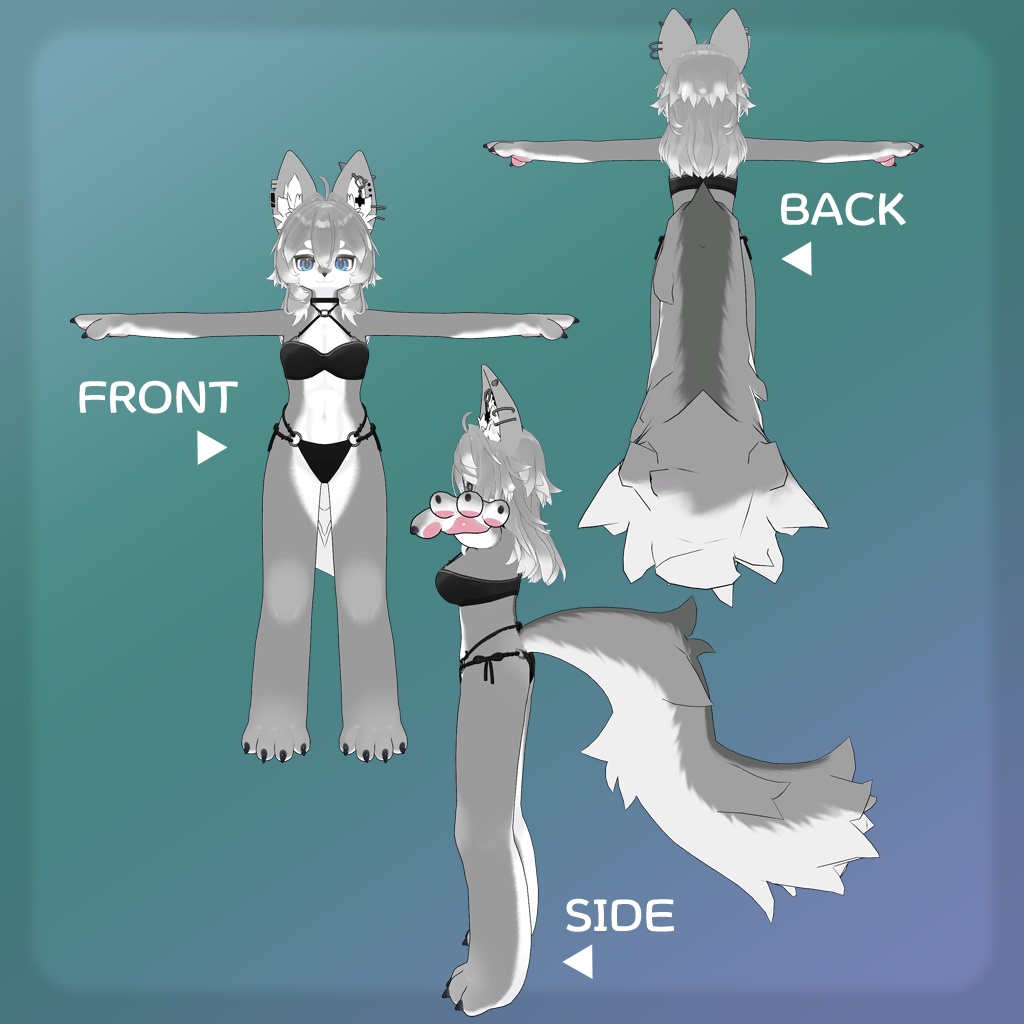
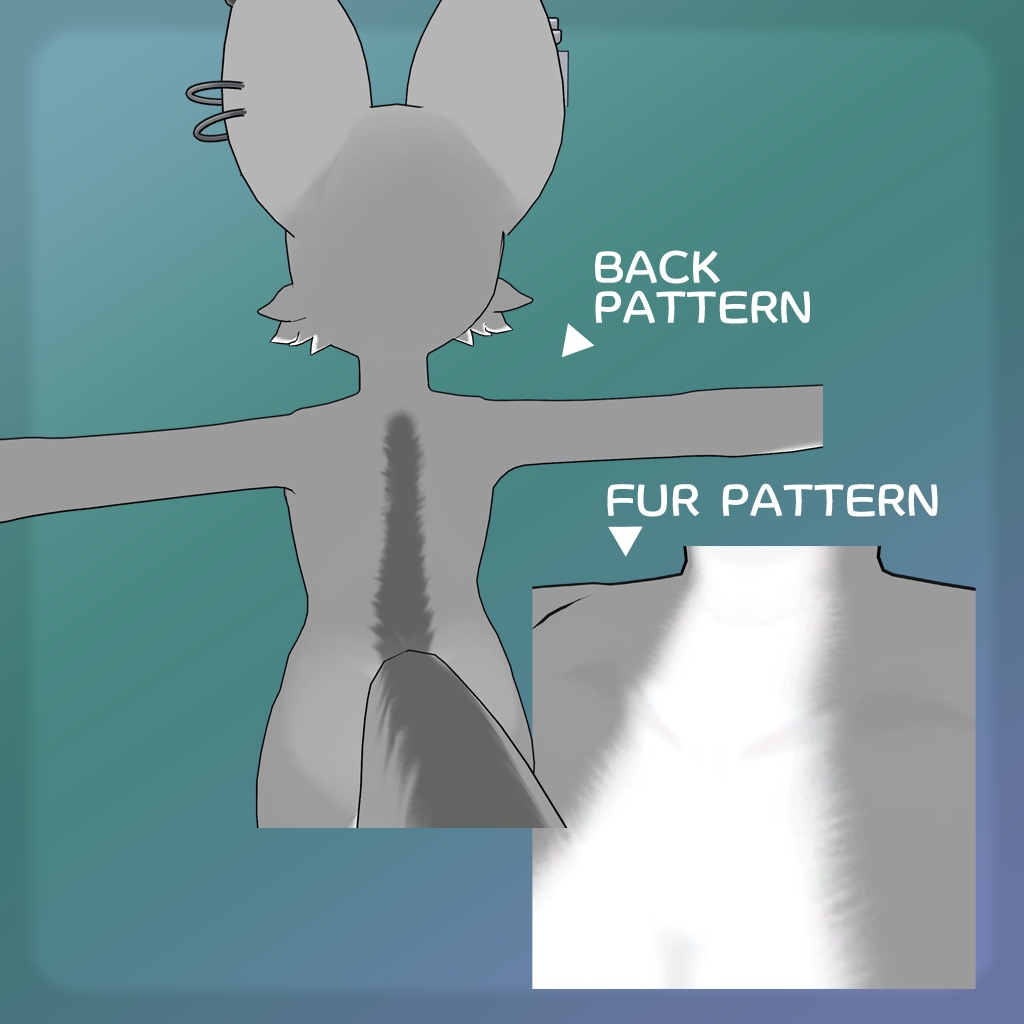
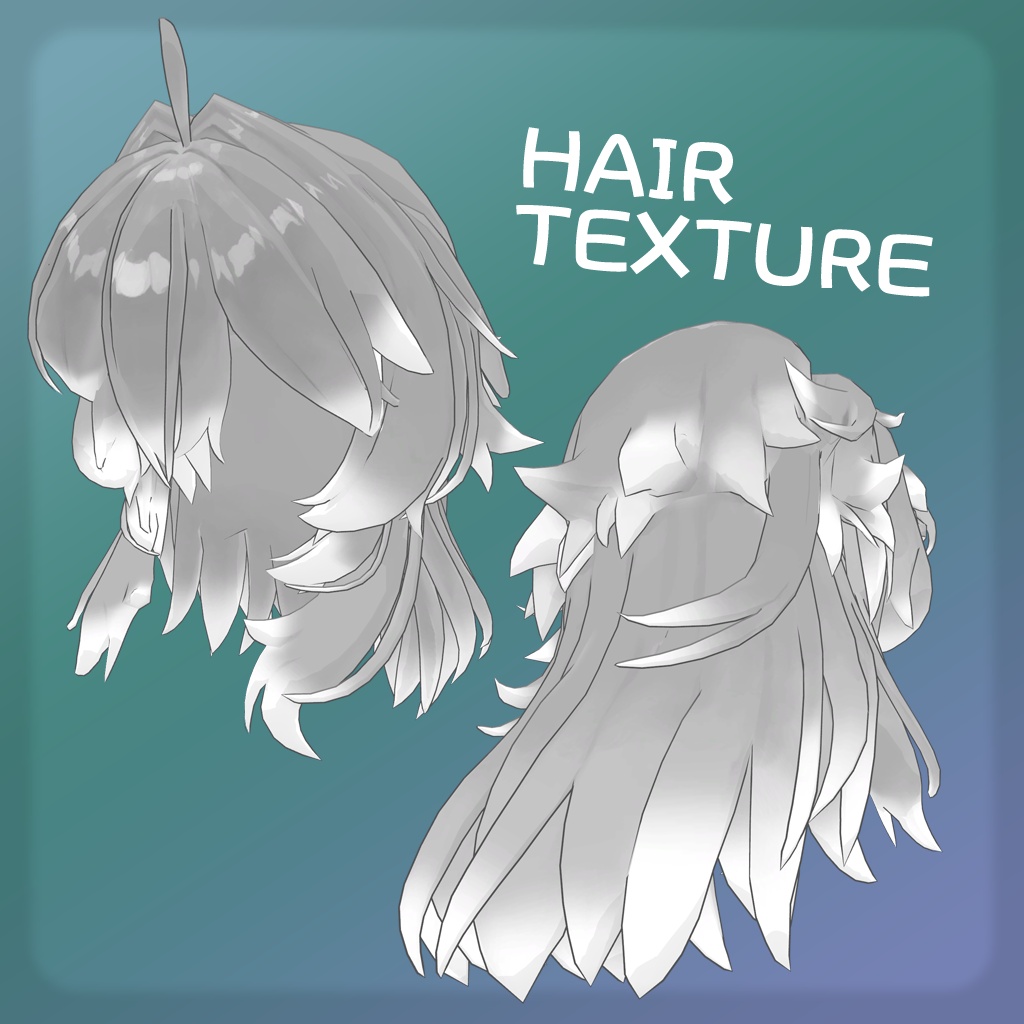
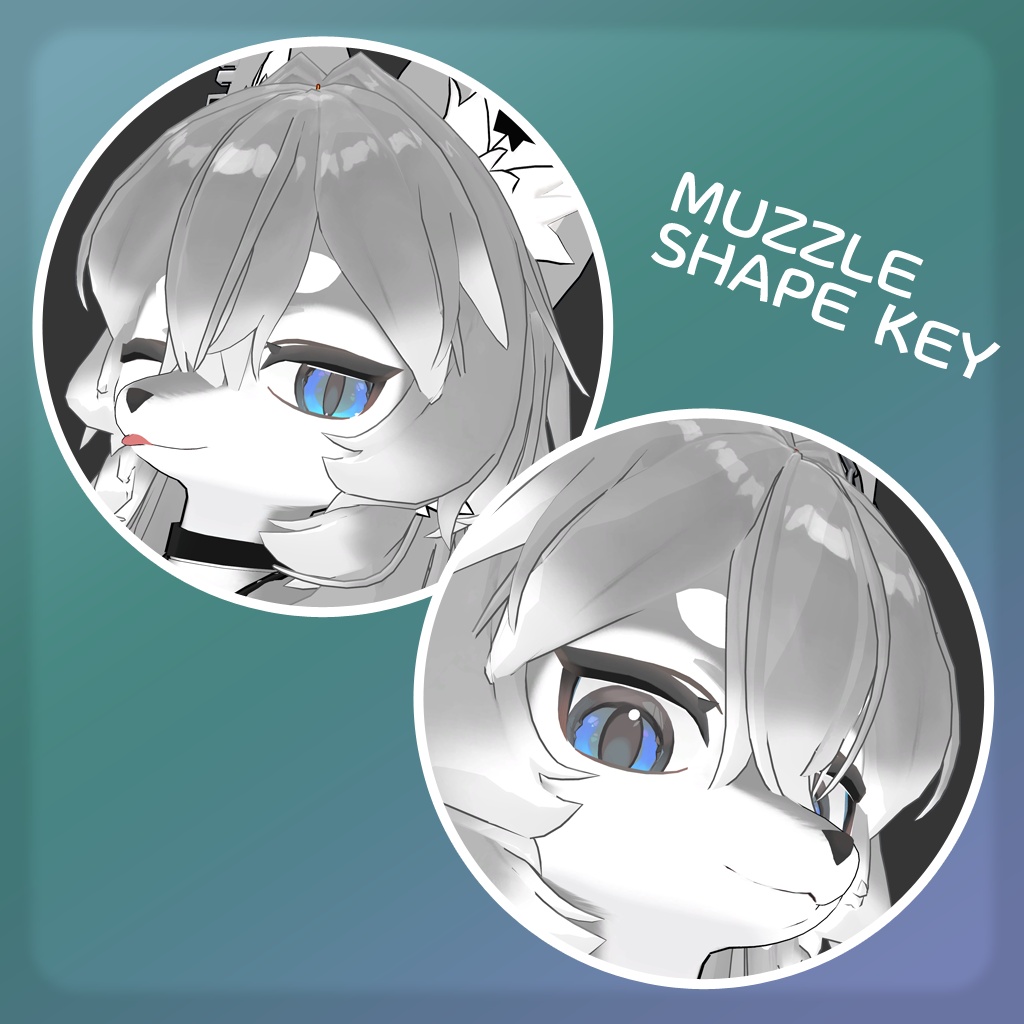


ライラパイライト(Lila Pyrite)専用の、追加テクスチャと追加シェイプキーセットです。 This is a set of additional textures and shape keys specifically for Lila Pyrite. ■対応モデル Supported 3D model 【VRChat想定オリジナル3Dモデル】ライラパイライト(マツダアイランド 様) https://booth.pm/ja/items/8363903 ※アバターは付属しません。 *This product does not include avatars. ■内容データ Files - AddTexture_LilaPyrite.unitypackage ■使用ツール ※シェイプキーを追加する場合のみ Software Used *Only if adding shape keys Triturbo『BlendShare』: https://booth.pm/ja/items/5901276 ※シェイプキーを追加する場合、導入にはBlendShareが必須となりますので注意して下さい。 *Please note that BlendShare is required to install ShapeKey. ■注意事項 Important Notes シェイプキーの適用により、一部表情が崩れる可能性があります。 予め、併用して再生可能な表情の確認をお願いします。 Applying ShapeKey may cause some facial expressions to appear distorted. Please check in advance which expressions can be played back when using this feature. 追加シェイプキーはblend shapeの追加のみのため、表情再生のための手段は各自で用意していただく必要があります。 別途Animationを設定する・Modular Avatar : Shape Changerを設定する・もしくは外部ツール(FaceEmo等)の利用を推奨します。 Since the “Add Shape Key” option only adds blend shapes, you will need to provide your own method for animating facial expressions. We recommend setting up a separate animation, configuring “Modular Avatar: Shape Changer,” or using an external tool (such as FaceEmo). . FaceEmo https://booth.pm/ja/items/4915091 ■内容物 Components - LilaPyrite_BlendShare.asset - Mat1_wolf.mat - Mat2_wolf.mat - TMat1_wolf.png - TMat2_wolf.png ■動作確認状況 - Unity : 2022.3.22f1 - VRChat SDK - Avatars : 3.10.1 - BlendShare : 1.0.4 ■導入方法・参考 > マテリアル適用手順 元となるFBXのマテリアルスロット「mat1」「mat2」に対し、それぞれ追加したマテリアル「Mat1_wolf」「Mat2_wolf」を適用してください。 Please apply the newly added materials “Mat1_wolf” and “Mat2_wolf” to the corresponding ‘mat1’ and “mat2” material slots in the original FBX file. ※同梱の"マテリアル適用手順.png"を参照下さい。 > シェイプキー適用手順 ダウンロードしたファイルのreadme.txtを参照して下さい。 Please read readme.txt in the downloaded files. ※同梱の"シェイプキー適用手順.png"を参照ください。
■利用規約 License
必ず下記利用規約に同意の上、購入してください。 Please ensure you agree to the following Terms of Use before making a purchase. ※利用規約はVN3ライセンスを元に作成しています。 Licenses are based on the VN3 License. Ja : https://drive.google.com/file/d/1kNY21qmEyp2tcejKIab1almIeisizANs/view?usp=sharing EN : https://drive.google.com/file/d/1OMKiVv5U5kXV7tkGxRb99o3uzUZeUMk9/view?usp=sharing KO : https://drive.google.com/file/d/1DJc_WmkDUV3AR0vbSb89NhHZ8DJMGuCg/view?usp=sharing
■更新履歴
2026/05/31 Ver1.0 リリース