

車椅子 / Wheel Chair
- Digital400 JPY
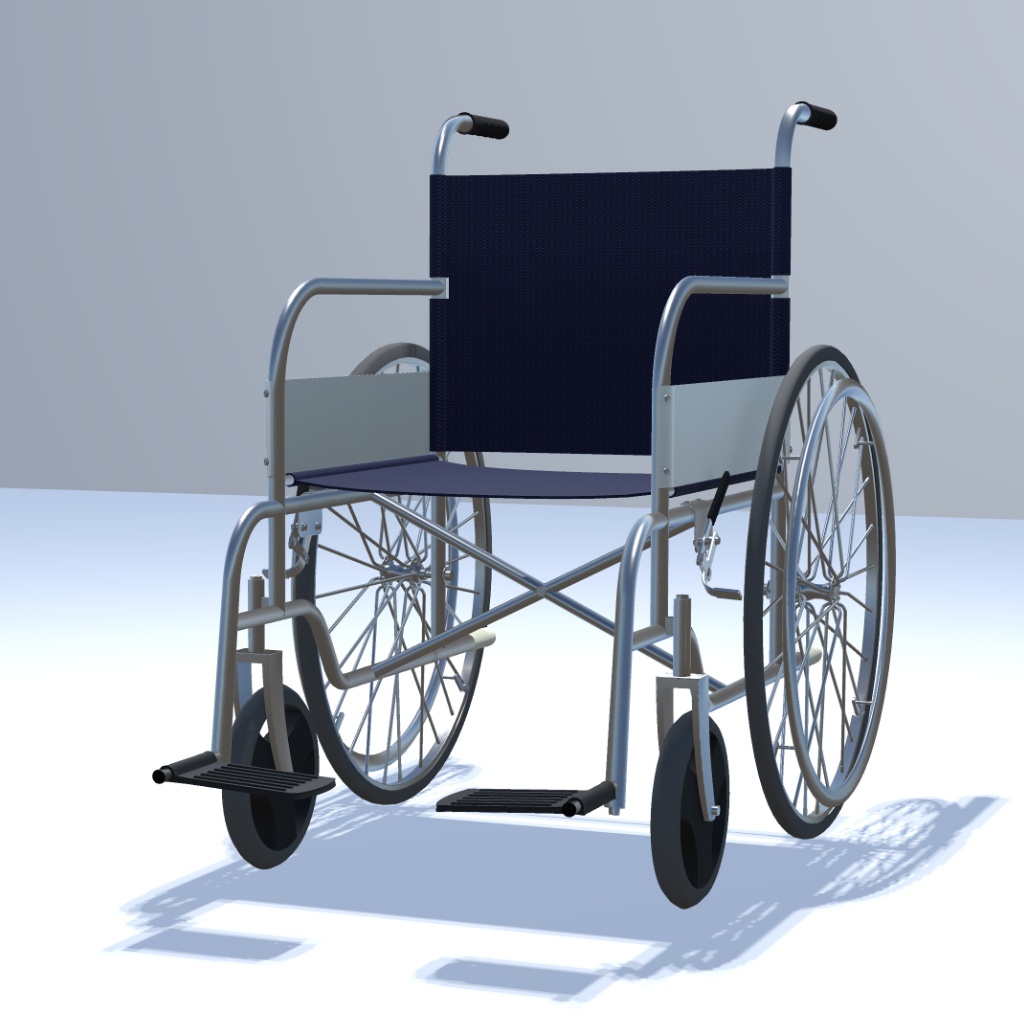
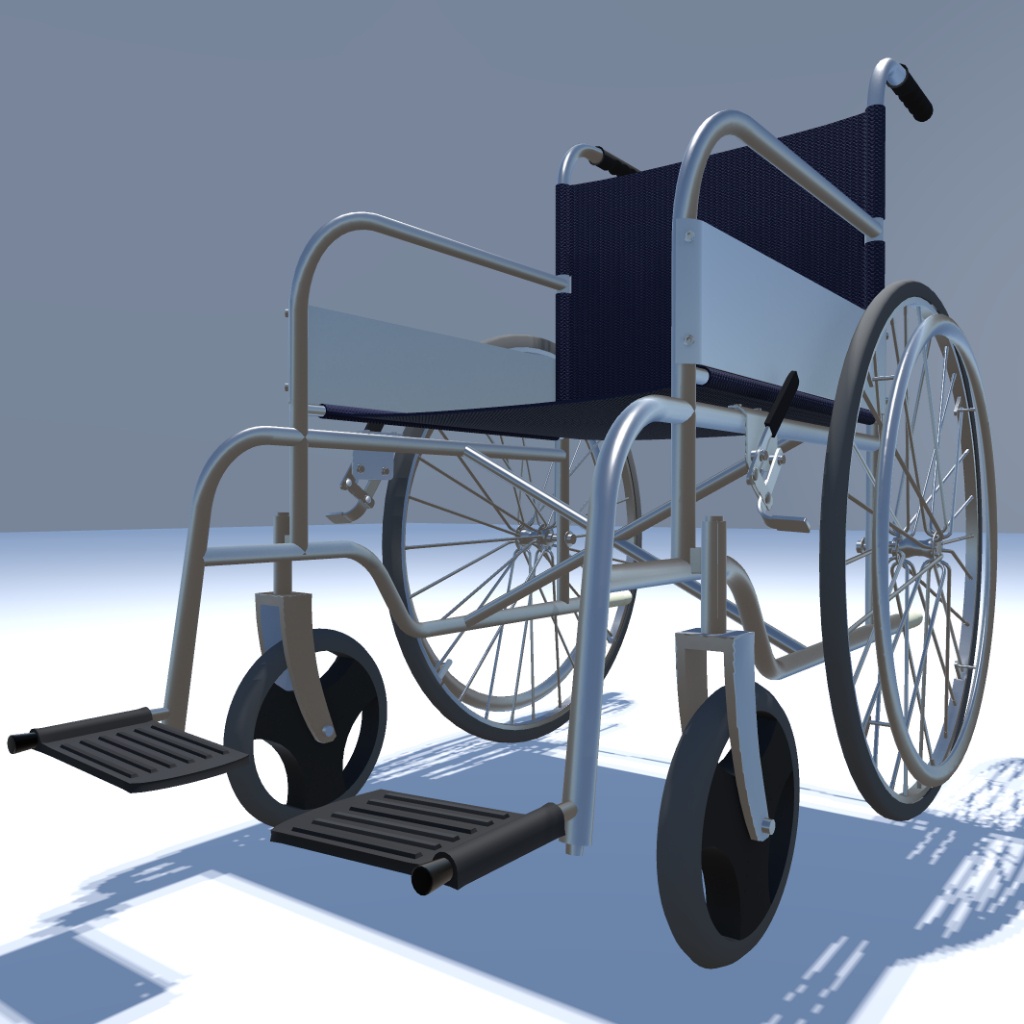
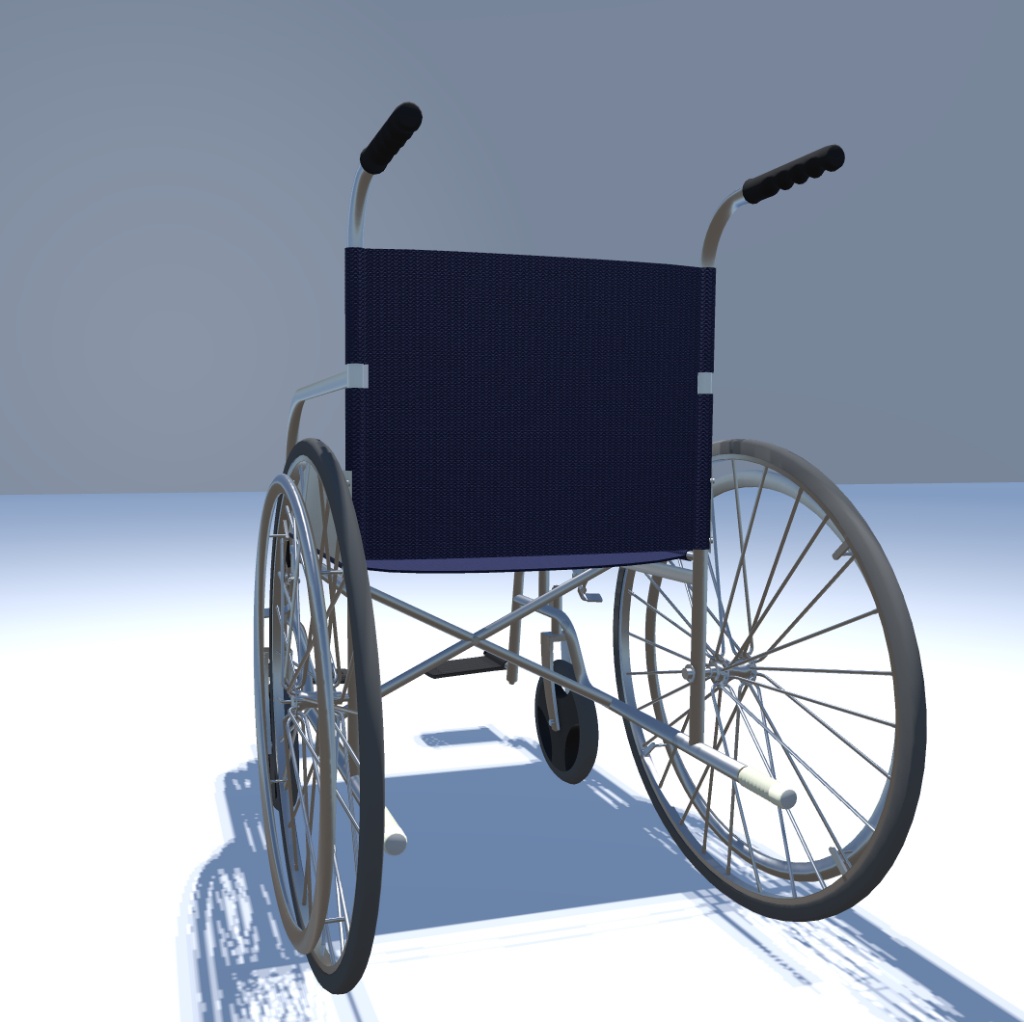
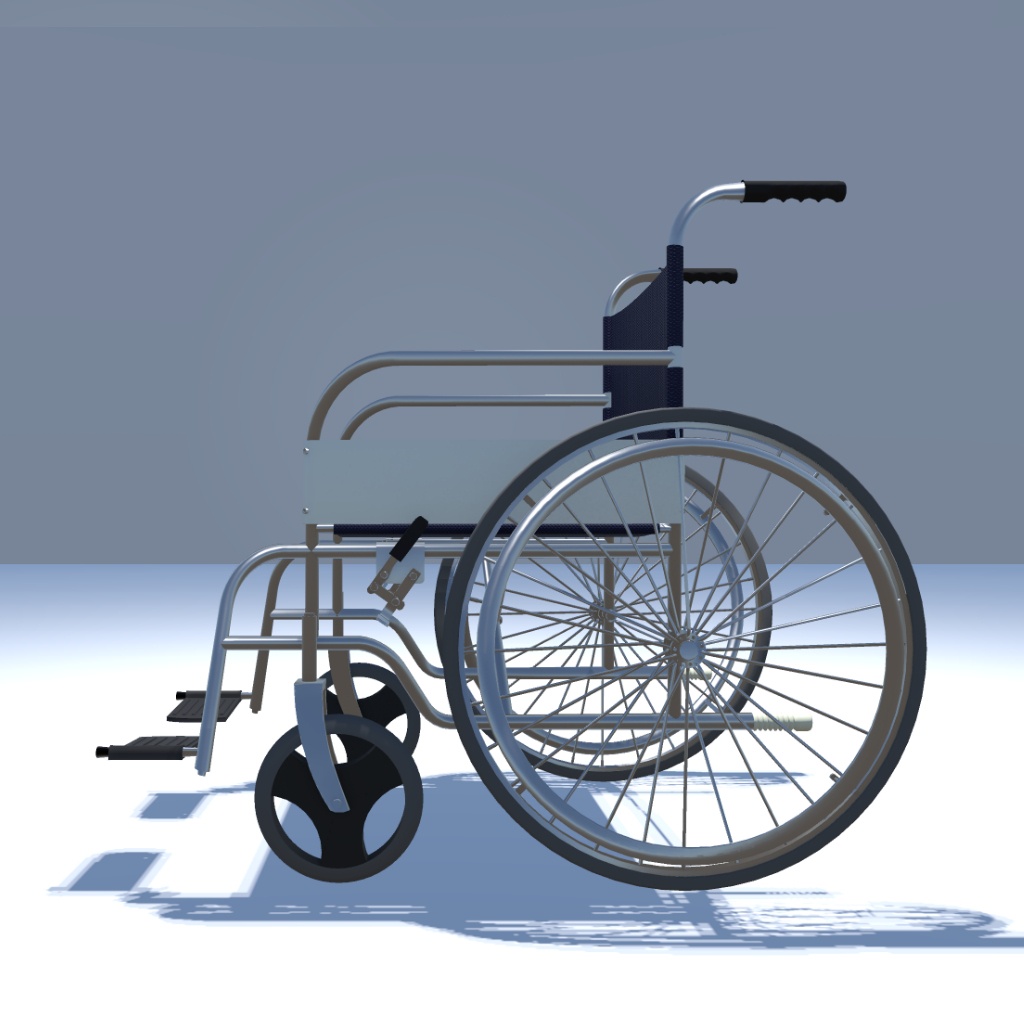
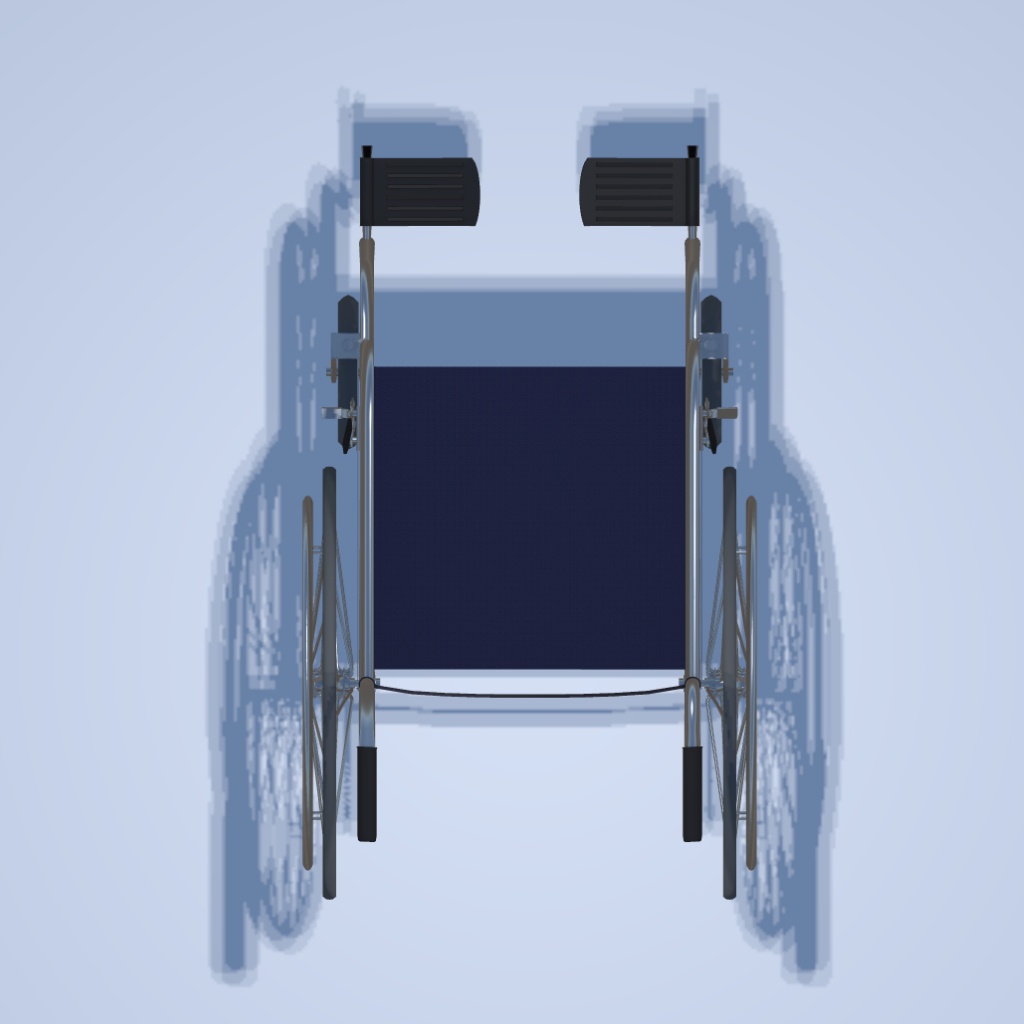
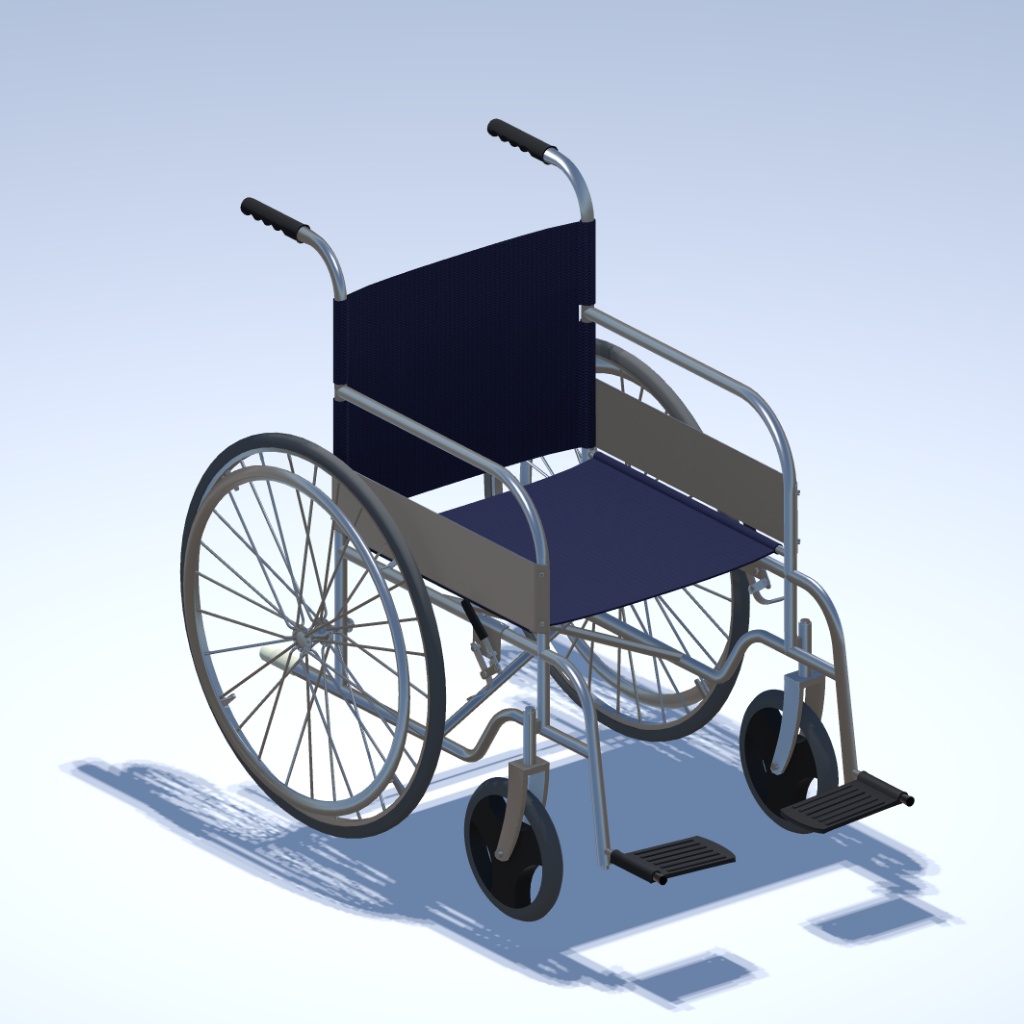
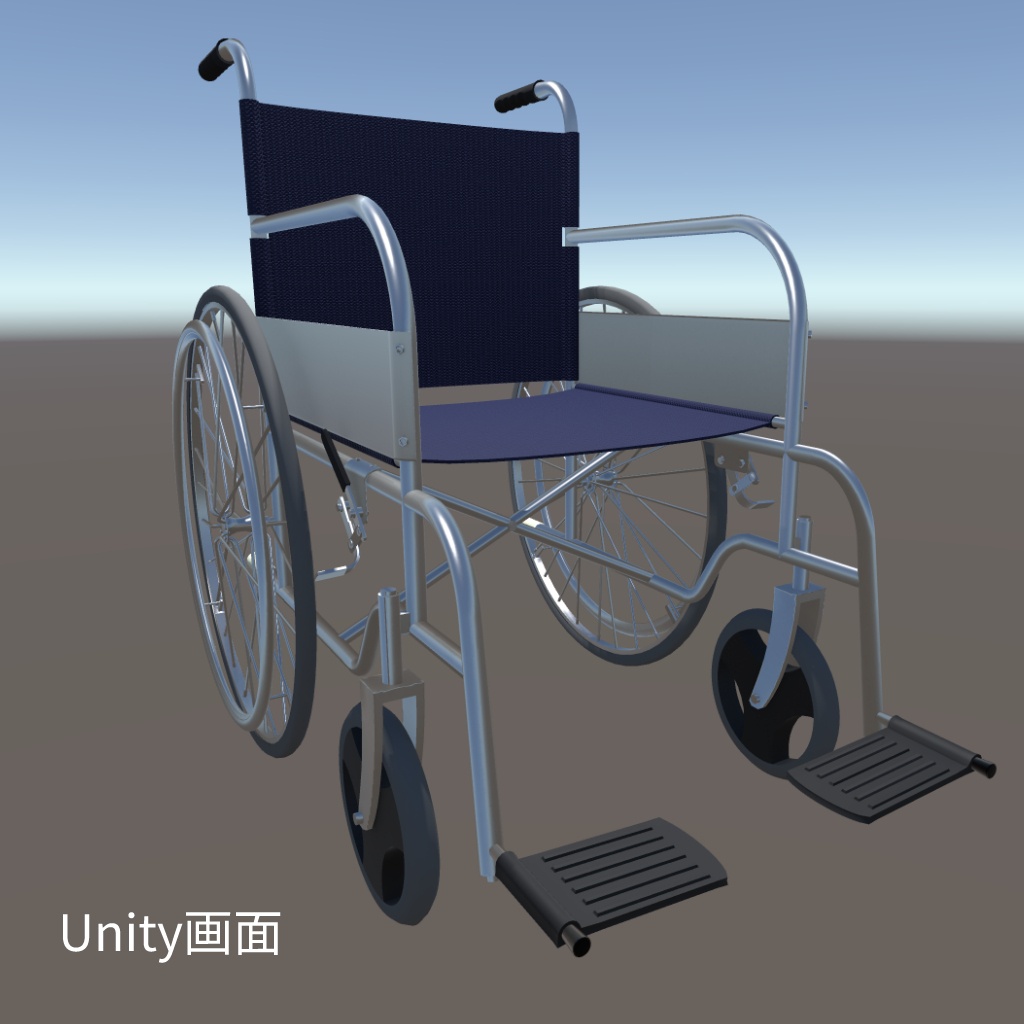
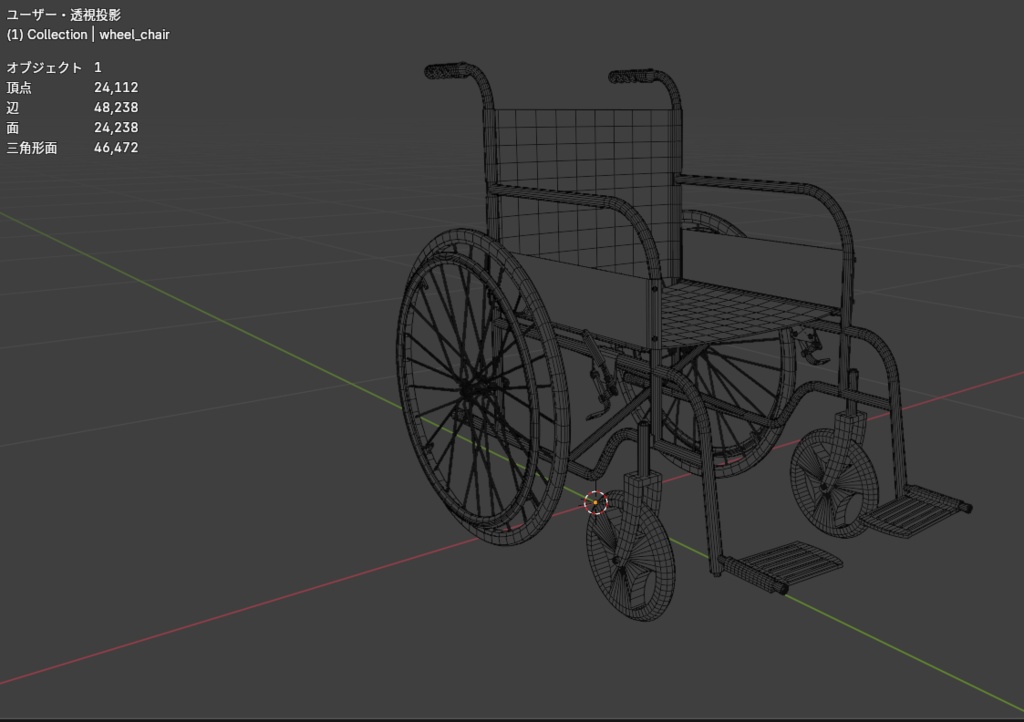
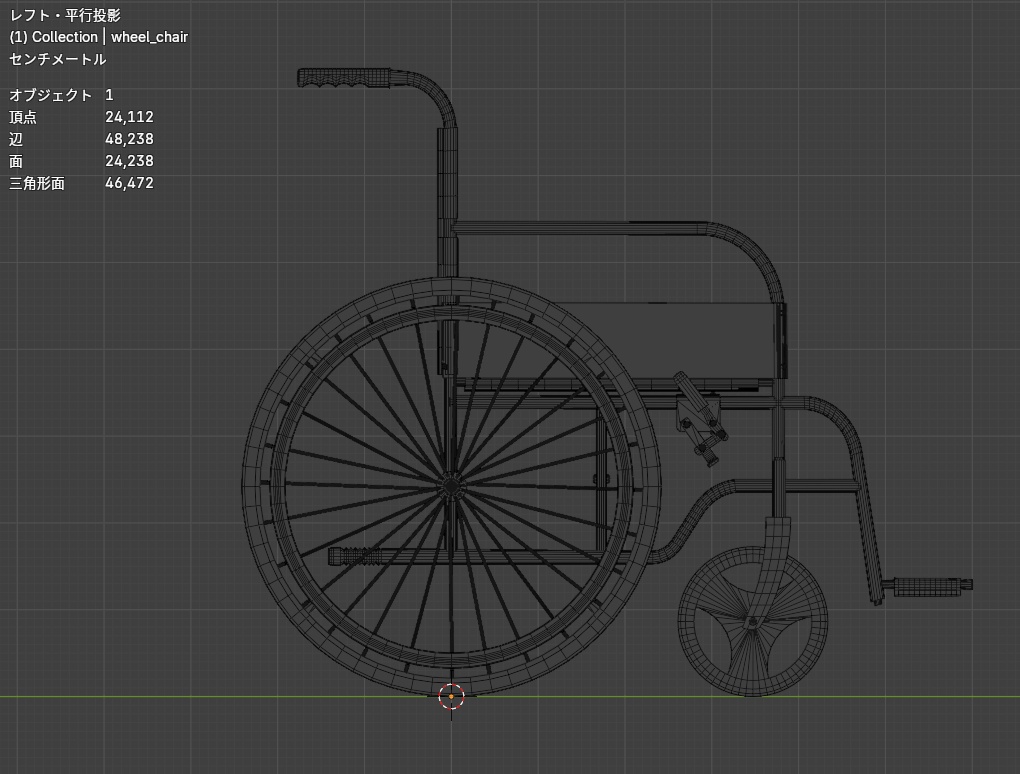
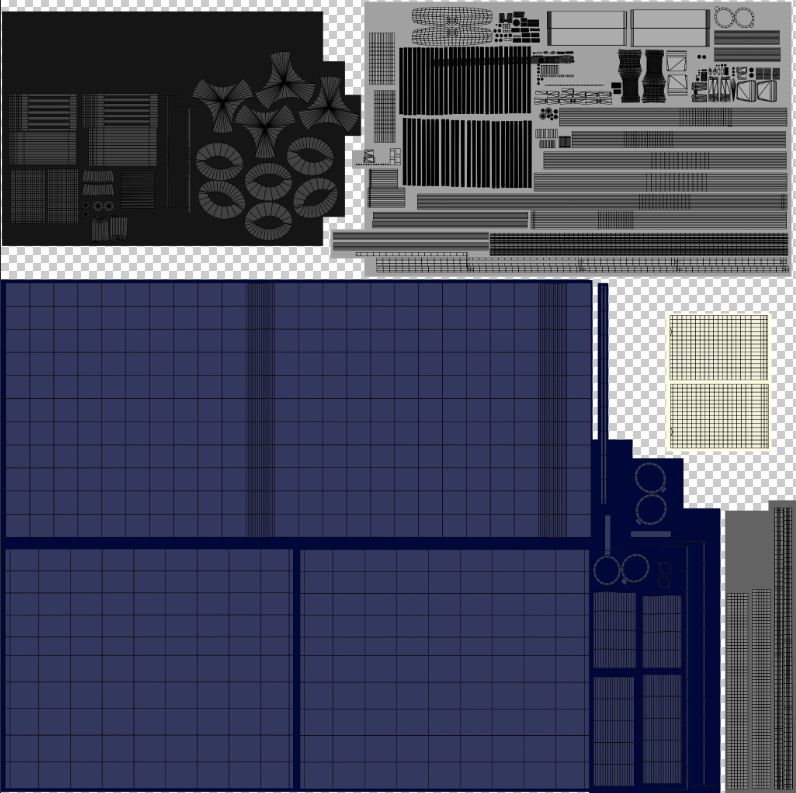


手押し車椅子の3Dアセットです。 色を変えやすいように、UV配置を色ごとにまとめています。(商品画像をご参照ください) ワールドの小道具などに、どうぞ。 ※standardシェーダー使用 Unity:2022.3 LTS(2022.3.62f2で動作確認済み)
データ詳細
ポリゴン数 △46472 マテリアル数 4個
内容物
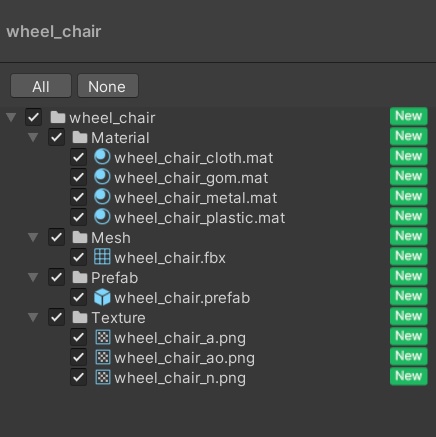
・Prefab ×1 ・FBX ×1 ・Material ×4 ・テクスチャ ×3(アルベド、AO、ノーマルマップ 2048×2048) ・README(日本語版、英語版)
利用規約
本データをご購入いただいた時点で、本利用規約に同意したものとみなします。 ・許可事項 個人利用 商用利用 ゲーム、映像作品、VRChat等での利用 改変しての利用 改変後データの作品への組み込み (クレジット表記は不要ですが、していただけると嬉しいです) ・禁止事項 本データそのもの、または改変したデータの再配布・再販売 本データを素材集やアセット集として配布・販売する行為 本データを購入者以外が利用できる状態で公開する行為 AI学習用データセットへの登録・提供 法律に違反する目的での利用 ・免責事項 本データを利用したことによって生じた損害について、制作者は一切の責任を負いません。 ・著作権 本データの著作権は制作者に帰属します。 ・規約の変更 本利用規約は予告なく変更される場合があります。
導入方法
1.ダウンロードしたファイルを解凍します。 2.Unityプロジェクトを開きます。 3.付属の「.unitypackage」ファイルをUnityプロジェクトにインポートします。 4.インポート完了後、Projectウィンドウ内のPrefabをHierarchyウィンドウへドラッグ&ドロップして使用してください。
サポートについて
モデルデータやテクスチャなど、本商品のデータ自体に不具合がある場合は、可能な範囲で対応いたします。 UnityやVRChat SDKの基本的な操作方法、ワールドの制作方法、アップロード方法、購入者様固有の開発環境による問題については、サポート対象外となります。 あらかじめご了承ください。
Data Details
・Polygon Count: 46,472 triangles ・Number of Materials: 4 materials
Contents
・1 Prefab ・1 FBX ・4 Materials ・3 Textures (Albedo, AO, Normal Map, 2048 × 2048) ・README (Japanese and English versions)
Terms of Use
By purchasing this product, you are deemed to have agreed to these Terms of Use. Permitted Uses Personal use Commercial use Use in games, video productions, VRChat, and similar projects Modification of the data Incorporation of modified data into your own works (Credit attribution is optional.) Prohibited Uses Redistribution or resale of this data, whether modified or unmodified Distribution or sale of this data as part of an asset pack, resource pack, or similar collection Making this data available for use by anyone other than the purchaser Registration or provision of this data for AI training datasets Use for any unlawful or illegal purpose Disclaimer The creator assumes no responsibility or liability for any damages, losses, or issues arising from the use of this data. Copyright The copyright of this data remains the property of the creator. Changes to These Terms These Terms of Use may be modified without prior notice.
Installation Guide
1.Extract the downloaded files. 2.Open your Unity project. 3.Import the included .unitypackage file into your Unity project. 4.Once the import is complete, drag and drop the Prefab from the Project window into the Hierarchy window to use it.
Support
If there are any issues with the model data, textures, or other files included with this product, I will provide support to the extent possible. However, support is not provided for basic Unity or VRChat SDK usage, world creation, uploading, or issues caused by the purchaser's individual development environment. Thank you for your understanding.