

Glizzy (Quest Compatible)
- Digital0 JPY
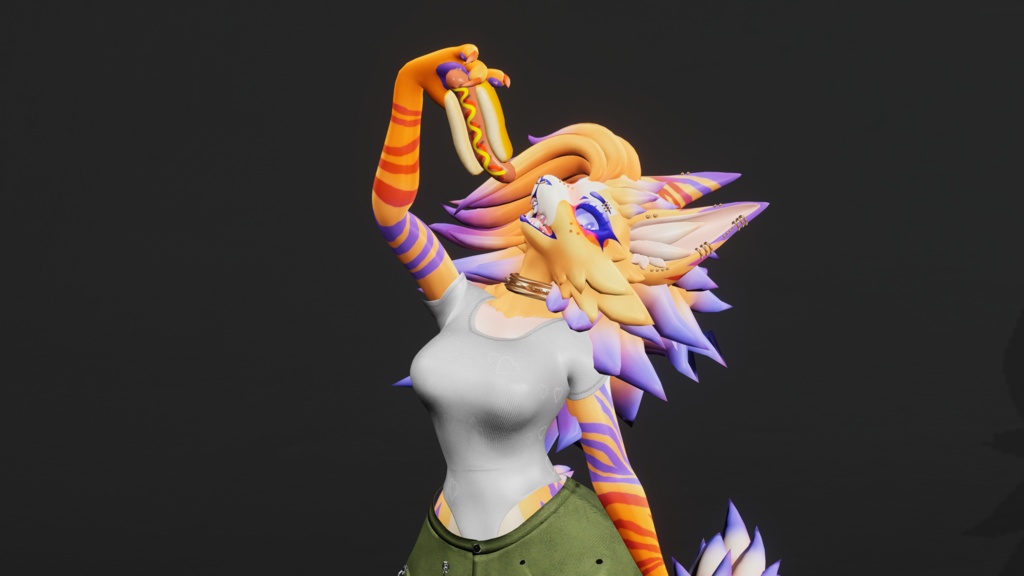
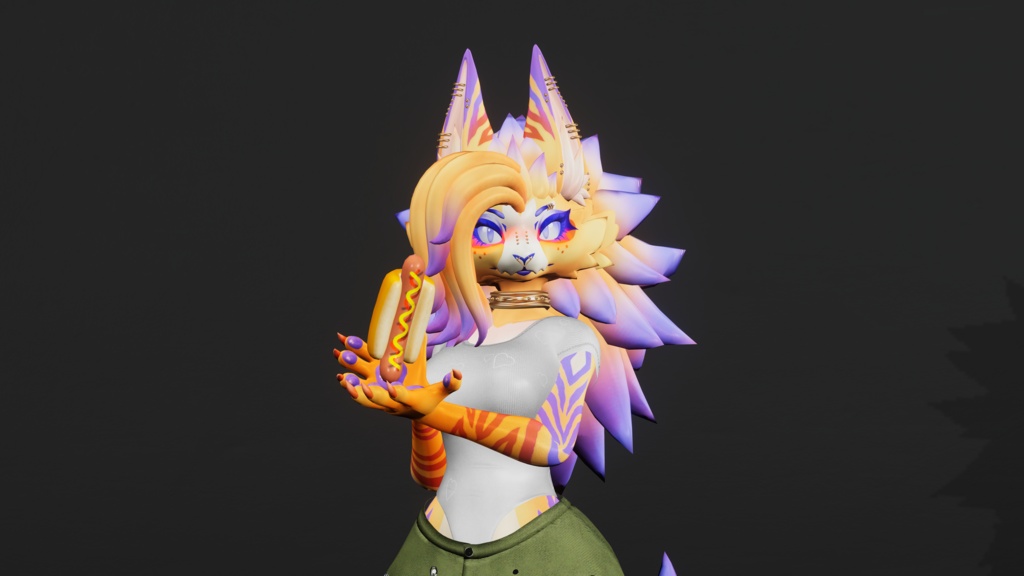
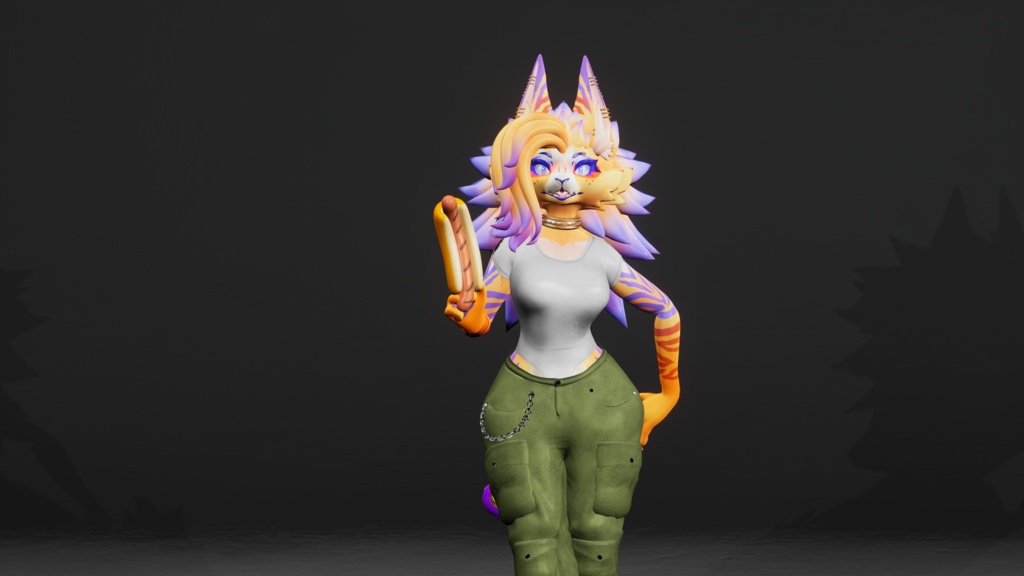
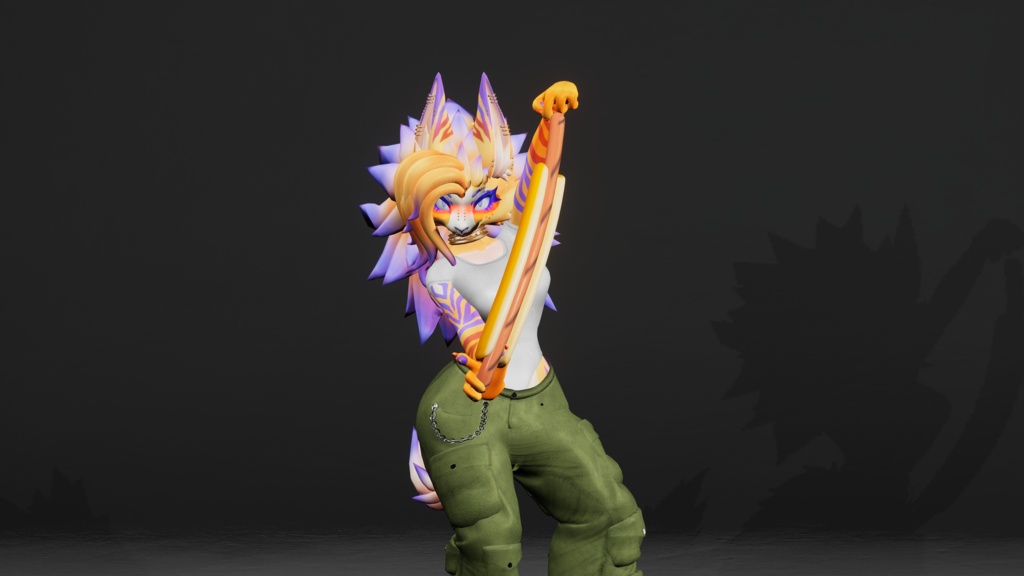
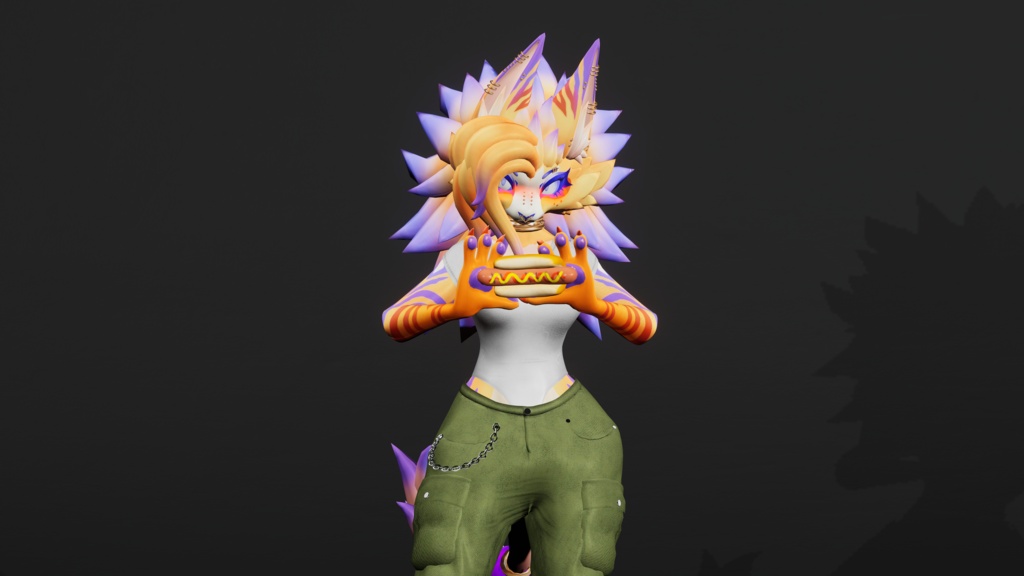
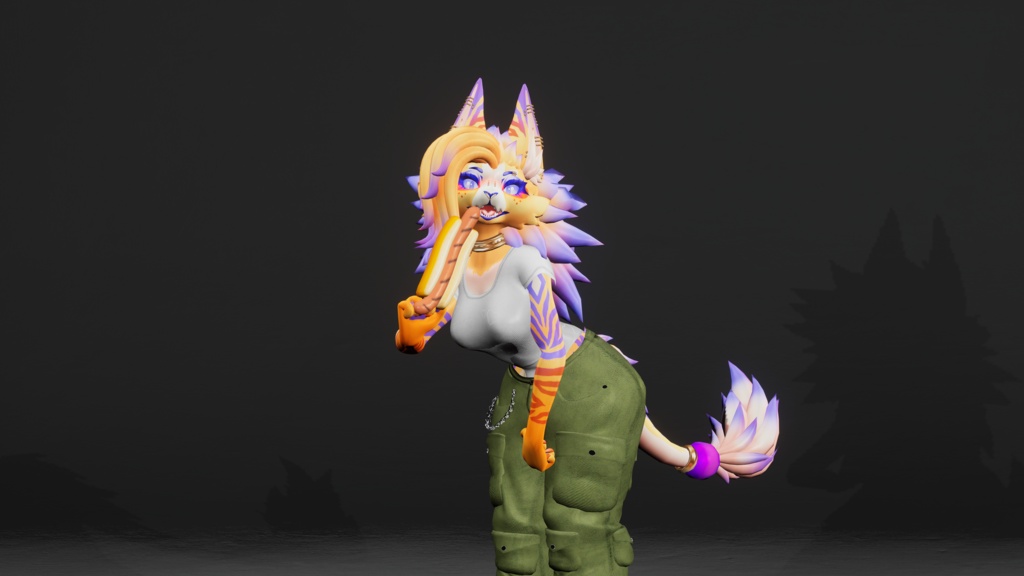
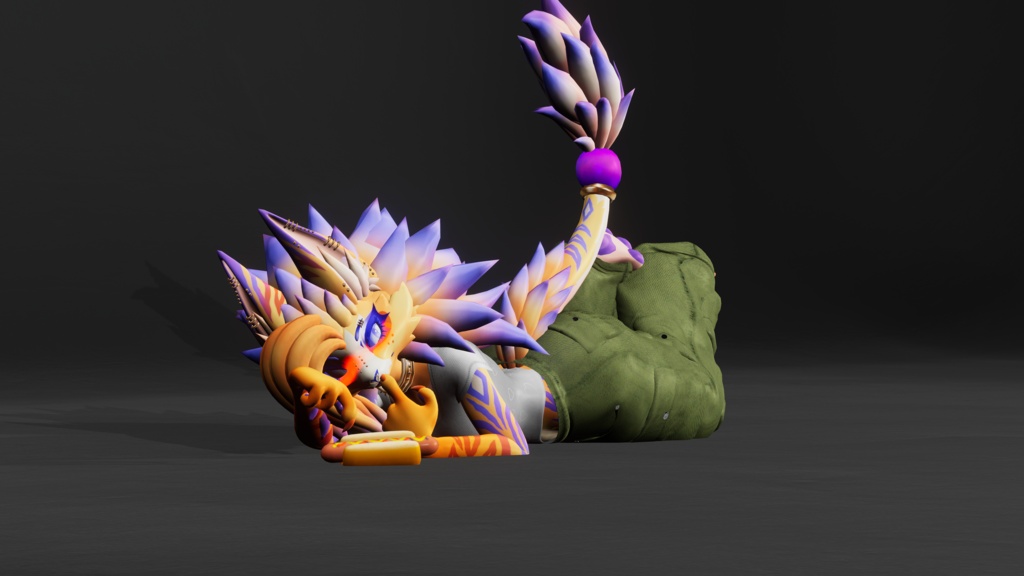
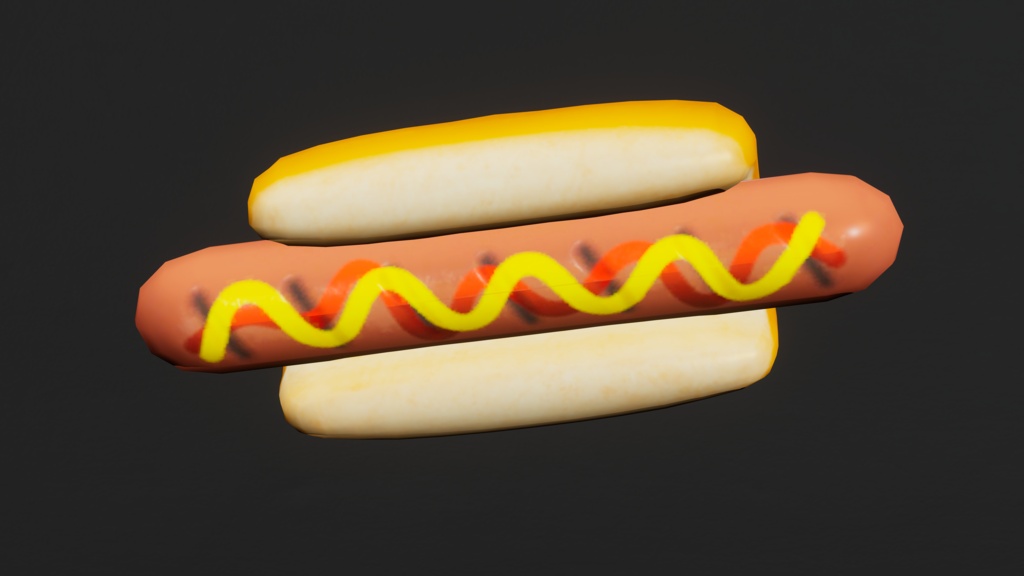


Interactible Glizzy!
This prop was designed to be compatible with any humanoid avatar!
My main store page is over on Jinxxy if you want to stay up to date with everything I do! https://jinxxy.com/Wolfy527 This prefab REQUIRES VRCFury and is a simple drag and drop onto the avatar!
Prefab Stats
Triangles: 1,672 Skinned Meshes: 1 Materials: 1 Memory (Parameter) Allocation: 13 bits (6 after VRCFury compression) VRAM Usage: 1.52 MiB Audio Sources: 1 Physbones: 8
What you get
Unity package Substance Painter Project texture files Blender project with FBX Glizzy PC and Quest Prefabs Glizzy Model Glizzy Base texture Glizzy Sounds
License:
Do not resell or claim ownership of this content, even if modified in any form. Do not distribute to anyone in any form, except as described below. This content may be shared between two parties only if both parties have gained access to this content legitimately. If you wish to use this content in a manner not allowed by this license, please contact me.
Credits:
Modeling, textures, and Unity setup all done by me!
Instructions:
Tutorial Video https://www.youtube.com/watch?v=iiFpBA_A0lA Installation Instructions I highly recommend watching the video tutorial as it is easy and quick to follow along with! PLEASE NOTE - DO NOT click on "Auto Fix" in the SDK if you see it wanting you to auto fix "GeneratedPropTargetMarker" and "LiveMirroringSystem"!! The scripts will be automatically removed and are used for setting up the prefab! Import the "Glizzy" Unity package The different prefabs can be found under the folder location "Assets/Wolfy_527/00 Props/Glizzy/Prefabs" and dropped onto any avatar under the a VRCFury game object if your avatar has one, or in the root of the avatar base. There are two different prefabs for PC and one for Quest: "00 Full Prefab Glizzy" "01 No SPS Prefab Glizzy" "00 Quest Full Prefab Glizzy" Drag and drop whichever prefab you want onto your avatar in the hierarchy. If you need to scale the prop, please scale the "SCALE ME" game object just under the parent prefab game object. This will make sure everything works properly and doesn't break in-game or in Unity. Open up the "SETUP - Constraint Locations" then also open up the "SETUP - Move These" and you'll see target game objects under it. First move the "Glizzy R Grip" to your right hand in the position that you want to hold it (the left hand is automatically mirrored for you!) Then you'll want to move "Glizzy R Reverse Grip" to your right hand as well but in a flipped orientation as you like it (the left hand is also automatically mirror for you here!) Make sure you have Gizmo's on in the top right corner of your scene so you can see the "Base of Glizzy" and "Tip of Glizzy" indicators so you can properly line up the prefab's grabbing locations! This prefab is set up with write defaults set to on by default, but it will work with them off as well. If you want to make sure that your avatar as a whole has the same write defaults settings, add the "Fix Write Defaults" component to your avatar's base in the hierarchy and it will keep everything uniform. You're ready to upload! If you have any questions or concerns please email me via "wolfy527cs@gmail.com" or join my discord server "https://discord.gg/sZydgrnPkV" with any problems you are having and I'll do my best to help solve them!