

FaceClip Mixer【アニメーションに表情を追加できる編集ツール】
- Digital800 JPY
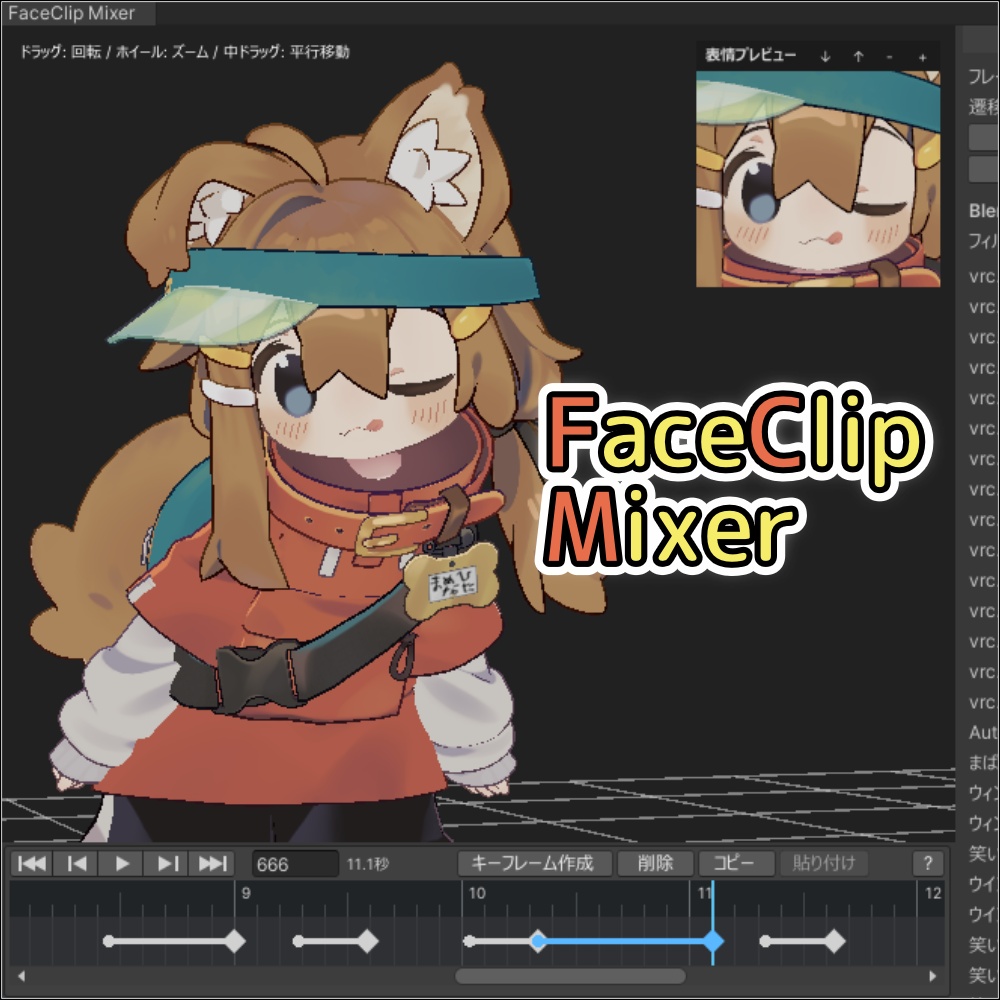
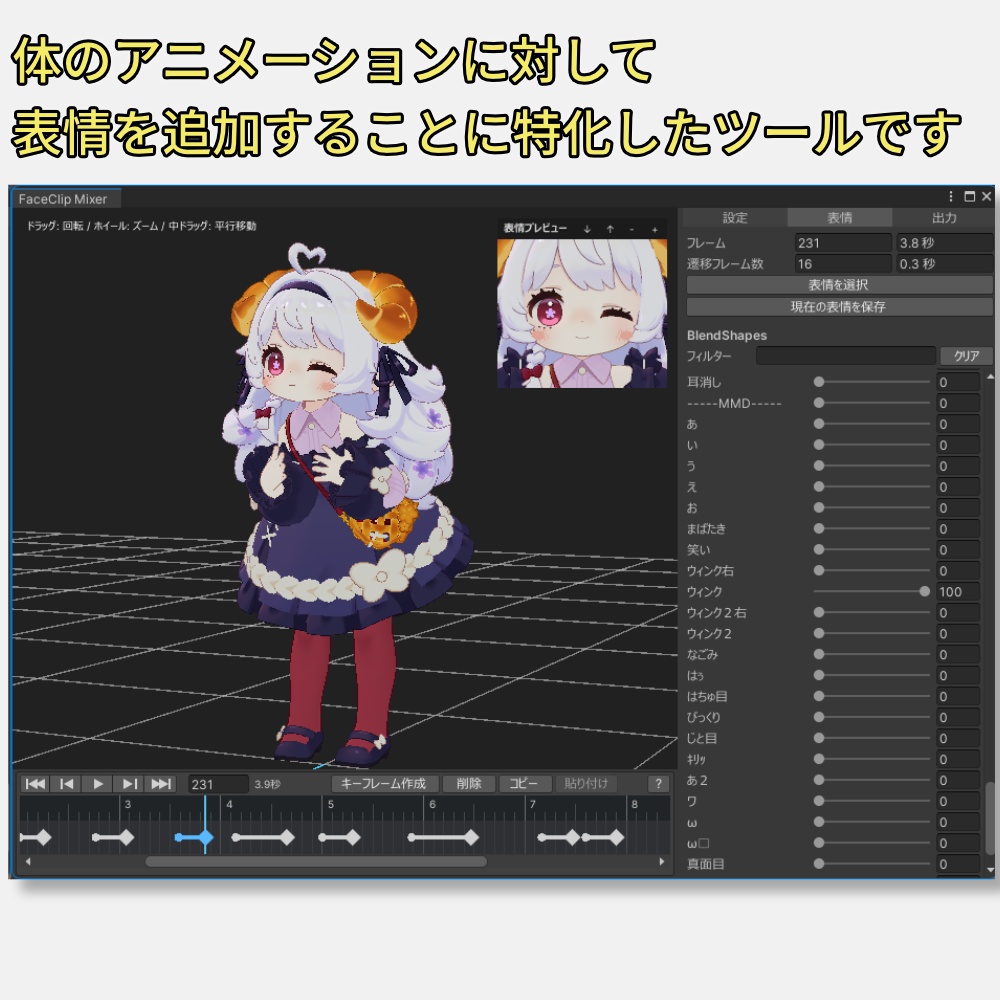
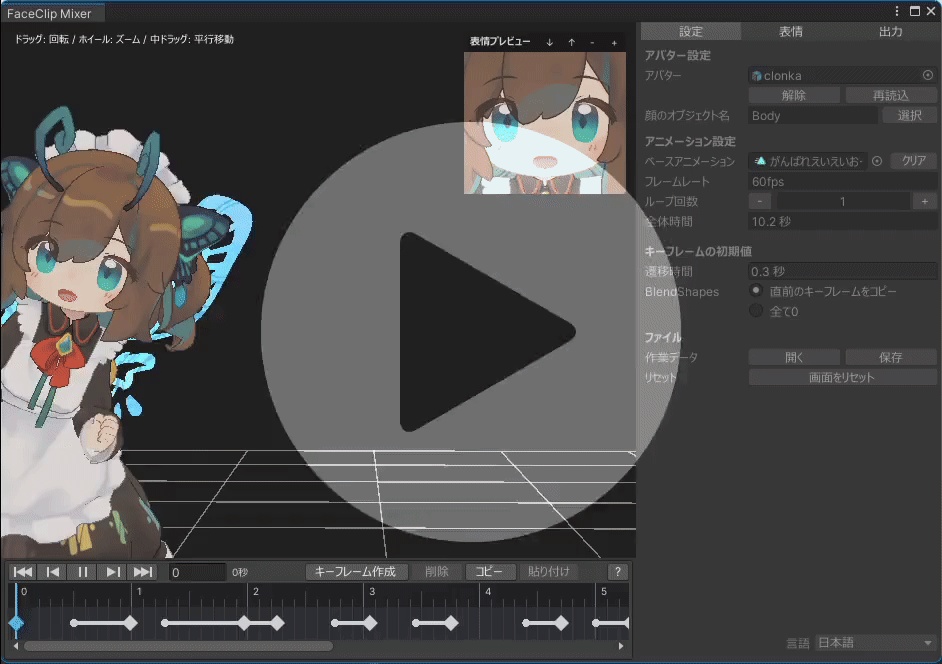


アバターの体の動きが設定されたアニメーションに対して 表情を追加することに特化した Unity Editor 拡張ツールです。
特徴
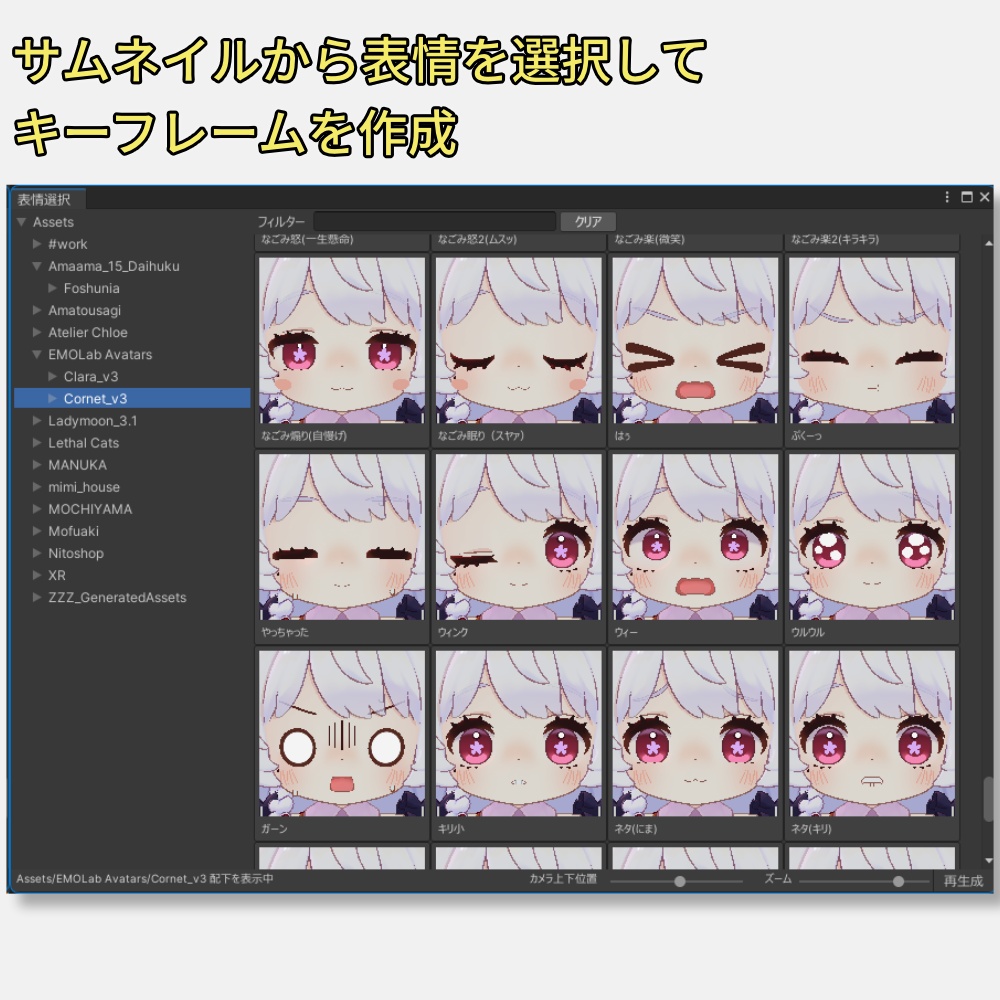
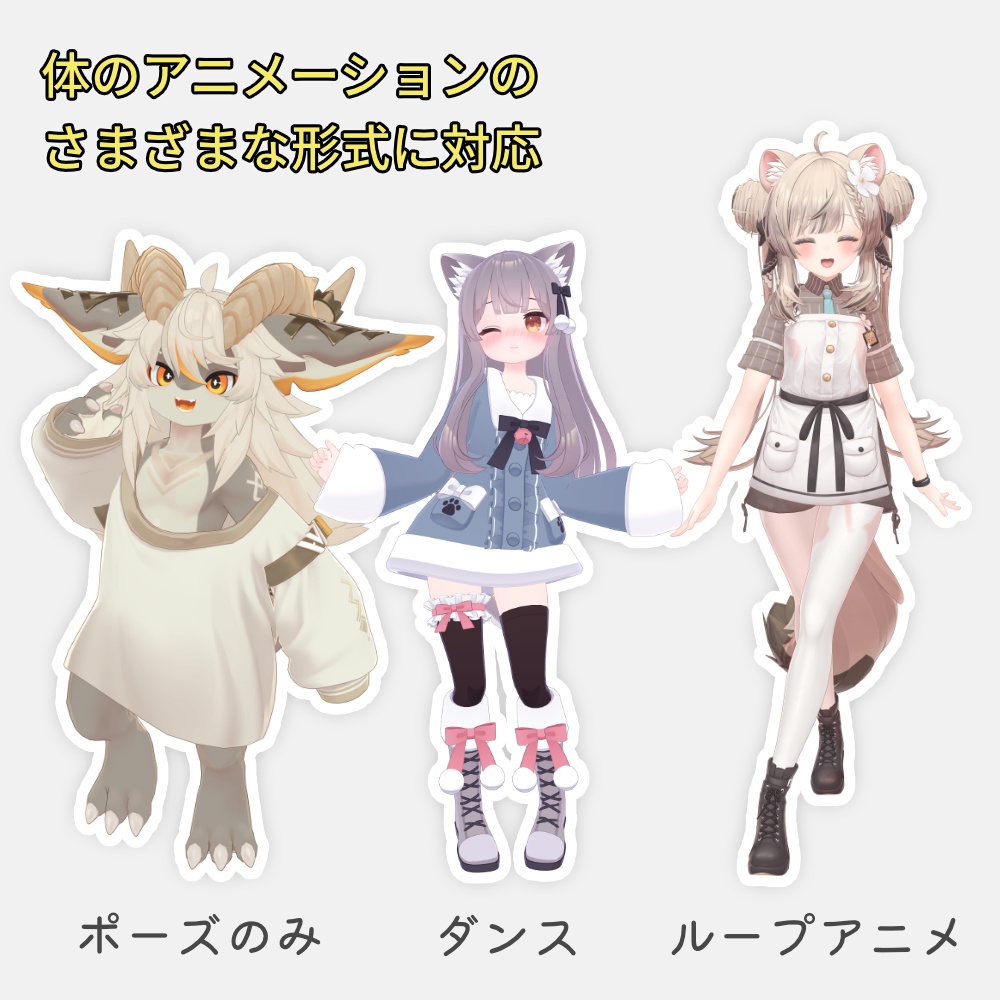
◆表情に特化した画面構成 ・常に表情を確認できる「表情プレビュー」 ・サムネイルから選べる「表情選択ウィンドウ」 ・表情の変化を設定しやすいキーフレーム ・作成した表情を .anim ファイルとして保存 ◆Unity標準に近い操作感 アニメーション操作に慣れている人には使いやすく、 初めての人でも覚えやすい操作感にしました。 ◆ループアニメーション対応 歩行などの繰り返しモーションは、ループ回数を指定して1つの長いアニメーションとして扱い、表情を追加できます。 ◆ポーズアニメーション対応 体の動きがないアニメーションにも、自由なタイミングで表情を追加できます。
説明書
https://docs.google.com/document/d/109YFT8qvGTfu055TrD04Jdj22NBHf7Qt3mQcTj96fNM/edit?usp=sharing Unitypackageインポート後にも、同じ内容のREADME(JP).pdfを同梱しています。
パッケージ内容
◆.unitypackageファイル Assets/mimi_house/FaceClipMixer フォルダ配下にファイルを展開します。 ・スクリプト(.cs) ・説明書(.pdf) ※このツールにはアニメーションファイルは同梱されていません。
動作確認環境
Unity 2022.3.22f1
利用規約
・個人・商用を問わず利用可能です。 ・本ツールの再配布、販売は禁止です。 ・本ツールで作成したデータの配布・販売については、使用した3Dモデル及びアニメーションの利用規約に従ってください。 ・本ツールの利用によって生じた損害等の一切の責任を負いかねます
Description(EN)
*machine translation FaceClip Mixer is a Unity Editor extension designed to add facial expressions to animations that already include avatar body movements. *Avatar and animation files are not included with this tool. You will need to prepare them separately. ◆ Features ◇ Interface focused on facial expression editing ・Facial Expression Preview: Check expressions clearly regardless of the avatar’s body direction ・Expression Selection Window: Choose from expressions you have already created ・Easy-to-read keyframe display for understanding expression changes ・Save created expressions as .anim files ◇ Unity-like workflow The controls are designed to feel familiar for users who are used to editing animations in Unity, while also being easy to learn for first-time users. ◇ Loop animation support For repeating motions such as walking, you can specify the number of loops and treat them as one long animation, then add facial expressions to it. ◇ Pose animation support You can also add facial expressions at any timing to animations that do not include body movement. ◆Instruction Manual https://docs.google.com/document/d/1mRSnY2FukWweJdvhGPCnzec7YTfY1UDd2UG9hjALs64/edit?usp=sharing After importing the Unity package, you can also find the same contents included as README(EN).pdf. ◆ Package Contents ◇ .unitypackage file The files will be extracted under the following folder: Assets/mimi_house/FaceClipMixer ・Scripts (.cs) ・User manual (.pdf) ◆Tested Environment Unity 2022.3.22f1 ◆Terms of Use ・This tool may be used for both personal and commercial purposes. ・Redistribution or resale of this tool is prohibited. ・When distributing or selling data created with this tool, please follow the terms of use of the 3D models and animations used. ・We are not responsible for any damages or issues caused by the use of this tool.
クレジット
サムネイルや動画で使用させて頂いたものです ・まめひなた Mamehinata / オリジナル3Dモデル https://mukumi.booth.pm/items/4340548 ・オリジナル3Dモデル『コロネ』 https://emolab.booth.pm/items/5776079 ・オリジナル3Dモデル ◁フォシュニア▷ https://disshimu.booth.pm/items/4580093 ・ミルク Re -Milk Re- / オリジナル3Dモデル https://komado.booth.pm/items/2953391 ・オリジナル3Dモデル「マヌカ」 https://jingo1016.booth.pm/items/5058077 ・015.カメラの下から出てアップで動いた後にカメラを覆って終わるanimationファイル https://kaguramoimoi.booth.pm/items/3959443 ・045.移動animationセット01(7種) https://kaguramoimoi.booth.pm/ja/items/5197712 ・023.【無料あり】13種類のアバター展示向けanimationファイル https://kaguramoimoi.booth.pm/ja/items/4316163 ・073.ふりふりループanimation2号 https://kaguramoimoi.booth.pm/ja/items/5603168