

Unity autosave and backup editor tool
- Digital0 JPY
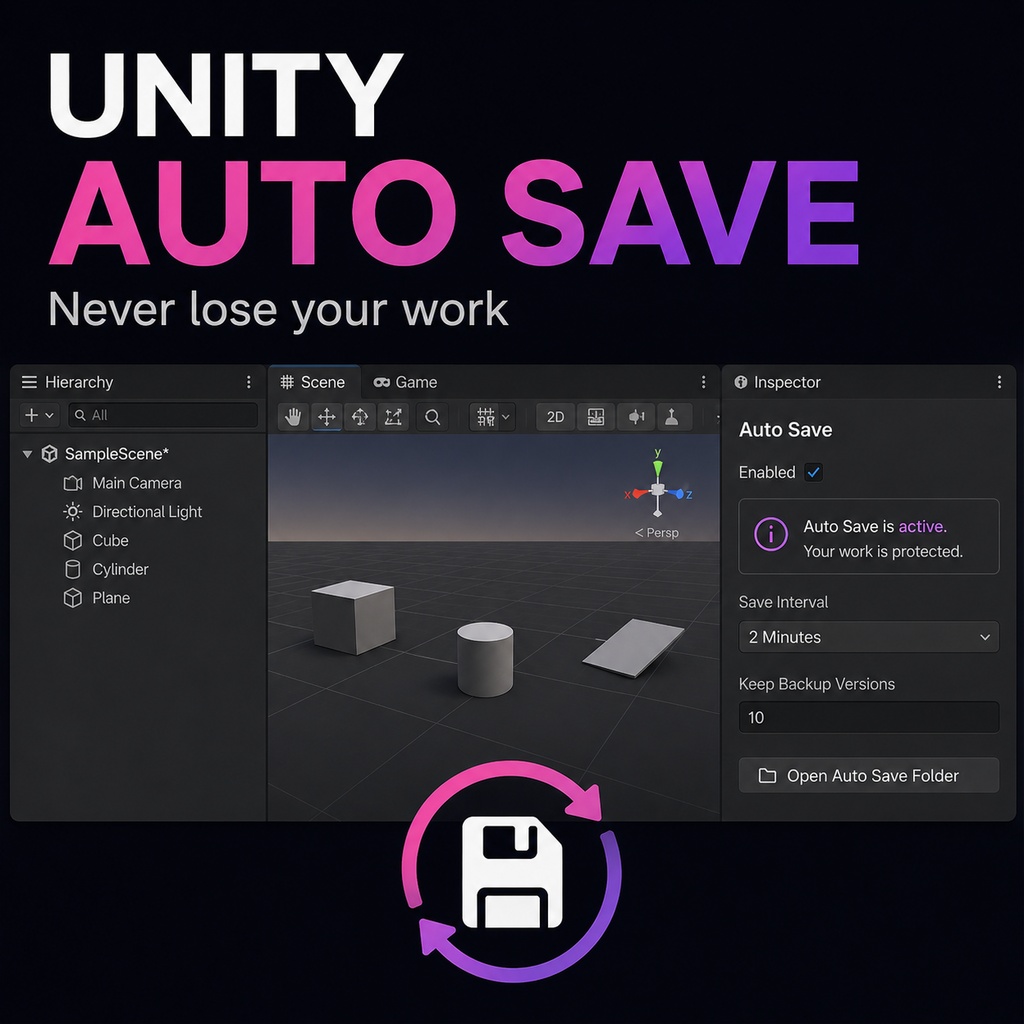
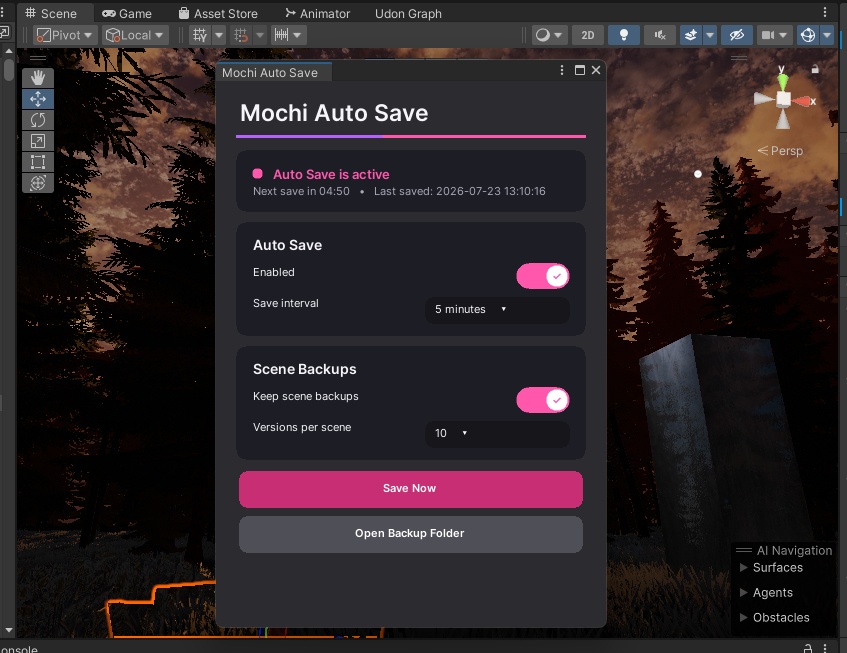


Unity Auto Save & Scene Backup Editor Tool Never lose your work because you forgot to save or Unity crashed. This Unity Editor tool automatically saves your open scenes and modified project assets at a selected interval. It can also create backup versions of your scenes before they are overwritten, allowing you to restore an earlier version if something goes wrong. Features: Automatically saves scenes and modified project assets Custom save intervals Optional scene backup history Choose how many backups to keep per scene Quickly open the backup folder Backups are stored outside the Assets folder, so Unity does not import them every time How to Use: Place the script inside any folder named Editor. Open: Tools → World Creator Kit → Auto Save → Settings New scenes must be saved normally once before a backup can be created. ----------------------------------------------------------------------------- Unity 自動保存&シーンバックアップ エディターツール 保存を忘れた場合や Unity がクラッシュした場合でも、作業内容を失いません。 この Unity エディターツールは、開いているシーンと変更されたプロジェクトアセットを、設定した間隔で自動保存します。 また、シーンが上書きされる前にバックアップを作成できるため、問題が発生した場合は以前のバージョンを復元できます。 機能 シーンと変更されたプロジェクトアセットを自動保存 保存間隔を自由に設定 オプションのシーンバックアップ履歴 シーンごとに保存するバックアップ数を設定 バックアップフォルダーをすぐに開く バックアップは Assets フォルダーの外に保存されるため、Unity が毎回インポートすることはありません 使用方法 スクリプトを Editor という名前のフォルダー内に配置します。 以下のメニューから開きます。 Tools → World Creator Kit → Auto Save → Settings 新しいシーンは、バックアップを作成する前に一度通常保存する必要があります。 ----------------------------------------------------------------------------- Unity 自动保存与场景备份编辑器工具 即使忘记保存或 Unity 崩溃,也不会丢失你的工作。 这款 Unity 编辑器工具会按照设定的时间间隔,自动保存当前打开的场景和已修改的项目资源。 它还可以在场景被覆盖之前创建备份。如果出现问题,你可以恢复之前保存的版本。 功能 自动保存场景和已修改的项目资源 自定义保存间隔 可选的场景备份历史 设置每个场景保留的备份数量 快速打开备份文件夹 备份保存在 Assets 文件夹之外,因此 Unity 不会每次都导入它们 使用方法 将脚本放入任意名为 Editor 的文件夹中。 打开: Tools → World Creator Kit → Auto Save → Settings 新建场景必须先正常保存一次,之后才能创建备份。