
【制作代行】あなたのキャラでしゃべる配信マスコットをお作りします / Mascot Made to Order — I turn your character into a talking stream mascot
- Digital500 JPY
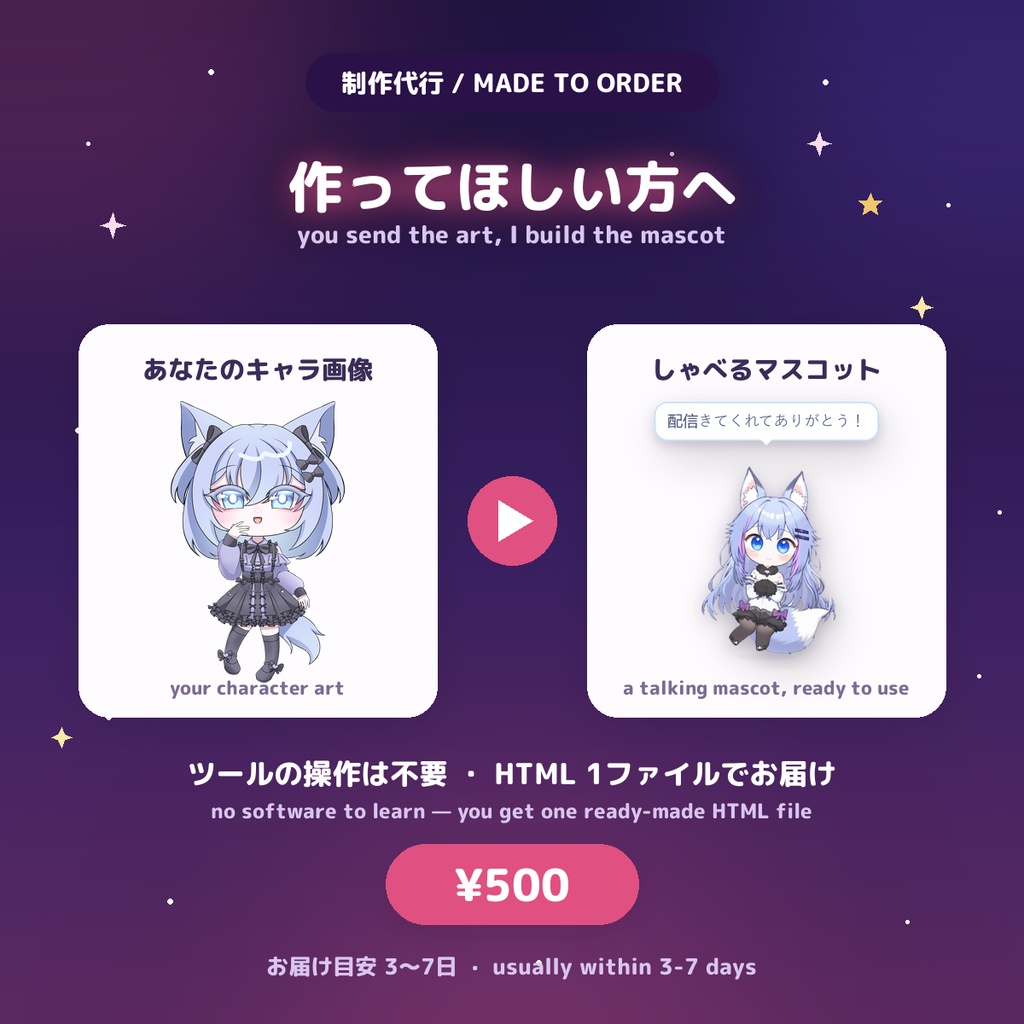
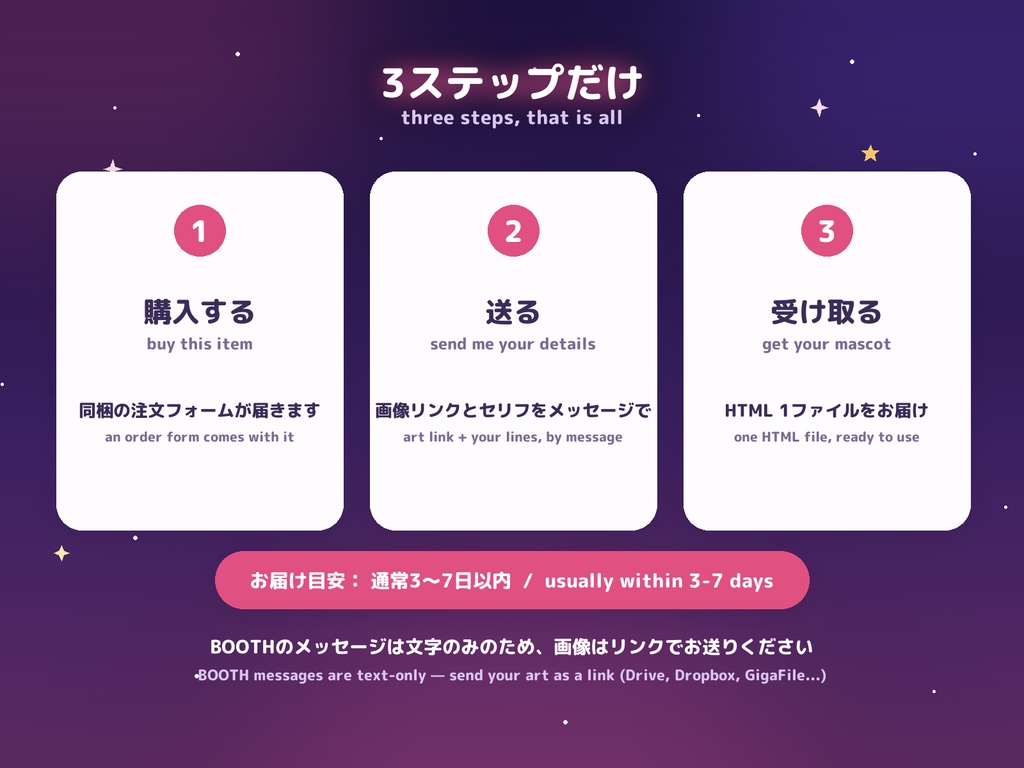
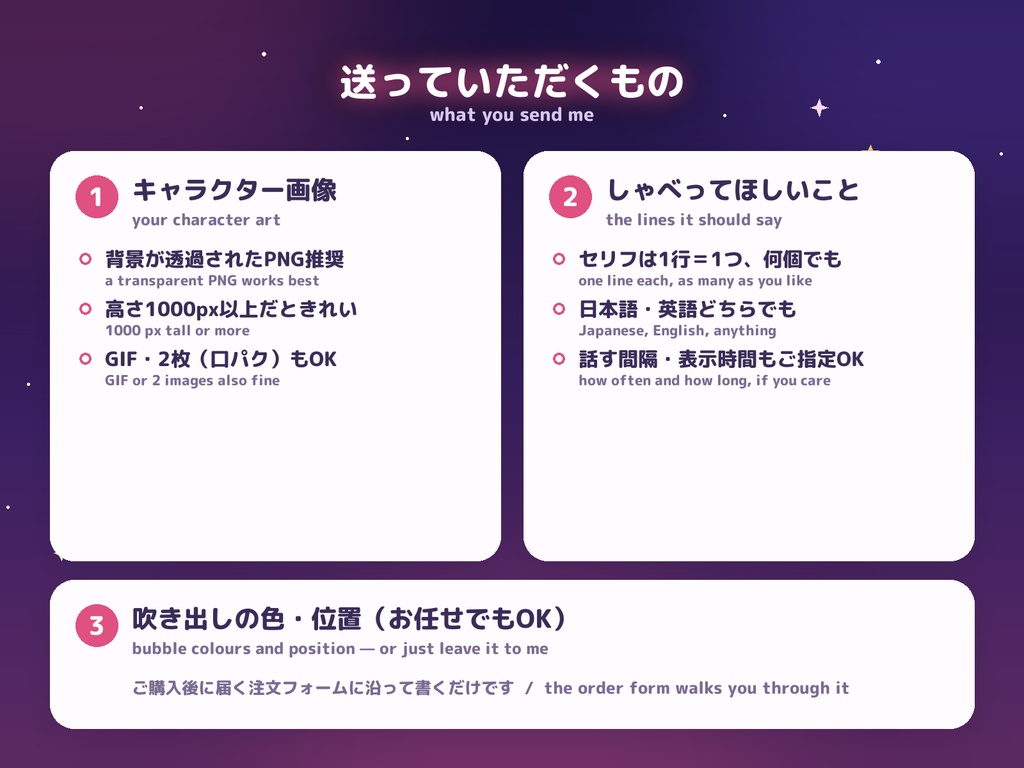
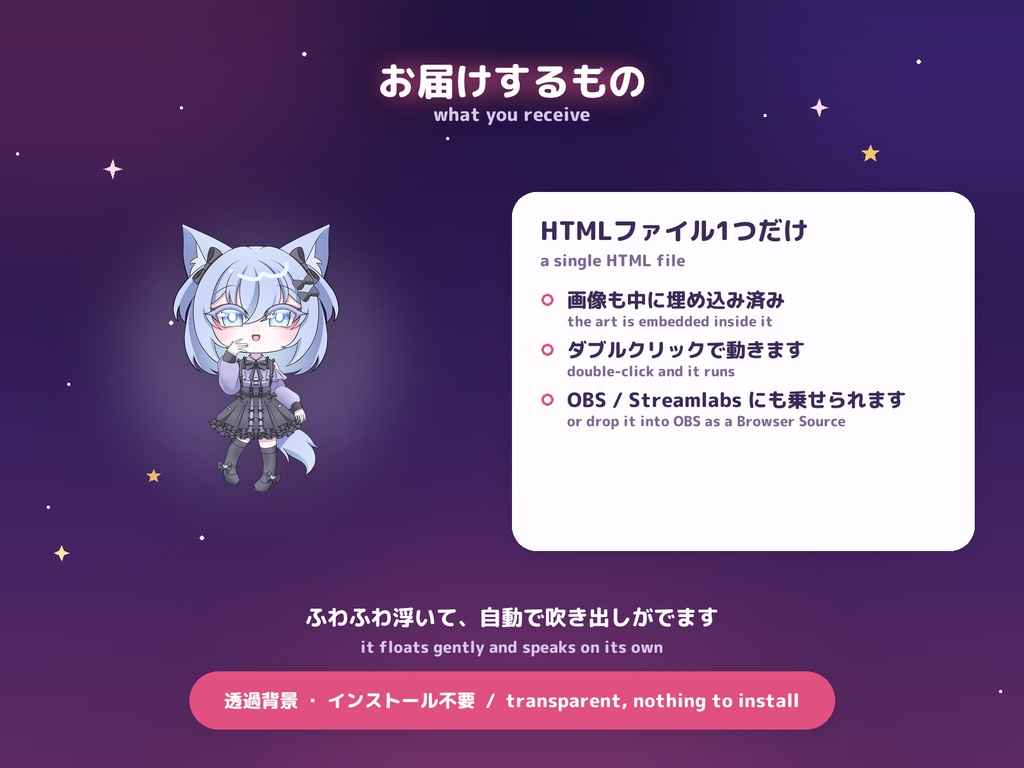
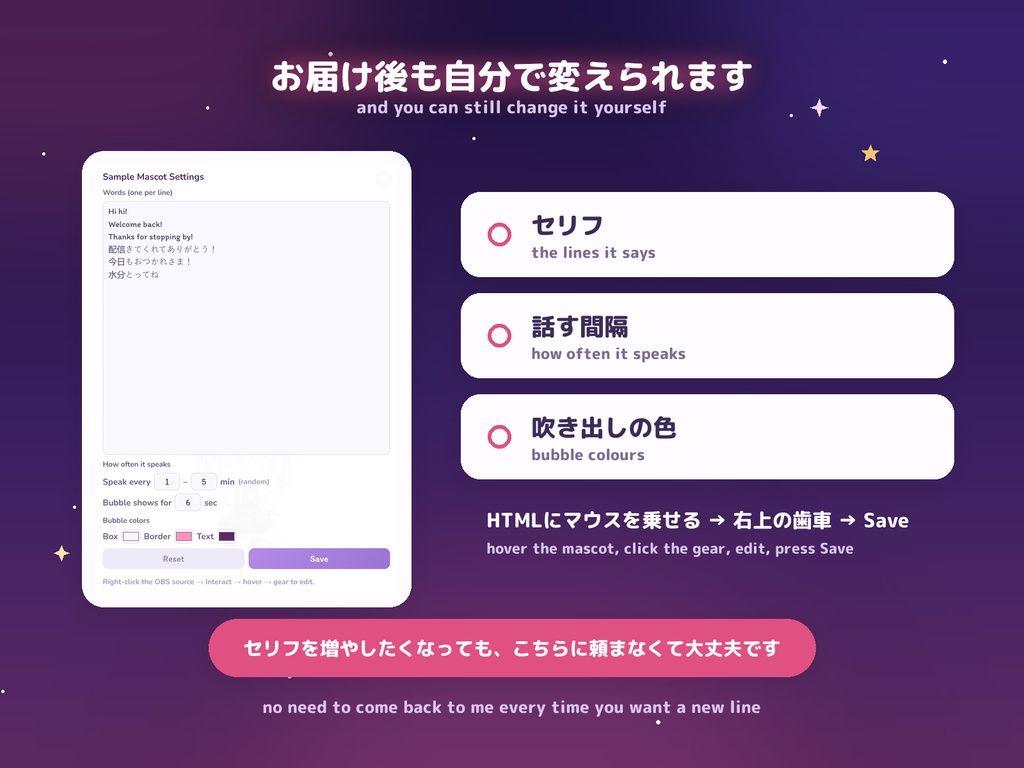
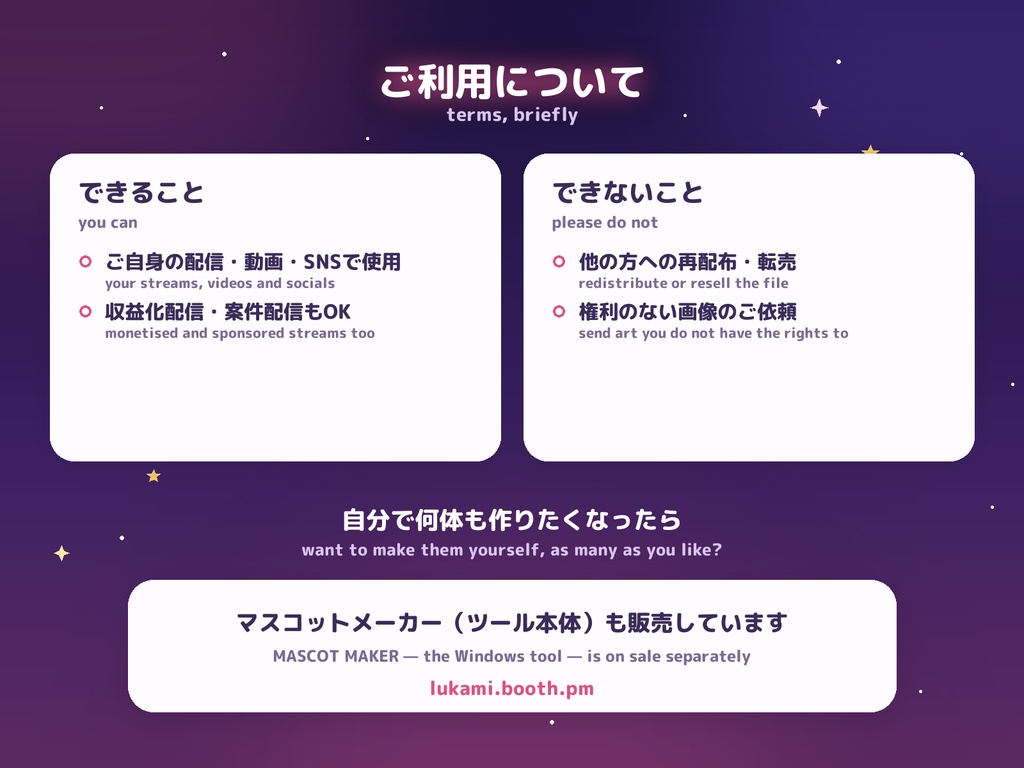


キャラクターの画像を送っていただければ、しゃべる配信マスコット(HTML 1ファイル)をこちらでお作りします。 ツールの操作は不要です。デスクトップに置いても、OBS / Streamlabs のブラウザソースに入れてもOK。 ◆ 3ステップだけ 【1】このページで購入する(同梱の注文フォームが届きます) 【2】フォームに沿って、画像リンクとセリフをBOOTHのメッセージでお送りください 【3】完成したHTML 1ファイルをお届けします ※お届け目安:通常3〜7日以内 ※BOOTHのメッセージは文字のみでファイルを添付できないため、画像はギガファイル便・ Googleドライブ・Dropbox等のリンクでお送りください。 ◆ 送っていただくもの ・キャラクター画像(背景が透過されたPNG推奨/高さ1000px以上がきれいです) - PNG 1枚 … ふわふわ浮いて、吹き出しでしゃべります - アニメGIF … 待機中に止めるフレームを選べます - PNG 2枚(通常+しゃべり)… Discordのアイコンのような口パク表現 ・セリフ(1行=1つ、何個でもOK。日本語・英語どちらでも) ・お好みがあれば:話す間隔、吹き出しの表示時間、吹き出しの色・位置・文字サイズ (未記入の場合はこちらでバランスよく整えます) ◆ お届けするもの HTMLファイル1つだけです。画像も中に埋め込まれているので、そのファイルだけで動きます。 ダブルクリックで開くほか、OBS / Streamlabs のブラウザソース(ローカルファイル)に 追加すれば配信画面にそのまま乗ります。背景は透過です。 ◆ お届け後もご自分で変更できます 1. HTMLを開いて、マスコットにマウスを乗せる 2. 右上に出る歯車をクリック 3. セリフ/話す間隔/吹き出しの表示時間/吹き出しの色 を書き換える 4. 「Save」を押す → その場で反映されます ▶ 手順を動画で見る(約35秒): https://youtu.be/gC9pJSNiYII ※OBS / Streamlabs の場合:ソースを右クリック →「対話」→ マウスを乗せる → 歯車 セリフを増やしたくなっても、こちらに再依頼していただく必要はありません。 ◆ ご利用について お届けしたマスコットは、ご自身の配信・動画・SNSで自由にお使いいただけます (収益化配信・案件配信も含みます)。 他の方への再配布・転売はご遠慮ください。 入力するキャラクター画像の権利はご自身でご確認ください。 ◆ ご自分で何体も作りたい方へ このプランにツール本体は含まれません。ご自分で好きなだけ作りたい方は、 Windows用ツール「マスコットメーカー」を別途販売しています。 🛍 https://lukami.booth.pm/items/8650442 ──────────── MASCOT — MADE TO ORDER Send me your character art and I will build the talking stream mascot for you. No software to learn: what you get back is a single HTML file that floats on your desktop or sits on your stream through OBS / Streamlabs. HOW IT WORKS 1. Buy this item — an order form comes with it 2. Send me your art (as a link) and the lines you want, through BOOTH Messages 3. I send back one finished HTML file Usually within 3-7 days. BOOTH Messages are text-only and cannot carry a file, so please send your art as a link (Google Drive, Dropbox, GigaFile...). WHAT TO SEND - Your character art. A transparent PNG works best, 1000 px tall or more. One PNG, an animated GIF, or two PNGs (idle + speaking) for a Discord-style talking mouth. - The lines it should say, one per line, in any language. - Optional: how often it speaks, how long the bubble stays, bubble colours and position. Leave them blank and I will set something that looks right. WHAT YOU GET One HTML file with the art embedded inside it. Double-click to open it, or add it to OBS / Streamlabs as a Browser Source (Local file). Transparent background, nothing to install. YOU CAN STILL EDIT IT Hover the mascot and a gear appears in the corner. From there you can change the lines, how often it speaks and the bubble colours yourself, any time — no need to come back to me. Watch the 35-second walkthrough: https://youtu.be/gC9pJSNiYII TERMS Yours to use on your own streams, videos and social media, monetised ones included. Please do not redistribute or resell the file. You are responsible for holding the rights to the art you send me. The tool itself is NOT included in this plan. If you would rather make them yourself, MASCOT MAKER (the Windows tool) is sold separately. 🛍 https://lukami.booth.pm/items/8650442
