

VRChat World - 夜のキャンプ / Yoru No Camp
- Digital850 JPY
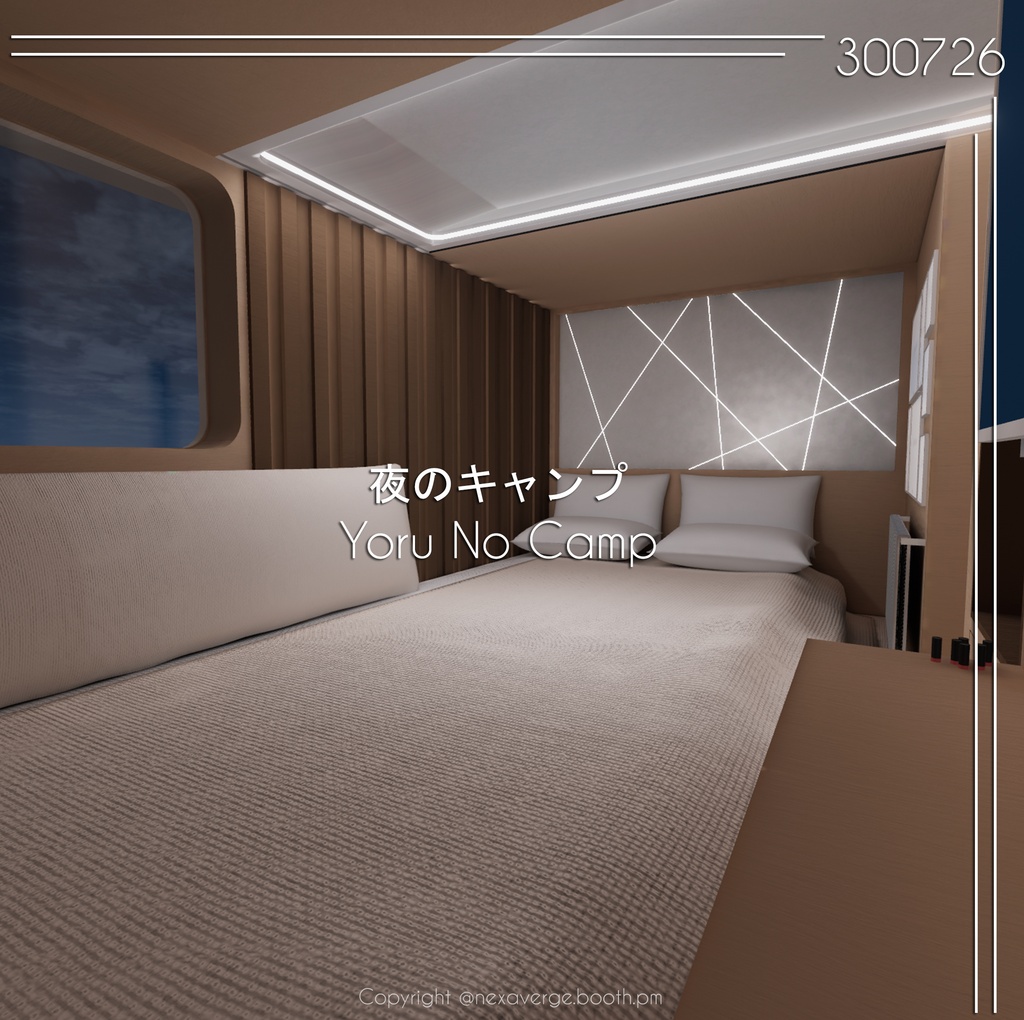
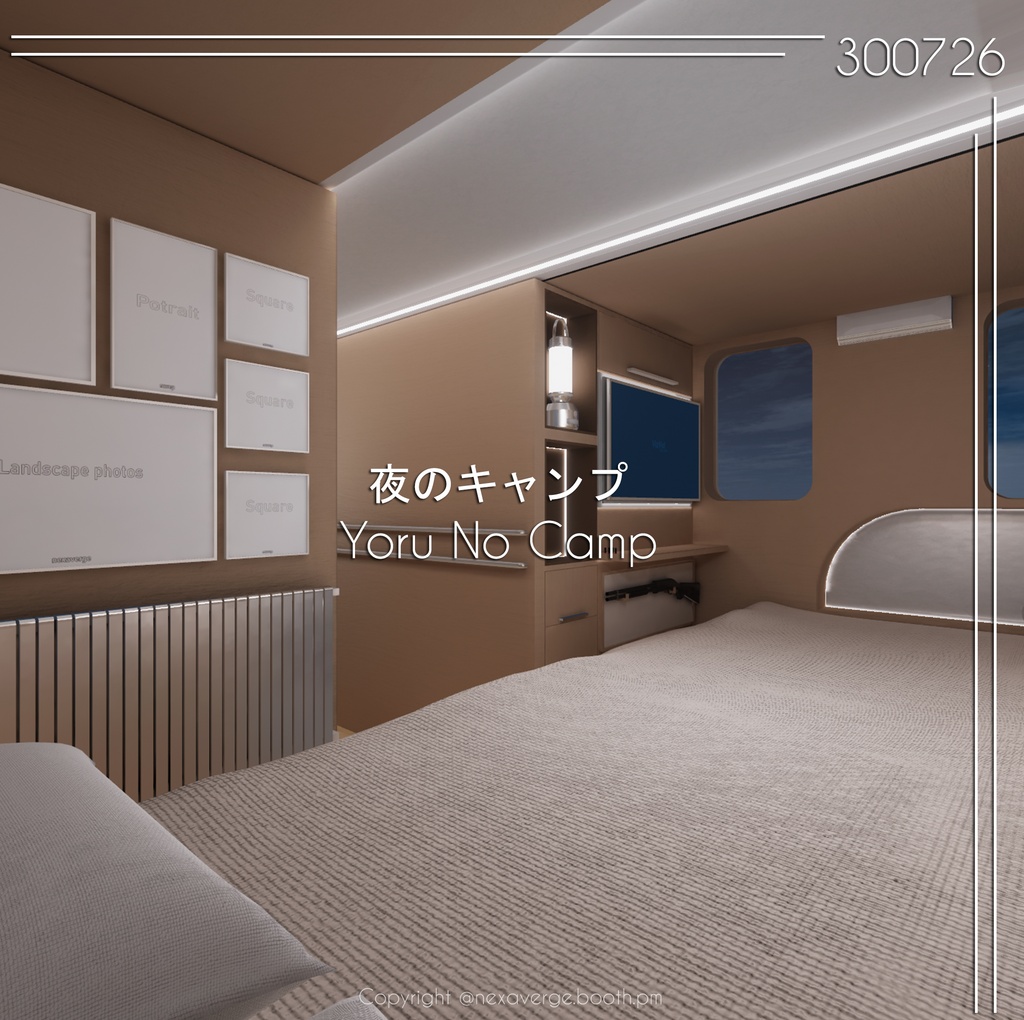
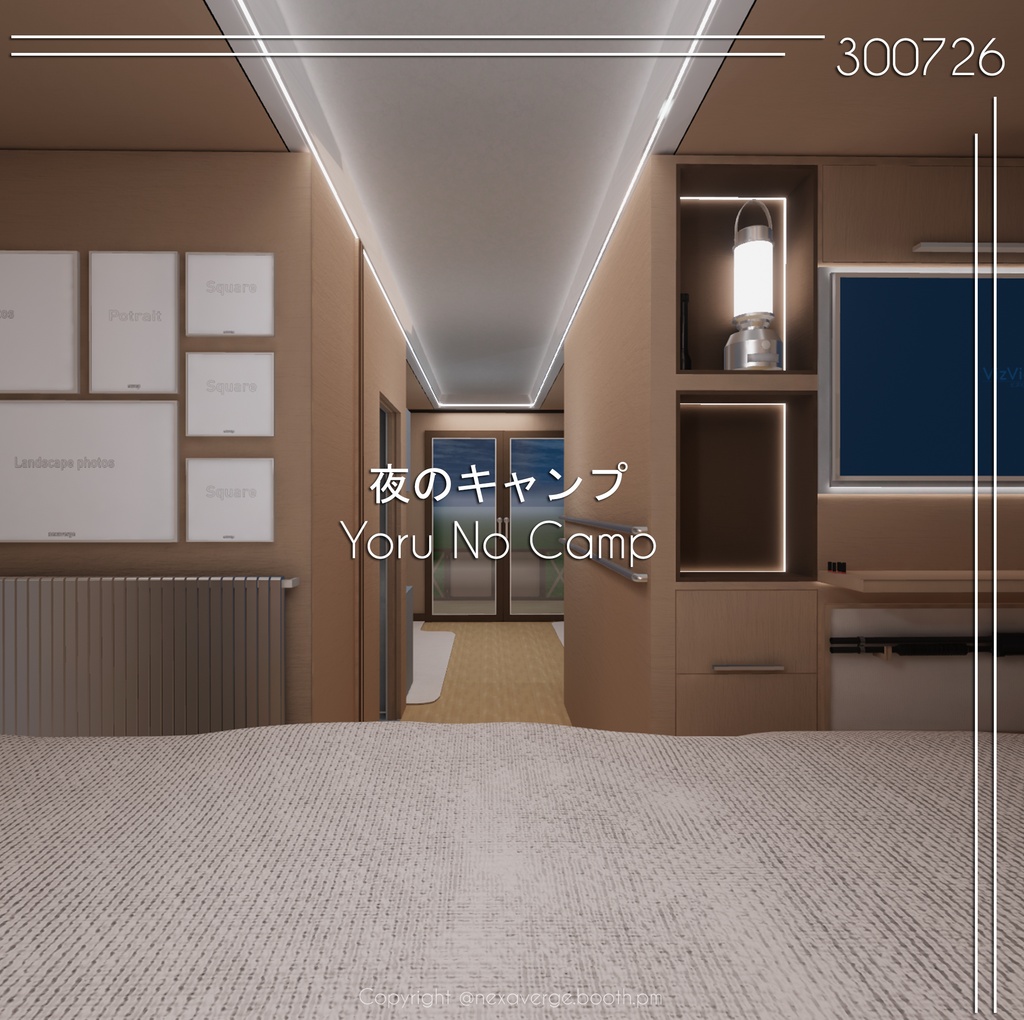
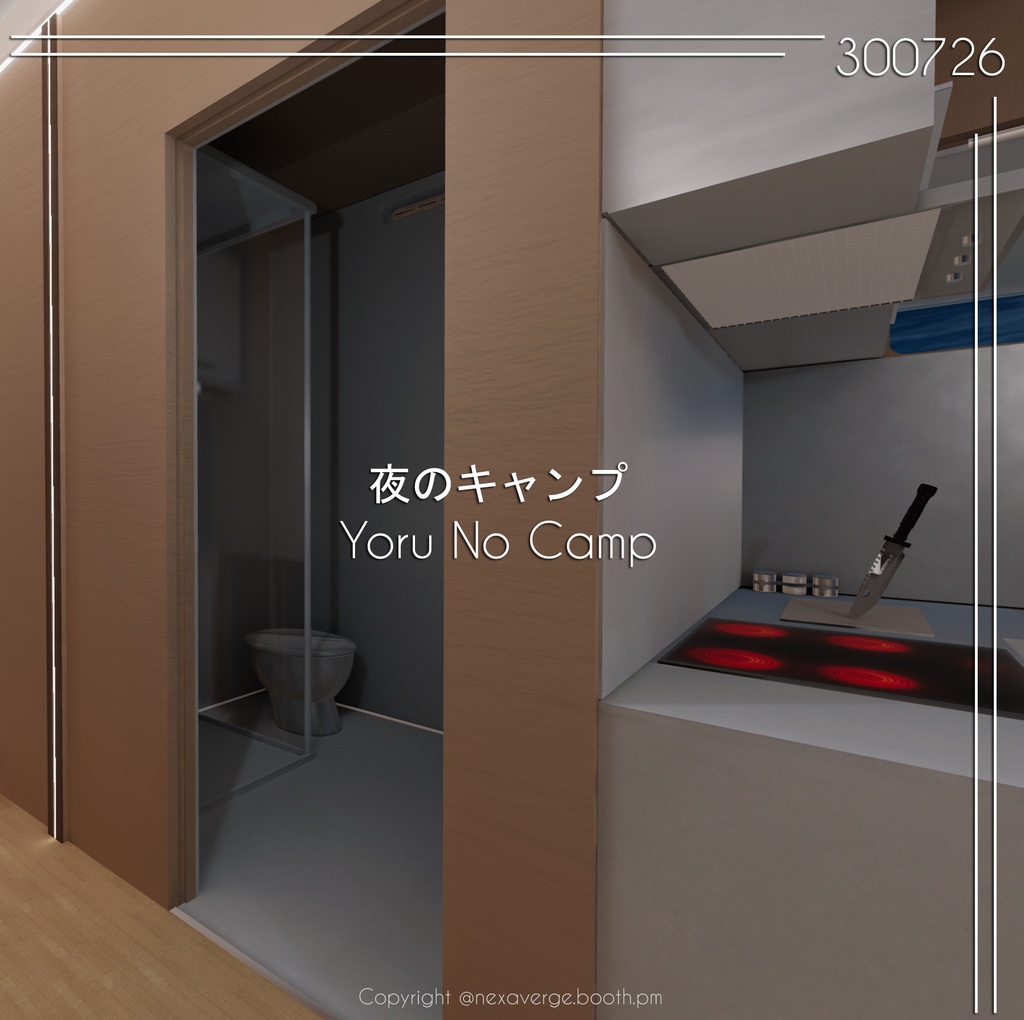
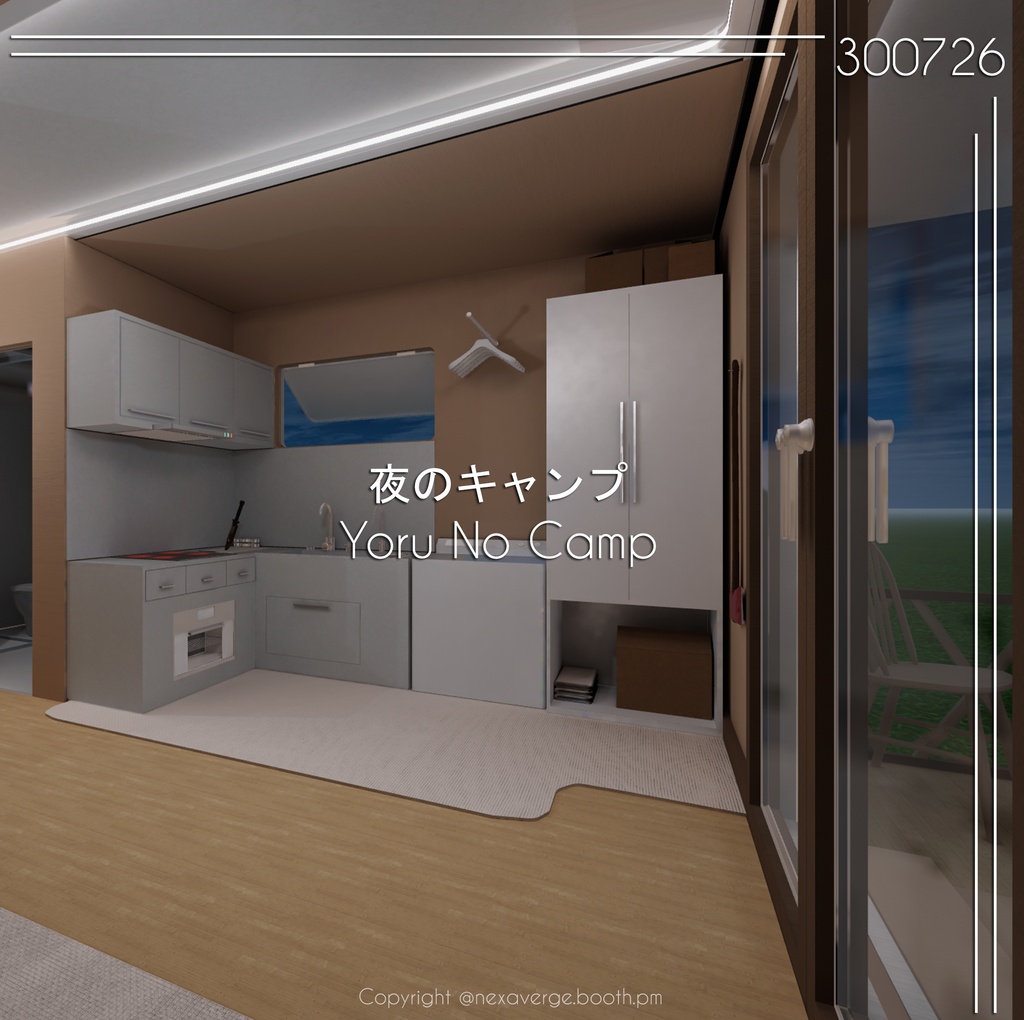
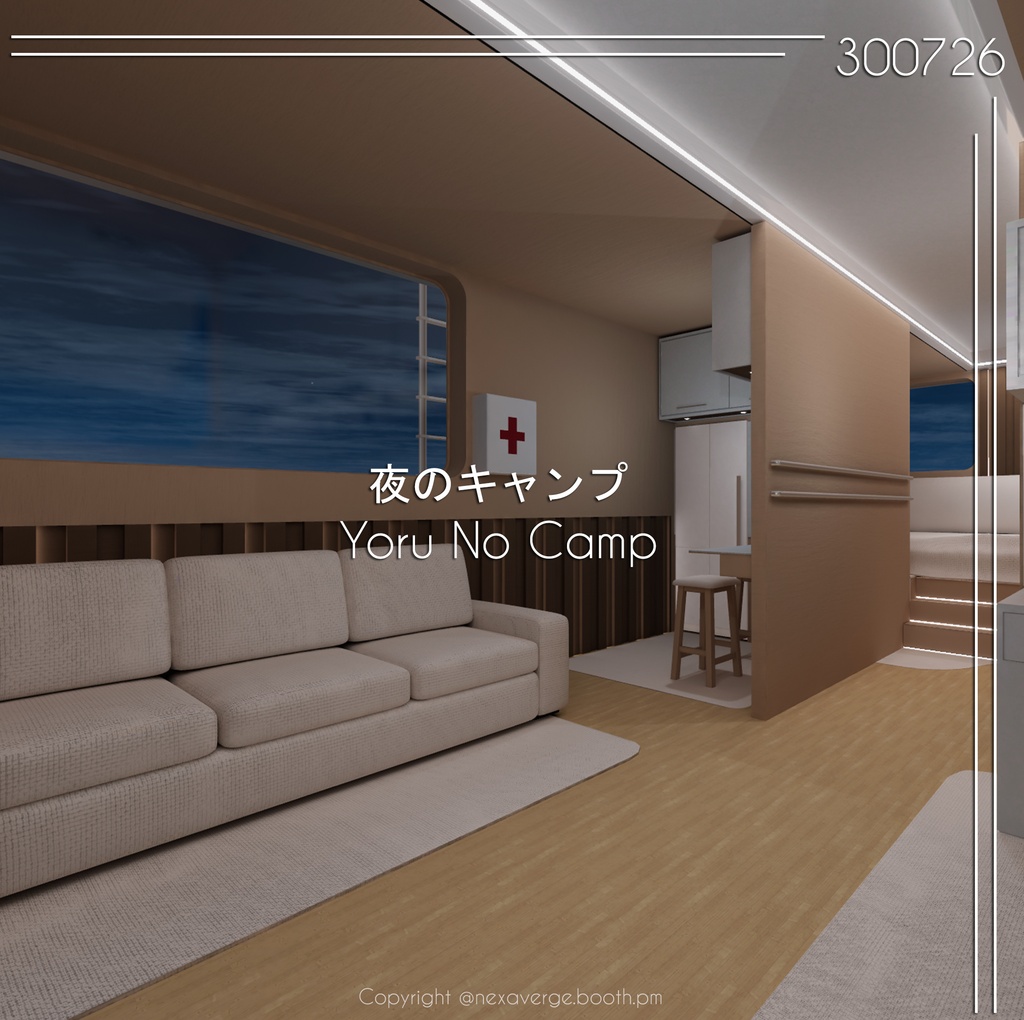
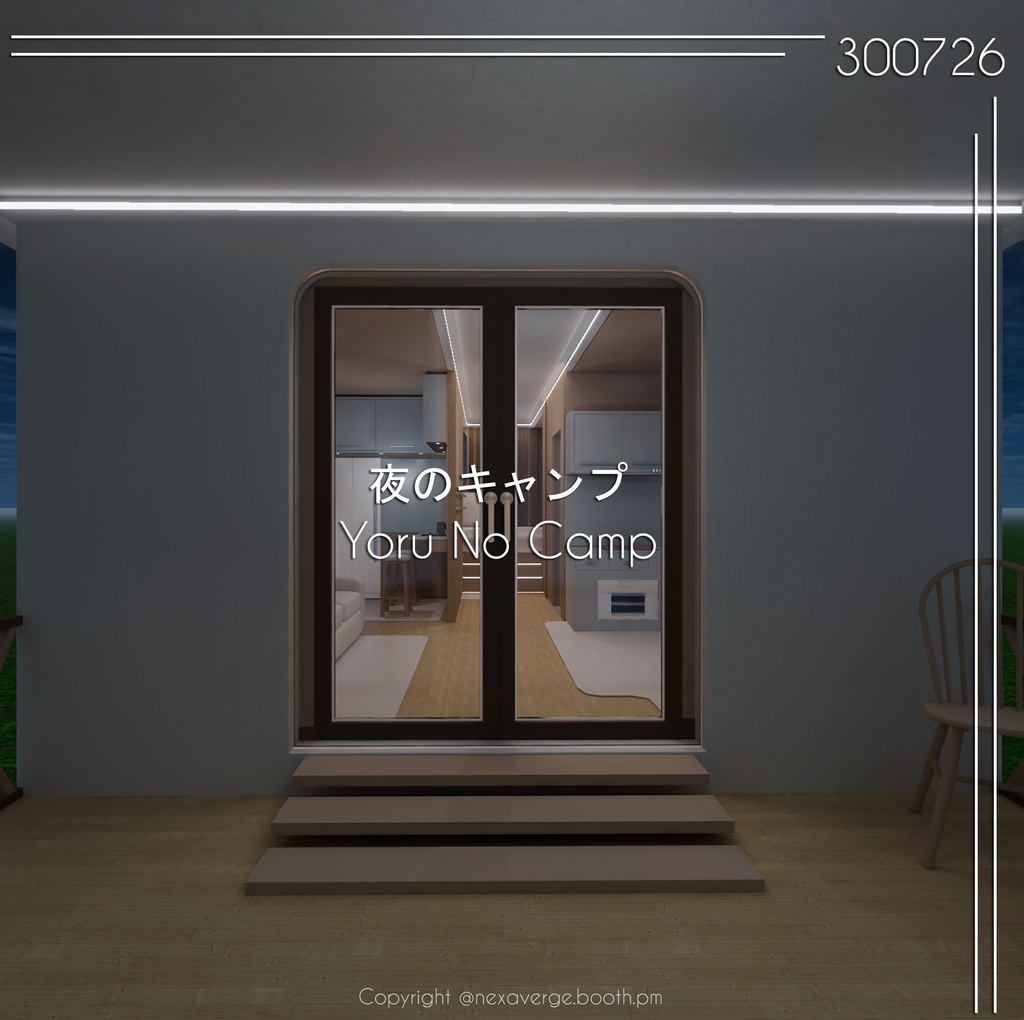
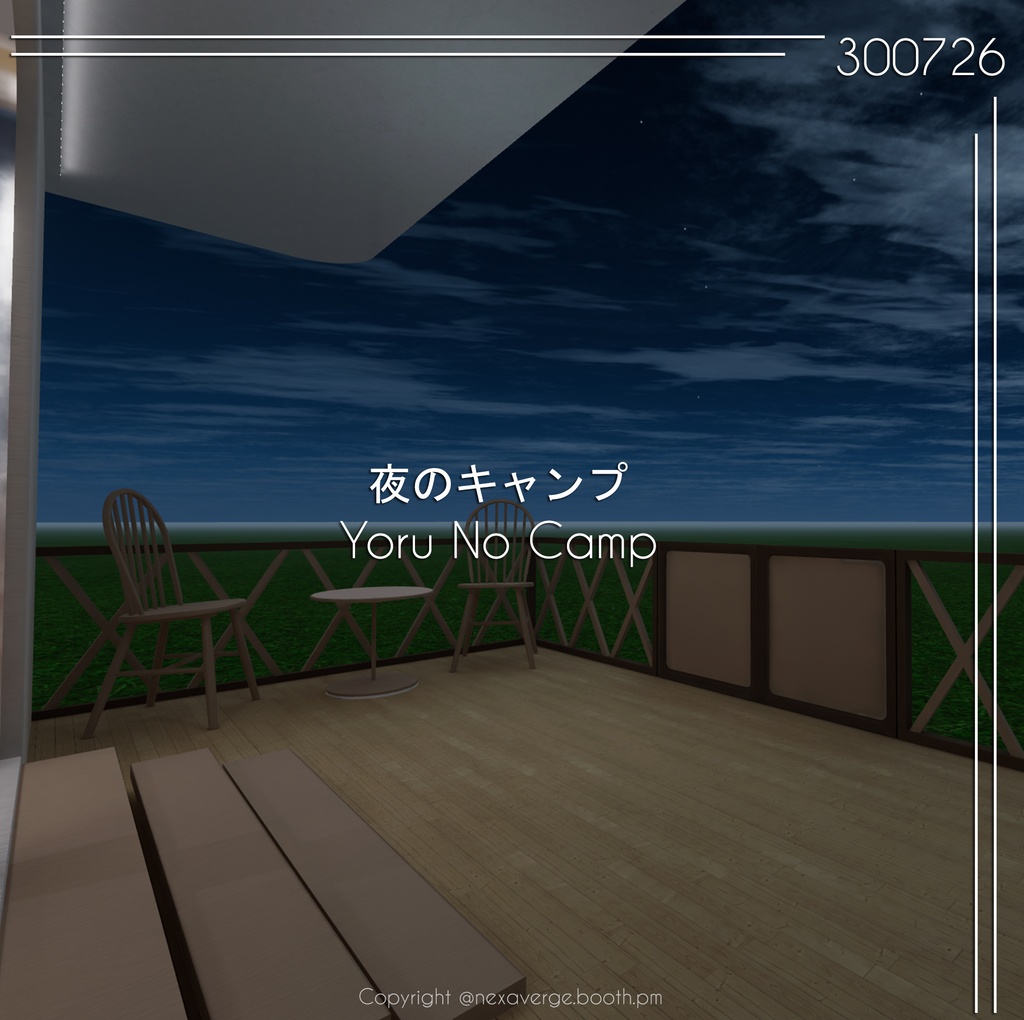
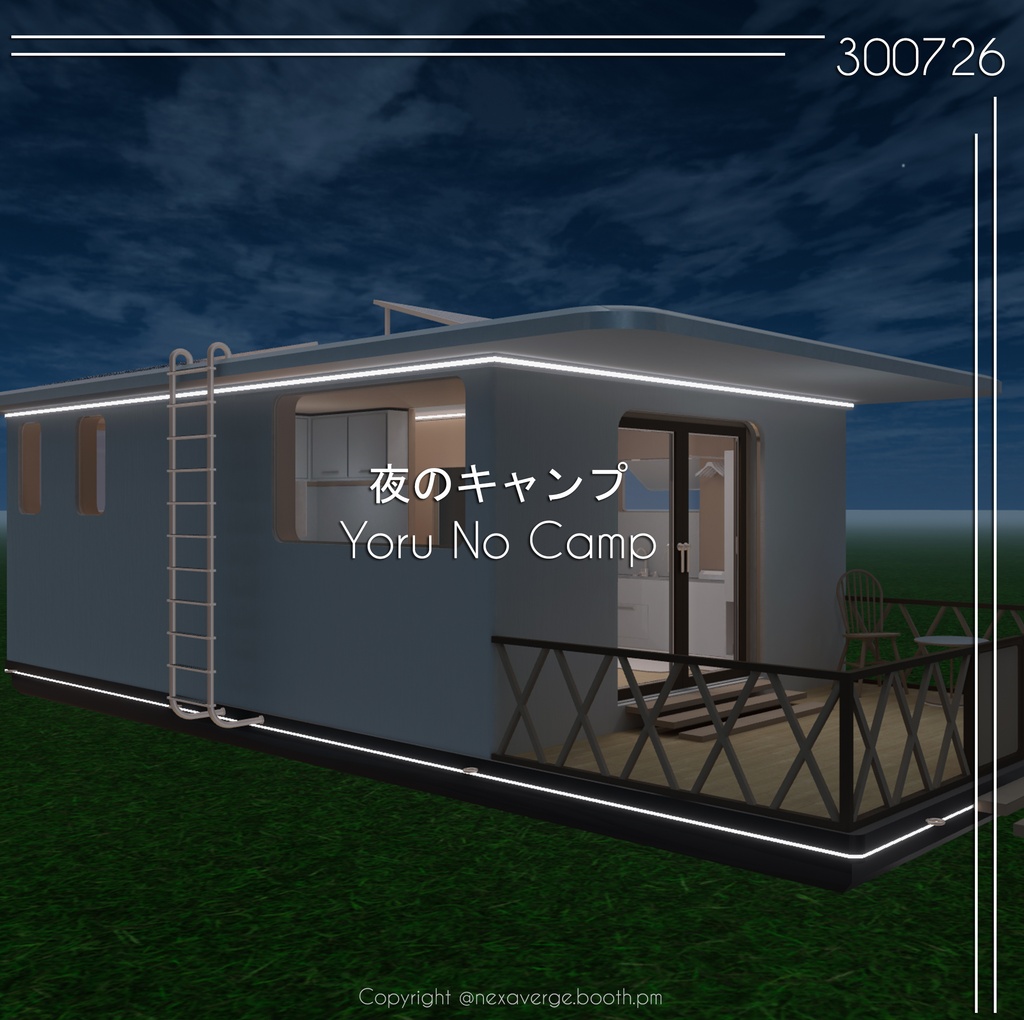
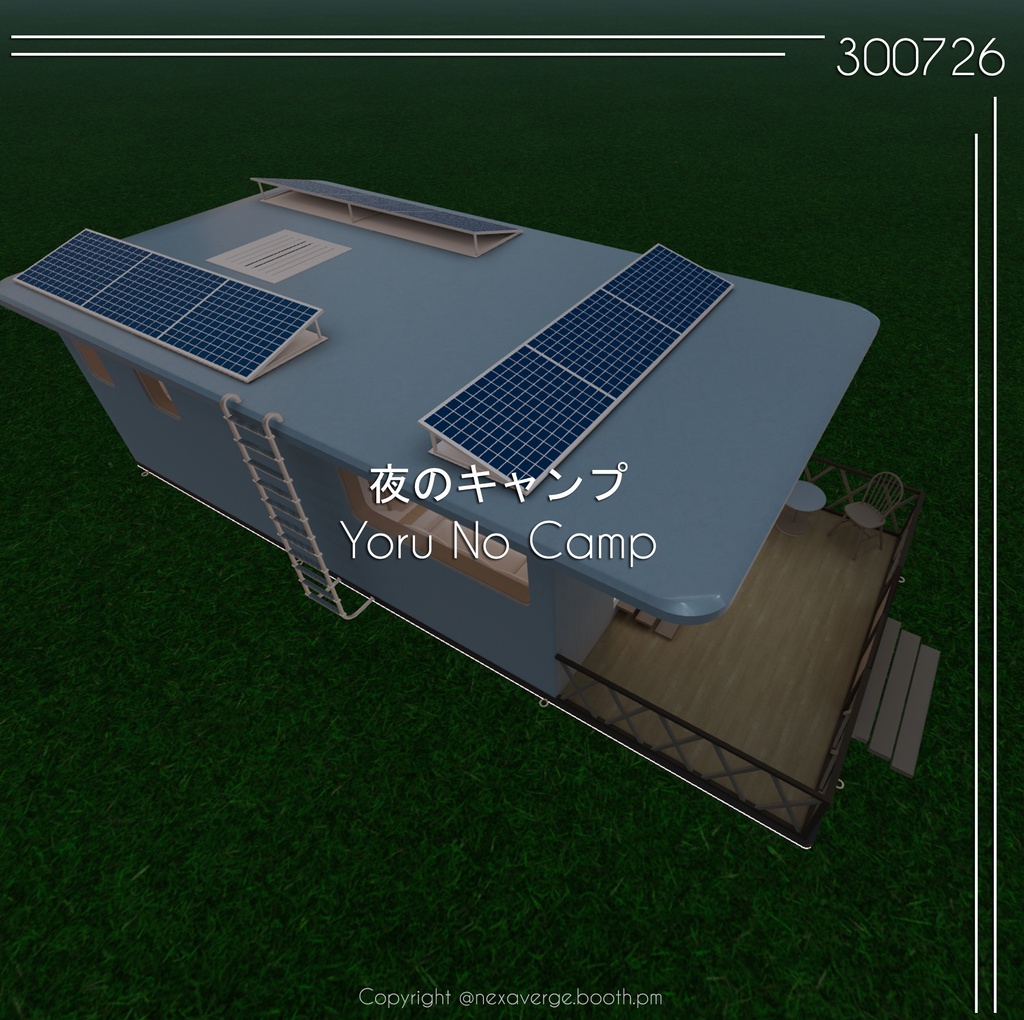


Sample " https://vrchat.com/home/launch?worldId=wrld_b240e1af-ac0b-4ba1-a229-b66a57cb2e02 【日本語】 インストール方法 (以下の手順をよく読んで進めてください) JP インストール方法 (以下の手順に従ってインストールしてください) ① VRChat Creator Companion を使用します。 ② 新しい Unity 2022 World Project を作成します。 ③ 新しいシーン(Empty)を作成します。 ④ VizVid をインストールします: https://booth.pm/en/items/5056077 ⑤ Mochie Shader をインストールします: https://github.com/MochiesCode/Mochies-Unity-Shaders/releases/download/v1.74.1/Mochies.Unity.Shaders.v1.74.1.Free.unitypackage ⑥ Filamented Standard for Unity をインストールします: https://booth.pm/en/items/3250389 ⑦ ZIP ファイルを解凍し、Unity Package をシーンにインポートします。 ⑧ 当ワールドのシーンを開き、アップロードの準備完了です! 📌 注意事項 🔴 必ず手順 1 ~ 6 を順番通りに実行してください。 手順を飛ばすと、正常に動作しない場合があります。 🔴 本ワールドは、正しい手順でインストールした場合に正常に動作することを確認済みです。 ⚠️ また、VRChat ワールドのセットアップ方法や Unity へのアップロード方法についての基本的な知識も必要です。 ================================================== EN How to Install (Please follow the steps below.) ① Launch VRChat Creator Companion. ② Create a new Unity 2022 World Project. ③ Create a new Empty Scene. ④ Install VizVid: https://booth.pm/en/items/5056077 ⑤ Install Mochie Shader: https://github.com/MochiesCode/Mochies-Unity-Shaders/releases/download/v1.74.1/Mochies.Unity.Shaders.v1.74.1.Free.unitypackage ⑥ Install Filamented Standard for Unity: https://booth.pm/en/items/3250389 ⑦ Extract the ZIP file and import the Unity Package into your project. ⑧ Open our scene and you're ready to upload! 📌 Note: 🔴 Make sure you follow the installation steps 1 through 6 in order. If you skip any steps, it may cause issues with your progress. 🔴 The world has been tested and confirmed to work when installed correctly. ⚠️ Basic knowledge of how to set up a VRChat world and upload it to Unity is also important! ================================================== System Requirements ■ VCC Compatible ■ Unity 2022.3.22f1 ■ VRCSDK3.8.2 ================================================== Terms of use - Can be modified - Can be used for streaming - Can be made public - Redistribution or sale of product data is prohibited 利用ルール >自由に改変OK >公開しても大丈夫! >データの再配布や販売は禁止だよ〜 ================================================== Credits: Filamented Standard for Unity https://booth.pm/en/items/3250389 ================================================== Version Information [2026.07.30: Ver1.0.0] Initial Release