

Clockwork Wanderer - VRChat Men's Clothing / CP1
- Full Pack: ALL INCLUDED!Digital2,800 JPY
- Komano CompatibleDigital1,500 JPY
- Hanka CompatibleDigital1,500 JPY
- Bokusei (PlusHead Body) CompatibleDigital1,500 JPY
- Turanari (Tinmeshitei Body) CompatibleDigital1,500 JPY
- Licht CompatibleDigital1,500 JPY
- Shizune CompatibleDigital1,500 JPY
- Airgreen PackageDigital1,500 JPY
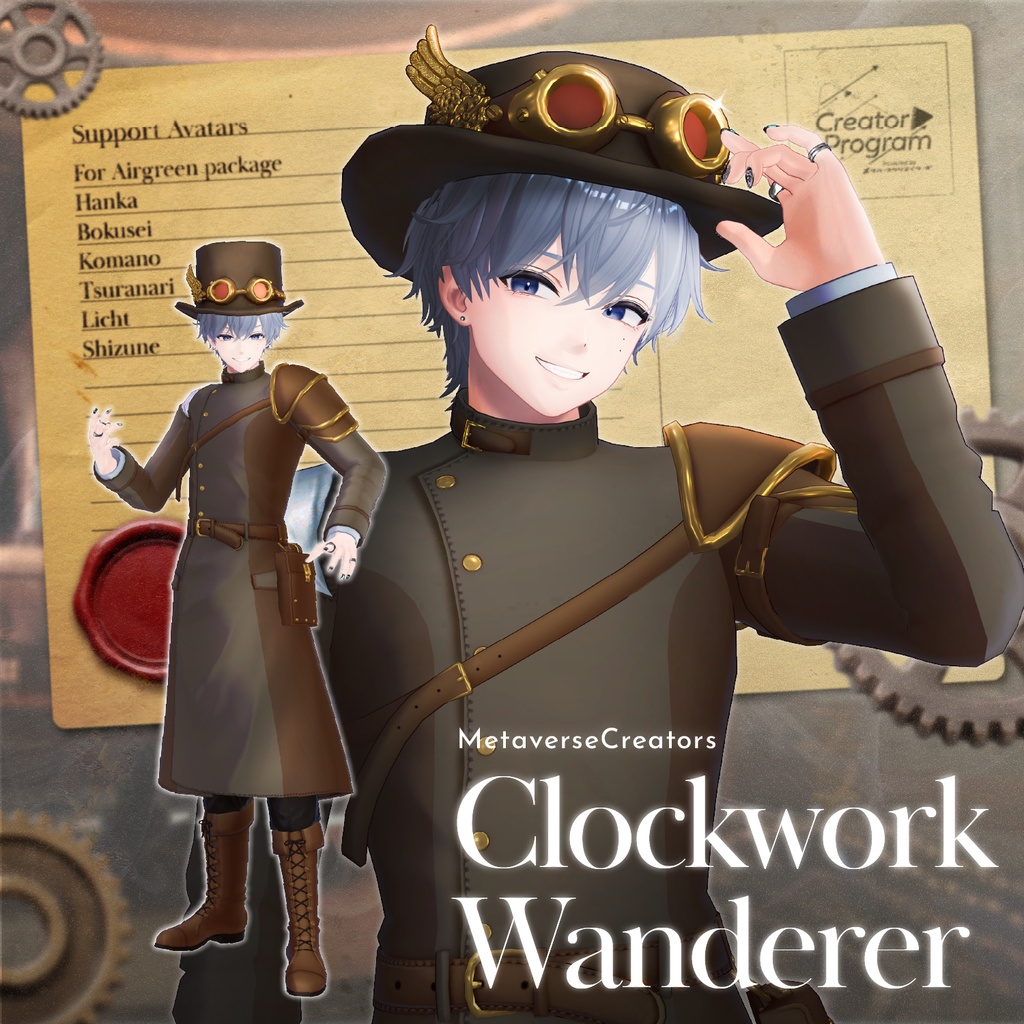
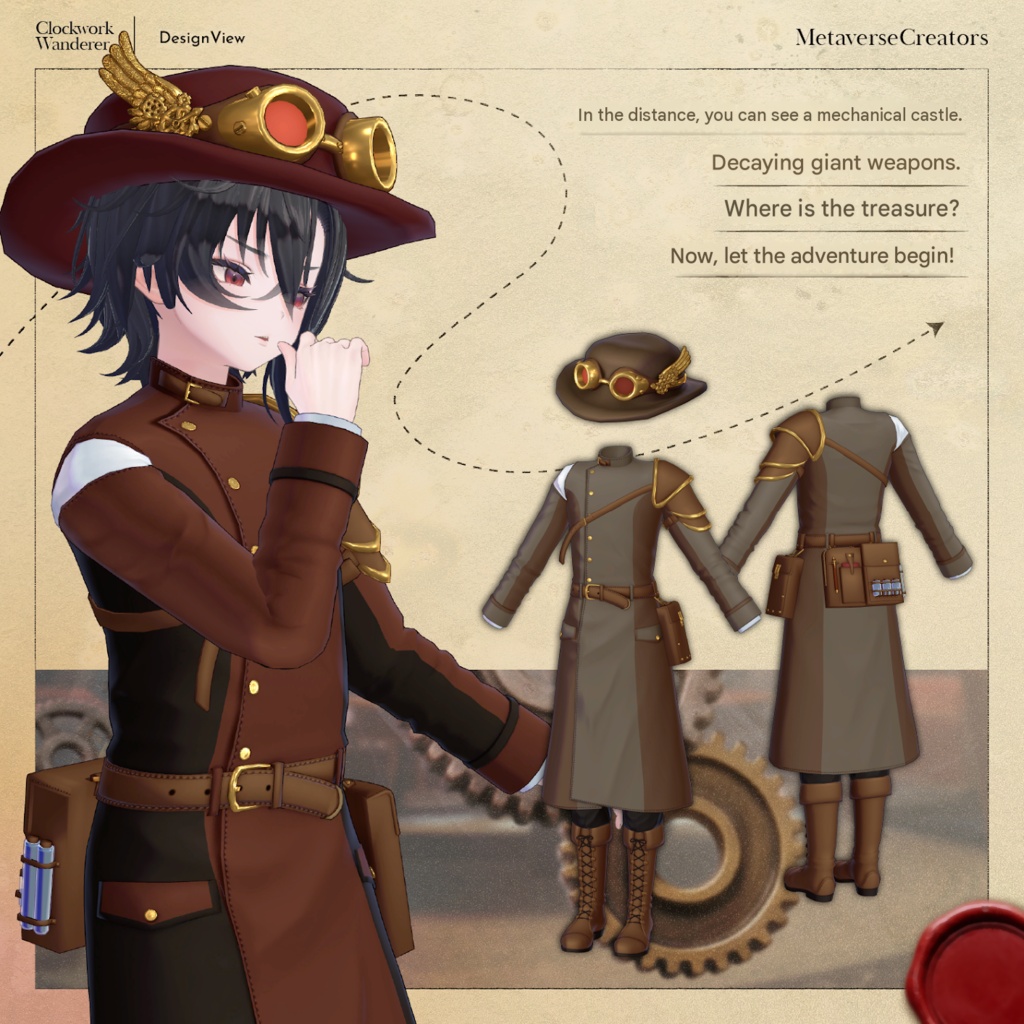
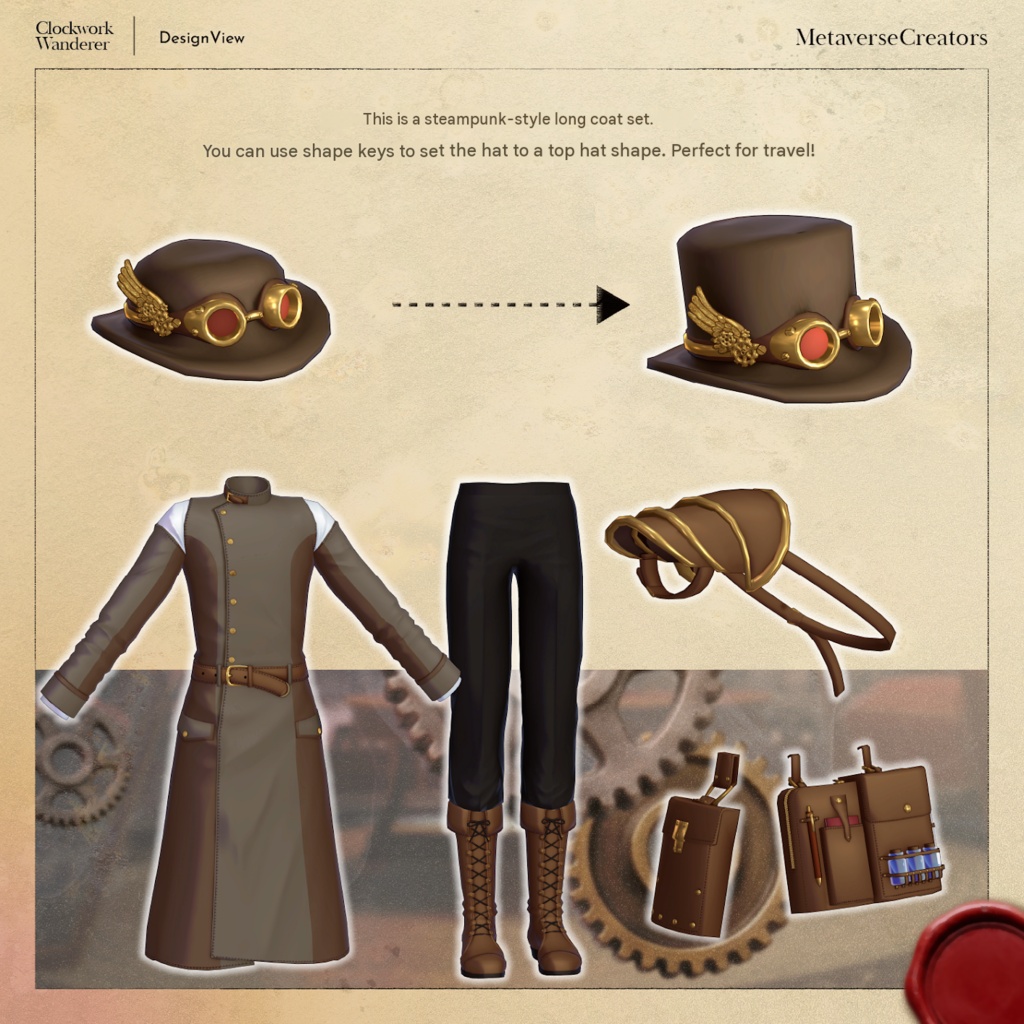
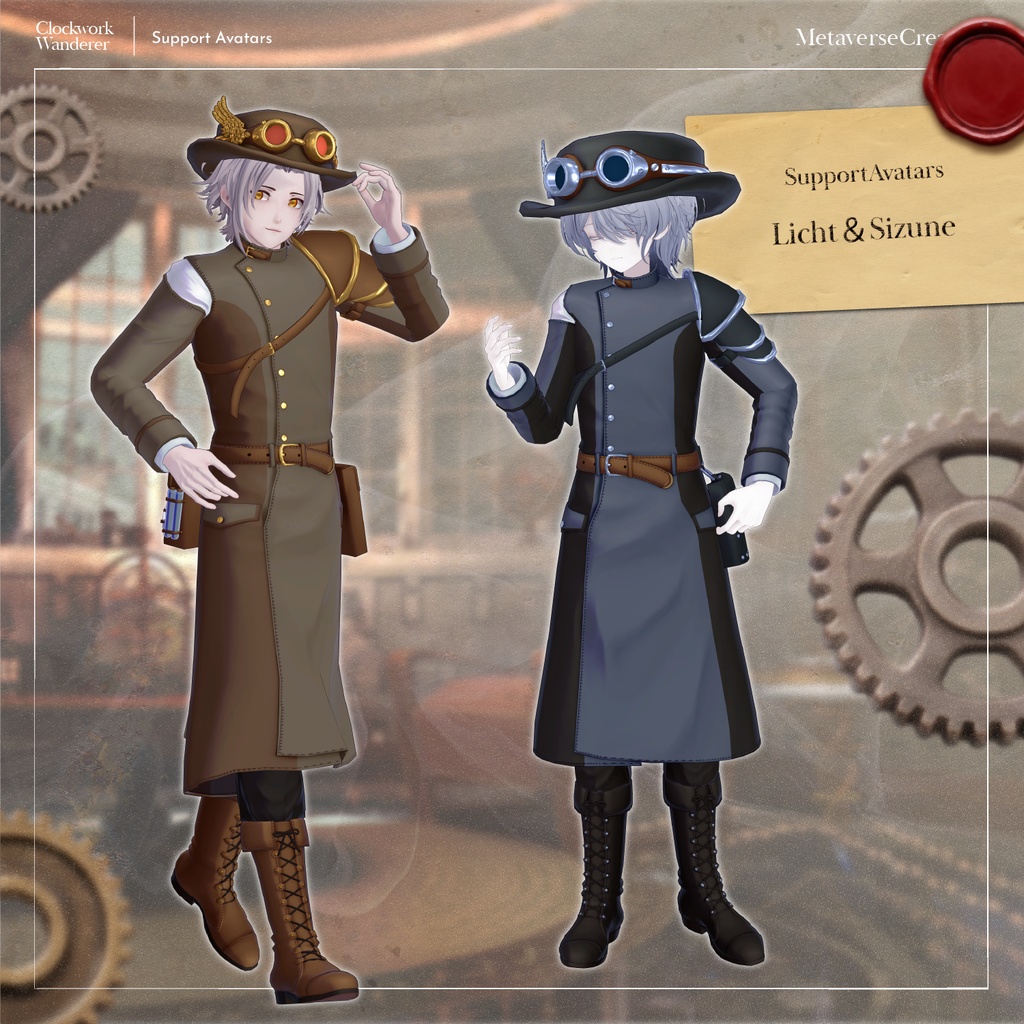
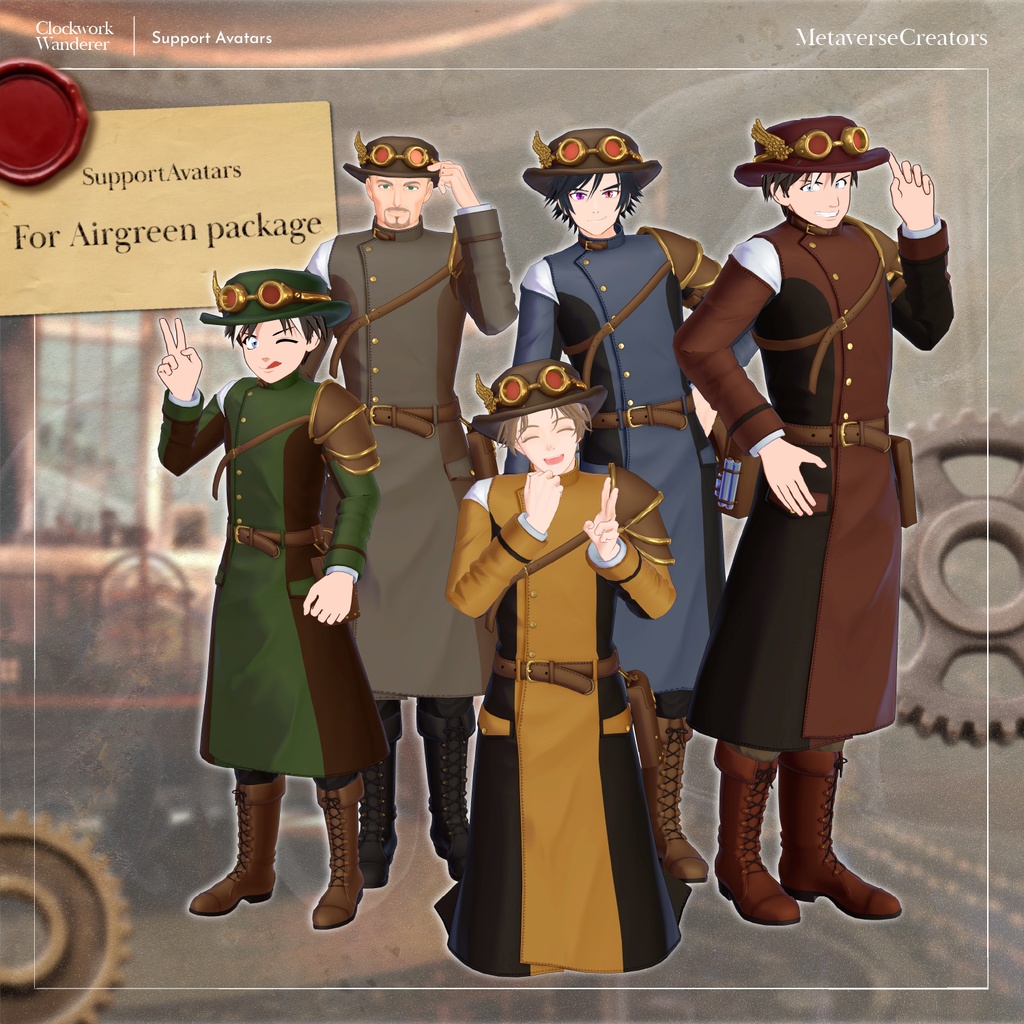
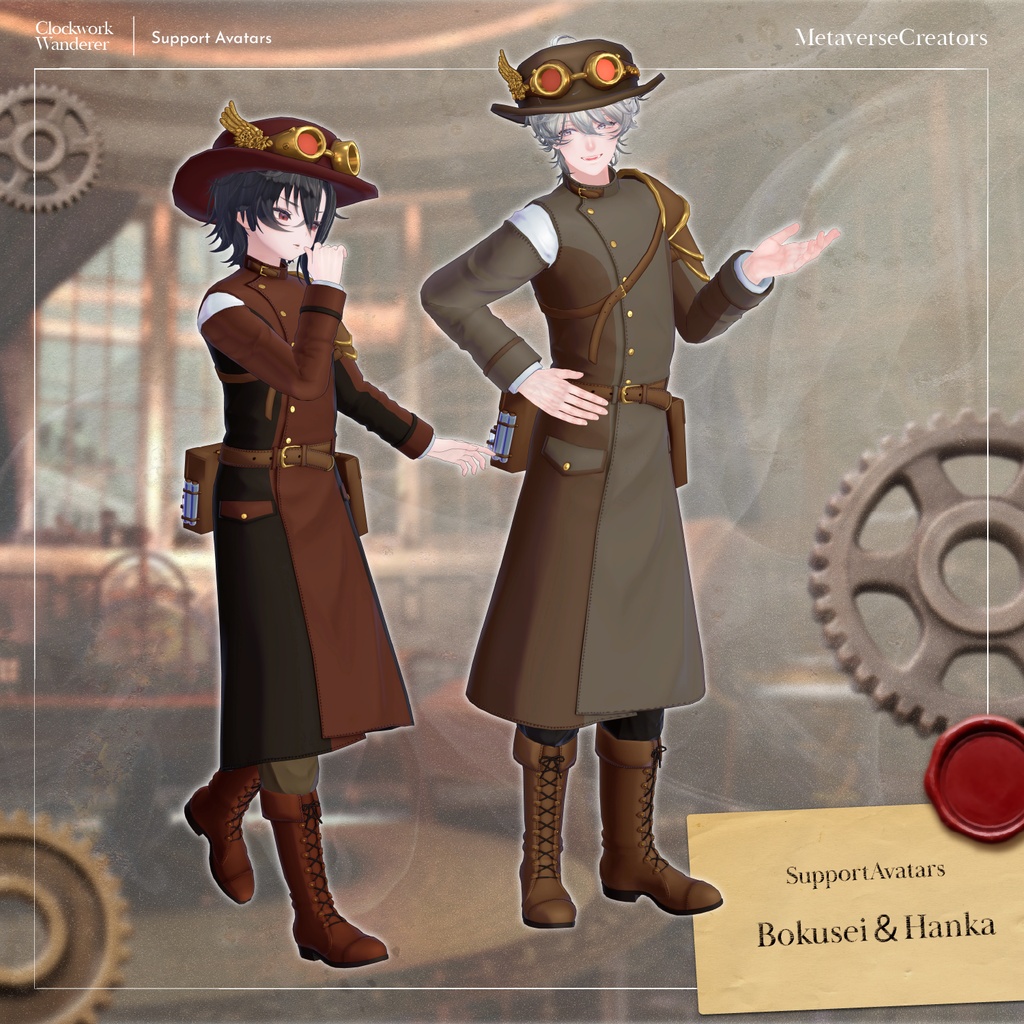
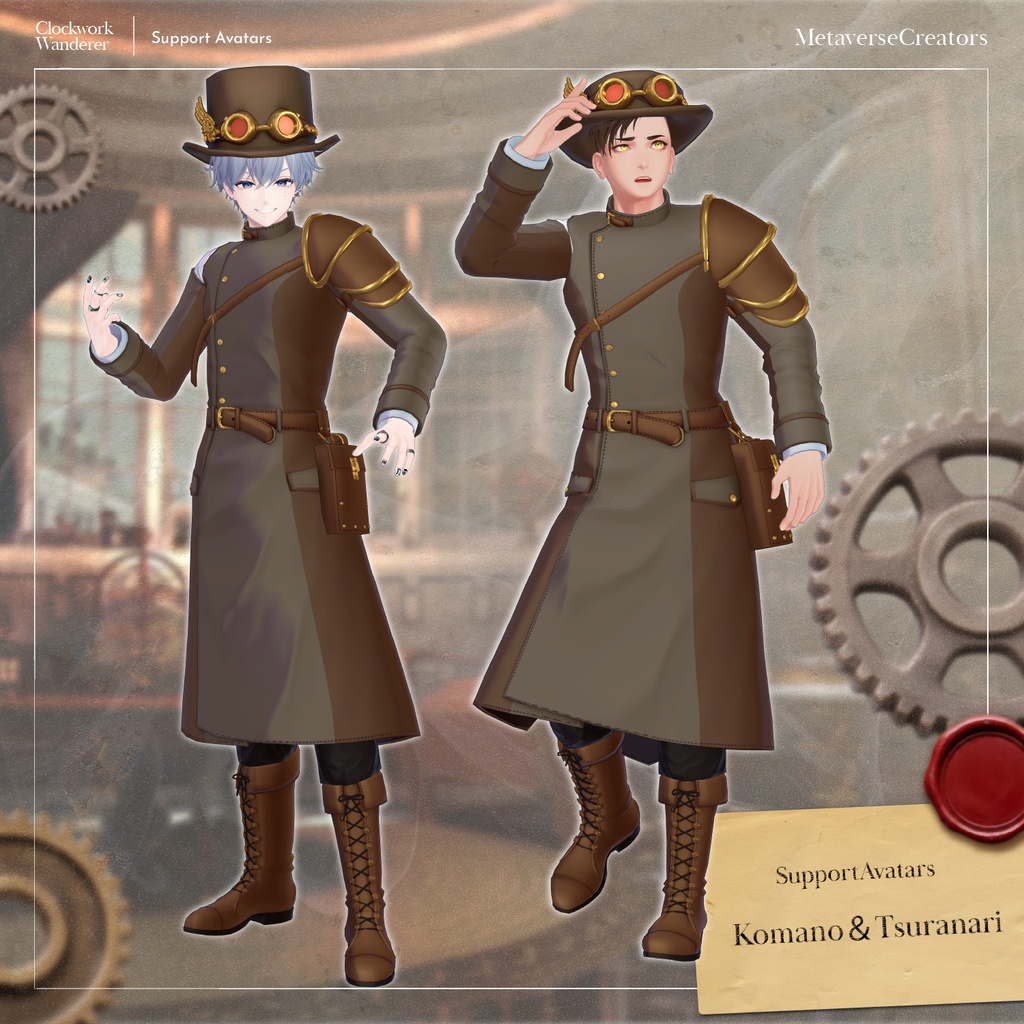


Far in the distance stands a mechanical castle, surrounded by the ruins of gigantic forgotten machines. Where is the treasure hidden? Come now, the adventure begins! A steampunk-inspired long coat outfit set. The hat can be transformed into a top hat shape using shape keys. Perfect as a companion for your journey. ※ This product is an outfit model for avatars. Avatar base data is not included. ※ Due to the nature of digital downloads, returns and refunds are not available. Please read and agree to the product description and terms of use before purchasing. ◆ Item Overview ● Contents ClockworkWanderer_IndividualPackages.Unitypackage ClockworkWanderer_Material.Unitypackage FBX PSD/CLIP files for customization ReadMe.txt (main document) Shader used lilToon https://lilxyzw.booth.pm/items/3087170 Required asset Modular Avatar https://modular-avatar.nadena.dev/ja/docs/intro ● Model Data Total polygon count: 28,103 polygons Armor: 1,167 polygons Bottom: 10,702 polygons Hip_Bags: 6,709 polygons Jacket: (not specified) Hat: 3,078 polygons Mesh count: 5 Material count: 6 PB components: 6 Import folder: Assets > MetaverseCreators_CP > Takeru_Airgreen > Clockwork Wanderer ◆ Supported Avatars Original 3D Model “Komano” https://booth.pm/ja/items/5260363 Original 3D Model “Hanka” https://booth.pm/ja/items/6970249 Original 3D Model “Sumisei” (PlusHead body) https://booth.pm/ja/items/5727810 Original 3D Model “Shachiku no Rensei-san” (Chinpan-tei shared body) https://booth.pm/ja/items/5498540 Original 3D Model “Rihito (Licht)” https://booth.pm/ja/items/7430852 Original 3D Model “Shizune” https://metacreatorstyo.booth.pm/items/7684873 For_Airgreen Package (FBX shared semi-support) Takeru-style Original 3D Model “Miharu” (Takeru-style male shared body) https://airgreen.booth.pm/items/6174478 Takeru-style Original 3D Model “Bertrand ReNew” (Takeru-style male shared body) https://airgreen.booth.pm/items/6084131 Takeru-style Original 3D Model “Eschran” https://airgreen.booth.pm/items/5025863 Takeru-style Original 3D Model “Adult Dog Balt” https://airgreen.booth.pm/items/5091727 Takeru-style Original 3D Model “Balt” https://airgreen.booth.pm/items/4555823 Takeru-style Original 3D Model “Yotsuna” https://booth.pm/ja/items/3940398 About the For_Airgreen Package The compatibility prefabs for six Takeru-style avatars were created from a single shared FBX. It can also be used when adapting the outfit to avatars outside the dedicated supported types. ※ When wearing the outfit, body-hiding shape keys are used (the body becomes rod-like / simplified). ● Included Shape Keys Overview Bottom Inner (Prevents clipping with the jacket) Hat Long (Changes into top hat shape) Size_Narrow (Makes the overall width narrower) Size_Wide (Makes the overall width wider) Size_BackWide (Widens the back section) Size_FrontWide (Widens the front section) Size_BackDepth (Adds depth to the back) ◆ Installation Steps Set up the latest VRChat SDK in VCC Install required assets (lilToon, Modular Avatar) via VCC Import the latest package of the avatar you want to dress Import this product’s material package Import the avatar-specific package for this product Drag and drop the avatar (or customization prefab) into the Scene Hierarchy Hide or set unnecessary avatar clothing (default outfits, underwear, etc.) to Editor Only if needed Drag and drop: Wanderer_AvatarName.Prefab Wanderer_Hat_AvatarName.Prefab directly under the avatar Upload the avatar through VRChat SDK ※ This outfit uses Modular Avatar’s “MA Shape Changer” feature. When the outfit is placed under the avatar, body shape keys are automatically activated to slim the avatar body, or mesh sections affected by shape keys are hidden. This prevents clipping between the outfit and the body. If you do not need the included MA Shape Changer settings, you may remove or adjust them as desired. ※ Regarding MA Shape Changer for +Head avatars: depending on the avatar, the component may not function correctly because the body mesh names may differ. (The mesh names in this product are configured for PlusHead.) If this occurs, adjust the body mesh names or manually edit the shape keys as needed. ※ If any body parts become unintentionally thinner after setup, reset the relevant body shape keys to 0 and confirm the body is displayed correctly. ◆ Color Customization Replace the color variation materials located in: Common > Each Part Folder You can also freely modify colors using the included PSD or CLIP files. ◆ Terms of Use https://drive.google.com/drive/folders/1qRMXoIxM1ZgacBPfwOigQRtXP1vCbNMn?usp=sharing ※ Please comply with the original avatar’s terms of use. ◆ Production Environment Modeling: Blender Ver. 4.5.5 Texturing: Substance 3D Painter 2024 CLIP STUDIO PAINT Setup: Unity Ver. 2022.3.22f1 VRChat SDK - Avatars Ver. 3.10.3 (VCC) lilToon 2.3.2 Modular Avatar 1.17.1 ◆ Credits Creator: Takeru https://www.airgreen.net/ https://airgreen.booth.pm/ (personal BOOTH) For inquiries and support, please contact via BOOTH messages.