

Rosebound Monocle Set - VRChat Gimmicky Avatar Accessory / CP34
- Digital1,000 JPY
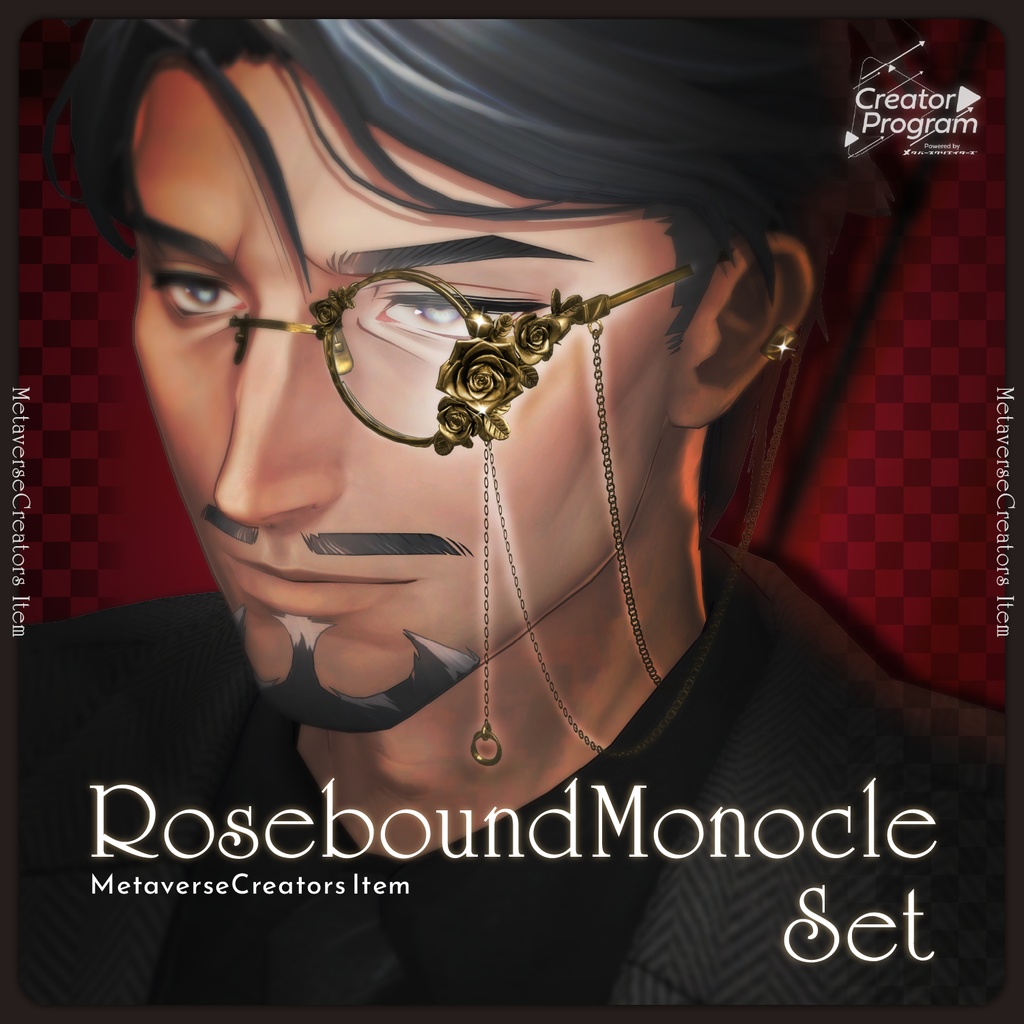
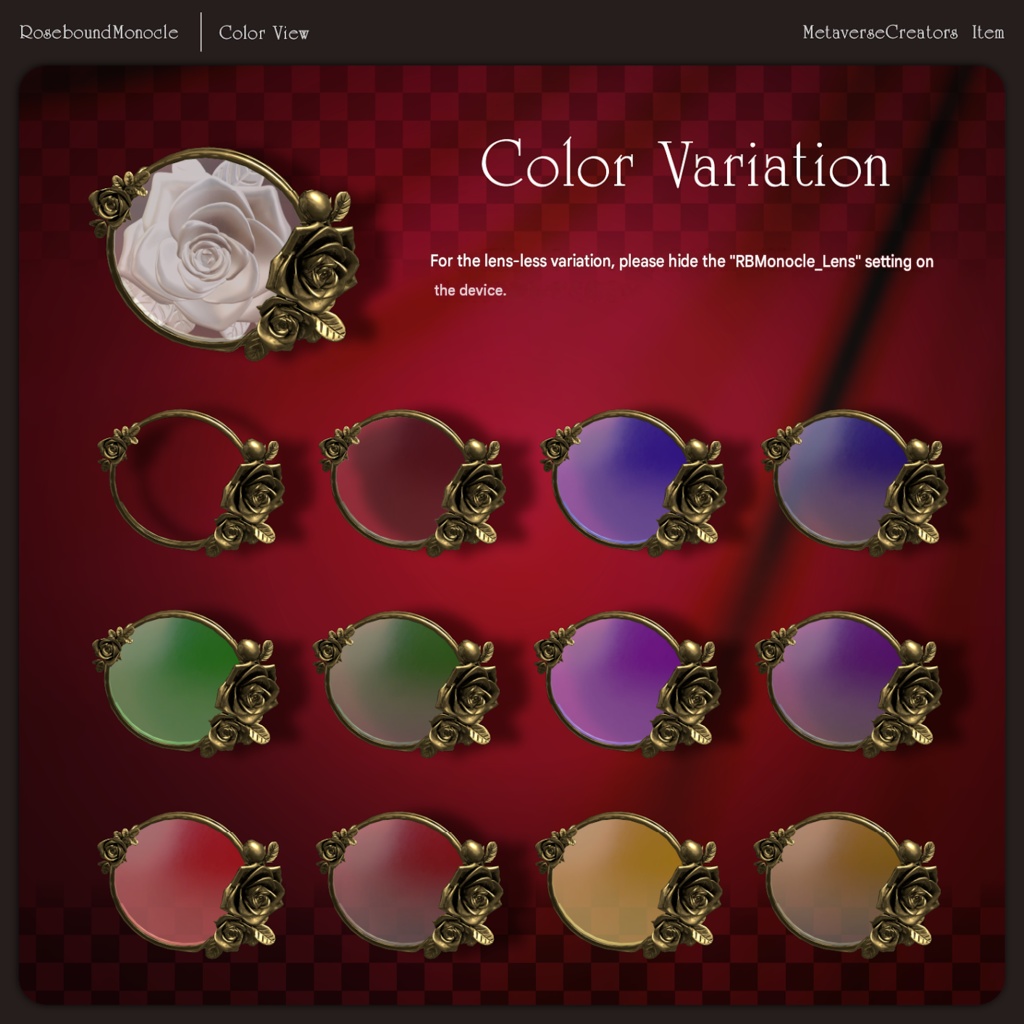
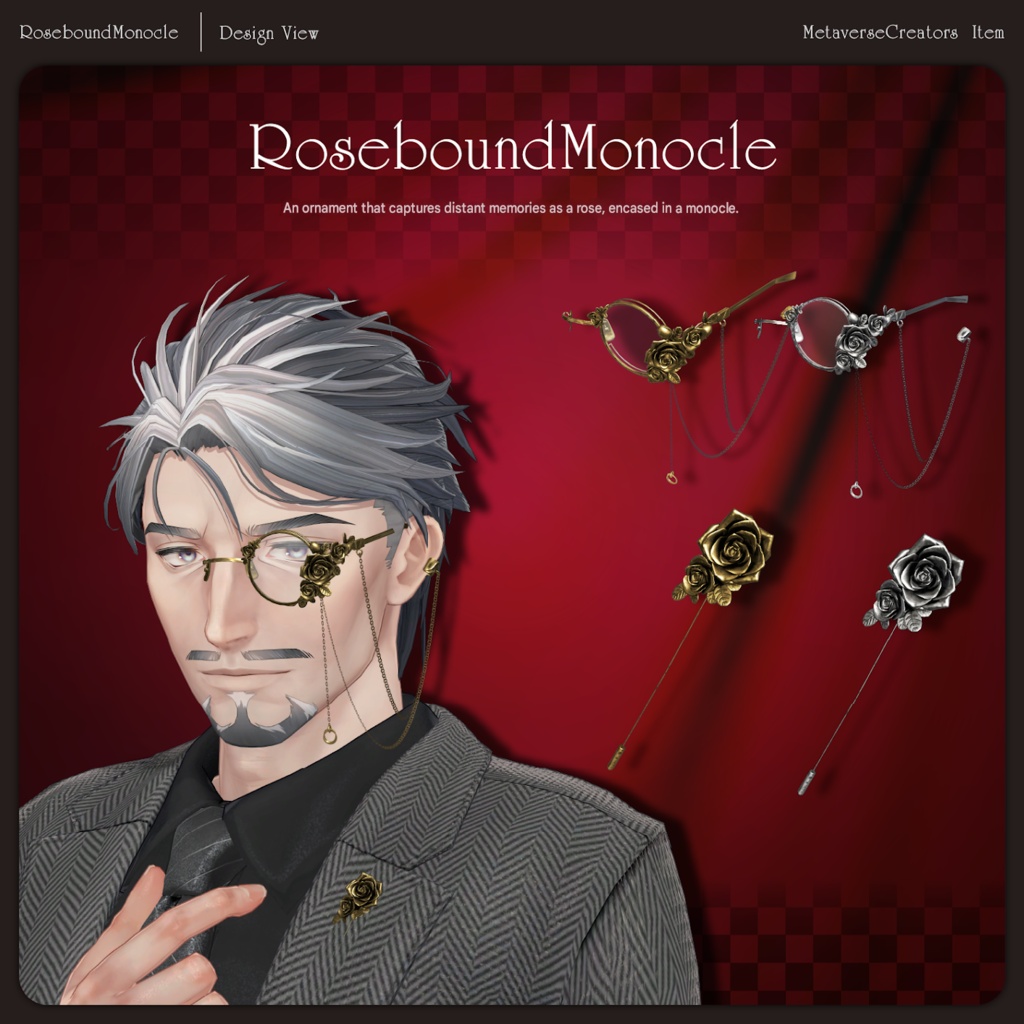
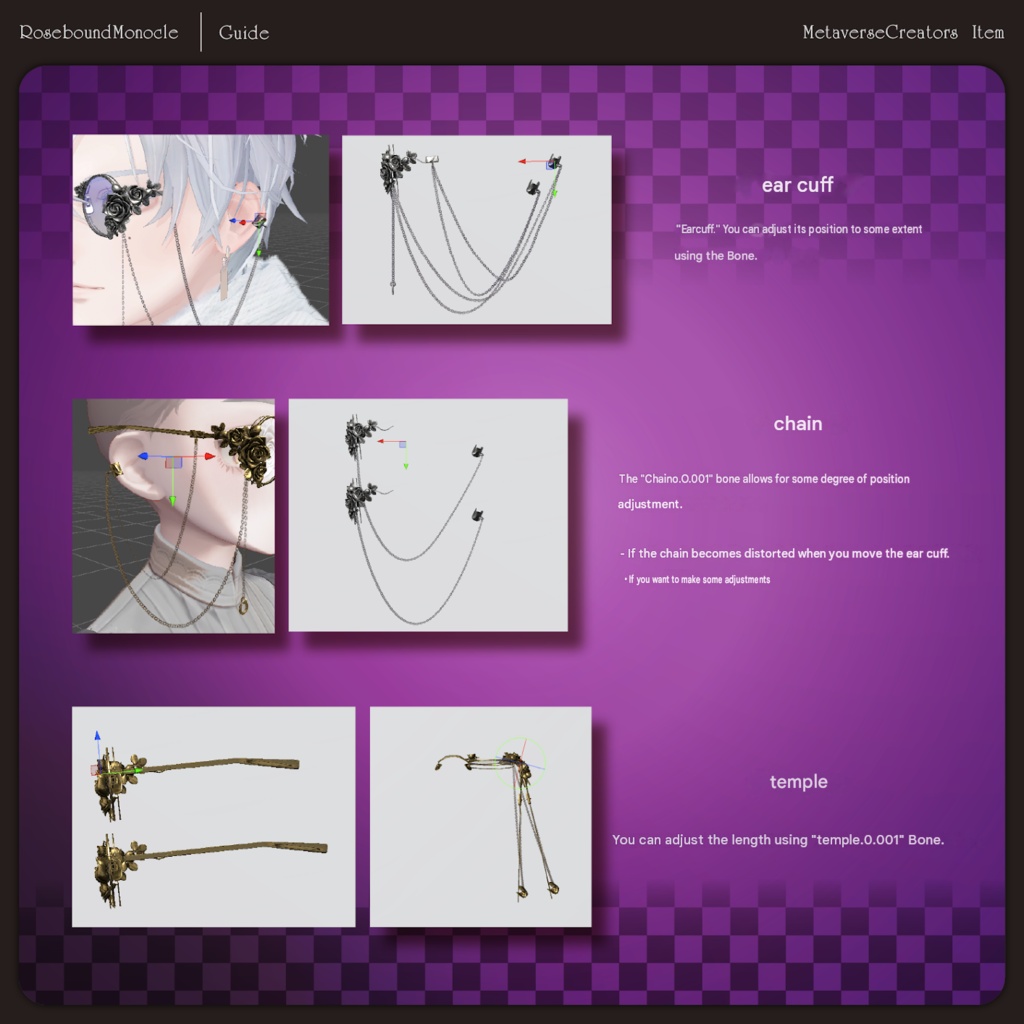
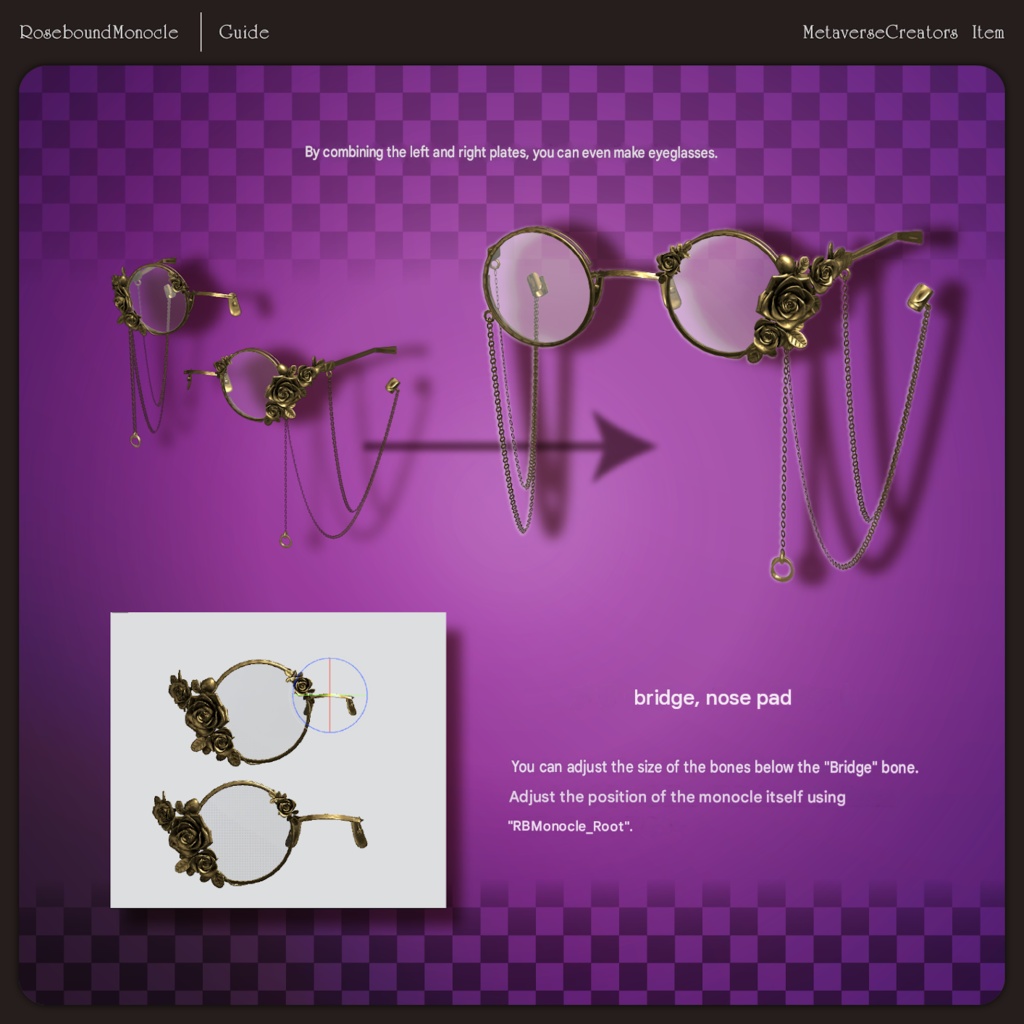
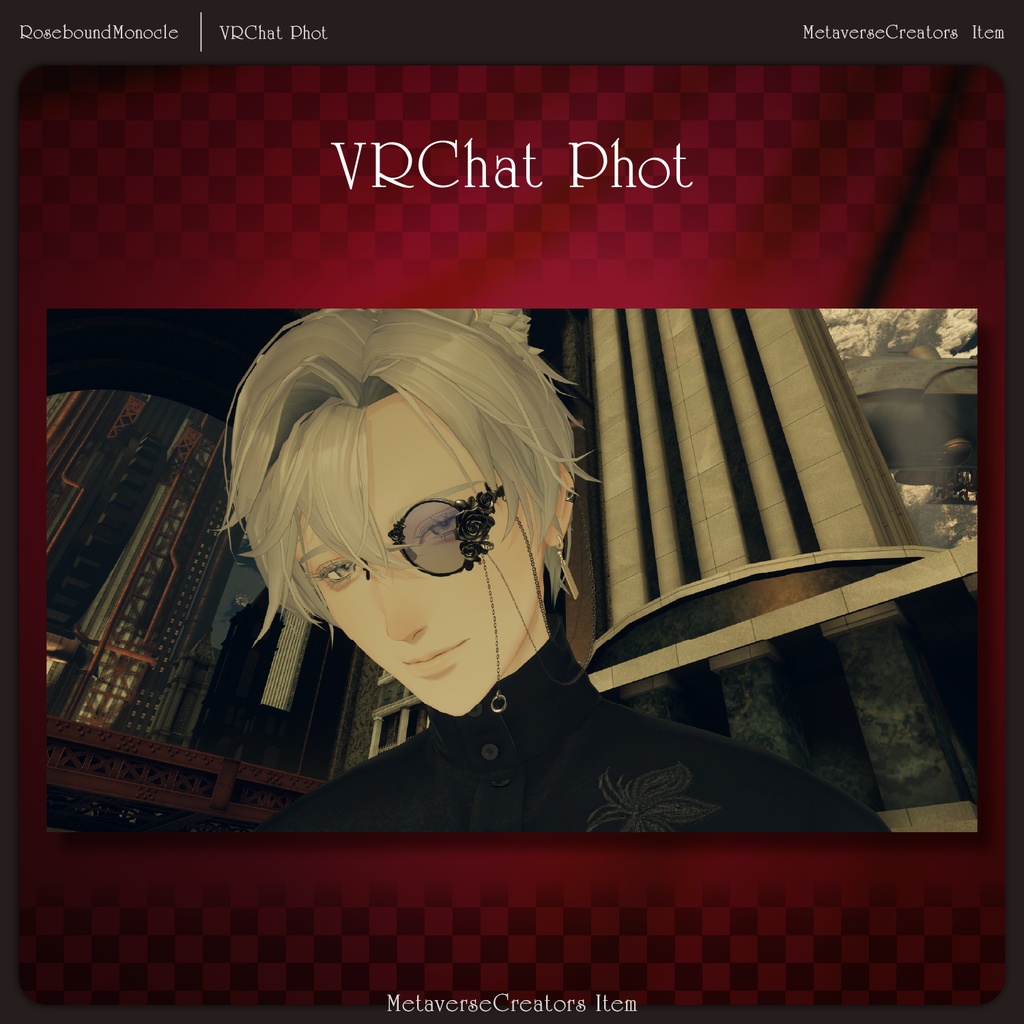
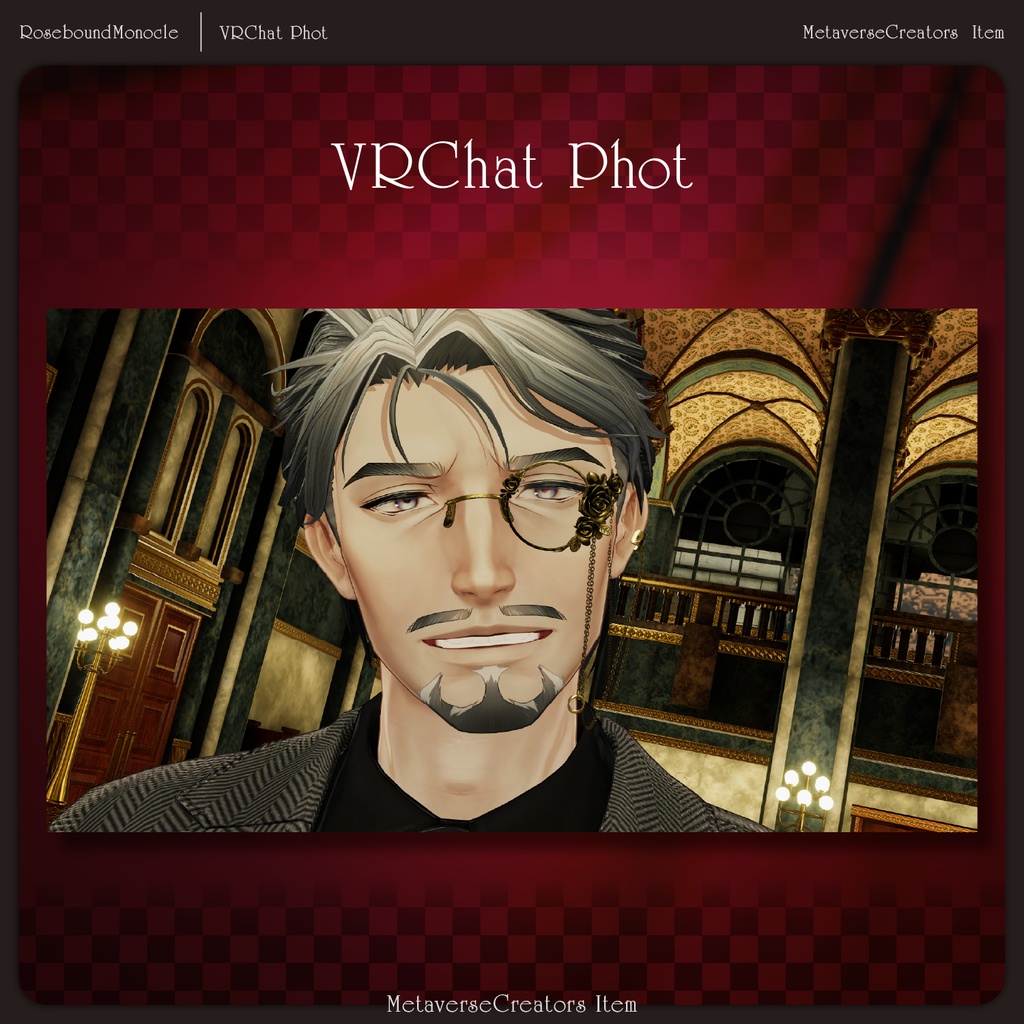
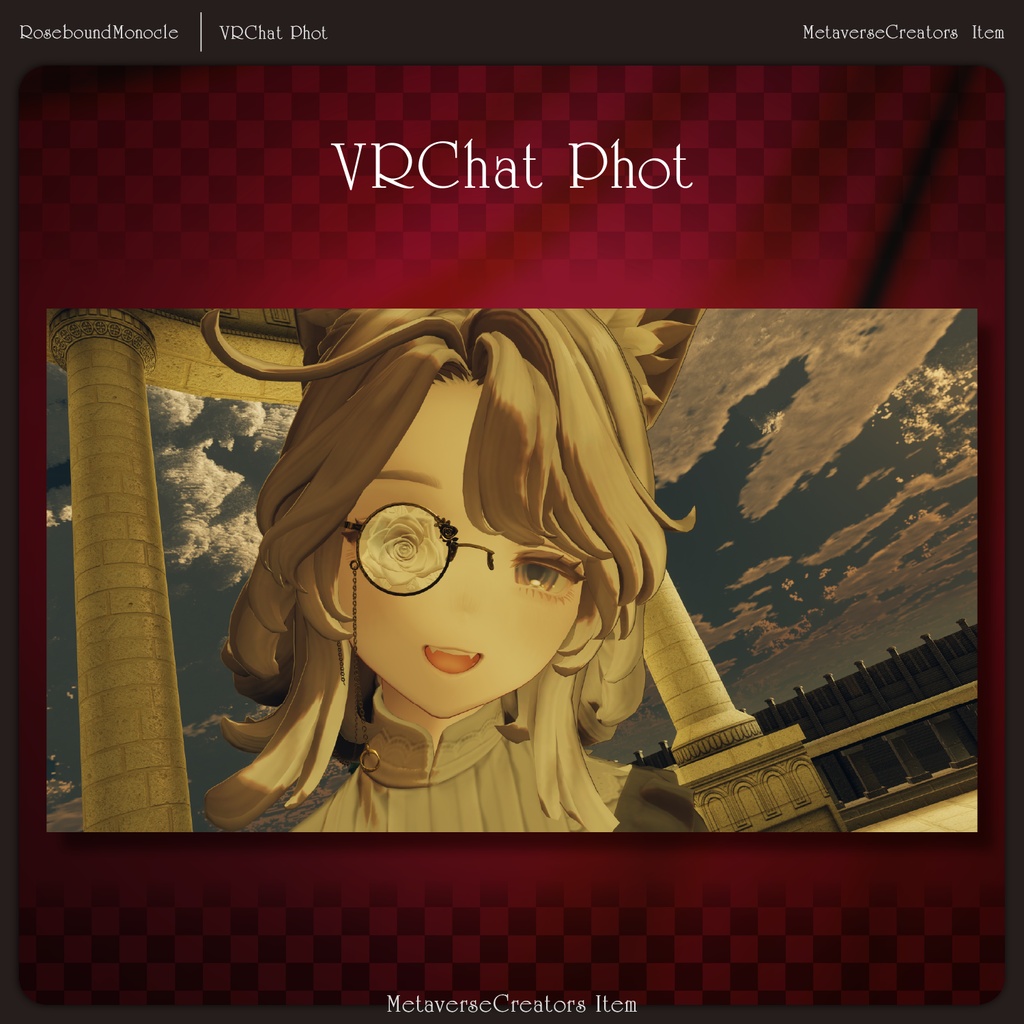


“Memories woven into decoration.” Was the image that blurred within the fading vision of one eye a dream, or an obsession? Beside it, there remained only a single rose left behind by a bird that never knew the dawn. To forget. So it would never disappear again. And so, it was sealed away within an ornament. An accessory set featuring a rose-encased monocle paired with a chain, ear cuff, and lapel pin. Multiple lens variations are included to match different moods: Transparent lens No lens Colored lens Rose-patterned lens Designed to add character around the face while naturally guiding attention down toward the chest area, making it especially suitable for male avatars. This set was created for Shidou -Shidou- compatibility, but is designed as a versatile accessory set usable with various avatars. ※ This product is an accessory model for avatars. Avatar base data is not included. ※ Due to the nature of digital downloads, returns and refunds are not available. Please read and agree to the product description and terms of use before purchasing. ◆ Item Overview ● Contents Item_Rosebound_Monocle_ACC.Unitypackage FBX Textures PSD file for customization ReadMe.txt (main document) Shader used lilToon https://lilxyzw.booth.pm/items/3087170 Required asset Modular Avatar https://modular-avatar.nadena.dev/ja/docs/intro ● Model Data Total polygon count: 10,592 polygons EStarCharm_ACC_Monocle: 8,652 polygons Monocle: 544 polygons Lens: 82 polygons Rose1: 2,486 polygons Rose2: 1,514 polygons Rose3: 1,452 polygons Chain1: 508 polygons Chain2: 184 polygons Chain2_Charm: 224 polygons Chain3: 584 polygons Chain3_0: 64 polygons Bridge: 52 polygons NosePad: 468 polygons Temple: 146 polygons Chain_TempleParts: 124 polygons Earcuff: 156 polygons Earcuff_O: 52 polygons EStarCharm_ACC_Pin: 1,940 polygons Mesh count: 17 Material count: 3 PB components: 3 Import folder: Assets > MetaverseCreators_CP > Siroikumazadan > Item_RBMonocle_ACC ◆ Installation Steps Set up the latest VRChat SDK in VCC Install required assets (lilToon, Modular Avatar) via VCC Import this package Drag and drop the avatar (or customization prefab) into the Scene Hierarchy Hide or set unnecessary avatar clothing (default outfits, underwear, etc.) to Editor Only if needed Drag and drop “RBMonocle_ACC_XXXX.Prefab” directly under the avatar Adjust the prefab in the Scene (position, scale, rotation, and bone transformations) to your preferred placement Upload the avatar through VRChat SDK ◆ Item Details ■ Monocle RBMonocle_ACC_Monocle The main monocle accessory. Features: Modular Avatar configured Position can be adjusted to fit various avatar heads Bone rigged PhysBone supported ■ Lapel Pin RBMonocle_ACC_Pin Lapel pin accessory. Features: Modular Avatar configured Bone rigged ■ Physics Accessories (PhysBone Supported) The following part supports PhysBone: RBMonocle_ACC_Monocle ◆ Color Customization Color variation prefabs are included. Alternatively, colors can be changed by replacing materials located in: Common > Material You can also freely customize colors using the included PSD file. ◆ Terms of Use https://drive.google.com/drive/folders/1qRMXoIxM1ZgacBPfwOigQRtXP1vCbNMn?usp=sharing ※ Please comply with the original avatar’s terms of use. ◆ Production Environment Modeling: Blender Ver. 5.1.1 Texturing: Photoshop Setup: Unity Ver. 2022.3.22f1 VRChat SDK - Avatars Ver. 3.10.4 (VCC) lilToon 2.3.4 Modular Avatar 1.17.1 ◆ Sample Image Avatars / Supported Avatars / World Used Shidou -Shidou- #Shidou3D https://metacreatorstyo.booth.pm/items/8086741 Original 3D Model “Rei” #Rei3D https://studioyono.booth.pm/items/5788427 Marycia - Original 3D Model #Marycia3D https://brn.booth.pm/items/6305948 capital city Karl-Balar - Keto_LC ◆ Credits Creator: Siroi Kuma Zadan / Manako X: https://x.com/0manaco0 BOOTH (personal store): https://siroikumazadan.booth.pm/ For inquiries and support, please contact via BOOTH messages.