

Focus Decay Effect【VirtualLens2拡張 / MA対応】
- Digital700 JPY
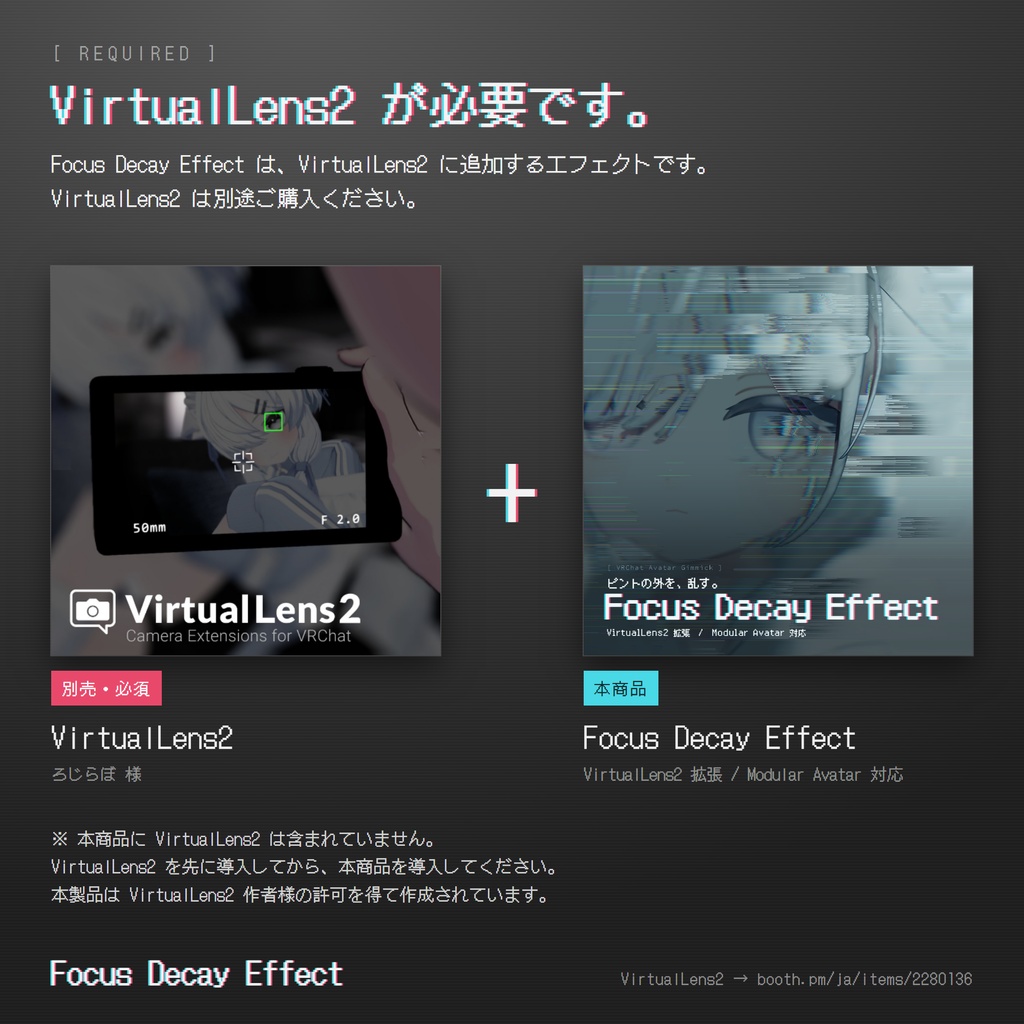
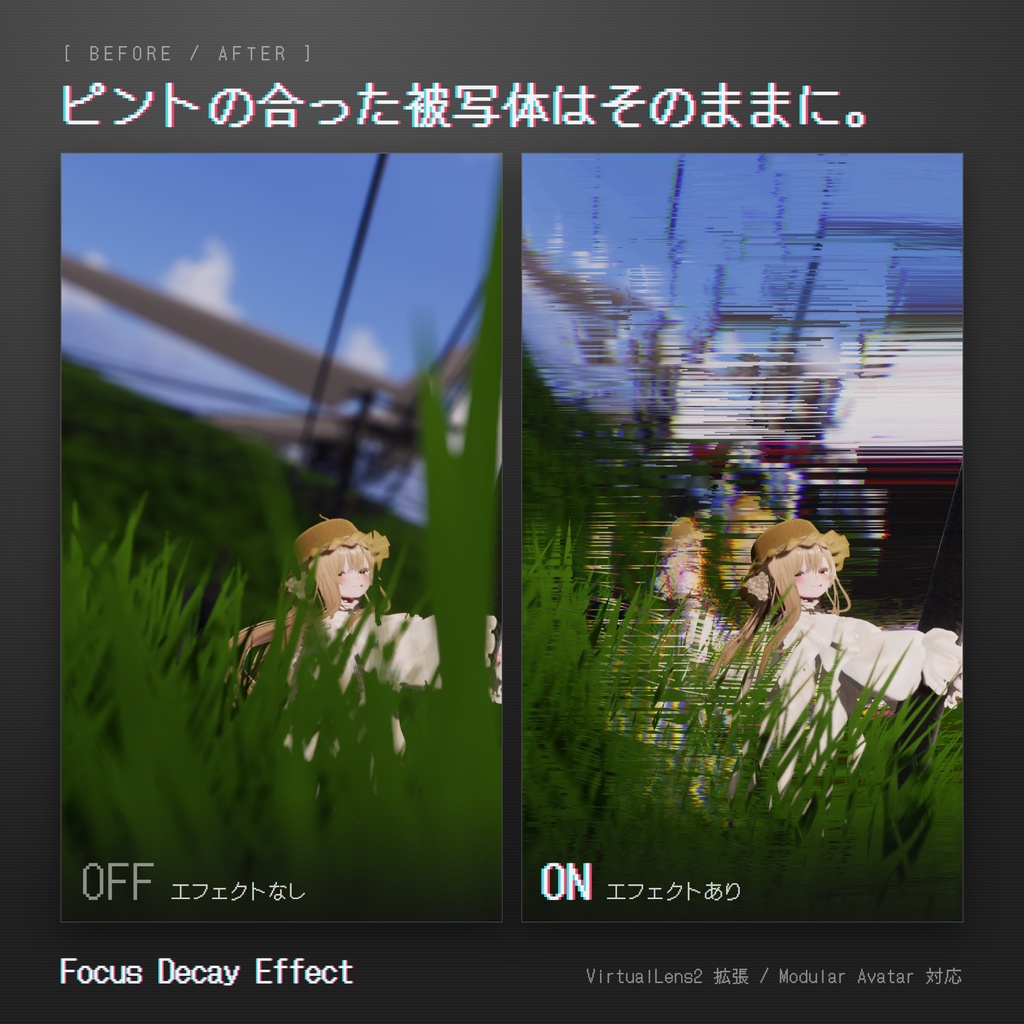
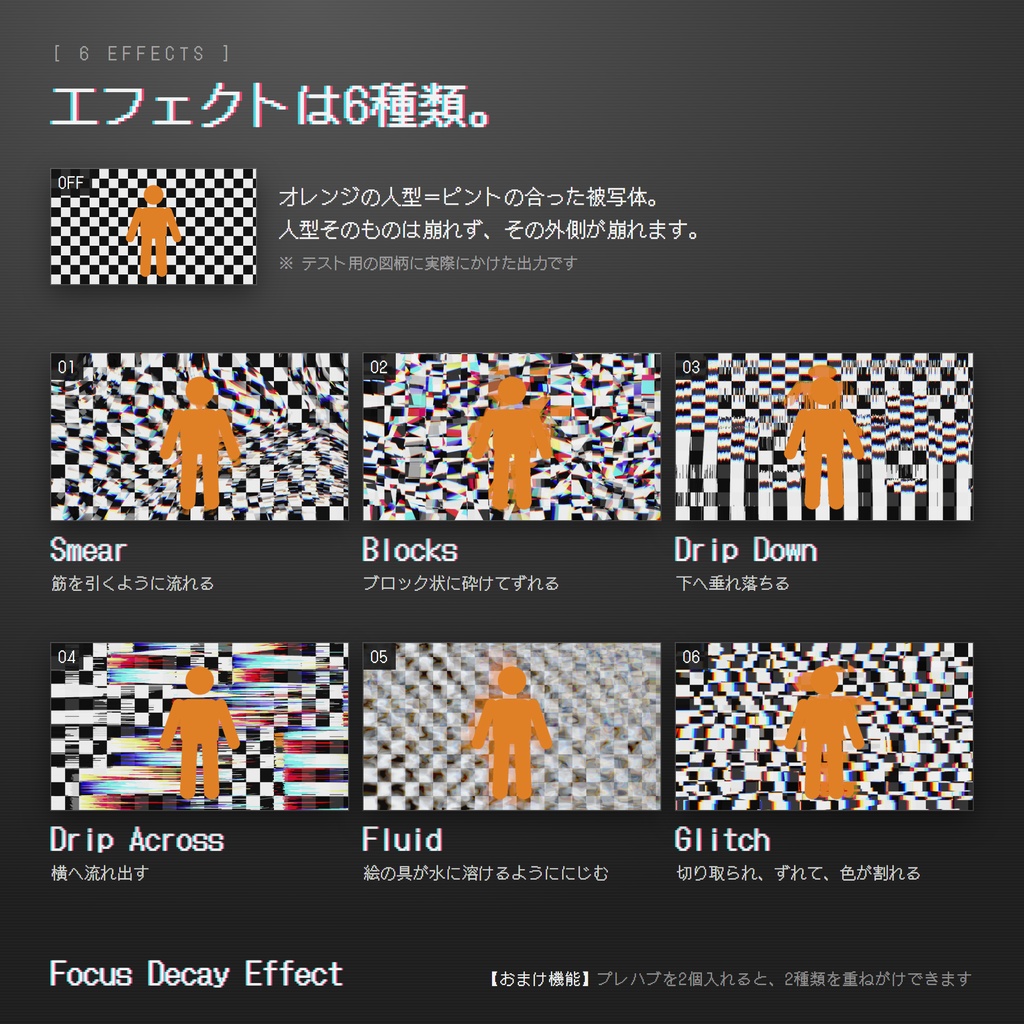
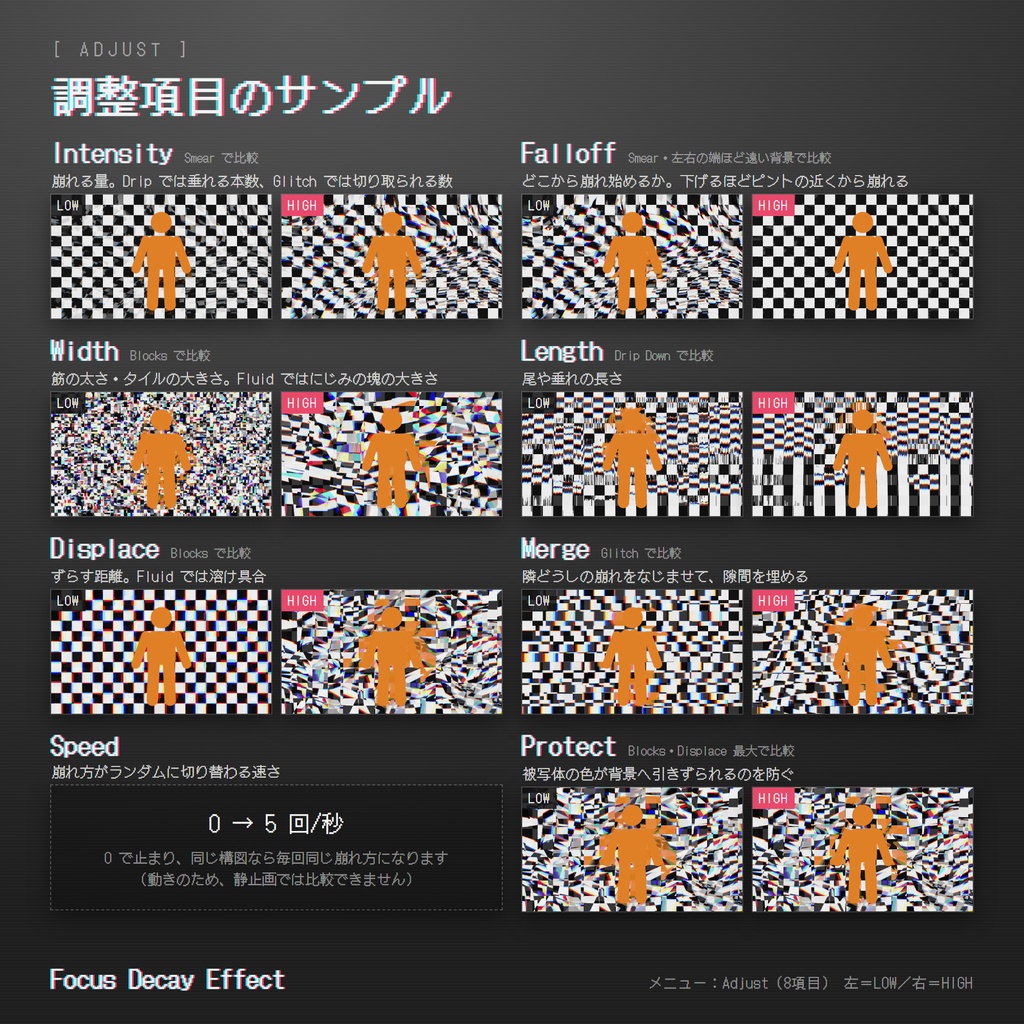
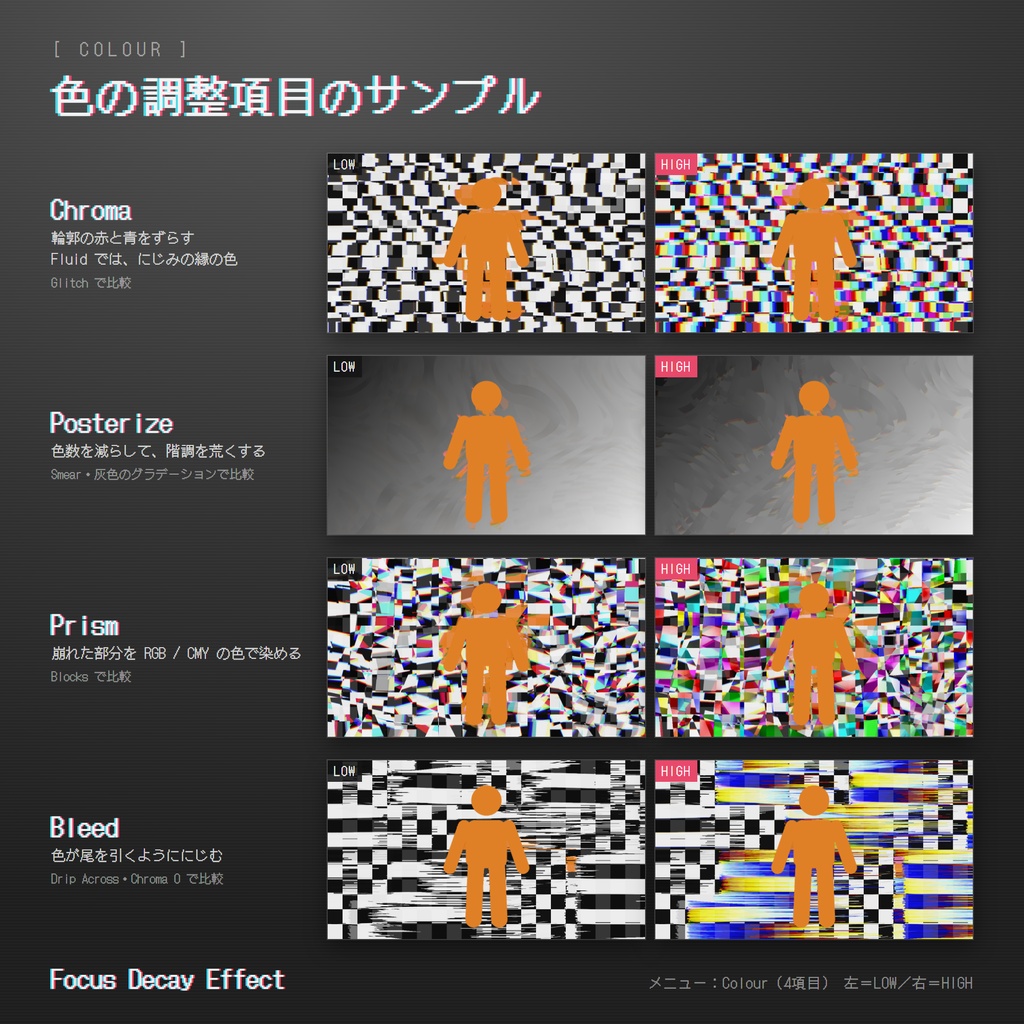
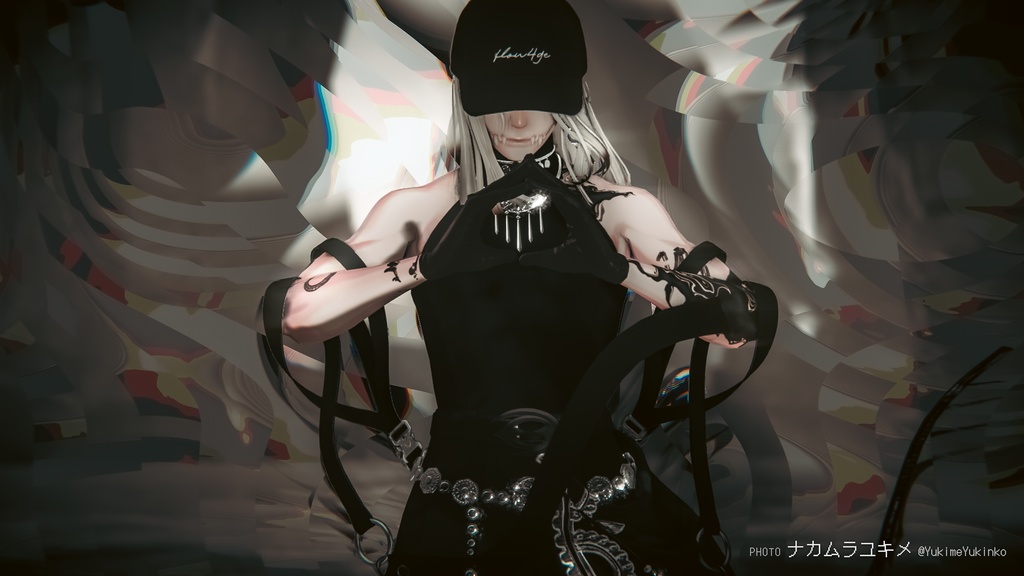
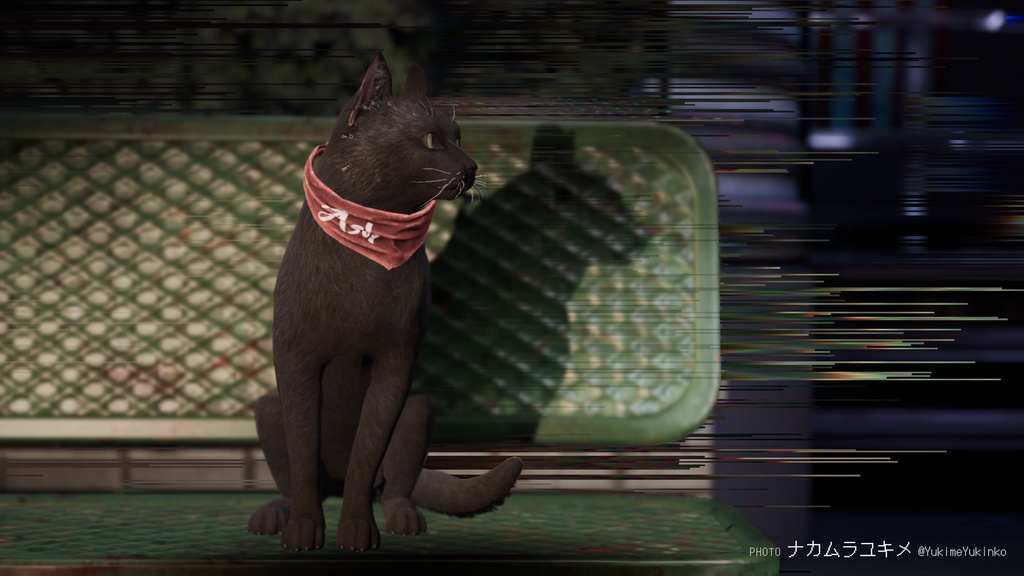
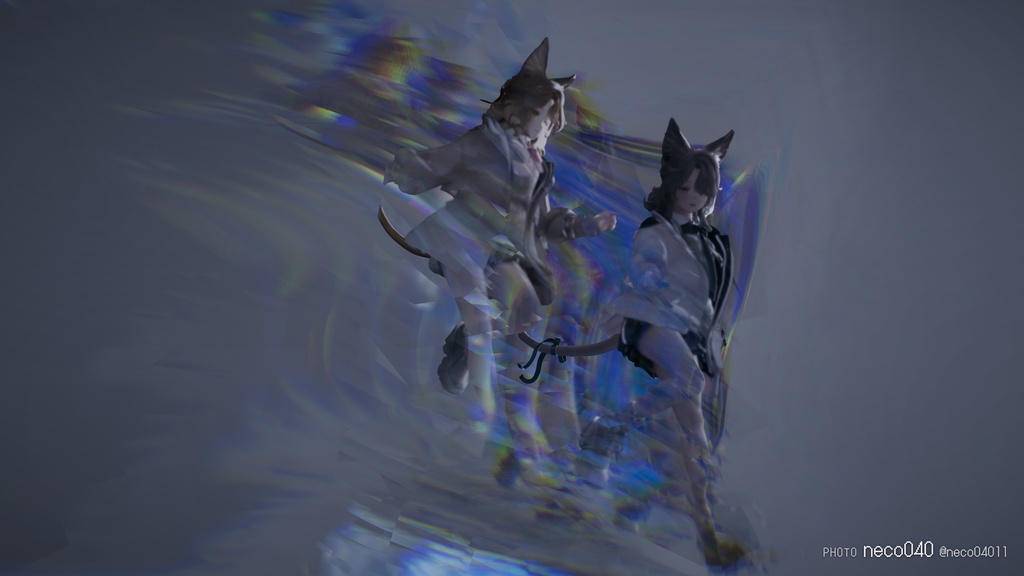
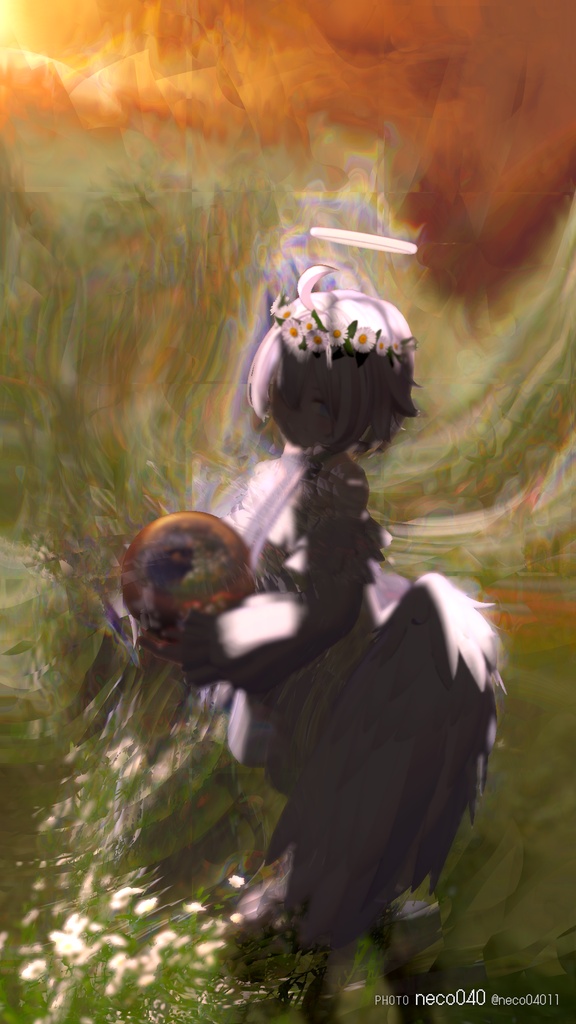
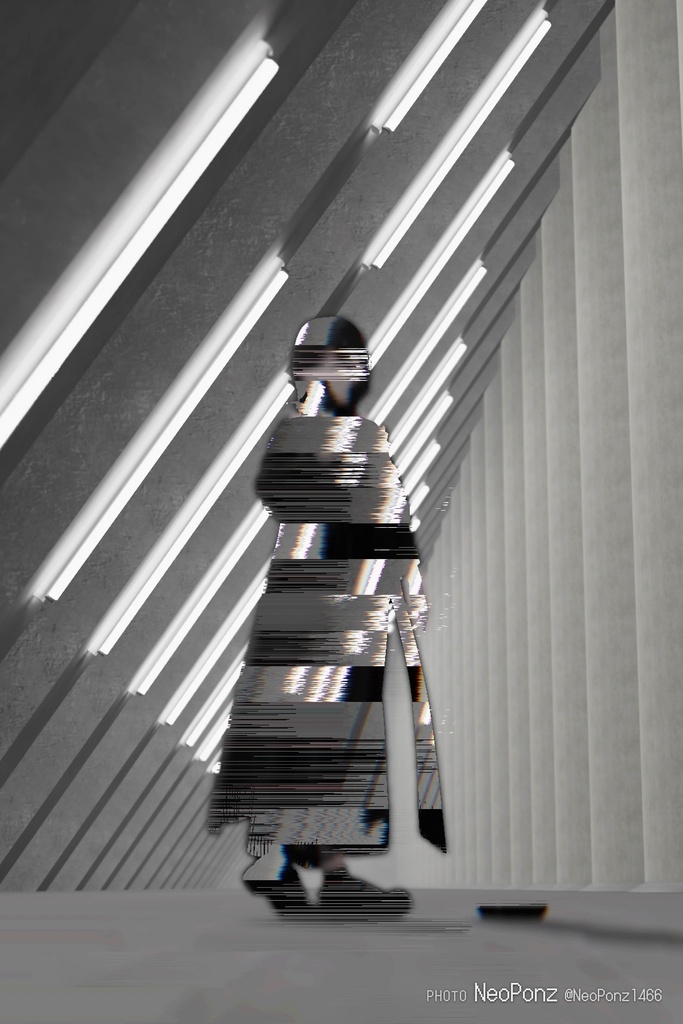
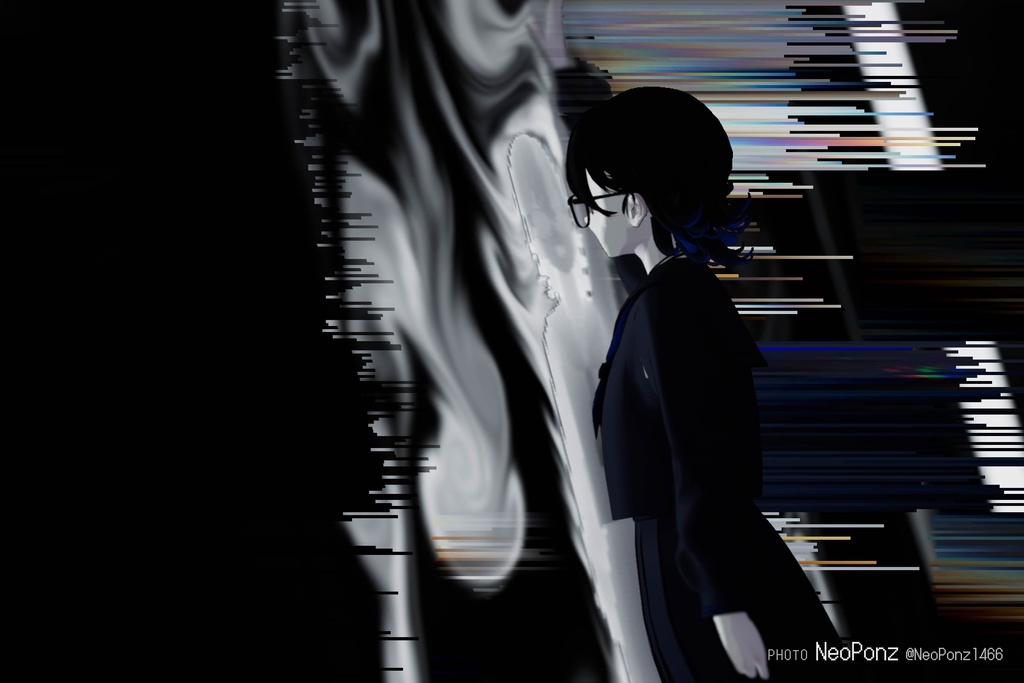
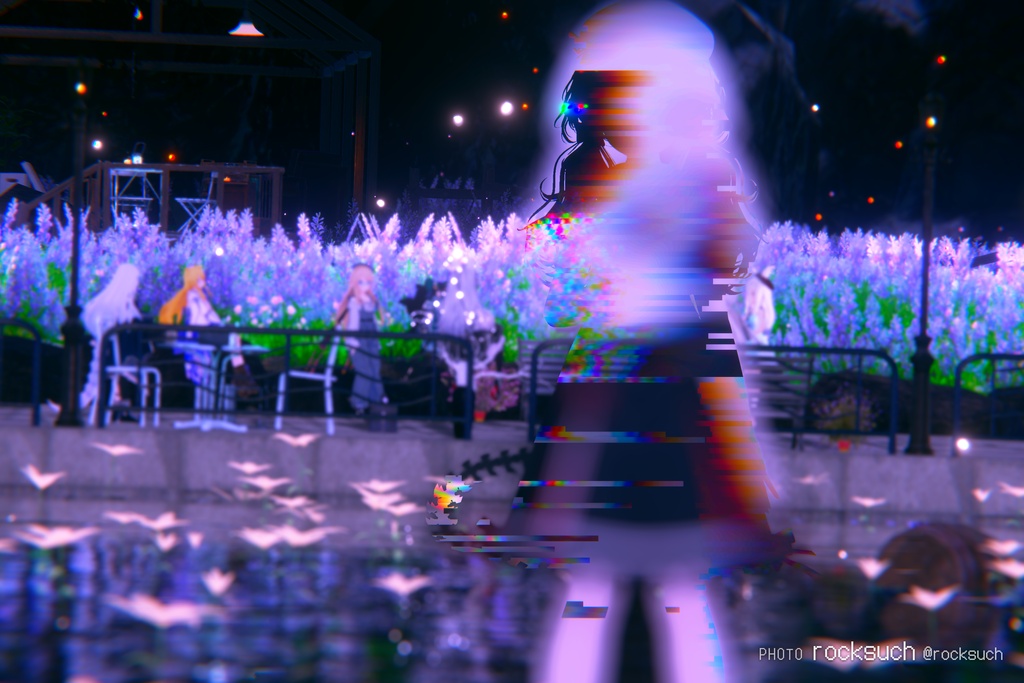
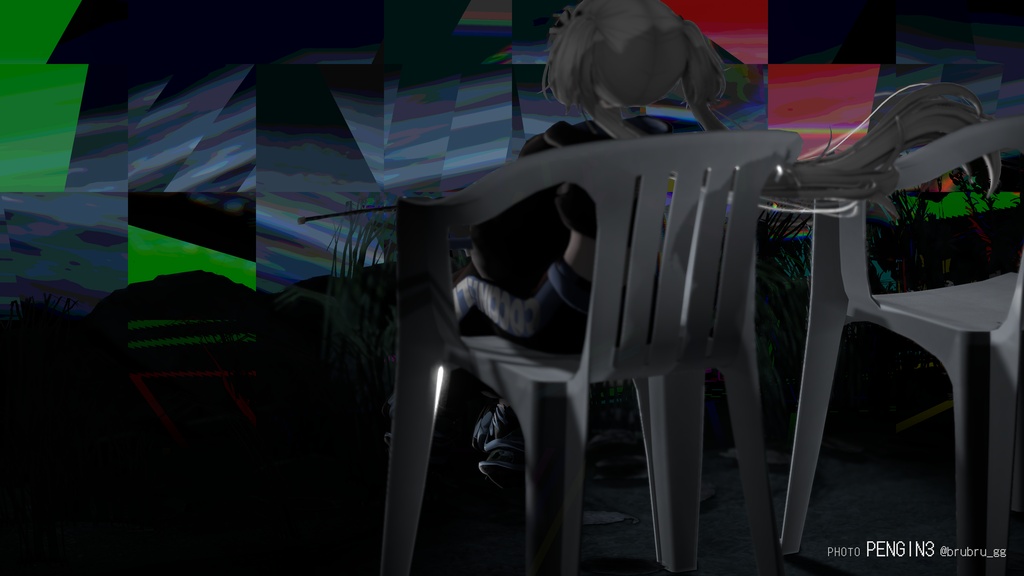
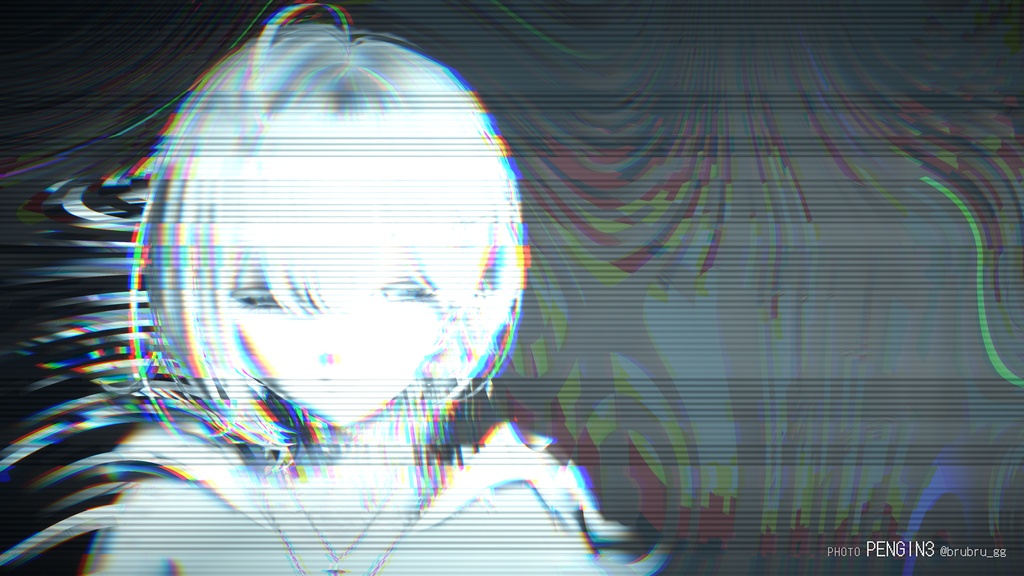
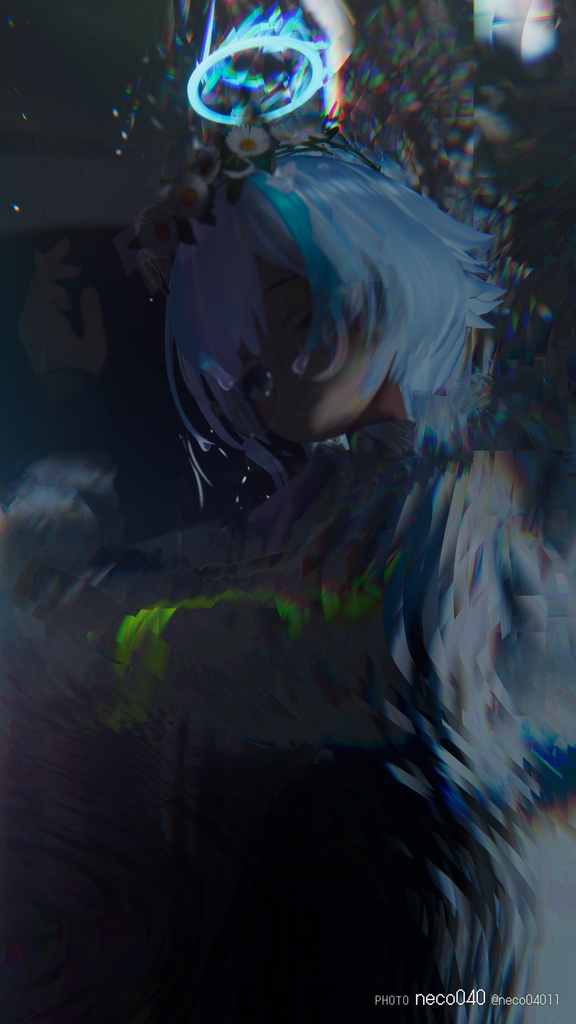
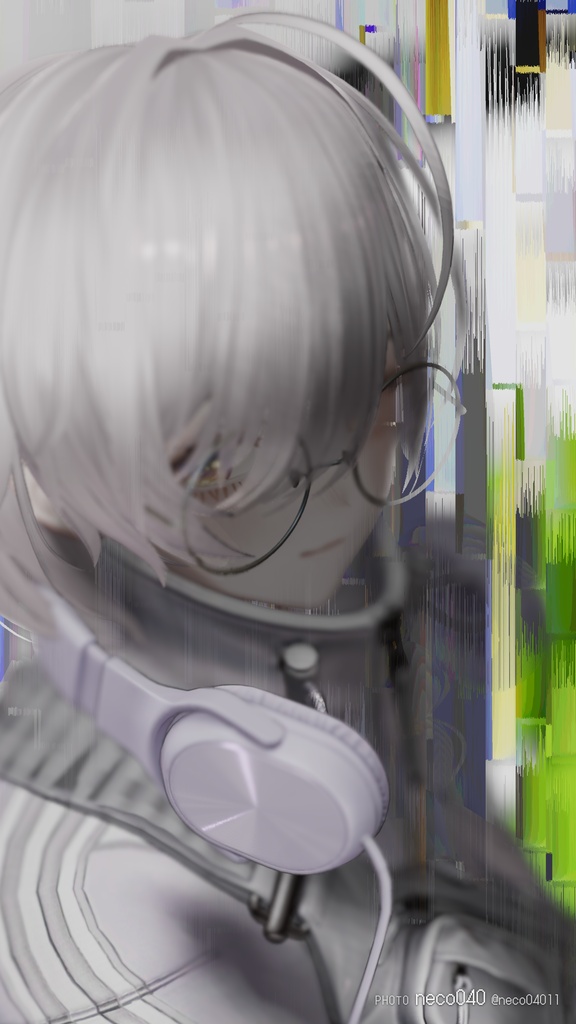


※ 下の方に英語の説明もあります(English description below) ピントが合っていないところだけに破壊的なエフェクトをかけるVirtualLens2 用の追加エフェクトです。 被写体はそのままに、ボケの部分だけにグリッヂがかかったり、溶けたりします。 このギミックは非日常的な撮影体験と、目を引く作品の制作を手助けします。 ⚠VirtualLens2用のレンズフィルターです。 VirtualLens2を別途購入いただく必要があります。 👉 https://booth.pm/ja/items/2280136 ■ 特長 ・エフェクト6種:Smear / Blocks / Drip Down / Drip Across / Fluid / Glitch ・プレハブを2個入れると、エフェクトを2段で重ねがけできます ・パラメータはすべてローカル。同期パラメータの消費は 0 bit です ・非破壊導入。アバターのファイルには手を加えません ■ 説明書 https://yutanpopozzz.com/focus-decay-effect/ ■ 導入 1. VirtualLens2 を先に導入してください 2. Focus Decay Effect.prefab をアバターのどこかにドラッグ&ドロップし、アップロード 3. VRChat 内で「VirtualLens2 ▸ Effects ▸ Focus Decay ▸ Effect」から1つ選ぶ VirtualLens2 の置き場所は、Assets/ 以下であればどこでも自動で追従します。 ■ 動作環境 ・Unity 2022.3 ・VRChat SDK Avatars 3.10.5 で動作確認 ・VirtualLens2 2.12.4 で動作確認(別途ご用意ください) ・Modular Avatar 1.18.0 以上(NDMF は Modular Avatar と一緒に導入されます) ・PC 版のみ対応。Android / iOS では動作しません ■ 内容物 ・Focus Decay Effect.prefab ・シェーダー、アニメーション、メニュー一式 ・README.md / LICENSE.md ■ ご注意 ・本商品に VirtualLens2 は含まれていません ・Fluid を含む組み合わせは描画負荷が高くなります ・重ねがけは2個までです。3個以上入れるとビルドが止まります ・VirtualLens2 のメニューが満杯の場合は、アバターメニューの一番上に「Focus Decay」が表示されます ■ 利用規約(抜粋) ・導入したアバターを、自分用(private)としてアップロードできます ・撮影した写真は、個人・商用を問わず公開できます ・改変の有無によらず、本ツールの一部またはすべての再配布を禁止します ・本ツールを導入したアバターを public で公開する、Prefab を配布するなど、第三者が利用できる状態にすることを禁止します ・本ツールの利用によって生じた損害等について、作者は一切の責任を負いません ・VirtualLens2 の利用規約もあわせてお守りください ■ テスター・作例提供(敬称略) ・PENGIN3 X:@brubru_gg ・rocksuch X:@rocksuch ・NeoPonz X:@NeoPonz1466 ・neco040 X:@neco04011 ・ナカムラユキメ X:@YukimeYukinko ご協力いただき、ありがとうございました! ■ 更新履歴 10/2 v1.0 リリース ■ お問い合わせ boothのメッセージ ↓緊急の対応が必要な場合、返信が無い場合。 X:@YutanpopoZzz ━━━━━━━━━━━━━━━━━━━━ ■ English ━━━━━━━━━━━━━━━━━━━━ An add-on effect for VirtualLens2 that applies destructive effects only to the parts of your photo that are out of focus. Your subject stays untouched while the bokeh glitches, smears or melts away. Built to help you capture out-of-the-ordinary shots and create eye-catching work. ⚠ VirtualLens2 is required and sold separately. https://booth.pm/ja/items/2280136 ■ Features ・6 effects: Smear / Blocks / Drip Down / Drip Across / Fluid / Glitch ・Add the prefab twice to stack two effects on top of each other ・All parameters are local-only. Uses 0 bits of synced parameter memory ・Non-destructive: your avatar files are never modified ■ Setup 1. Install VirtualLens2 first 2. Drag and drop Focus Decay Effect (English).prefab anywhere onto your avatar, then upload 3. In VRChat, open "VirtualLens2 ▸ Effects ▸ Focus Decay ▸ Effect" and pick one VirtualLens2 can be placed anywhere under Assets/ — it is found automatically. ■ Requirements ・Unity 2022.3 ・Tested with VRChat SDK Avatars 3.10.5 ・Tested with VirtualLens2 2.12.4 (sold separately) ・Modular Avatar 1.18.0 or later (NDMF is installed together with Modular Avatar) ・PC only. Does not work on Android / iOS ■ Contents ・Focus Decay Effect (English).prefab — English menu ・Focus Decay Effect (日本語).prefab — Japanese menu ・Shaders, animations and menus ・README.md / LICENSE.md ■ Notes ・VirtualLens2 is not included ・Combinations that include Fluid are heavier to render ・Up to 2 can be stacked. With 3 or more, the build stops ・If the VirtualLens2 menu is full, "Focus Decay" appears at the top of your avatar menu instead ■ Terms of Use (summary) ・You may upload an avatar with this tool installed for your own private use ・Photos taken with this tool may be published, for personal or commercial purposes ・Redistributing all or part of this tool, modified or not, is prohibited ・Making an avatar with this tool available to others (e.g. uploading it as a public avatar or distributing a prefab) is prohibited ・The author accepts no liability for any damage arising from the use of this tool ・Please also follow the VirtualLens2 terms of use This is a translation. If it differs from the Japanese terms, the Japanese version prevails. ■ Manual https://yutanpopozzz.com/focus-decay-effect/ ■ Testers & Sample Photos ・PENGIN3 X: @brubru_gg ・rocksuch X: @rocksuch ・NeoPonz X: @NeoPonz1466 ・neco040 X: @neco04011 ・ナカムラユキメ X: @YukimeYukinko Thank you so much for your help! ■ Changelog 10/2 v1.0 Released ■ Contact Please use BOOTH messages. For urgent matters, or if you have not received a reply: X: @YutanpopoZzz