
SquelchGlide ― デュオフォニック・アシッドベース VST3(Windows/無料)
- 無料版 / FreeDigital0 JPY
- 応援版 / SupportDigital100 JPY
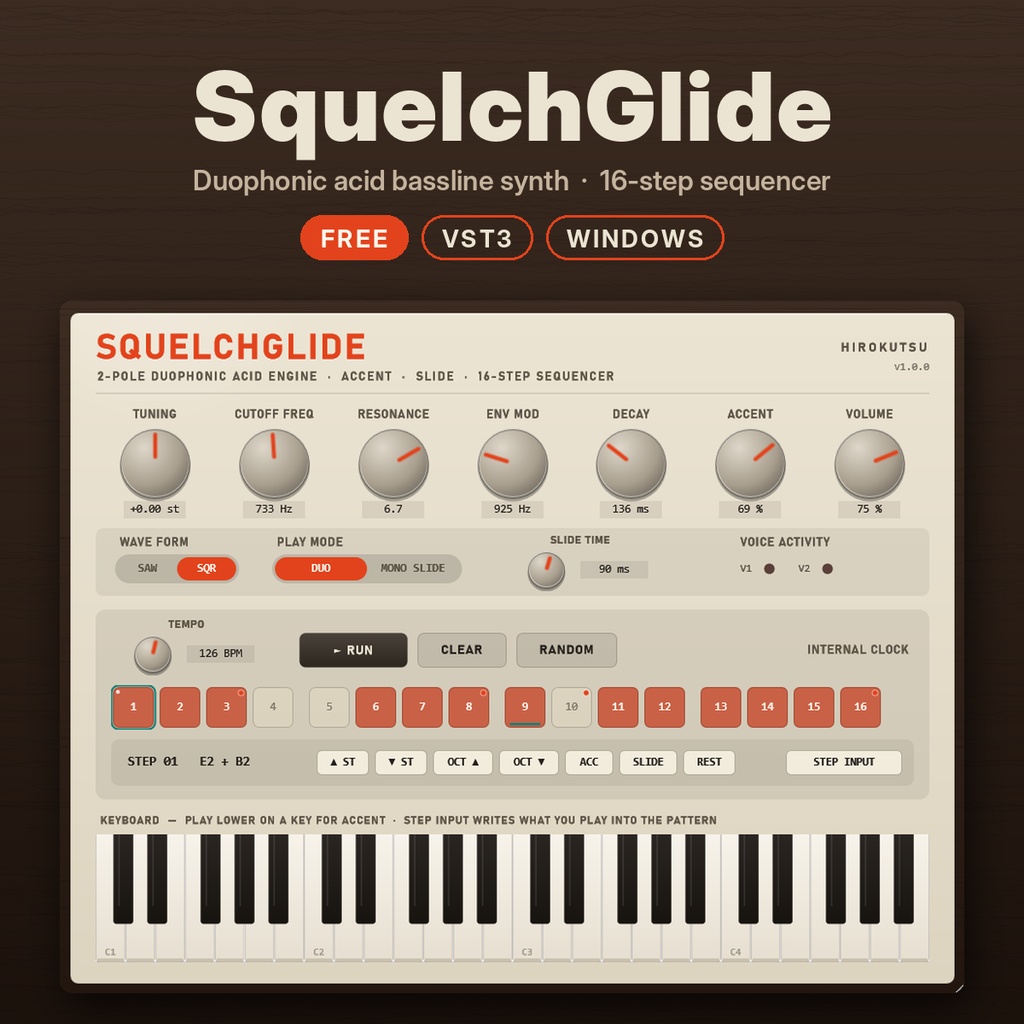
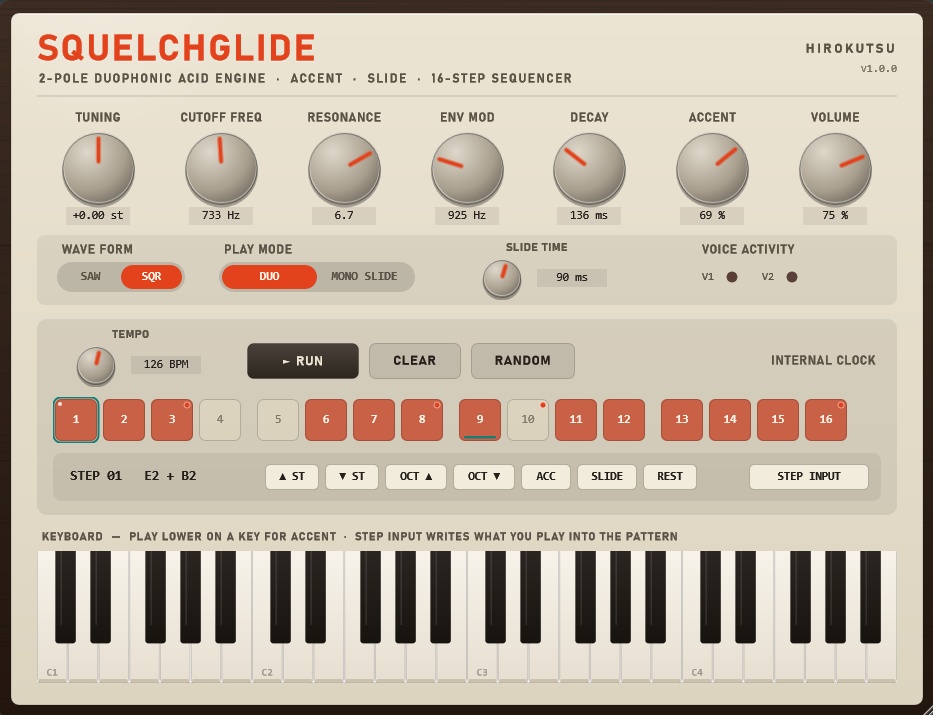


70年代のデュオフォニック・シンセの太さと、80年代アシッドベースの「ビュニュッ」とうねる鳴り。 その2つをひとつにした、2声のアシッド・ベースライン・シンセです。 無料でお使いいただけます。気に入っていただけたら、BOOSTで応援していただけるとうれしいです。 ―――――――――――――――― ■ 特長 ―――――――――――――――― ・2ポール(12dB/oct)ローパスフィルター+2基のオシレーター ・DUOモード:2音同時に弾くと2声。1音のときは2基がわずかにずれて厚い音に ・MONO SLIDEモード:音を重ねて弾くとスライド。ピアノロールでアシッドフレーズが打ち込めます ・アクセント(ベロシティ100以上)とスライドタイム調整 ・16ステップ・シーケンサー内蔵 DAWの再生に合わせてテンポも小節も自動で同期。パターンは曲と一緒に保存されます ・STEP INPUT:弾いた音がそのままステップに書き込まれる、本物さながらの打ち込み ・木目パネルのデザイン。ウィンドウは拡大・縮小できます ・すべてのつまみはDAWからオートメーション可能 ―――――――――――――――― ■ 動作環境 ―――――――――――――――― ・Windows 10/11(64bit) ・VST3対応のDAW(Ableton Live、Reason などで動作確認) ・Macには対応していません ―――――――――――――――― ■ 内容 ―――――――――――――――― ・SquelchGlide.vst3 … プラグイン本体 ・SquelchGlide.exe … DAWなしで鳴らせる単体版 ・INSTALL_ja.txt … インストール方法と使い方 ―――――――――――――――― ■ インストール ―――――――――――――――― 1. zipを展開します 2. SquelchGlide.vst3 を C:\Program Files\Common Files\VST3\ にコピーします 3. DAWでプラグインを再スキャンし、「hirokutsu」→「SquelchGlide」を読み込みます ―――――――――――――――― ■ ご利用について ―――――――――――――――― ・個人・商用を問わず、作品づくりに自由にお使いいただけます ・このプラグインで作った音や曲の権利は、作ったあなたのものです ・プラグイン自体の再配布・販売はご遠慮ください ・ご使用は自己責任でお願いします 無料版と応援版の中身は同じです。応援してくださる方は、応援版を選ぶとBOOSTで好きな金額を上乗せできます。 不具合やご感想は、ショップのメッセージからお気軽にどうぞ。 ※ このプラグインは、hirokutsu が AIアシスタント(Anthropic社の Claude)の協力を得て開発しました。 hirokutsu VST is a registered trademark of Steinberg Media Technologies GmbH. ―――――――――――――――― ■ English ―――――――――――――――― SquelchGlide is a two-voice acid bassline synth: the weight of a 70s duophonic synth meets the squelch of an 80s acid bass machine. Free to use. If you enjoy it, a BOOST tip is warmly appreciated. Free and Support versions are identical. If you'd like to support development, choose the Support version — you can add any amount with BOOST. FEATURES ・2-pole (12 dB/oct) lowpass filter with two oscillators ・DUO mode: play two keys for two voices; a single key stacks both, slightly detuned ・MONO SLIDE mode: overlapping notes glide, so you can write acid lines in your piano roll ・Accent (velocity 100+) and adjustable slide time ・Built-in 16-step sequencer, locked to your DAW's tempo and bar position; patterns are saved with your project ・STEP INPUT: notes you play are written straight into the pattern ・Wood-panel interface, resizable window ・Every knob can be automated from your DAW REQUIREMENTS ・Windows 10/11 (64-bit) ・A VST3 host (tested with Ableton Live and Reason) ・macOS is not supported INSTALL Copy SquelchGlide.vst3 to C:\Program Files\Common Files\VST3\ and rescan plugins in your DAW. TERMS ・Free for personal and commercial music production ・Everything you make with it is yours ・Please do not redistribute or sell the plugin itself ・Use at your own risk Developed by hirokutsu in collaboration with the AI assistant Claude (Anthropic). hirokutsu