

【キプフェル専用 / Kipfel】いたかわ安全ピン Safety Pin【3Dアクセサリー】
- Digital0 JPY
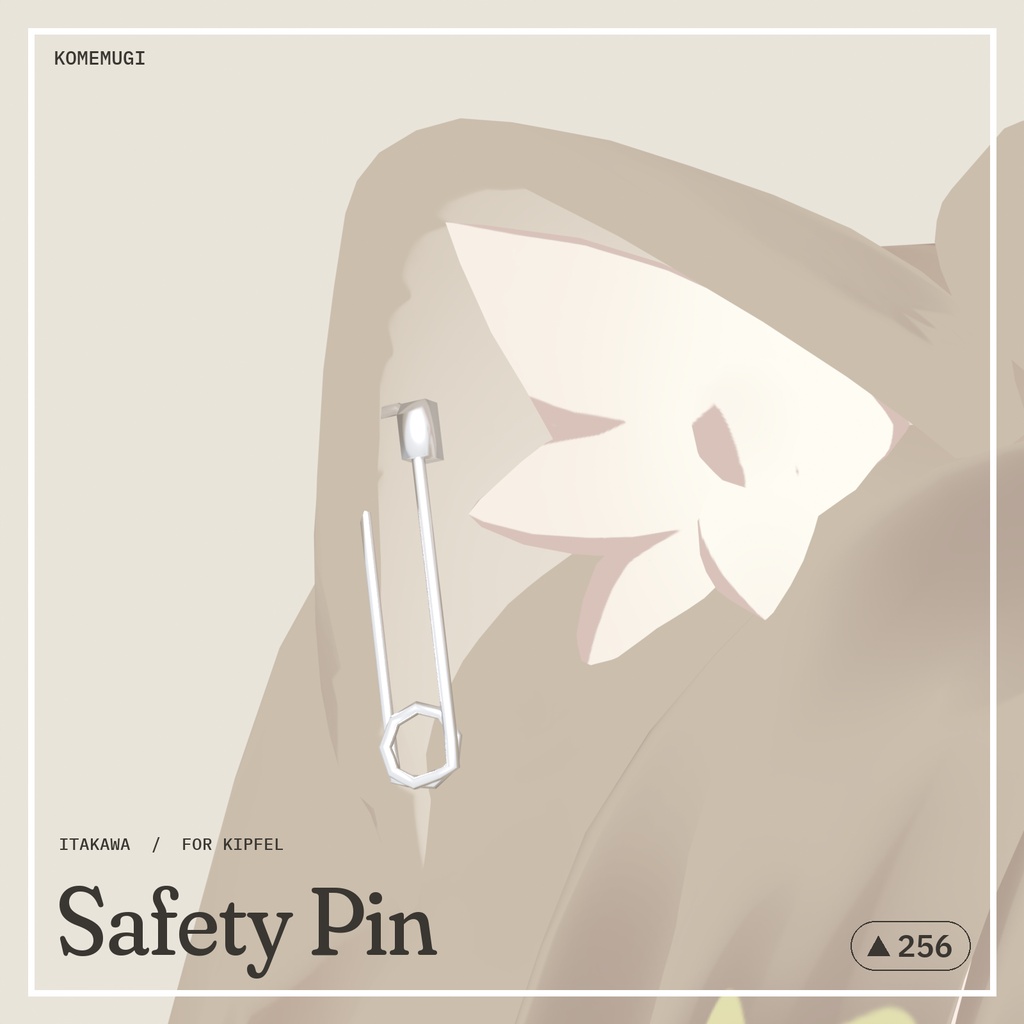
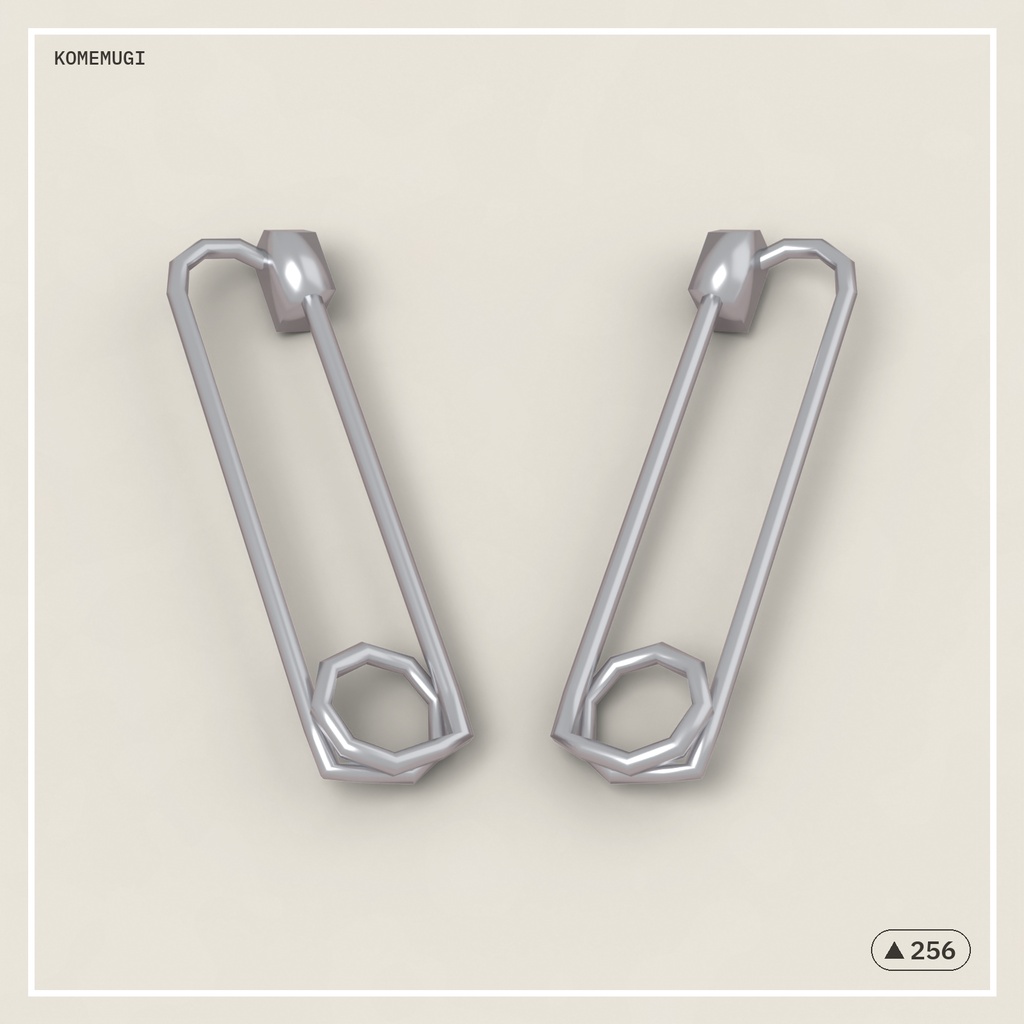
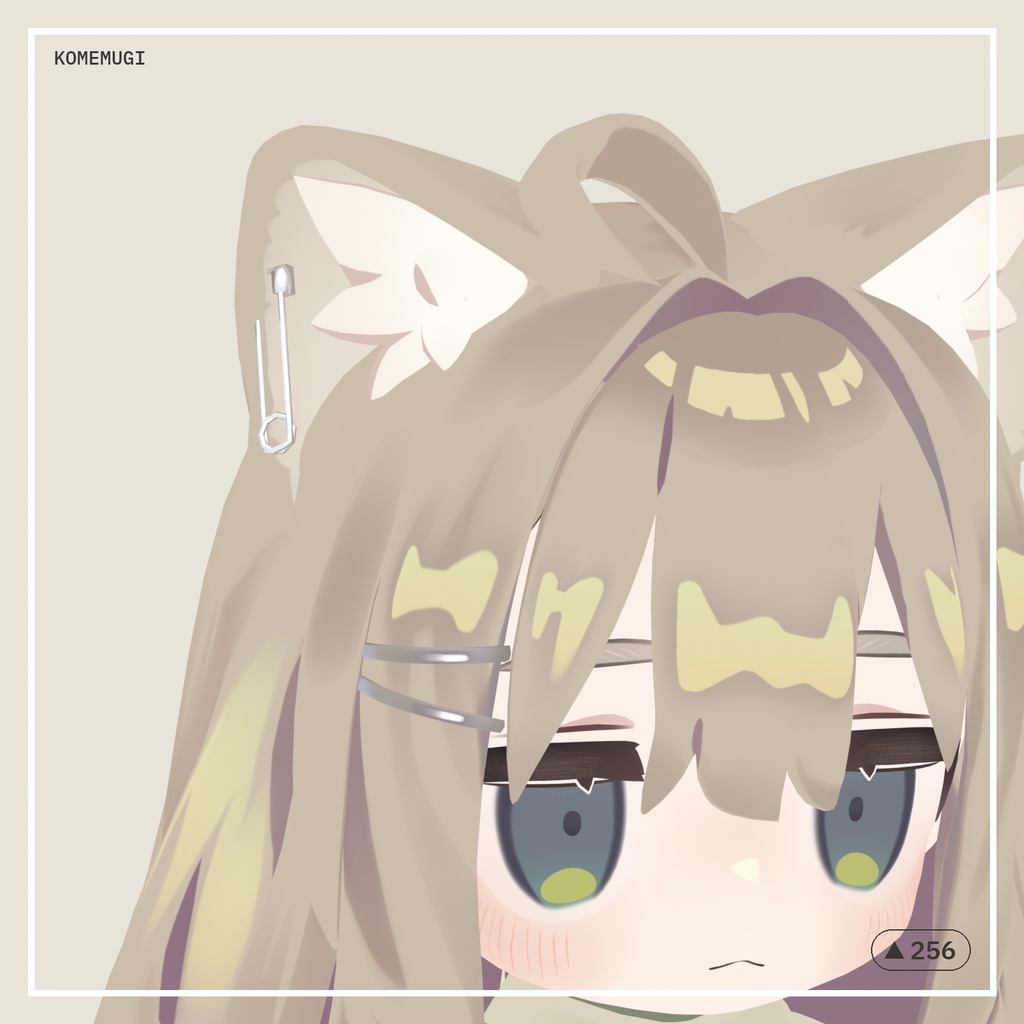
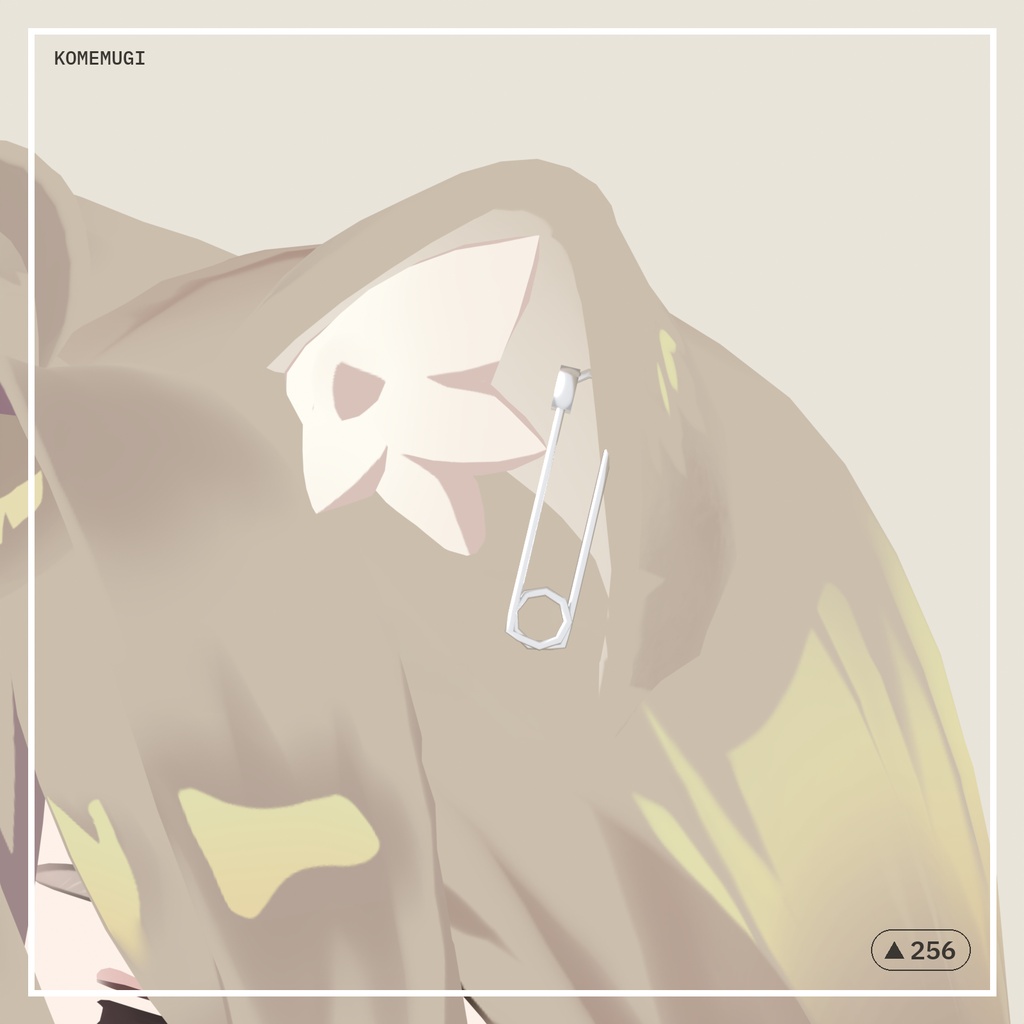
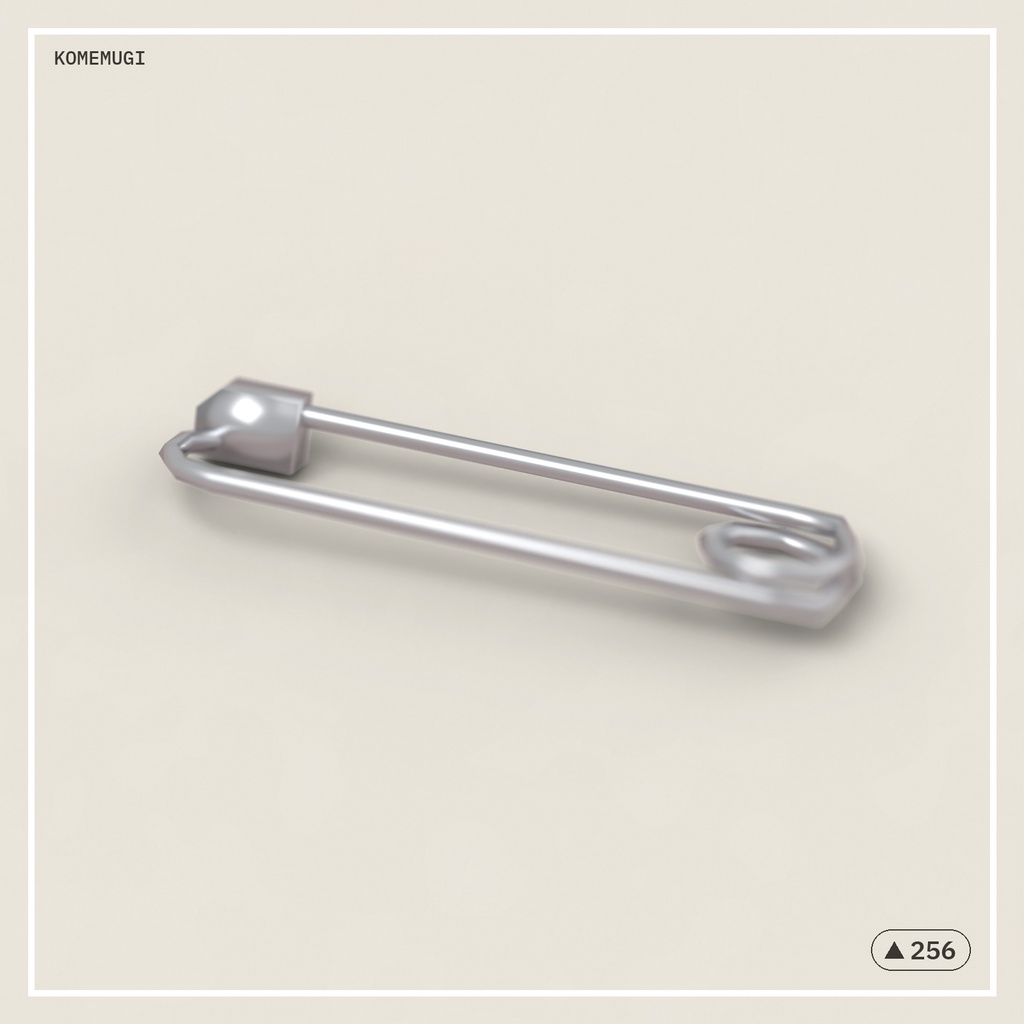
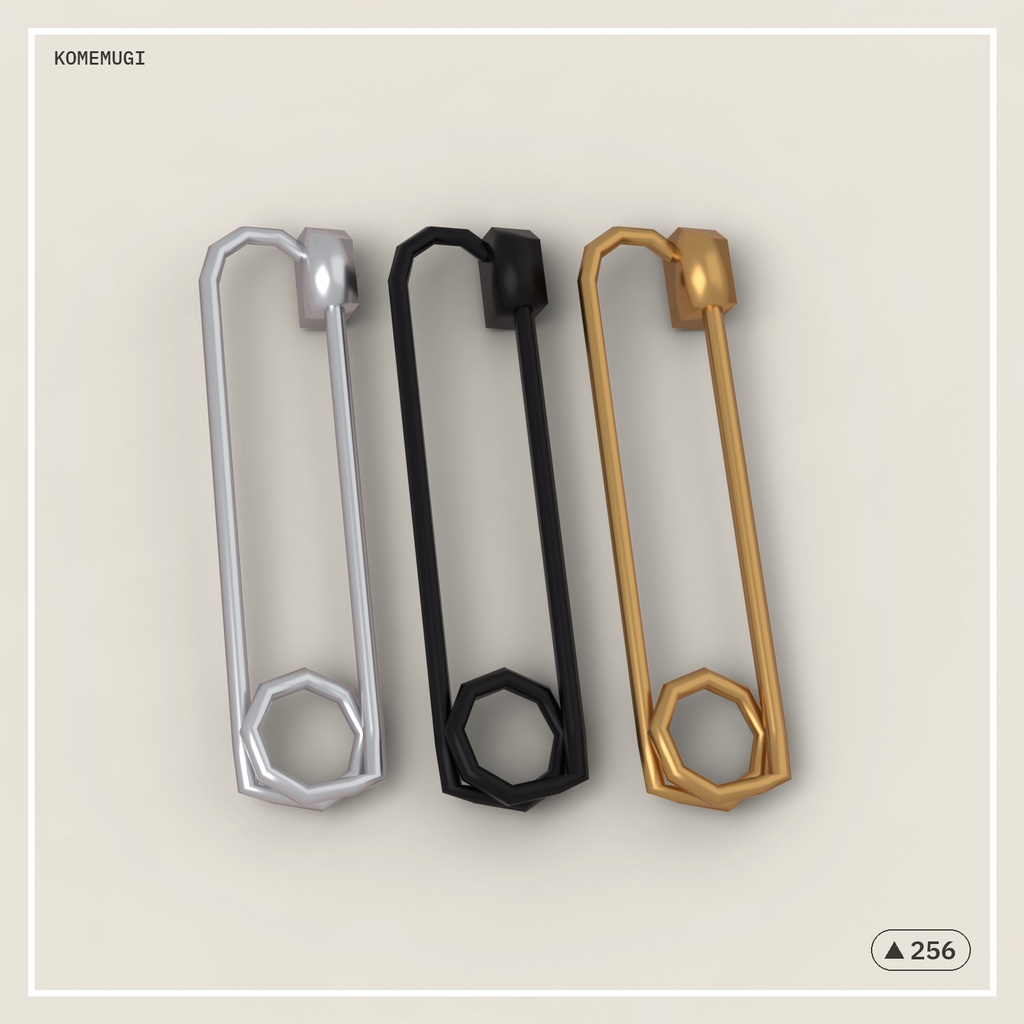


🌐 English description is below. / 英語の説明は下にあります。 キプフェルの耳にぴったり合わせた、ちょっと痛かわいい安全ピンのイヤーアクセサリです。 ✦概要✦ 「いたかわ安全ピン」は、キプフェル (Kipfel) に合わせて作った、安全ピンのイヤーアクセサリです。 右耳用・左耳用の2つが入っていて、片耳だけ付けることもできます。 アバター本体、商品画像に写っているもののうち内容物にないものは付属しません。 ✦ポイント✦ ・Modular Avatar 対応の設定済みprefab入り。アバターに乗せるだけで、両耳の正しい位置に付き、耳の動きにも追従します ・重力で耳から垂れ下がり、頭の動きに合わせてゆらゆら揺れます(PhysBone 設定済み。耳にめり込まないコライダー付き) ・とても軽量です(片耳 256ポリゴン / マテリアル1つ / テクスチャなし) ・テクスチャを使っていないので、マテリアルの色を1か所変えるだけで黒・金などにアレンジできます ・片耳だけのprefabもあります ・画像付きの説明書(オンライン版)つき。Modular Avatar を使わない導入方法も書いてあります ✦導入方法✦ 1. unitypackage をUnityに入れます 2. Prefabsフォルダの「SafetyPin_Kipfel」を、Hierarchyのアバターの上にドラッグします これで完了です。耳への取り付けと揺れものの設定は Modular Avatar が自動で行います。 くわしくは説明書(オンライン版)をご覧ください。 https://docs.google.com/document/d/e/2PACX-1vT_PO5gpmHowSyCg1SkuC3cKJS2hBnmS_Y7Ed8a-P9FaqK-qQeAuhJOLYXRpSeFaQgvpnOqbTFs4l5E/pub ✦必要なもの✦ ・VRChat SDK3 - Avatars ・lilToon https://booth.pm/ja/items/3087170 ・Modular Avatar https://modular-avatar.nadena.dev/ja/ (なくても手動で導入できます) ✦対応アバター✦ ・キプフェル Kipfel(もち山金魚様)1.2.0 https://booth.pm/ja/items/5813187 ほかのアバターでも使えますが、位置は手動で合わせてください。 ✦内容物✦ ・SafetyPin_Kipfel_1.0.0.unitypackage(prefab 3つ[両耳・右耳・左耳。PhysBone 設定済み]・lilToonマテリアル・FBX入り) ・FBXフォルダ:SafetyPin_EarR.fbx / SafetyPin_EarL.fbx(モデルだけのファイル。改変したい方向け) ・はじめにお読みください.txt ・導入方法.url(説明書[オンライン版・画像付き]へのリンク) ・利用規約.txt ✦仕様✦ ・ポリゴン数:256トライアングル(片耳)/ 512(両耳) ・マテリアル数:1(lilToon) ・テクスチャ:なし ・実寸:約 41 × 21 × 18 mm ・揺れもの:PhysBone 2つ・PhysBone コライダー 2つ(両耳) ・動作確認:Unity 2022.3.22f1 / VRChat SDK3 - Avatars / Modular Avatar 1.18.7 ・Quest:ポリゴンは軽量なので使えます(シェーダーはQuest対応のものに差し替えてください。揺れものの上限を超えるときは PhysBone を外してください) ✦利用規約✦ 同梱の「利用規約.txt」をご覧ください。 ○ 改変・改変後の個人利用(色変え・サイズ変更・パーツ流用もOK) ○ 商用利用・収益化配信・動画投稿・VRChat以外での利用 × 二次配布(データそのもの・改変品の配布、販売、譲渡、共有) × 自作発言、第三者へのデータの受け渡し(複数人で使う場合は各自でダウンロードしてください) △ 自作アバターへの組み込み配布は要相談 クレジット表記は不要です(書いていただけるとうれしいです) ✦お問い合わせ✦ お問い合わせは BOOTH のメッセージのみで受け付けています。 購入番号を添えてご連絡ください。返信にお時間をいただく場合があります。 ✦ご注意✦ ・画像はキプフェル(別売り)に装着したイメージです ・色違いの画像はアレンジ例です。同梱のデータはシルバー1色(マテリアル1つ)で、色はUnityで変更できます ・改変済みのアバター、対応アバター以外での動作は保証していません ・ほかのギミックとの競合による不具合には対応できない場合があります ・データ商品のため、購入後の返品・返金はできません(データの不備には対応します) ✦更新履歴✦ ・2026/10/21 公開 制作:Chorea(KOMEMUGI) ━━━━━━━━━━━━━━━━━━━━ 🌐 English ━━━━━━━━━━━━━━━━━━━━ A cute safety pin ear accessory with a little edge, made to fit Kipfel's ears. ✦Overview✦ "Itakawa Safety Pin" is a safety pin ear accessory made for Kipfel. ("Itakawa" is Japanese for "painfully cute" — cute with a little edge.) It comes with a right-ear pin and a left-ear pin, so you can also wear just one. The avatar and anything shown in the images that is not listed under "Contents" are not included. ✦Features✦ ・Ready-made prefabs for Modular Avatar. Just drop one onto your avatar — the pins snap to the right spot on both ears and move with them ・The pins hang down with gravity and sway as you move (PhysBones set up, with colliders so they don't sink into the ears) ・Very lightweight (256 tris per ear / 1 material / no textures) ・No textures, so you can make it black, gold or any color by changing a single material color ・Single-ear prefabs included ・Illustrated online guide, including how to install without Modular Avatar ✦How to Install✦ 1. Import the unitypackage into Unity 2. Drag "SafetyPin_Kipfel" from the Prefabs folder onto your avatar in the Hierarchy That's it. Modular Avatar attaches the pins to your ears and sets up the PhysBones automatically. Full guide (in Japanese, with pictures — your browser's translate feature works well): https://docs.google.com/document/d/e/2PACX-1vT_PO5gpmHowSyCg1SkuC3cKJS2hBnmS_Y7Ed8a-P9FaqK-qQeAuhJOLYXRpSeFaQgvpnOqbTFs4l5E/pub ✦Requirements✦ ・VRChat SDK3 - Avatars ・lilToon https://booth.pm/en/items/3087170 ・Modular Avatar https://modular-avatar.nadena.dev/ (optional — you can also set it up by hand) ※ The material uses lilToon. Poiyomi and VRCFury are not tested. ✦Compatible Avatars✦ ・Kipfel by Mochiyama Kingyo, ver. 1.2.0 https://booth.pm/en/items/5813187 It also works on other avatars, but you'll need to adjust the position yourself. ✦Contents✦ ・SafetyPin_Kipfel_1.0.0.unitypackage (3 prefabs [both ears / right / left, PhysBones set up], lilToon material, FBX) ・FBX folder: SafetyPin_EarR.fbx / SafetyPin_EarL.fbx (model files only, for editing) ・"はじめにお読みください.txt" (Read me first) ・"導入方法.url" (link to the illustrated online guide) ・"利用規約.txt" (Terms of use) ✦Specs✦ ・Polygons: 256 tris (one ear) / 512 (both ears) ・Materials: 1 (lilToon) ・Textures: none ・Size: approx. 41 × 21 × 18 mm ・PhysBones: 2 components, 2 colliders (both ears) ・Tested with: Unity 2022.3.22f1 / VRChat SDK3 - Avatars / Modular Avatar 1.18.7 ・Quest: the mesh is light enough to use (swap the shader for a Quest-compatible one; remove the PhysBones if you go over the PhysBone limit) ✦Terms of Use (Summary)✦ The full terms are in "利用規約.txt" (Japanese). ・OK: Editing it (recoloring, resizing, reusing parts) and using your edited version yourself ・OK: Commercial use, monetized streams, videos, and use outside VRChat ・Not OK: Redistributing, selling, giving away or sharing the data, even if edited ・Not OK: Claiming it as your own work, or passing the data to others (if several people use it, each person should download it) ・Ask first: Including it in an avatar you distribute No credit needed (but I'd be happy if you do!) If the Japanese and English versions differ, the Japanese version takes precedence. ✦Support✦ Please contact me only through BOOTH messages, with your order number. English is fine. Replies may take some time. ✦Notes✦ ・The images show the pins worn on Kipfel (sold separately) ・The color variations in the images are examples. The included data is silver only (1 material); you can change the color in Unity ・Not guaranteed to work with modified avatars or avatars not listed above ・Issues caused by conflicts with other gimmicks may not be supported ・As this is digital data, there are no returns or refunds (I will fix any problems with the data itself) ✦Changelog✦ ・2026/10/21 Released Made by Chorea (KOMEMUGI)