

【無料/Free】落とし物タグ /s 404 NOT FOUND【マヌカ対応】
- Digital0 JPY
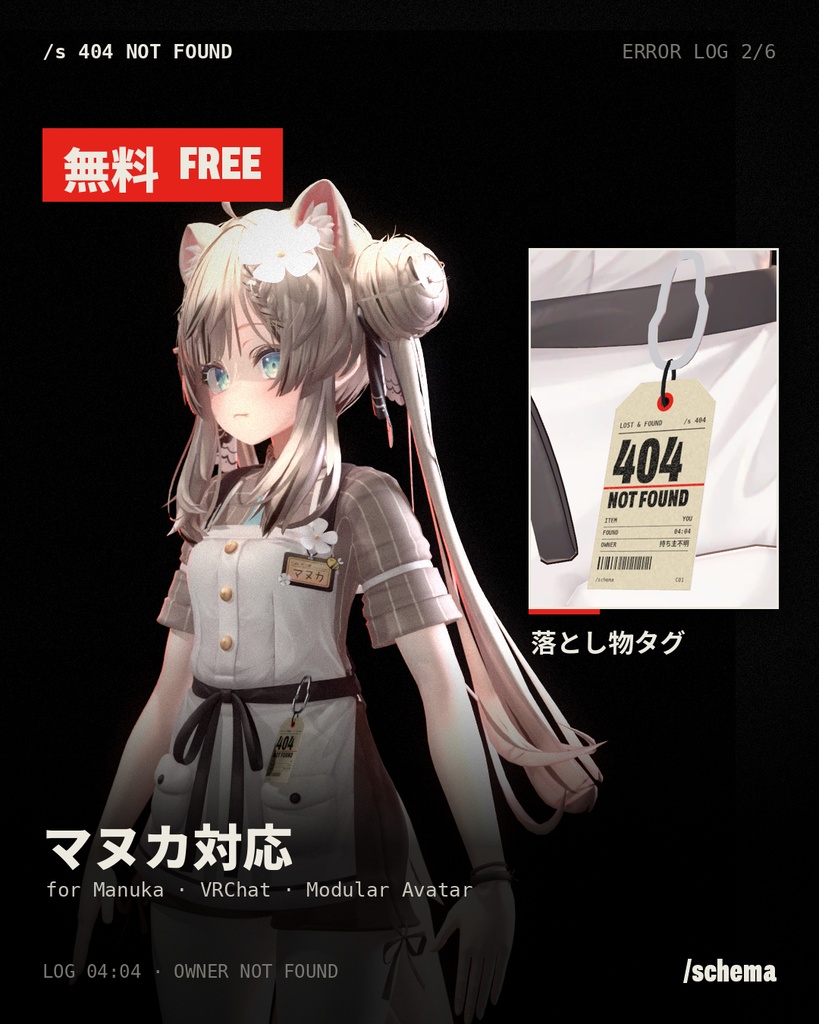
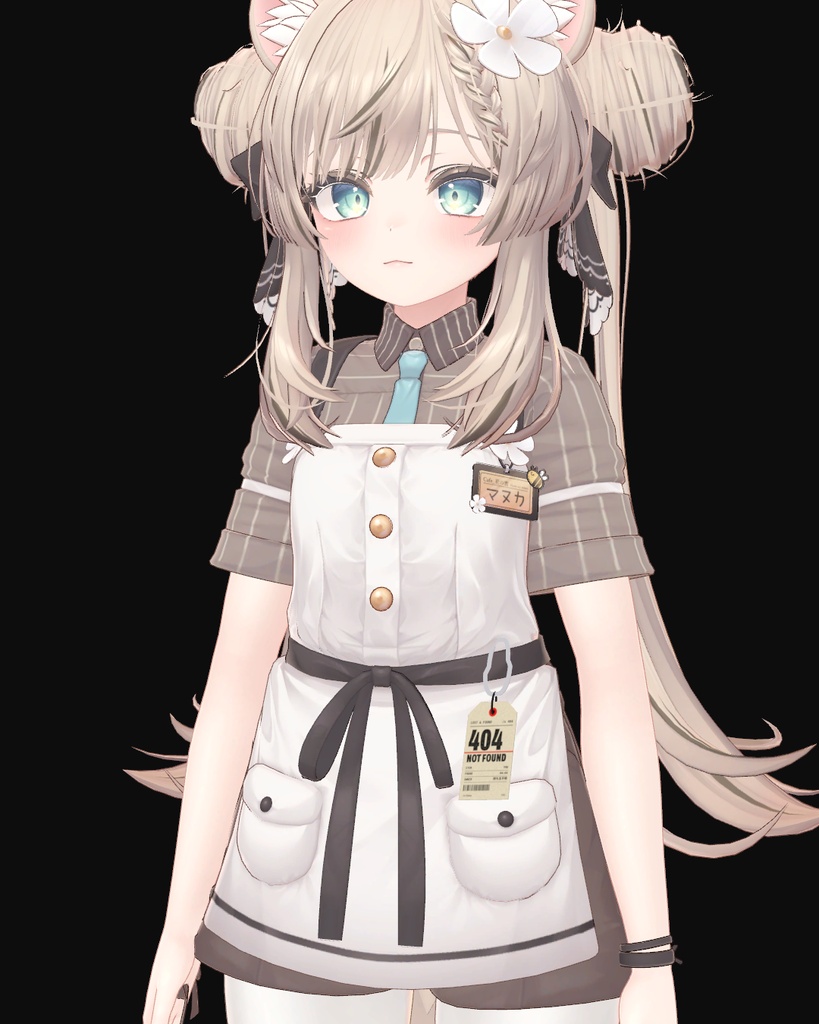
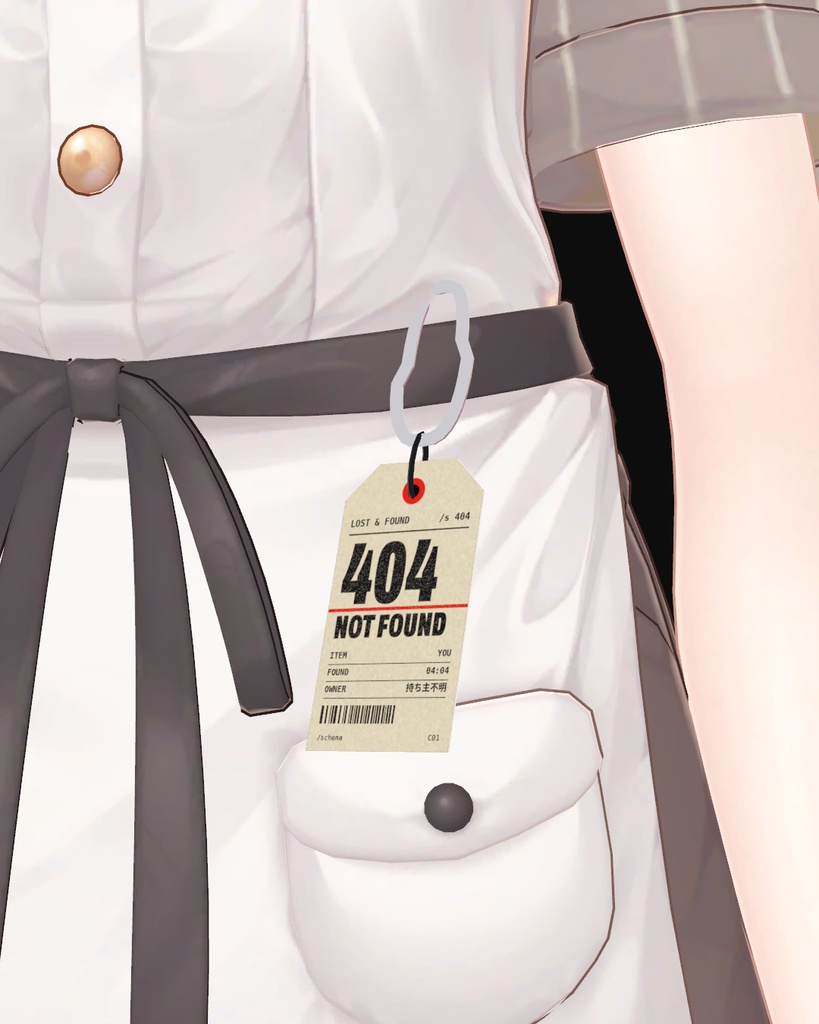
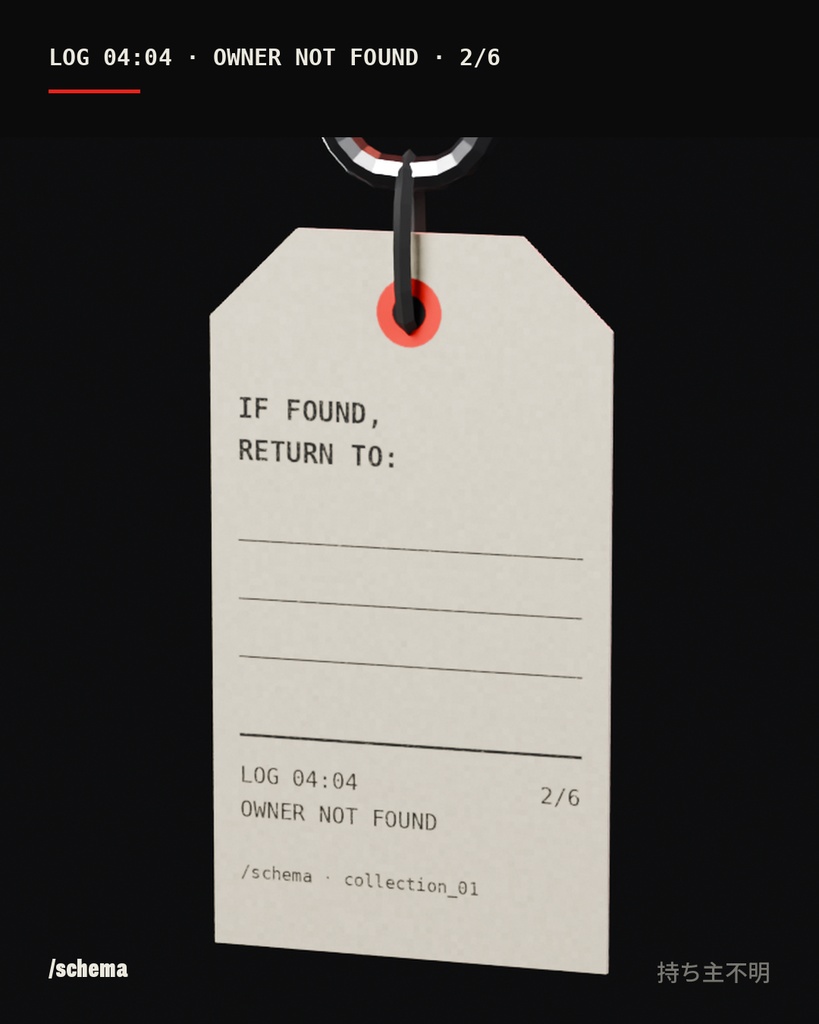
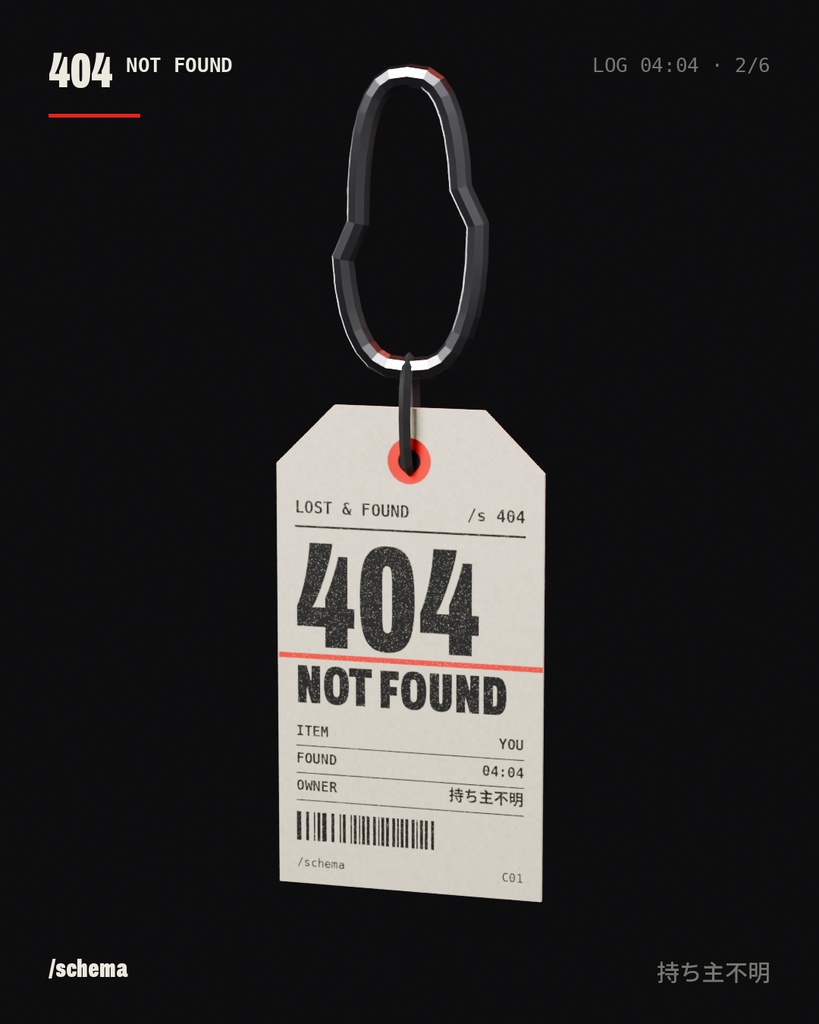


【無料】マヌカ対応の落とし物タグ(キーホルダー型アクセサリー、PhysBoneで揺れます)。Modular Avatarでドラッグ&ドロップ装着。 Free lost-and-found tag accessory for Manuka (VRChat, Modular Avatar, PhysBone, drag and drop). ERROR LOG 2/6 ― 04:04 OWNER NOT FOUND 404 NOT FOUND ―― 持ち主不明。 落とし物タグ。落とし物は、あなた。 /schema ERROR LOG。無料のアバターアクセサリーです。 【対応アバター】 ・マヌカ ver1.02(©ジンゴ) ※ほかのアバターへの対応は順次追加予定です。 【内容】 ・schema_404_anhaenger_manuka_v1.0.zip - schema_404_anhaenger_manuka.unitypackage プレハブ 1点、マテリアル 1点、テクスチャ 1点、メッシュ 1点 - 利用規約 PDF(日本語・英語) 【仕様】 ・ポリゴン数:628△ ・マテリアルスロット:1(lilToon) ・Modular Avatar 対応(ドラッグ&ドロップで装着、Hips(腰)に追従) ・腰の横にカラビナで下がります。 ・PhysBone で揺れます(つかめます)。 ・PC用です。Quest / Android 版は準備中です。 【動作確認環境】 ・Unity 2022.3.22f1 ・VRChat SDK3 Avatars 3.10.6 ・lilToon 2.4.1 ・Modular Avatar 1.18.7 【導入方法】 1. VCC(VRChat Creator Companion)で lilToon と Modular Avatar をプロジェクトに追加します。 2. unitypackage をインポートします。 3. Assets/schema/404/Manuka/ のプレハブを、ヒエラルキー上のマヌカにドラッグ&ドロップします。 4. いつも通りアップロードしてください。 ※Build & Test のあと、VRChat で前のバージョンが表示される場合は、いったん別のアバターに着替えてから戻してください。 【利用規約】 /schema 3Dデータ利用規約(VN3ライセンス Ver.1.10 準拠)に従ってご利用ください。 規約のPDF(日本語・英語)はダウンロードファイルに同梱しています。 ・アバターへの装着、改変、VRChat などへのアップロード:可 ・他の人が使えるアバターとしての公開:限定公開のみ可(VRChat の Public は不可) ・データの再配布・販売:不可 ・改変したデータの配布:無償かつユーザー間に限り可 ・配信、動画、SNS での使用:可 ・クレジット表記:不要ですが、あると嬉しいです(©/schema #slashschema) ―― /schema · Street Techwear for VRChat X: @slashschema ―――――――――― ERROR LOG 2/6 — 04:04 OWNER NOT FOUND 404 NOT FOUND. Owner unknown. A lost-and-found tag. The lost item is you. /schema ERROR LOG. A free avatar accessory. [Supported avatar] - Manuka ver1.02 (©ジンゴ / Jingo) More avatars will follow. [Contents] - schema_404_anhaenger_manuka_v1.0.zip - schema_404_anhaenger_manuka.unitypackage 1 prefab, 1 material(s), 1 texture, 1 mesh - Terms of use as PDF (Japanese, English) [Specs] - Polygons: 628 tris - Material slots: 1 (lilToon) - Modular Avatar ready (drag and drop, follows the Hips bone) - Hangs from a carabiner at the side of the hip. - Swings with PhysBone (grabbable). - PC only. Quest / Android version in preparation. [Tested with] Unity 2022.3.22f1 · VRChat SDK3 Avatars 3.10.6 · lilToon 2.4.1 · Modular Avatar 1.18.7 [Setup] 1. Add lilToon and Modular Avatar to your project in VCC (VRChat Creator Companion). 2. Import the unitypackage. 3. Drag the prefab from Assets/schema/404/Manuka/ onto Manuka in the hierarchy. 4. Upload as usual. Tip: If VRChat still shows the old version after Build & Test, switch to another avatar once and then back. [Terms] Use under the /schema 3D Data Terms of Use (based on VN3 License Ver.1.10). The terms are included as PDF (Japanese, English) in the download. - Wearing, editing and uploading to VRChat etc.: allowed - Publishing as an avatar others can use: limited only (e.g. Private in VRChat, not Public) - Redistributing or selling the data: not allowed - Sharing edited data: only free of charge and between users - Streams, videos and social media: allowed - Credit: not required, but appreciated (©/schema #slashschema) /schema · Street Techwear for VRChat X: @slashschema
Terms of Service
【利用規約】 /schema 3Dデータ利用規約(VN3ライセンス Ver.1.10 準拠)に従ってご利用ください。 規約のPDF(日本語・英語)はダウンロードファイルに同梱しています。 ・アバターへの装着、改変、VRChat などへのアップロード:可 ・他の人が使えるアバターとしての公開:限定公開のみ可(VRChat の Public は不可) ・データの再配布・販売:不可 ・改変したデータの配布:無償かつユーザー間に限り可 ・配信、動画、SNS での使用:可 ・クレジット表記:不要ですが、あると嬉しいです(©/schema #slashschema) [Terms] Use under the /schema 3D Data Terms of Use (based on VN3 License Ver.1.10). The terms are included as PDF (Japanese, English) in the download. - Wearing, editing and uploading to VRChat etc.: allowed - Publishing as an avatar others can use: limited only (e.g. Private in VRChat, not Public) - Redistributing or selling the data: not allowed - Sharing edited data: only free of charge and between users - Streams, videos and social media: allowed - Credit: not required, but appreciated (©/schema #slashschema)
Update information
ver1.0 初版 / first release