

【300円】夜回りセット|カチカチ鳴る拍子木と灯る提灯「火の用心」【VRChat / MA】
- Digital300 JPY
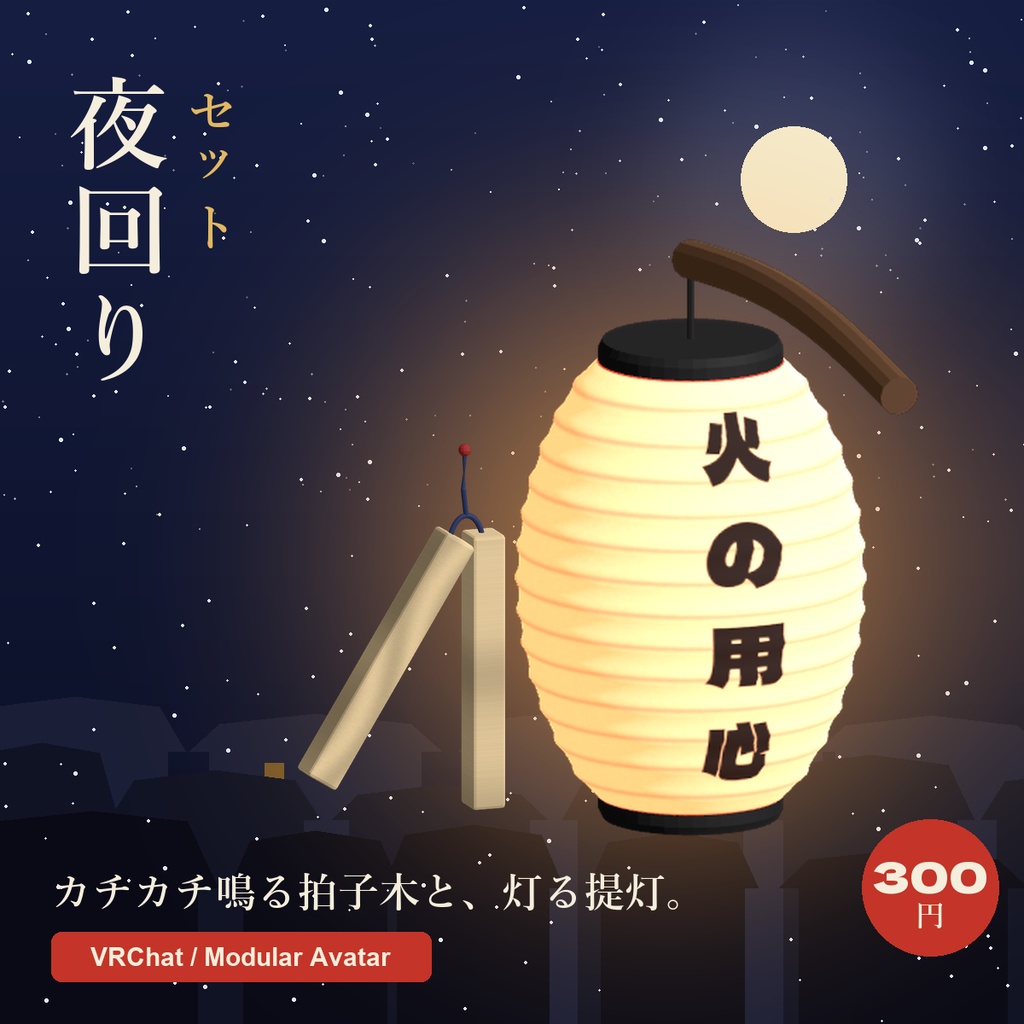
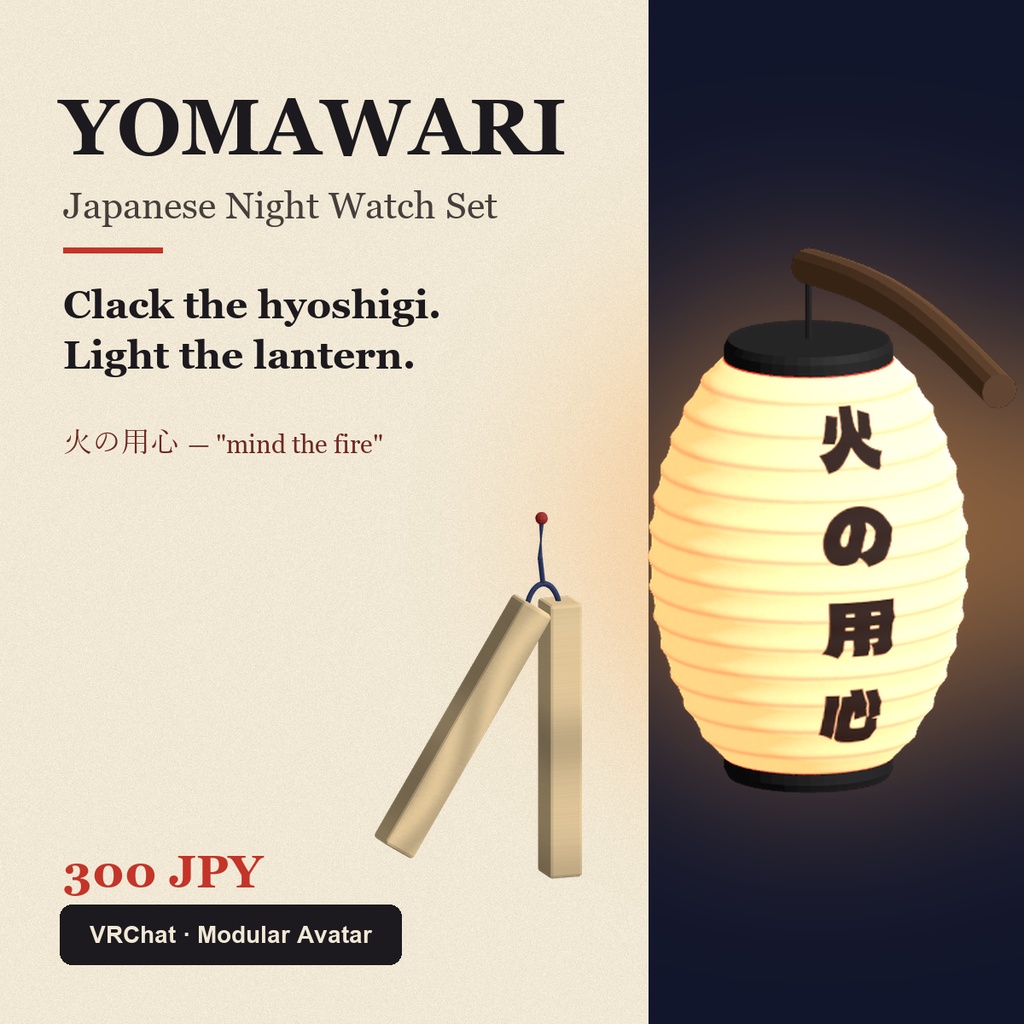
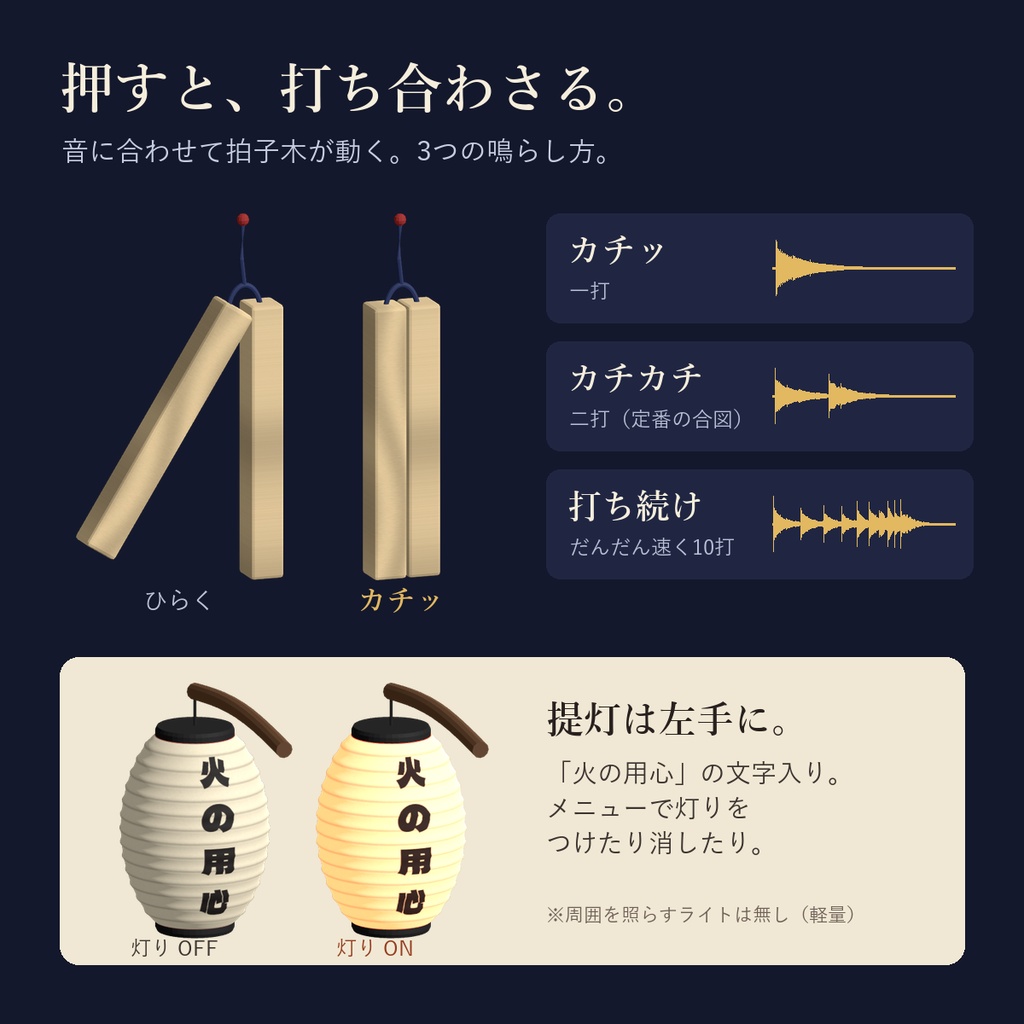
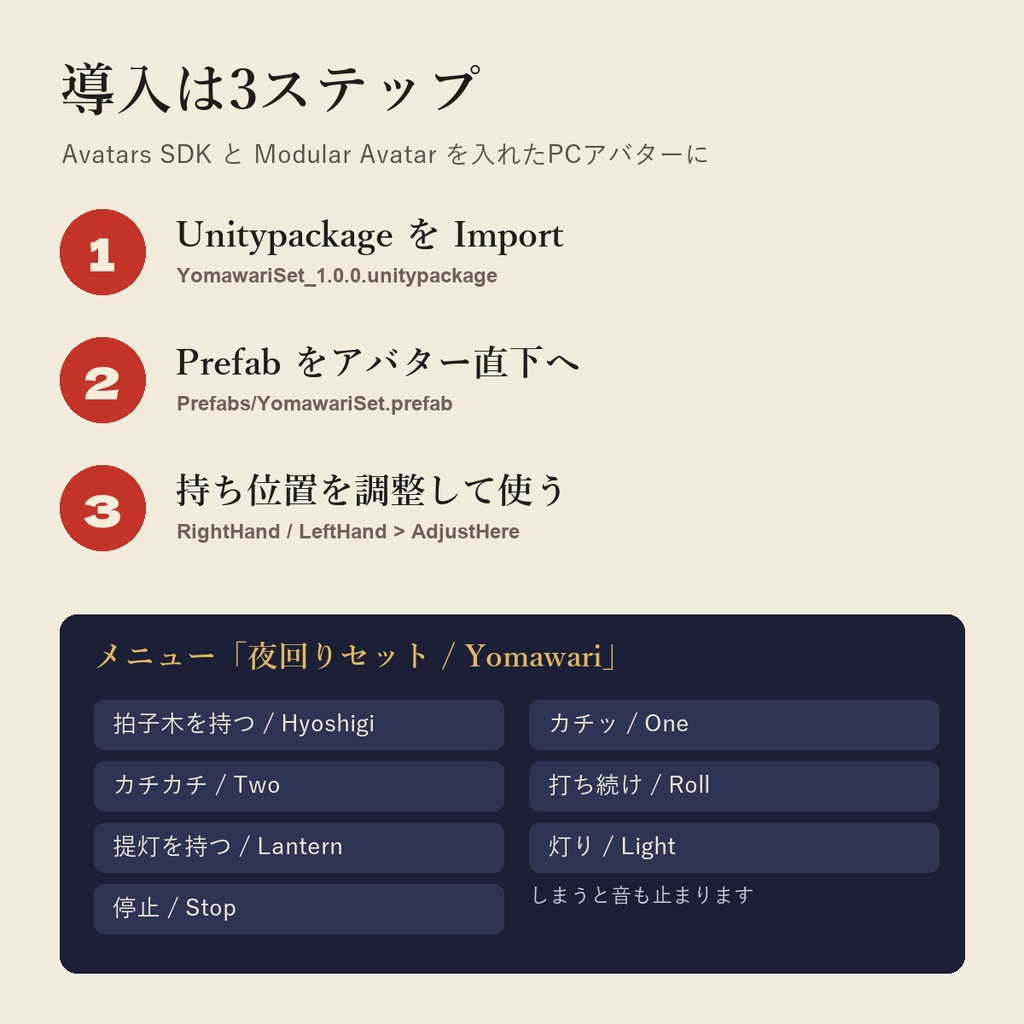
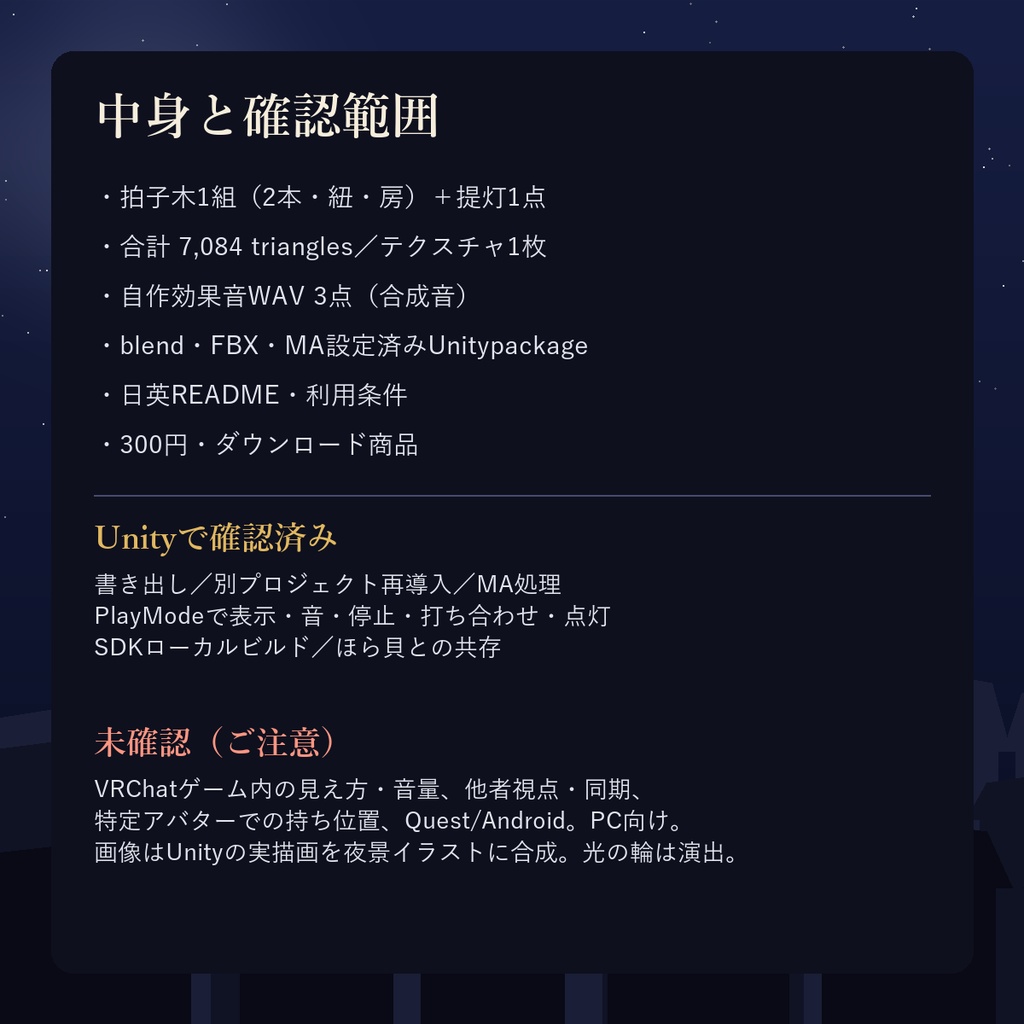
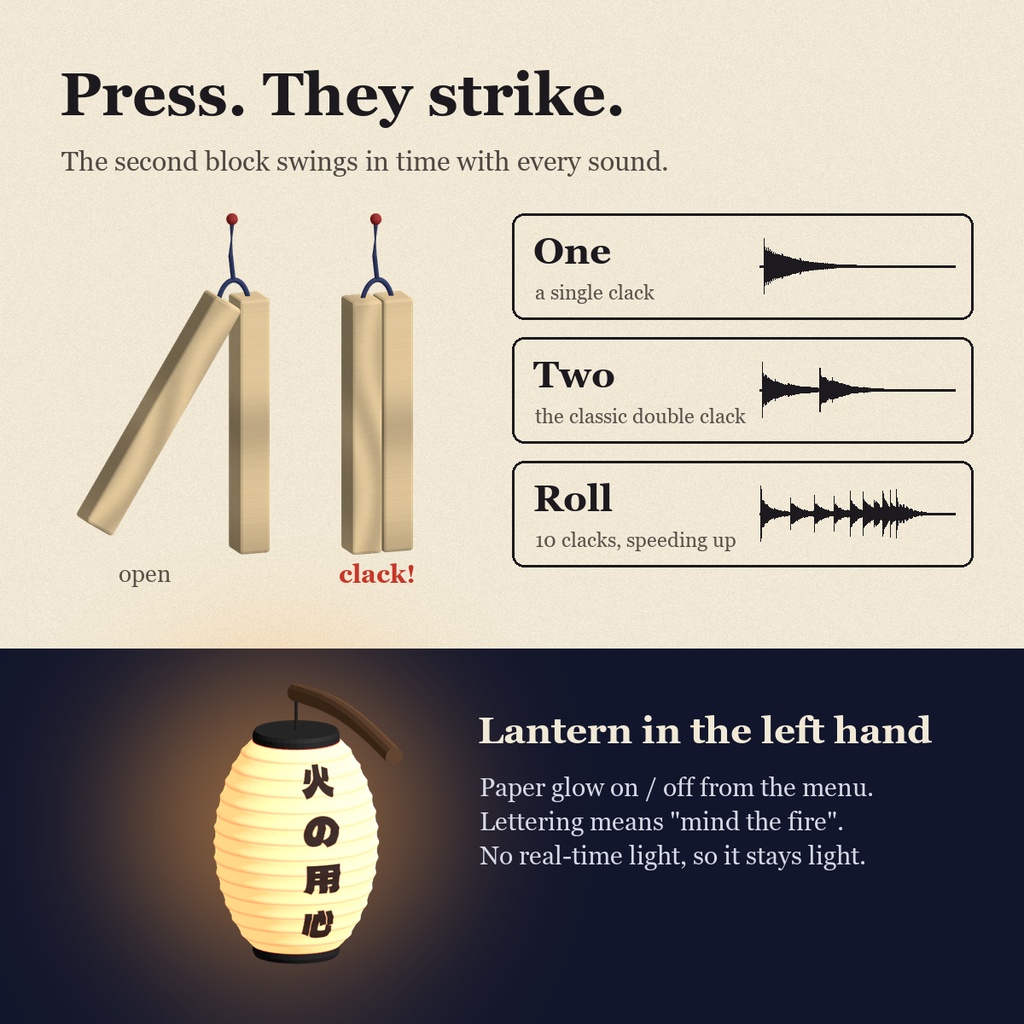
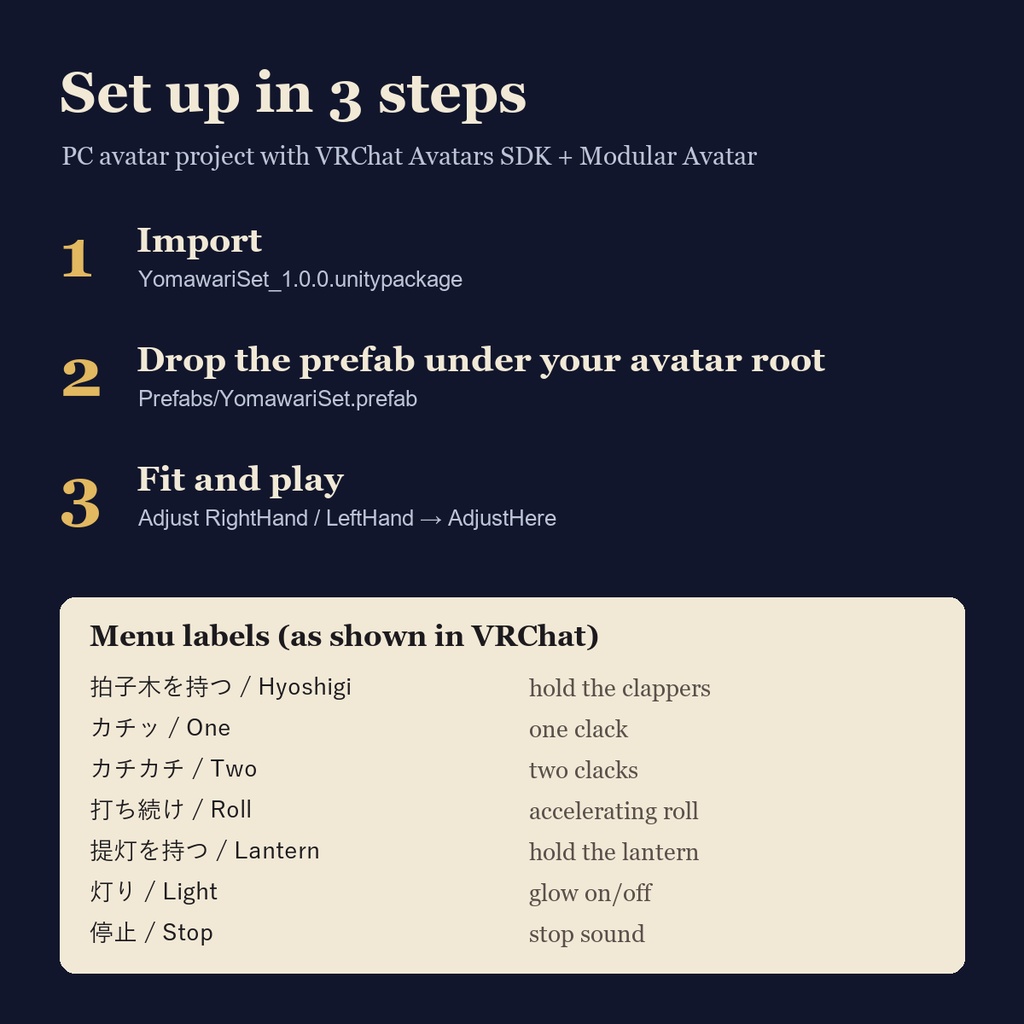
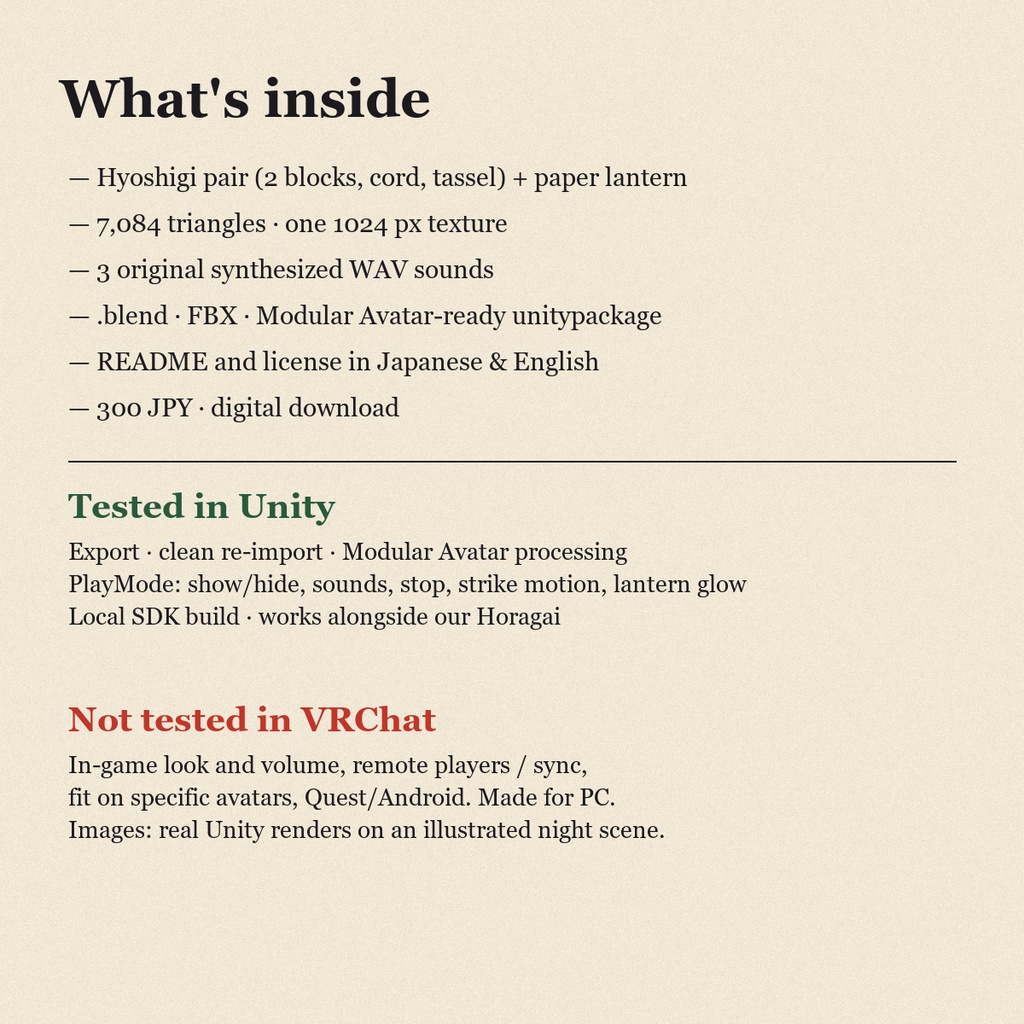


「火の用心、カチカチ。」 冬の夜の見回りを、アバターで。 右手に拍子木、左手に提灯。 メニューを押すと拍子木が実際に打ち合わさり、「カチッ」「カチカチ」「打ち続け」の3つの音が鳴ります。提灯は「火の用心」の文字入りで、灯りのON/OFFができます。 年末のイベント、和風ワールドでの寸劇、集まりの開始の合図、身内のちょっとしたネタに。 ■ できること - 拍子木を持つ/しまう(右手) - カチッ(一打)/カチカチ(二打)/打ち続け(だんだん速く10打)。音に合わせて拍子木が打ち合わさる動き付き - 提灯を持つ/しまう(左手)、灯りのON/OFF(和紙が光る材質の切替。周囲を照らすライトは入れていないので軽量です) - 停止。拍子木をしまうと音も止まります - 初期状態は両方とも非表示・無音 ■ 導入3ステップ 1. PCアバター用プロジェクトにAvatars SDKとModular Avatarを用意し、YomawariSet_1.0.0.unitypackageをImport。 2. Assets/Bosutakorika/YomawariSet_1.0.0/Prefabs/YomawariSet.prefab をアバターのルート直下へ配置。 3. RightHand/AdjustHere(拍子木)とLeftHand/AdjustHere(提灯)で持ち位置を調整。メニュー「夜回りセット / Yomawari」から「拍子木を持つ」「カチカチ」などを押して使います。 ■ 同梱 拍子木1組(2本+紐・房)、提灯1点(持ち手棒付き・点灯/消灯)。合計7,084 triangles(Unity計測)、テクスチャ1枚(1024px)、材質2(通常・点灯)。 blend・FBX・PNG・自作効果音WAV3点・MA設定済みUnitypackage、日英README/利用条件、日英の商品画像。 Unity 2022.3.22f1 / Avatars SDK 3.10.5 / Modular Avatar 1.18.7で制作。Unity・SDK・MA・アバターは非同梱。 同期パラメータ4個(Bool3+Int1=11bit、保存なし)。音は3D音・最大10m。 ■ 購入前に必ず確認 Unityでの実装確認(書き出し、別プロジェクトへの再導入、MA処理、PlayModeでの表示/音/停止/打ち合わせ動作/提灯の点灯、SDKローカルビルド、ほら貝との共存)を行っています。 実VRChatゲーム内の見え方・聞こえ方・音量、他者視点・同期、特定アバターでの持ち位置、Quest/Android、Unity GUI手作業による配置は未確認です。PC向けの制作で、全環境での動作保証ではありません。 音は自作の合成音です(木を打ち合わせた録音ではありません)。ゲーム内での聞こえ方は未確認です。商品画像はUnityの実描画を、コードで描いた夜景イラストに合成したものです。提灯まわりの光の輪は画像上の演出です。 ■ 利用条件 改変・個人/商用の動画/配信利用可。素材としての再配布・転売(改変後含む)、自作発言、Public/クローン可アバターへの組込みは禁止。詳細は同梱LICENSE。 提灯の文字はSIL OFLフォント「Dela Gothic One」で描画(フォントは非同梱)。 ■ 更新・お問い合わせ 更新は購入履歴から再ダウンロードできます。不具合はUnity/SDK/MAのバージョンと症状をショップへお知らせください。 ―――――――――― English ―――――――――― "Hi no yōjin" — mind the fire. In Japanese towns, winter nights were patrolled with wooden clappers (hyoshigi) and a paper lantern (chōchin). Now your avatar can do the rounds. Hyoshigi in the right hand, lantern in the left. Press a menu button and the two wooden blocks actually swing together while one of three sounds plays: One clack, Two clacks, or a speeding-up Roll. The lantern carries the words 火の用心 (“beware of fire”) and its paper can be lit or unlit. For winter events, Japanese-style worlds, little skits, or calling a group to start. ■ What it does - Hold / put away the hyoshigi (right hand) - One / Two / Roll (10 accelerating clacks), with a matching striking motion - Hold / put away the lantern (left hand) and toggle its glow (emissive paper swap; no real-time light, so it stays light-weight) - Stop; putting the hyoshigi away also stops the sound - Both props start hidden and silent ■ 3-step setup 1. In a PC avatar project with the VRChat Avatars SDK and Modular Avatar, import YomawariSet_1.0.0.unitypackage. 2. Place Assets/Bosutakorika/YomawariSet_1.0.0/Prefabs/YomawariSet.prefab directly under your avatar root. 3. Fit RightHand/AdjustHere (hyoshigi) and LeftHand/AdjustHere (lantern). Open the menu 夜回りセット / Yomawari and use 拍子木を持つ / Hyoshigi, カチカチ / Two, etc. Menu labels (Japanese / English as shown in the menu): 拍子木を持つ / Hyoshigi = hold clappers · カチッ / One · カチカチ / Two · 打ち続け / Roll · 提灯を持つ / Lantern = hold lantern · 灯り / Light · 停止 / Stop ■ Included One pair of hyoshigi (2 blocks, cord, tassel) and one lantern on a carrying stick (lit/unlit). 7,084 triangles total (Unity count), one 1024 px texture, 2 materials (normal / lit). .blend, FBX, PNG, three original WAV sounds, a Modular Avatar-ready unitypackage, README and license in Japanese and English, listing images. Made with Unity 2022.3.22f1 / Avatars SDK 3.10.5 / Modular Avatar 1.18.7. Unity, the SDK, Modular Avatar and avatars are not included. 4 synced parameters (3 Bool + 1 Int = 11 bits, not saved). 3D audio, 10m max distance. ■ Please check before buying Tested in Unity: export, re-import into a separate project, Modular Avatar processing, PlayMode checks of showing/hiding, sounds, stop, the striking motion and the lantern glow, a local SDK build, and co-existence with our Horagai product. Not tested in VRChat: in-game look, hearing and volume; remote-player view/network sync; fit on specific avatars; Quest/Android; manual drag-and-drop in the Unity GUI. Made for PC avatars; not a guarantee for every environment. The sounds are our own synthesized audio; how they sound in game has not been verified. Listing images are real Unity renders composited onto an illustrated night scene drawn in code; the halo around the lantern is an image effect. ■ Terms You may edit the assets and use them privately or in commercial videos/streams. Redistribution/resale of the assets (including edited versions), claiming authorship, and inclusion in public or cloneable avatars are prohibited. See LICENSE.txt. Lantern lettering rendered with Dela Gothic One (SIL OFL); the font is not included. ■ Updates and support Updates can be downloaded again from your BOOTH purchase history. For problems, contact the shop with your Unity/SDK/MA versions and what happened. Payment methods: https://booth.pm/payment (success with every country/card is not guaranteed).