

【VRChat】【MA対応】Argentum Catchlight|どの目にも重ねられる瞳ハイライト&涙+かんたん設定ツール【PC用】
- Digital1,000 JPY
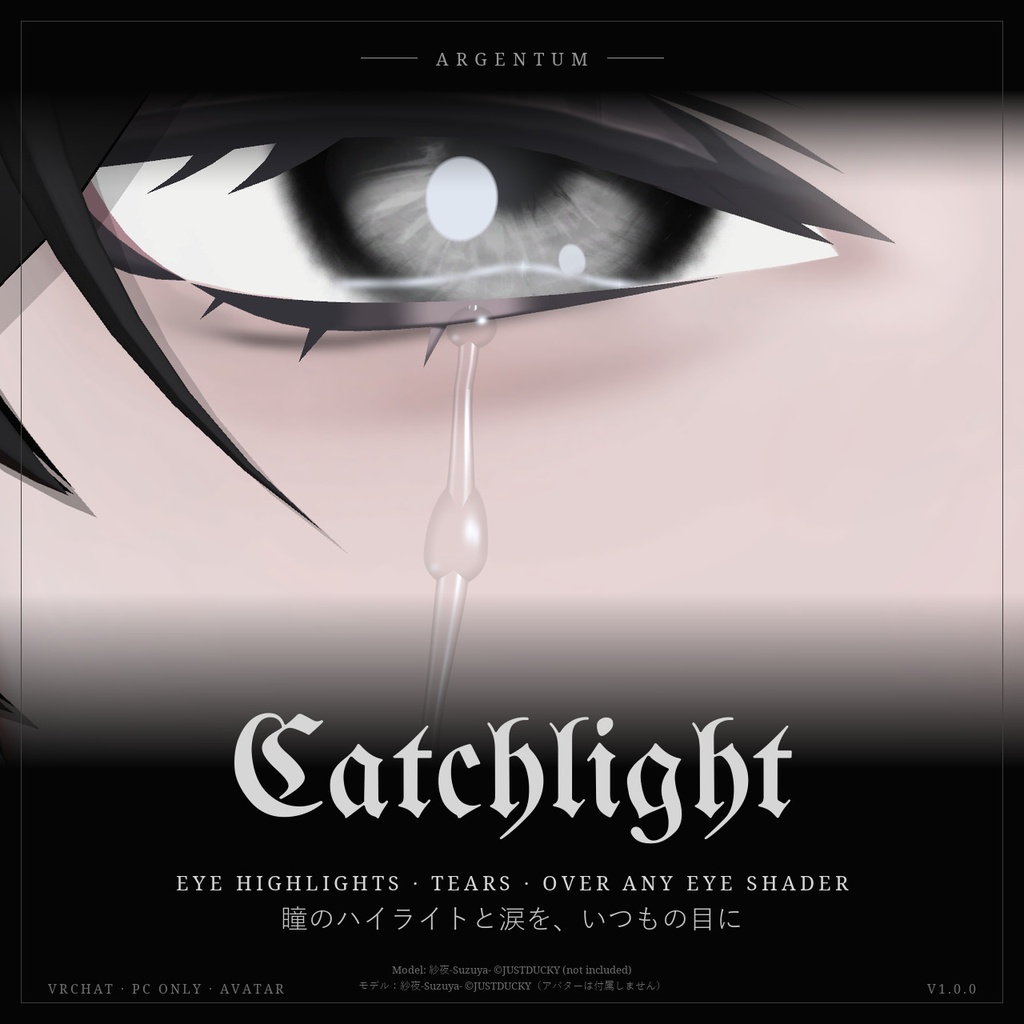
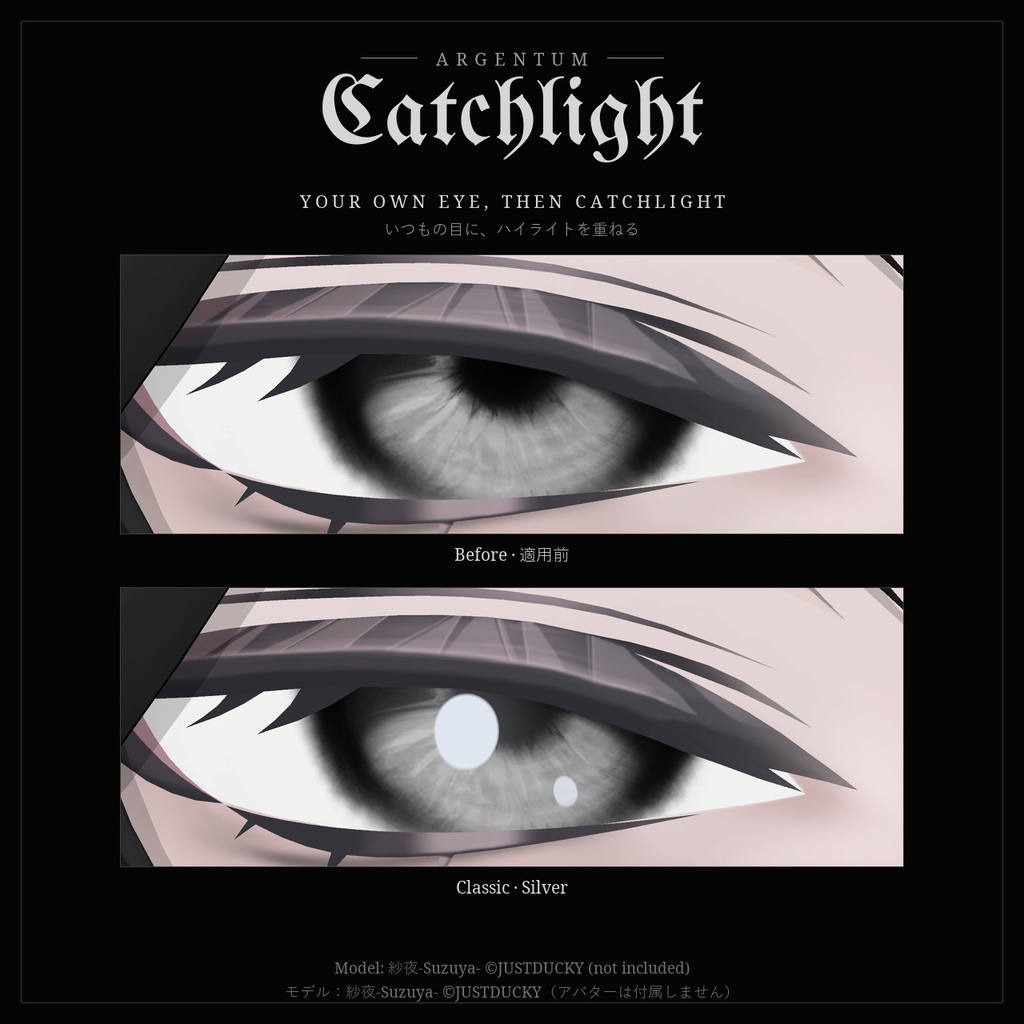
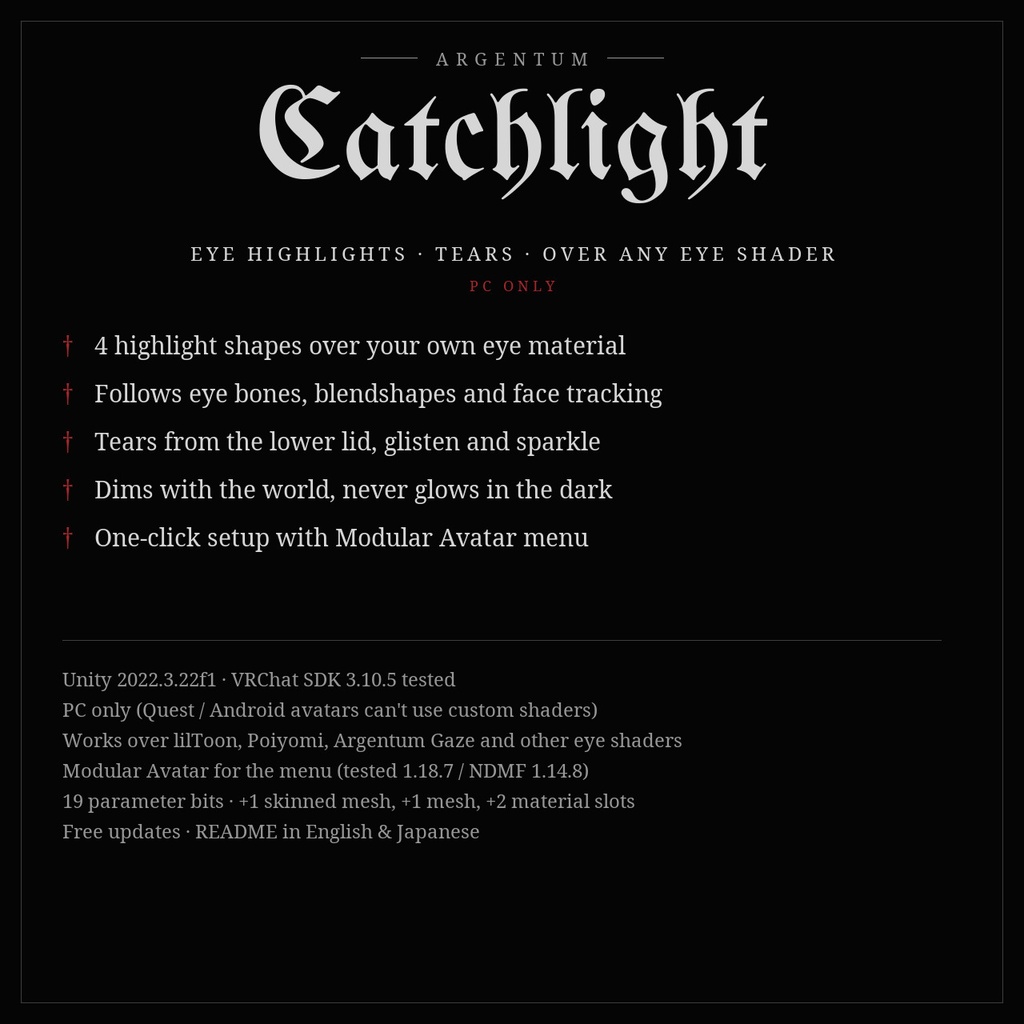
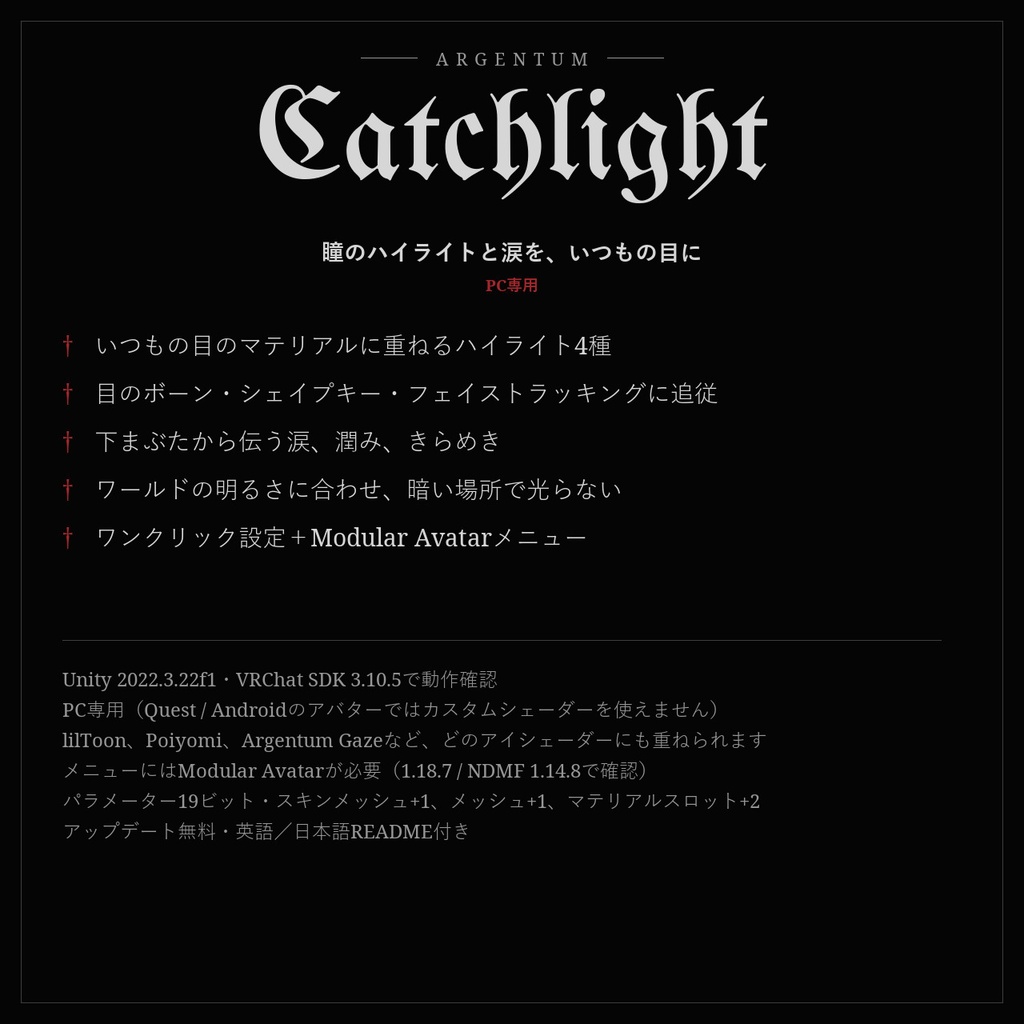
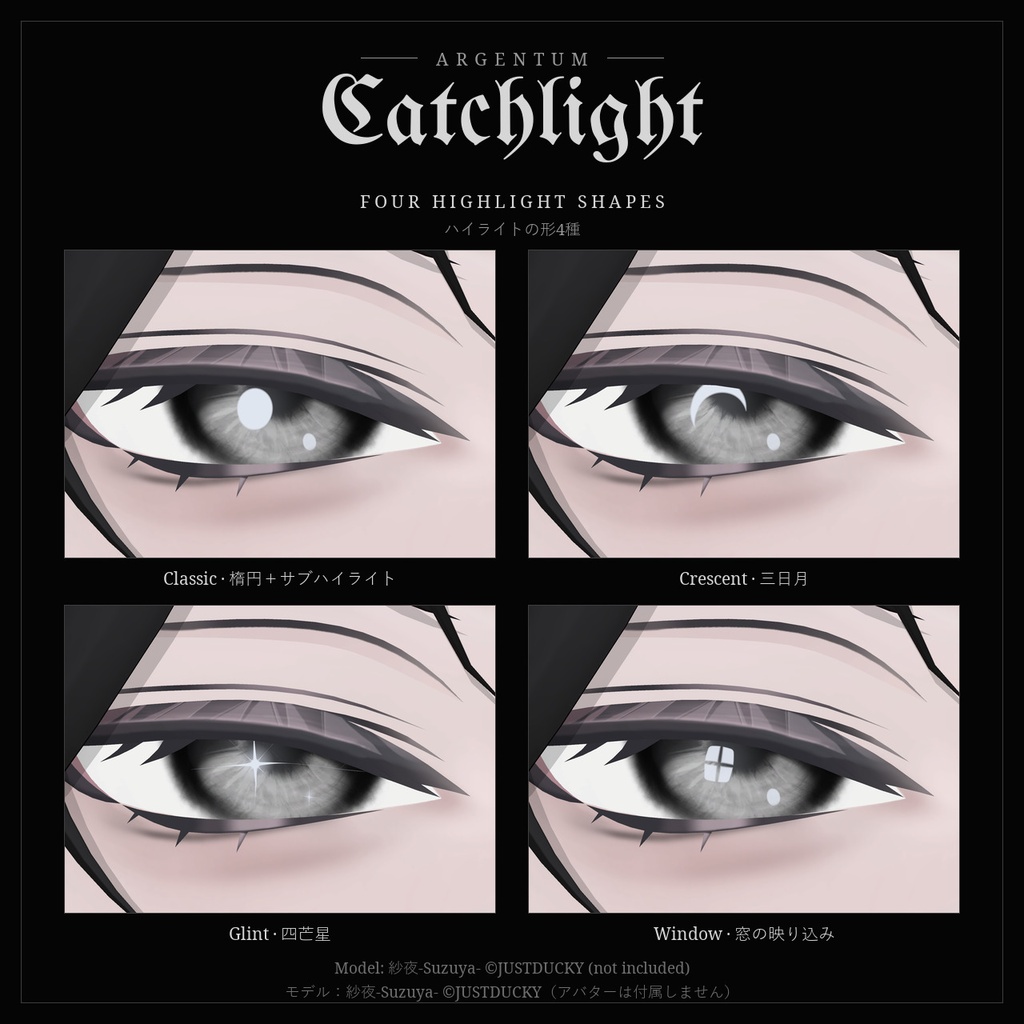
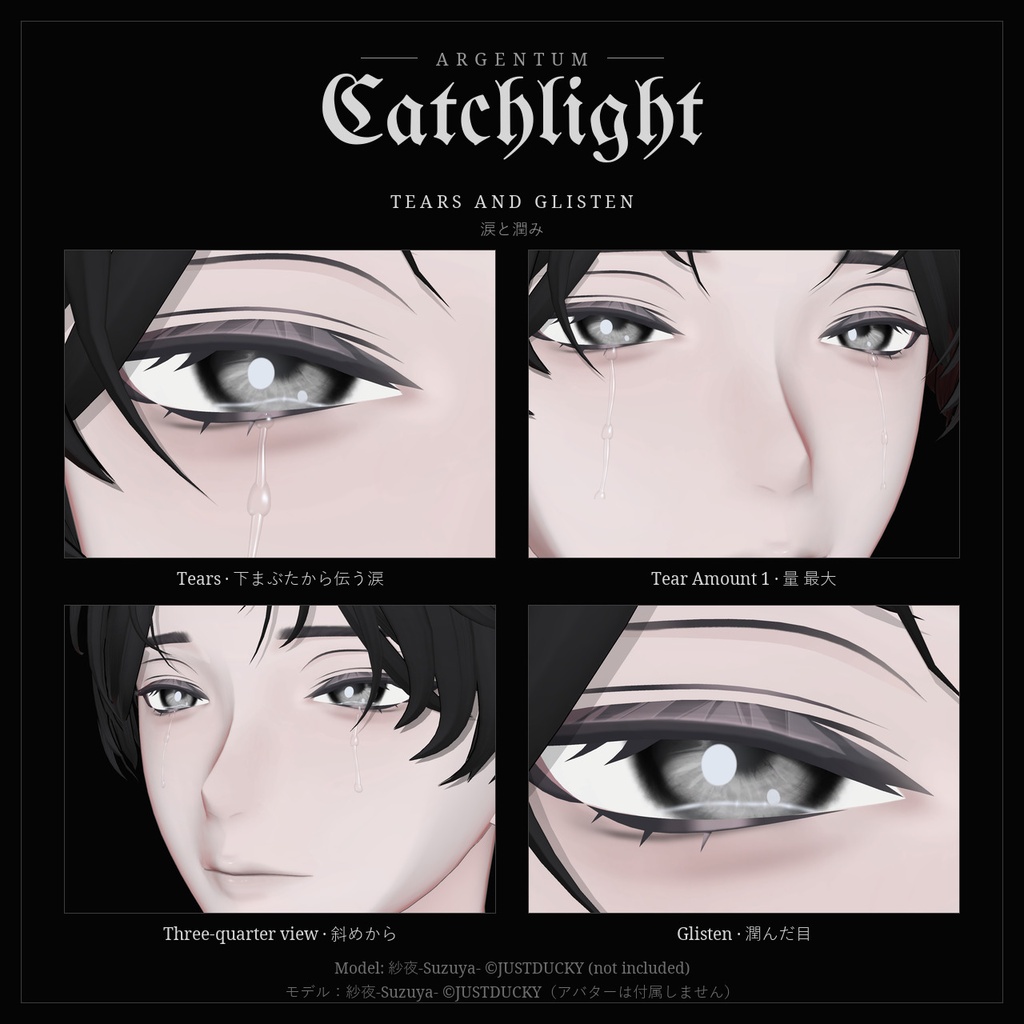
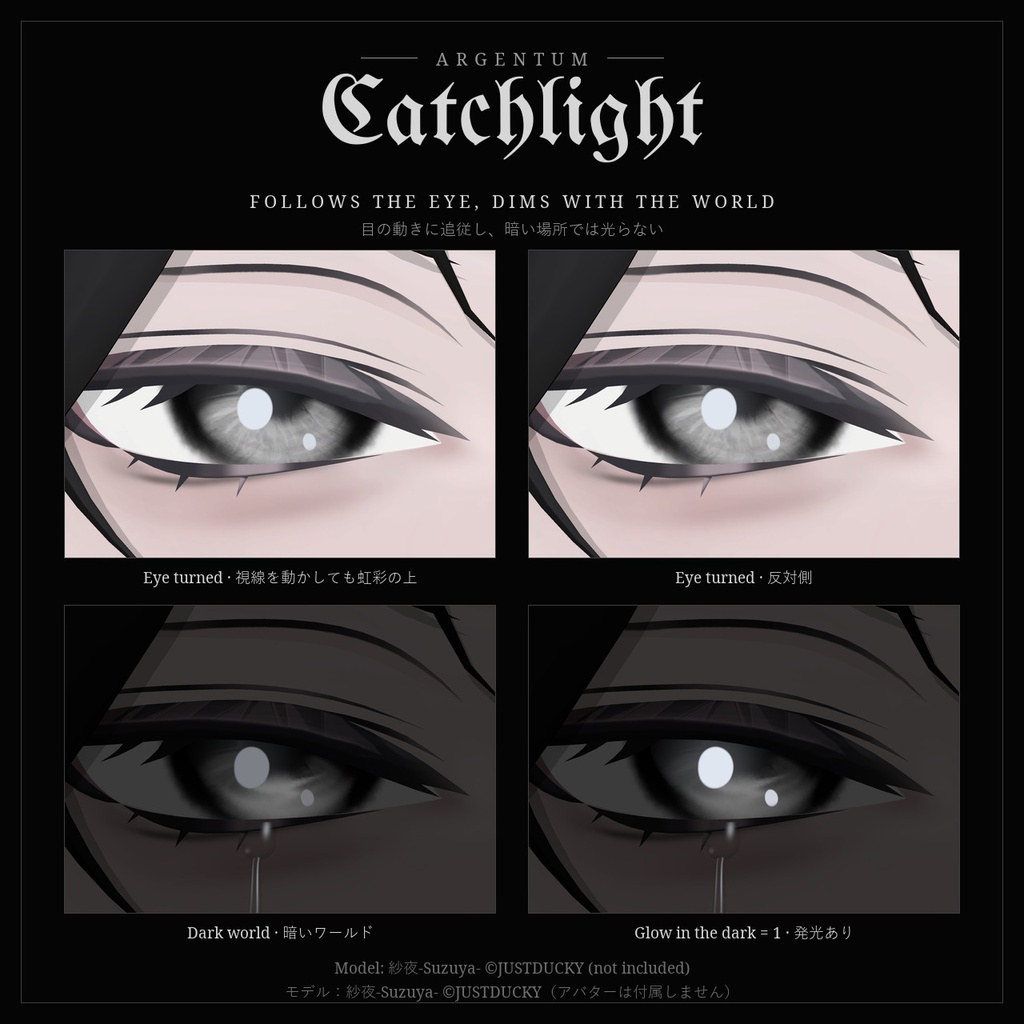


いつもの目のまま、瞳にハイライトを。そして、涙を。 ■ 特長 ・目のマテリアルはそのまま:lilToon、Poiyomi、Argentum Gazeなど、どのアイシェーダーの上にも重ねられます ・ハイライトの形4種:Classic(楕円+小さなサブハイライト)、Crescent(三日月)、Glint(四芒星のきらめき)、Window(窓の映り込み) ・色は White / Silver / Cold Blue、または自由な色 ・虹彩の上に描くので、目のボーン・目のシェイプキー・フェイストラッキングに追従 ・ワールドの明るさに合わせて暗くなり、暗い部屋で光りません(「Glow in the dark」で発光も可能) ・涙:下まぶたから頬へ伝う筋と、流れ落ちる雫。量はラジアルで調整 ・Glisten(潤んだ目)とSparkle(虹彩のきらめき) ・ワンクリック設定ツール:目と虹彩を自動で見つけ、まぶたに隠れない位置にハイライトを置き、顔の形に沿って涙を配置して、メニューまで作成します ・元のメッシュとマテリアルは変更しません ■ こんな用途に 写真・動画撮影、ロールプレイ、泣き顔や感動のシーン、目に光を入れて表情を引き締めたいときに。 ■ 対応環境 ・Unity 2022.3.22f1(VRChatの現行バージョン)、ビルトインレンダーパイプライン ・VRChatアバター用、PC専用(VRChatはQuest / Androidのアバターでカスタムシェーダーを許可していません) ・ヒューマノイドのアバターなら、目のシェーダーを問わず使えます ・メニューと目のシェイプキーへの追従にはModular Avatarが必要です(未使用の場合、ツールは設定した見た目をそのまま適用します) ■ 内容物 ・Argentum_Catchlight_v1.0.0.unitypackage ・Argentum/Catchlight、Argentum/Catchlight Tears シェーダー ・設定ツール:Tools > Argentum > Catchlight ・テンプレートマテリアル2種とメニュー用アイコン ・README(英語・日本語)、利用規約、更新履歴 ■ 負荷 ・ハイライト:虹彩のまわりだけを複製した小さなスキンメッシュ1つ(画像のアバターで304頂点)と、小さな半透明パス1つ。テクスチャ・画面キャプチャは使いません。 ・涙:Headボーン上の小さなメッシュ1つ(約300頂点)。 ・オフのときは頂点シェーダーでポリゴンをたたみ、何も描きません。 ・Performance Rankへの影響:スキンメッシュ +1、メッシュ +1、マテリアルスロット +2。 ■ ご注意 ・パラメーター:Argentum/CatchlightShape(int)、Argentum/CatchlightSparkle(bool)、Argentum/CatchlightGlisten(bool)、Argentum/CatchlightTears(bool)、Argentum/CatchlightTearAmount(float)、計19ビット。 ・目のテクスチャに描き込まれたハイライトはそのまま残ります。アバターの「ハイライト消し」シェイプキーなどと組み合わせてください。 ・涙はHeadボーンに固定されています。頬が大きく動く表情では、ツールの「Lift off the skin」で調整できます。 ■ アップデート 購入者は無料でアップデートを受け取れます。BOOTHのライブラリから再ダウンロードしてください。 画像のアバター:紗夜-Suzuya-(JUSTDUCKY様)※アバターは付属しません ──────────────────── English ──────────────────── Argentum Catchlight: Eye Highlights & Tears Over Any Eye Shader [VRChat / PC / Modular Avatar] Light in the eyes, and tears, on top of the eyes you already have. ■ Features ・Your eye material stays: works over lilToon, Poiyomi, Argentum Gaze or any other eye shader ・4 highlight shapes: Classic (an oval and a small second highlight), Crescent, Glint (a four-point star), Window (a window reflection) ・White, Silver, Cold Blue or any color ・Drawn on the iris, so it follows eye bones, eye blendshapes and face tracking ・Dims with the world and never glows in a dark room (or set Glow in the dark) ・Tears: a streak from the lower lid down the cheek, with drops running off. Amount on a radial ・Glisten (wet eyes) and Sparkle (glints in the iris) ・One-click tool: finds the eyes and irises, places the highlight where the eyelids don't hide it, lays the tears along the face and builds the menu ・Your original meshes and materials are never changed ■ Use it for Photos and videos, roleplay, crying and emotional scenes, or just more life in the eyes. ■ Compatibility ・Unity 2022.3.22f1 (VRChat's current version), Built-in Render Pipeline ・VRChat avatars, PC only. VRChat does not allow custom shaders on Quest / Android avatars. ・Any humanoid avatar, whatever its eye shader. ・Modular Avatar for the menu and for following eye blendshapes. Without it the tool applies the look as you set it. ■ What's included ・Argentum_Catchlight_v1.0.0.unitypackage ・Argentum/Catchlight and Argentum/Catchlight Tears shaders ・Setup tool: Tools > Argentum > Catchlight ・2 template materials and a menu icon ・README (English / Japanese), terms of use, changelog ■ Performance ・Highlights: one small skinned mesh copied from the iris area only (304 vertices on the avatar in the images) and one small transparent pass. No textures, no screen grab. ・Tears: one small mesh on the Head bone (about 300 vertices). ・When off, the triangles are collapsed in the vertex shader and draw nothing. ・Performance Rank: +1 skinned mesh, +1 mesh, +2 material slots. ■ Notes ・Parameters: Argentum/CatchlightShape (int), Argentum/CatchlightSparkle (bool), Argentum/CatchlightGlisten (bool), Argentum/CatchlightTears (bool), Argentum/CatchlightTearAmount (float), 19 bits. ・Highlights painted into your eye texture stay. Combine with your avatar's "highlight off" blendshape if it has one. ・The tears are fixed to the Head bone. For expressions that move the cheek a lot, adjust "Lift off the skin" in the tool. ■ Updates Free for buyers. Re-download from your BOOTH library. Avatar in the images: Suzuya by JUSTDUCKY (not included).
Terms of Service
・○ アップロードするアバター・ワールドでの使用(個人・商用、配信・動画を含む) ・○ 自分用の改変。依頼で制作したアバターへの使用と代理アップロード(ファイルを渡さない場合) ・× ファイルの再配布・転売(改変の有無を問わず、アバターやワールドのパッケージへの同梱を含む) ・導入ツールがアバターごとに生成するファイル(メッシュ、マテリアル、アニメーター)も本製品の一部として扱います ・規約の全文はダウンロードデータに同梱しています ──────────────────── ・OK: use on avatars and worlds you upload, personal or commercial, including streams and videos. ・OK: modify for your own use; use on commissioned avatars you upload for a client, as long as the files aren't handed over. ・Not OK: redistributing or reselling the files, modified or not, including inside avatar or world packages. ・The files the setup tool generates for an avatar (meshes, materials, animator) count as part of the product. ・Full terms are included in the download.
Update information
・1.0.0 (2026-11-04): 初回リリース ・1.0.0 (2026-11-04): First release