

【セール中!】Villa Azure【ホームワールド】
- FullSet (Day & Sunset)Digital1,800 JPY
- DayDigital1,400 JPY
- SunsetDigital1,400 JPY
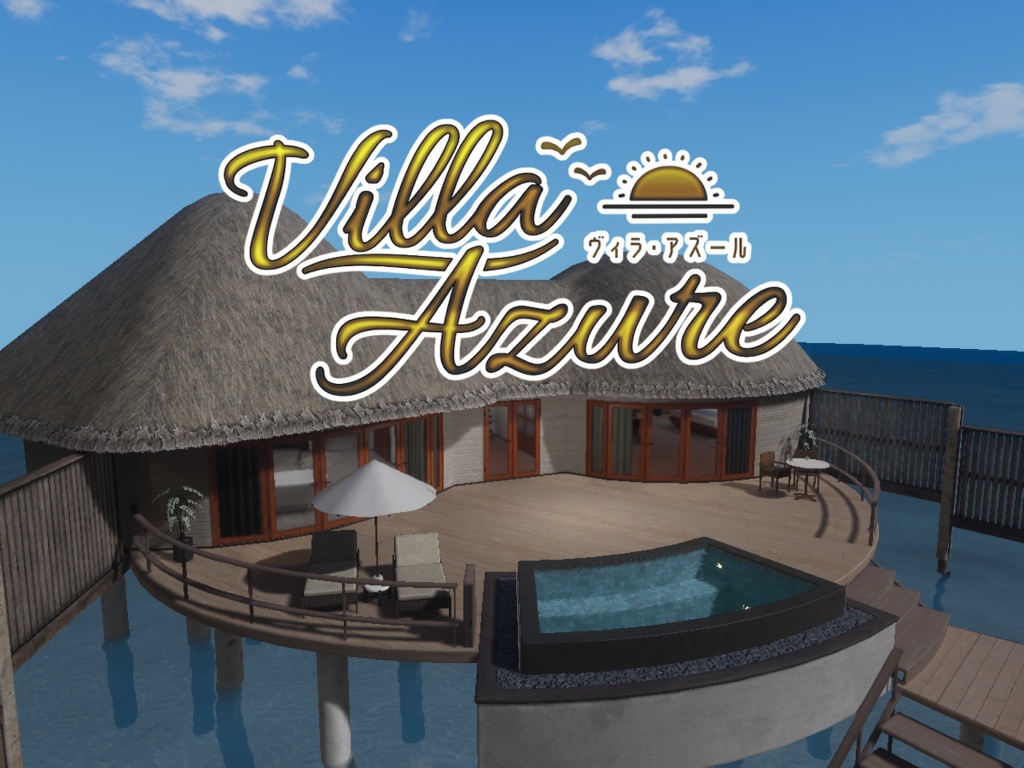
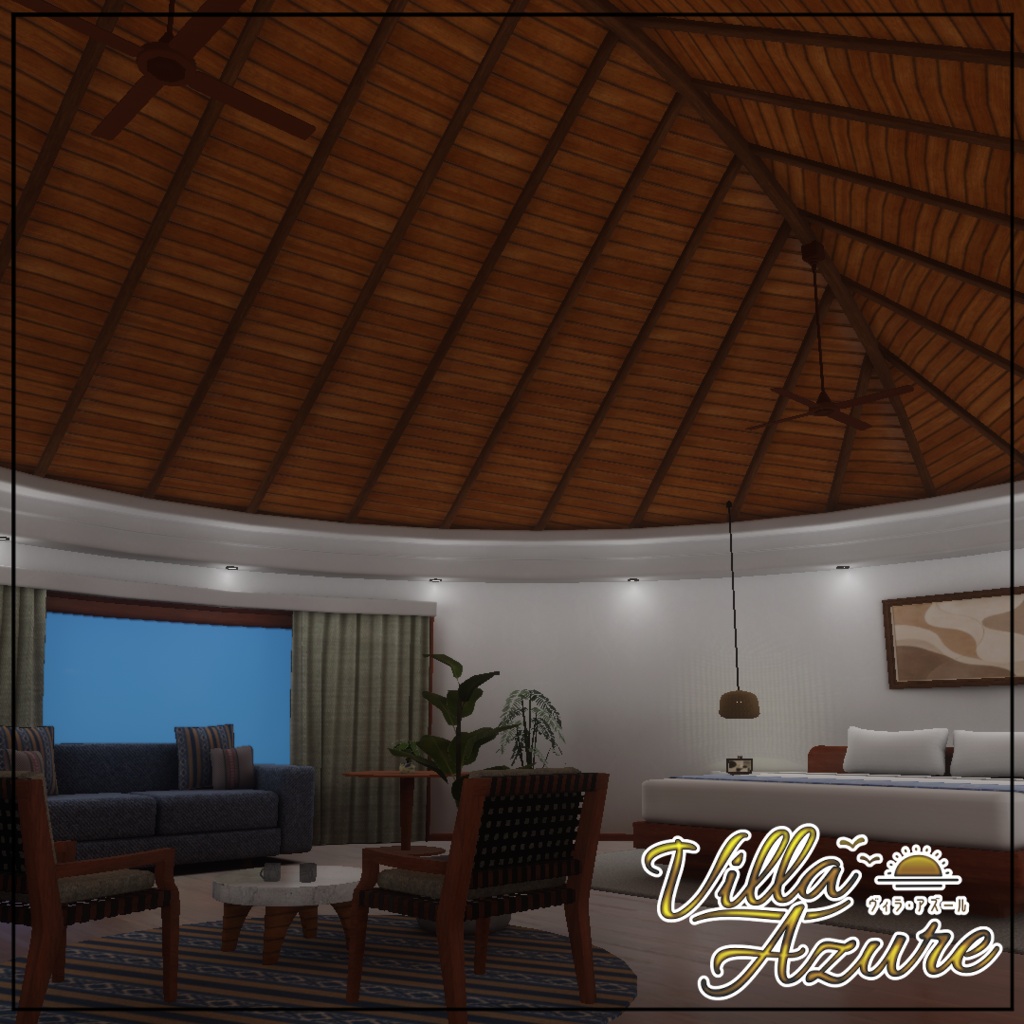
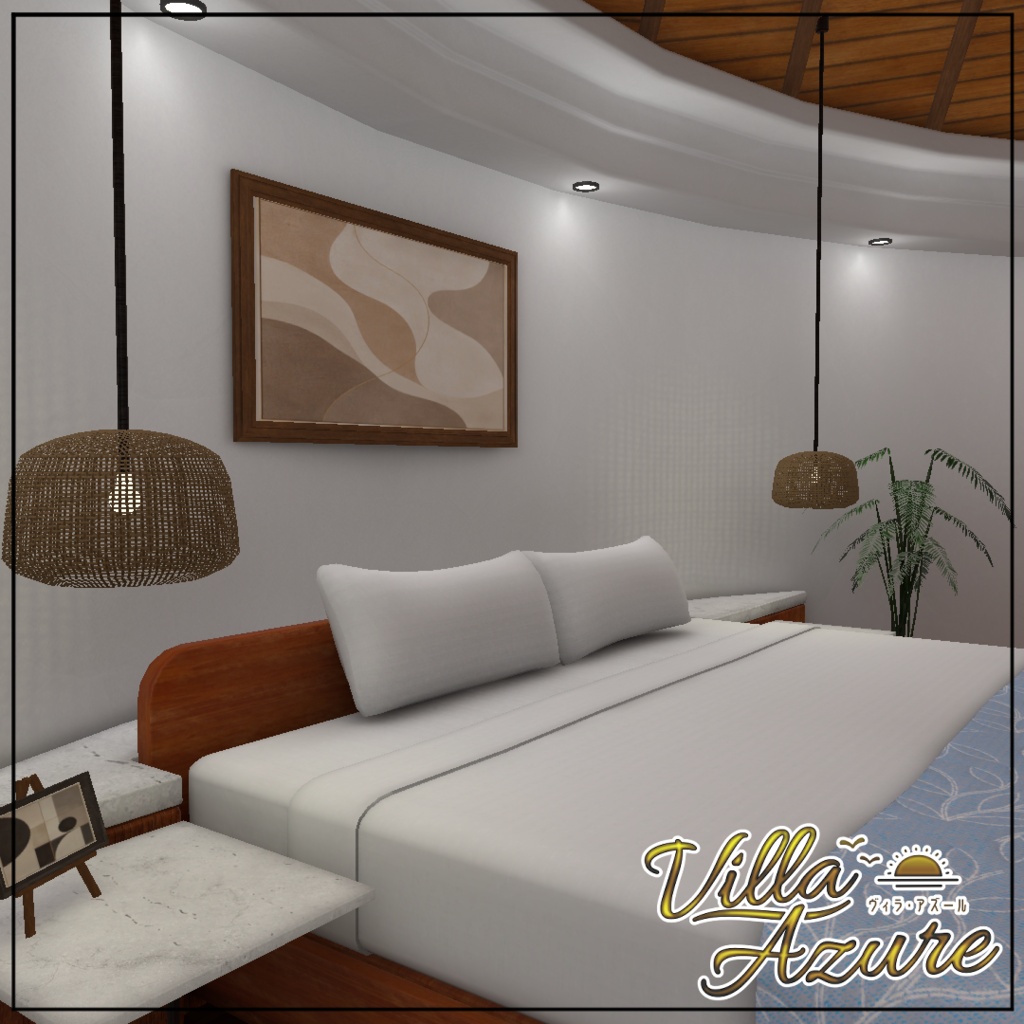
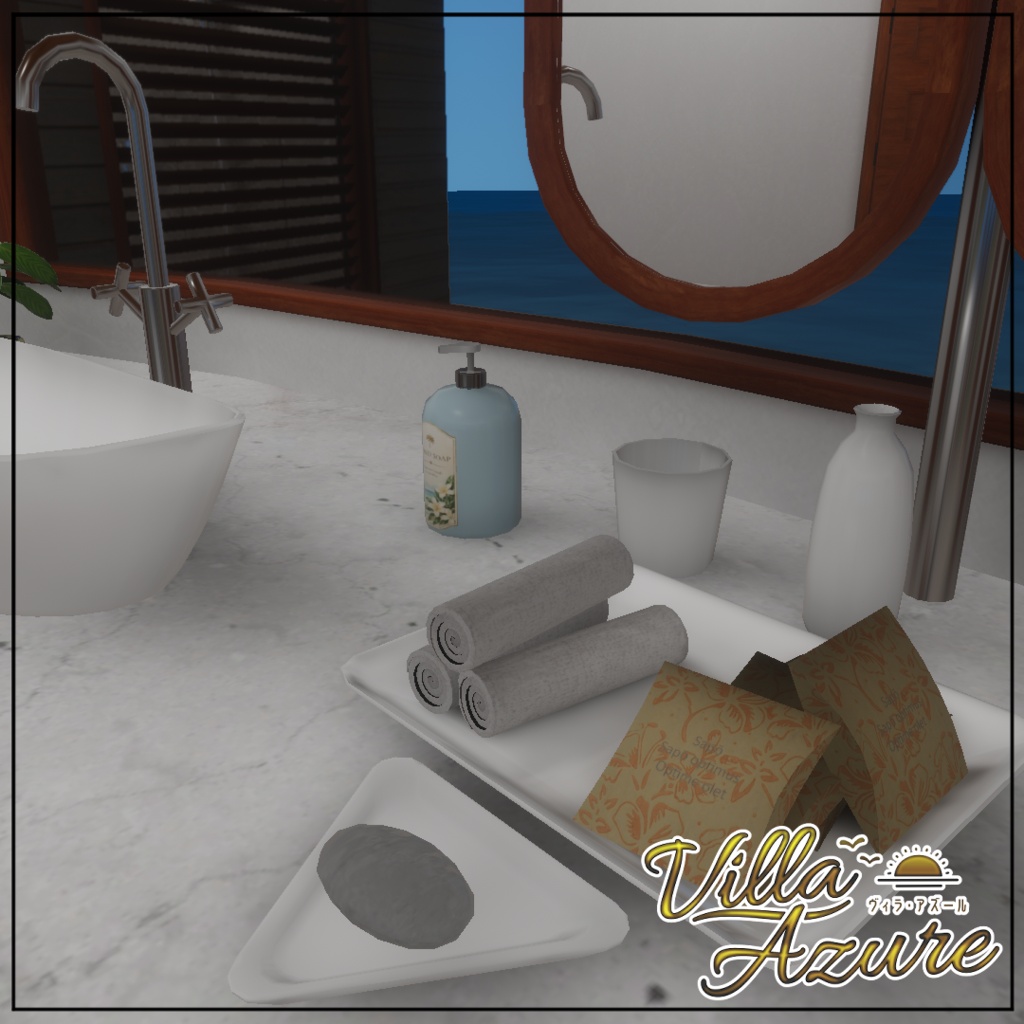
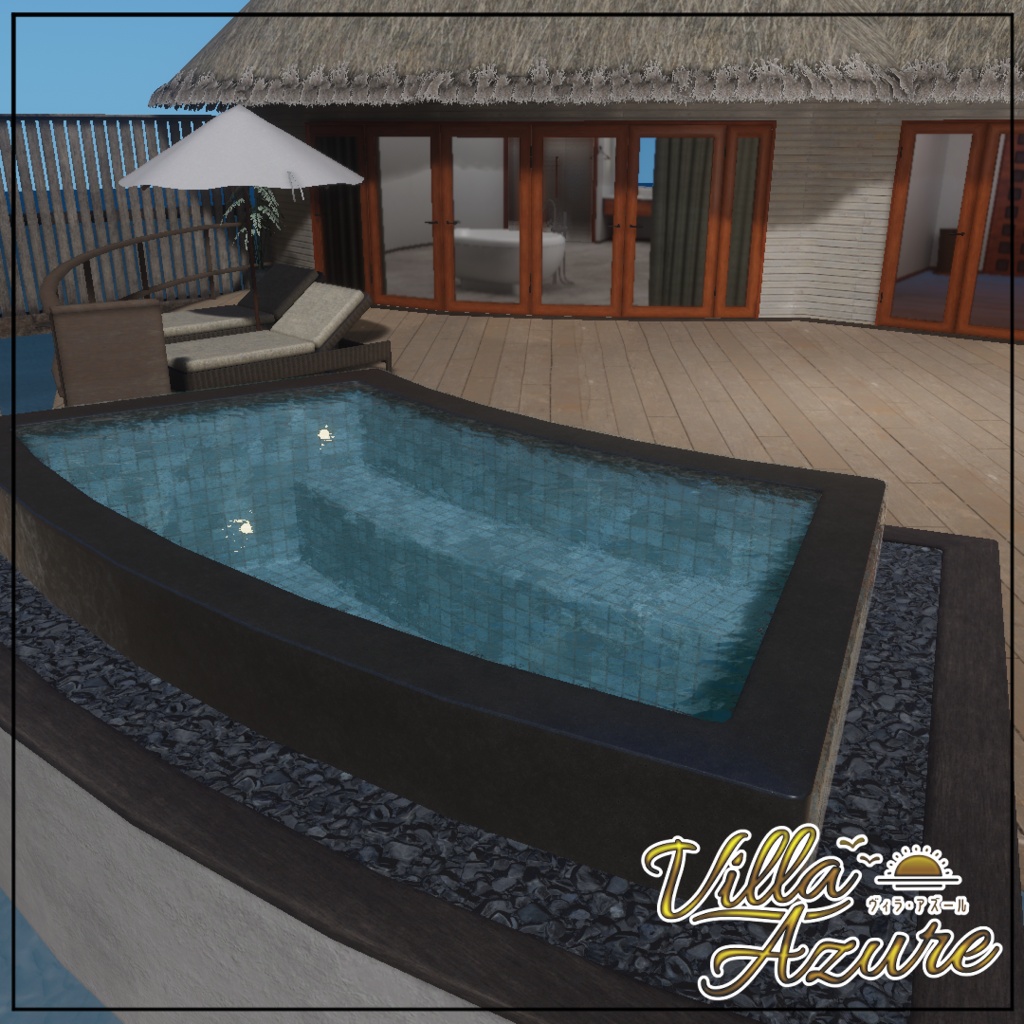
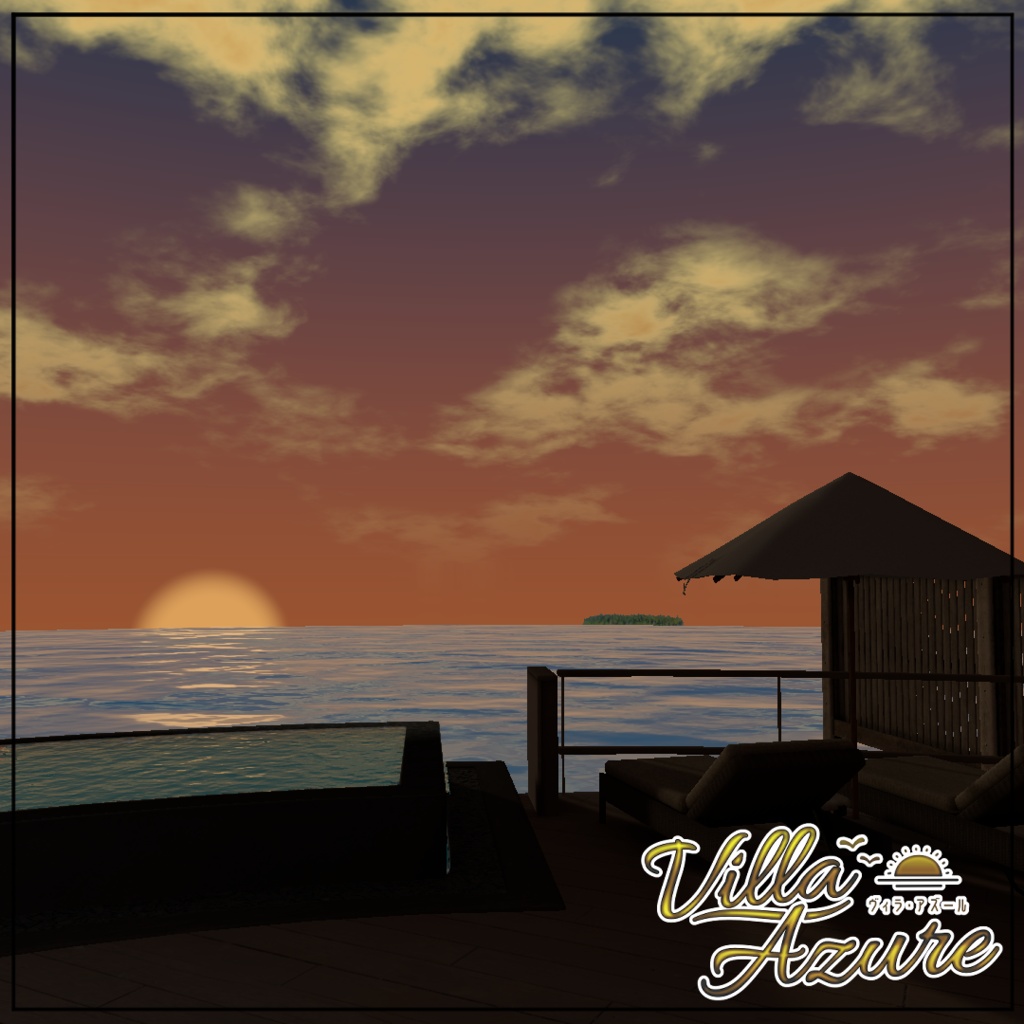
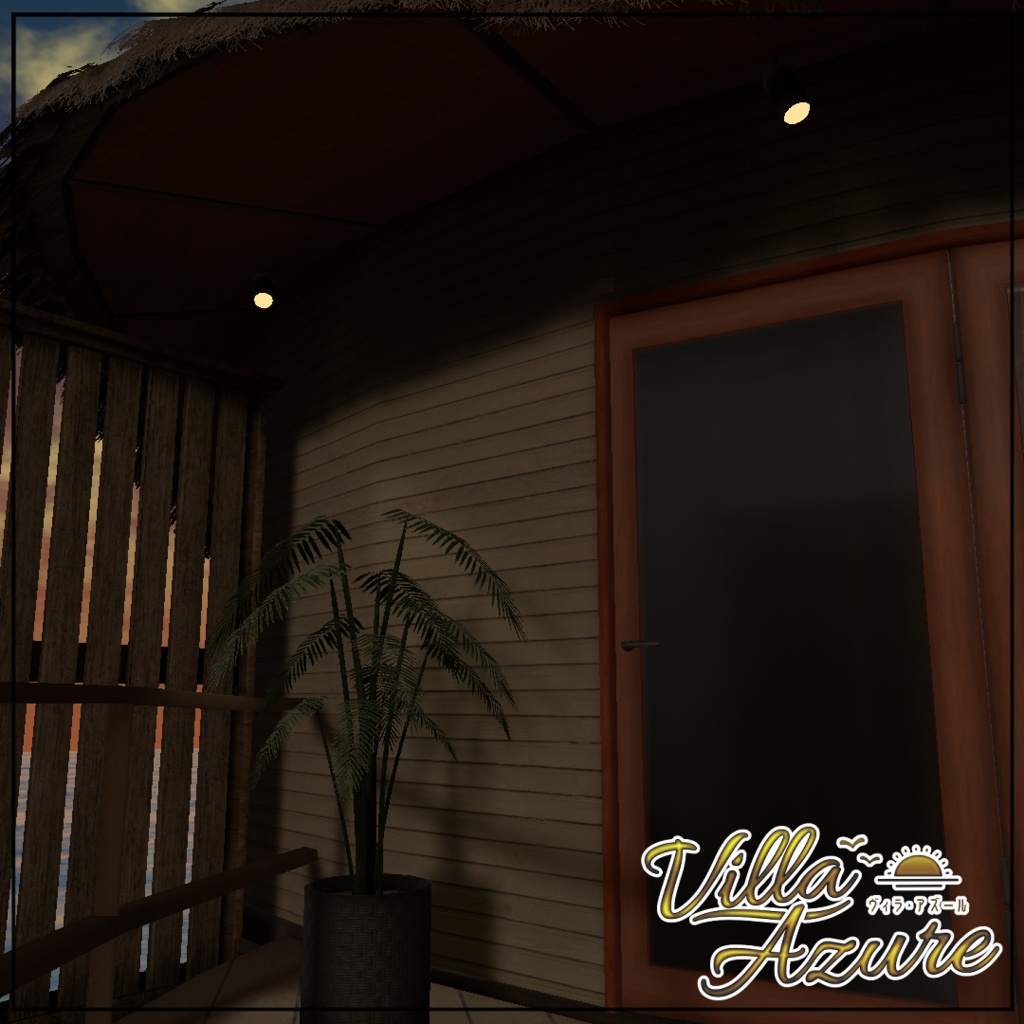
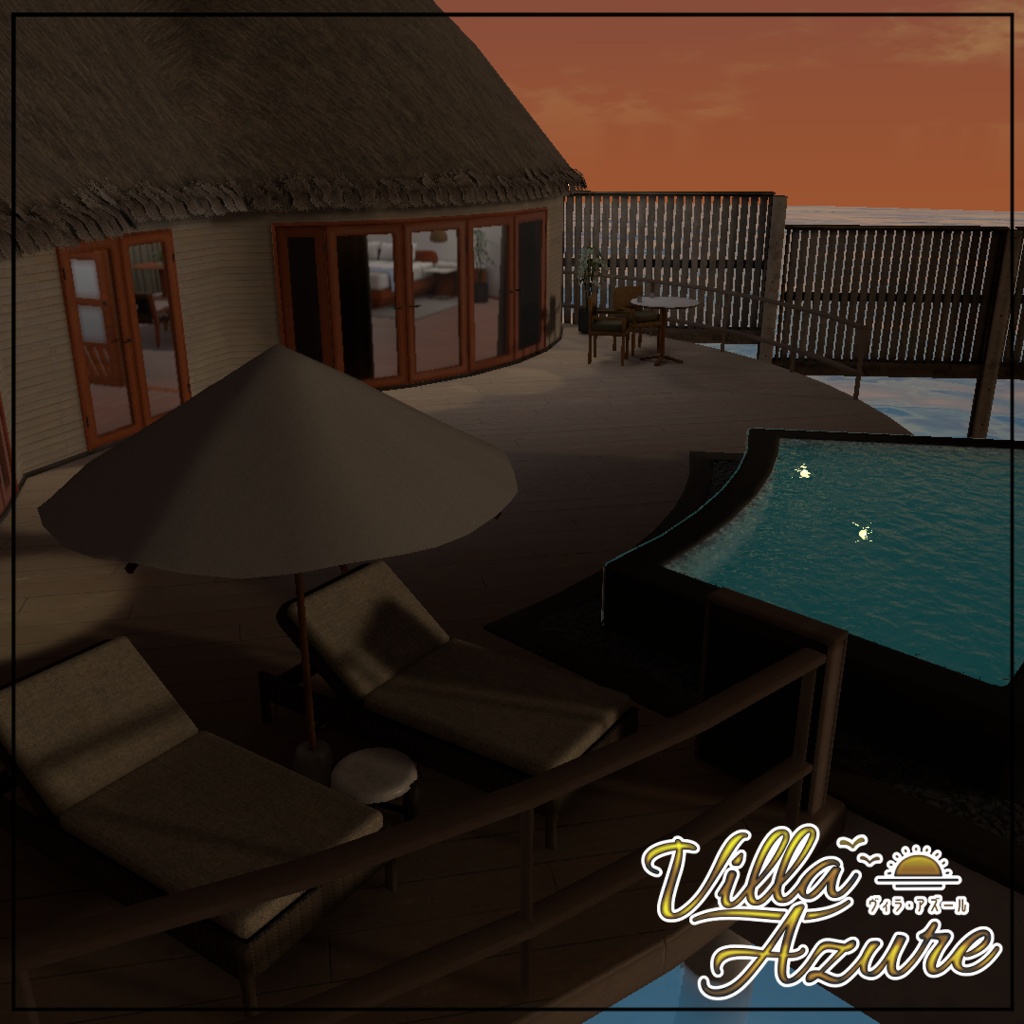
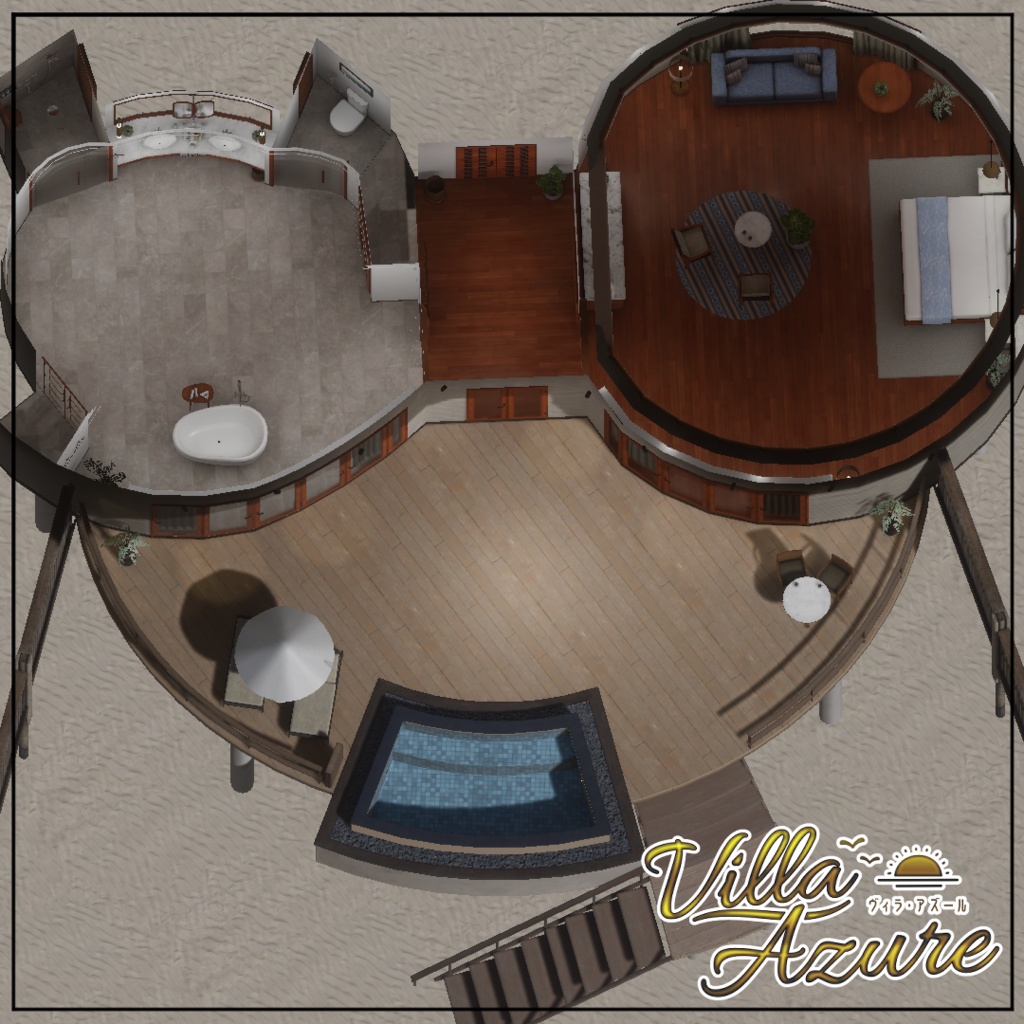
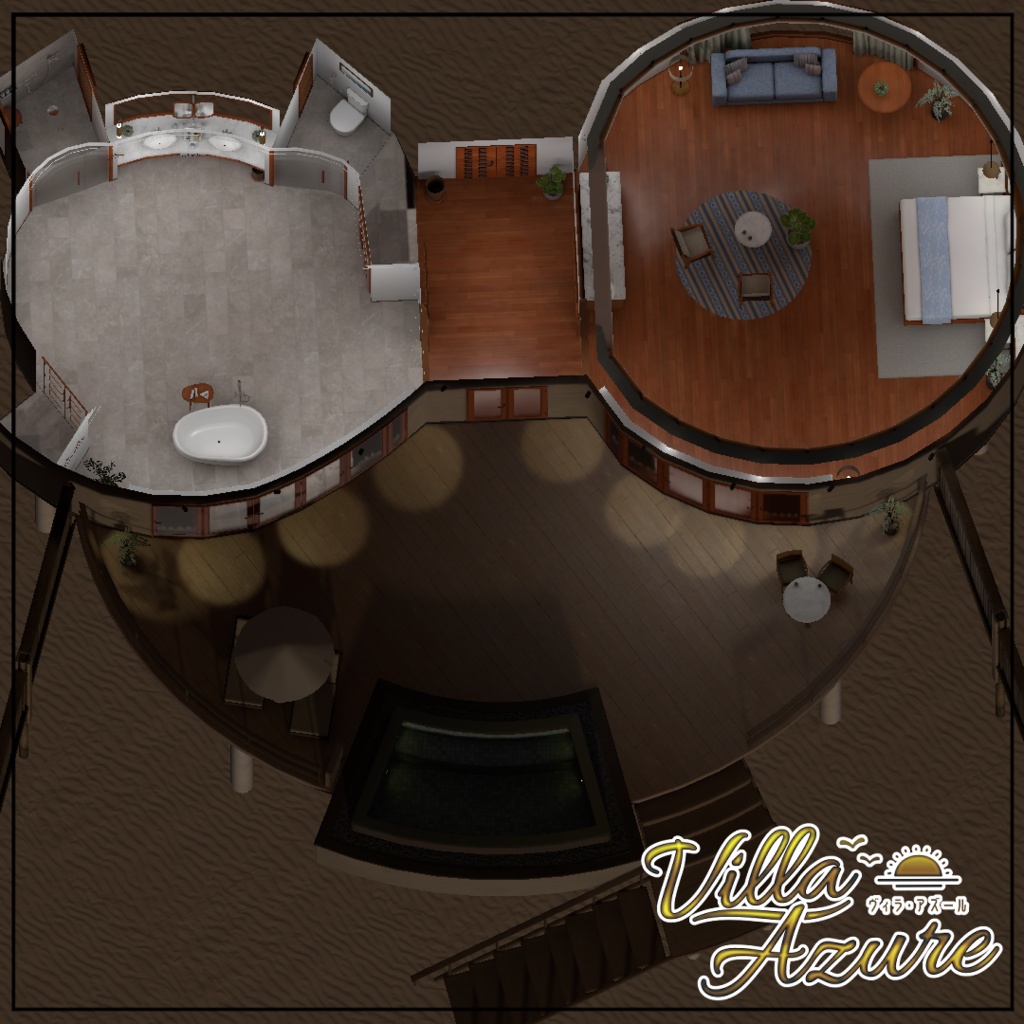
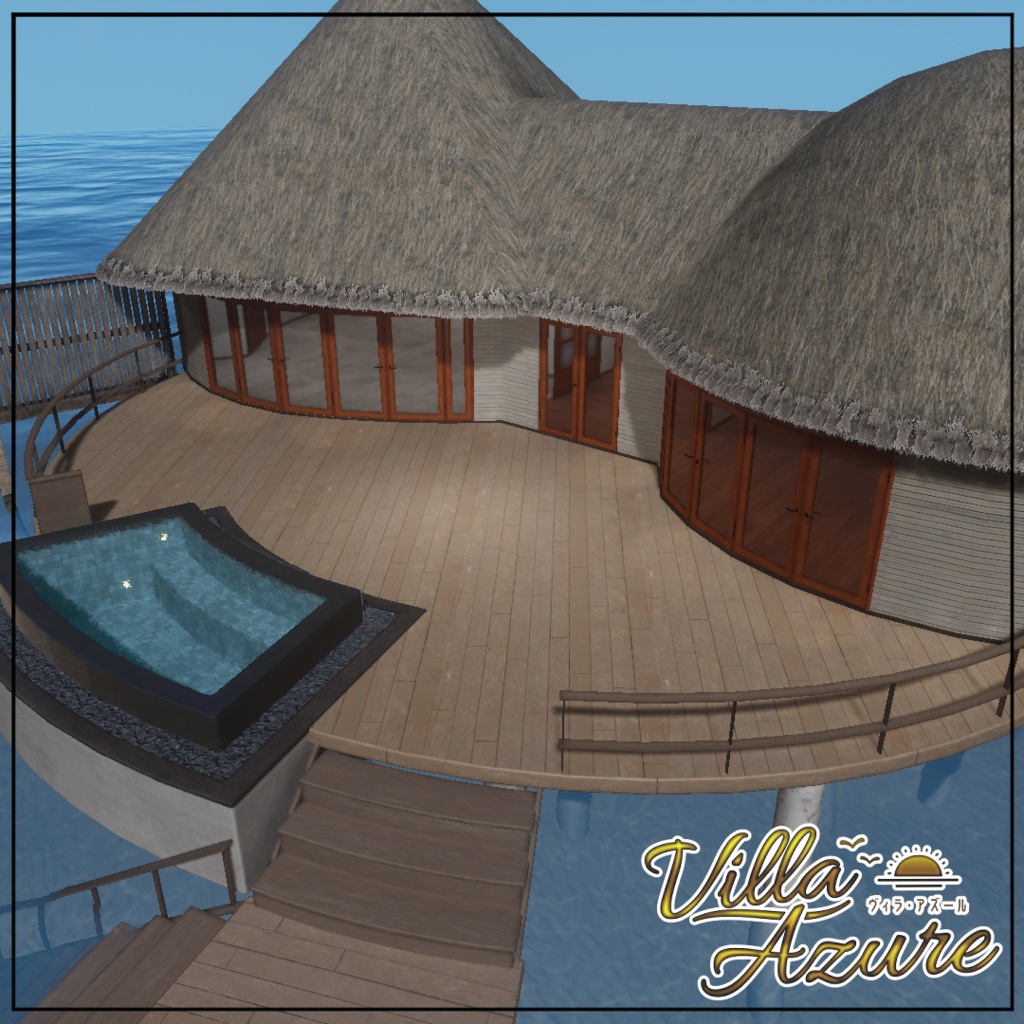
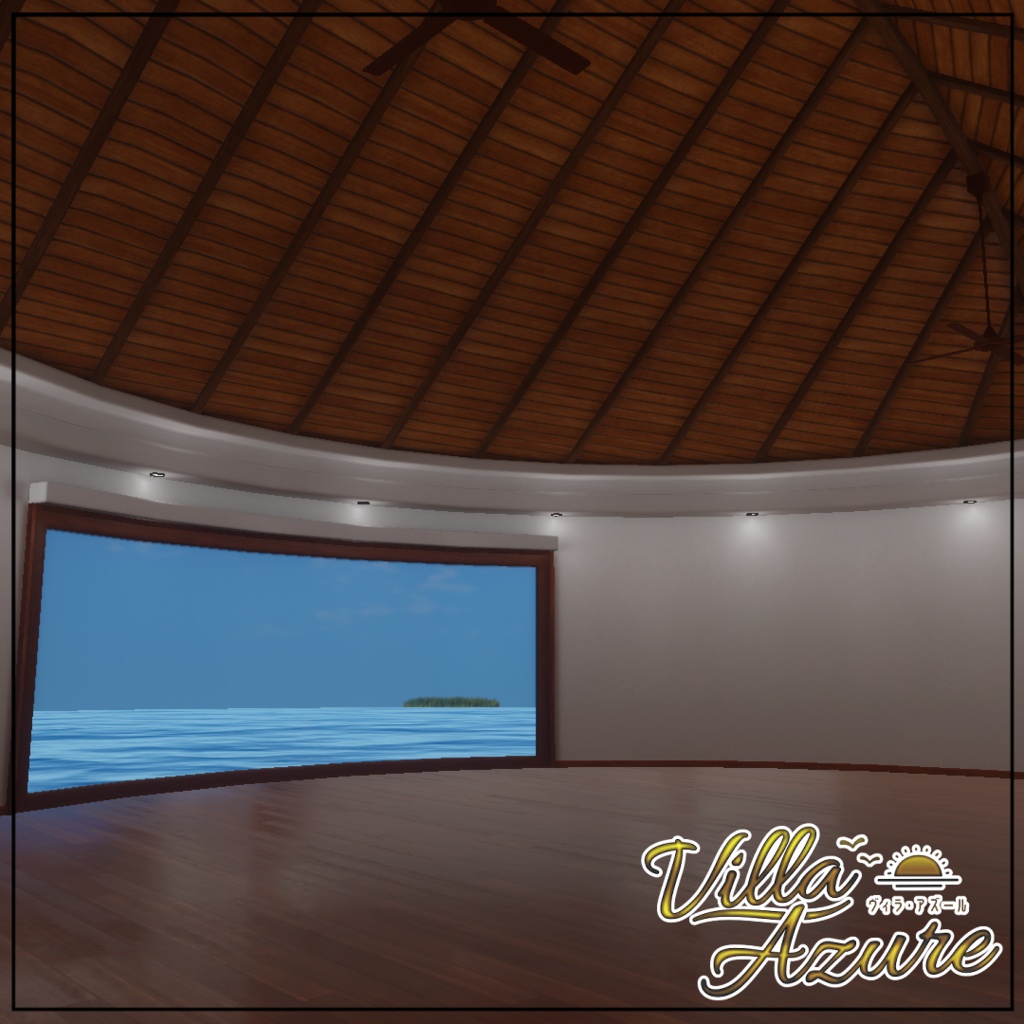
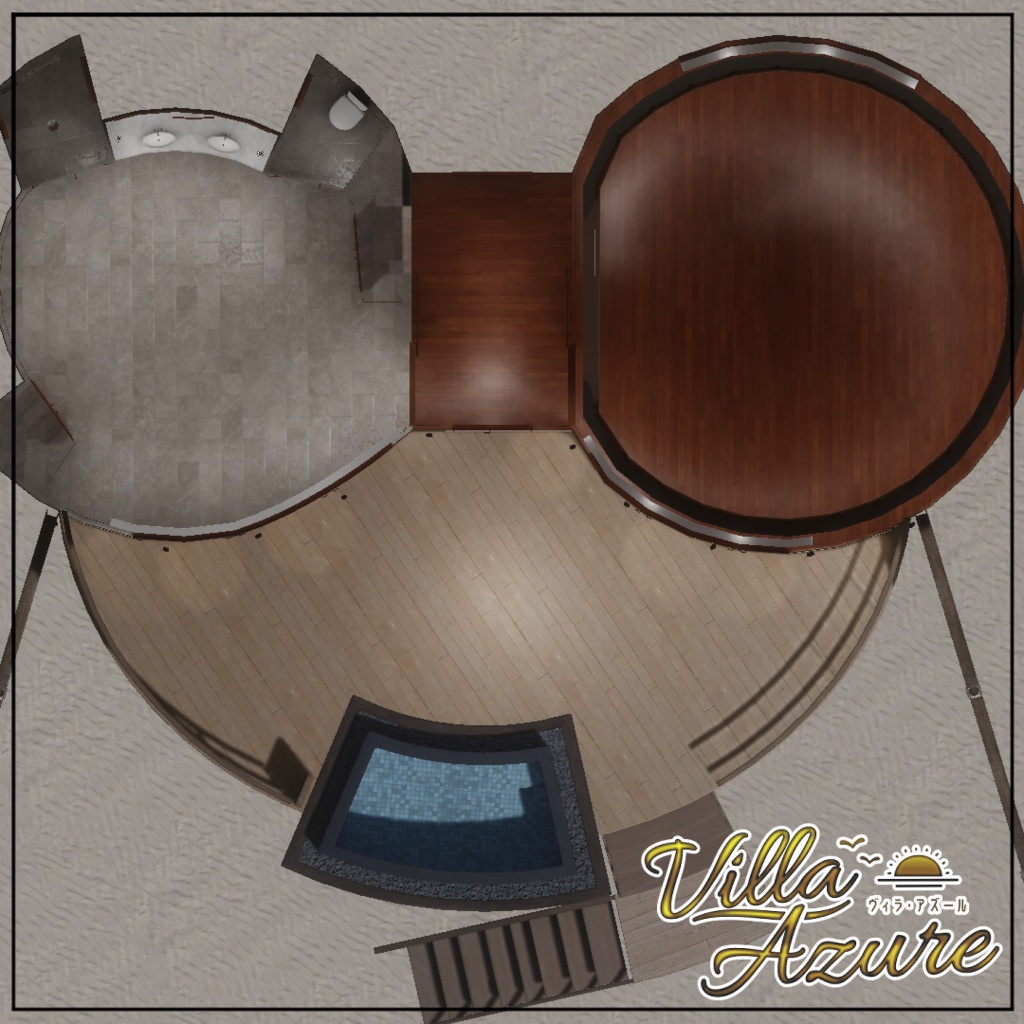


************************************************** 🎉🎉販売記念セール🎉🎉 ~11/11 23:59 まで Day / Sunset ¥1,600 → ¥1,400 Full Set ¥2,000 → ¥1,800 ************************************************** ************************************************** 海の中をつくる場合、 海のいろいろアセット【168点】 ¥ 1,000 https://kiei.booth.pm/items/8988649 もセットでおすすめです😸 ************************************************** コンセプトは 『リゾートの水上コテージ』 海にうかぶ、憧れの水上コテージ🛖 水平線の向こうを眺め、さざ波の音に耳を傾け 穏やかな時間をたっぷりと味わいましょう。 ホームワールドやコンパクトなイベント、集会に 【Villa Azure】は最高の舞台として機能します。 💡こだわりポイント💡 ・チルさ抜群のさざ波の音が設定されています。(ワールド音声) ・ゆったりと回るアニメーション付きシーリングファン。 ・地球の丸さを演出する水平線。 ・扉の回転軸を自然な動きになるように設定しています。 ・改変を意識したデータ構造で、小物も1つ1つ細かく調整可能です。 ・Day / Sunset ともにすべての家具を削除したシーンデータも同梱。 まっさらな状態から自由にアセットを配置できます。 フルスクラッチで制作しています。 スタンダードなデータ設計なので改変しやすいです。 またUnity標準機能でライトベイクしており、Static等の設定もしてあるので 改変後の再ライトベイク調整もしやすくなっています。 初めてのホームワールドにもおすすめです。 データを購入してすぐアップロードして使えます。 ------------------------------------------------------------ The concept is “Resort Water Cottage” A dreamy water cottage floating on the ocean 🛖 Gaze out beyond the horizon, listen to the sound of gentle waves, and savor plenty of peaceful moments. Whether for Home Worlds, compact events, or gatherings, 【Villa Azure】 serves as the perfect setting. 💡Key Features ・Features the sound of gentle waves for the ultimate chill vibe. (World audio) ・A ceiling fan with a slow, rotating animation. ・A horizon that highlights the Earth’s curvature. ・The door’s rotation axis is configured for natural movement. ・Includes scene data with all furniture removed for both Day and Sunset scenes. You can freely place assets, making it very easy to customize. Created entirely from scratch. The data is designed using standard conventions, making it easy to modify. Additionally, lighting has been baked using Unity’s standard features, making it easy to adjust and rebake lighting after modifications. Also recommended for those creating their first Home World. You can upload and use the data immediately after purchase. For underwater objects, please also consider the separately sold “Various Underwater Assets [168 Items]” for ¥1,000 https://kiei.booth.pm/items/8988649
概要
・VRChat対応(PC ) ・フルスクラッチの家具、建築、小物 ・すべてのオブジェクトにUV2設定済み ・Unity標準機能でのライティング設定済み ・リフレクションプローブ、ライトプローブ設定済み ・PostProcess設定済み ・ポリゴン数 家具あり △17万 ・ビルドサイズ 家具あり 約108MB ・SetPassCall 100~250程度(ミラーoff) ・Batches 100~350程度(ミラーoff) ------------------------------------------------------------ ・VRChat compatible (PC) ・Furniture, architecture, and props built from scratch ・UV2 settings applied to all objects ・Lighting configured using Unity’s standard features ・Reflection probes and light probes configured ・Post-Processing configured ・Polygon count: 170,000 ・Build size: Approximately 108 MB with furniture included ・SetPassCall: Approximately 250 max with mirrors off ・Batches: Approximately 350 max with mirrors off
フォルダ構造
Assets -kiei -ThirdParty -VillaAzure -Animation -fbx -Material&Texture -Prefabs -Scenes -Sound
サンプルワールド
☀️Day https://vrchat.com/home/launch?worldId=wrld_0e3f16d9-030a-4dbf-ac31-a484ffd0dcc5 🌅Sunset https://vrchat.com/home/launch?worldId=wrld_96ef2f7d-df35-44d5-b379-9acd7332c072 サンプルワールドにあって商品には含まれていないもの ・海中のオブジェクト (https://kiei.booth.pm/items/8988649 にて別売) ・入口付近のミラー ・LuraSwith ・QVペン ・動画プレイヤー ・ImagePad ・入退室ログ ・椅子、ベッドのコライダー ------------------------------------------------------------ Items found in the sample world but not included in the product ・Underwater objects (kiei. Sold separately at the Booth shop) ・Mirror near the entrance ・LuraSwitch ・QV Pen ・Video player ・ImagePad ・Entry/exit log ・Colliders for chairs and beds
ワールド導入方法
ワールド導入に関して個別・無償の対応は行っておりませんが、一般的なワールド導入手順で導入いただけます。 以下に一般的な手順をご紹介します。 ①VRChat Creator Companion(VCC)を起動して、右上のCreate New Project をクリック ↓ Unity2022 World Projectを選択して、プロジェクト名と保存場所を指定してCreate Projectをクリック ②Unityが起動したら、Projectウインドウ上に購入いただいたUnitypackageファイルをドラッグアンドドロップ。インポートをクリック。 ③データがインポートされるので、 Day の場合 kiei\VillaAzure\Scenes\VillaAzure_Day もしくは kiei\VillaAzure\Scenes\VillaAzure_Day_Base Sunset の場合 kiei\VillaAzure\Scenes\VillaAzure_Sunset もしくは kiei\VillaAzure\Scenes\VillaAzure_Sunset_Base (Unityの四角いアイコンで表示されるシーンデータです)をダブルクリック。 ④【重要】ダブルクリックして開いた場合存在しないと思いますが、もしhierarchy上に VRCDefaultWorldScene という名前のシーンが存在する場合、右クリックしてシーンを削除。 ⑤改変等が終わったら UnityメニューのVRChatSDK→ShowControlPanelからワールドをアップロード。 ------------------------------------------------------------ We do not provide individual, free support for world installation, but you can install the world by following the general installation procedure. The general procedure is outlined below. ① Launch VRChat Creator Companion (VCC) and click “Create New Project” in the upper-right corner. ↓ Select “Unity 2022 World Project,” specify a project name and save location, then click “Create Project.” ② Once Unity launches, drag and drop the Unity package file you purchased onto the Project window. Click “Import.” ③ The data will be imported. For “Day”: kiei\VillaAzure\Scenes\VillaAzure_Day or kiei\VillaAzure\Scenes\VillaAzure_Day_Base For “Sunset”: kiei\VillaAzure\Scenes\VillaAzure_Sunset or kiei\VillaAzure\Scenes\VillaAzure_Sunset_Base (This is the scene data displayed as a square icon in Unity.) Double-click it. ④ [Important] If you double-click to open the scene, it likely won’t exist, but if a scene named “VRCDefaultWorldScene” appears in the Hierarchy, right-click it and delete the scene. ⑤ Once you’ve finished making changes, upload the world via the Unity menu: VRChatSDK → ShowControlPanel.
利用規約
改変を問わず、購入したワールドをPublicでアップロードOK 本ショップの規約はVN3ライセンス(https://www.vn3.org/)を利用しています。 ---利用規約(JP)--- https://drive.google.com/file/d/1xls4hpp8AivUhoaudnYBYuONnCu83oT9/view?usp=sharing ---Terms of use(EN)--- https://drive.google.com/file/d/1QEJNN99U65SQS5NYiHexYrririIMpakg/view?usp=sharing ---이용규약(KO)--- https://drive.google.com/file/d/17jMLXCik1sXdaaYg9IgVCwlBZc7HZSDk/view?usp=sharing ---使用条款(ZH)--- https://drive.google.com/file/d/17ySrIchW4na2brQmU5G8FVLuWUEGGpF4/view?usp=sharing ダウンロード商品の特性上、返品返金は致しかねます。 No refunds. 환불 불가. 不能退款 ※利用規約は予告なく変更する場合があります。 ※当データは、予告なく一時的または長期的にデザイン・内容当を変更する事があります。 ※当データは、予告なく一時的または長期的に配信を中止する場合がございます。 ※この製品を利用して発生したトラブルに関しては製作者は一切の責任を負いません。
クレジット
【Filamented Standard for Unity】 権利者:Silent 様 booth :https://booth.pm/ja/items/3250389 【Mochies Shader】 権利者:Mochie 様 GitHub :https://github.com/MochiesCode/Mochies-Unity-Shaders/releases 【Birdhouse Skybox】 権利者:Birdhouse-Design 様 booth :https://birdhouse-design.booth.pm/items/7769664 ●サンプルワールド 【海のいろいろアセット【168点】】 権利者:kiei. booth :https://booth.pm/ja/items/8988649 【YamaPlayer - VRChat向け動画プレイヤー】 権利者:yamadev 様 booth :https://booth.pm/ja/items/4768863 【QvPen】 権利者:Package Shop @aivrc 様 booth :https://booth.pm/ja/items/1555789 【ImagePad】 権利者:bironist 様 booth :https://booth.pm/ja/items/4573315 【LuraSwitch2】 権利者:QuickBrown Design Studio 様 booth :https://booth.pm/ja/items/1969082 【Visitors Information Board】 権利者:ちくわ屋 様 booth :https://booth.pm/ja/items/5403376
更新履歴
2026/11/9 v1.0 販売開始