
沢山のプロパティを一発で登録 / Add Props to Esential Graphics
- Digital590 JPY
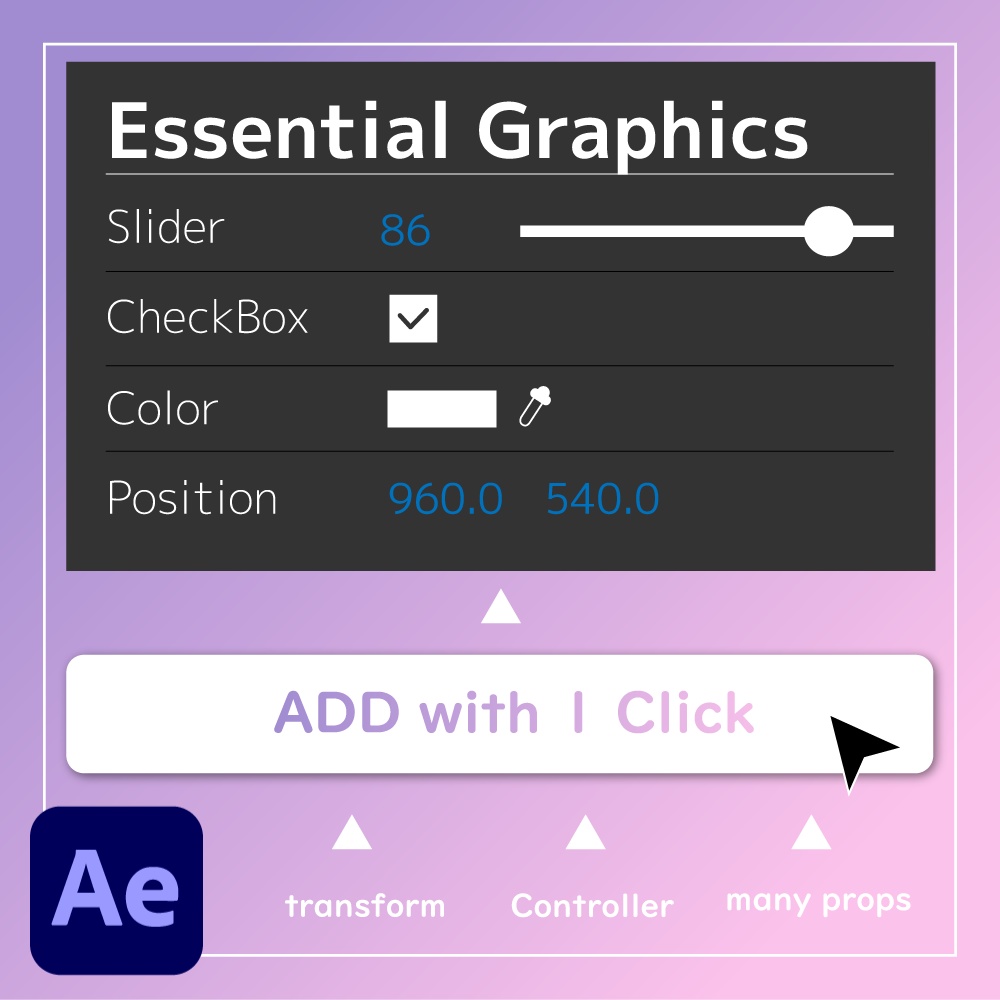
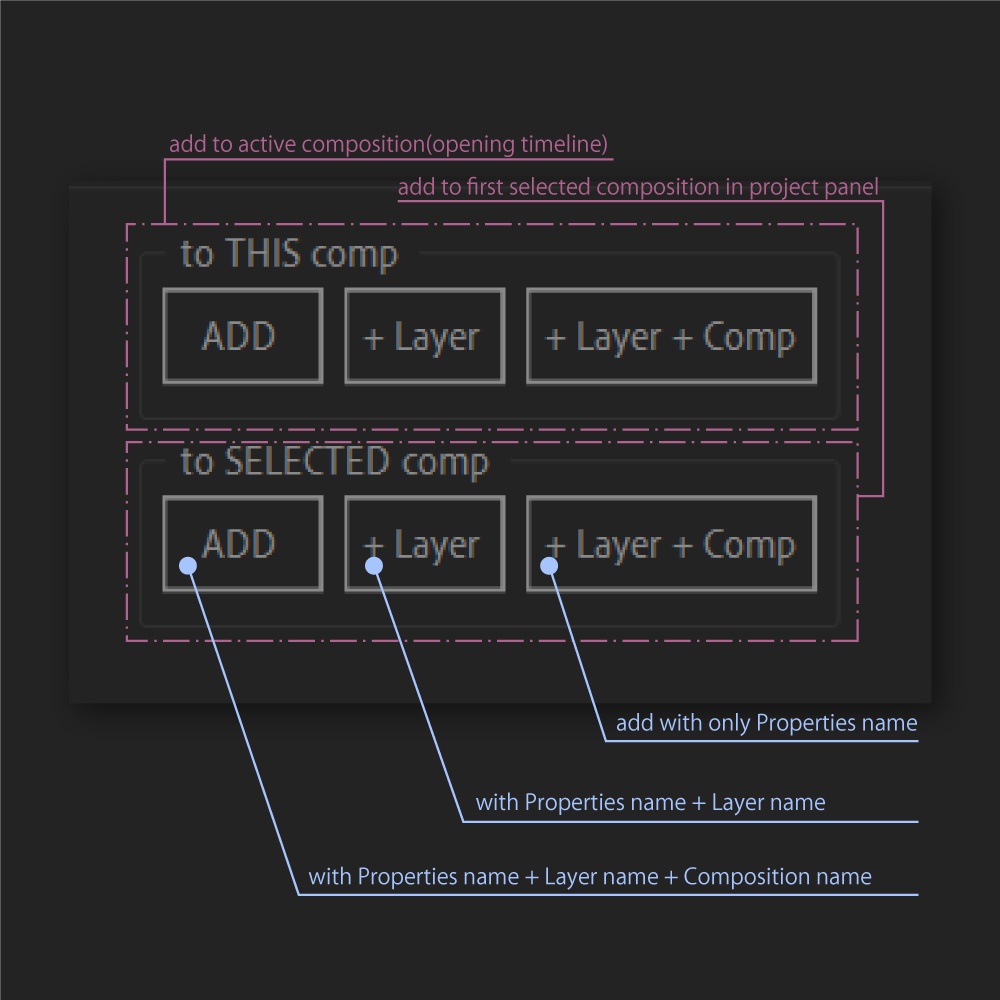


AfterEffectsで、沢山のプロパティを一発でエッセンシャルグラフィックスへ登録するスクリプトです。 スライダー制御や、カラー制御エフェクトなども登録できます。 ◆内容 ・*_UI.jsxbin ・*_thisComp.jsxbin ・*_selectComp.jsxbin ◆機能 追加したいプロパティを複数選択し、UIの場合はボタンの押下、それ以外ではスクリプト自体を実行すると一発でエッセンシャルグラフィックスへ登録されます。 エッセンシャルグラフィックスの対象は、現在開いているコンポジションか、プロジェクトパネルで選択しているコンポジションかを設定出来ます。 プロパティ名はUIの場合は3種類選択することが出来ます。 1. プロパティ名単体 2. プロパティ名 + レイヤー名 3. プロパティ名 + レイヤー名 + コンポジション名 ※単体のスクリプトの場合は1のプロパティ名単体での登録になります。 ※AfterEffects2020の英語版で動作確認をしています。 それ以外のバージョンでは不具合がある可能性があります。
This is a script that allows you to register many properties in After Effects to Essential Graphics in one shot. Slider control, color control effects, etc. can also be registered. Contents *_UI.jsxbin *_thisComp.jsxbin *_selectComp.jsxbin Functions Select multiple properties you want to add, then press the button in the case of UI, or execute the script itself in the case of other properties, and they will be registered in Essential Graphics at one shot. The target of the Essential Graphics can be set to the currently open composition or the composition selected in the project panel. There are three property names that can be selected for the UI. 1. 1. property name alone 2. property name + layer name 3. property name + layer name + composition name In the case of a single script, the property name will be registered as 1. Only the English version of After Effects 2020 has been tested. There may be problems with other versions.