
ME Fluid
- Digital1,000 JPY
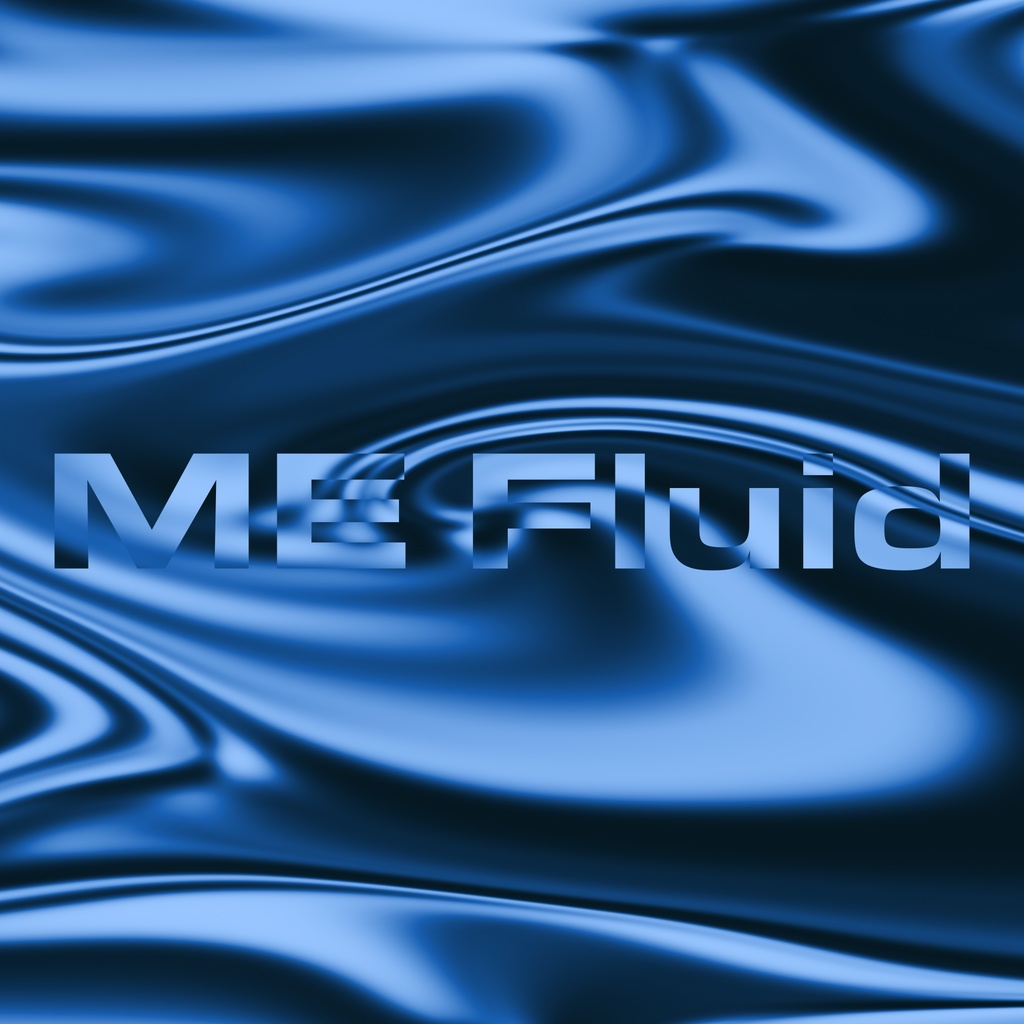

ME Fluidは、After Effectsで流体的な背景を作成するエフェクトプリセットです。標準エフェクトのみで動作しています。 ME Fluid is an effect preset for After Effects that creates fluid and organic backgrounds. It operates using standard, built-in After Effects effects only.
インストール方法 Installation
ダウンロードしたzipファイルを解凍し、ffxファイルをDocuments/adobe/After Effects (バージョン)/User Presetsに保存(WindowsとMac共通) 1. Unzip the downloaded ZIP file. 2. Save the .ffx file to the following location (for both Windows and Mac): Documents/Adobe/After Effects (Version)/User Presets
注意点 Important Notes
このエフェクトプリセットは日本語環境での動作を目的に設計されています。その他の言語での動作は保証されていません。 また、1レイヤーに2つ以上かけると、正常に動作しません。各レイヤーに1つずつかける分には問題ありません。 This effect preset is designed to work in Japanese and English environments. Operation in other languages is not guaranteed. Please use the .ffx file located in the folder corresponding to your language. Applying more than one instance of this preset to a single layer will prevent it from working correctly. Applying one instance per layer is fine.
各プロパティの説明 Property Descriptions
タイプ: 描画タイプを設定します。「液体」「フラット」のどちらかを選択可能。 カラー1~3: 色を設定します。カラー1が白色に適用する色、カラー2が中間色(グレー)に適用する色、カラー3が黒色に適用する色です。 色の階調: 色の階調量を設定します。数値が大きいほど色の階調量が増えます。 ブロック化: 流体を生成する過程でのノイズをブロック化します。数値が大きいほどブロック状に分割されます。 黒を透過: 黒色のノイズ(カラー3)にかけて色を透過します。有効の場合、出力される色はカラー1のみです。 XYスケール: 各方向のスケールを設定します。拡大のみ有効です。GPUレンダリングが有効の場合、一定以上大きくするとソフトウェアレンダリングを有効にしないと正しく描画されなくなります。 オフセット: 流体を生成する過程でのノイズのオフセットを設定します。 ノイズの展開: 流体を生成する過程でのノイズの展開を設定します。 屈折の展開: 流体の流れの展開を設定します。 Type: Sets the drawing type. Choose between "Liquid" or "Flat." Color 1: Sets the color applied to white areas of the underlying noise. Color 2: Sets the color applied to mid-tone (gray) areas of the underlying noise. Color 3: Sets the color applied to black areas of the underlying noise. Color Tones: Sets the amount of color gradation. A higher value increases the color banding/gradation. Block Size: Blocks the noise during the fluid generation process. A higher value increases the block-like segmentation. Black Transparency: Makes the black noise (Color 3) transparent. If enabled, the output color will only be Color 1. X Scale: Sets the scale in the X direction. Only enlargement is effective. Y Scale: Sets the scale in the Y direction. Only enlargement is effective. Offset: Sets the offset of the noise during the fluid generation process. Noise Evolution: Sets the evolution of the noise during the fluid generation process. Refraction Evolution: Sets the evolution (flow) of the fluid movement. Note on Scaling (X/Y Scale): If GPU rendering is enabled, setting the scale beyond a certain size may prevent the preset from rendering correctly unless software rendering is enabled.
バージョン履歴 Version History
v1.0.0: 初期バージョン完成 v1.1.0: 英語対応 v1.0.0: Initial version completed. v1.1.0: Added English language support.