

Lehner Reverse Bunny Outfit - ModularAvatar
- Digital350 JPY
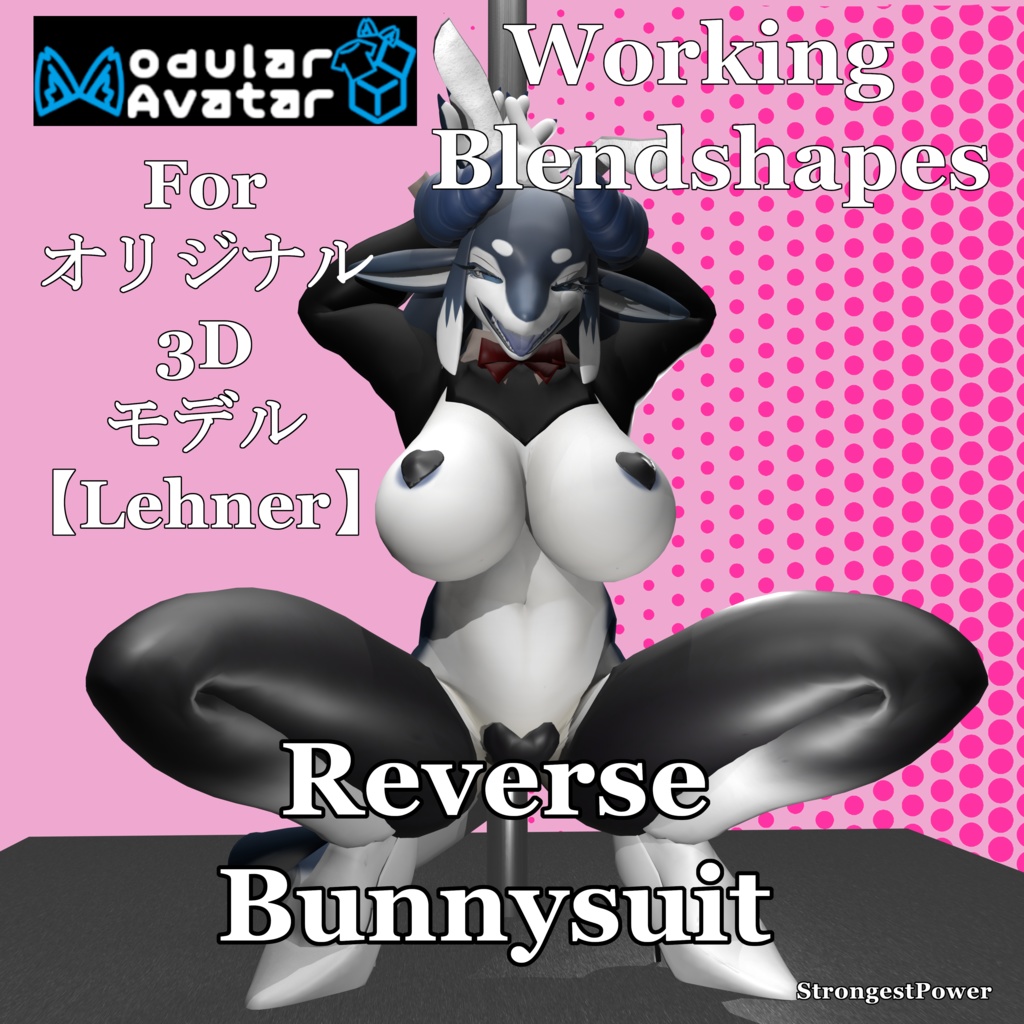
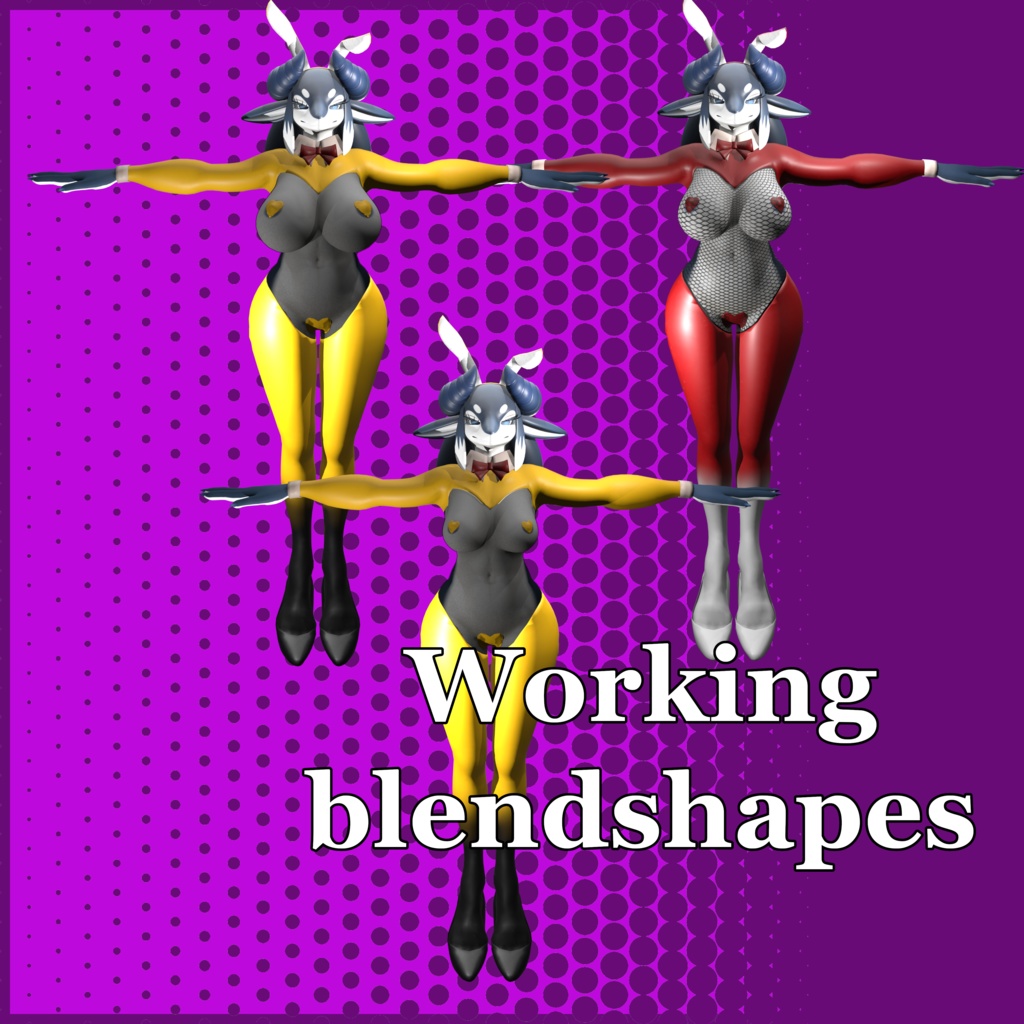
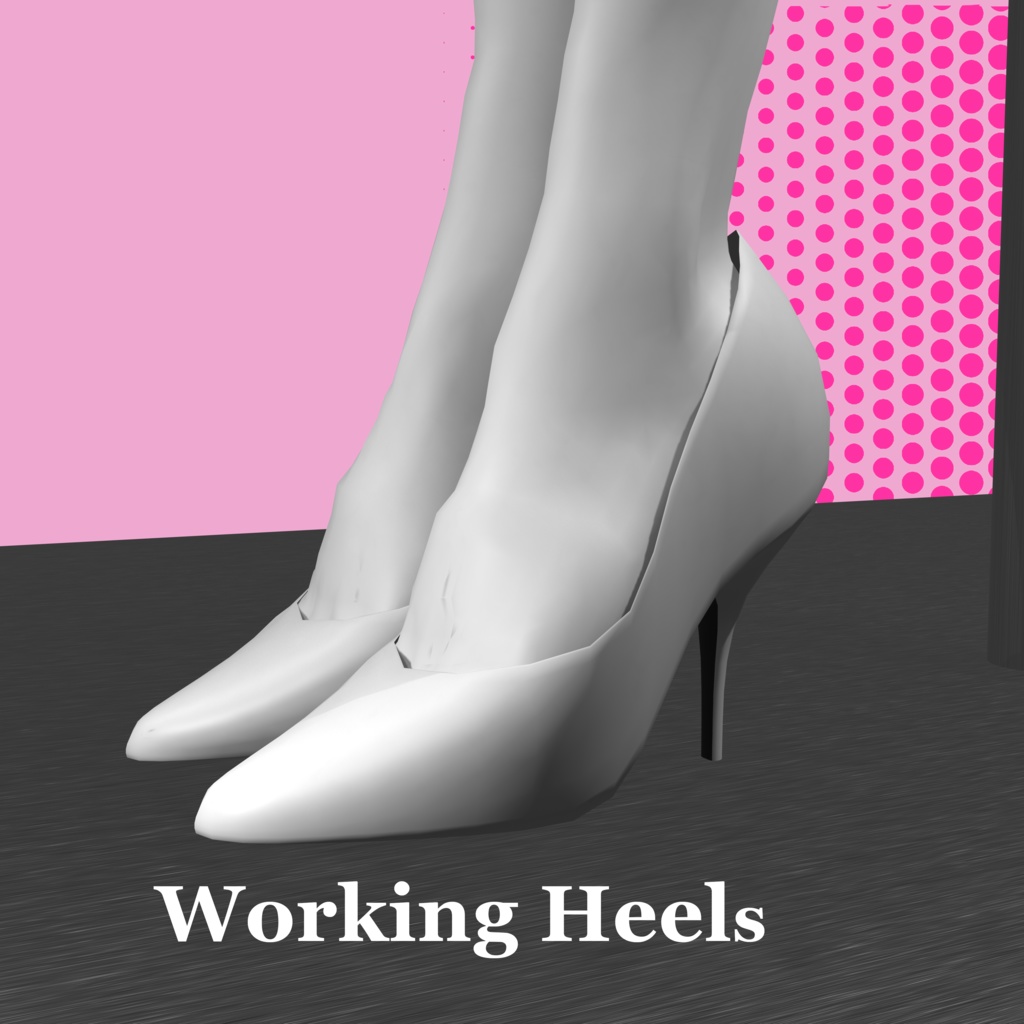
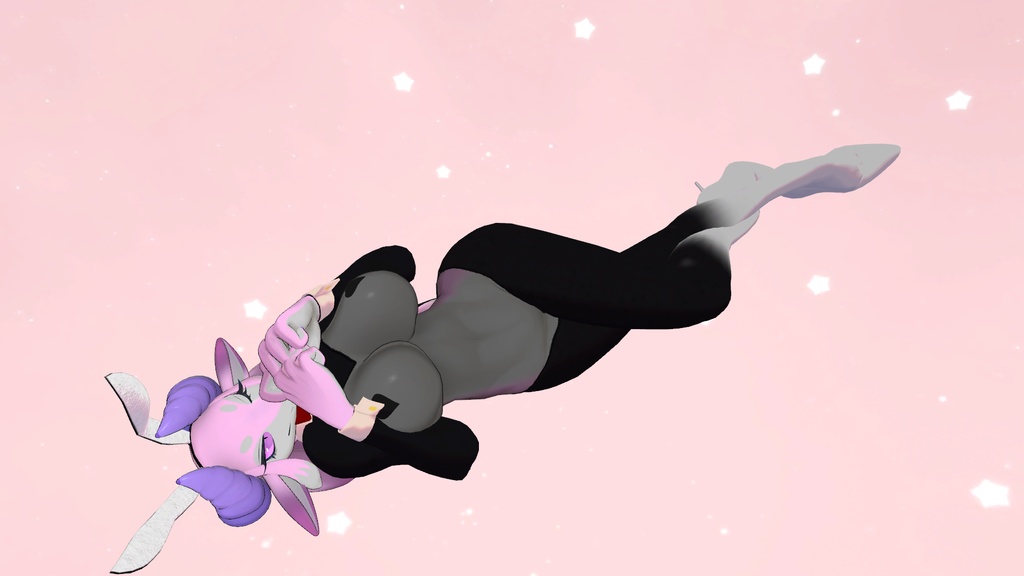
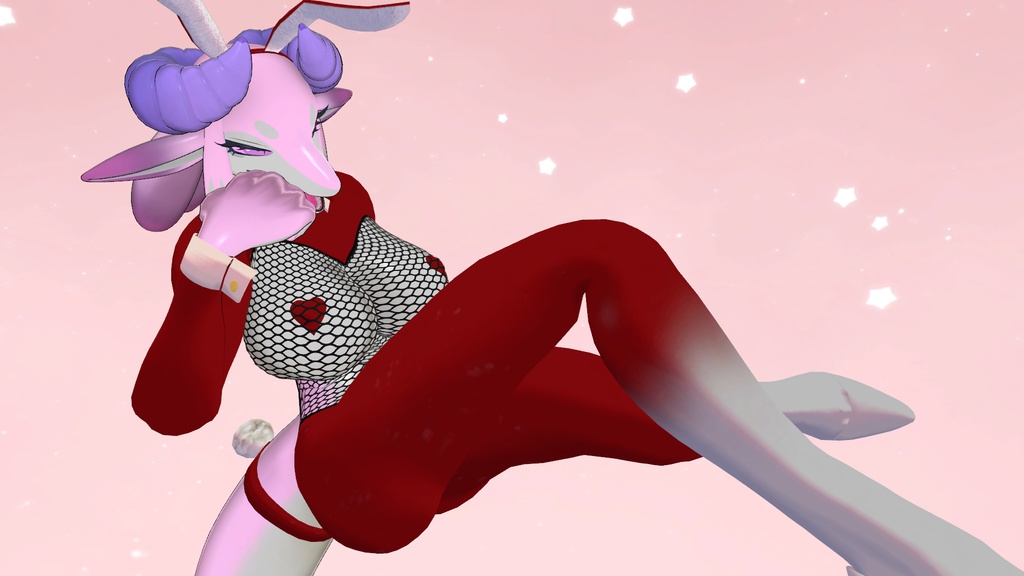
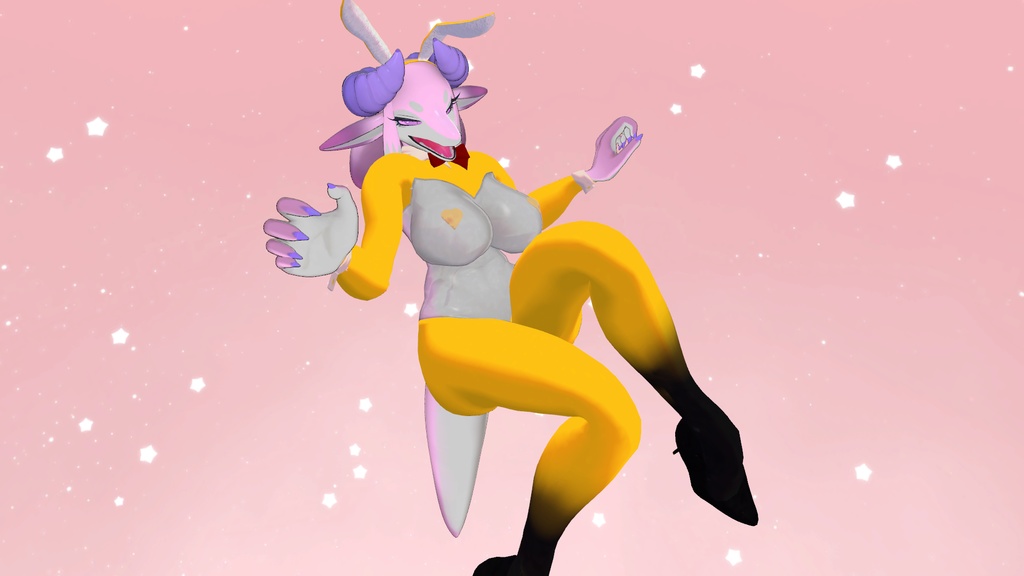
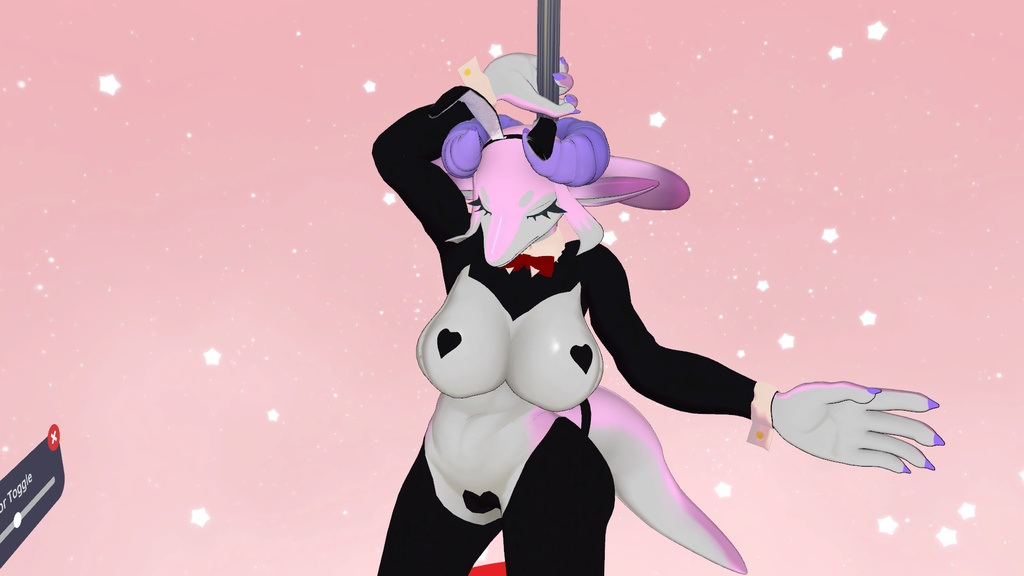


This is an outfit for Original 3D model [Lehner] THIS IS NOT THE BASE MODEL THIS IS JUST THE DRESS --------------------------------------------------------------- Producer:https://x.com/eipontarOwO https://booth.pm/en/items/6639794 --------------------------------------------------------------- Total Outfit Model Stats Vertices 13,889 Edges 27,667 Faces 13,790 Triangles 27,206 10 Bones Addes Ears Vertices 352 Edges 706 Faces 356 Triangles 700 Tail Band Vertices 154 Edges 344 Faces 192 Triangles 304 High Heels Vertices 1,206 Edges 2,380 Faces 1,176 Triangles 2,352 Leggings Vertices 4,398 Edges 8,842 Faces 4,446 Triangles 8,710 Top Vertices 3,249 Edges 6,415 Faces 3,168 Triangles 6,334 Body Piece Vertices 3,394 Edges 6,720 Faces 3,324 Triangles 6,618 Covers Vertices 1,138 Edges 2,260 Faces 1,128 Triangles 2,188 --------------------------------------------------------------- Requirements lilitoon(not required but is the default) https://booth.pm/ja/items/3087170 Modular Avatar A free tool to modify avatars. You can set this up with VRChat Creator Companion https://modular-avatar.nadena.dev/ja 【無料】BlendShare - シェイプキー配布, blendshapes extraction & distribution A free tool to copy blendshapes https://booth.pm/ja/items/5901276 FloorAdjuster A free tool to change the floor point for avatars https://booth.pm/ja/items/5756378 It also a link for VCC https://vpm.narazaka.net/ ----------------------------- How to ------------------------ 1. Create new project with VCC with Modity Avatars add-on 2. Open the project and add the unitypackages lilToon, Base Model package, BlendShare, FloorAdjuster and Reverse Bunny_ver1_0.unitypackage 3. Go to the prefab folder and pick one. 3a. Setting up the heels needs FloorAdjester and BlendShare to work 3b. Create the FloorAdjester by Right clicking the Prefab's Hierarchy 3c. Move the Lehner's Prefab so the heels to touch the floor. I move the Y-axies to 0.2. 3d. Move the FloorAdjuster Y-axies to the bottom of the heels. I use -0.195 4a. Click the Body in the Hierarchy. 4b. Click the reverse bunnysuit32.asset's right arrow and drag the body mesh into the box next Mesh under the Inspector 5. Drag the prefab into the Lehner Hierarchy root. You are free to edit and change the textures and shaders. 6. Upload the VRChat Avatar. ----------------------------Contents ------------------------- Reverse Bunny_ver1_0.unitypackage reverse bunnysuit Final.fbx All the outfit Textures Blender files ver 4.4 - reverse bunnysuit Final.blend PSD file - Leggings.psd, Shoes and Acc.psd, Top.psd SPP File - R Bunny.spp Terms of Use Please follow the same terms of the creator of the base model. Prohibitions Do not make the model containing this product available for download or use by a third party Do not upload in a state where others can copy it, installation of avatar pedestal Redistribute or sell any modification or unmodified Self-made remarks. Do not use for the purpose of slander against others Do not use for political and religious activities Or other acts that are offensive to public order and morals. You can change the dress model or textures. You can rig the dress model to another model. Please message me if you have any problems. ----------------------------------------------------------------------------------- これはオリジナル3Dモデル[Lehner]用の衣装です これはベースモデルではありません これはドレスのみです --------------------------------------------------------------- プロデューサー:https://x.com/eipontarOwO https://booth.pm/en/items/6639794 ----------------------------------------------------------------------------------- 衣装全体のモデル統計 頂点数 13,889 辺数 27,667 面数 13,790 三角形数 27,206 追加ボーン数 10 耳 頂点数 352 辺数 706 面数 356 三角形数 700 テールバンド 頂点数 154 辺数 344 面数 192 三角形数 304 ハイヒール 頂点数 1,206 辺数 2,380 面数 1,176 三角形数 2,352 レギンス 頂点数 4,398 辺数 8,842 面数 4,446 三角形数 8,710 トップ 頂点数 3,249 辺数 6,415 面数 3,168 三角形数 6,334 ボディパーツ 頂点数 3,394 辺数 6,720 面数 3,324 三角形数 6,618 カバー 頂点数 1,138 辺数 2,260 面数 1,128 三角形数 2,188 ----------------------------------------------------------------------------- 必要条件 lilitoon(必須ではありませんがデフォルトです) https://booth.pm/ja/items/3087170 モジュラーアバター アバターを編集する無料ツール。VRChat Creator Companionで設定可能 https://modular-avatar.nadena.dev/ja 【無料】BlendShare - シェイプキー配布, blendshapes extraction & distribution ブレンドシェイプをコピーする無料ツール https://booth.pm/ja/items/5901276 FloorAdjuster アバターのフロアポイントを変更する無料ツール https://booth.pm/ja/items/5756378 VCC用リンクもこちら https://vpm.narazaka.net/ ----------------------------- 手順 ------------------------ 1. Modity Avatars アドオン付きの VCC で新規プロジェクトを作成 2. プロジェクトを開き、Unityパッケージ lilToon、Base Model package、BlendShare、FloorAdjuster、Reverse Bunny_ver1_0.unitypackage を追加 3. プレファブフォルダに移動し、いずれかを選択 3a. かかとの設定には FloorAdjester と BlendShare の動作が必要 3b. 3c. プレハブの階層を右クリックし、FloorAdjesterを作成 3c. Lehnerプレハブを移動し、かかとが床に触れるように調整。Y軸を0.2に移動 3d. FloorAdjusterのY軸を、かかとの底部に移動。-0.195を使用 4a. 階層内のBodyをクリック 4b. reverse bunnysuit32.assetの右矢印をクリックし、ボディメッシュをインスペクター下の 「メッシュ」ボックスにドラッグ 5. プレハブをLehner階層のルートにドラッグ テクスチャやシェーダーは自由に編集・変更可能です 6. VRChatアバターをアップロード ----------------------------内容 ------------------------- Reverse Bunny_ver1_0.unitypackage reverse bunnysuit Final.fbx 全衣装テクスチャ Blenderファイル ver 4.4 - reverse bunnysuit Final.blend PSDファイル - Leggings.psd, Shoes and Acc.psd, Top.psd SPPファイル - R Bunny.spp 利用規約 ベースモデルの制作者と同じ利用規約に従ってください。 禁止事項 本製品を含むモデルを第三者がダウンロードまたは使用可能な状態にしないこと 他者が複製可能な状態でのアップロード、アバター台座への設置を行わないこと 改変版・未改変版を再配布または販売しないこと 自作の注釈を追加しないこと 他者への中傷目的で使用しないこと 政治的・宗教的活動に使用しないこと その他公序良俗に反する行為を行わないこと ドレスモデルやテクスチャの変更は可能です。 ドレスモデルを別のモデルにリグすることは可能です。 問題が生じた場合はご連絡ください。