

Cyber Kawaii Bunny Set - サイバーカワイイ・バニーセット
- Digital500 JPY
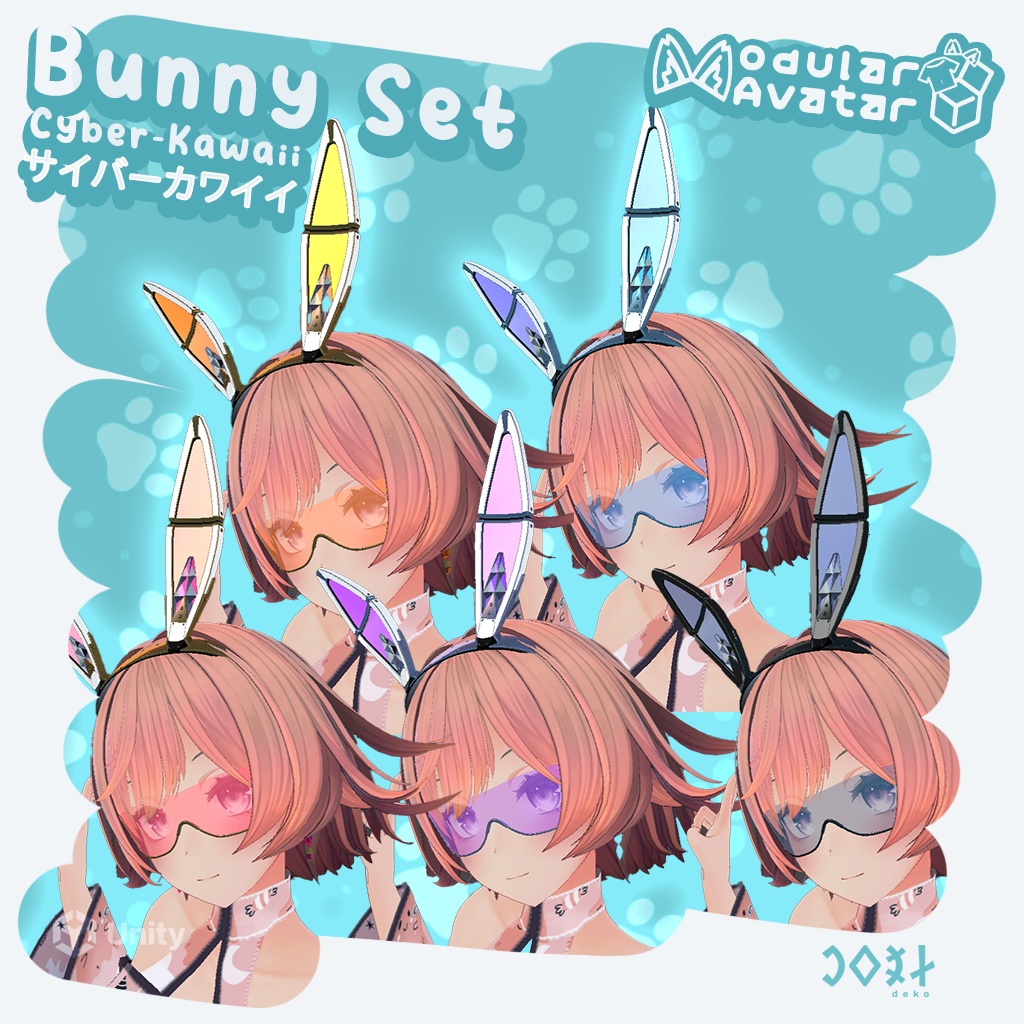
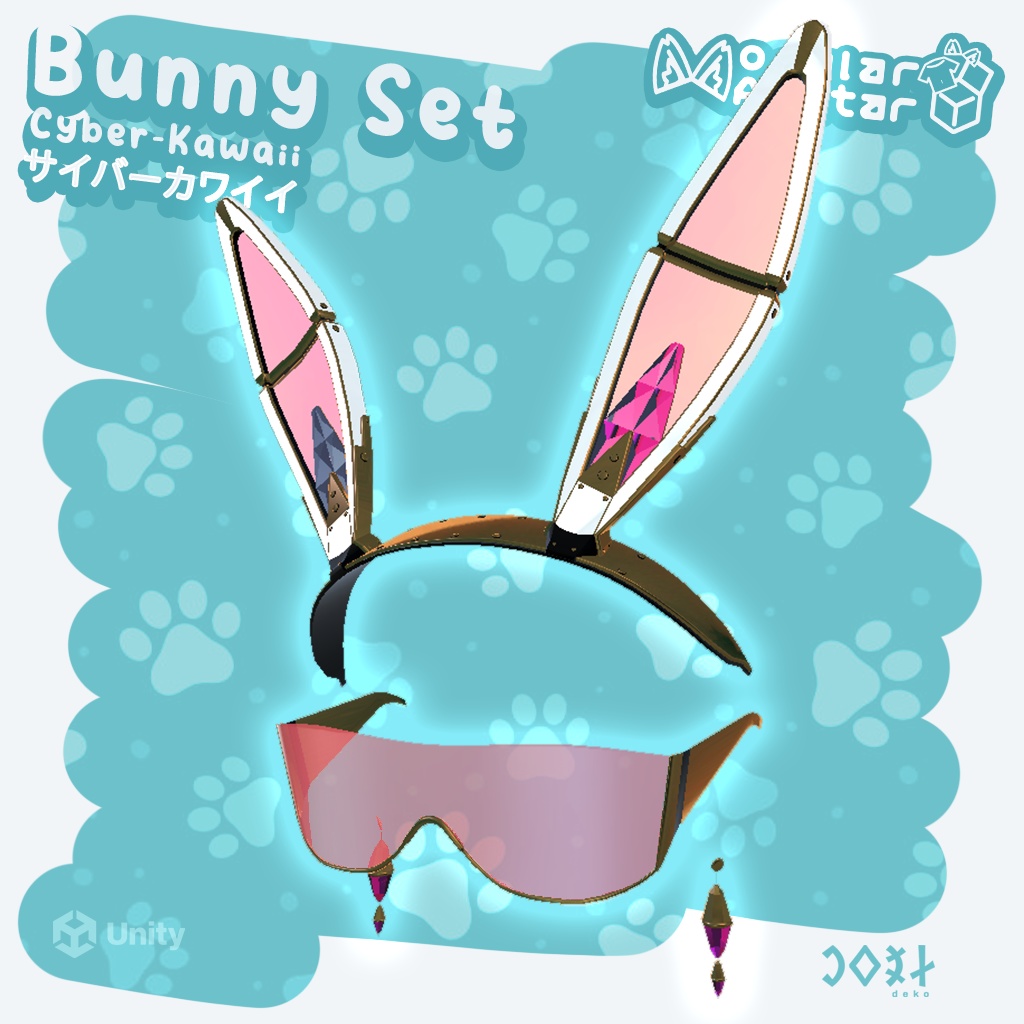
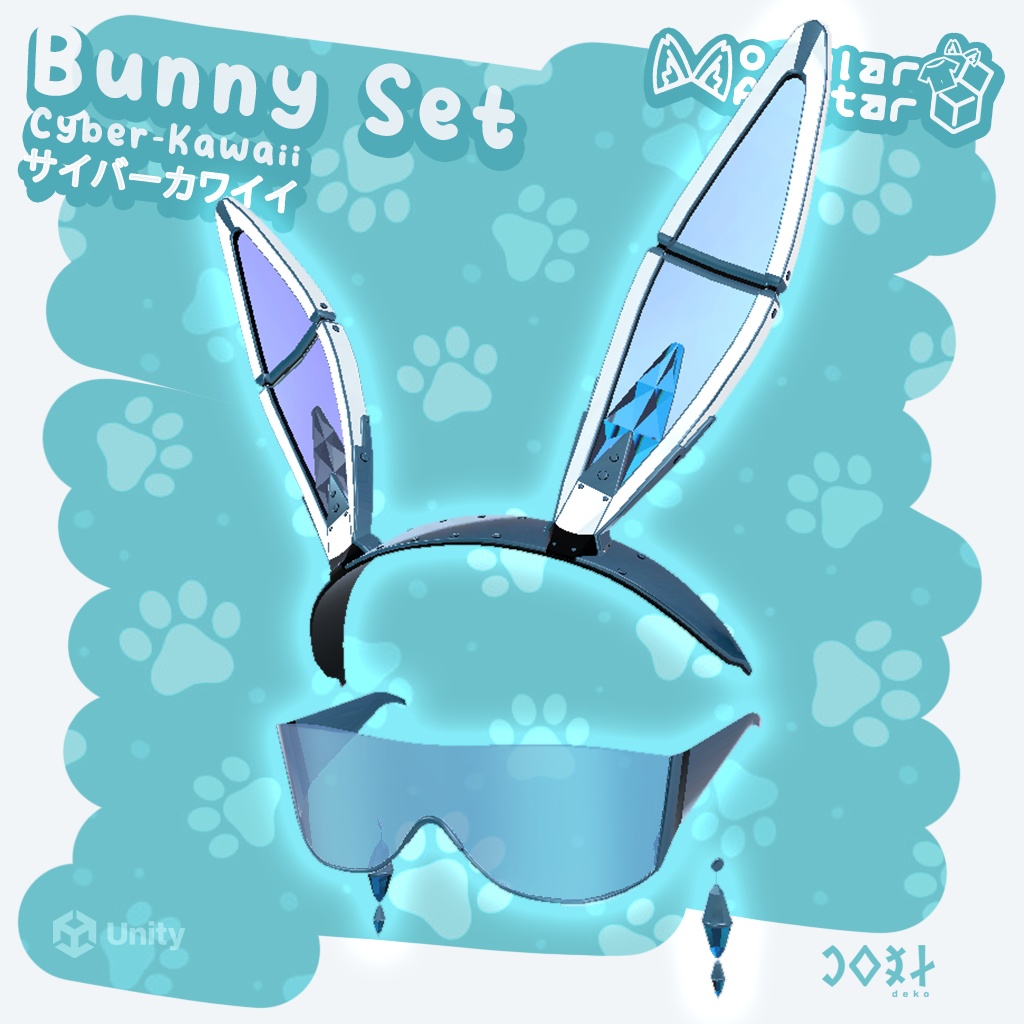
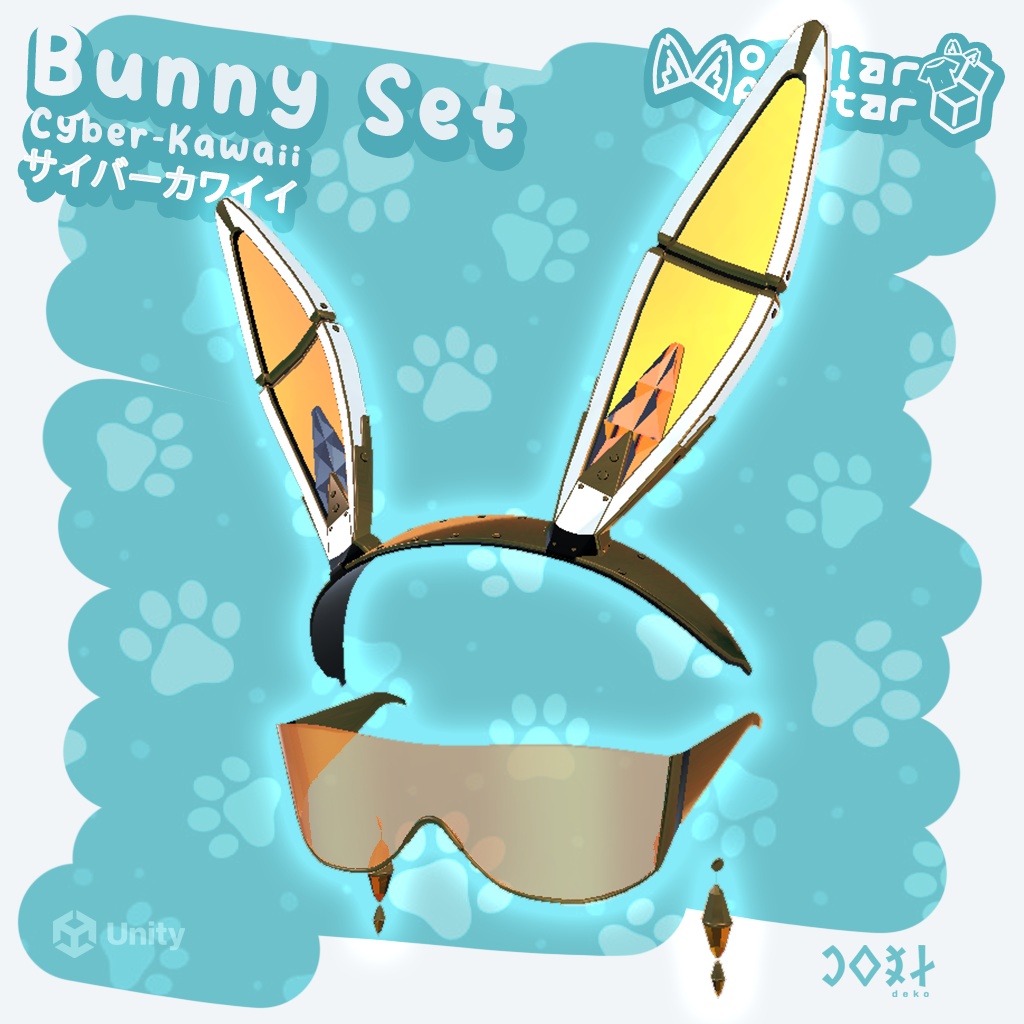
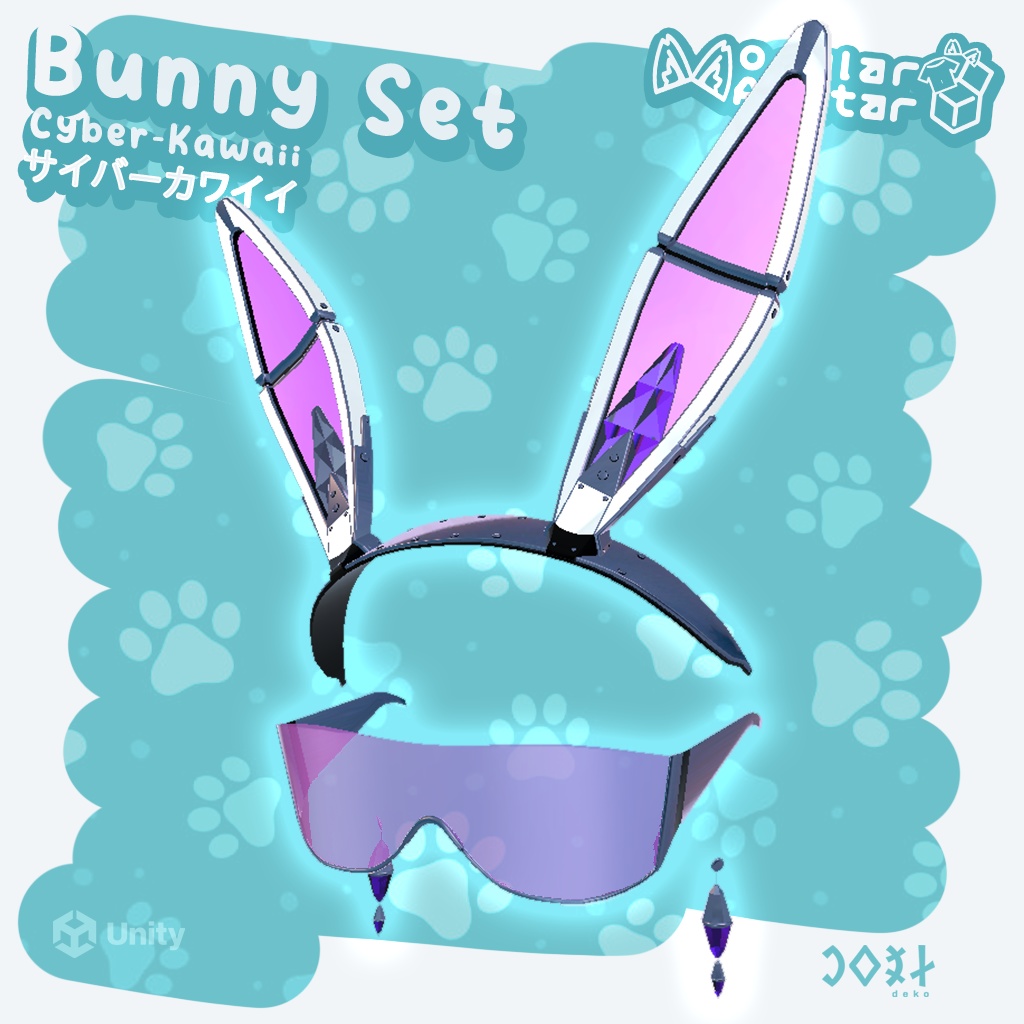
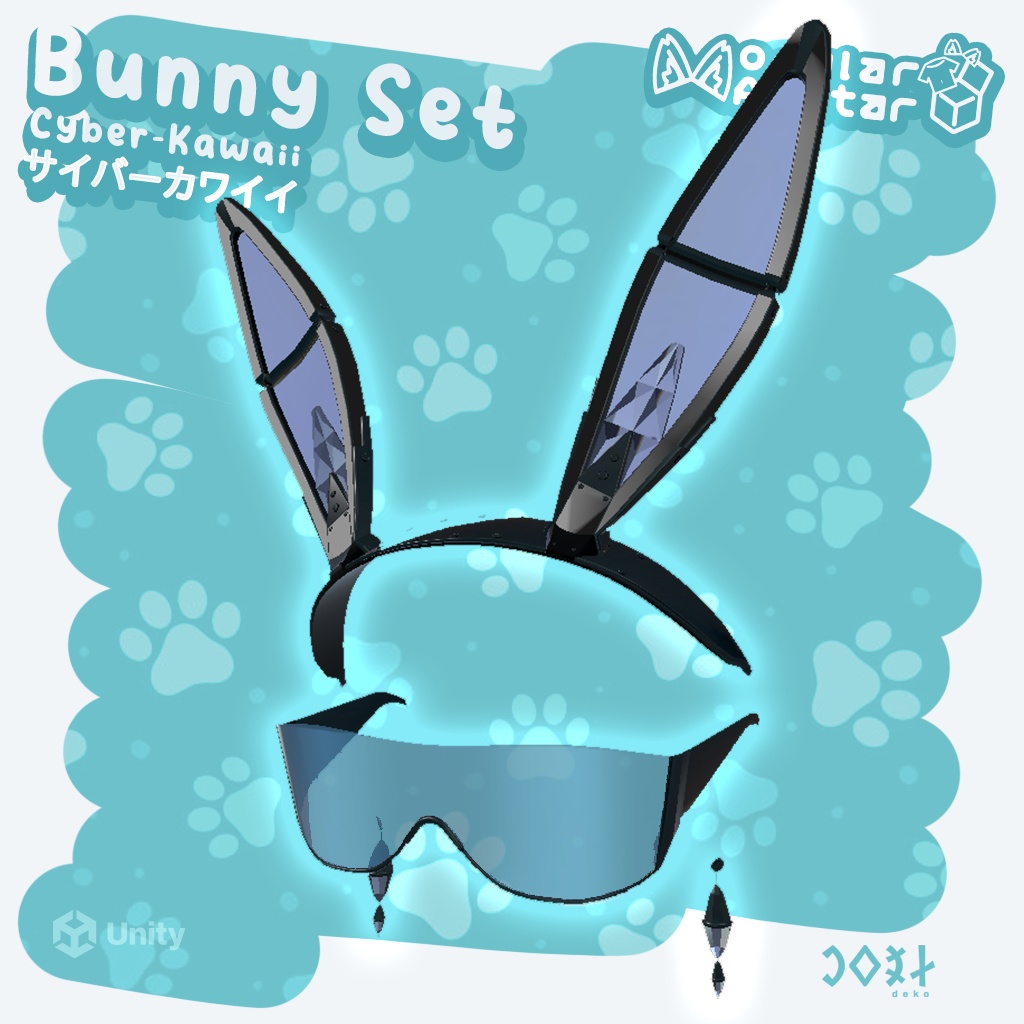
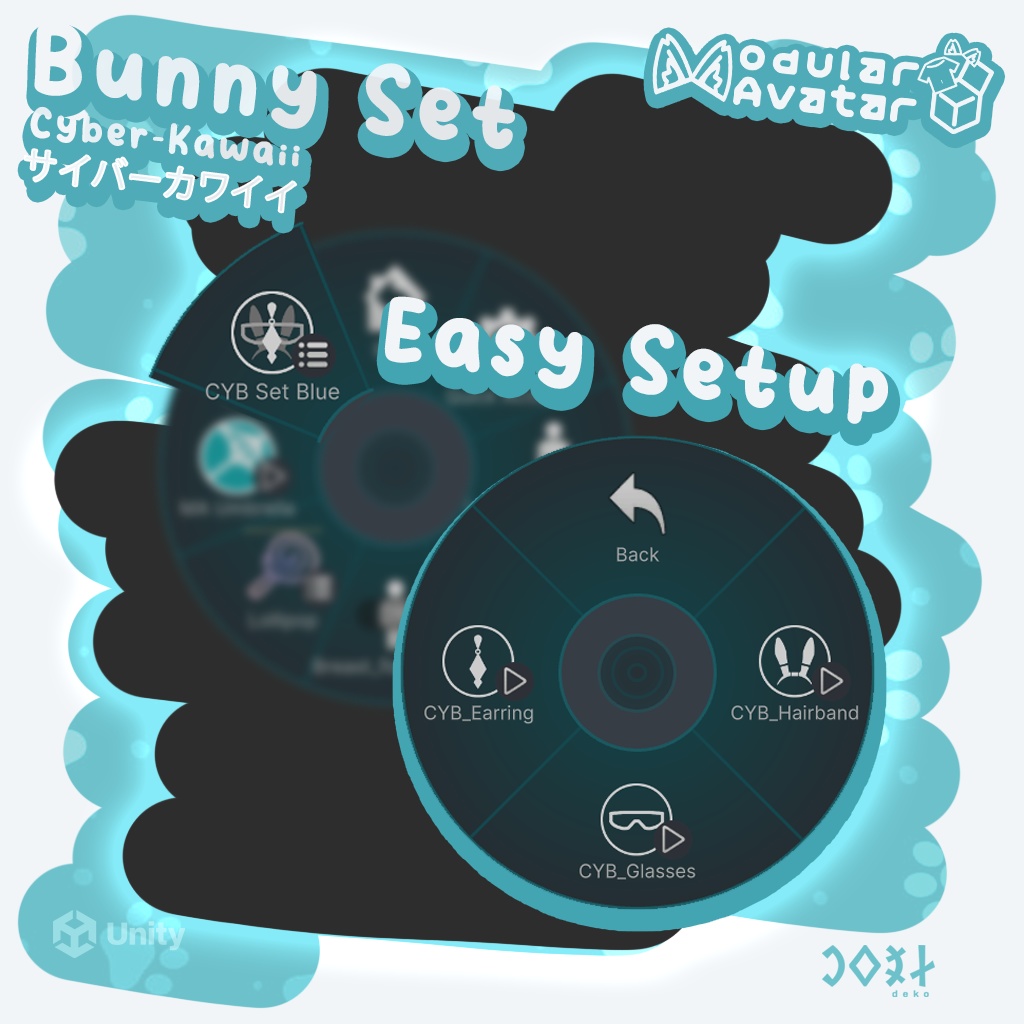
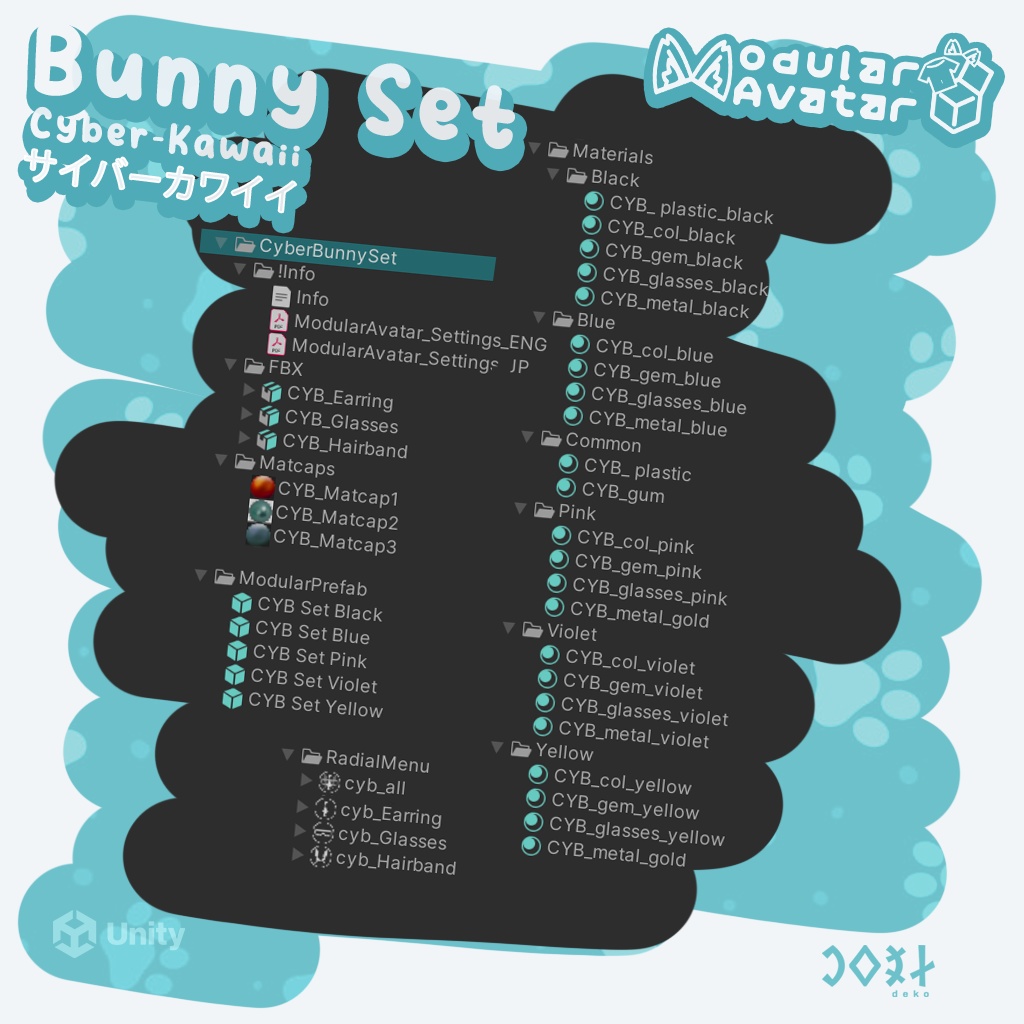


🐰 Cyber-Kawaii Bunny Set – Level up your avatar - Drag & Drop! 🐰 Ready for a touch of futuristic cuteness? This modular accessory pack blends street fashion with high-tech style. Cyber-Kawaii Style: The perfect balance between technology and the "cute" factor. ;) ⚙️Info: Easily adjustable for any avatar! Modular Avatar: Radial menu support for easy toggling. Installation guide PDFs included in English and Japanese. Optimized LowPoly models. ⚙️What’s inside the pack? 🐰 Cyber Bunny Ears: Features a special elastic strap for a springy feel, and the elastic parts are extendable. Complete with PhysBone setup. 🐰 Stylish Cyber Glasses: A minimalist yet eye-catching accessory in multiple colors. 🐰 Crystal Earrings: Tiny but essential details to complete your look. Complete with PhysBone setup. 🐰 Color Variety: 5 different neon-pastel variations (Prefabs) to match any mood. 🐰 Usage: 1, Install the latest version of Modular Avatar 2, Install the latest version of lilToon Shader 3, Drag the prefab onto your avatar. 4, Drag it to the right place. 5. You can change the size, move, and rotate CYB_Hairband, CYB_Glasses, and CYB_Earring. ❗However, do not modify the elements below them❗ ...and you're done. ❗Please use only one Prefab at a time❗ Modular Setup in Radial Menu: Use the accessories individually or combine them for the full effect! No textures used: The models use materials only, so you can easily customize the colors to your liking. 🐰 サイバーカワイイ・バニーセット – アバターをアップグレード - Drag & Drop! 🐰 近未来的な「カワイイ」を体験しませんか? ストリートファッションとハイテック・スタイルを融合させたモジュール式アクセサリーパックです。 サイバーカワイイ・スタイル: テクノロジーと「カワイイ」要素の完璧なバランス。 ;) ⚙️詳細: あらゆるアバターに簡単に調整可能! Modular Avatar対応: ラジアルメニューで簡単に出し入れができます。 英語と日本語のインストールガイド(PDF)が同梱されています。 最適化されたLowPolyモデル。 ⚙️パック内容: 🐰 サイバー・バニーイヤー: 伸縮性のある特殊なストラップを採用し、弾力性のある動きを実現。ゴム部分は引き伸ばし可能です。 PhysBone設定済み。 🐰 スタイリッシュ・サイバーグラス: ミニマルながら目を引く、多色展開のアクセサリー。 🐰 クリスタル・イヤリング: セットを完成させる、小さくても重要なディテール。 PhysBone設定済み。 🐰 カラーバリエーション: 気分に合わせて選べる5種類のネオンパステルカラー(Prefabs)。 🐰 使用方法: 動作方法 1. 最新バージョンのModular Avatarをインストール 2. 最新バージョンのlilToon Shaderをインストール 3. プリファブをアバターにドラッグ 4. 適切な位置にドラッグ 5. 「CYB_Hairband」、「CYB_Glasses」、「CYB_Earring」のサイズ変更、移動、回転が可能です。 ❗ただし、それらの下にある要素は変更しないでください❗ ...これで完了です。 ❗一度に使用するPrefabは1つだけにしてください。❗ ラジアルメニューのモジュール設定: 各アクセサリーを個別に使うことも、組み合わせてフルセットで楽しむことも可能です! テクスチャレス設計: モデルはマテリアルのみを使用しているため、お好みに合わせて色を簡単にカスタマイズできます。