

SugarDripFuzzy - VRChat Women's Clothing / CP33
- Shinano CompatibleDigital1,600 JPY
- Manuka CompatibleDigital1,600 JPY
- Full Pack: ALL INCLUDED!Digital3,800 JPY
- Maya CompatibleDigital1,600 JPY
- Shinra CompatibleDigital1,600 JPY
- Milltina CompatibleDigital1,600 JPY
- Selestia CompatibleDigital1,600 JPY
- Rize CompatibleDigital1,600 JPY
- Rurune CompatibleDigital1,600 JPY
- Lasyusha CompatibleDigital1,600 JPY
- Saniela CompatibleDigital1,600 JPY
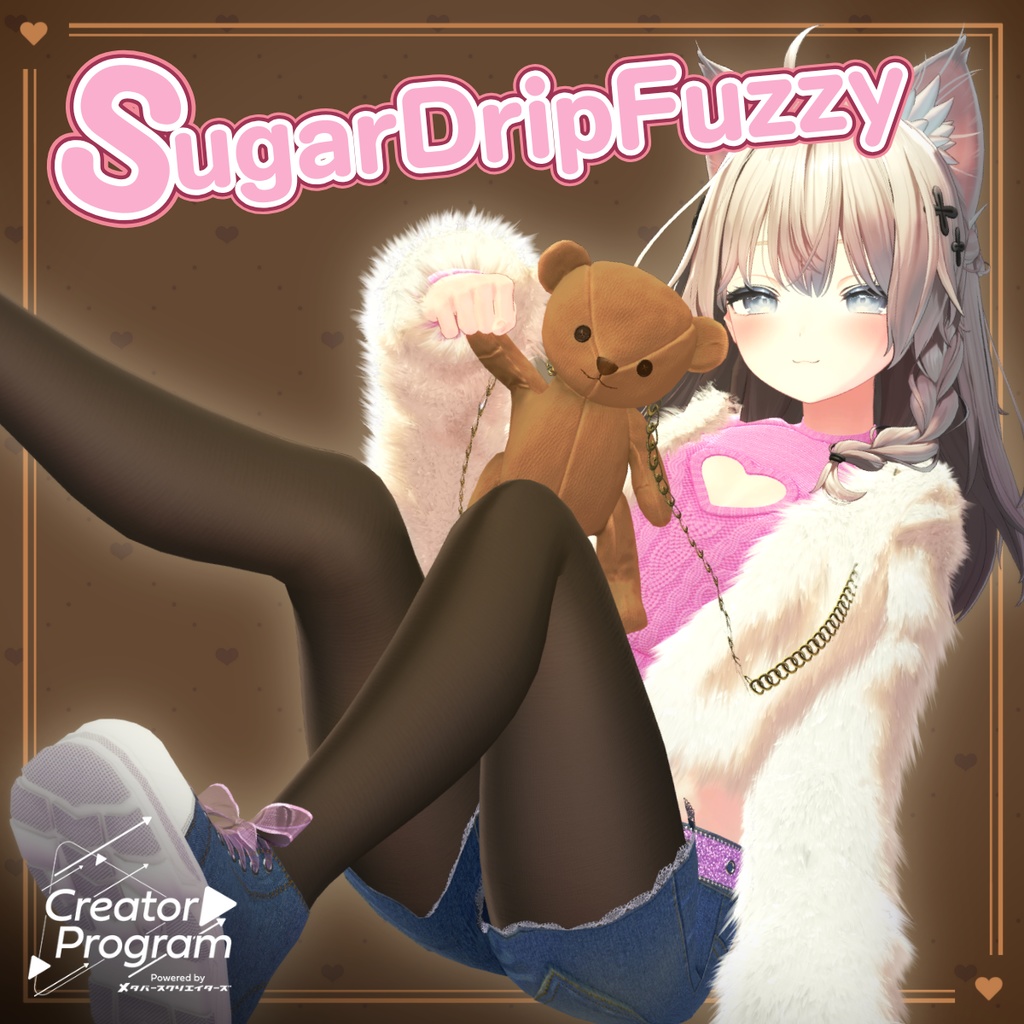
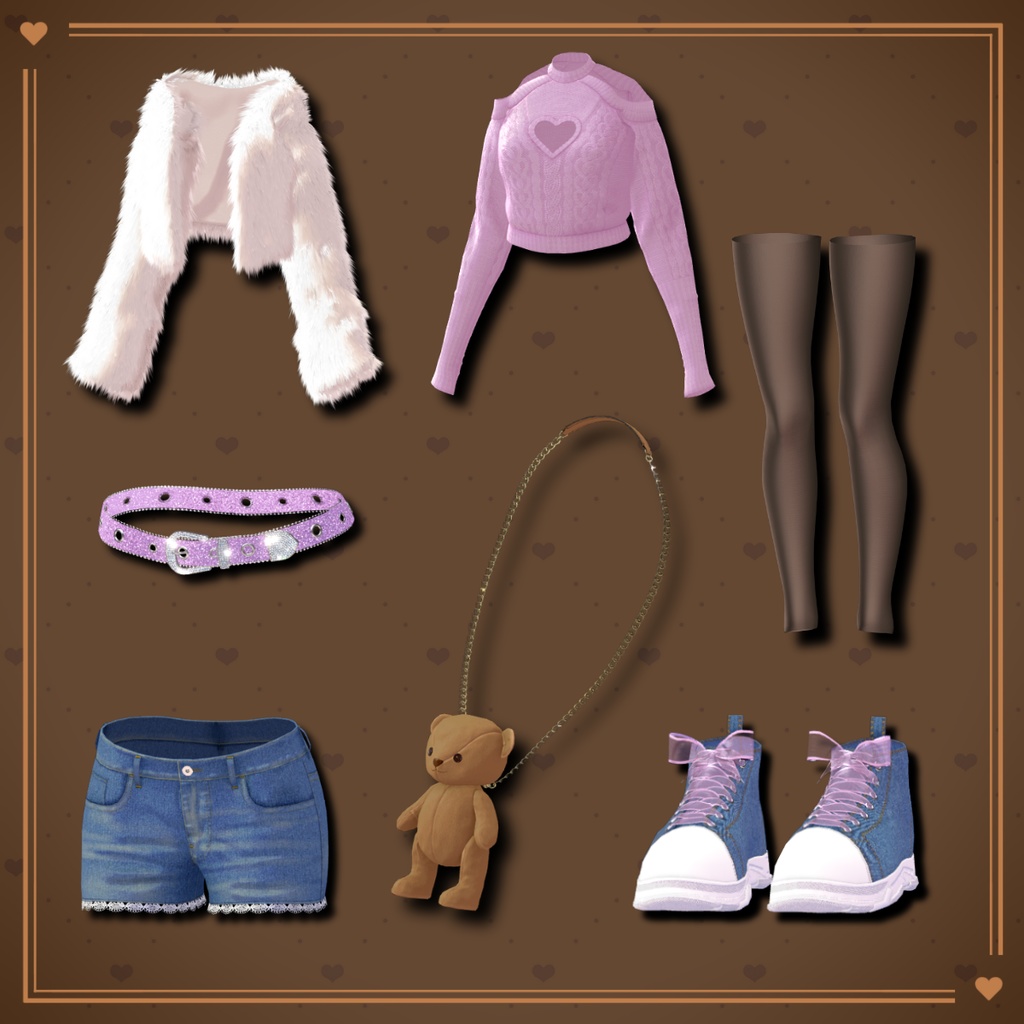
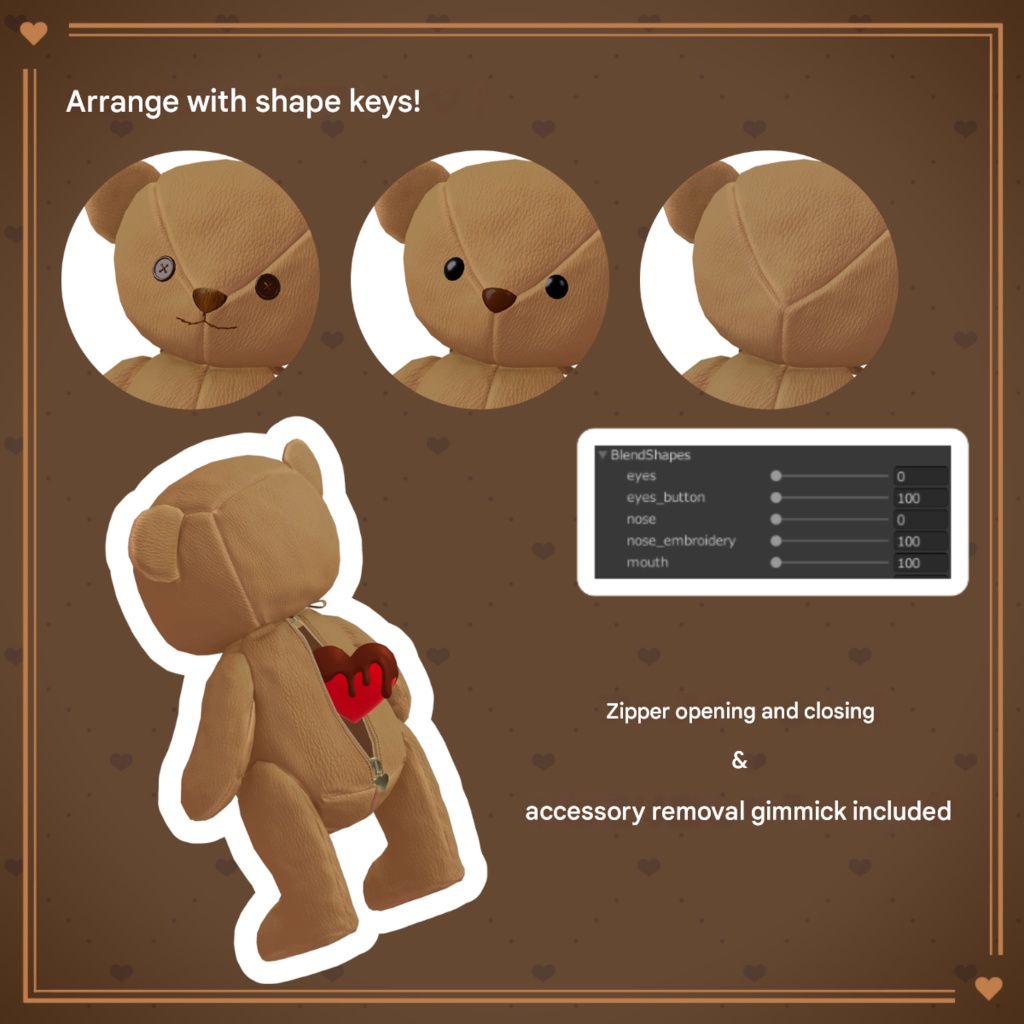
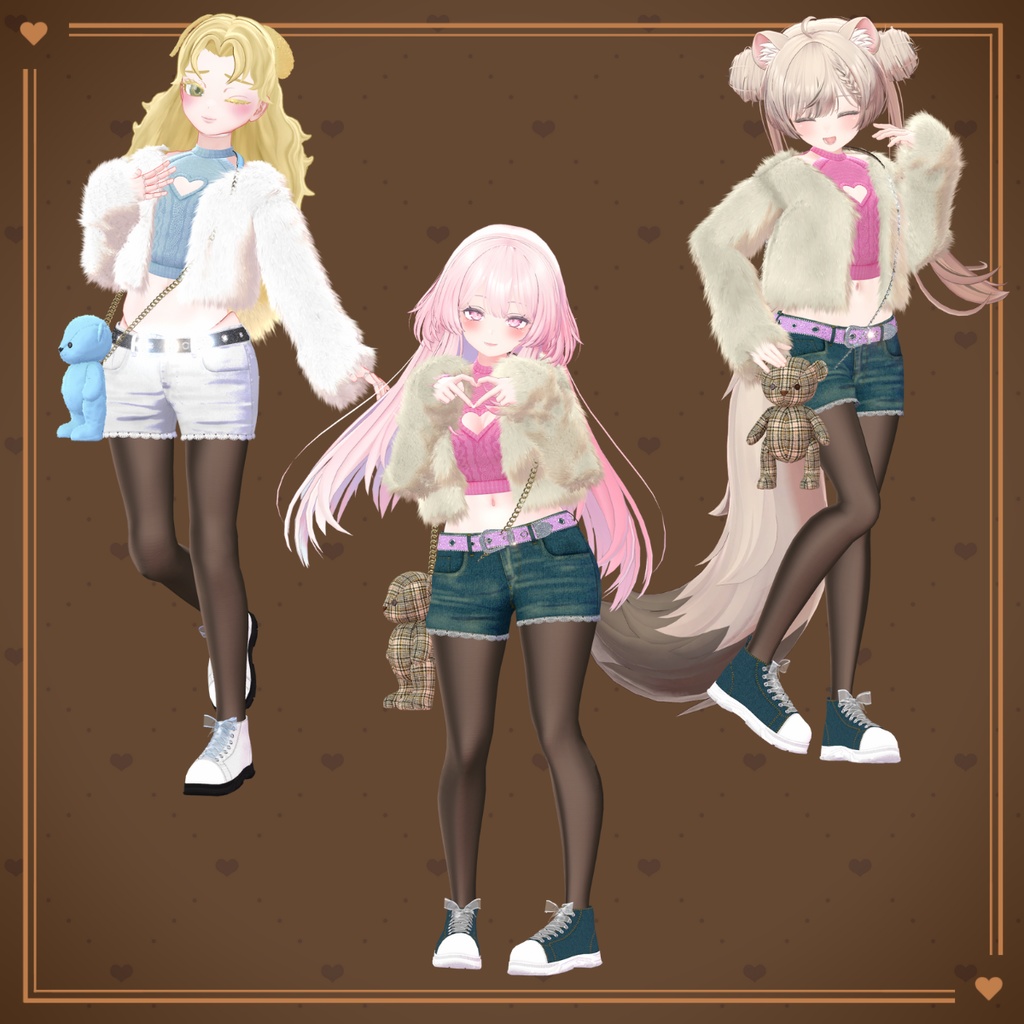
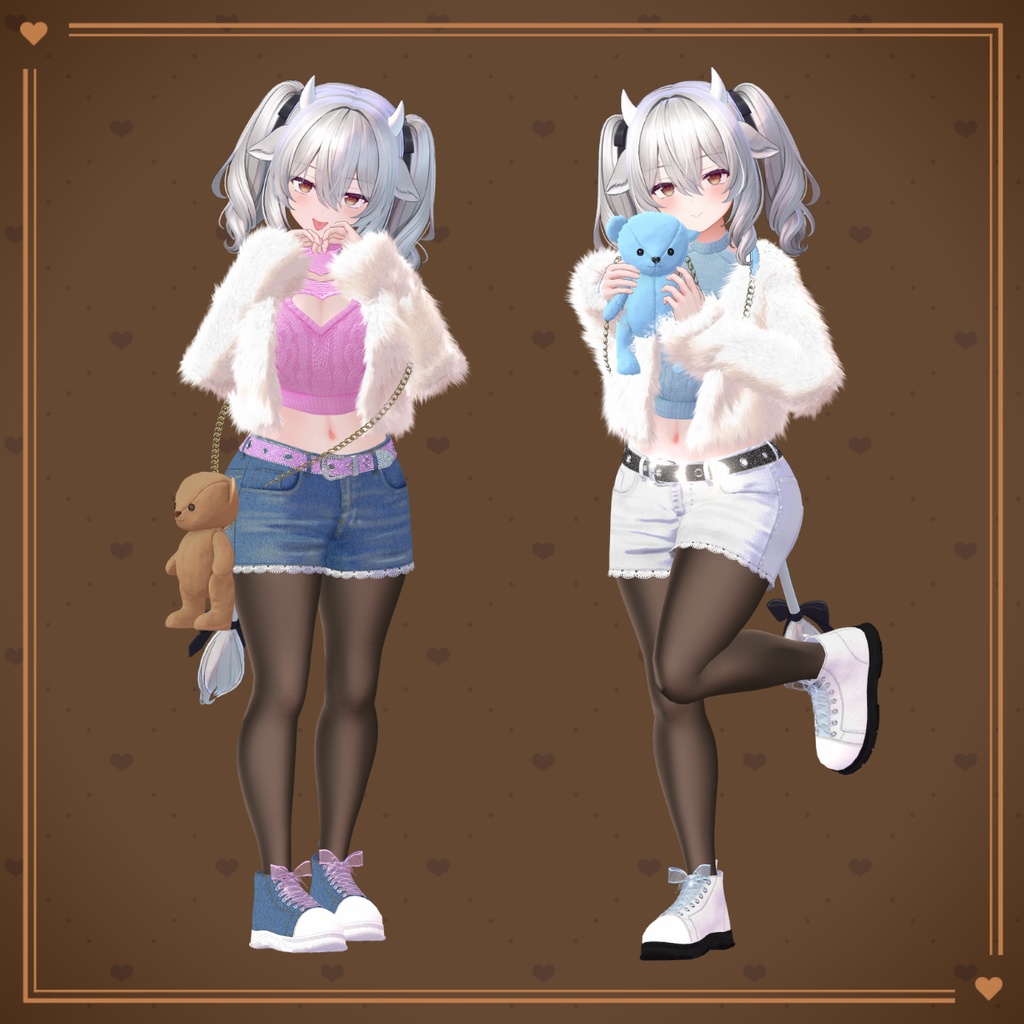
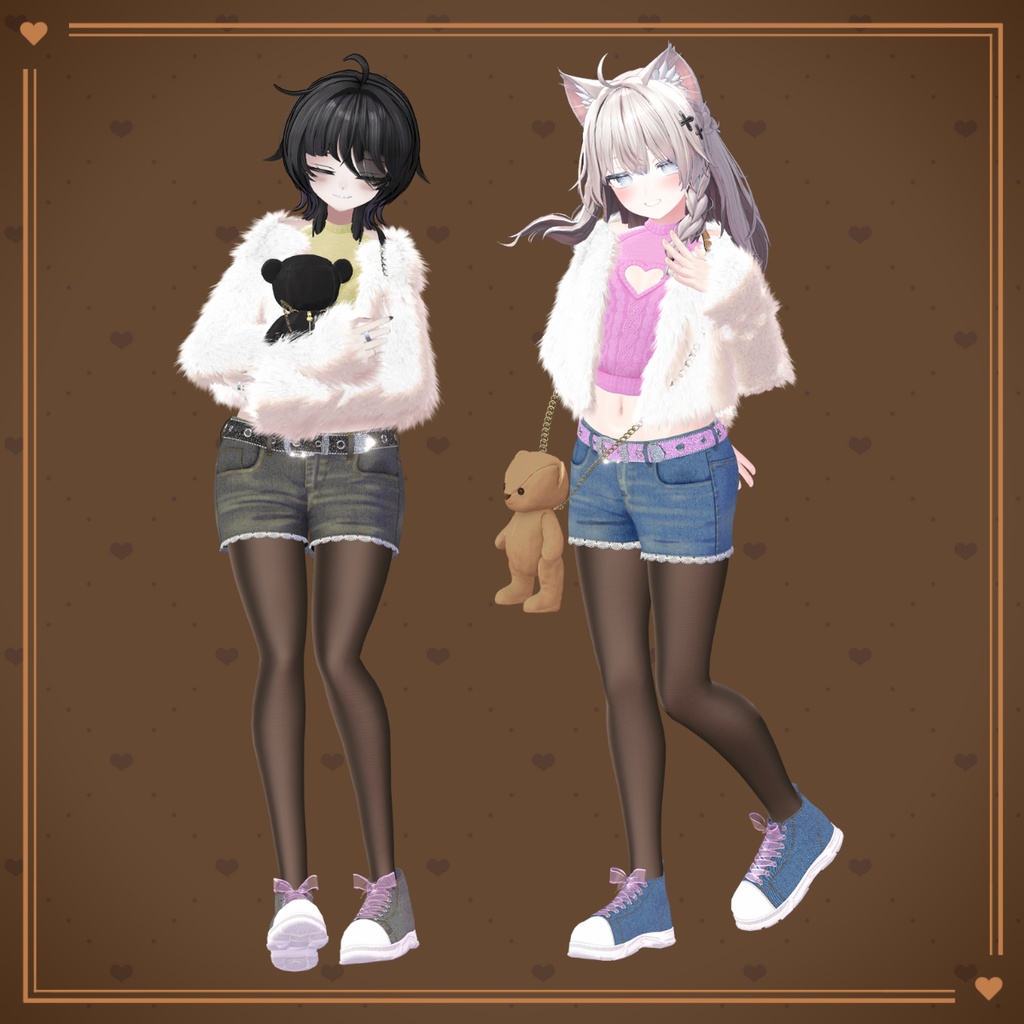
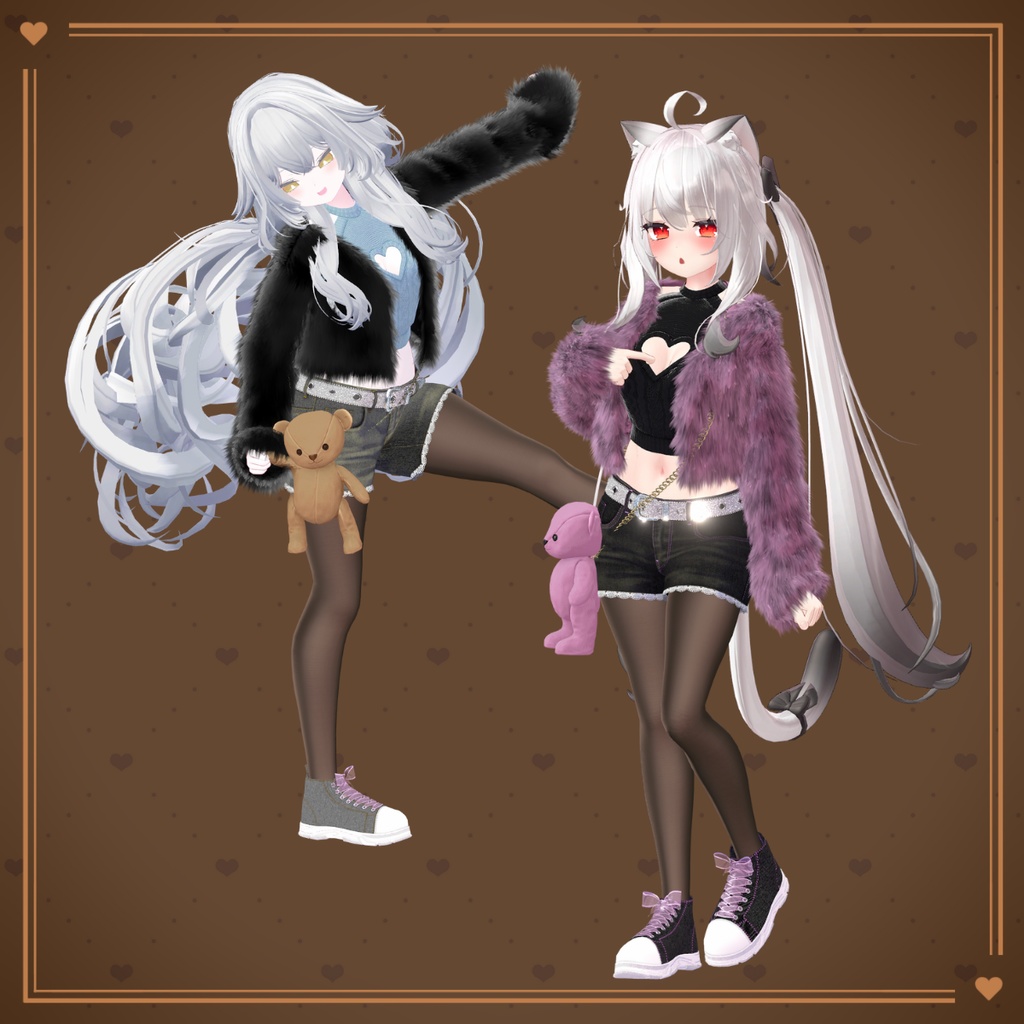
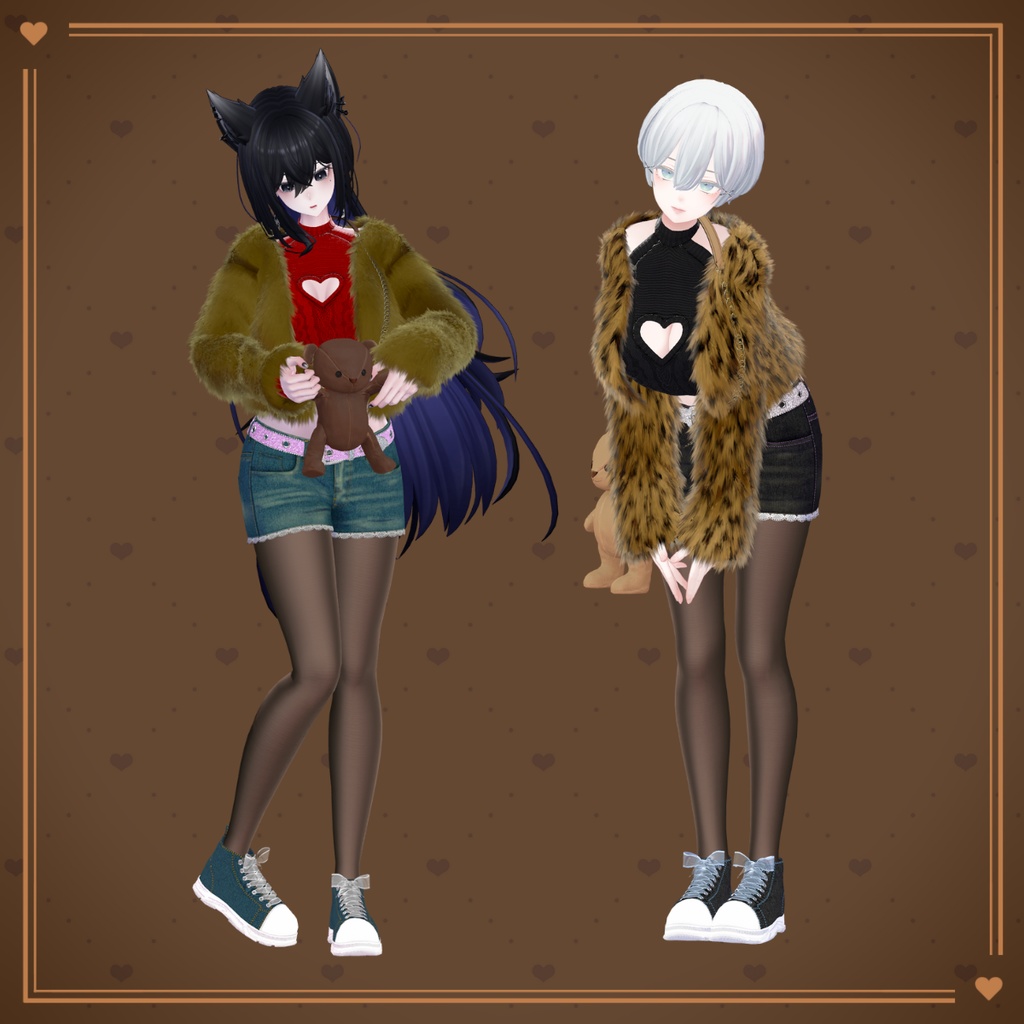
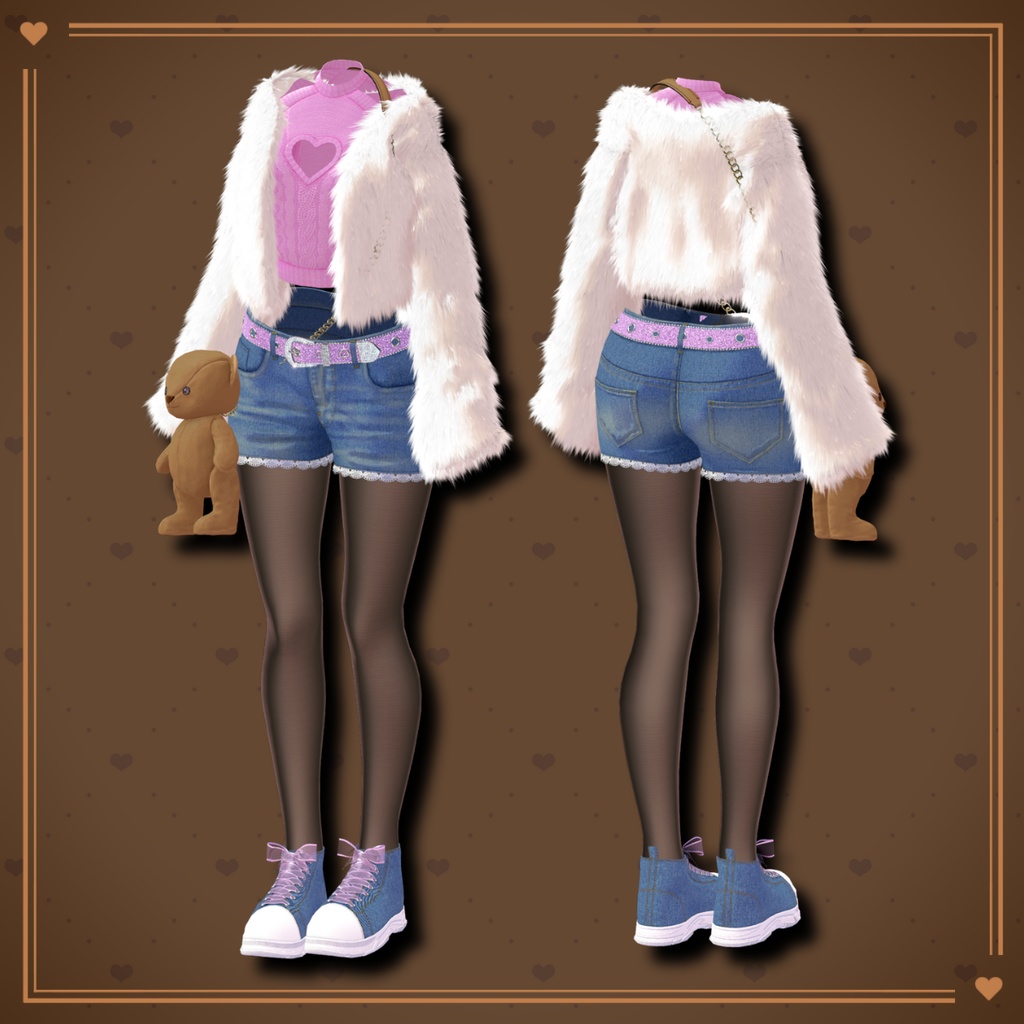
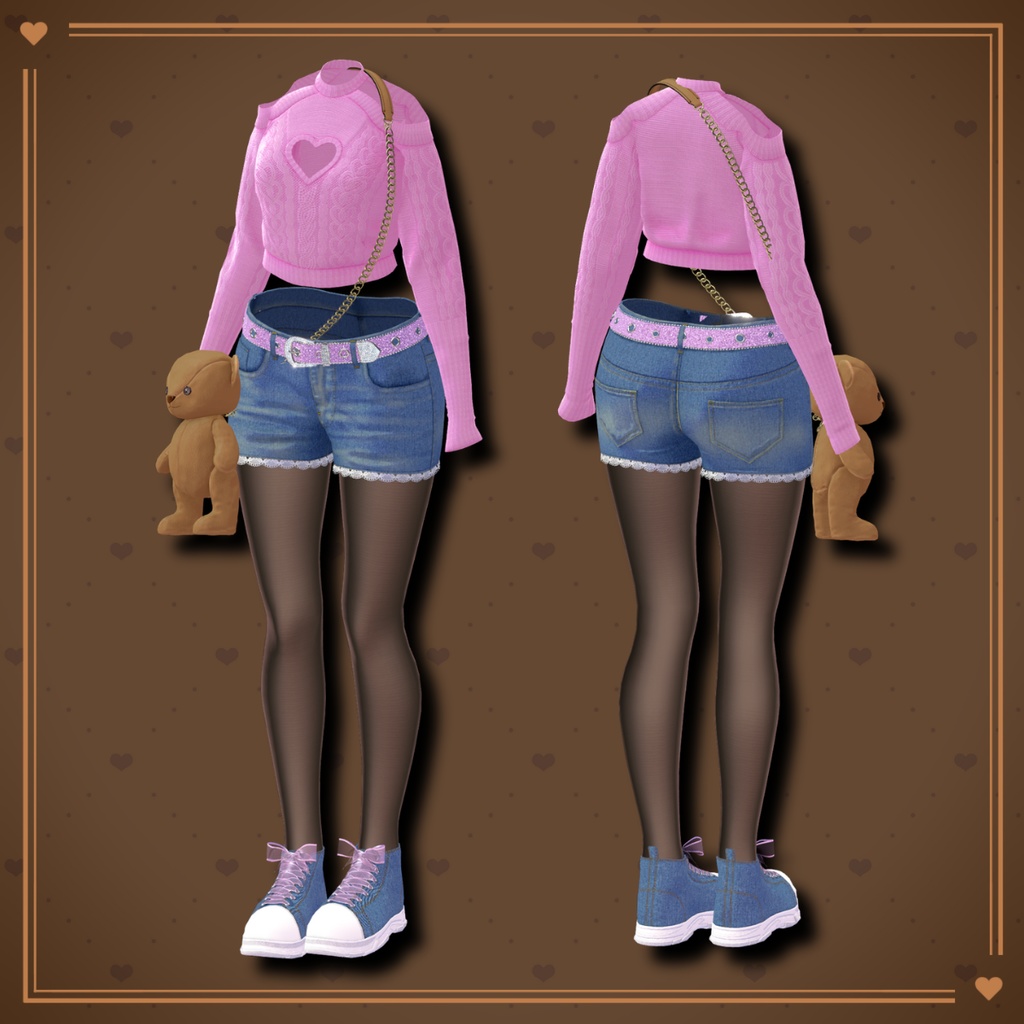
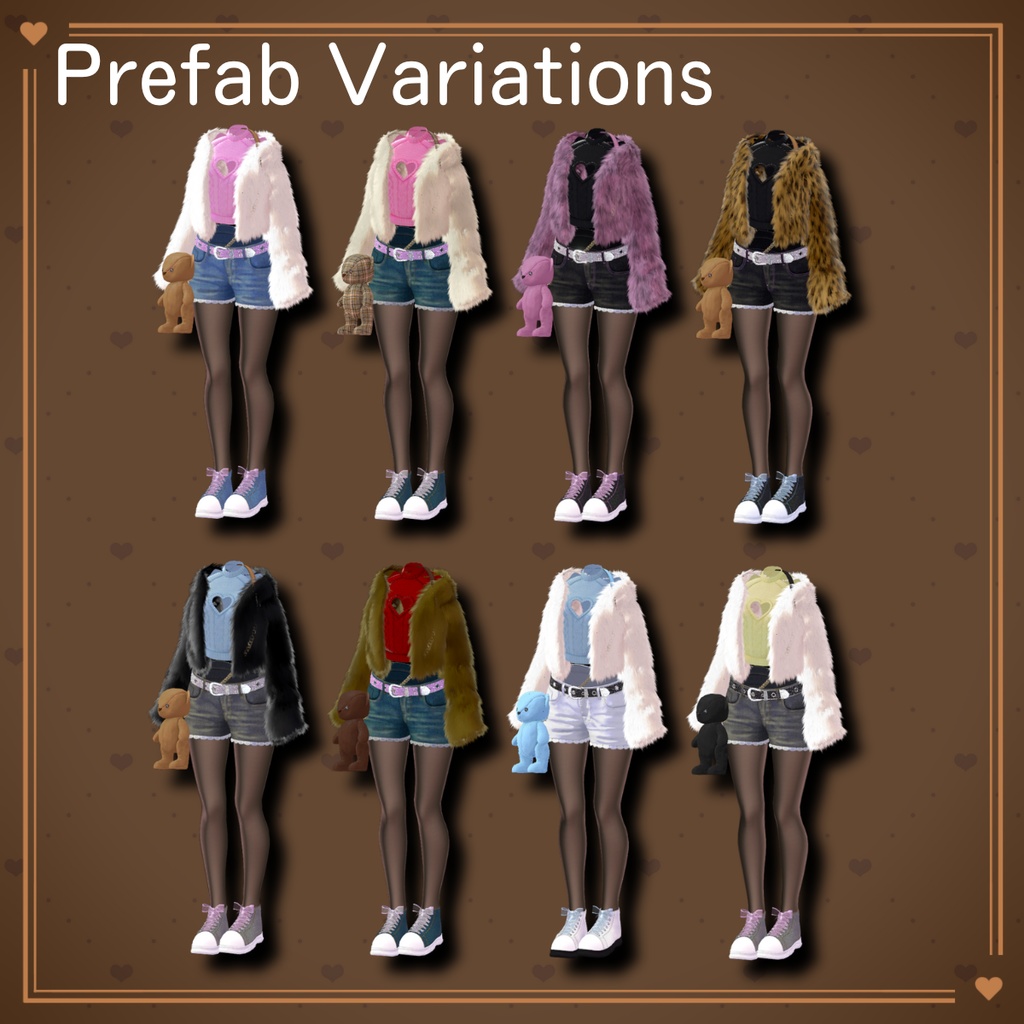
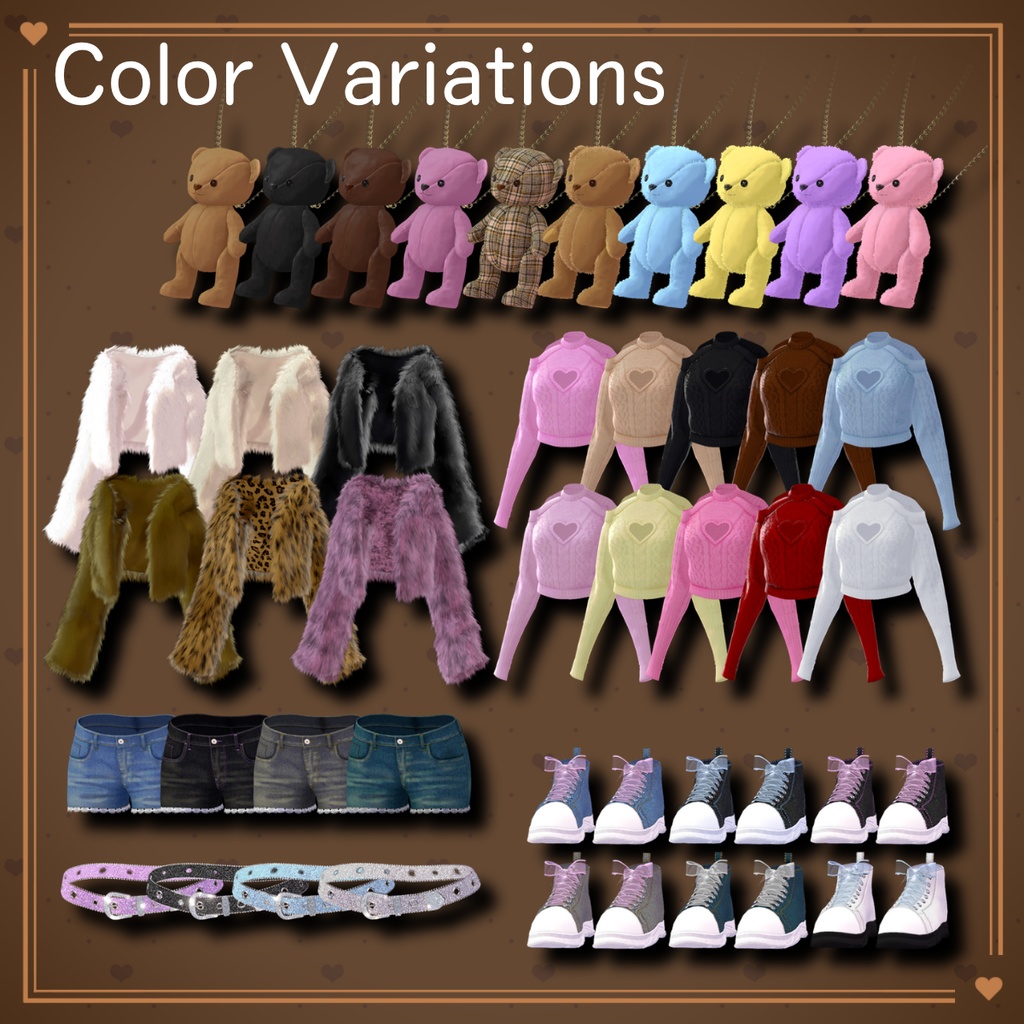


◆ SugarDripFuzzy ◆ Creator: Shion Nakazawa A coordinated outfit featuring a cable-knit sweater with a heart-shaped cutout at the chest, paired with denim shorts and sneakers. Lace and ribbon details add cute accents to the casual base design. A long-pile fuzzy fur coat and a belt decorated with glitter and rhinestones bring extra glamour, while semi-sheer tights keep the look light and balanced. The teddy bear–shaped shoulder bag includes a rear zipper opening and an item retrieval gimmick, making it both cute and functional. ※ This product is an avatar outfit model. Avatar data is not included. ※ Due to the nature of digital products, refunds and returns are not available. Please review the product description and terms of use before purchasing. ■ Item Overview Contents SugarDripFuzzy_Avatar_vX.Y.Unitypackage PSD files for customization ReadMe.txt Shader Used liltoon https://lilxyzw.booth.pm/items/3087170 Required Assets Modular Avatar https://modular-avatar.nadena.dev/ja/docs/intro ■ Model Data Total Polygon Count: 39,022 Denim Short Pants: 2,726 polygons Denim Sneakers: 9,984 polygons Gorgeous Belt: 3,290 polygons Heart Cable Knit: 6,302 polygons Shaggy Fur Coat: 5,396 polygons Tights: 2,228 polygons Teddy Bear Bag: 9,096 polygons Mesh Count: 7 Material Count: 8 PhysBone Components: 7 (3 used by the Teddy Bear Bag) ■ Import Folder Assets > MetaverseCreators_CP > Karada_Ya > SugarDripFuzzy ■ Compatible Avatars Manuka ver.1.02 https://jingo1016.booth.pm/items/5058077 Maya ver.1.02.2 https://booth.pm/ja/items/3390957 Shinra – Original 3D Model https://booth.pm/ja/items/4707634 Milltina – Original 3D Model https://booth.pm/ja/items/6538026 Shinano – Original 3D Model https://booth.pm/ja/items/6106863 Selestia ver.1.02 https://booth.pm/ja/items/4035411 Rize – Original 3D Model https://kakeudonn.booth.pm/items/5496642 Rurune – Shark Girl Original 3D Model https://booth.pm/ja/items/5957830 Lasyusha – Original 3D Model https://keenooshop.booth.pm/items/4825073 Saniela – Original 3D Model https://vinca-major-star.booth.pm/items/7058472 ※ When equipping this outfit, please use the avatar’s body-hiding shapekey (the one that turns the body into a thin rod). ■ Setup Instructions Set the latest VRC SDK in VCC Install required assets (liltoon, Modular Avatar) via VCC Import the latest avatar package Import this product’s package Drag and drop the avatar (or outfit/modification prefab, if applicable) into the Scene Hierarchy Hide unnecessary avatar clothing (default outfits, underwear, etc.) or set them to Editor Only Drag “SugarDripFuzzy_AvatarName.Prefab” directly under the avatar Using the Teddy Bear Bag Item Retrieval Gimmick SugarDripFuzzy └ TeddyBearBag └ FromBagtoHand ├ <Object> ← ① Place items you want inside the bag here ├ ConstraintSetting ← ③ Swap Weight values (1 / 0) to visualize hand-held state ├ Bag_Parent │ └ Bag_Point ← ② Adjust position/rotation/scale while inside the bag └ BoneProxy_Hand_R └ Hand_Point ← ④ Adjust position/rotation/scale while held in hand If the gimmick is not needed, delete FromBagtoHand, hide it, or set it to Editor Only to reduce parameters and animations. Upload the avatar via the VRC SDK ■ Modular Avatar Notes This outfit uses MA Shape Changer. When placed under the avatar, body shapekeys will automatically activate or hide conflicting meshes to prevent clipping. If unnecessary, the MA Shape Changer component may be removed. ※ If any part of the avatar body becomes unintentionally thin after setup, reset the corresponding body shapekey to 0 and confirm the body is visible. ■ Gimmick Instructions Grab the teddy bear’s body and move it so the rear zipper is visible. Pull the trigger to fix the PhysBone. Pull the zipper open and pull the trigger again to fix the PhysBone. Insert your right hand into the bag and perform the Rock ’n’ Roll hand gesture to move the item to your right hand. To return the item, keep the zipper open, insert your right hand into the bag, and perform the Victory hand gesture. ■ Color Customization Replace materials in: Common > Material You can also customize colors using the included PSD files. ■ Terms of Use https://drive.google.com/drive/folders/1qRMXoIxM1ZgacBPfwOigQRtXP1vCbNMn?usp=sharing ※ Please follow the terms of use of the original avatar. ■ Production Environment Modeling: Blender 4.3.2 Texturing: SAI2 Setup: Unity 2022.3.22f1 VRChat SDK – Avatars 3.10.1 (VCC) liltoon 2.3.2 Modular Avatar 1.15.1 ■ Credits Creator: Karada-ya / Shion Nakazawa https://x.com/the_muses9 https://vinca-major-star.booth.pm/ Support: https://discord.gg/bmw3PWE37M