
Unity不要のVRMアクセサリー実装ツール | Unity-Free VRM Accessory Rigger
- Digital0 JPY
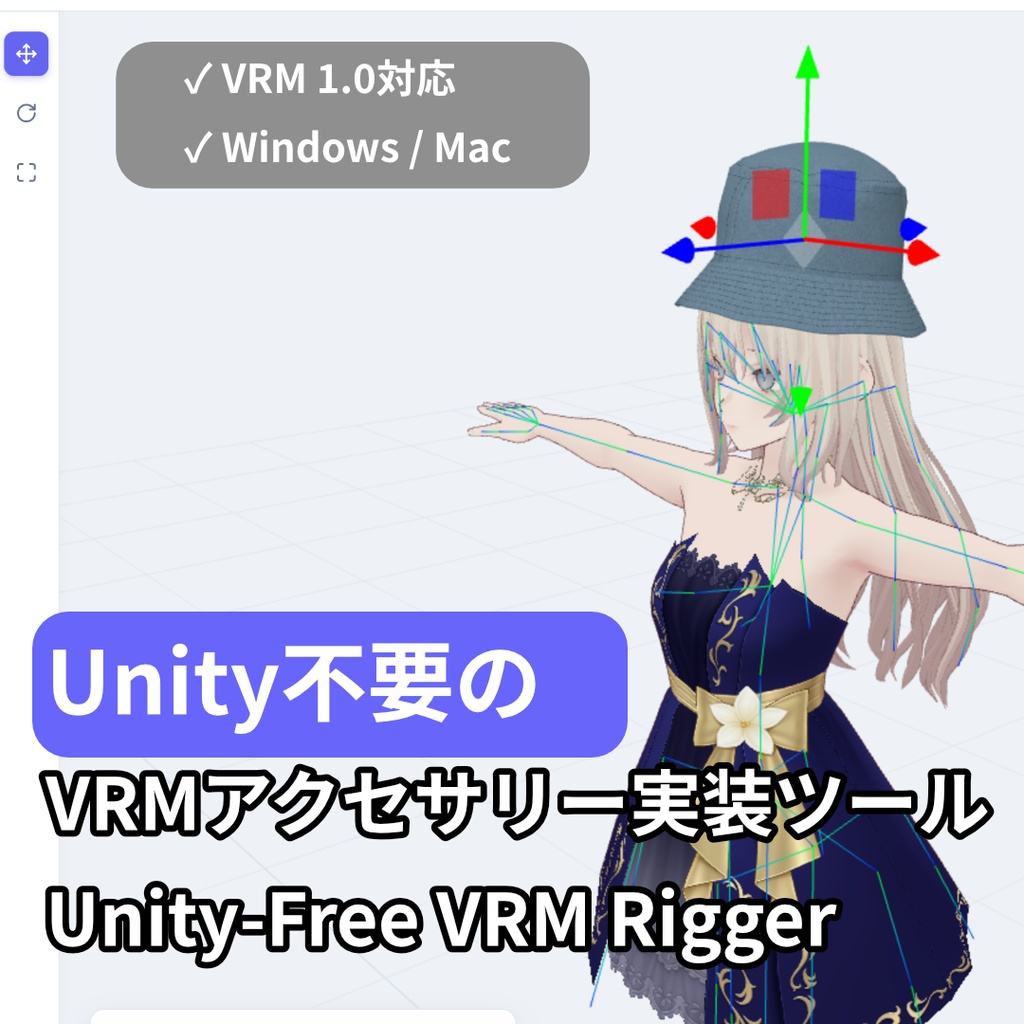
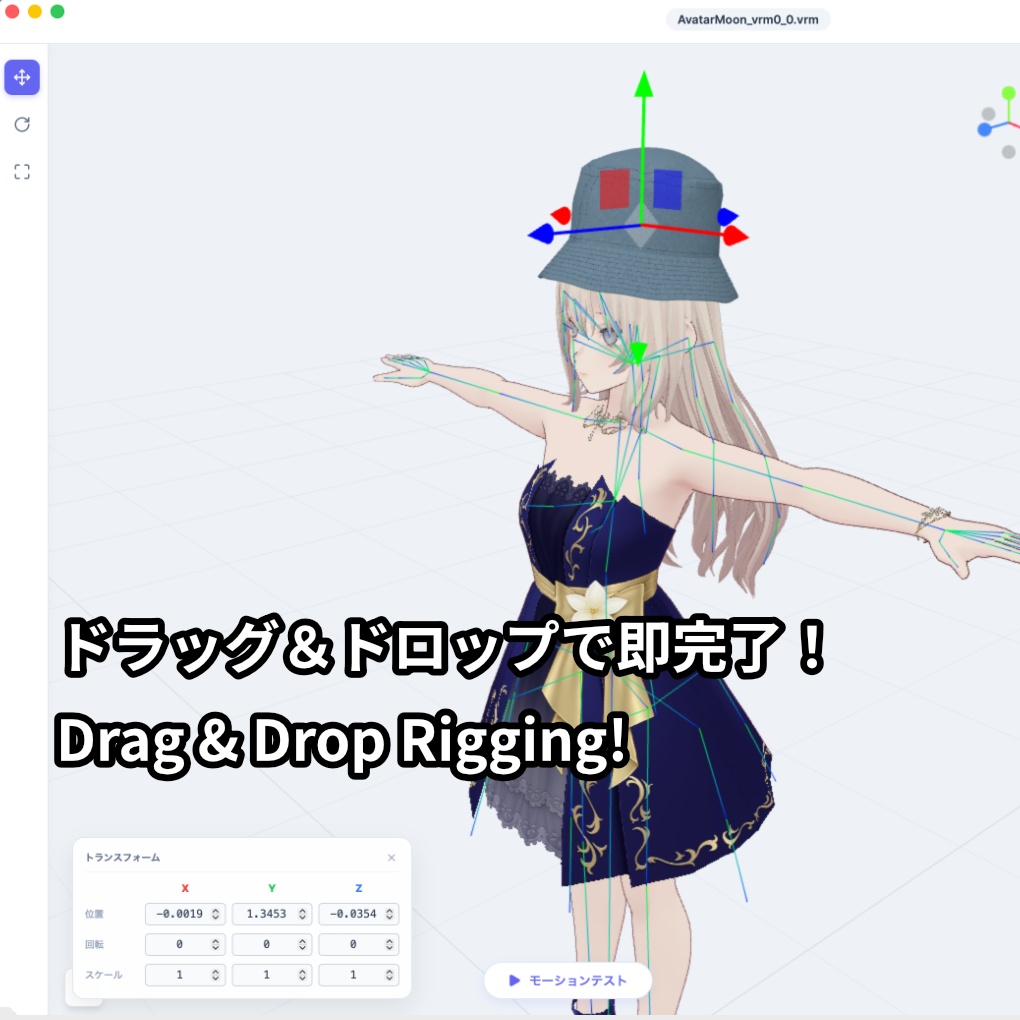
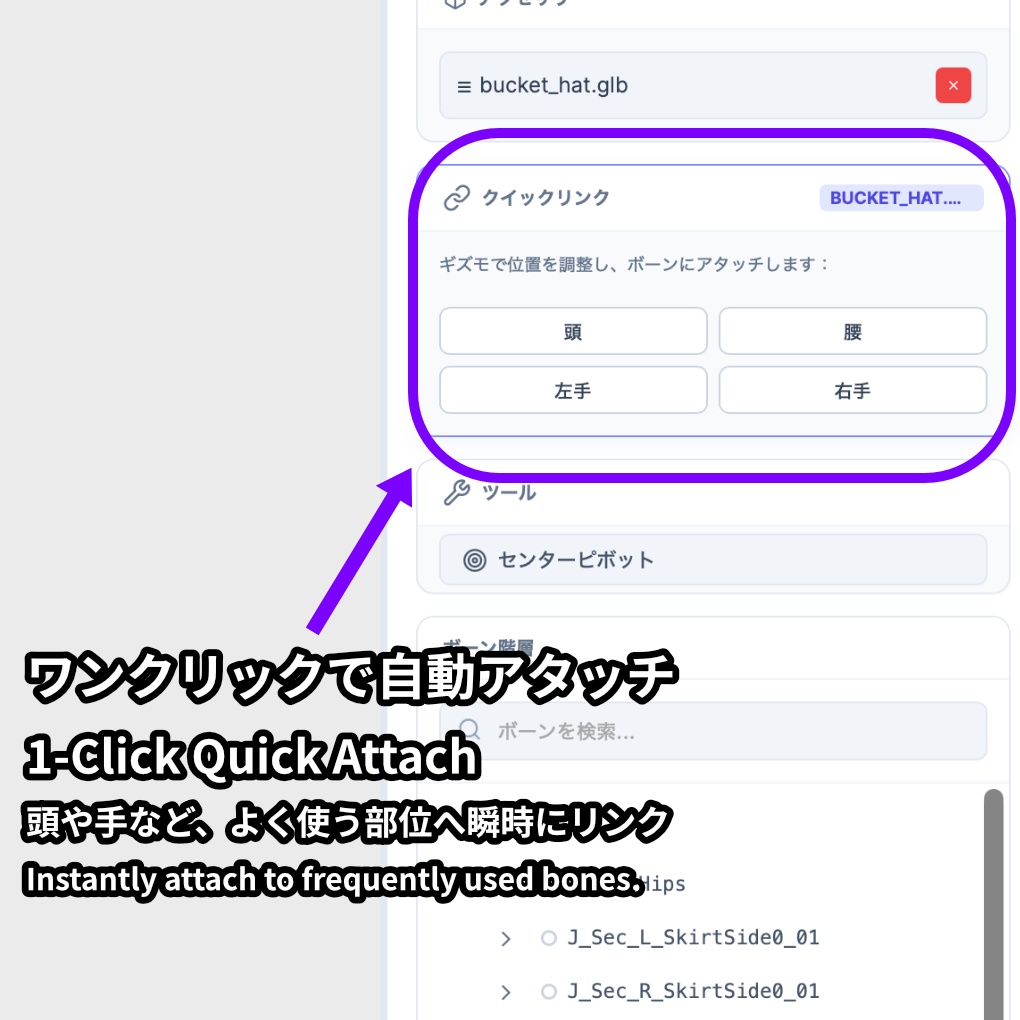


【Moon: Unity不要のVRMアクセサリー実装ツール | Unity-Free VRM Rigger】 「ただ帽子やメガネをアバターに被せたいだけなのに、重いUnityを起動して、複雑な設定をするのは面倒…」 VTuberやVRChatユーザーのそんな悩みを解決するのが『Moon』です。 Moonは、完全「Unity不要」のスタンドアロン型VRMアクセサリー実装ツールで す。 直感的なUIを採用し、お気に入りのアバター(VRM)とアクセサリー(GLB/VRM)をドラッグ&ドロップしてボーンにアタッチするだけで、誰でも簡単にセットアップが完了します。3Dの専門知識はもう必要ありません。 主な仕様と特徴 / Specifications & Features: ✅ 完全独立型: Unityや外部ツールのインストールは一切不要。 ✅フォーマット: VRM 0.0 / 1.0 の読み込みに対応。完成品は VRM 1.0 として出力。 ✅ 簡単操作: ドラッグ&ドロップと直感的なボーン階層検索。 ✅ 軽量動作: サクサク動くUIで、配信前の数分でアクセサリーの着せ替えが可能。 内容物 / Package Contents: - Moon_v1.0.1_Windows.exe - Moon_v1.0.1_Mac.dmg - README.txt Moon is a 100% "Unity-Free", standalone VRM accessory rigger. With an intuitive user interface, you simply drag and drop your avatar (VRM) and accessories (GLB/VRM), attach them to the desired bone, and you're done. No 3D technical skills or heavy software required. Specifications & Features: ✅ Standalone: No need to install Unity or any other external tools. ✅ Format Support: Import VRM 0.0 / 1.0 and GLB files. Exports fully rigged VRM 1.0 avatars. ✅ Easy Workflow: Simple drag-and-drop mechanics with an easy-to-use bone search hierarchy. ✅ Lightweight & Fast: Equip a new accessory and export your model in minutes right before you go live. Package Contents: - Moon_v1.0.1_Windows.exe - Moon_v1.0.1_Mac.dmg - README.txt
【インストールに関する重要なお知らせ / Important Installation Notes】
macOSをご利用の方へ 「Moonは壊れているため開けません。ゴミ箱に入れる必要があります」という警告が表示される場合があります。これは、インディー開発者のアプリに対するmacOSの標準的なセキュリティ機能によるものです。 以下の手順で起動できます: 1. Moon.app を「アプリケーション」フォルダに移動します。 2. Macの「ターミナル」アプリを開きます。 3. 以下のコマンドをコピー&ペーストしてEnterキーを押します: xattr -cr /Applications/Moon.app 4. これで通常通りアプリを開くことができます。 Windowsをご利用の方へ インストール時に青い画面(SmartScreen)が表示された場合は、「詳細情報」をクリックし、「実行」を選択してください。 For macOS Users If you receive a message saying "Moon is damaged and can't be opened", this is a standard macOS security feature for unsigned independent software. To run the app: 1. Move Moon.app to your Applications folder. 2. Open the "Terminal" app on your Mac. 3. Copy and paste the following command and press Enter: xattr -cr /Applications/Moon.app 4. You can now open the app normally. For Windows Users If you see a blue SmartScreen warning during installation, click "More info" and then select "Run anyway".
【公式サイト・開発者 / Official Website & Developer】
開発者 (Developer): Amartsushiro 公式ウェブサイト (Website): https://amartsushiro.dev/moon X (Twitter): @amartsushiro お問い合わせ (Contact): Boothのメッセージ機能をご利用ください。(Please use Booth messages for support).
【動作環境 / System Requirements】
OS: Windows 10 / 11 | macOS 11.0 以降 (or newer) CPU: 2.4GHz Quad Core 以上 (or higher) メモリ (Memory): 4GB RAM 以上 (8GB 推奨 / Recommended) グラフィックス (Graphics): NVIDIA GeForce GTX 750 同等以上 (Equivalent or better) ストレージ (Storage): 500MB の空き容量 (Available space)
【更新履歴 / Update History】
2026.03.26 - v1.0.1 最初のリリース (Initial Release) WindowsおよびmacOS版の公開 (Published Windows and macOS versions) VRM 1.0エクスポート対応 (Added support for VRM 1.0 export)