

Photo Frame.1【自動で日付・ワールド名が入る写真額】
- Digital500 JPY
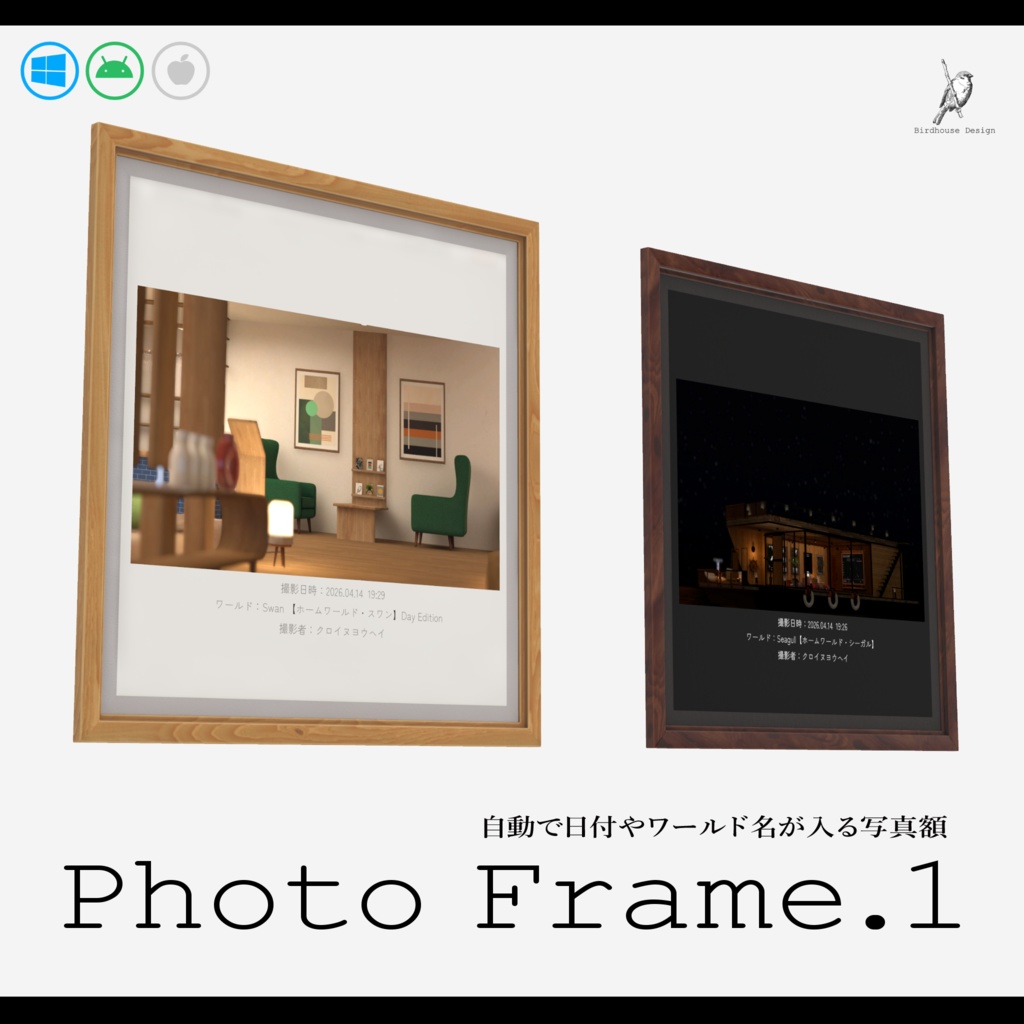
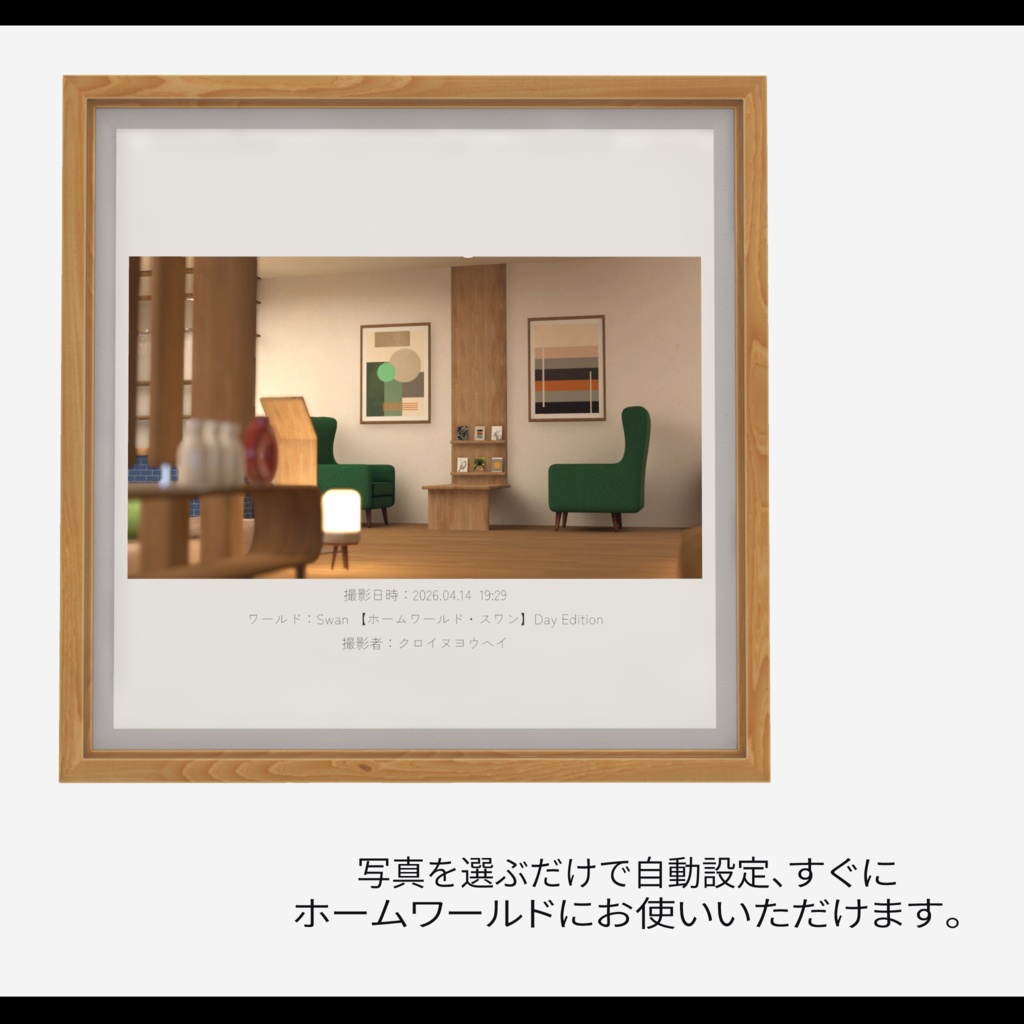
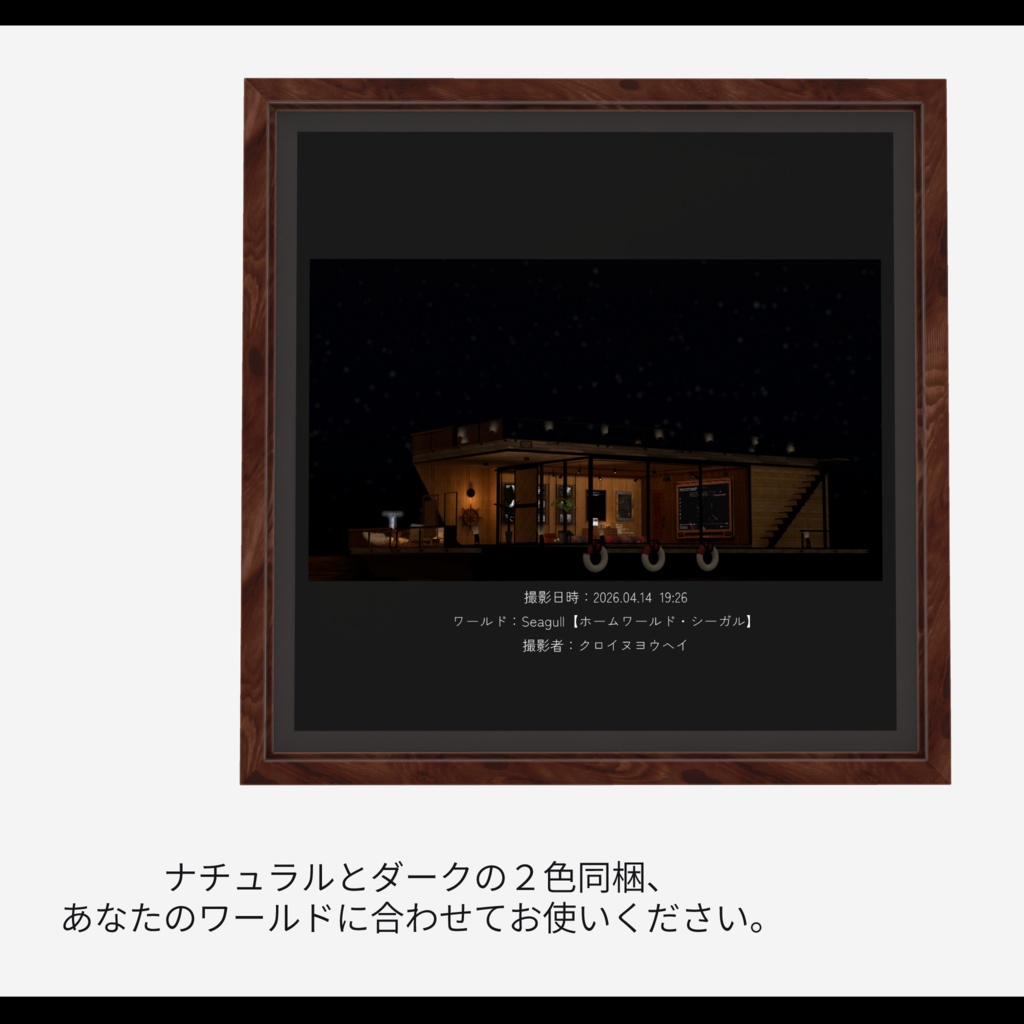
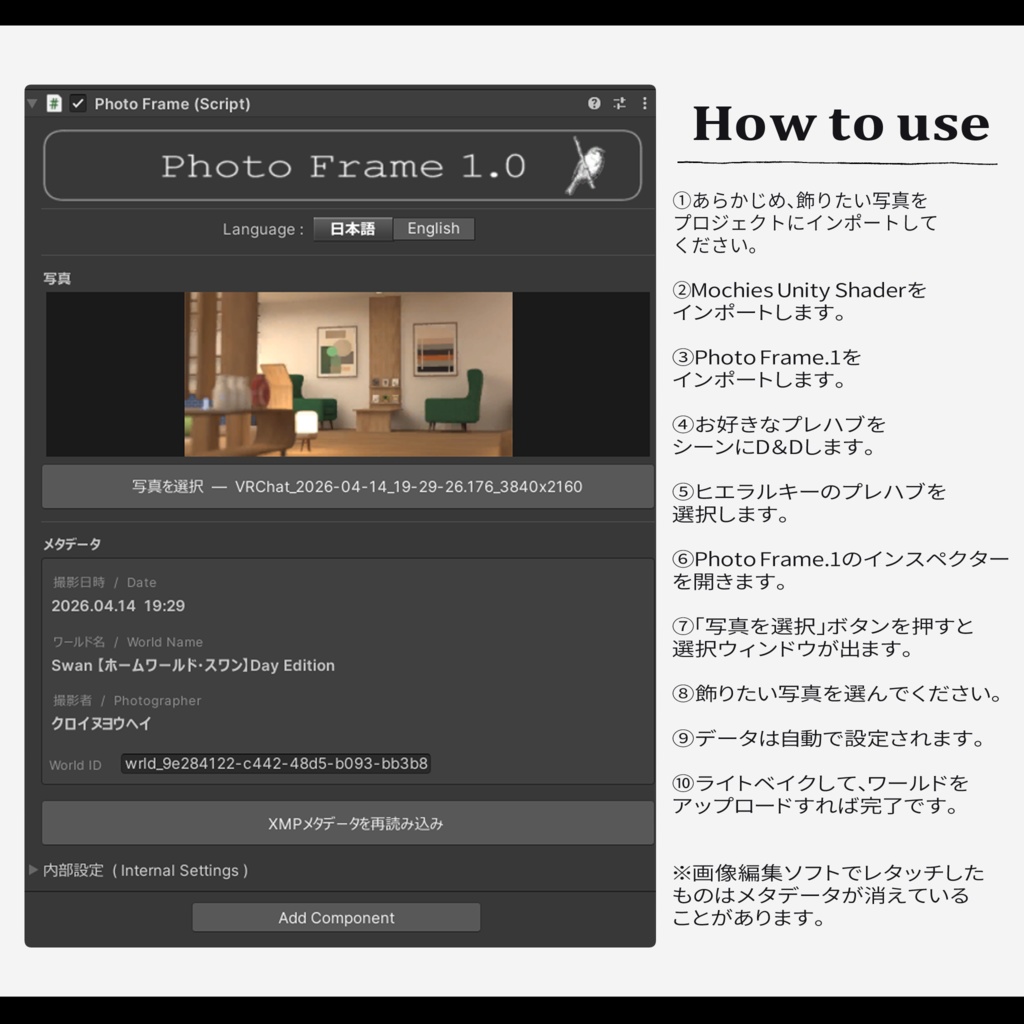


ホームワールドで写真を眺めるとき、「これいつだっけ?」「どこで撮ったっけ?」となることはありませんか? Photo Frame.1なら飾るだけで、自動で日付やワールド名が表示されます。 「もうそんな経ったんだ」「ここよく行ってたよね」フレンドたちとのおしゃべりも弾みます。 ぜひ、あなたのワールドで思い出を並べてください。 ----------------------------------------------------------------- 【使用前のご注意】 本アセットはUnity2022.3.22f1で制作されています。 ※「Mochies-Unity-Shaders」が必要となります。下記リンクよりダウンロードしてください。 ------------------------------------------------------------------ 【Mochies-Unity-Shaders】 by MochiesCode https://x.com/MochieShaders ↓↓↓ https://github.com/MochiesCode/Mochies-Unity-Shaders ------------------------------------------------------------------ Github内の緑色のボタン「<>Code」の下部からZIPファイルをダウンロード、シェーダーの入ったフォルダをUnityにインポートしてください。 ーーーーーーーーーーーーーーーーーー Have you ever looked at photos in your home world and thought, "When did I take this?" or "Where was this?" With Photo Frame.1, just place it and the date and world name appear automatically. Display your memories in your world, just the way you like. 【Before Use】 This asset was created with Unity 2022.3.22f1. ※ "Mochies-Unity-Shaders" is required. Please download it from the link below. 【Mochies-Unity-Shaders】 by MochiesCode https://x.com/MochieShaders ↓↓↓ https://github.com/MochiesCode/Mochies-Unity-Shaders Download the ZIP file from the green "<>Code" button in the repository, then import the shader folder into Unity.
利用規約
・政治利用および宗教や特定の思想を目的とした使用を禁止します。 ・内部データの二次配布および販売を禁止します。 ・内部データの譲渡を禁止します。 ・パブリック化ワールドでの使用の際には著しく著作物の品位を貶める改変を禁止します。 ・撮影の際の映り込みなどは、自由に公開していただいて構いません。
更新履歴
2026.04.14 販売開始