
実写の顔をトラッキングして自動で顔画像を乗せる「かおぺたくん」
- かおぺたくんV1.3.0Digital500 JPY
- 動作テスト版(累計1時間まで)Digital0 JPY
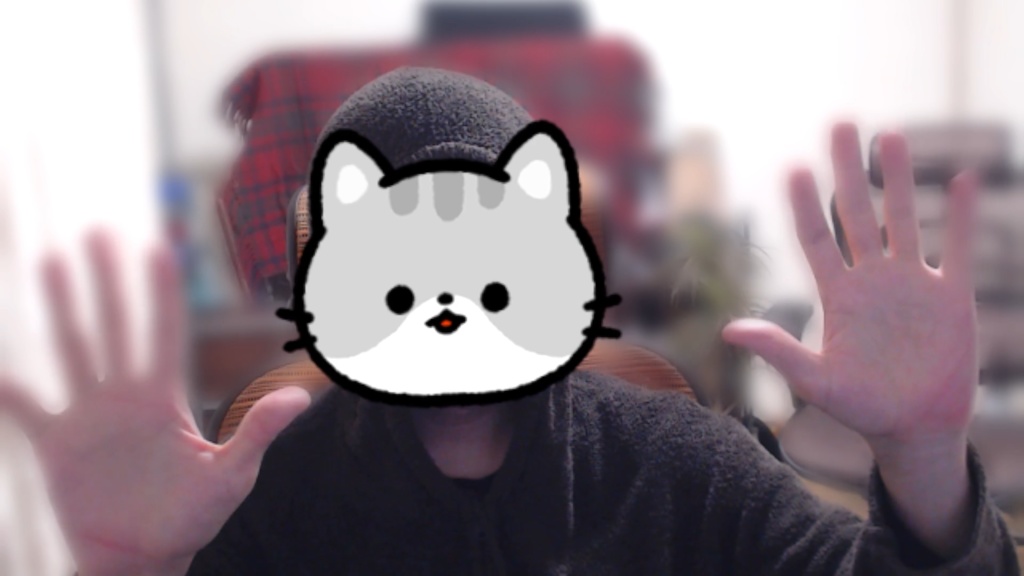
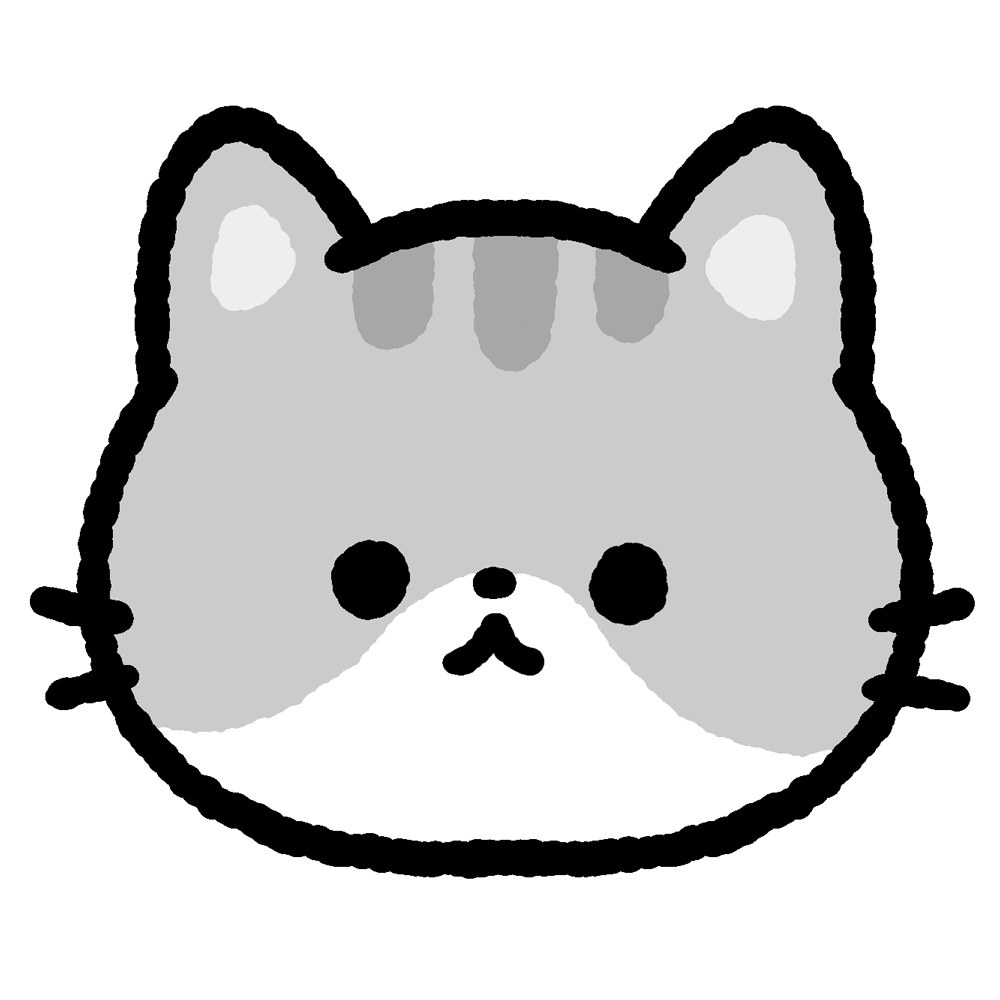


「かおぺたくん」は、Webカメラの実写映像で自分の体はそのまま映しつつ、顔の部分だけを2D画像(PNGイラスト)にリアルタイムで差し替えて表示するWindowsツールです。 VTuber用のフルボディアバターとは違い「実写の体 + 2D顔」というスタイルです。 主な機能: ・顔位置のリアルタイム追従(顔の移動・サイズに追従) ・口パクアニメーション(マイク音量 or カメラ映像で3段階切替) ・まばたきアニメーション(自動 or カメラ判定で3段階切替) ・3つの画像モード(レイヤー分割 / 1枚かぶせ / フル差し替え) ・OBSのウィンドウキャプチャで録画可能 ・すべての設定をリアルタイムに反映 顔は出したくないけど、実写のものを紹介したり身振り手振りも見てもらった動画を作成したい、という人向けに作りました。 横を向いたり顔の一部を隠したりすると、トラッキングがはずれ一瞬顔が出てしまうので、生放送(LIVE)向けではありません。(生放送でも自己責任で使ってもらう分には問題ありません) 詳しい操作方法はファイル内にある「使い方ガイド.html」をご確認ください! ■必要なもの OS: Windows 10 / 11 Webカメラ: ノートPC内蔵でもOK マイク: 口パクにマイクを使う場合。なくてもカメラ判定で動作 Python: 3.10以上(無料。手順で説明します) ネット接続: 初回セットアップ時のみ必要 ■3つの画像モード 1、顔、目(開いた目、半開きの目、閉じた目)、口(開いた口、半開きの口、閉じた口)を用意するパターン 2、1枚の顔画像だけ用意するパターン 3、顔、目、口がくっついた状態でそれぞれが動いた時の絵を用意するパターン の3パターンのいずれかで動かすことができるようにしてあります。 1はより細かい動きができるのですが、各パーツを用意するのが難しい人もいると思うので3のようなパターンも用意しました。 2は顔が動きませんが、とにかく顔にトラッキングさせたい人向けのものです。 文章で説明しても伝わりづらいかと思いますので、実際に動かしていただければわかるかと思います。 ■今後調整したい点 ・3D(VRM)やLive2Dの顔を乗せられるようにする(別ツールにするかも) ・高機能にするという考えより、必要最低限の機能で誰でも簡単に使える軽いツールにする、を目指しています。 ■ご利用条件 ・どなたでもご活用ください ・クレジット表記は不要です(してもらえると嬉しいですが) ・本ソフトの再配布・再販売は禁止しております ■2026/4/22更新 ・背景をクロマキーや画像に置き換える機能を追加 ・一部レイアウト崩れがあった箇所を修正 ・画質、画角、FPSなどを設定できるように修正 ・テスト版(無償版)作成 ・デフォルトで入っている顔データを猫ちゃんに変更しました。サンプルの映像のように拡大した状態で使うと画質が悪く見えてしまうので、アップで使用される場合はサイズ大き目の画像をご使用ください。 ---------------------- Product Name: Kaopeta-kun: Automatically tracks your real face and overlays a face image “Kaopeta-kun” is a Windows tool that keeps your real body visible through a webcam feed while replacing only your face area in real time with a 2D image (PNG illustration). Unlike a full-body avatar tool for VTubers, this uses a “real body + 2D face” style. Main Features: ・Real-time face position tracking (follows face movement and size) ・Lip-sync animation (3 levels based on either microphone volume or camera image detection) ・Blink animation (automatic or 3 levels based on camera detection) ・3 image modes (separated layers / single overlay image / full replacement) ・Can be recorded through OBS window capture ・All settings are applied in real time This tool was made for people who do not want to show their real face, but still want to create videos where they can introduce real-life items and show their gestures and body movements. Please note that if you turn sideways or partially cover your face, tracking may fail and your real face may briefly appear. For that reason, it is not intended for live streaming. (It can still be used for live streaming at your own risk.) For detailed instructions, please check the “How to Use Guide.html” file included in the package. Requirements ・OS: Windows 10 / 11 ・Webcam: Built-in laptop webcam is fine ・Microphone: Required only if you want to use a microphone for lip-sync; camera-based detection also works without one ・Python: Version 3.10 or later (free; setup steps are explained) ・Internet connection: Required only for the initial setup Three Image Modes This tool can be used with any one of the following three image setup patterns: 1.A setup with separate images for the face, eyes (open / half-open / closed), and mouth (open / half-open / closed) 2.A setup with only a single face image 3.A setup where the face, eyes, and mouth are already combined in each image, with separate images prepared for each expression or movement state Mode 1 allows for more detailed movement, but preparing each part separately may be difficult for some users, so Mode 3 is also available as an alternative. Mode 2 does not animate the face, but it is intended for people who simply want face tracking as easily as possible. This may be difficult to fully understand from text alone, so it will probably make more sense once you try it yourself. Things I want to improve in the future ・Camera detection is currently ambiguous, so I want to make it clearer which camera is selected. (I tried adjusting this, but could not get it working well, so for now it is being provided in its current state.) ・I want to make the default images a little more charming, because right now they feel too much like placeholder images. ・I want to make it possible to overlay 3D (VRM) or Live2D faces as well. (This may become a separate tool.) ・Rather than aiming to make it feature-heavy, the goal is to create a lightweight tool with only the minimum necessary functions so that anyone can use it easily.