

【MA】 Audio Scale Sync
- Digital0 JPY
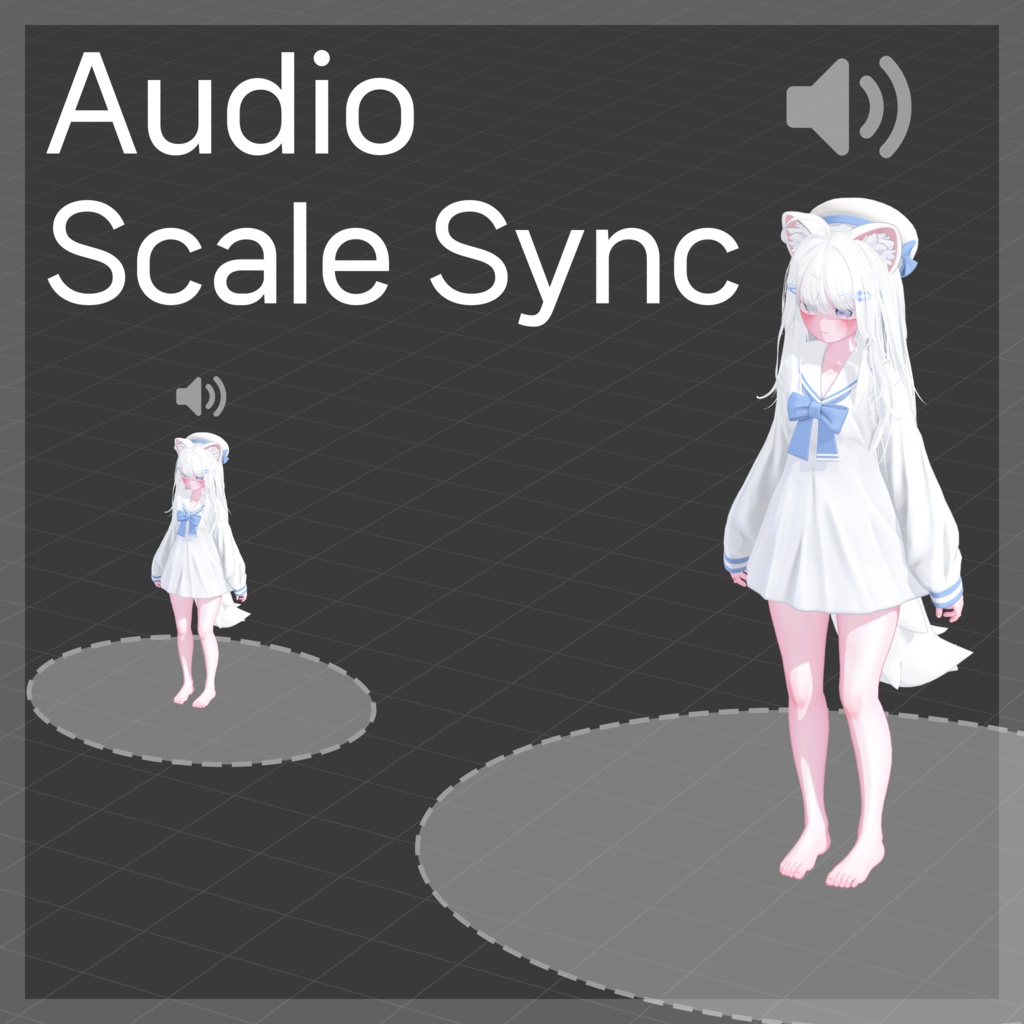

아바타 스케일을 바꾸면 지정된 Audio Source의 범위도 같은 비율로 조절해주는 도구입니다. アバタースケールを変更すると、指定されたAudio Sourceの範囲も同じ比率で調整してくれるツールです。 If you change the avatar scale, it is a tool that adjusts the range of the specified audio source at the same rate.
# How to use · 導入方法 · 사용법
1. unitypackage 파일을 임포트합니다. 2-A. 설정할 AudioSource가 있는 곳에 Audio Scale Sync 컴포넌트를 추가합니다. 2-B. 또는 아무 곳이나 Audio Scale Sync 컴포넌트를 추가하고 고급 설정에서 오디오 소스를 "지정 목록" 또는 "자식 오디오"로 설정합니다. 1. unitypackageファイルをインポートします。 2-A. 設定するAudioSourceがある場所にAudio Scale Syncコンポーネントを追加します。 2-B. または、任意の場所にAudio Scale Syncコンポーネントを追加し、高度な設定でオーディオソースを「指定リスト」または「子オーディオ」に設定します。 1. Import the unitypackage file. 2-A. Add the Audio Scale Sync component where the Audio Source you want to set is located. 2-B. Or add the Audio Scale Sync component anywhere and set the audio source to "Specified List" or "Child Audio" in the advanced settings.
# Changelog · 変更履歴 · 변경내역
2026.05.22 v1.0.0 - 출시 2026.08.24 v1.0.1 - 공용 코드 업데이트 - NDMF 최신 환경, 언어 설정 반영 2026.10.14 v1.0.2 - 공용 코드 업데이트 - 내부 명칭 수정