
【VRoid用テクスチャ】🌈きゅるんとかわいいハート瞳・アイテクスチャ【8色】
- Digital100 JPY
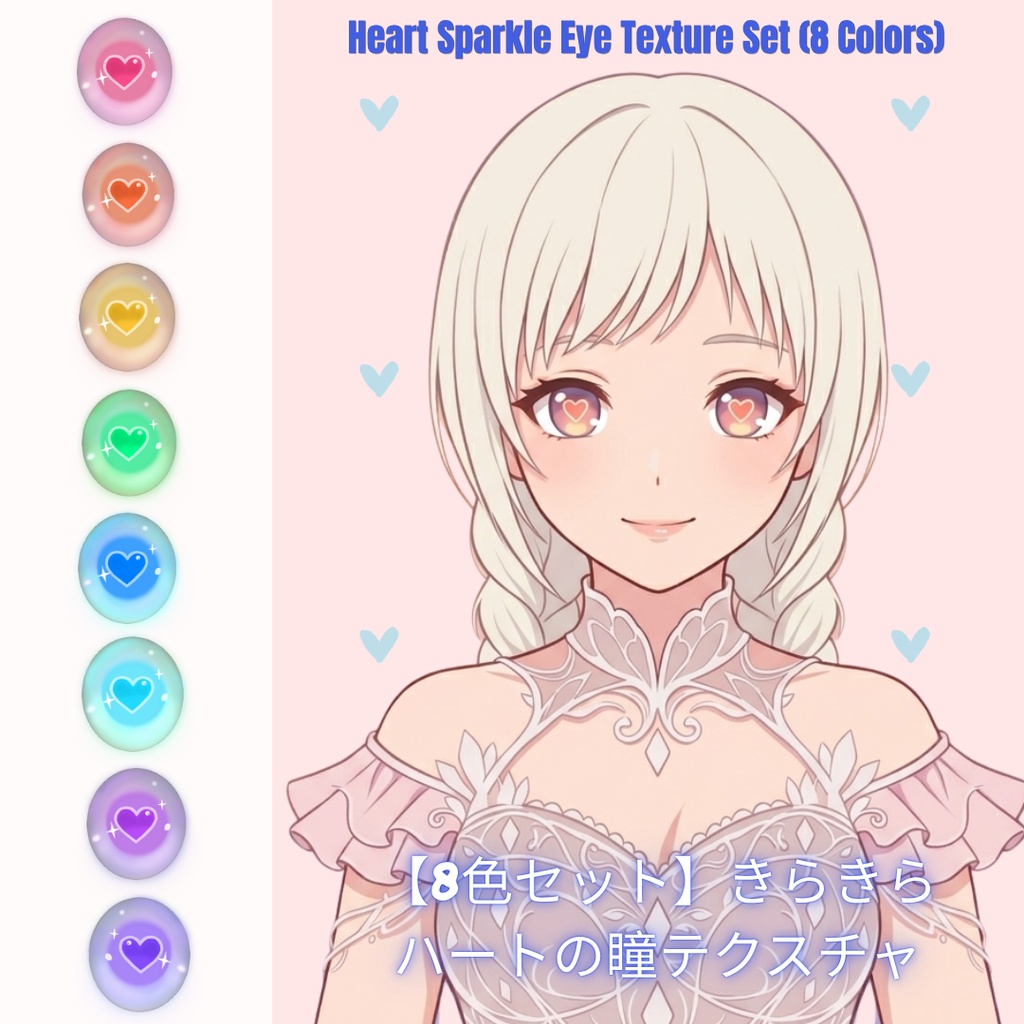
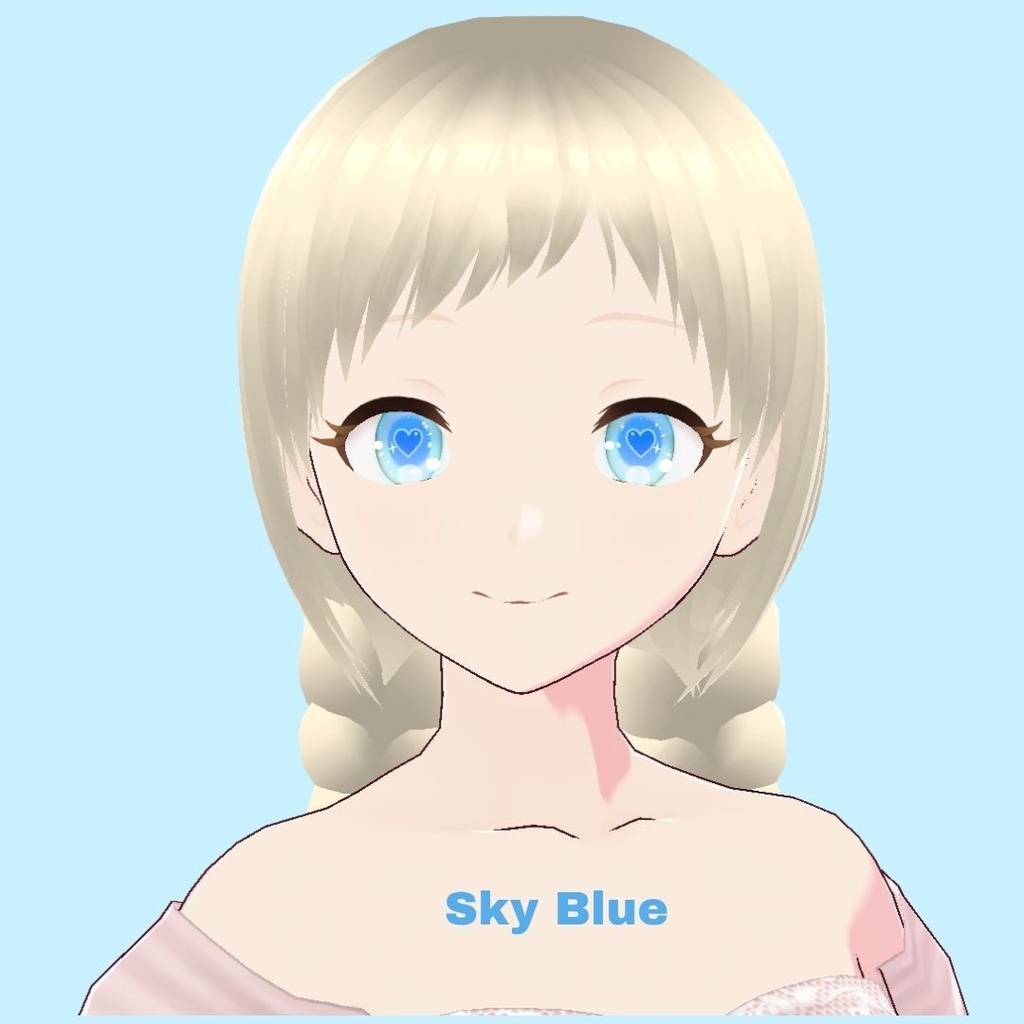
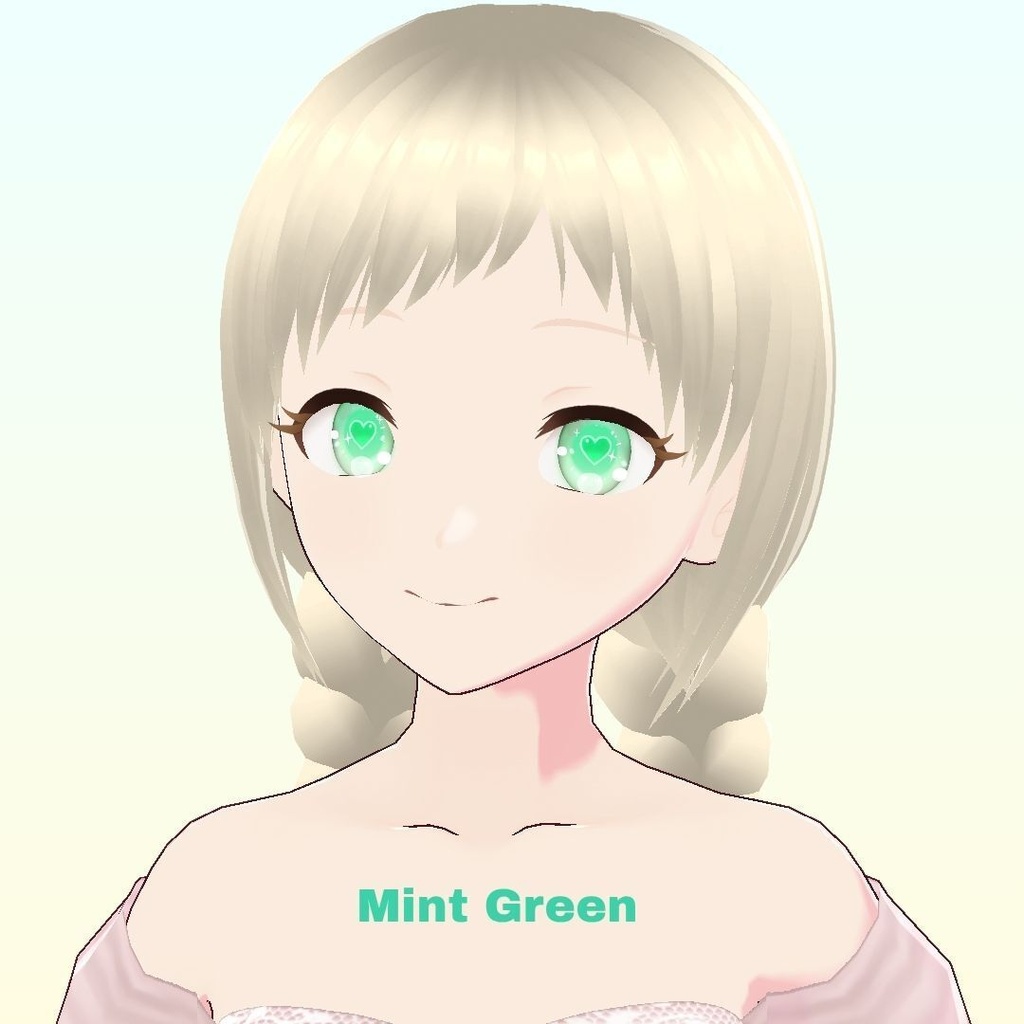
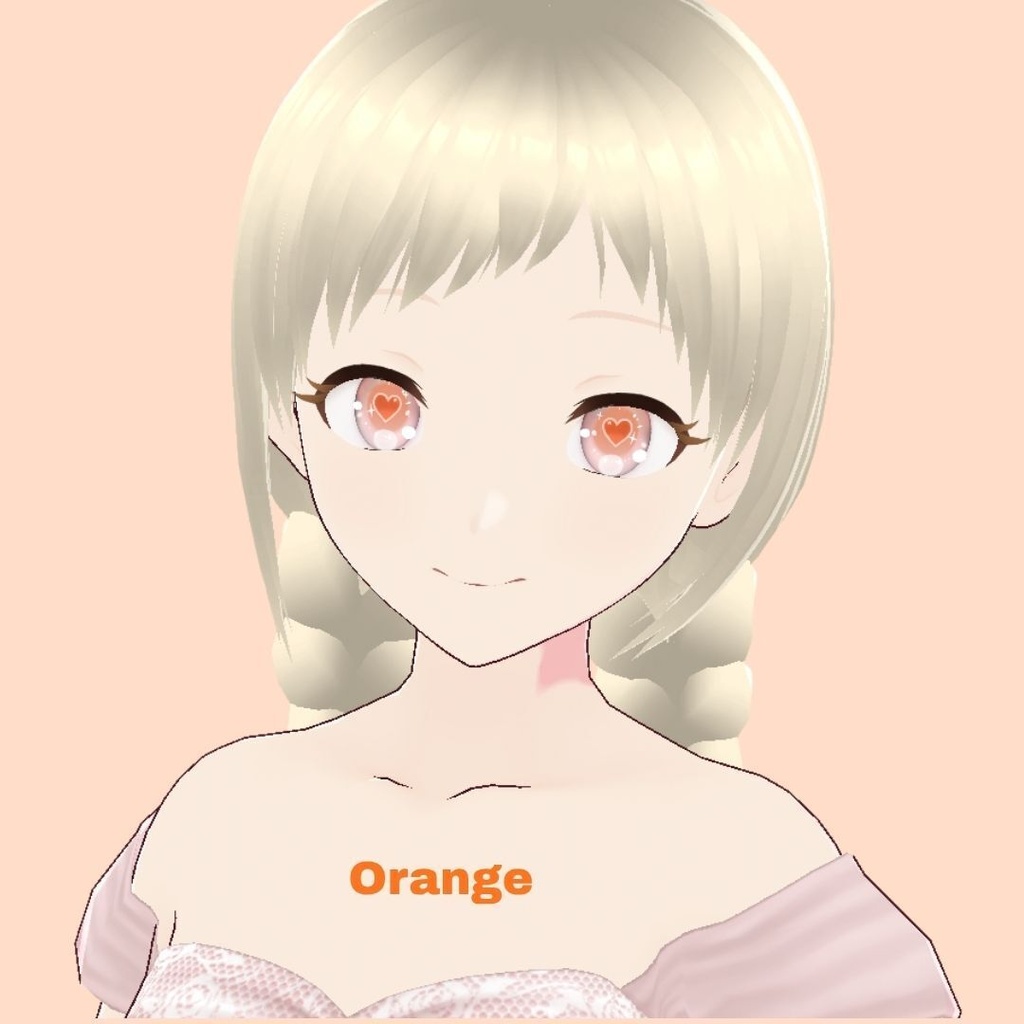
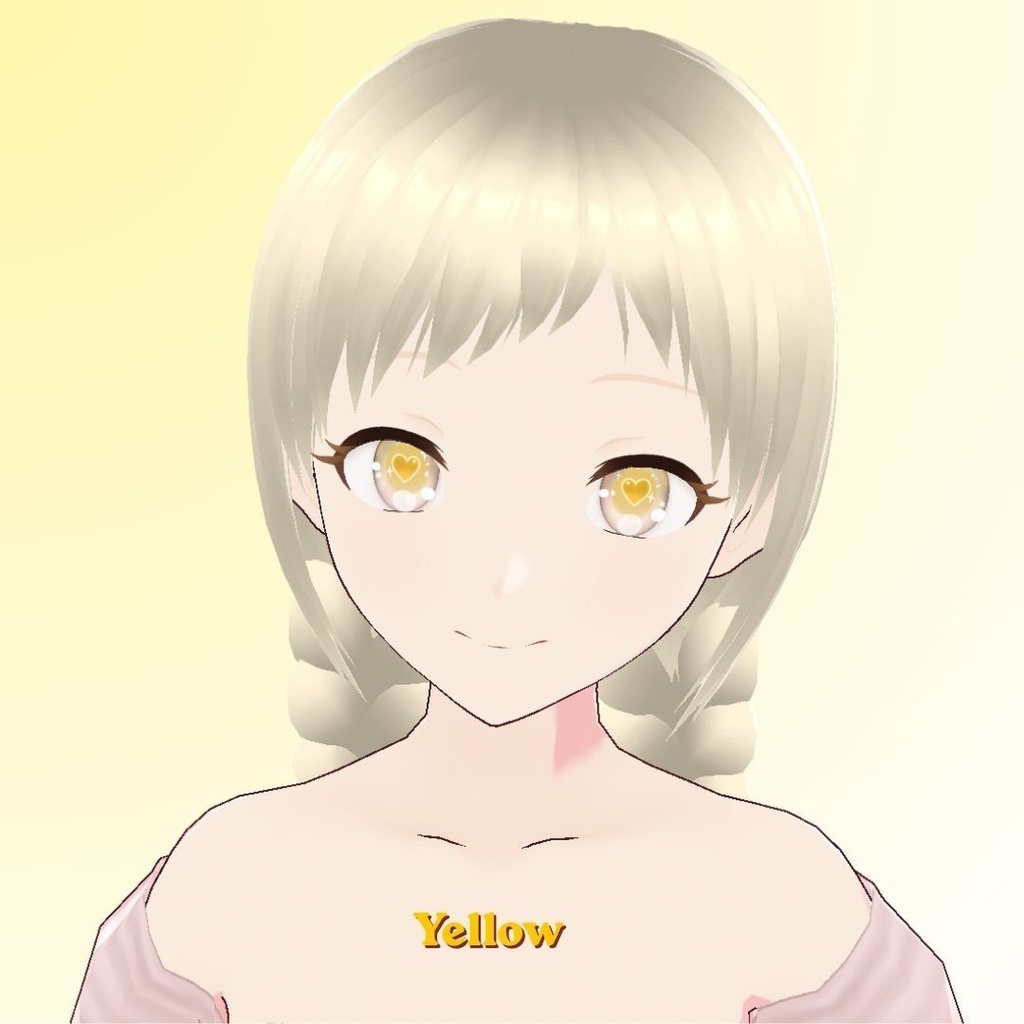


Add a touch of pure romance to your avatar with this adorable eye texture pack, featuring sweet, glistening heart-shaped sparkles hidden inside dreamy, luminous eyes. Perfect for elegant dresses, fairy-tale aesthetics, or everyday cute styles. With 8 distinct color variations included, you can easily match your eyes to your mood, outfit, or seasonal theme! ✨ Product Features Eye Textures (8 Color Variants) Compatible with VRoid Studio / Ready for VRChat avatar customization. --------------------------------------------- ご覧いただきありがとうございます! うるうるとした瞳の中に、きらめく愛らしいハートを閉じ込めたアイテクスチャです。 ガーリーなワンピースや、夢かわいいファンタジーの世界観にぴったり。 その日の気分や衣装に合わせて選べる、コーディネートが楽しくなる【全8色】のカラーバリエーションをご用意しました。 あなたの特別なアバターに、きゅんとする彩りを添えてみませんか? ✨ 商品内容 瞳テクスチャ(全8色) VRoid Studio対応 / VRChat等への改変にもご利用いただけます。
✦ 使用方法 / How to Use (VRoid Studio)
1. VRoid Studioを開き、アバターの編集画面に進みます。 (Open VRoid Studio and open your avatar project.) 2. 左上のメニューから「カスタムアイテムをインポート」を選択し、本製品のファイル(.vroidcustomitem)を読み込みます。 (From the top-left menu, select Import Custom Item and load this product file.) 3. 上部メニューから「顔」を選び、左側のリストから「瞳」を選択します。 (Select Face from the top menu, then choose Iris from the left sidebar.) 4.「カスタム」タブ内に追加されたアイテムを選択・着用すれば完了です! (Go to the Custom tab, select the newly added item to wear it, and you're all set!)
