

VRChat Avatar Capture Tool (Unity) – 1 Click Studio Photos + 4 Views / 【VRChat/Unity】アバターキャプチャーツール – ワンクリックで4方向スタジオ風スクショ!
- Digital300 JPY
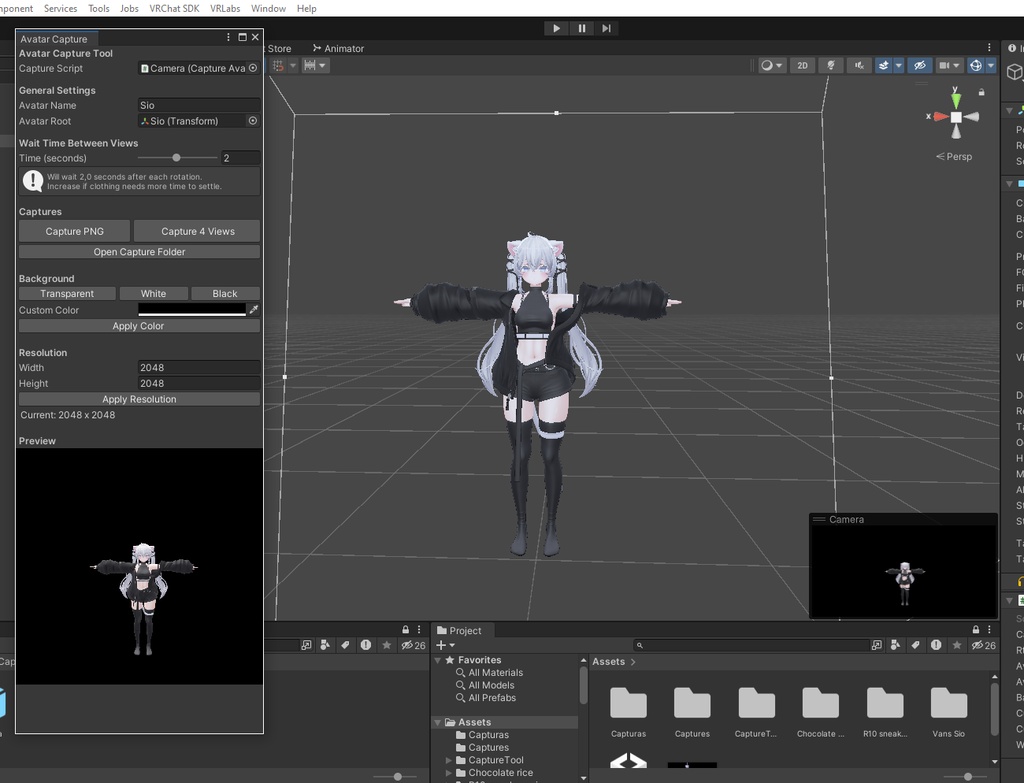
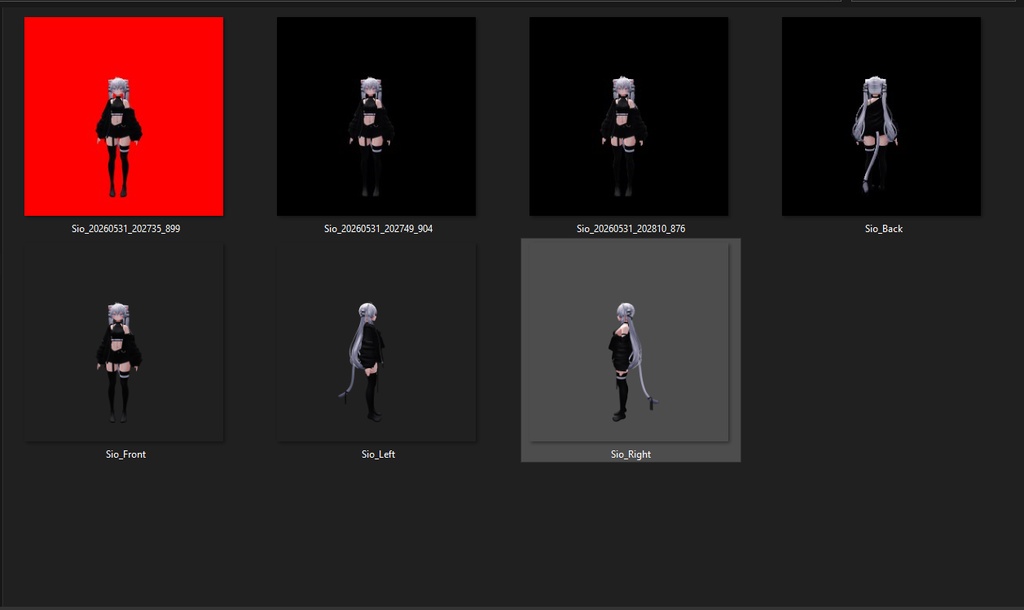
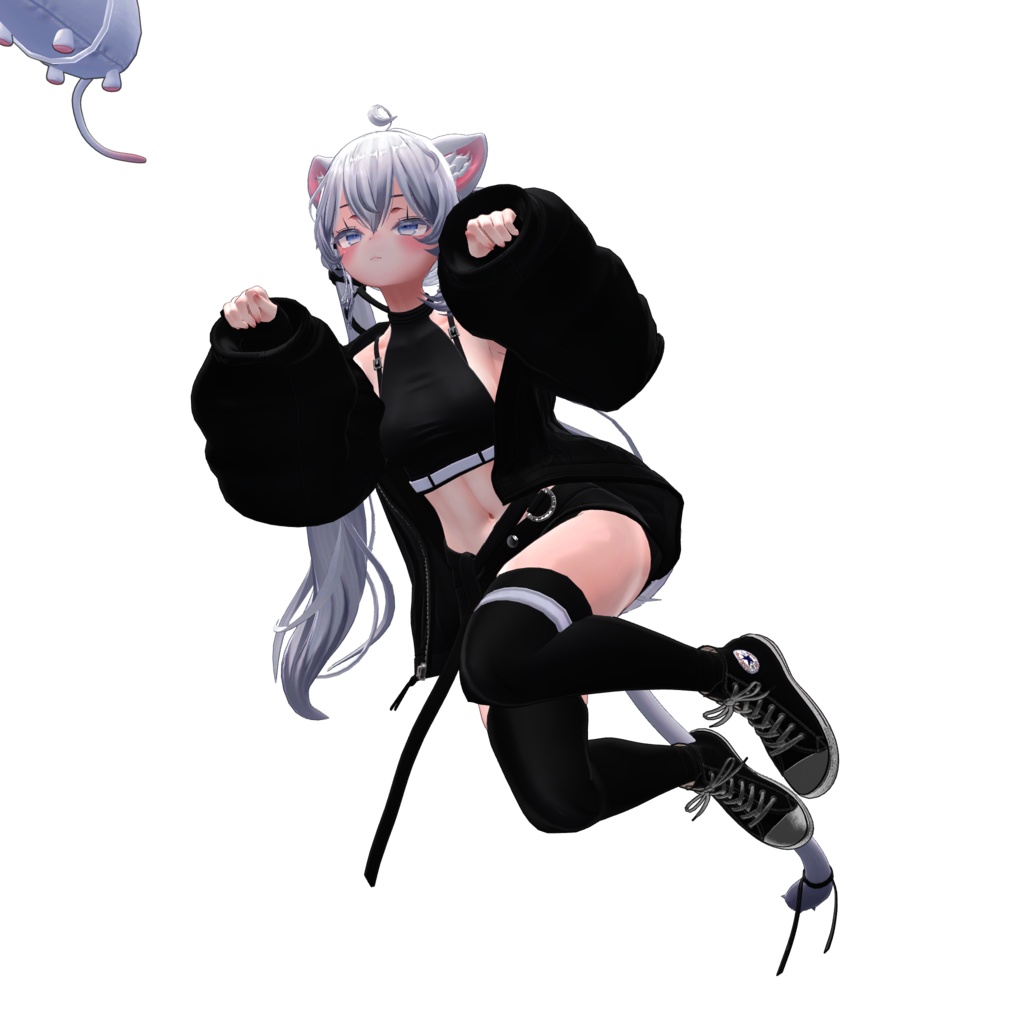


A simple and lightweight Unity tool designed to take clean studio-style screenshots of your VRChat avatar in just one click. Perfect for creators who want fast, consistent, and high-quality avatar previews without manual setup or complex workflows. Includes: .unitypackage + Prefab + Video tutorial ✔ ONE-CLICK INSTALL - Ready-to-use .unitypackage ✔ READY-TO-USE PREFAB - Camera + RenderTexture pre-configured ✔ VIDEO TUTORIAL INCLUDED - Step-by-step setup guide ✔ Capture 4 standard views automatically (Front, Right, Back, Left) ✔ Adjustable delay (0.1-4 sec) for cloth physics to settle ✔ Transparent background with alpha channel ✔ Solid color backgrounds (white, black, custom) ✔ Custom resolution support ✔ Live preview in editor window ✔ Runtime hotkeys: P (capture), V (4 views), 1 (transparent) ✔ Automatic folder and file naming ✔ Zero coding required ✔ Unity 2019.4+ 含まれるもの: .unitypackage + プレハブ + ビデオチュートリアル シンプルで軽量なUnityツールです。ワンクリックでVRChatアバターのスタジオ品質なスクリーンショットを撮影できます。 面倒な設定や複雑な作業は不要。速く、一貫性のある、高品質なアバタープレビューを求めるクリエイターに最適です。 ✔ ワンクリックインストール - 即戦力の.unitypackage ✔ プレハブ完備 - カメラ+RenderTextureがあらかじめ設定済み ✔ ビデオチュートリアル付き - ステップバイステップの設定ガイド ✔ 4方向の自動撮影(正面 / 右 / 背面 / 左) ✔ 布物理が落ち着くまでの待機時間を調整可能(0.1〜4秒) ✔ 透明背景(アルファチャンネル対応) ✔ 単色背景(白 / 黒 / カスタムカラー) ✔ カスタム解像度対応 ✔ エディタウィンドウでライブプレビュー ✔ ランタイムホットキー:P(撮影)/ V(4方向撮影)/ 1(透明背景) ✔ 自動フォルダ&ファイル名設定 ✔ コーディング不要 ✔ Unity 2019.4以上対応