
Starlight Projector
- Digital2,000 JPY
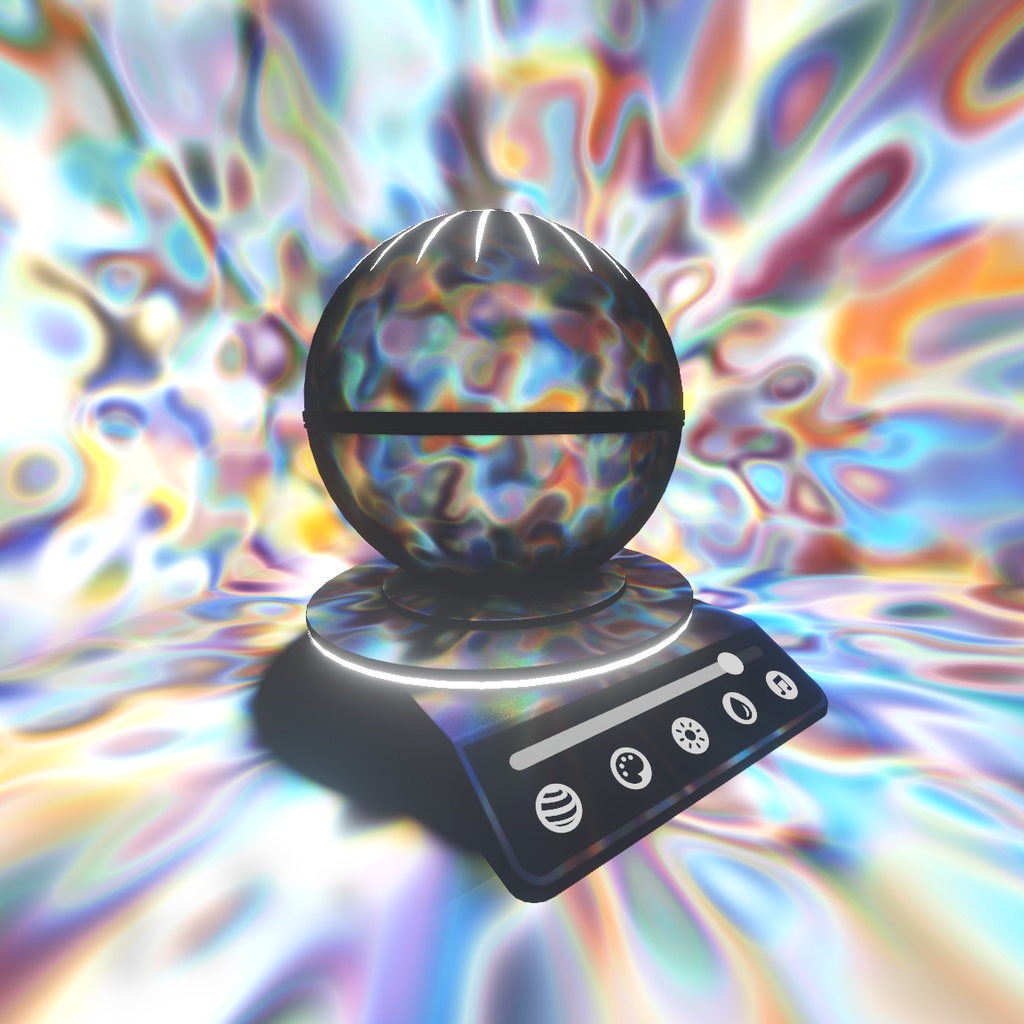
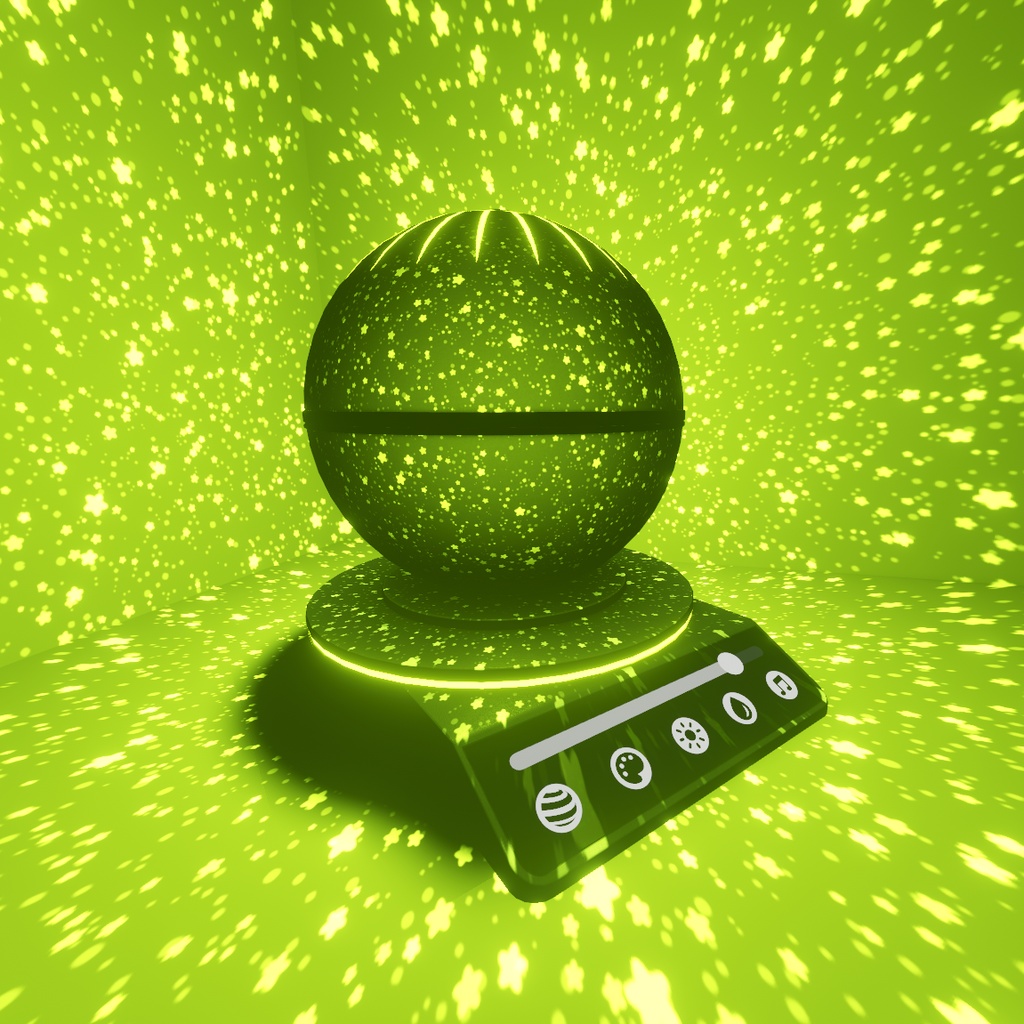
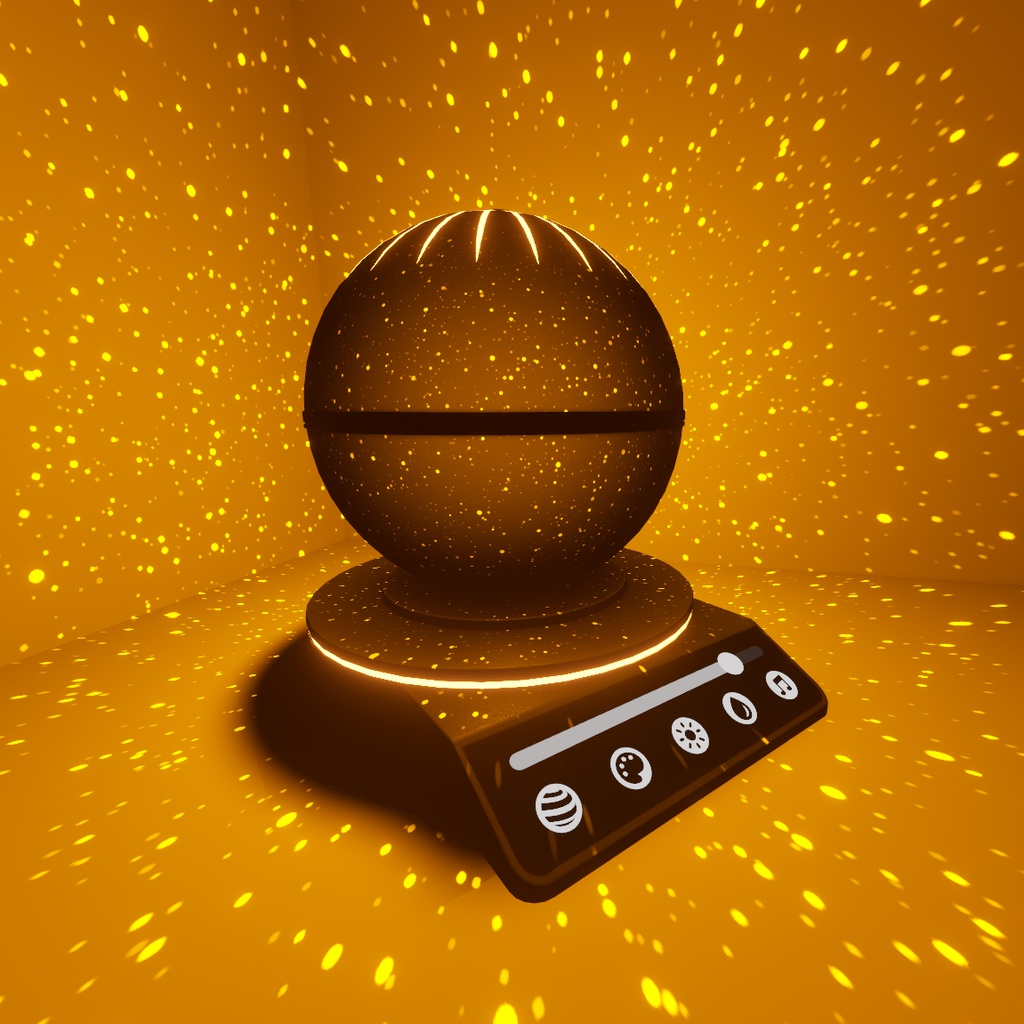

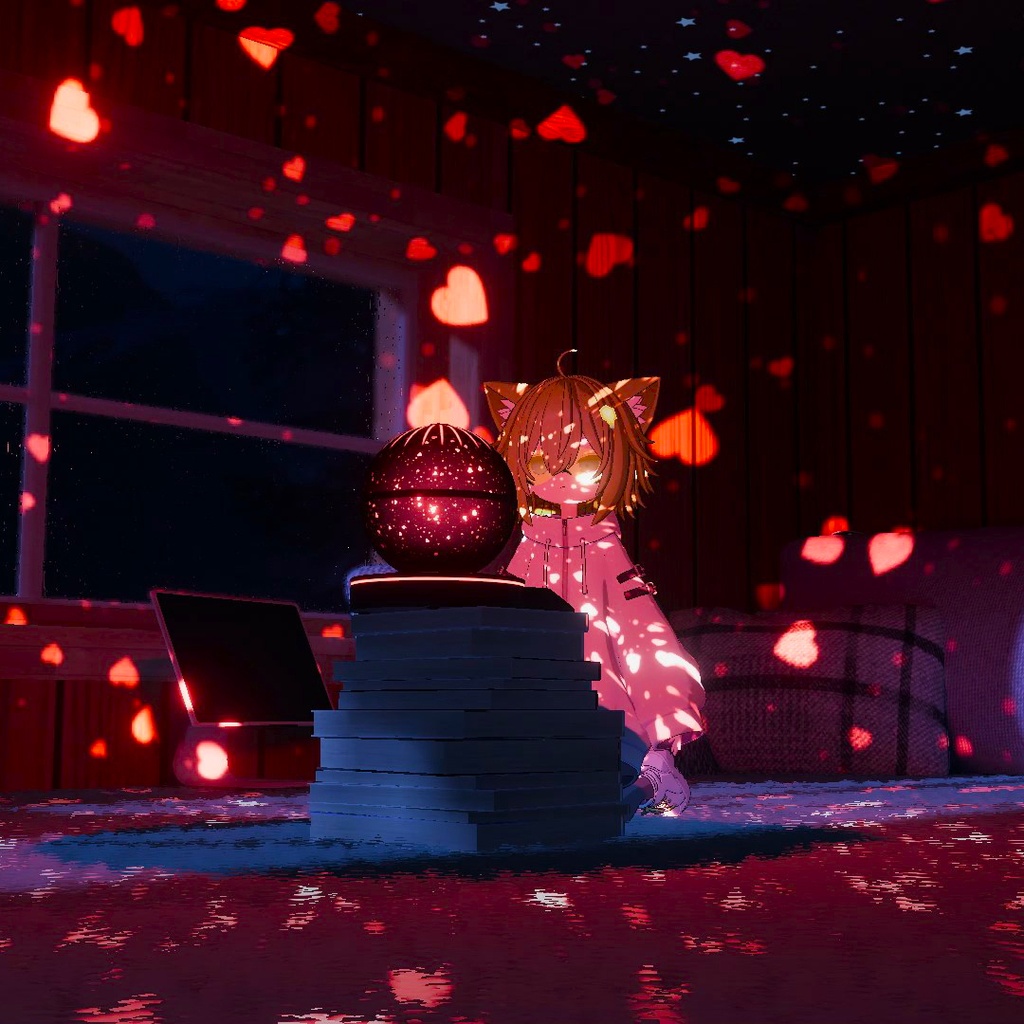
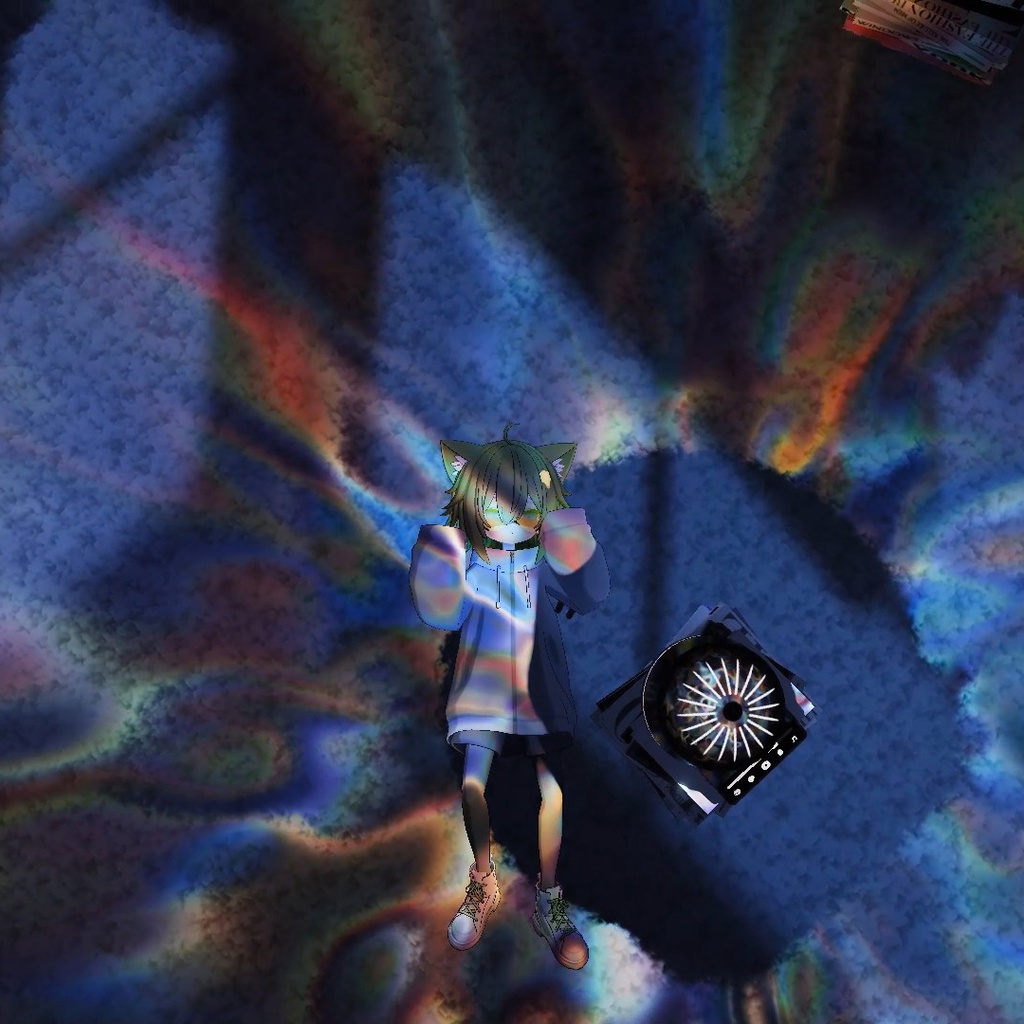
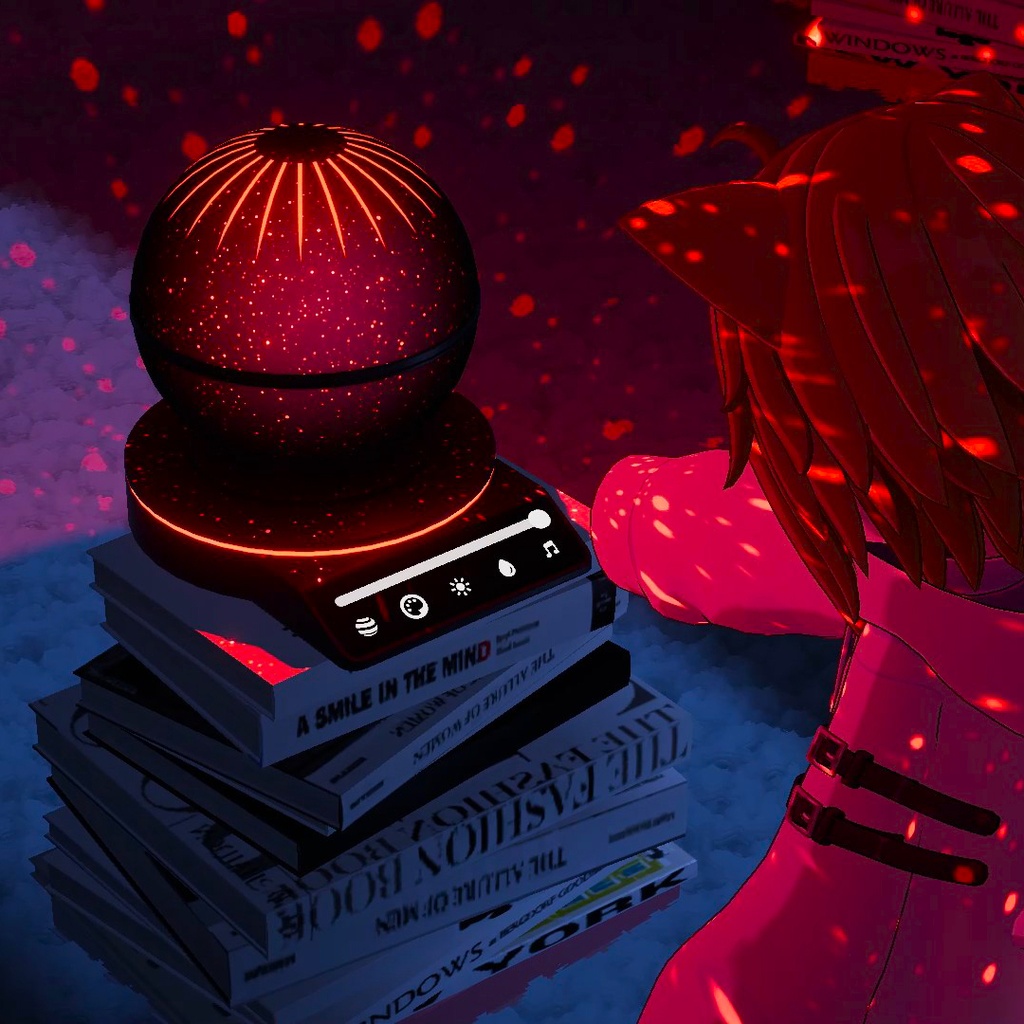
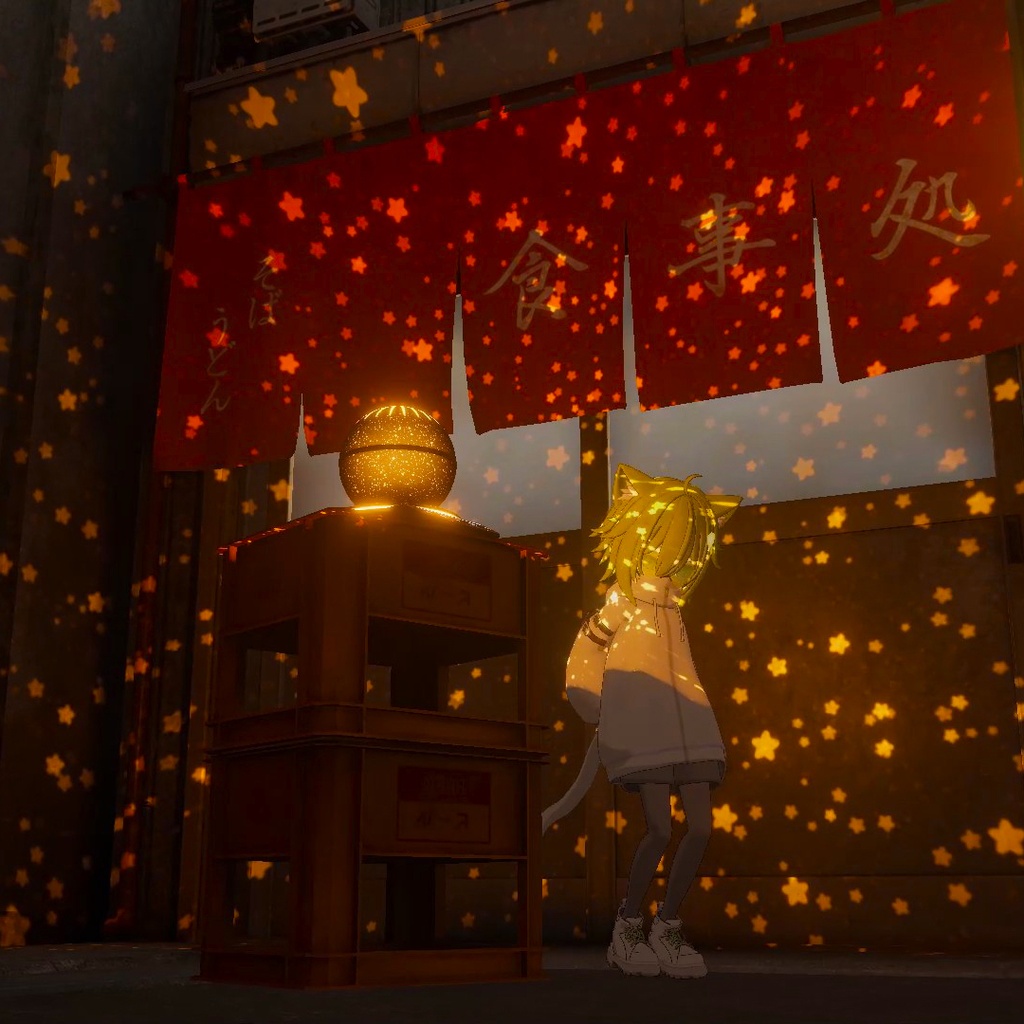


[Japanese] Starlight Projectorは、チル系VRChatワールド向けのインタラクティブPrefabです。星、ドット、ハート、水面コースティクス、プラズマなど、さまざまなインタラクティブ投影エフェクトを周囲に投影できます!VRC Light Volumes 3.0.0を使用して、ワールドやプレイヤーのアバターに高パフォーマンスで投影します。 VIDEO: https://youtu.be/nWYdw5BfOOY VRCHAT WORLD: https://vrchat.com/home/launch?worldId=wrld_af756ca8-30ee-41a4-b304-2207ebf79db9 Features: - 複数のインタラクティブ投影エフェクト - ゲーム内で投影を設定できるUI - 完全なカラーコントロール - 複数のプリセットと、自分のプリセットを追加できる機能 - AudioLink対応 - Light Volumes 3.0.0によるBaked Shadows / Realtime Shadows対応 - Staticオブジェクトとしても、Dynamic Pickupとしても使用可能 - 古いLight Volumesバージョンやアバターでも投影が機能します! Installation: 1. VRC Light Volumes 3.0.0がインストールされていることを確認してください - VRC Light Volumes 3はまだ正式リリースされていないため、VCCでプレリリースのdev版をインストールする必要があります - VRC Creator Companion -> Settings -> Packages を開いてください - "Show Pre-Release Packages" を押してください - まだLight Volumesをインストールしていない場合は、"Add Repository" を押して "https://redsim.github.io/vpmlisting/index.json" を貼り付けてください - その後、自分のプロジェクト横にある "Manage" をクリックし、利用可能な最新のVRC Light Volumesバージョンを追加してください - 必ず3.0.0-dev版である必要があります! 2. .unitypackageをプロジェクトにドラッグ&ドロップしてください 3. "Assets/RED_SIM/Starlight Projector/" に移動してください 4. 以下のいずれかのPrefabをシーンにドラッグ&ドロップしてください: - Starlight Projector - Starlight Projector Realtime Shadows (重いです!) 5. VRC Pickupを追加すると、掴めるPickupとして使えます。追加しない場合はStaticになります。 6. AudioLinkを動作させたい場合は、AudioLinkをシーンに正しく導入する必要があります。(AudioLink公式ドキュメントを参照してください) How it works: Starlight Projectorは、VRC Light Volumes 3.0.0の新しいAnimated Cookies機能を使用し、MaterialプリセットをベースにしたさまざまなCubemapをシーン全体へ投影します。(VRC Light Volumesシェーダーは、2.0.0以降の古いものも含めて投影をサポートするため、古いアバターにも反映されます!) また、Light Volumes 3.0.0のEVSM Shadowsによって、Baked ShadowsまたはRealtime Shadowsにも対応しています。そのため、遮蔽されたエリアはプレイヤーのアバターも含めて暗いままになります。(すべてのシェーダーはVRC Light Volumes 3.x.xに対応している必要があります。クリエイターがシェーダーをVRCLV 3.0.0へアップデートするまで待ってください) Projector UIはプレイヤー間で同期され、プリセット、カラー、AudioLinkの影響度を操作できます。 Realtime Shadowsは別Prefabで対応していますが、軽量で十分に最適化されたワールドでのみ使用をおすすめします。Realtimeモードは本当に負荷が高いため、QuestやMobileでは使用を避けてください! Short License Terms - 有料アセットとの再配布 - 禁止 - 再パッケージ化または再バンドル - 禁止 - 商用利用 - 顧客ごとにライセンスが必要 [English] Starlight Projector is an interactive prefab for your chill VRChat worlds that can project different interactive effects around, like stars, dots, hearts, water caustics, plasma, and more! It uses VRC Light Volumes 3.0.0 to performantly project them onto the world and people's avatars. VIDEO: https://youtu.be/nWYdw5BfOOY VRCHAT WORLD: https://vrchat.com/home/launch?worldId=wrld_af756ca8-30ee-41a4-b304-2207ebf79db9 Features: - Different interactive projection effects - UI to configure the projection in game - Full color control - Different presets and the possibility to add your own - AudioLink support - Baked and Realtime shadow support with Light Volumes 3.0.0 - Can be static or a dynamic pickup - Projection works even with old Light Volumes versions and avatars! Installation: 1. Be sure you have installed VRC Light Volumes 3.0.0 - Since VRC Light Volumes 3 is not yet released, you need to install a pre-release dev version in VCC - To do that, go to your VRC Creator Companion -> Settings -> Packages - Press "Show Pre-Release Packages" - If you don't have Light Volumes installed, press "Add Repository" and paste "https://redsim.github.io/vpmlisting/index.json" - Then, click "Manage" near your project and add the latest VRC Light Volumes version available. - It must be a 3.0.0-dev version! 2. Drag and drop the .unitypackage into your project 3. Go to "Assets/RED_SIM/Starlight Projector/" 4. Drag and drop one of the prefabs into your scene: - Starlight Projector - Starlight Projector Realtime Shadows (expensive!) 5. You can make it a grabbable pickup by adding a VRC Pickup to it. Otherwise, it will be static. 6. If you want AudioLink to work, you need to properly install it in your scene. (See AudioLink official documentation) How it works: Starlight Projector uses the new VRC Light Volumes 3.0.0 animated cookies feature to project various cubemaps based on material presets all around the scene. (All VRC Light Volumes shaders, even the older ones since 2.0.0, will support the projection, so even older avatars will be affected!) It also supports baked or realtime shadows with Light Volumes 3.0.0 EVSM shadows, so all occluded areas will remain dark, including people's avatars. (All the shaders MUST support VRC Light Volumes 3.x.x, so wait until creators update the shaders to VRCLV 3.0.0) The Projector UI is synced between players and can control presets, colors, and AudioLink influence. Realtime shadows are also supported using a separate prefab, but are ONLY recommended for light and highly optimized worlds. Realtime mode is really performance heavy; avoid using it on Quest and Mobile! Short License Terms - Redistribution with paid assets - Prohibited - Repackaging or re-bundling - Prohibited - Commercial use - license required per customer
