

ドレスモーフ - 非対応衣装の骨を自動マッピングしてアバターに装着【VRChat Mixamo VRoid Blender不要】
- 日本語Digital700 JPY
- EnglishDigital700 JPY
- 한국어Digital700 JPY
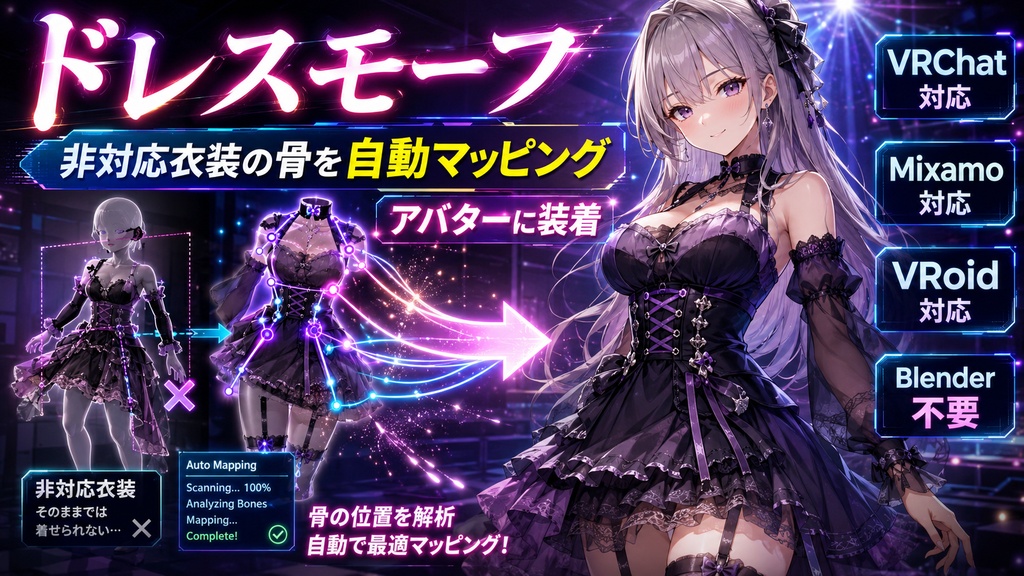
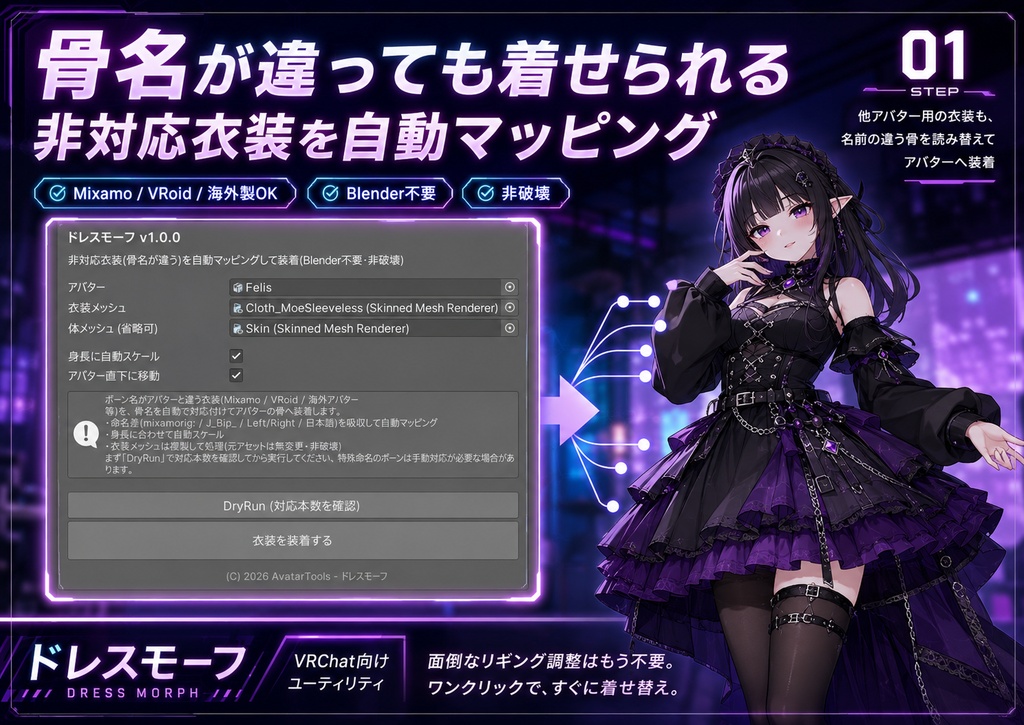
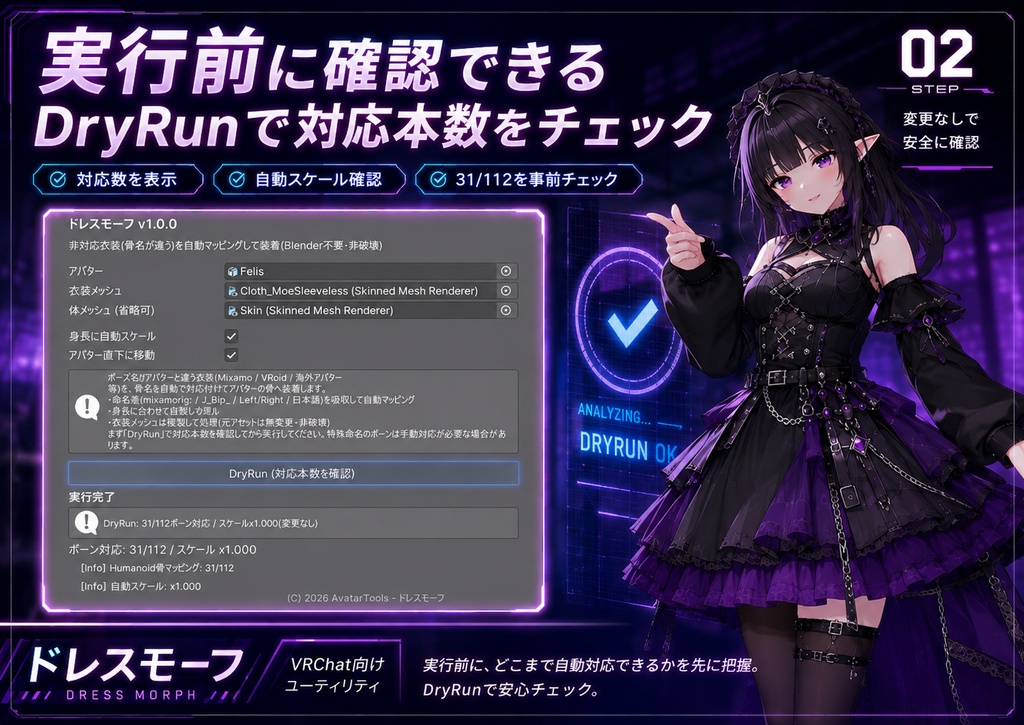
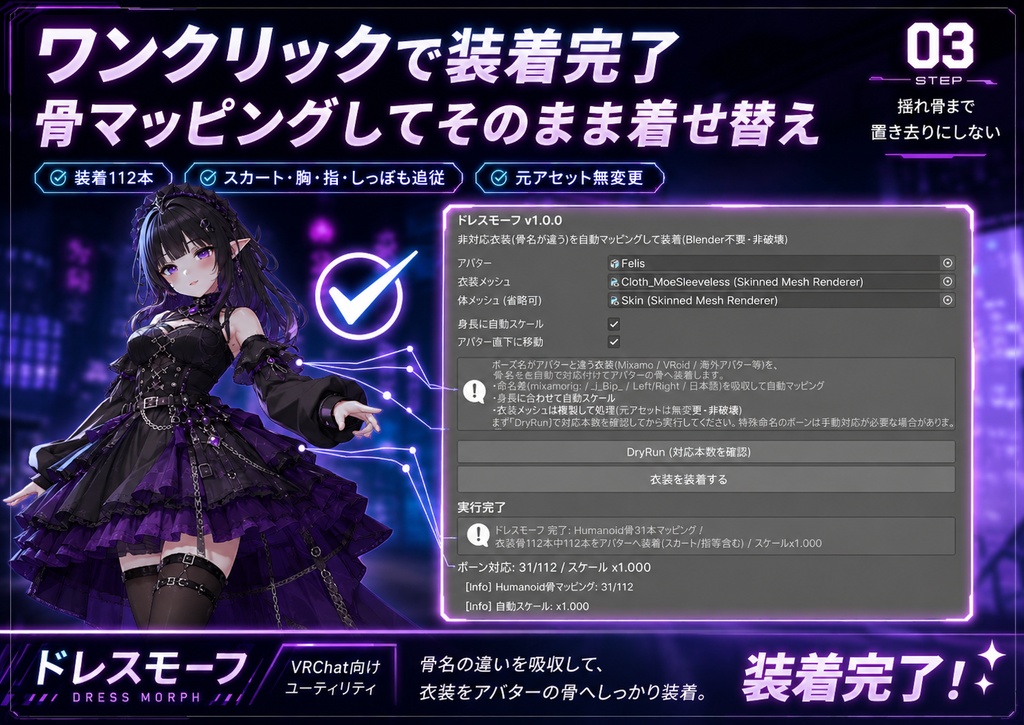


他のアバター用・海外製・Mixamo/VRoid由来の衣装は、ボーン名がアバターと違うため、Modular Avatarでは自動で着せられません(腕や脚が飛び出す/動かない)。ドレスモーフは、骨名の違いを吸収して自動でマッピングし、衣装をアバターの骨へ装着します。Blenderは要りません。 ◆ 何をするツール? ・命名差(mixamorig: / J_Bip_ / Left・Right / 日本語)を吸収して、衣装の骨をアバターの骨へ自動マッピング ・スカート/胸/指/しっぽなど衣装固有の揺れ骨も、骨鎖ごとアバターへ移植して追従させる(置き去りにしない) ・身長に合わせて自動スケール ・衣装メッシュは複製して処理(元アセットは無変更=非破壊) ◆ こんな時に ・別アバター用の衣装を着せたら骨が合わず腕・脚が飛び出す ・Modular Avatarで着せたいのに、衣装の骨名が違って自動マージできない ・海外アバターやMixamo/VRoidの服を流用したい ◆ 使い方 1. アバターと衣装(SkinnedMeshRenderer)を入れる 2.「DryRun」で対応本数を確認 3.「衣装を装着する」を押す(骨マッピング+移植+自動スケール) 4. 位置・サイズを微調整 ※ Humanoid系の骨構成を持つアバター/衣装向け。命名が極端に特殊なボーンは手動対応が必要な場合があります。装着後の細かな貫通は「ステルスボディ」「ウェアトレース」と併用すると綺麗です。Unity 2022.3 / VCC対応。衣装がPrefabの場合は装着時に自動で解凍します。 ━━━━━━━━━━━━━━━━━━━━ English ━━━━━━━━━━━━━━━━━━━━ Outfits made for other avatars -- foreign-made, or from Mixamo/VRoid -- have different bone names, so Modular Avatar can't auto-fit them (arms/legs poke out or don't move). Dress Morph absorbs the bone-name differences, auto-maps them, and attaches the outfit to your avatar's skeleton. No Blender. What it does - Absorbs naming differences (mixamorig: / J_Bip_ / Left/Right / Japanese) and auto-maps outfit bones to the avatar's bones - Migrates outfit-specific bones too (skirt/chest/fingers/tail) chain-and-all onto the avatar so they follow (nothing left behind) - Auto-scales to height - Works on a duplicated mesh (the source asset is untouched = non-destructive) Why it's different: Modular Avatar (free) can only auto-merge "compatible outfits" with matching bone names. The core of Dress Morph is fitting non-compatible outfits with different bone names by remapping the names. How to use: 1) Add the avatar and the outfit (SkinnedMeshRenderer). 2) Check the mapped count with "DryRun." 3) Press "Fit the outfit" (bone mapping + migration + auto-scale). 4) Tweak position/size. For Humanoid-style skeletons. Bones with very unusual names may need manual fixup. For fine clipping afterward, combine with Stealth Body / Wear Trace. Unity 2022.3 / VCC. If the outfit is a prefab, it is unpacked automatically on fit. ━━━━━━━━━━━━━━━━━━━━ 한국어 ━━━━━━━━━━━━━━━━━━━━ 다른 아바타용·해외 제작·Mixamo/VRoid 유래 의상은 본 이름이 아바타와 달라 Modular Avatar로는 자동으로 입힐 수 없습니다(팔·다리가 삐져나오거나 움직이지 않음). 드레스 모프는 본 이름 차이를 흡수해 자동 매핑하고, 의상을 아바타의 본에 장착합니다. 블렌더는 필요 없습니다. 기능 - 명명 차이(mixamorig: / J_Bip_ / Left·Right / 일본어)를 흡수해 의상 본을 아바타 본에 자동 매핑 - 스커트/가슴/손가락/꼬리 등 의상 고유 흔들림 본도 본 체인째 아바타로 이식해 추종(방치하지 않음) - 키에 맞춰 자동 스케일 - 의상 메쉬는 복제해 처리(원본 에셋은 변경 없음=비파괴) 무료 도구와의 차이: Modular Avatar(무료)는 "본 이름이 같은 대응 의상"만 자동 머지할 수 있습니다. 드레스 모프는 본 이름이 다른 비대응 의상을, 이름을 바꿔 읽어 장착하는 것이 핵심입니다. 사용법: 1) 아바타와 의상(SkinnedMeshRenderer)을 넣습니다. 2) "DryRun"으로 매핑 개수를 확인. 3) "의상 장착"을 누릅니다(본 매핑+이식+자동 스케일). 4) 위치·크기 미세 조정. Humanoid 계열 골격용. 명명이 극히 특수한 본은 수동 대응이 필요할 수 있습니다. 장착 후 세밀한 관통은 "스텔스 바디"·"웨어 트레이스"와 병용하면 깔끔합니다. Unity 2022.3 / VCC. 의상이 Prefab이면 장착 시 자동으로 언팩합니다.