

🐷ぶたちゃんアクセサリー/Cute Piggy Accessories/可爱猪猪配饰/猪咪呀!
- Digital500 JPY


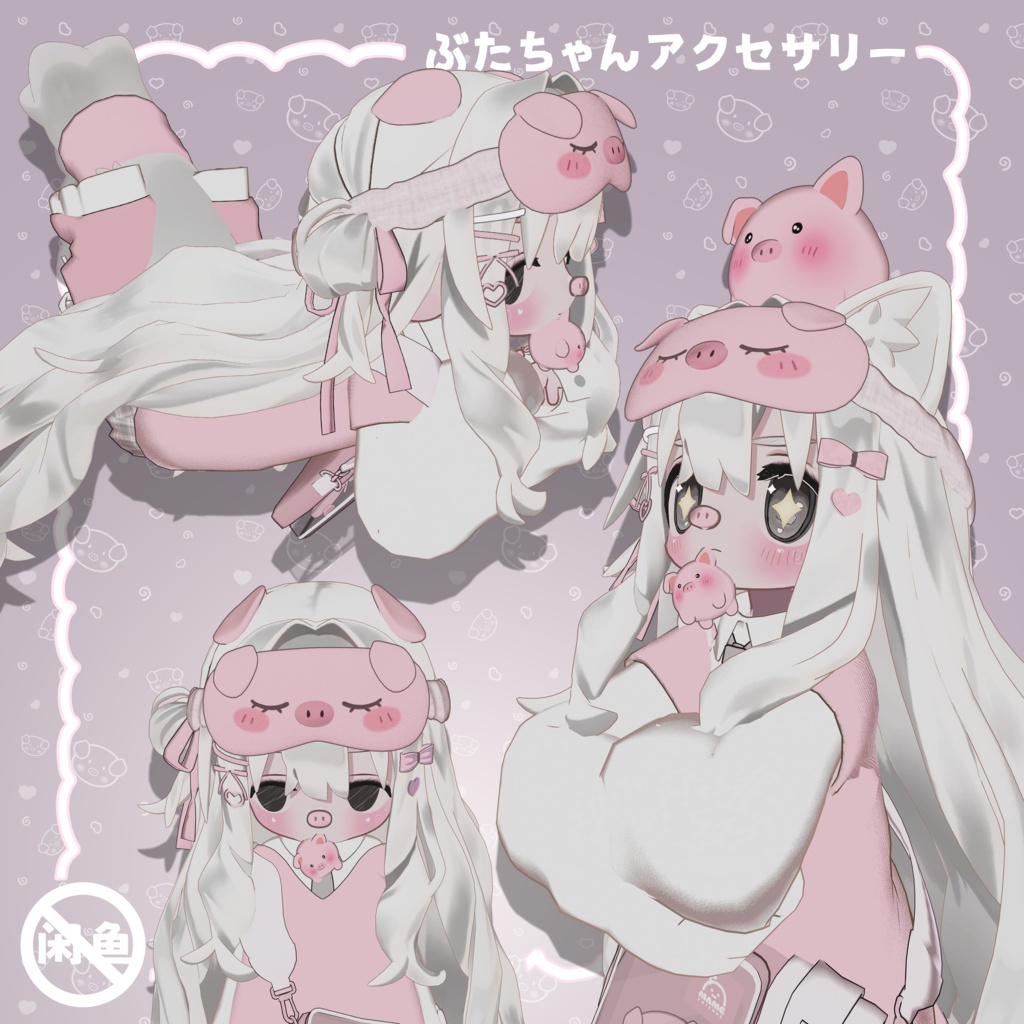

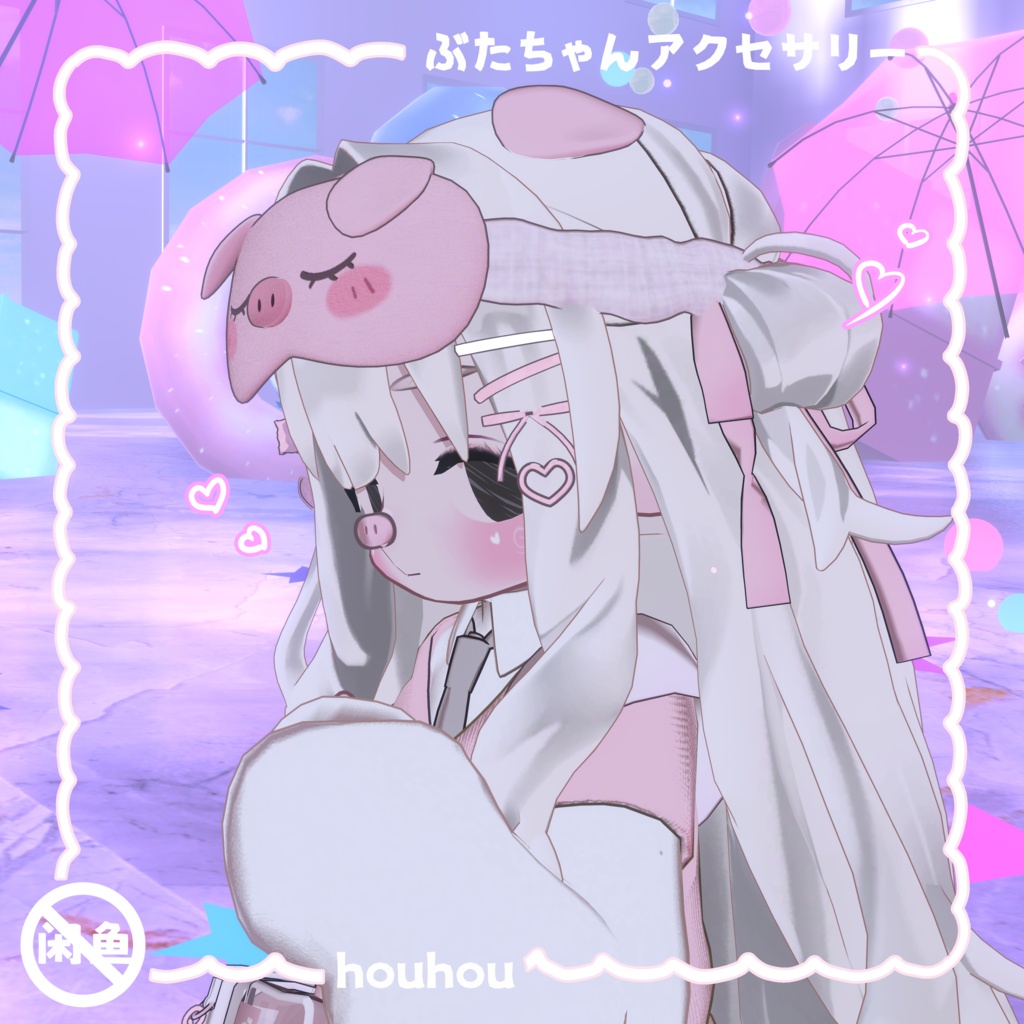






**かわいい子豚アクセサリーセットです。** 子豚アイマスク、頭載せペット子豚、ヘアクリップ、子豚カチューシャがセットに含まれています。 初期設定は kipfel アバターに対応しており、子豚カチューシャは kipfel 標準バッグ内の魚パーツの位置に配置してあります。お好みで他の場所へ自由に移動・配置可能です。 本アクセサリーは理論上どのアバターにも対応しています。他モデルに使用する場合は、アクセサリーの位置を各自調整してお使いください。 **This is a set of cute piggy accessories.** The set includes a pig eye mask, a wearable pig pet head piece, hair clips, and a pig hair band. It is pre-configured for the kipfel avatar. The pig hair band is placed at the position of the fish accessory inside kipfel’s default bag, and you may reposition it anywhere you like. Theoretically, this accessory set works with any avatar model. You only need to adjust the position of the accessories manually when using it on other avatars. **猪猪配饰说明** 这是一套可爱的小猪配饰,里面包含了小猪眼罩、头戴宠物小猪、发卡,还有一个小猪发卡,因为是默认做的kipfel适配,所以将小猪发卡放到了kipfel原来包包中小鱼的位置,如果有想法的话可以自己调换的其他位置。理论上本套配饰是适配任意模型的,只是会需要自己调整配饰位置。
【キプフェル対応】🐷Kipfel 対応 ピンク豚ちゃん衣装テクスチャ+メイクセット/Pink Piggy Outfit Textures & Makeup for Kipfel/kipfel 粉色猪咪衣服贴图和妆容
https://houhouhh.booth.pm/items/8632445
【キプフェル対応】ブタ目テクスチャ/Pig Eye Textures/猪猪眼睛贴图
https://houhouhh.booth.pm/items/8665519
◇初期設定アバター/Pre-configured Avatar/预设模型
■キプフェル Kipfel / オリジナル3Dモデル もち山金魚様 https://booth.pm/ja/items/5813187
インストール方法
1.プロジェクトにインポートする前に、Modular Avatar、lilToon、Avatars 3.0 Manager を導入してください。 2.unitypackage ファイルをインポートします。 3.prefab ファイルをアバター配下にドラッグ&ドロップします。 初期設定は kipfel に対応しています。その他のアバターを使用する場合はパーツの位置を各自調整してください。
Installation Instructions
1.Import Modular Avatar, lilToon and Avatars 3.0 Manager before importing assets into your project. 2.Import the unitypackage file. 3.Drag and drop the prefab file under your avatar. It is pre-set for kipfel. If you use other avatars, you need to adjust the accessory positions manuall
安装
1.项目导入前导入Modular Avatar、lilToon、Avatars 3.0 Manager 2.导入unitypackage文件 3.将prefab文件拖入avatar下(默认适配kipfel,其他avatar需要自己调整位置)
利用規約
!ご利用前に必ずご確認ください! 本モデルを購入する時点で、本利用規約に同意したものとみなします。 利用規約が更新された場合は、最新版の規約を優先するものとします。 本規約は、あしやまひろこ(@hiroko_TB)氏が作成したVN3ライセンス 【 https://www.vn3.org/ 】のテンプレートを使用しています。