
【Windows対応】画像をひとつのPDFに gazou_PDF【PDFまとめる】
- Digital0 JPY
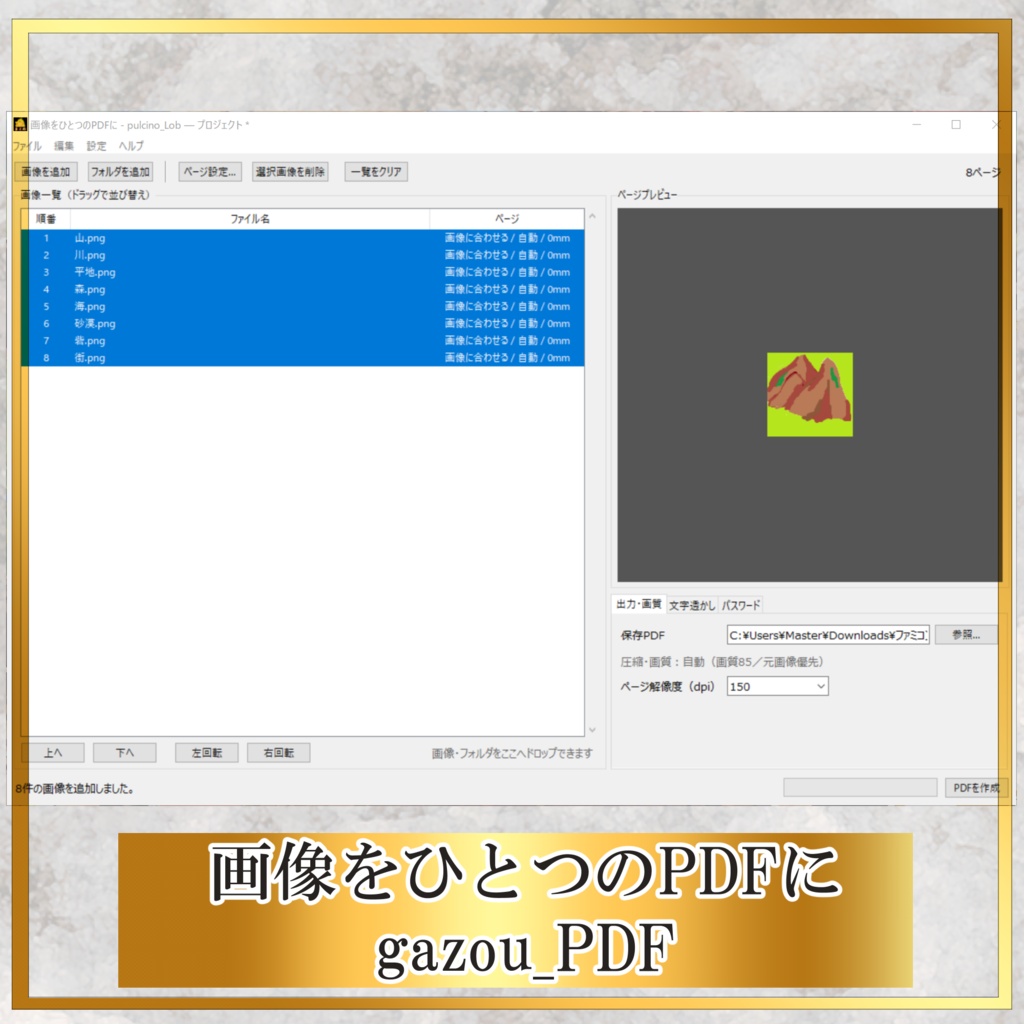
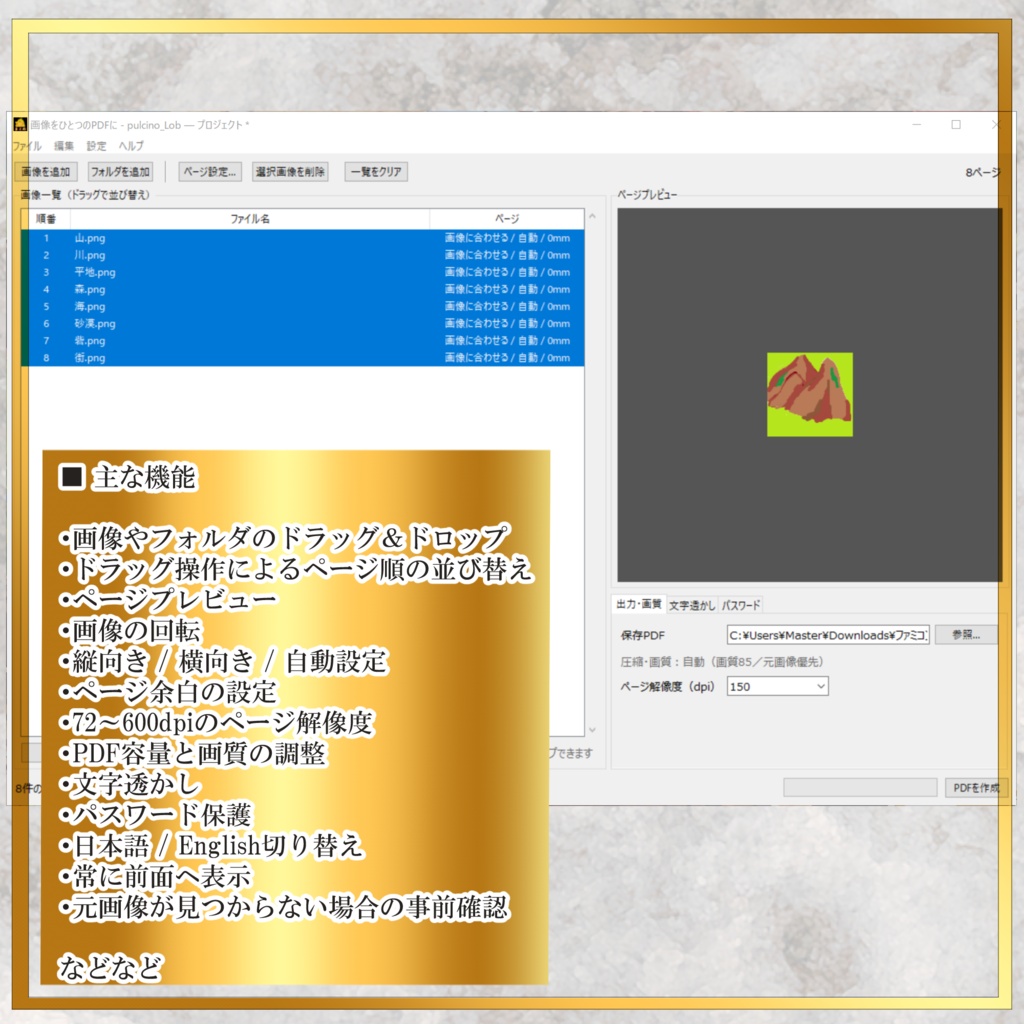
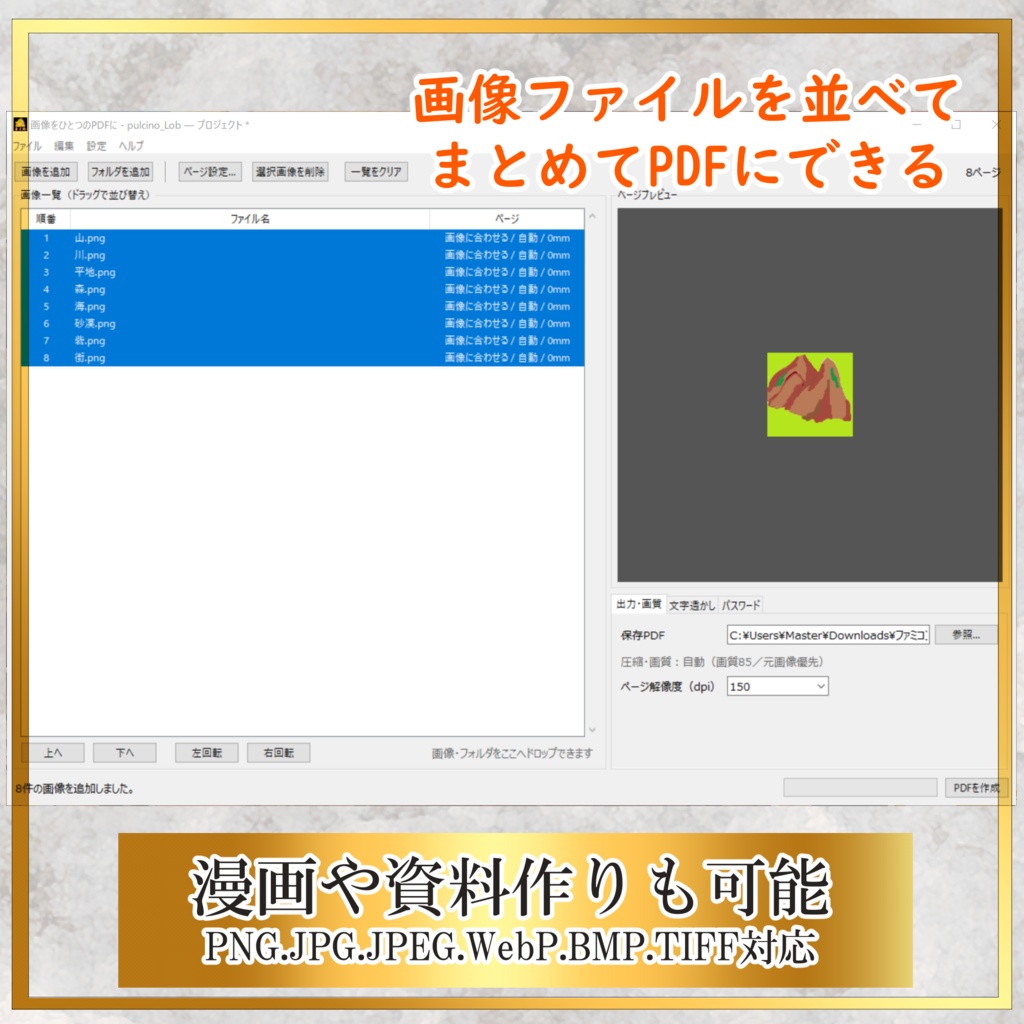
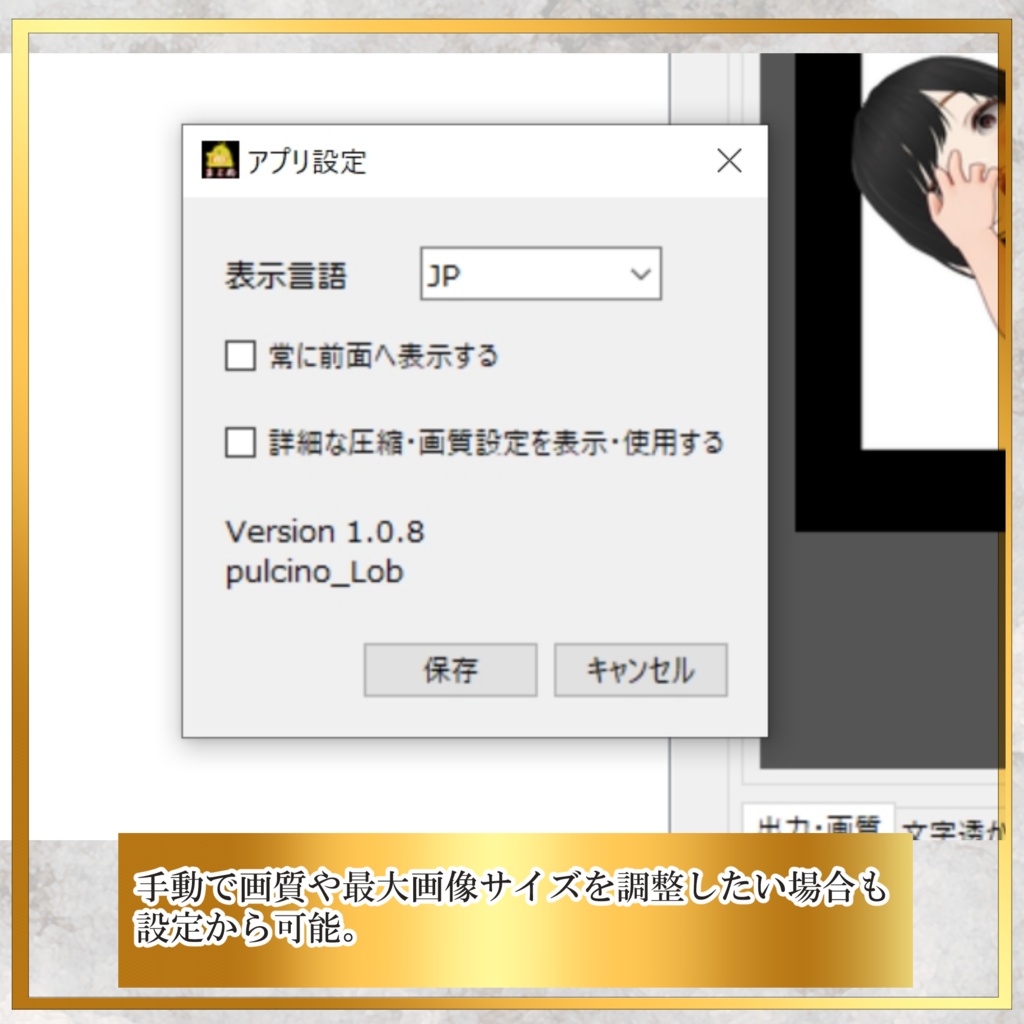


複数の画像を、好きな順番で1つのPDFにまとめられる Windows向け無料アプリです。 画像やパスワードは外部へ送信せず、 すべてお使いのパソコン内で処理します。 画像のpng/jpg/jpeg/webp/bmp/tif/tiff対応。 まとめてPDF化できます。 英語もできます(JP/EN) 文字の透かし・パスワード機能・向きの変更等も可能。 ■ 注意事項 ・PDF作成後は、内容とページ順を確認してください。 ・確認が終わるまで元画像を削除しないでください。 ・既存PDFを読み込んで編集するアプリではありません。 ・大切な画像は事前にバックアップしてください。 ・本ソフトの使用により発生した損害について、 制作者は責任を負いかねます。 ■ プライバシー 本アプリは画像、PDF、パスワードなどを 外部サーバーへ送信しません。 最新版確認を選択した場合のみ、 公式WEBサイトをブラウザで開きます。 ■ 制作者 pulcino_Lob ■ 利用について 本アプリは無料で利用できます。 著作権は pulcino_Lob に帰属します。 無断での販売、転載、再配布はご遠慮ください。
English
A free Windows app that lets you combine multiple images into a single PDF in any order you like. Images and passwords are not sent externally. All processing is done locally on your own computer. Supported image formats: png / jpg / jpeg / webp / bmp / tif / tiff You can combine multiple images into a PDF. The app supports both Japanese and English. (JP/EN) Features include: text watermark, password protection, page orientation changes, and more. ■ Notes ・After creating a PDF, please check the contents and page order. ・Do not delete the original images until you have confirmed the PDF. ・This app is not designed to import or edit existing PDF files. ・Please back up any important images in advance. ・The creator is not responsible for any damage or loss caused by the use of this software. ■ Privacy This app does not send images, PDFs, passwords, or other data to any external server. Only when you select “Check for latest version” will the official website be opened in your browser. ■ Creator pulcino_Lob ■ Usage This app is free to use. Copyright belongs to pulcino_Lob. Unauthorized sale, re-uploading, or redistribution is prohibited.
公式サイト
https://sites.google.com/view/pulcinop-lob
使い方
1、画像を選択(フォルダーでも可) 2、右下の「PDFを作成」を押す 3、PDFに出力される
動作環境
Windows 10 Windows11は動作未確認
アップデート履歴
26/7/20 初公開
公式サイト
https://example.com/