

【キリサメ専用】フェイストラッキングアドオン
- Digital3,500 JPY
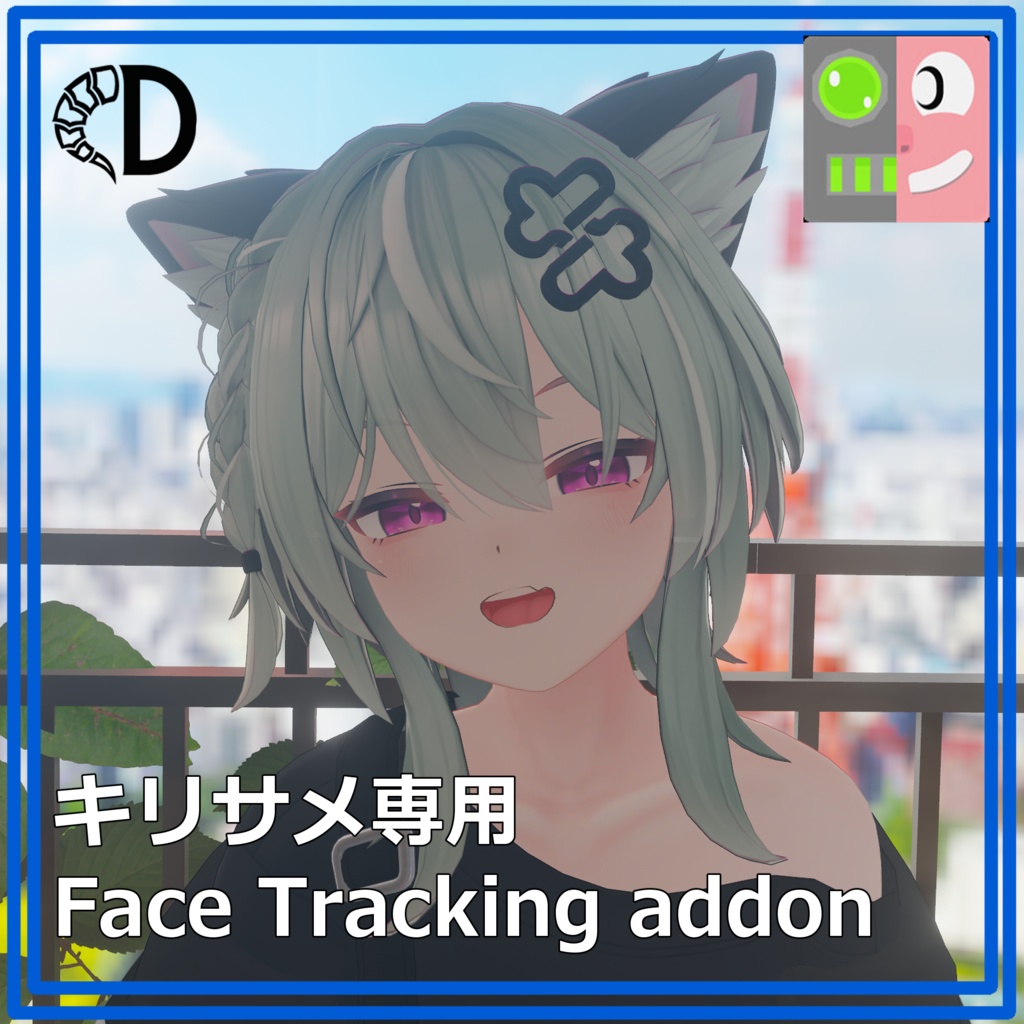
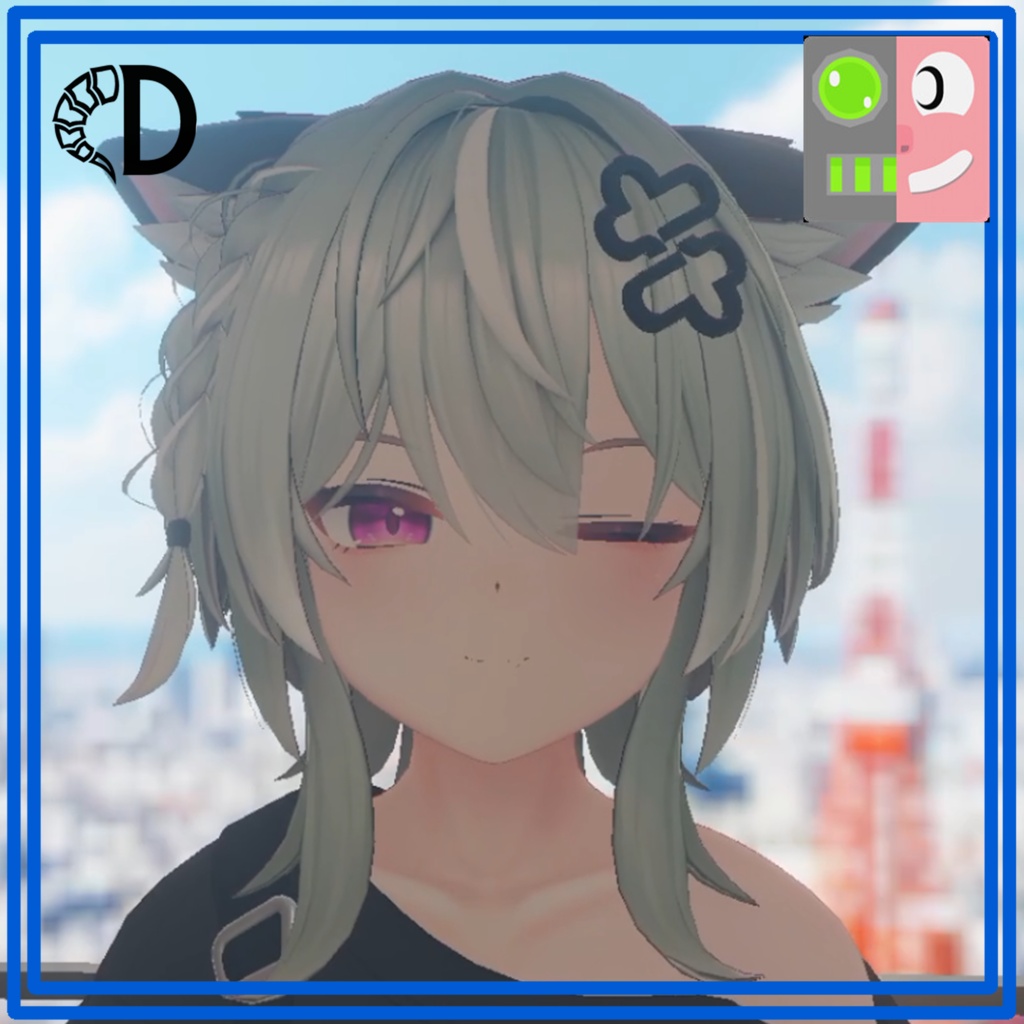
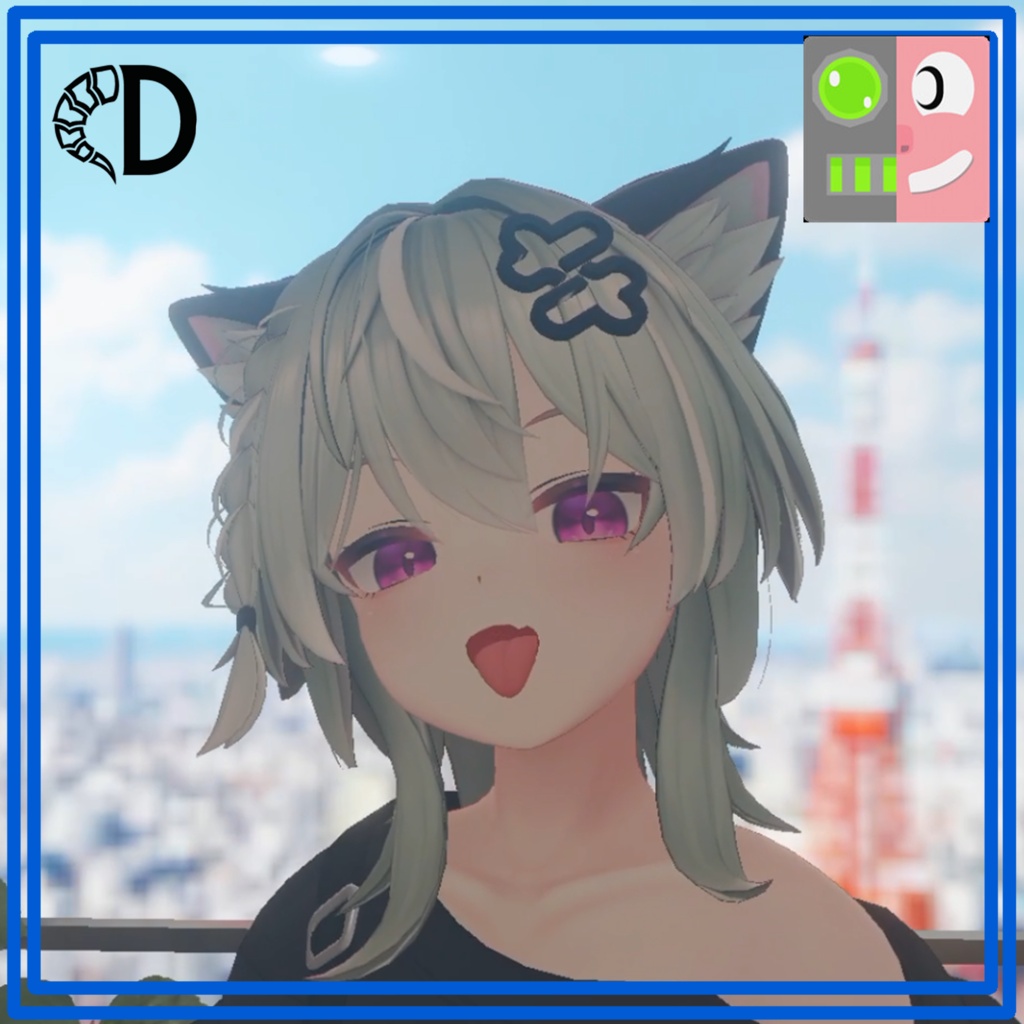
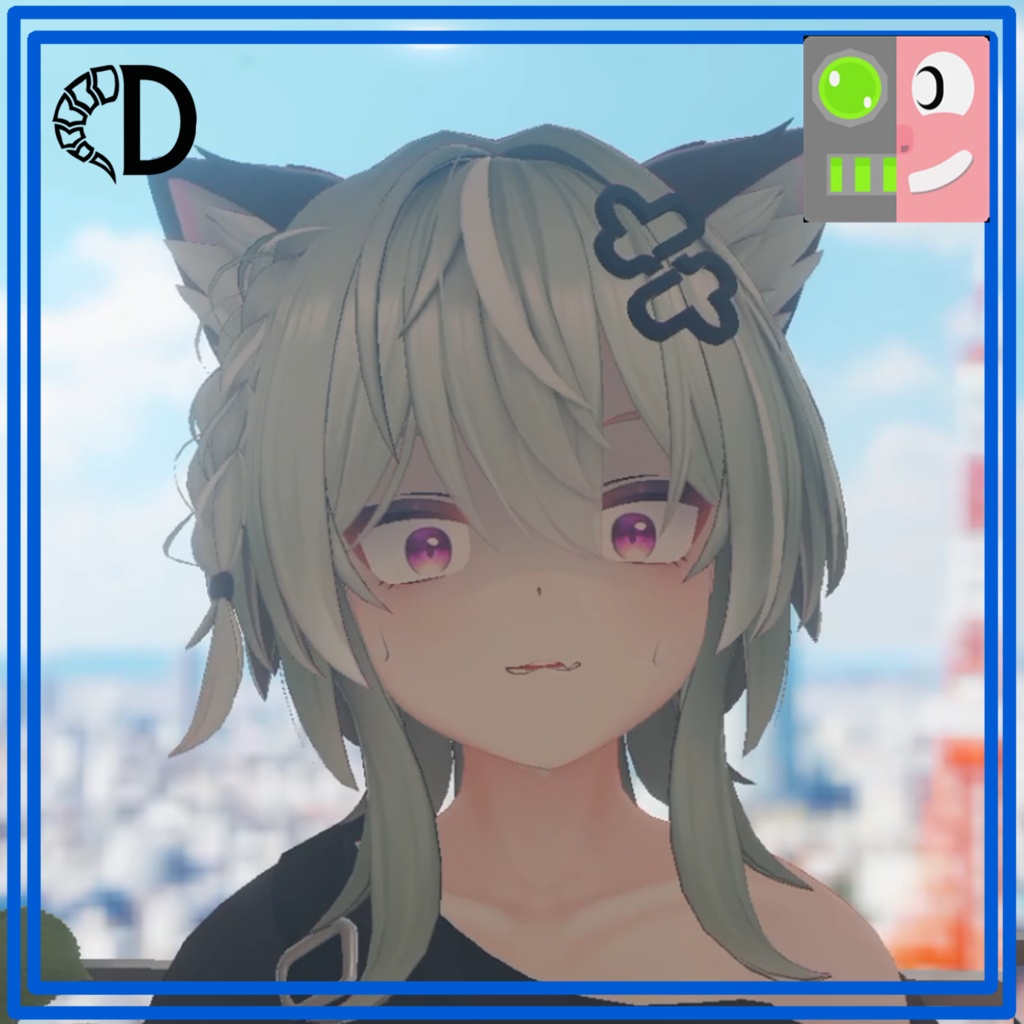


Xelevia_Industry様制作のアバター「キリサメ君」(https://booth.pm/ja/items/8596249)に対応したフェイストラッキング拡張アドオンです。 動作確認済み機種:questPro、ifacialMocap Unified Expression(UE)規格に対応し、表情に合わせた耳の動きや、青ざめ・泣き顔・キラキラ眼などの豊かな感情表現を追加できます。 自然な表情になるようにこだわりました。 使用させていただいている外部ツール VRCFT - Jerry's Templates(adjerry91様) BlendShare(Triturbo様:https://triturbo.booth.pm/items/5901276)
本アドオンの特徴
追加シェイプキー:約90個 耳の連動モーション、特殊表情エフェクト(青ざめ/泣き顔/キラキラ眼など)の追加 Unified Expression (UE) 規格対応
ご購入前の注意事項(標準機能との違い)
標準機能との違いについて: キリサメ君は標準でARkit規格(パーフェクトシンク)のシンプルなFTに対応しています。標準機能+「VRCFT - Jerry's Templates(無料)」のみでも基本的なFTは利用可能です。本アドオンは、さらに高度な表現(Unified Expression対応・耳の連動・特殊エフェクト)を楽しみたい方向けの拡張パッケージとなります。 機能制限について: 元アバターの仕様上、パラメータ上限の関係で本アドオンを使用すると一部の標準ギミック(エクスプレッションメニューによる表情切り替え)が使用できなくなります。あらかじめご了承ください。
導入手順(※必ず順番通りにインポートしてください)
1.キリサメ本体をインポート 2.VRCFT - Jerry's Templates をVCC経由(https://adjerry91.github.io/VRCFaceTracking-Templates/)でインポート 3.Triturbo様の BlendShare(https://triturbo.booth.pm/items/5901276) をインポート 4.当Unityパッケージをインポート 5.D-Horns/kirisame_FT 内の kirisame_FT_BlendShare_2(または kirisame_Body_FT_BlendShare_2)のインスペクターで「シェイプキーを適用」を押下 6.D-Horns/kirisame_FT/prefab 内からお好みの _FT プレハブをヒエラルキーへドラッグ&ドロップ
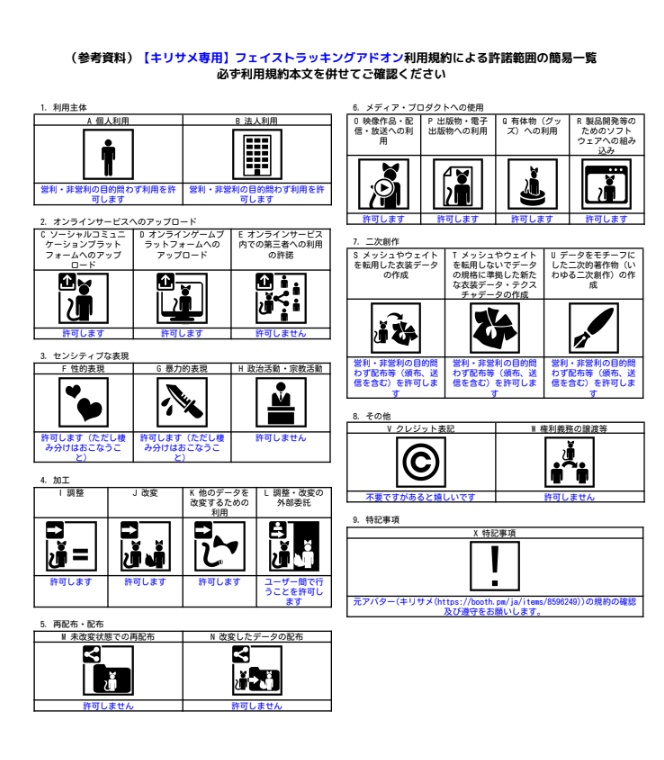
利用規約
商品紹介画像内のVN3ライセンスをご確認ください
更新履歴
2026.8.8 発売開始 2026.8.13 1.03α 目閉じ周りの挙動を変更 2026.8.14 1.04α 舌出しがしやすくなるように調整 2026.8.14 1.05α シェイプキー名を修正 アップデート方法 上書きインポート後、 1. kirisame_FT_BlendShare_1(またはkirisame_Body_FT_BlendShare_1) のインスペクターで「シェイプキーを削除」を押下 2. kirisame_FT_BlendShare_2 (またはkirisame_Body_FT_BlendShare_1)のインスペクターで「シェイプキーを適用」を押下 2026.8.17 表情固定方法変更 2026.8.20 瞬きの同期ズレを解消 2026.8.22 リップシンクをONOFFできるように
English
This is a face tracking expansion add-on designed for the original avatar "Kirisame" created by Xelevia_Industry [https://booth.pm/ja/items/8596249] Compatible with the Unified Expressions (UE) standard, this package adds dynamic ear movements synced with facial expressions, as well as a wide range of rich emotional effects like turning pale, crying, and sparkle eyes. Crafted with great attention to detail to achieve natural and smooth facial movements. External Tools Used VRCFT - Jerry's Templates (by adjerry91) BlendShare (by Triturbo: [https://triturbo.booth.pm/items/5901276] Key Features Approx. 90 Additional Blendshapes Includes ear-linked tracking and special facial effects (pale face, crying, sparkle eyes, etc.) Fully supports the Unified Expressions (UE) standard Important Notes Before Purchasing (Differences from Default Features) Differences from Default Features: Kirisame natively supports simple FT based on the ARKit standard (Perfect Sync). Basic FT can be achieved using just the default avatar and the free "VRCFT - Jerry's Templates." This add-on is an expansion package meant for users who want to enjoy more advanced expressions, including UE compatibility, ear-linked animation, and special effects. Functional Limitations: Due to parameter memory limits inherent to the base avatar, applying this add-on will disable some default gimmicks (such as switching facial expressions via the Expressions Menu). Please keep this in mind before purchasing. Installation Steps (*Please import files strictly in this order) 1. Import the base avatar "Kirisame". 2. Import **VRCFT - Jerry's Templates** via VCC [https://adjerry91.github.io/VRCFaceTracking-Templates/] 3. Import **BlendShare** by Triturbo [https://triturbo.booth.pm/items/5901276] 4. Import this Unity package. 5. In the Inspector for `kirisame_FT_BlendShare` (or `kirisame_Body_FT_BlendShare`) located under `D-Horns/kirisame_FT`, click "Apply BlendShapes". 6. Drag and drop your preferred `_FT` prefab from `D-Horns/kirisame_FT/prefab` into the Hierarchy. Terms of Use Please check the VN3 license included in the product images.