
Desktop Character Layout
- Digital600 JPY
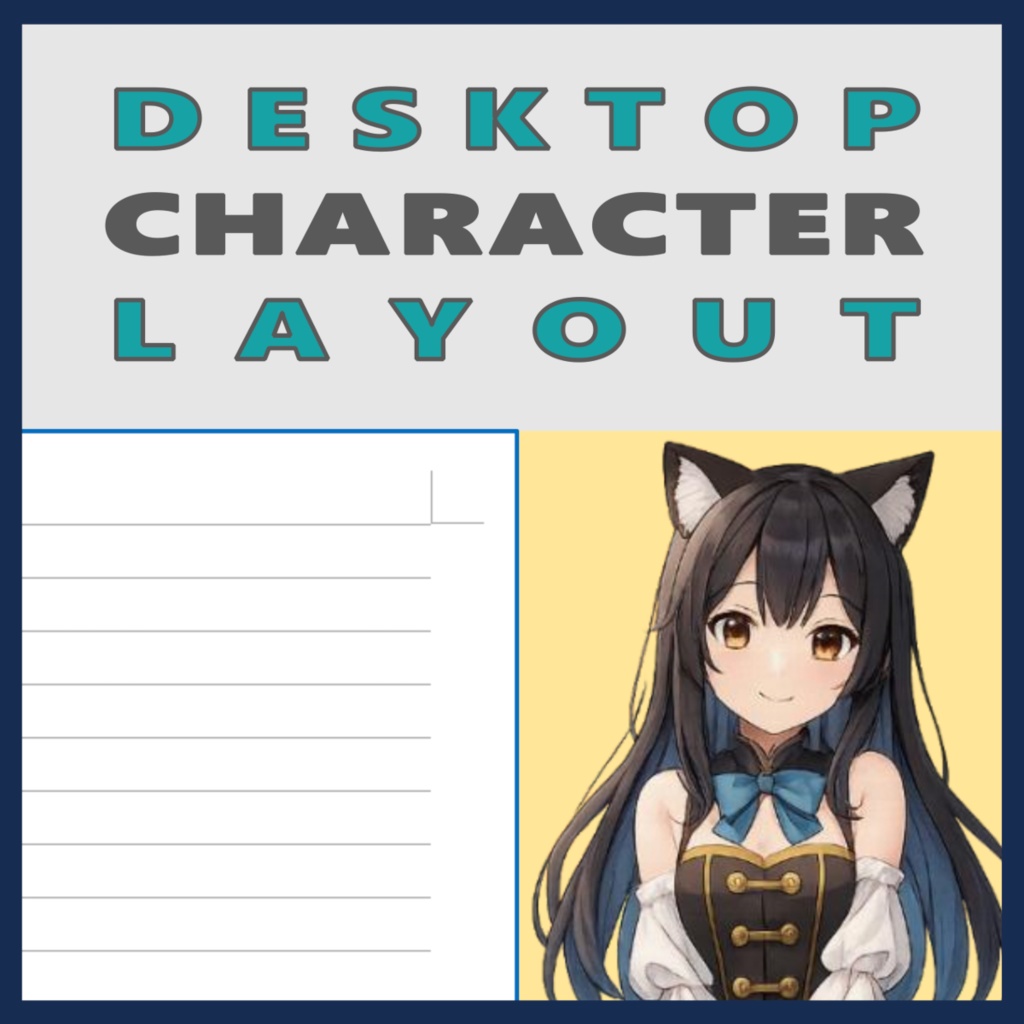
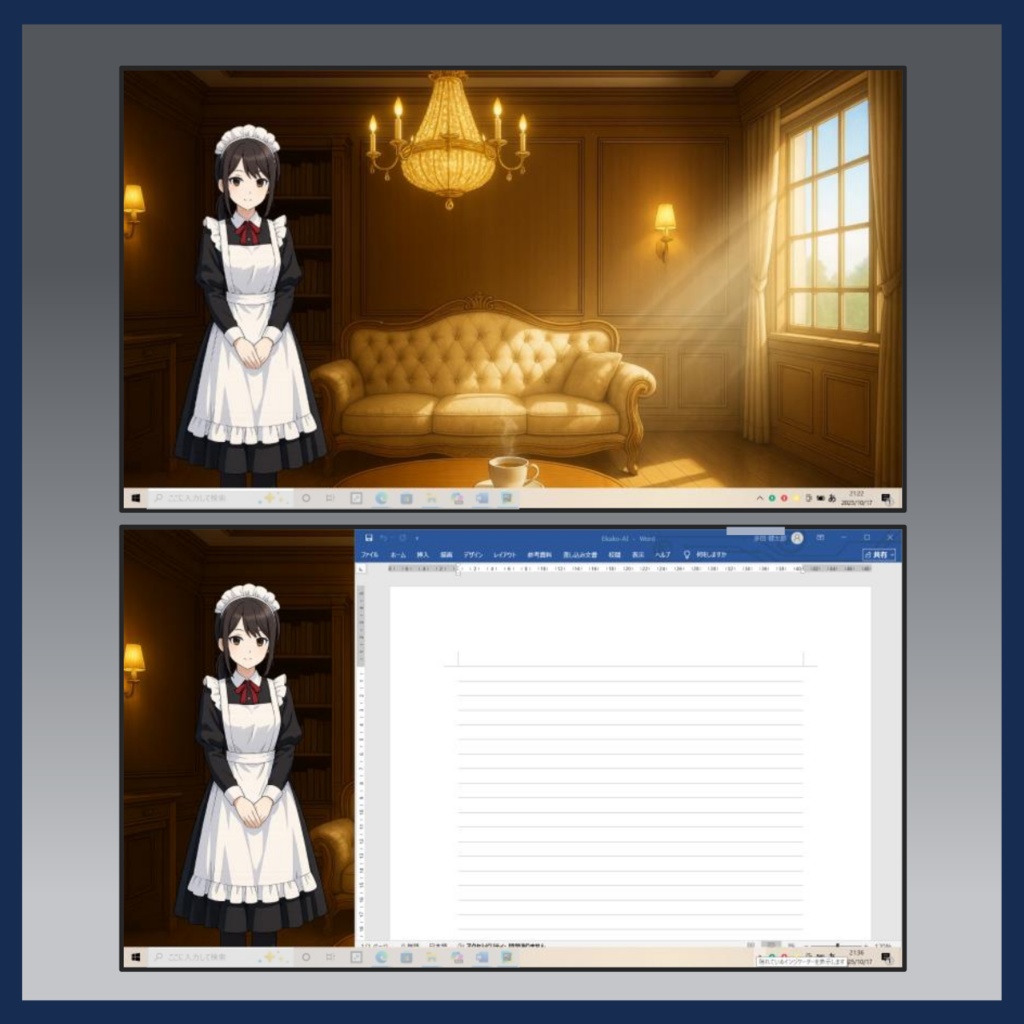
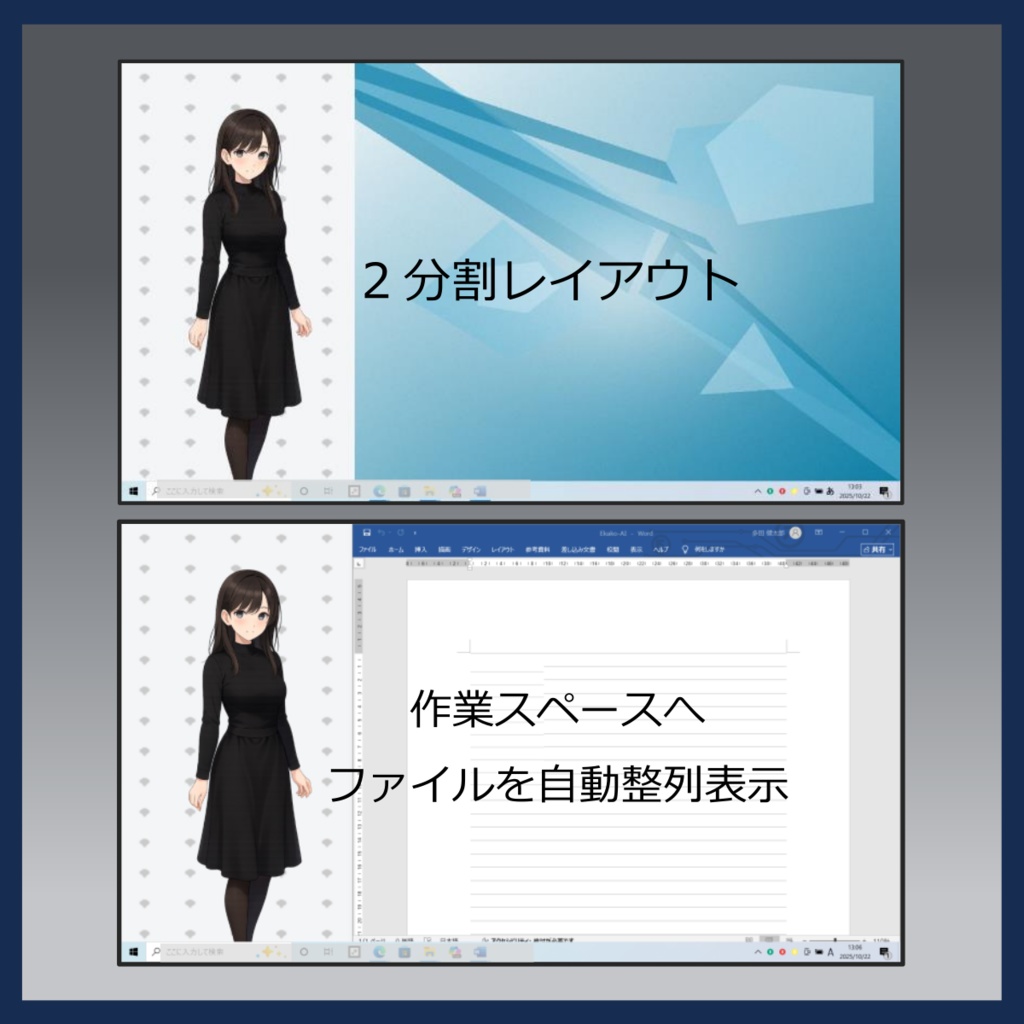
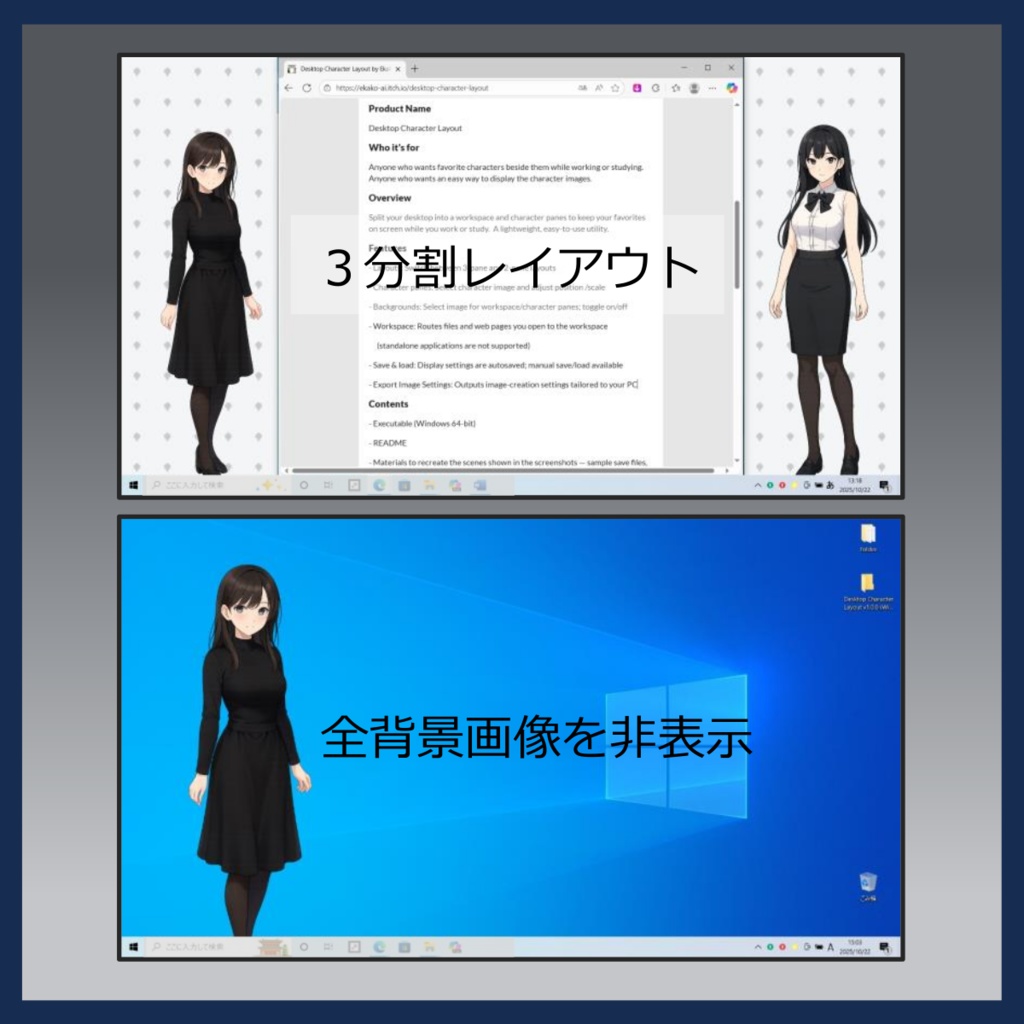


製品名 Desktop Character Layout (デスクトップ キャラレイアウト) 概要 デスクトップを「作業スペース」と「キャラ表示スペース」に分割。作業とキャラクター表示を両立させる簡単操作の超軽量ユーティリティです。 AI等で生成したキャラクターや背景画像を簡単に設定でき、キャラクターと簡単な会話も楽しめます。 主な機能 ・レイアウト: デスクトップ画面を「作業スペース」と「キャラ表示スペース」に分割。作業ファイルやフォルダ、webは「作業スペース」に自動表示します。 ・キャラ画像: 「キャラ表示スペース」にキャラ立ち絵を表示。右端/左端/両サイドなど複数レイアウトに対応。拡大縮小、位置調整もできます。 ・背景画像: デスクトップ全画面への設定のほか、「作業スペース」と「キャラ表示スペース」へ個別の背景画像も設定できます。 ・会話: キャラクターと簡単な会話(OpenAI APIまたはLLMを利用)ができます。キャラクターの性格など設定できるほか、簡単な記憶機能も追加しました。 ・セーブ&ロード: 表示画面の設定は自動セーブ(再起動時に反映)するほか、手動で複数の設定をセーブ保存できます。 ・画像条件エクスポート: ご使用のPCに合わせたキャラ画像、背景画像の推奨条件(画像サイズ等)を提示します。 ・軽量なシステム: 作業や他アプリとの併用を前提としたPC負荷を抑えた軽量なシステム設計です。 コンテンツ ・起動EXE ・README ・操作マニュアル ・販売ページのスクリーンショットを再現するセーブデータ、キャラ画像、背景画像 動作環境 Windows 10/11(64bit)※マルチディスプレイは未対応です 価格 ¥600(税込) 体験版 ご購入前にお試しください(90分間) 👉ご利用はページ最下部のサムネイルをクリック 製作者コメント Desktop Character Layout をリリースしました。今後も機能を追加実装する予定です。是非ご利用お願いします。 * DCLに使用する自作画像の配布(商用を含む)は、全然問題ありません。皆様のご利用をお待ちしております。 更新情報 2025-10-18: Desktop Character Layout v1.0.0をリリース 2025-11-1: Desktop Character Layout v1.1.0へ更新 - 全画面の画像背景設定(最背面)を追加 - バグ修正(背景画像表示ON/OFFのチェック表示の不具合、 sample_savedataのJSONパス設定の修正 等) 2025-12-7: Desktop Character Layout v1.2.0へ更新 - OpenAI APIまたはLLMを使用した簡単な会話機能を追加 -キャラクター画像(メイド、魔法使い)、背景画像(洋館)を同梱 2025-12-18: Desktop Character Layout v1.2.1へ更新 - ヒンディー語を追加 - バグ修正(一部ファイルの同梱未反映 等) 2025-12-25: Desktop Character Layout v1.2.2へ更新 - キャラクターの性格等の設定機能に加えて簡単な記憶機能を追加 Ekako-AI @2025 公式ストア: https://ekako-ai.com/ -------------------------------------------------------------------------------------- Product Name Desktop Character Layout Overview Split your desktop into a workspace and character panes, so that keeps your character art visible on your PC desktop while you work or study. You can freely customize both character and background images and even enjoy simple conversations using the OpenAI API or supported local LLMs. Features ・Layout: Split the desktop into a Workspace and a Character Pane, and automatically arranges opened files, folders, and web pages within the workspace. ・Character Image Display: Show any character image in the Character Pane, with adjustable position, zoom in/out, and scale. Multiple layout styles are supported: show the character on the right, left, or both sides ・Conversations: By connecting to the OpenAI API, or to supported local LLM environments, the character can engage in simple conversations. In addition to customizing the character’s personality, a simple memory feature has also been added. ・Background Images: Set custom background images for both the Workspace and the Character Pane, or set a full-screen background. ・Save & Load: Your current screen setup is auto-saved and restored at next launch. You can also save multiple presets and load them anytime. ・Export Image Guidelines: Export recommended image specs (sizes, etc.) based on your current PC as a text file for character and background images. ・Lightweight utility It’s designed to stay lightweight and simple, so it won’t get in the way while you’re working in other applications. Contents ・Executable (Windows 64-bit) ・README ・User Guide ・Save data, character images, and background images used to recreate the scenes shown on the product page System Requirements Windows 10/11 (64-bit). Multi-display not yet supported. Price ¥600 ($4 USD; tax included) Trial Please try before purchase (90-minute limit). 👉 Click the thumbnail at the bottom of the page. Creator’s note Thank you for your interest in Desktop Character Layout. I plan to continue adding features over time. I hope you enjoy using it. Note: Distributing self-made images used with DCL — including for commercial purposes — is absolutely fine. I look forward to seeing your creations. Update History 2025-10-18: Released Desktop Character Layout v1.0.0 2025-11-01: Updated to Desktop Character Layout v1.1.0 - Added full-screen background image (kept at the bottom-most layer) - Bug fixes (UI checkbox not reflecting background image ON/OFF, corrected JSON path settings in sample_savedata, etc.) 2025-12-07: Updated to Desktop Character Layout v1.2.0 ・Added simple conversation support using the OpenAI API or local LLMs ・Bundled additional character images (maid, wizard) and background images (mansion interior) 2025-12-18: Updated to Desktop Character Layout v1.2.1 ・Added Hindi language support ・Various bug fixes and stability improvements 2025-12-25: Updated to Desktop Character Layout v1.2.2 ・Added a simple memory feature, expanding character personality customization. Ekako-AI @2025 official store: https://ekako-ai.com/en-top/