

【VRChat用】セルフ開閉スライドドアギミック KWG-SSD01【置くだけ・効果音付き・同期対応】
- Digital500 JPY
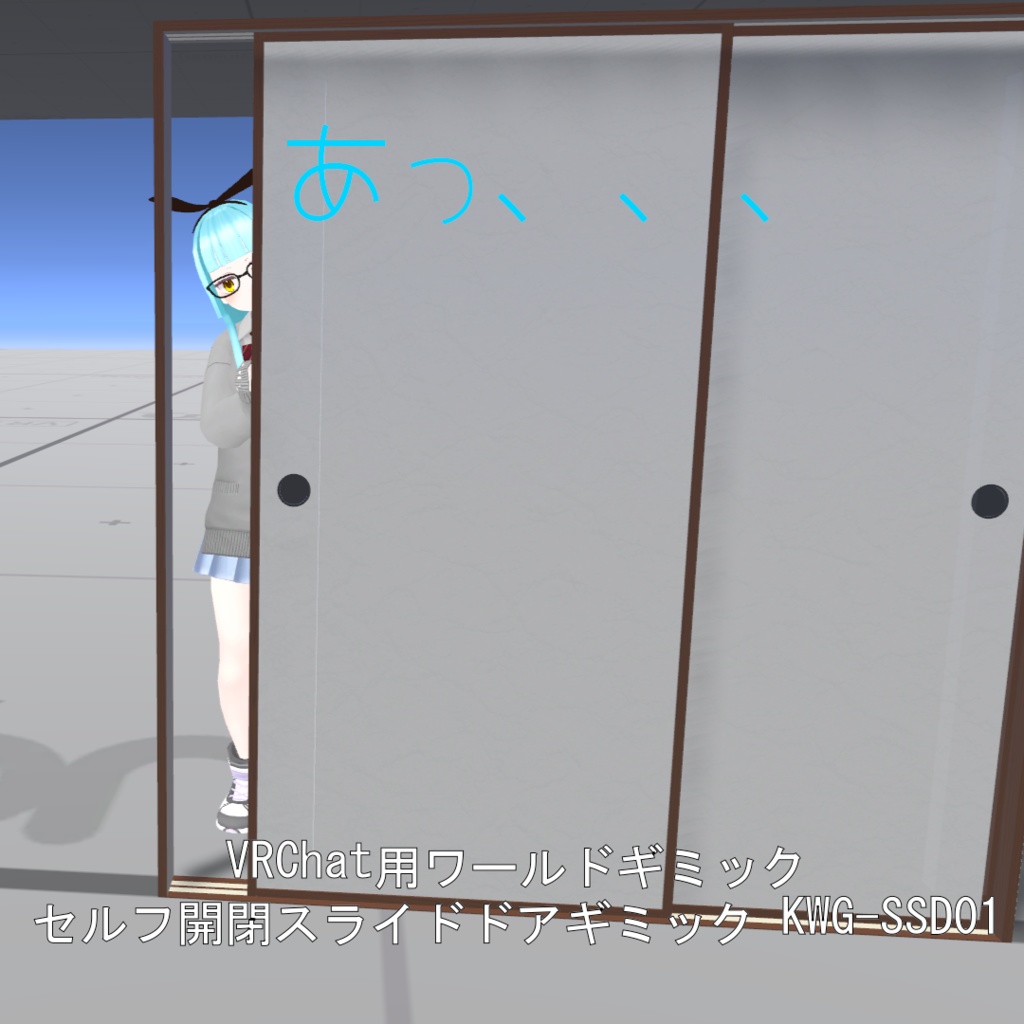
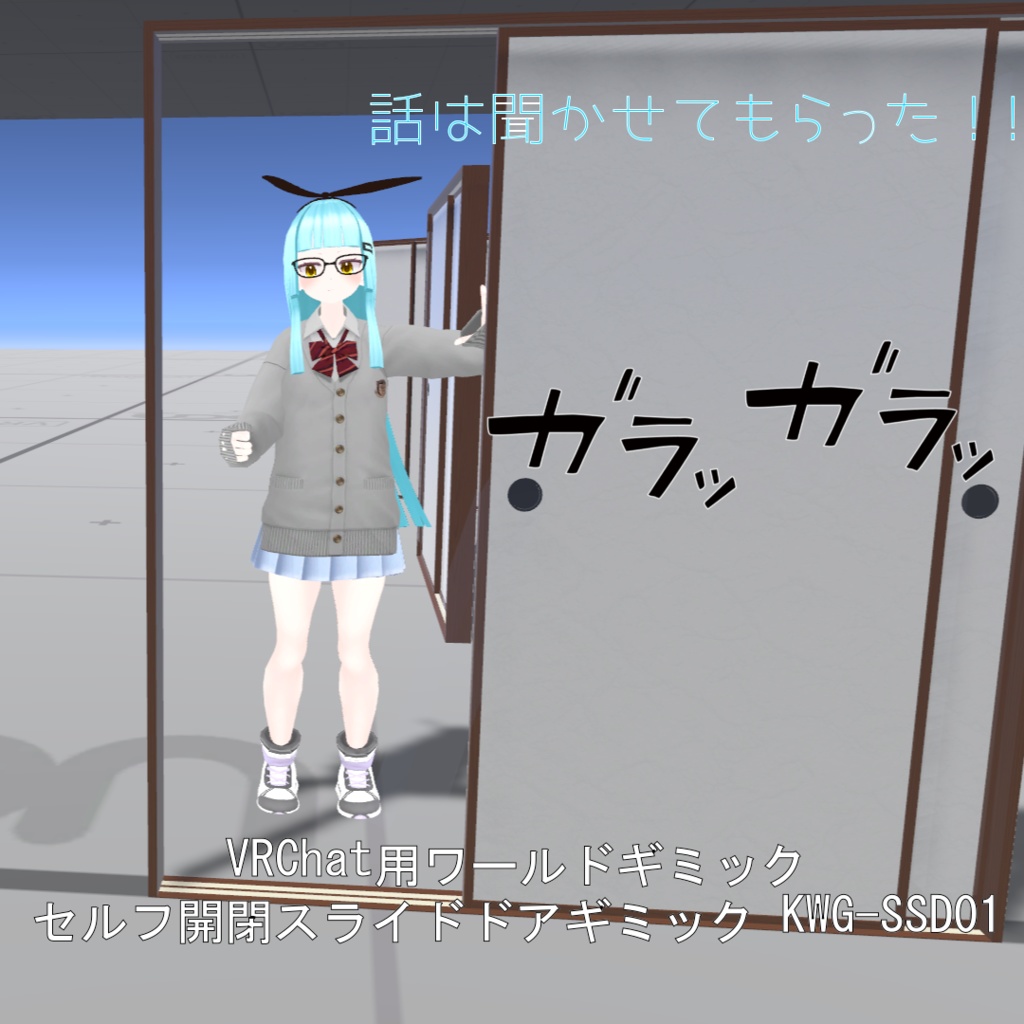
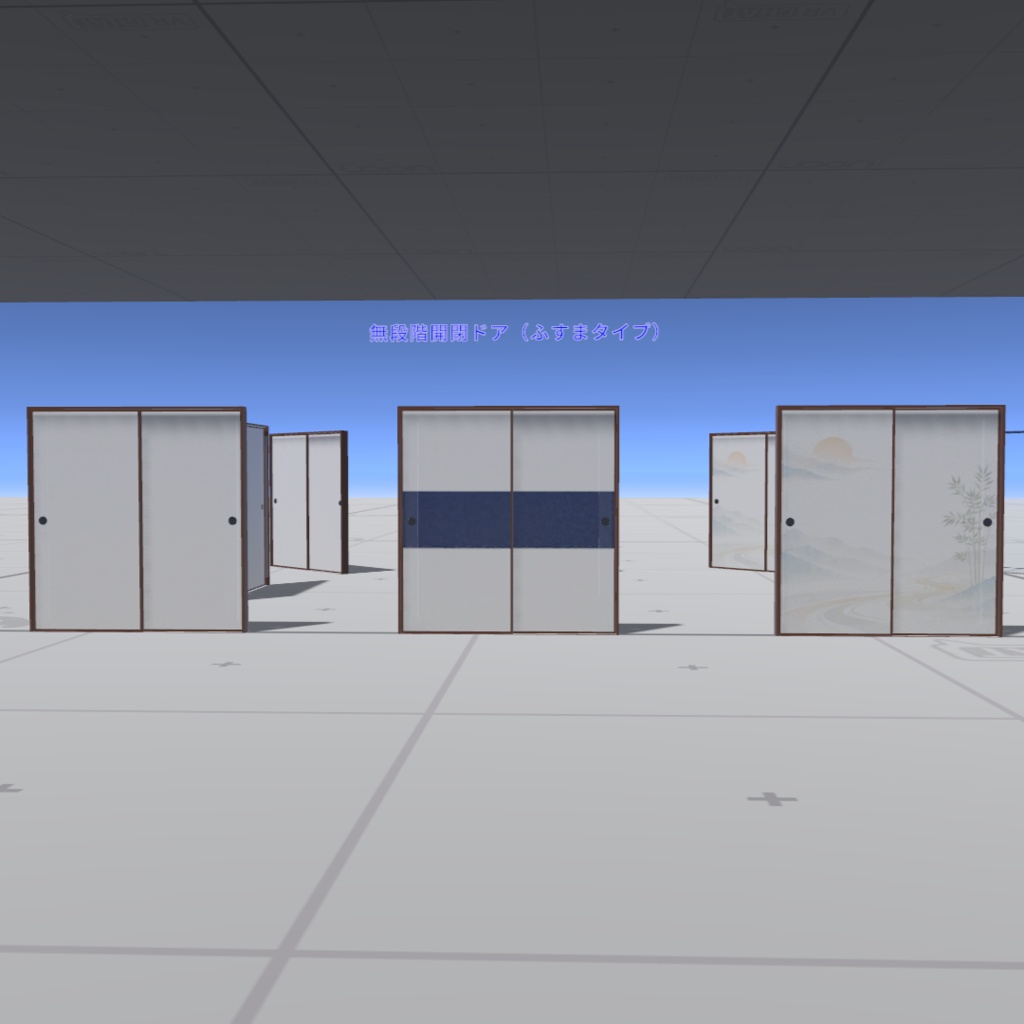
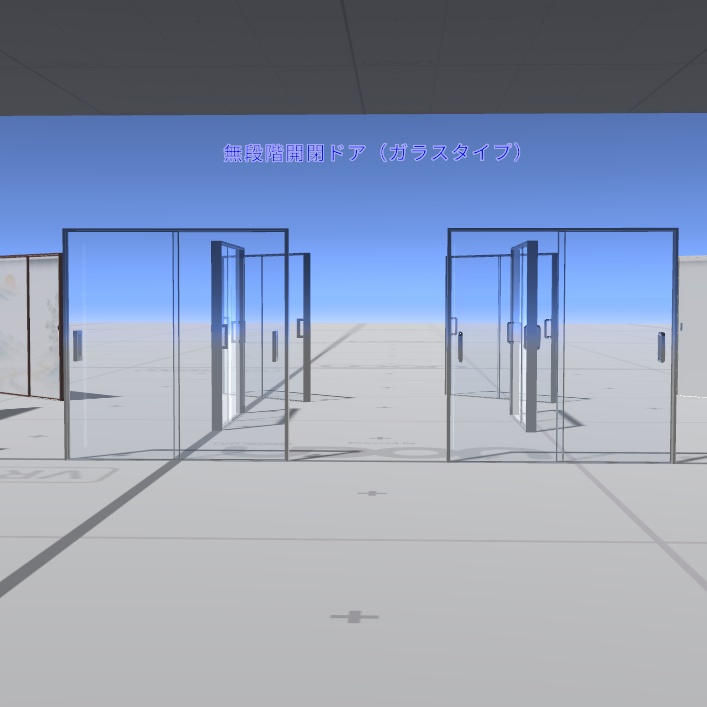
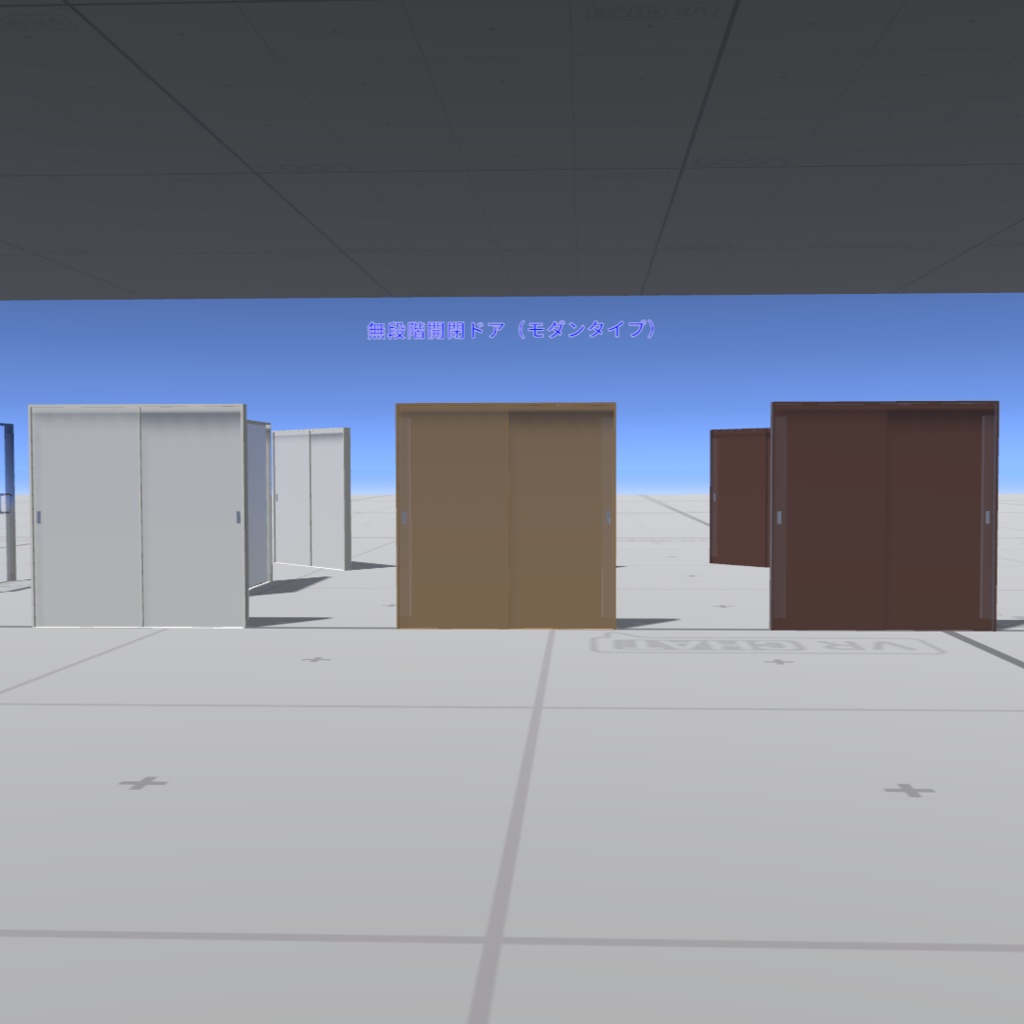
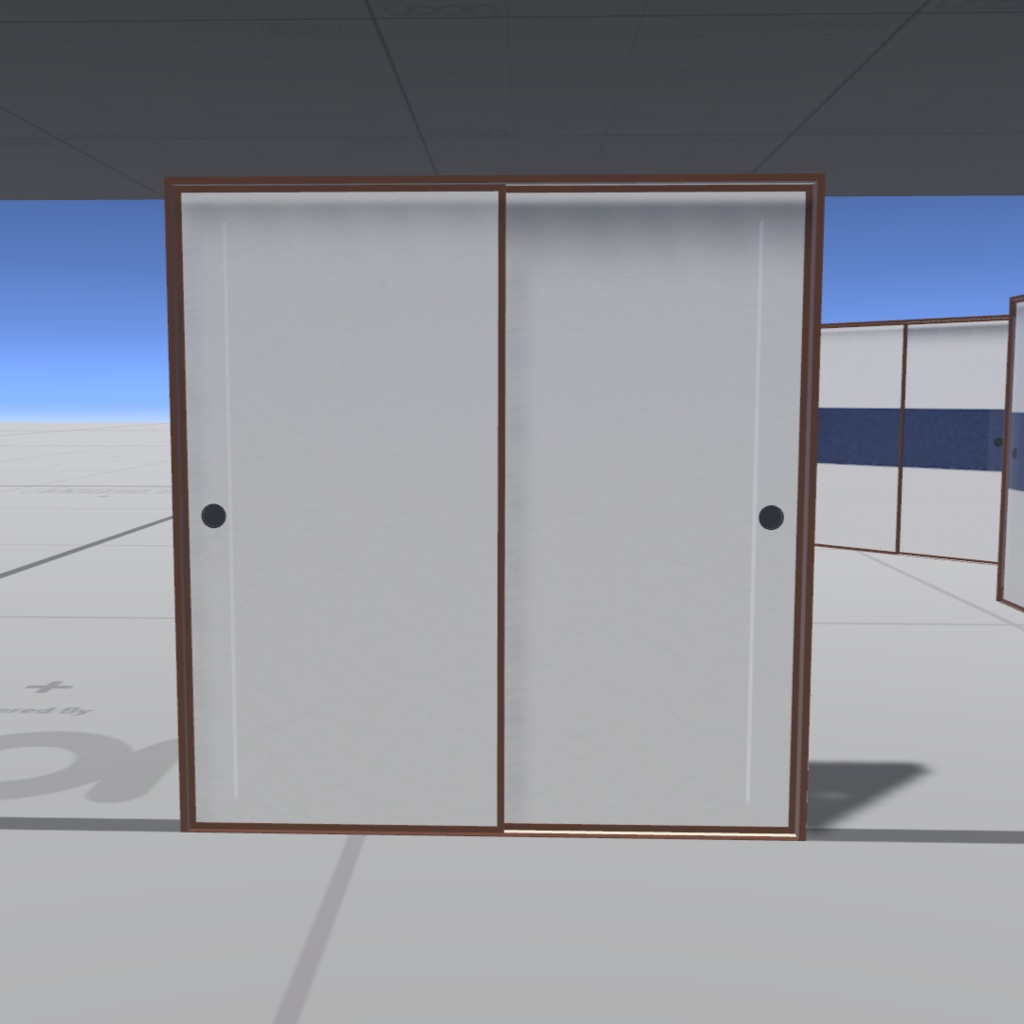
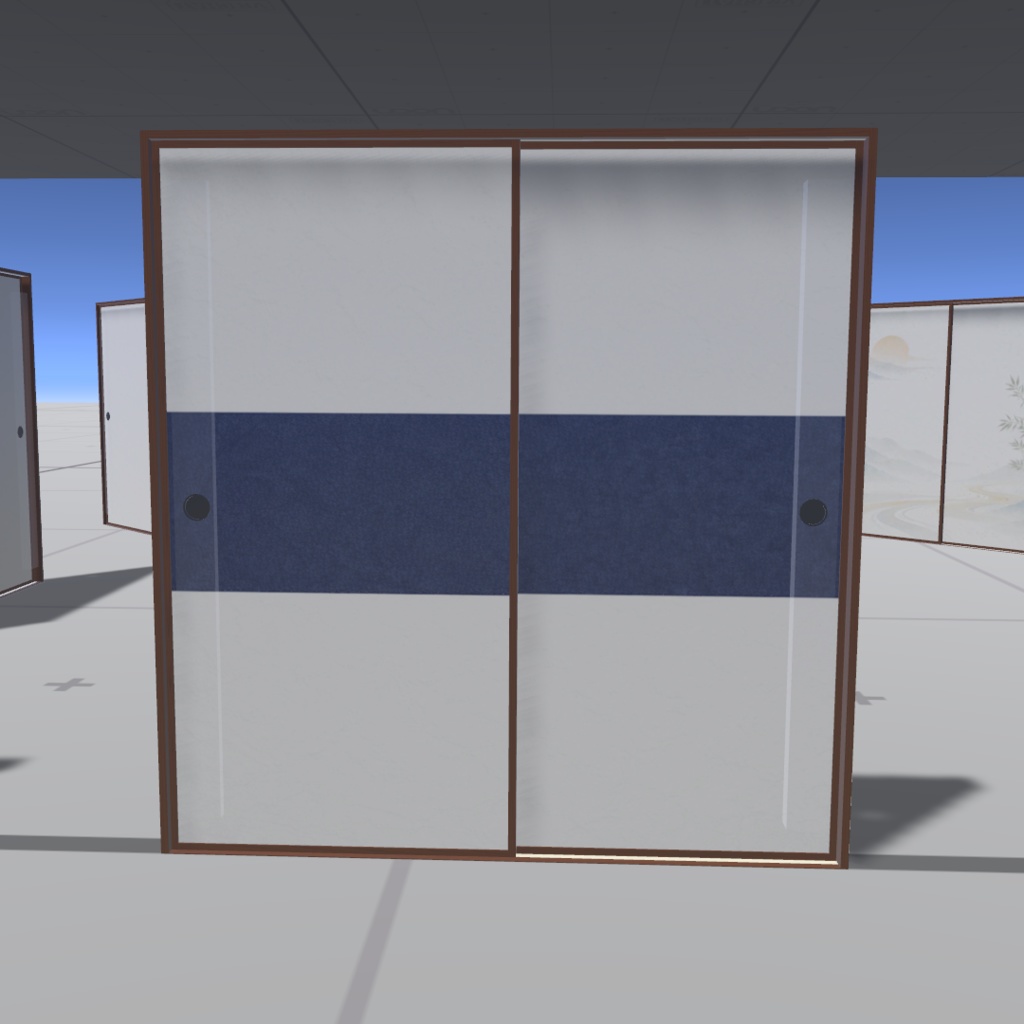
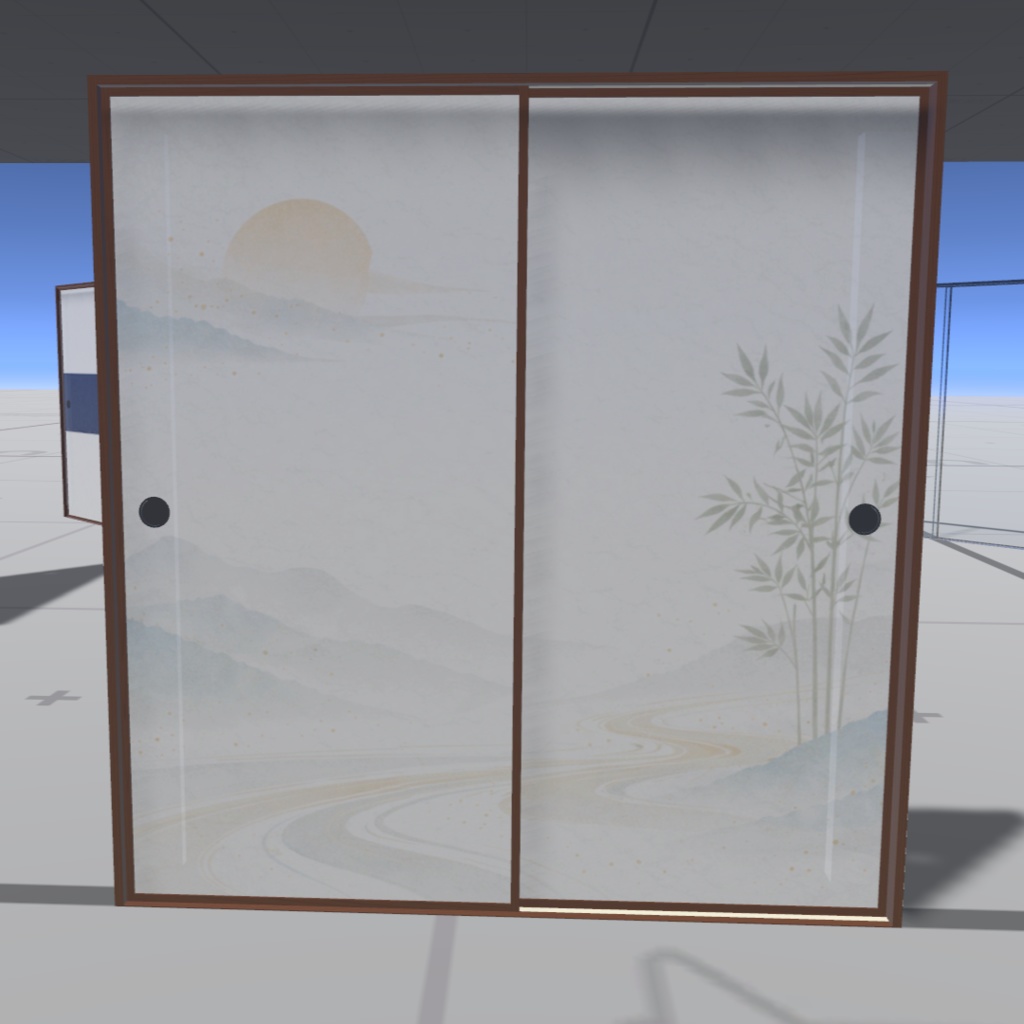
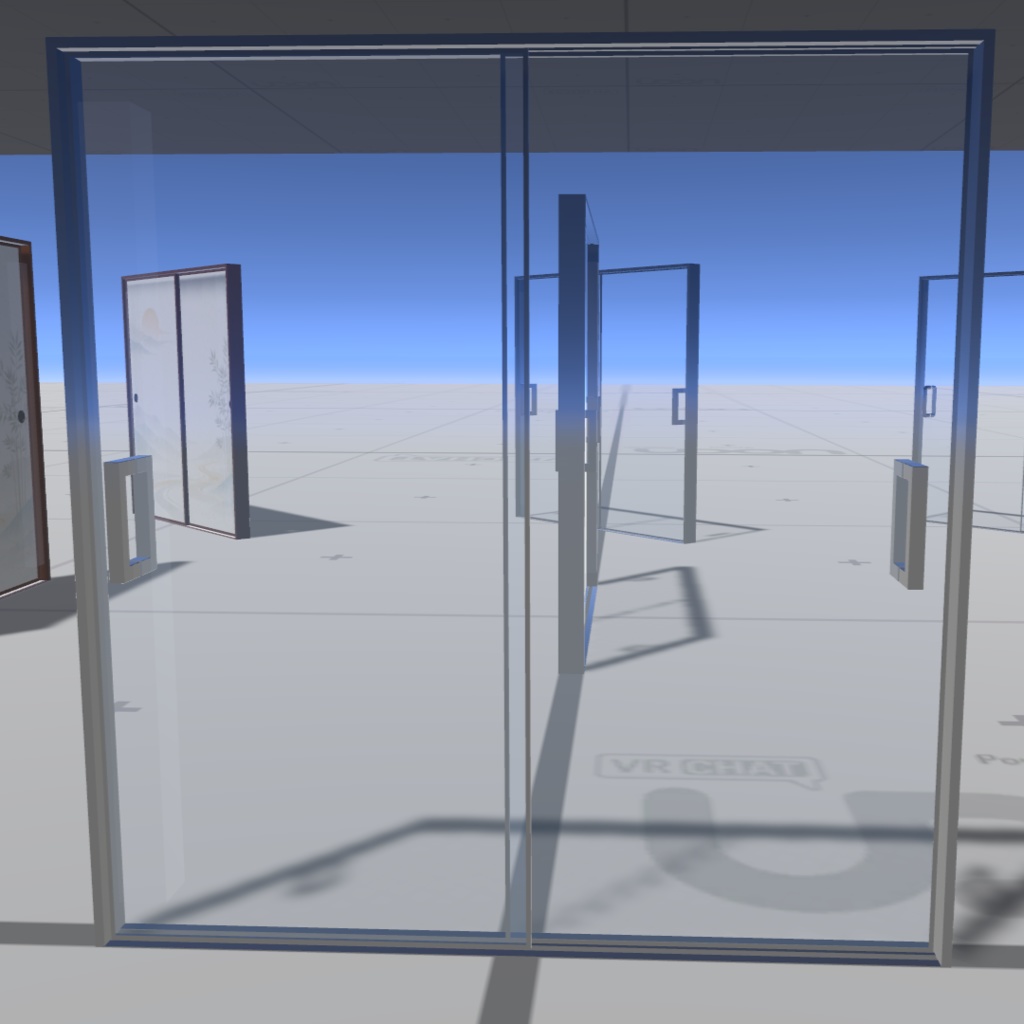
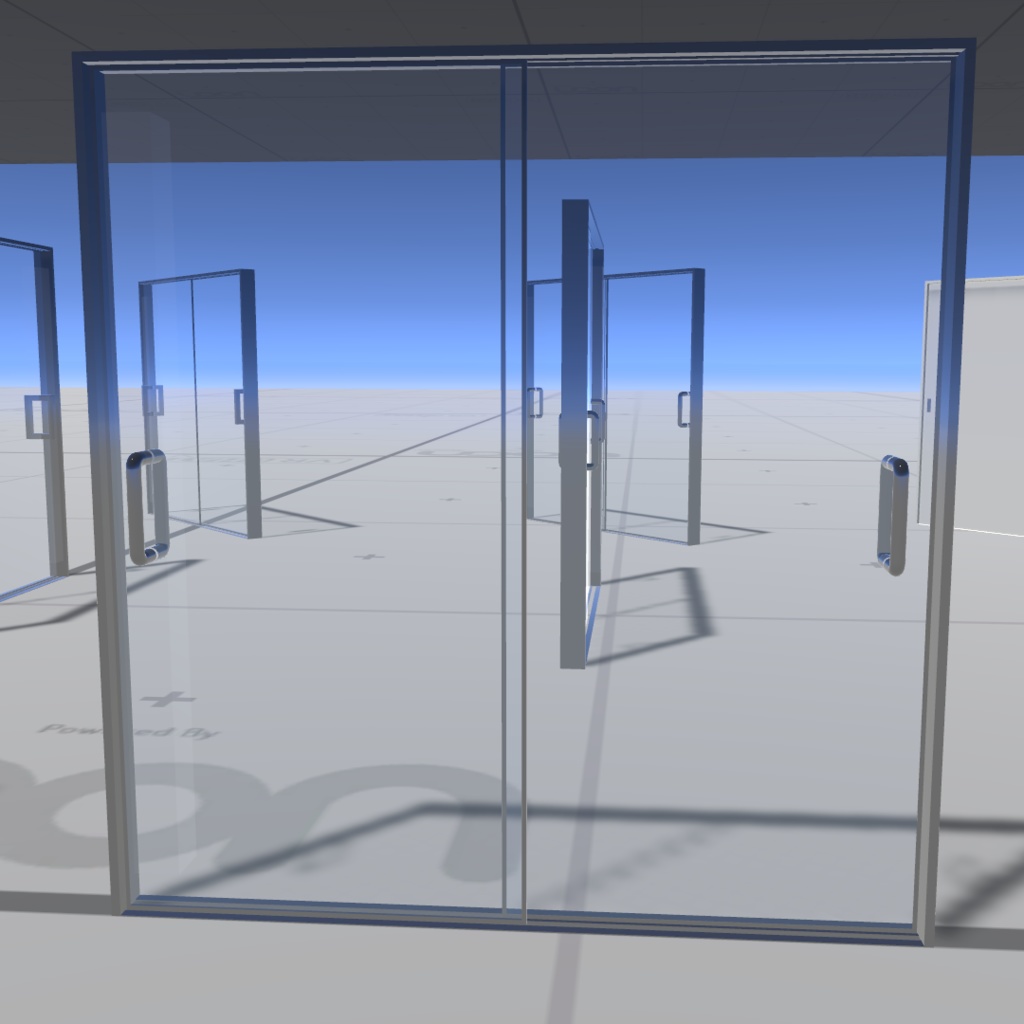
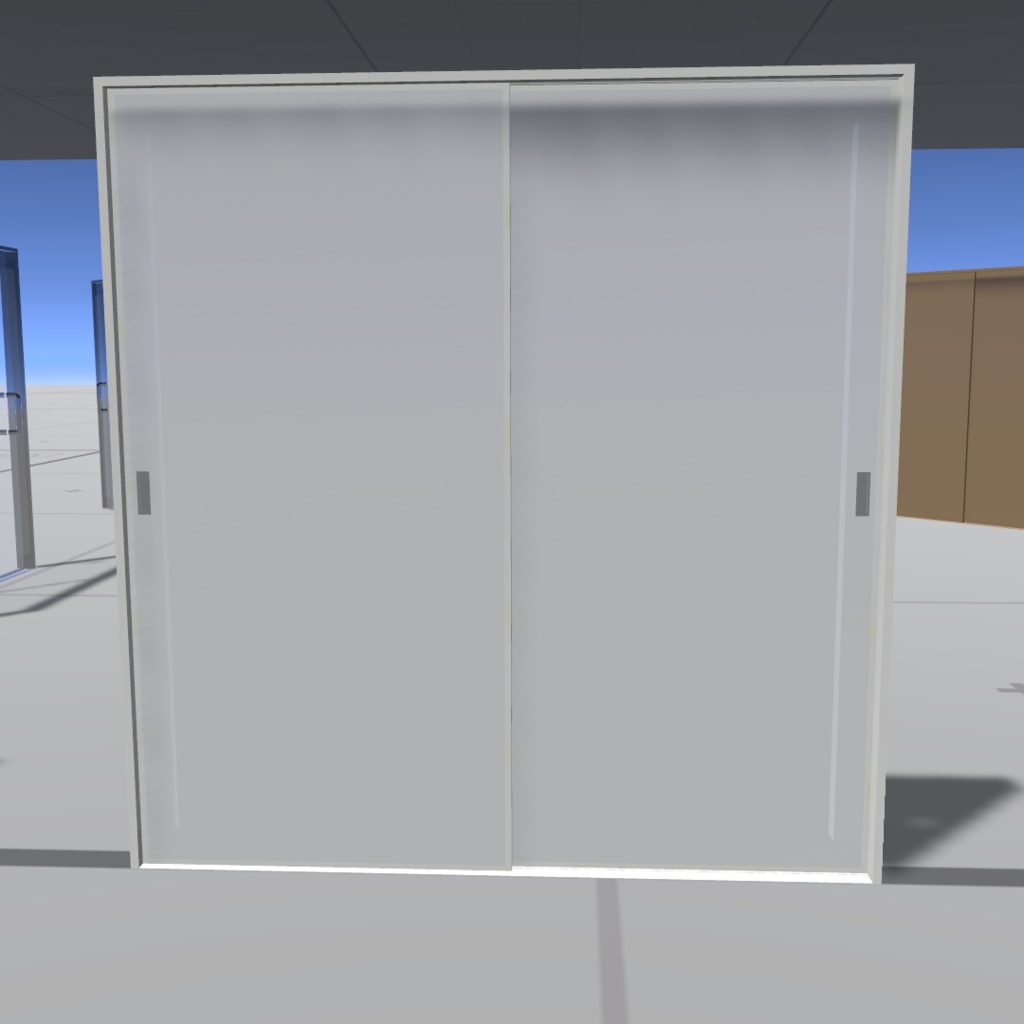
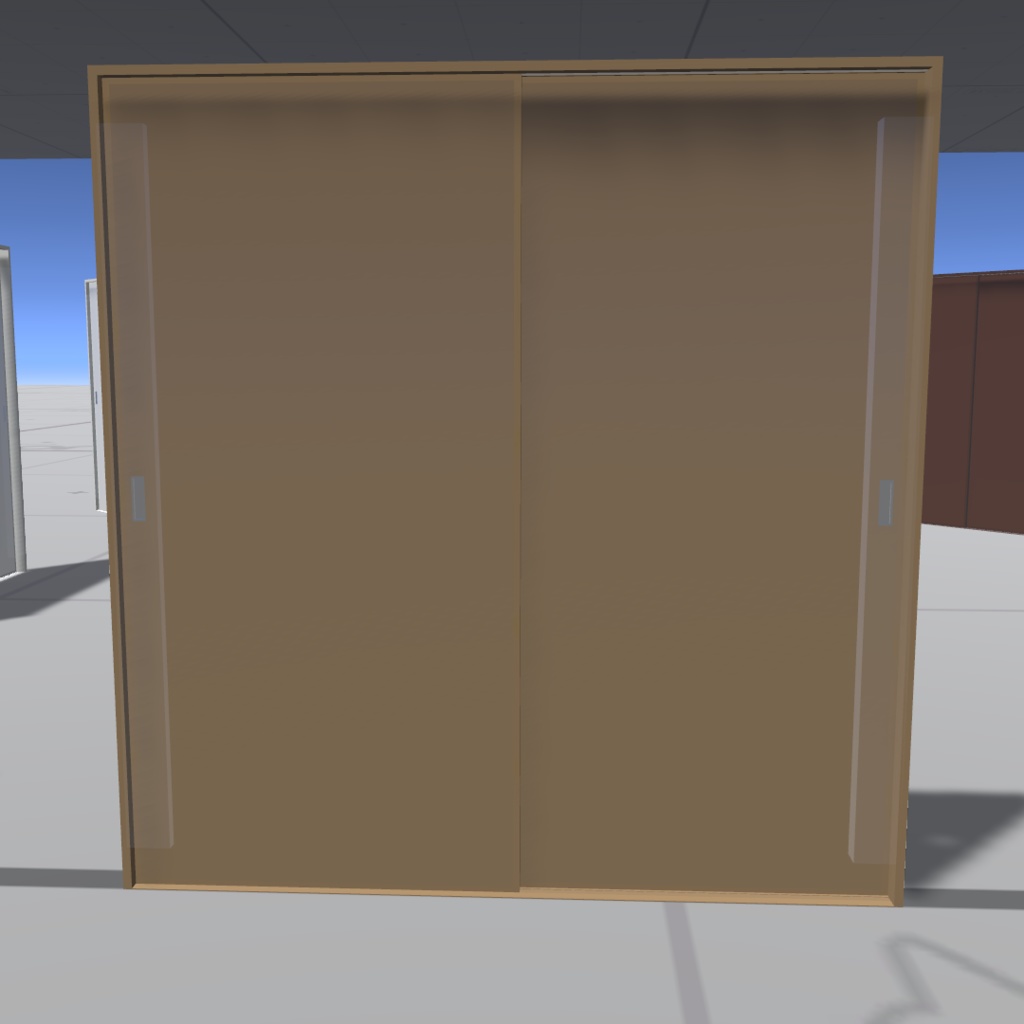
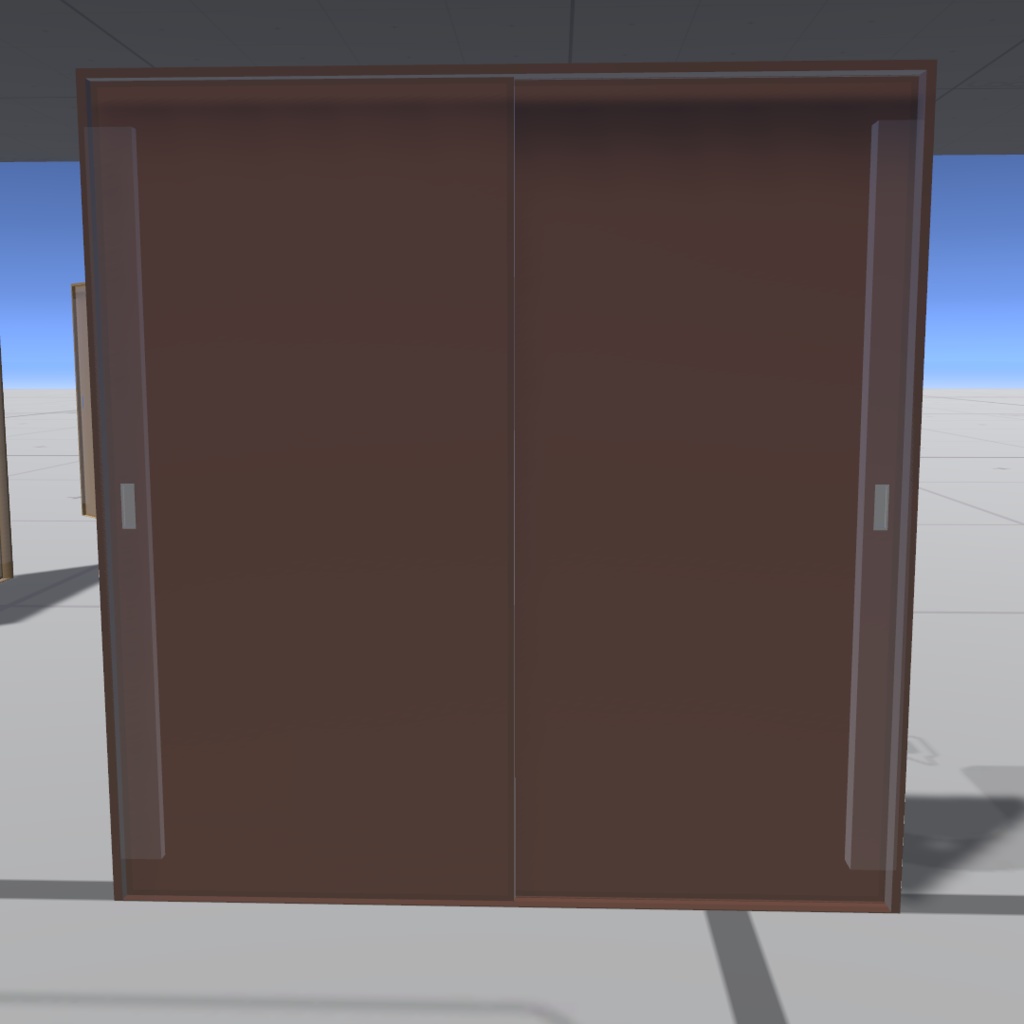


【VRChat用】セルフ開閉スライドドアギミック KWG-SSD01【置くだけ・効果音付き・同期対応】 「置くだけ」「効果音付き」「同期対応」 現実の横開きドアのように、掴んで横に手を動かした分だけ開けたり閉めたりできるドアです 以下の特徴があります ・開け閉めが現実の横開きドアっぽい ・「ちょっとだけ開ける」ことができます ・プレハブをシーンに置くだけで使用できます ・開閉時の効果音サウンド付き ・同期対応しています 下記のリンクからこのワールドギミックを体験していただけます https://vrchat.com/home/launch?worldId=wrld_a702b1df-c4eb-4da9-a9db-3ec287e7929b 商品画像で使った素材 マンガ文字素材 ドドドFonts 様 https://dddfont.com/term/ --English-- Self-Opening Sliding Door Gimmick KWG-SSD01 for VRChat [Simply Place, Includes Sound Effects, Sync Support] "Simply Place," "Includes Sound Effects," "Sync Support" Just like a real-life side-swinging door, this door opens and closes by simply grabbing it and moving your hand sideways. Features: - Opens and closes just like a real-life side-swinging door. - Can be "opened slightly." - Simply place the prefab in your scene to use it. - Includes sound effects when opening and closing. - Sync Support. Experience this world gimmick by clicking the link below. https://vrchat.com/home/launch?worldId=wrld_a702b1df-c4eb-4da9-a9db-3ec287e7929b Materials used in product images マンガ文字素材 ドドドFonts 様 https://dddfont.com/term/
商品説明 Product Description
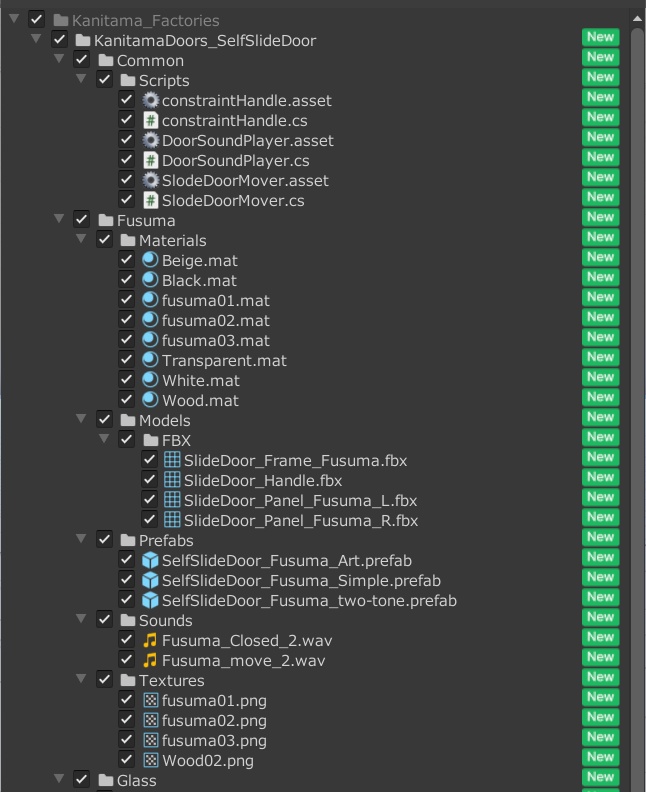
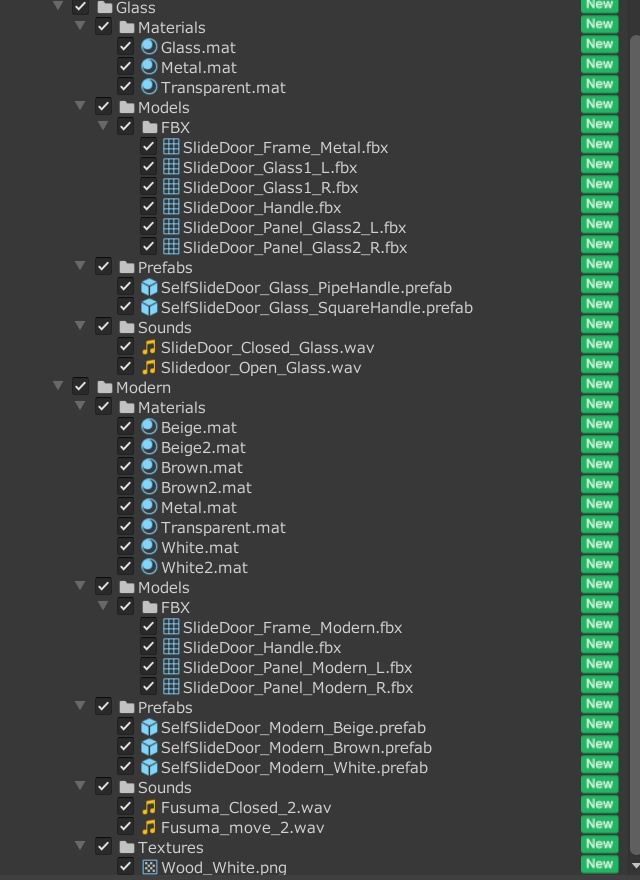
【同梱物 Included Items】 ふすまタイプ 3種、ガラスタイプ 2種、モダンタイプ 3色 3 sliding door types. 2 glass door types. 3 modern door colors. 【使用SDKバージョン SDK version used】 VRChat SDK - Worlds 3.7.6 VRChat SDK - Base 3.7.6
使用方法 How to use
シーンへの配置 1. VCCでワールドプロジェクトを作成します 「Unity 2022 World Project」で作成してください 2. ダウンロードした.zipファイルを解凍し、“Kanitama_SelfSlideDoor.unitypackage"をプロジェクトにインポートします 3.Assets/Kanitama_Factories/KanitamaDoors_SelfSlideDoor/フォルダ内の Fusuma Glass Modern 各フォルダー内のPrefabsフォルダーの中にあるプレハブをScene上にドラッグ&ドロップで設置します 各プレハブは基本的な設定がすでにセットされた状態ですので、配置後すぐに実行してギミックを動かして確認できます --English-- Placement in the Scene 1. Create a World Project in VCC. Create it using the "Unity 2022 World Project" 2. Unzip the downloaded .zip file and import "Kanitama_SelfSlideDoor.unitypackage" into your project. 3. Drag and drop the prefabs from the Prefabs folder in the Assets/Kanitama_Factories/KanitamaDoors_SelfSlideDoor/ folder into the Scene. Each prefab comes with basic settings already configured, so you can run it immediately after placement to test the mechanics.
利用規約 terms of service
本商品を購入する際に、この規約に同意したものとします 本規約は「あしやまひろこ(@hiorko_TB)」氏が作成した VN3ライセンス( https://www.vn3.org/ ) のテンプレートを使用しています 利用規約は変更される場合があります --English-- By purchasing this product, you agree to these terms. These terms use a template created by Hiroko Ashiyama (@hiorko_TB) under the VN3 license (https://www.vn3.org/). These terms are subject to change. 規約全文(JP) https://drive.google.com/file/d/1BJO5wf5MB1z6dNpkLRStjsKbRF6K5QNx/view?usp=sharing Terms of use(EN) https://drive.google.com/file/d/16wiCW9Y32krun2EPPaCWz6qF4w0OQVwa/view?usp=sharing 이용규약(KO) https://drive.google.com/file/d/12zP3Ws682qhxthCMidwNYStuVQAwM89L/view?usp=sharing 使用条款(ZH) https://drive.google.com/file/d/1kY1GtlosvYbKkXoUqZatcSLnrrMitgij/view?usp=sharing
お問い合わせについて About inquiries
・本商品に関するお問い合わせ・バグレポートなどはBOOTHよりお願いいたします ・本製品の使用以前の状況に関する質問(Unityの使い方やVCCの導入方法など)は対応いたしかねます ・ダウンロード商品の特性上、交換・返金・返品につきましては対応致しかねます ・本商品を使用して発生したすべての問題と損失、損害について、作者の「かにたま」及び「かにたまファクトリーズ」は責任を負いません --English-- Please use BOOTH for inquiries and bug reports regarding this product. We cannot answer questions about the product prior to use (such as how to use Unity or how to install VCC). Due to the nature of downloadable products, we are unable to offer exchanges, refunds, or returns. The creators, Kanitama and Kanitama Factories, are not responsible for any problems, losses, or damages that may arise from using this product.
更新履歴 Update history
2026/02/08 ファーストリリース --English-- 08/02/2026 First Release