
Synaptic AI Essential for Unity -自然言語でUnityを操作
- Digital5,000 JPY
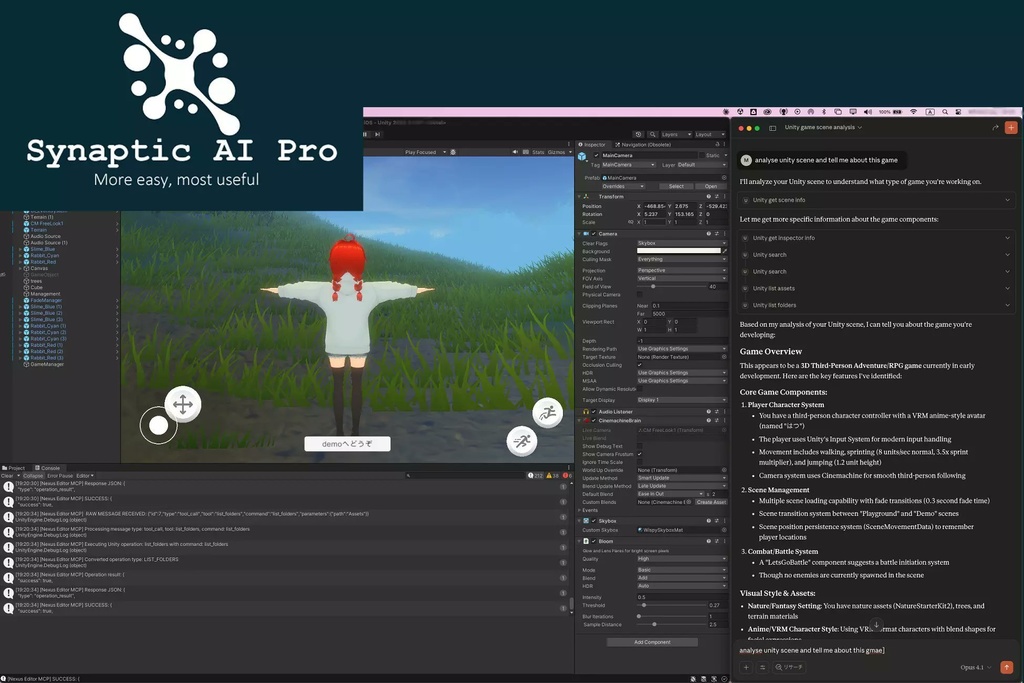
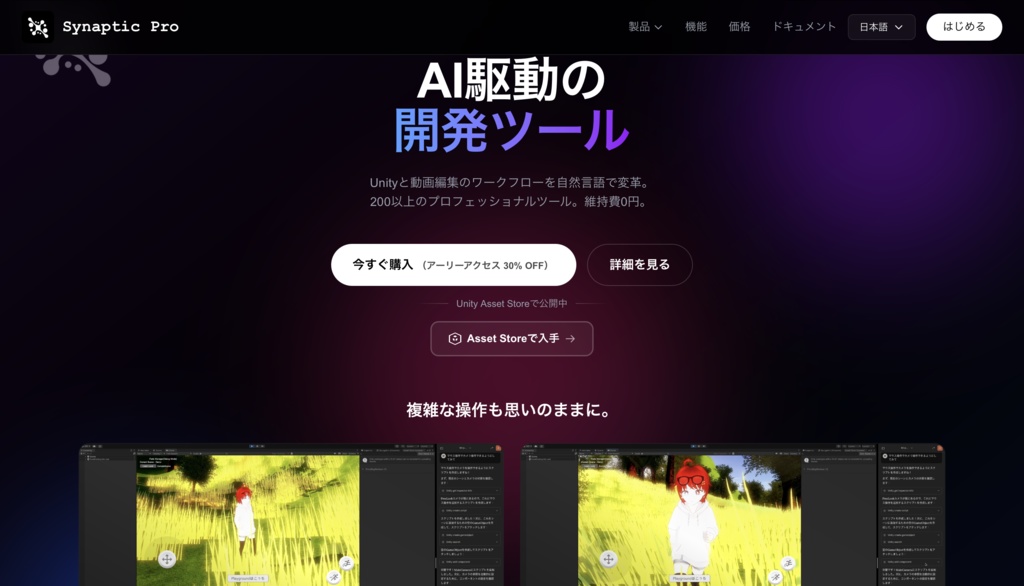
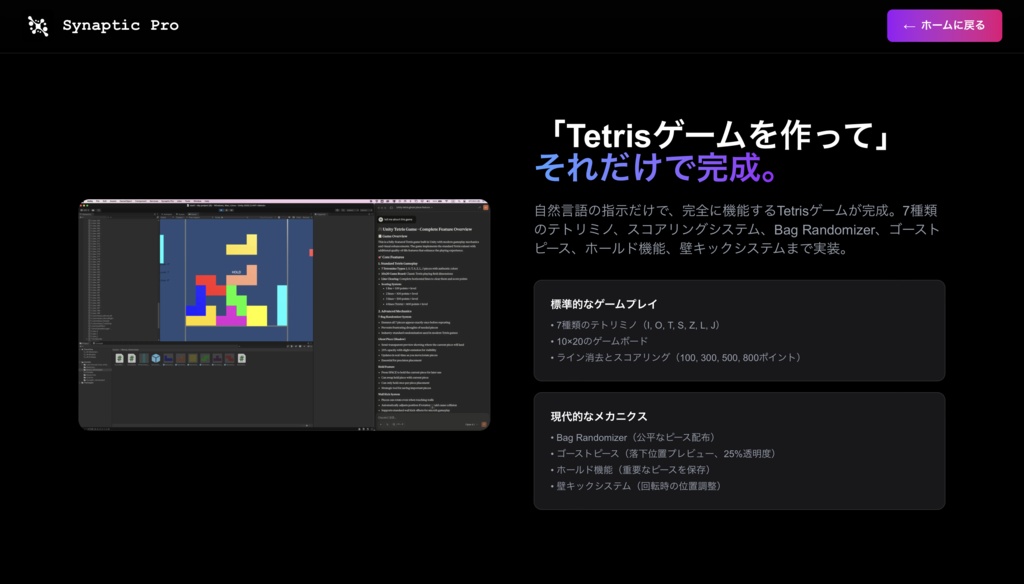


試験的に値下げしました〜! 詳しい説明はこちら https://synaptic-ai.net
Proへのアップグレード価格もあります!
5500円でアップグレード可能です! https://miu-chang.booth.pm/items/7753196/secret_pass 5500JPY Pro Upgrade version(need password from message) https://miu-chang.booth.pm/items/7753196/secret_pass
日本語
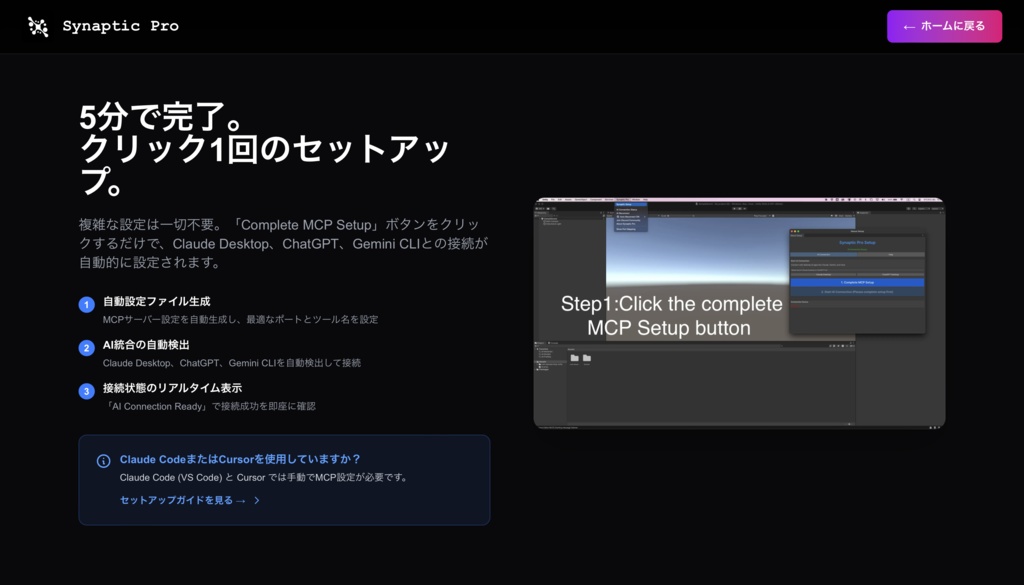
Proから機能を厳選し、お手頃な価格のパッケージデビュー! AIでUnityを操作 - Essential Edition こちらのバージョン購入者には月に1回アップグレードをお得に買えるパスワードを送信します Pro含め計100DL突破 今後とも改善続けていきます! (参考レビュー Pro版) https://assetstore.unity.com/packages/tools/generative-ai/synaptic-ai-pro-natural-language-control-for-unity-336030#reviews **重要: MCPサーバーの実行にはNode.jsが必要です。セットアップ前にインストールしてください。** Claude Desktop、VS Code、Cursorに対応!(ワンタッチ自動設定) VS CodeはMCPサーバーを自動起動しません。プロジェクトを開くたびに手動でサーバーを起動する必要があります。 自然言語でUnityを制御。やりたいことを説明するだけ - Synaptic Essentialが実行します。複雑さなしでAI支援を求めるインディー開発者向けに厳選された87ツール。 なぜEssentialなのか AI支援Unity開発への最適な入口: • 厳選ツールセット:日常タスクの90%をカバーする87ツール • 簡単セットアップ:Proと同じワンクリック設定 • フルスクリプティング対応:C#スクリプトの作成・編集・閲覧 • 手頃な価格:インディー向けプロフェッショナルAIツール 60秒セットアップ - Proと同様簡単なセットアップ • 自動設定:AIプラットフォームを即座に検出 • 手動設定ゼロ:「Complete MCP Setup」をクリック → 完了! • インポートから作成開始まで1分以内 87の厳選ツール - 基本作業は包括 ほかのMCPよりも高機能(proを除く) GameObject & シーン (20ツール) GameObjectの作成、変形、複製、整理 シーン管理、検索、階層制御 スクリプティング (10ツール) - フルC#対応! スクリプト作成:「PlayerControllerスクリプトを作成」 コード編集:「PlayerControllerにJumpメソッドを追加」 閲覧&検索:「GameManager.csを見せて」 カメラ & Cinemachine (6ツール) カメラ設定、Virtual Camera、Cinemachine Brain 三人称、一人称、シネマティックショットに最適 UI作成 (6ツール) UI要素作成、Canvas設定、アンカー、グリッド 「左上にヘルスバーを作成」 マテリアル & ライティング (6ツール) マテリアル作成、プロパティ設定、ライティングプリセット URP、HDRP、Built-inパイプライン対応 アニメーション (4ツール) Animatorコントローラー、ステート、トランジション、クリップ 「IdleとWalkステートを持つAnimatorを作成」 物理 & ナビゲーション (3ツール) Physics設定、NavMesh、地形作成 オーディオ (2ツール) AudioSource、AudioMixer設定 アセット管理 (8ツール) Prefab、フォルダ、リネーム、移動、アセット整理 スクリーンショット (4ツール) Game View、Scene View、領域のキャプチャ エディタツール (8ツール) コンソール、インスペクター、リフレッシュ、Undo操作 パッケージ管理 (3ツール) Unityパッケージの一覧、インストール、確認 使用例 基本コマンド: 「位置0,5,0に赤いキューブを作成」 「PlayerにRigidbodyを追加」 「ゲームビューのスクリーンショットを撮って」 「プロジェクト内のスクリプト一覧を表示」 スクリプティング: 「WASDでプレイヤーを動かすスクリプトを作成」 「EnemyControllerにhealth変数を追加」 「OnTriggerEnterを含むファイルを検索」 シーン構築: 「ランダムな位置に10本の木を作成」 「スタートボタン付きのCanvasをセットアップ」 「ソフトシャドウ付きのディレクショナルライトを追加」 Pro版限定機能(Essential版には含まれません) • HTTP APIエンドポイント - Claude Code、Codex CLI、Gemini CLIからUnityを操作 (ターミナルベースのAIツールやCI/CDパイプライン向けREST API) • GOAP AIシステム(自然言語AIビヘイビア) • VFX Graphビルダー(15以上のツール) • 天候&時刻システム(12以上のツール) • Proシェーダー(Toon、Water、Hair、Eye、Dissolve、Shield) • 高度なCinemachine(FreeLook、DollyTrack、BlendList) • 高度なオーディオ(3D空間音響、アダプティブミュージック、リバーブ) • バッチ操作&最適化ツール • ゲームテンプレート(FPS、RPG、Platformer、Puzzle) → これらが必要な場合 Synaptic AI Pro(286以上のツール)にアップグレード こんな方に最適 • インディー開発者:手頃な価格でコアツール • 初心者:AIアシスタントでUnityを学習 • 趣味開発者:週末プロジェクトをより簡単に • 学生:学業プロジェクトを加速 含まれるもの • 87の厳選MCPツール • ワンクリックセットアップウィザード • Claude Desktop、Cursor、VS Code対応 • ドキュメント • Discordコミュニティアクセス • 永続アップデート 必要環境 • Unity 2022.3 LTS以上(Unity 6対応) • Windows 10/11、macOS 10.15以上、Linux • Node.js 16以上(必須) • 最小4GB RAM 60秒で開始 1. パッケージをインポート 2. Tools > Synaptic Essential > Synaptic Setup 3. 「Complete MCP Setup」をクリック 4. AIアプリ(Claude Desktop/vs code/cursor)を開くだけ! --- Synaptic AI Essential - 誰でも使えるAI駆動Unity開発
[English]
AI-Powered Unity Development - Essential Edition review(Pro ver.) https://assetstore.unity.com/packages/tools/generative-ai/synaptic-ai-pro-natural-language-control-for-unity-336030#reviews **IMPORTANT: Node.js is required to run the MCP server. Please install it before setup.** Works with Claude Desktop, VS Code, and Cursor! (One-touch automatic setup) VS Code does not automatically start MCP servers. You need to manually start the server each time you open the project. Control Unity with natural language. Simply describe what you want - Synaptic Essential handles the rest. 87 carefully selected tools for indie developers who want AI assistance without the complexity. Why Choose Essential? The perfect entry point to AI-assisted Unity development: • Focused Toolset: 87 tools that cover 90% of daily tasks • Same Easy Setup: One-click configuration, just like Pro • Full Scripting Support: Create, modify, and read C# scripts • Affordable: Professional AI tools at indie-friendly price 60-Second Setup - Just Like Pro • Automatic Configuration: AI platforms detected instantly • Zero Manual Setup: Click "Complete MCP Setup" → Done! • From import to creating in under a minute 87 Essential Tools - Everything You Need GameObject & Scene (20 tools) Create, transform, duplicate, organize GameObjects Scene management, search, hierarchy control Scripting (10 tools) - Full C# Support! Create scripts: "Create a PlayerController script" Modify code: "Add a Jump method to PlayerController" Read & search: "Show me GameManager.cs" Camera & Cinemachine (6 tools) Setup cameras, Virtual Camera, Cinemachine Brain Perfect for third-person, first-person, or cinematic shots UI Creation (6 tools) Create UI elements, Canvas setup, anchors, grids "Create a health bar in the top left corner" Materials & Lighting (6 tools) Create materials, set properties, lighting presets Works with URP, HDRP, and Built-in pipeline Animation (4 tools) Animator controllers, states, transitions, clips "Create an Animator with Idle and Walk states" Physics & Navigation (3 tools) Physics setup, NavMesh, terrain creation Audio (2 tools) AudioSource, AudioMixer setup Asset Management (8 tools) Prefabs, folders, rename, move, organize assets Screenshots (4 tools) Capture Game View, Scene View, regions Editor Tools (8 tools) Console, inspector, refresh, undo operations Package Management (3 tools) List, install, check Unity packages Real Examples Basic Commands: "Create a red cube at position 0,5,0" "Add Rigidbody to Player" "Take a screenshot of the game view" "List all scripts in the project" Scripting Power: "Create a script that moves player with WASD" "Add a health variable to EnemyController" "Find all files containing 'OnTriggerEnter'" Scene Building: "Create 10 trees randomly positioned" "Setup a Canvas with a start button" "Add a directional light with soft shadows" What's NOT Included (Pro Features) • HTTP API Endpoints - Use Unity from Claude Code, Codex CLI, Gemini CLI (REST API for terminal-based AI tools and CI/CD pipelines) • GOAP AI Systems (natural language AI behavior) • VFX Graph Builder (15+ tools) • Weather & Time of Day systems (12+ tools) • Pro Shaders (Toon, Water, Hair, Eye, Dissolve, Shield) • Advanced Cinemachine (FreeLook, DollyTrack, BlendList) • Advanced Audio (3D spatial, adaptive music, reverb) • Batch operations & optimization tools • Game templates (FPS, RPG, Platformer, Puzzle) → Need these? Upgrade to Synaptic AI Pro (286+ tools) Perfect For • Indie Developers: Core tools at affordable price • Beginners: Learn Unity with AI assistance • Hobbyists: Weekend projects made easier • Students: Academic projects accelerated What's Included • 87 essential MCP tools • One-click setup wizard • Claude Desktop, Cursor, VS Code support • Documentation • Discord community access • Lifetime updates Requirements • Unity 2022.3 LTS or higher (Unity 6 supported) • Windows 10/11, macOS 10.15+, Linux • Node.js 16+ (required) • 4GB RAM minimum Get Started in 60 Seconds 1. Import package 2. Tools > Synaptic Essential > Synaptic Setup 3. Click "Complete MCP Setup" 4. Start creating with AI! --- Synaptic AI Essential - AI-Powered Unity for Everyone Upgrade Path: Love Essential? Upgrade to Pro anytime for 286+ tools including GOAP AI, VFX Graph, Weather Systems, and Pro Shaders! ===================================== TECHNICAL DETAILS ===================================== Features: • 87 MCP (Model Context Protocol) tools • One-touch setup - Auto-configures Claude Desktop, Cursor, VS Code • Auto-reconnect - Maintains stable AI connection • WebSocket server for real-time Unity-AI communication • Automatic render pipeline detection (URP/HDRP/Built-in) • Cinemachine 2.x and 3.x compatibility • Cross-platform: Windows, macOS, Linux Scripts: C# (Editor scripts, Runtime stubs) Dependencies: • Newtonsoft.Json (auto-installed) • TextMeshPro (auto-installed) File Structure: • Editor/ - MCP service, setup wizard, executor • Runtime/ - Stub classes • MCPServer/ - Node.js MCP server (index.js) Platforms: Editor only (tools run in Unity Editor) ===================================== HOW AI WAS USED ===================================== AI was used in the development of this asset: • Code generation assistance for boilerplate and repetitive patterns • Documentation writing and formatting • Test case generation All AI-generated code was reviewed, tested, and modified by human developers. This asset ENABLES AI integration - it does not contain AI models. Users connect their own AI tools (Claude, Cursor, etc.) to control Unity
お問い合わせはディスコードサーバーまで
https://discord.gg/Y2nUyWvqR3
公式サイト
https://synaptic-ai.net セットアップ方法などはこちら https://synaptic-ai.net/docs
