
【Adobe 拡張機能管理ツール】 ZXP Installer (FREE)
- Digital0 JPY
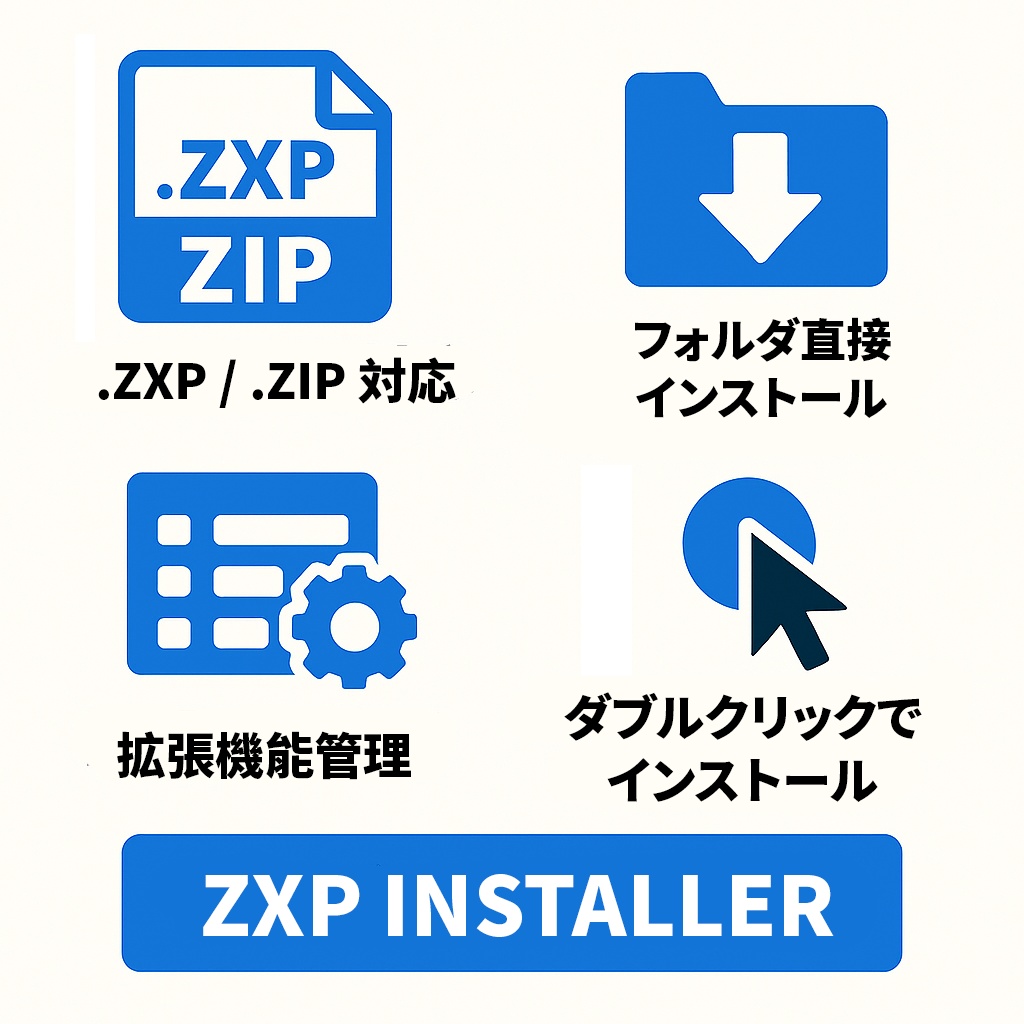
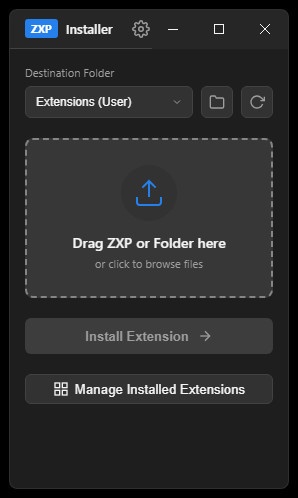
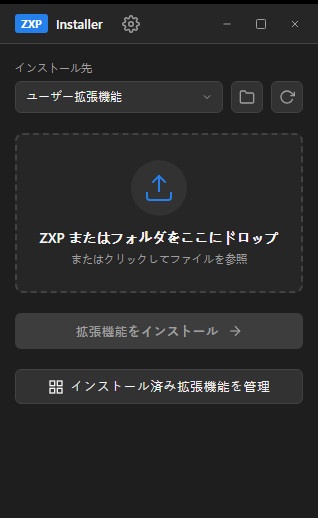
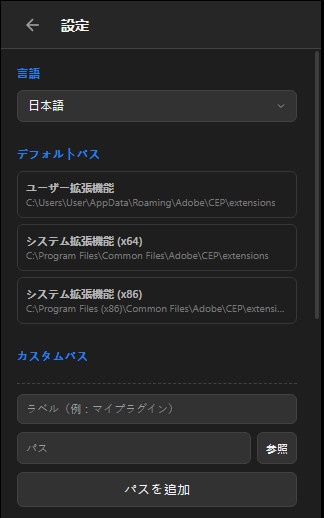
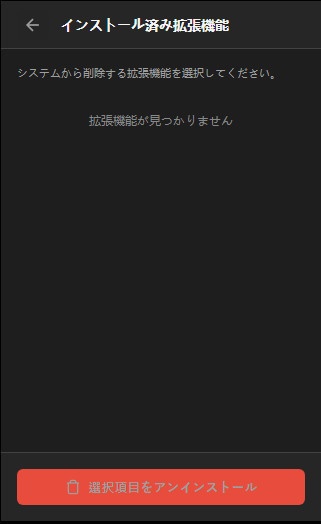


ZXP Installer は、Adobe 拡張機能(.zxp)を簡単にインストールするためのシンプル&モダンなユーティリティツールです。Creative Cloud で使用できる CEP(ZXP 形式)を、ドラッグ&ドロップで自動展開して、即座に拡張機能フォルダへインストールします。 ※ 本ツールは ZXP 形式に限定せず、UXP など他のカスタム形式の拡張機能もインストール可能です。 ZXP Installer 是一款簡潔且現代化的工具,用於輕鬆安裝 Adobe 擴充功能(.zxp)。它支援 Creative Cloud 所使用的 CEP(ZXP 格式),只要拖放即可自動展開,立即安裝到擴充功能資料夾。 此外,本工具不限於 ZXP 格式,也能安裝 UXP 等其他自訂格式的擴充功能。 ZXP Installer is a simple and modern utility tool designed to make installing Adobe extensions (.zxp) effortless. It automatically expands CEP extensions (ZXP format) usable with Creative Cloud via drag‑and‑drop and installs them instantly into the extensions folder. Note: This tool is not limited to the ZXP format; it can also install extensions in other custom formats such as UXP. 概要 このアプリケーションは NeutralinoJS を使用してネイティブ実行ファイルとしてパッケージ化されています。 インストール手順 ダウンロードしたアーカイブを任意の場所に展開します。 展開された実行ファイル(ZXPInstaller‑win_x64.exe)を起動します。追加のインストーラや管理者権限は不要です。 アンインストール手順 アプリケーションが実行中の場合は終了させます。 以下の項目を削除します。 %APPDATA% にあるフォルダー ZXPInstaller‑win_x64.exe。 展開時に作成されたフォルダー(実行ファイルとそのサポートファイルが格納されているフォルダー)。 概述 此應用程式使用 NeutralinoJS 打包為原生執行檔。 安裝方式 下載完成後,將壓縮檔解壓至任意目錄。 執行解壓後產生的 ZXPInstaller‑win_x64.exe 即可。 不需要額外的安裝程式,也不需要管理員權限。 解除安裝 若程式正在執行,先將其關閉。 刪除以下項目即可完成解除安裝: 位於 %APPDATA% 的ZXPInstaller‑win_x64.exe 資料夾。 解壓縮後所產生的資料夾(即包含執行檔及相關支援檔案的資料夾)。 Overview This application is packaged as a native executable using NeutralinoJS. Installation Extract the downloaded archive to a location of your choice. Run the extracted executable (ZXPInstaller‑win_x64.exe). No additional installer or administrator rights are required. Uninstallation Close the application if it is running. Delete the following items: The folder ZXPInstaller‑win_x64.exe located in %APPDATA%. 使用此檔案產生的任何問題均由使用者自行承擔風險與責任,下載即視為同意。 Any problems caused by the use of this file are at your own risk and responsibility. 【免責事項】 お客様は、自らの責任において、素材をダウンロードし、これを使用することに同意します。 素材の利用によってお客様に何らかの損害が発生したとしても、損害賠償義務及びその他一切の責任を負いません 不具合等により生じたいかなる損害に関しましては一切責任を負いませんのでご了承ください。