

MidnightMode - VRChat Men's Clothing / CP24
- Minase CompatibleDigital1,200 JPY
- Full Pack: ALL INCLUDED!Digital2,400 JPY
- Komano CompatibleDigital1,200 JPY
- Kuuta CompatibleDigital1,200 JPY
- Romad (Tinmeshitei Body)CompatibleDigital1,200 JPY
- KALNE (PlusHead Body) CompatibleDigital1,200 JPY
- Shizune CompatibleDigital1,200 JPY
- Licht CompatibleDigital1,200 JPY
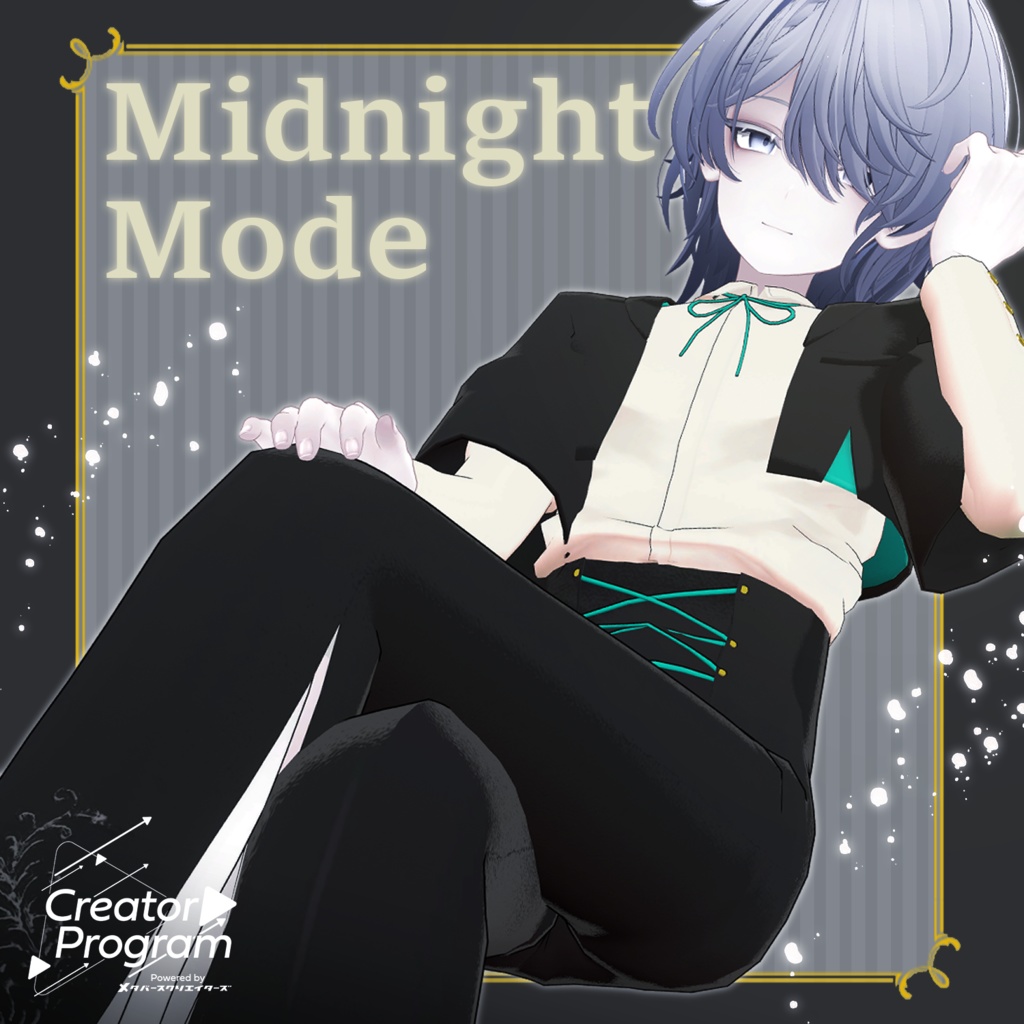
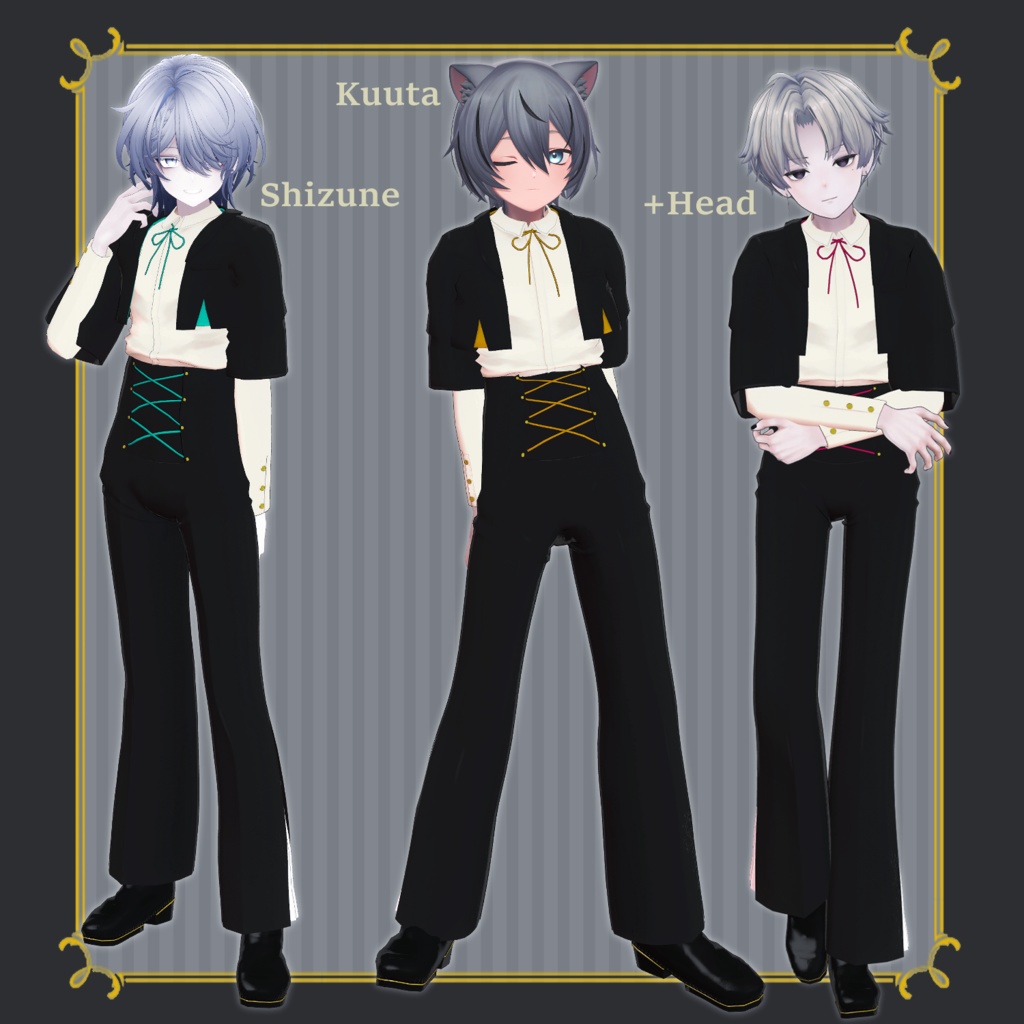
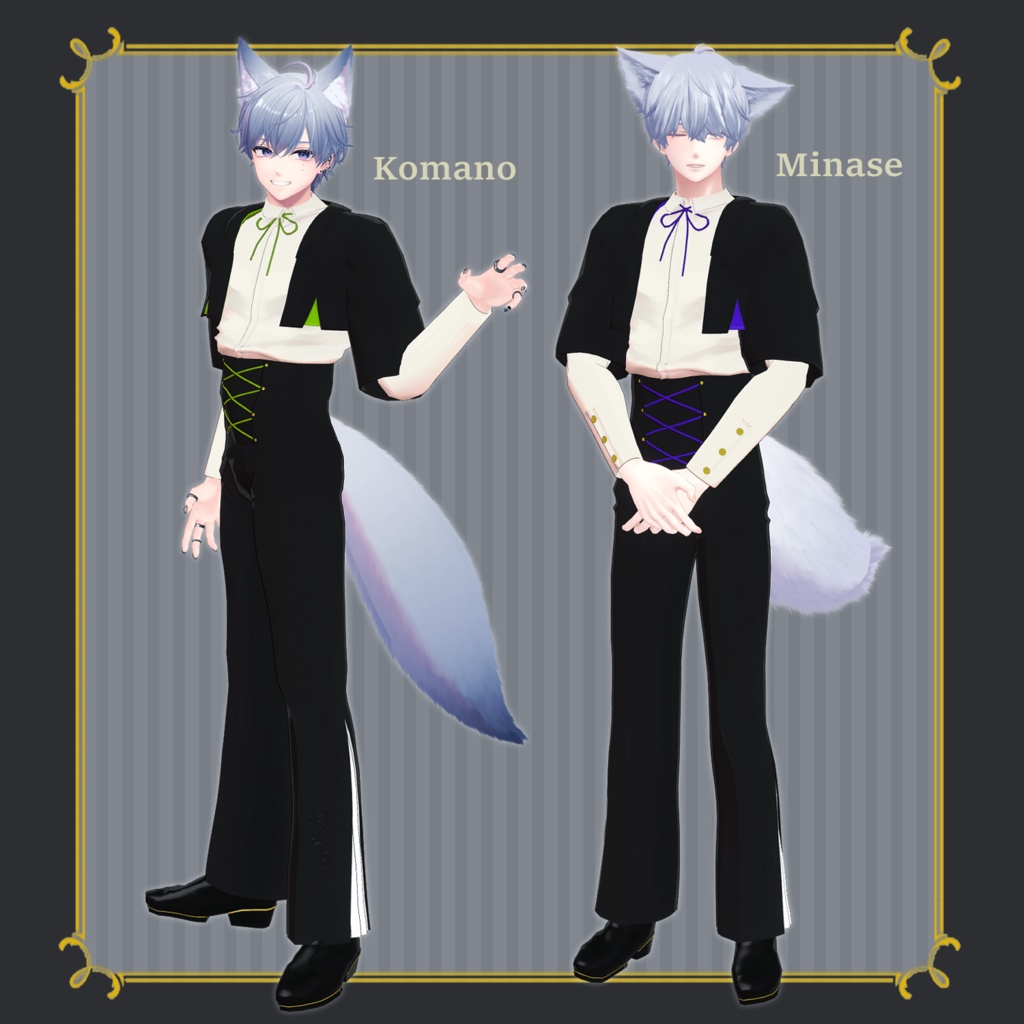
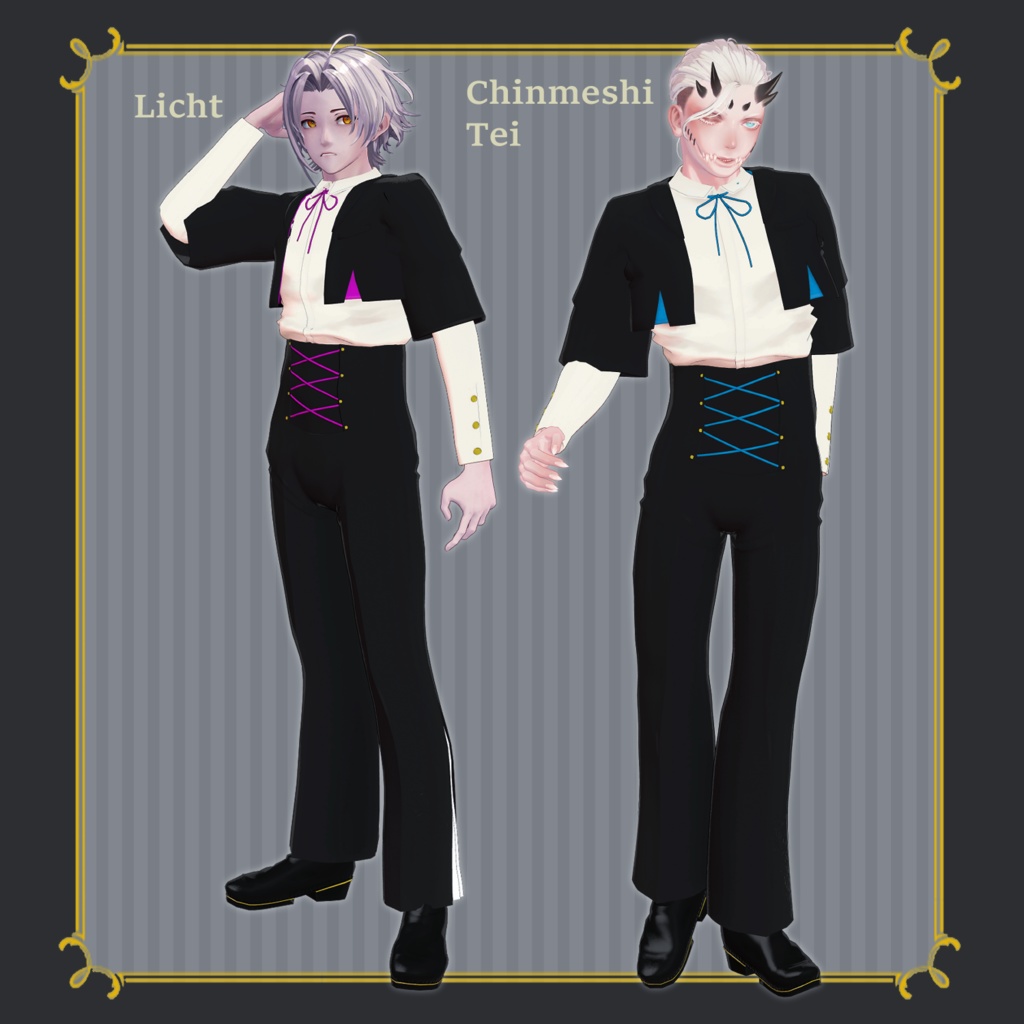
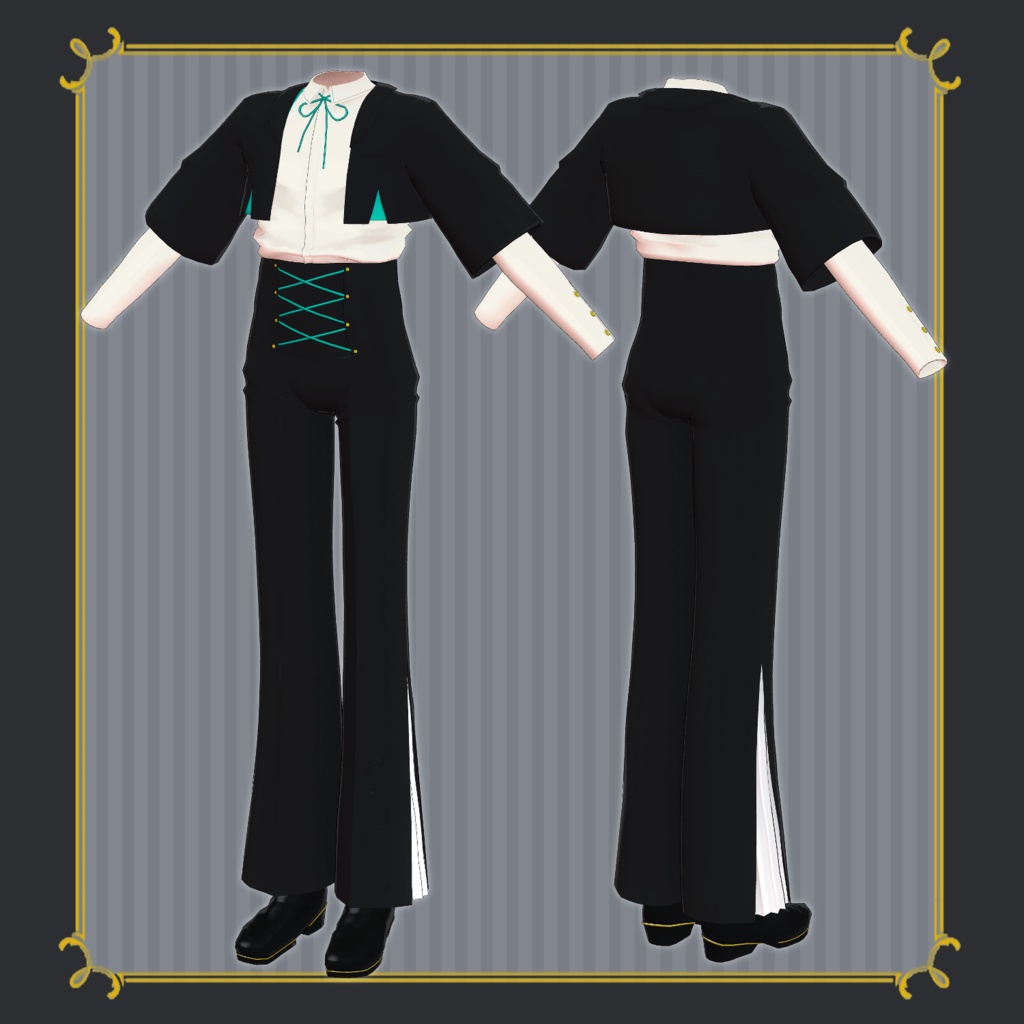
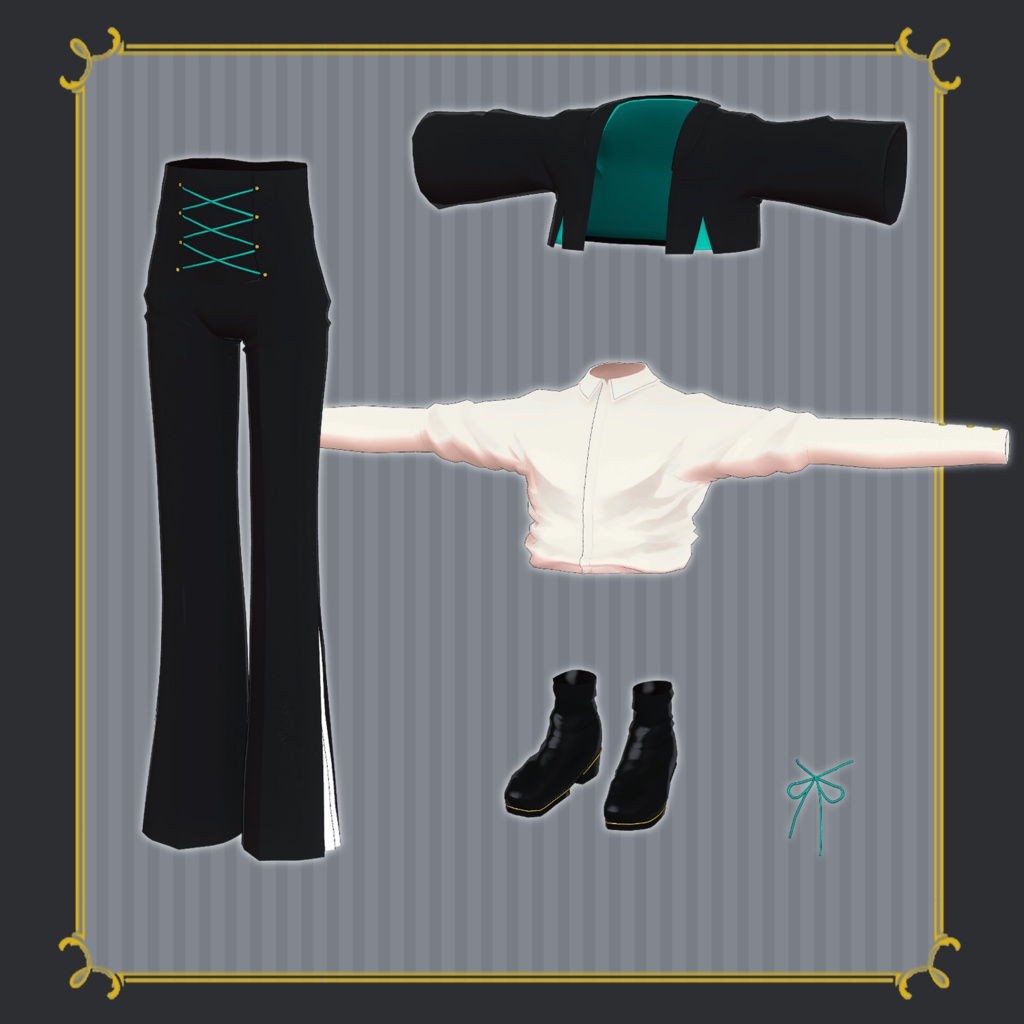
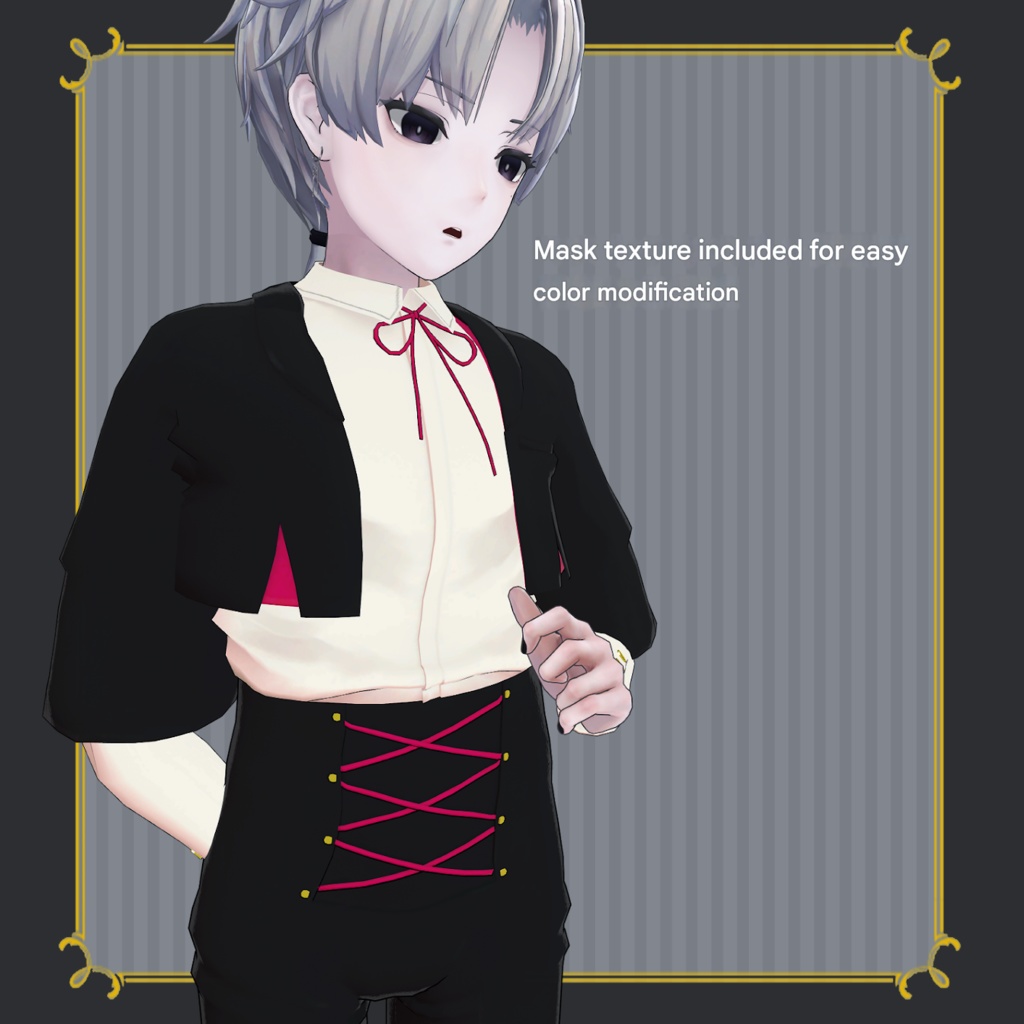


◆ MidnightMode ◆ Creator: Shimejiro A refined outfit featuring a simple cropped jacket paired with lace-up pants. As a subtle accent, there is embroidery near the slit on the left leg—visible only when it catches the light. ⚠️ Important Notes This product is an outfit model for avatars. The avatar base model is not included. Due to the nature of downloadable products, refunds and returns are not available. Please review the product description and terms of use before purchasing. ◆ Item Overview ● Contents MidnightMode_Komano.Unitypackage FBX Textures Editable PSD / CLIP files ReadMe.txt ● Required Shader liltoon https://lilxyzw.booth.pm/items/3087170 ● Required Asset Modular Avatar https://modular-avatar.nadena.dev/ja/docs/intro ● Model Data Total Polygon Count: 16,298 polygons Jacket: 3,150 Pants: 5,440 Ribbon: 686 Shirt: 4,798 Shoes: 2,224 Mesh Count: 5 Material Count: 4 PB Components: 5 Import Folder Assets > MetaverseCreators_CP > simejiro > MidnightMode ◆ Compatible Avatars Minase (VRChat Avatar) #Minase3D https://booth.pm/ja/items/4013951 Original 3D Model “Komano” https://booth.pm/ja/items/5260363 Original 3D Model “Kuuta” #Kuuta3D https://booth.pm/ja/items/4897493 Original 3D Model “Romad” (Tinmeshitei Common Body) https://booth.pm/ja/items/5321673 3D Avatar “KALNE” https://augmented-dolls.booth.pm/items/5142722 Original 3D Model “Shizune” #Shizune3D / AC3 https://metacreators-en.booth.pm/items/7879835 Original 3D Model “Licht” #Licht3D / AC1 https://metacreators-en.booth.pm/items/7596743 ⚠️ Body-hiding shapekeys (which slim the body) are used when dressing the avatar. ◆ Installation Instructions Set up the latest VRC SDK in VCC. Install required assets (liltoon, Modular Avatar) via VCC. Import the latest version of the avatar package. Import this product’s package. Drag and drop the avatar (or dressing/modification prefab) into the Scene Hierarchy. Disable unnecessary default clothing (set to Editor Only if needed). Drag and drop “OutfitName_AvatarName.Prefab” directly under the avatar. Upload the avatar via VRC SDK. ⚠️ This outfit uses Modular Avatar’s MA Shape Changer feature. When dragged under the avatar, the body shapekey will automatically turn ON, slimming the body or hiding specific mesh areas to prevent clipping. If unnecessary, you may remove or adjust the MA Shape Changer as desired. ⚠️ For +Head avatars, the MA Shape Changer may not function properly if the body mesh name differs (this data uses “PlusHead” as the mesh name). In that case, please rename the body mesh or manually adjust the shapekeys. ⚠️ If any part of the body becomes unintentionally slim after dressing, reset the corresponding body shapekey to 0 and confirm the body is properly displayed. ◆ Color Customization Inside: Common > TRX > kaihen_Mask You will find mask images for the ribbon, lining, and lace-up strings. Apply these masks to the Color Adjustment Mask section inside the Jacket_Pants material (located in Common > Material). This allows you to change those specific parts via liltoon’s Main Color settings. You can also customize colors using the included PSD or CLIP files. ◆ Terms of Use https://drive.google.com/drive/folders/1qRMXoIxM1ZgacBPfwOigQRtXP1vCbNMn?usp=sharing Please also follow the terms of use of the base avatar. ◆ Production Environment Modeling: Blender Ver3.5 Texturing: CLIP STUDIO PAINT / Substance 3D Painter Setup: Unity Ver2022.3.22f1 VRChat SDK - Avatars Ver3.7.6 (VCC) liltoon 2.3.2 ModularAvatar 1.15.1 ◆ Credits Creator: Shimejiro Main Shop: https://metacreatorstyo.booth.pm/ Personal BOOTH: https://sime-jiro.booth.pm/ Support / Inquiries: https://discord.gg/bmw3PWE37M