

Akari - Original 3D Model for VRChat (VRC Avatar) #燈裡3D #Akari3D / AC7
- Digital6,000 JPY
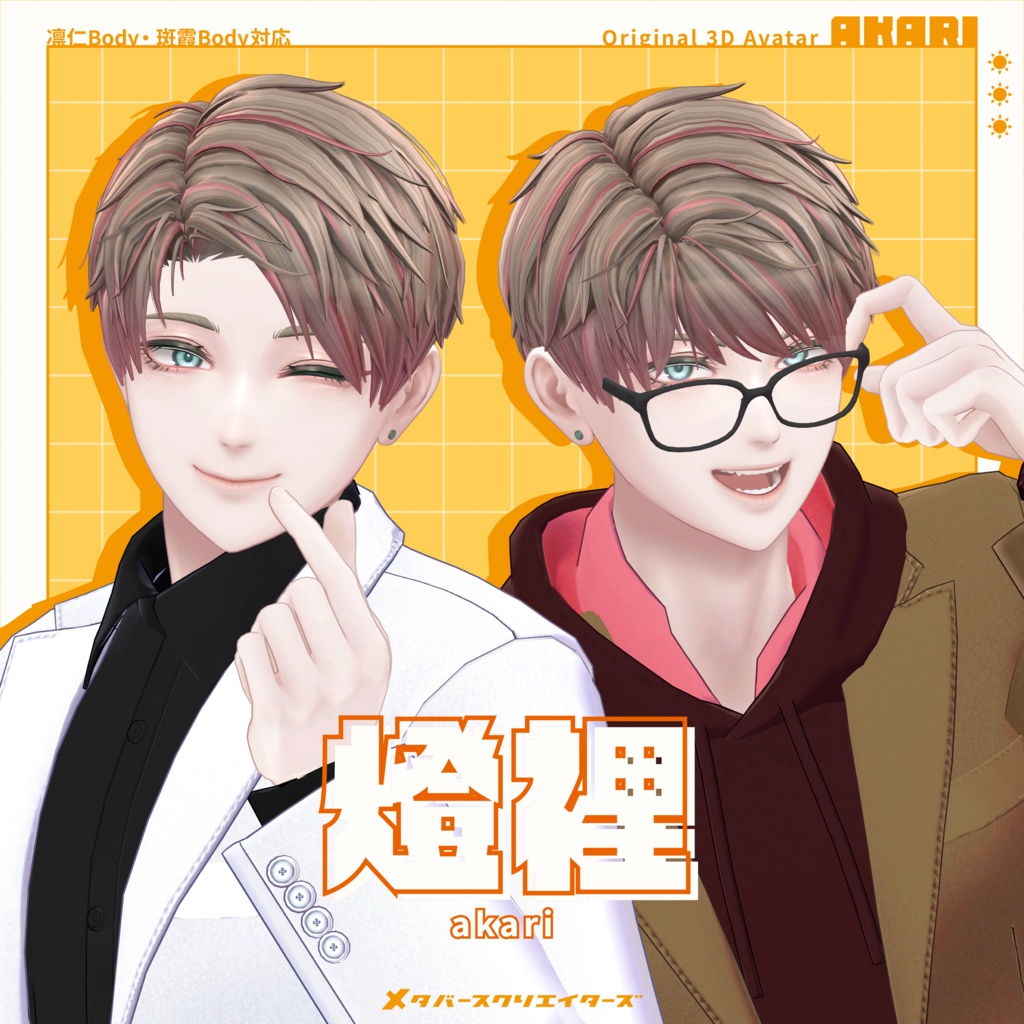
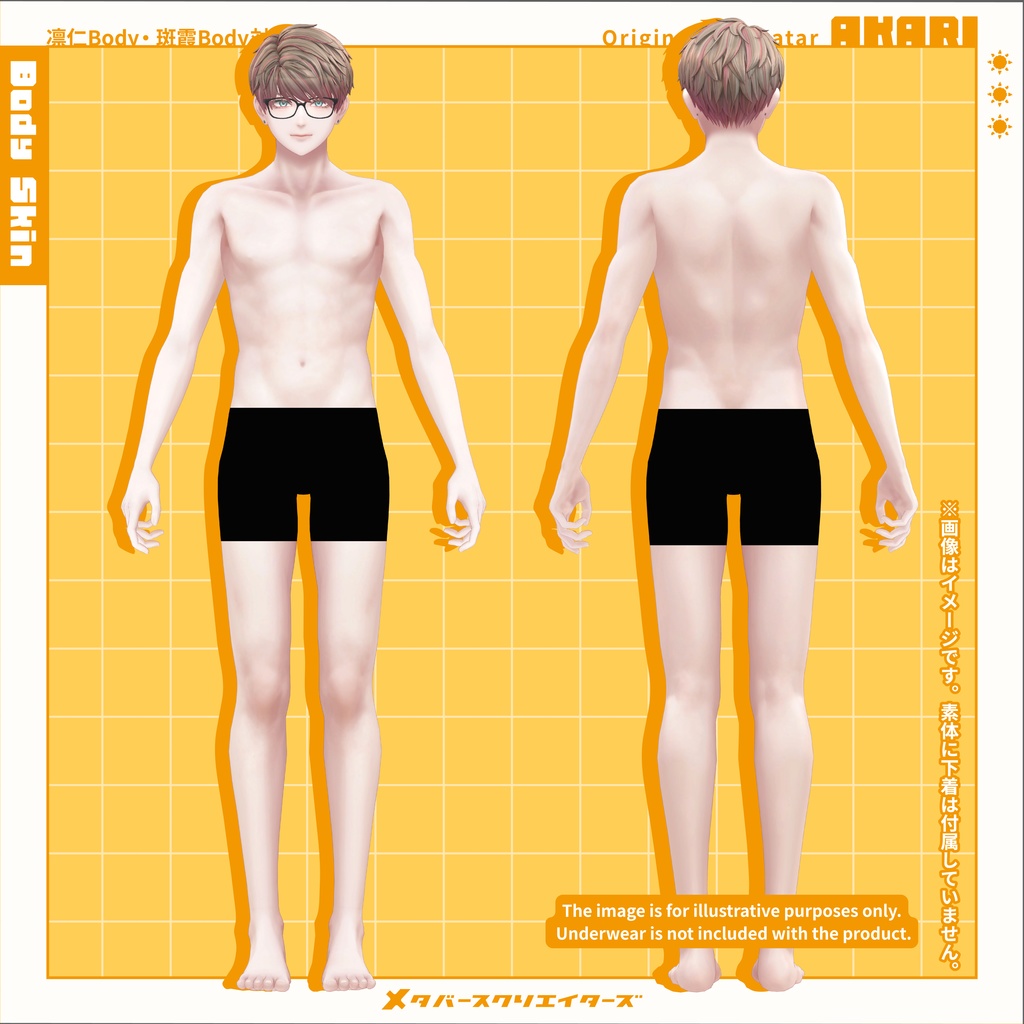
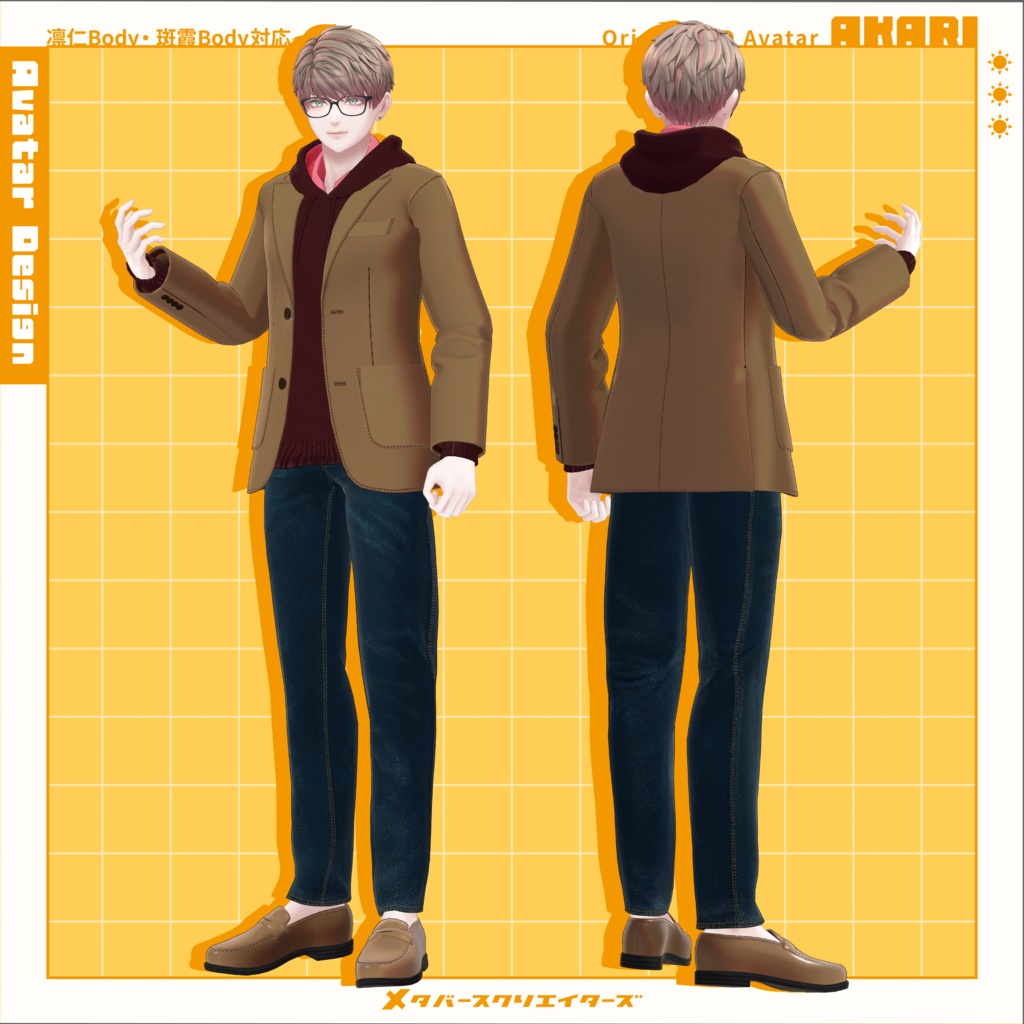
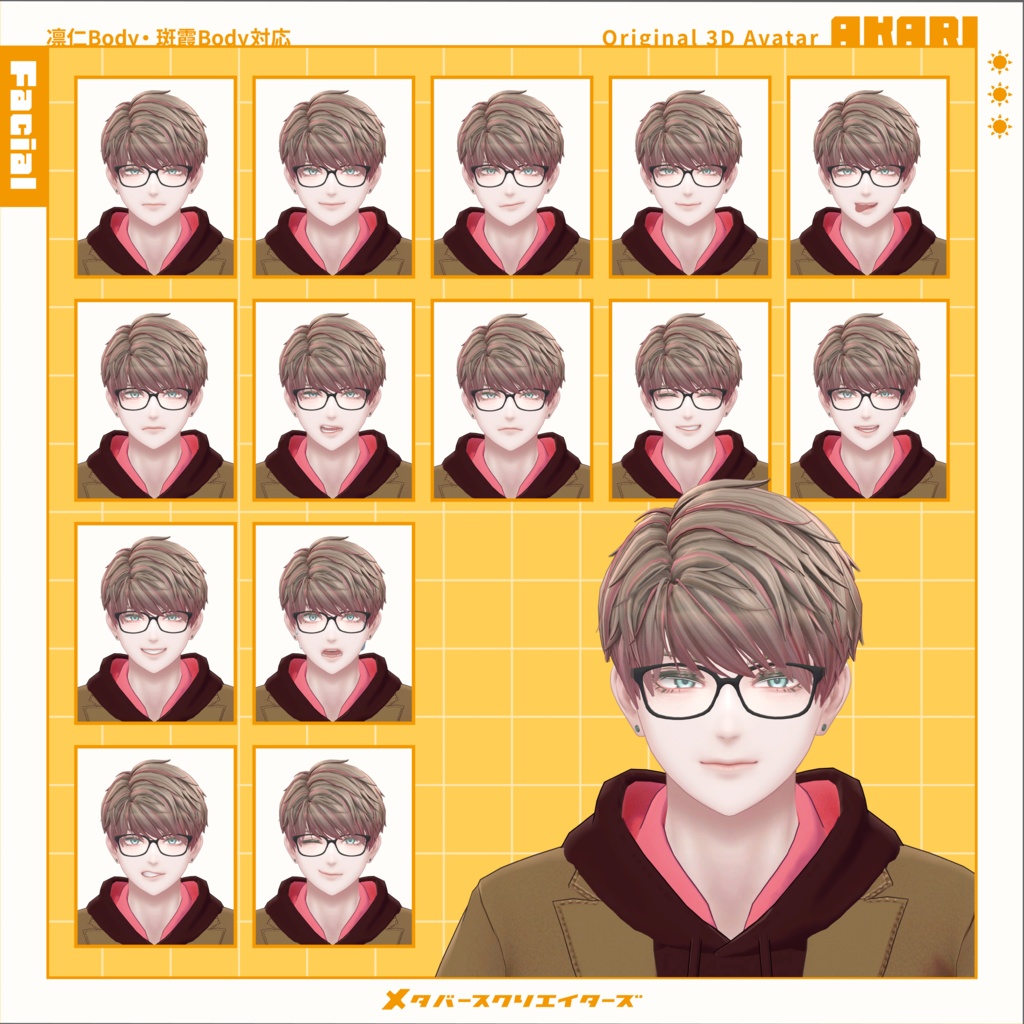
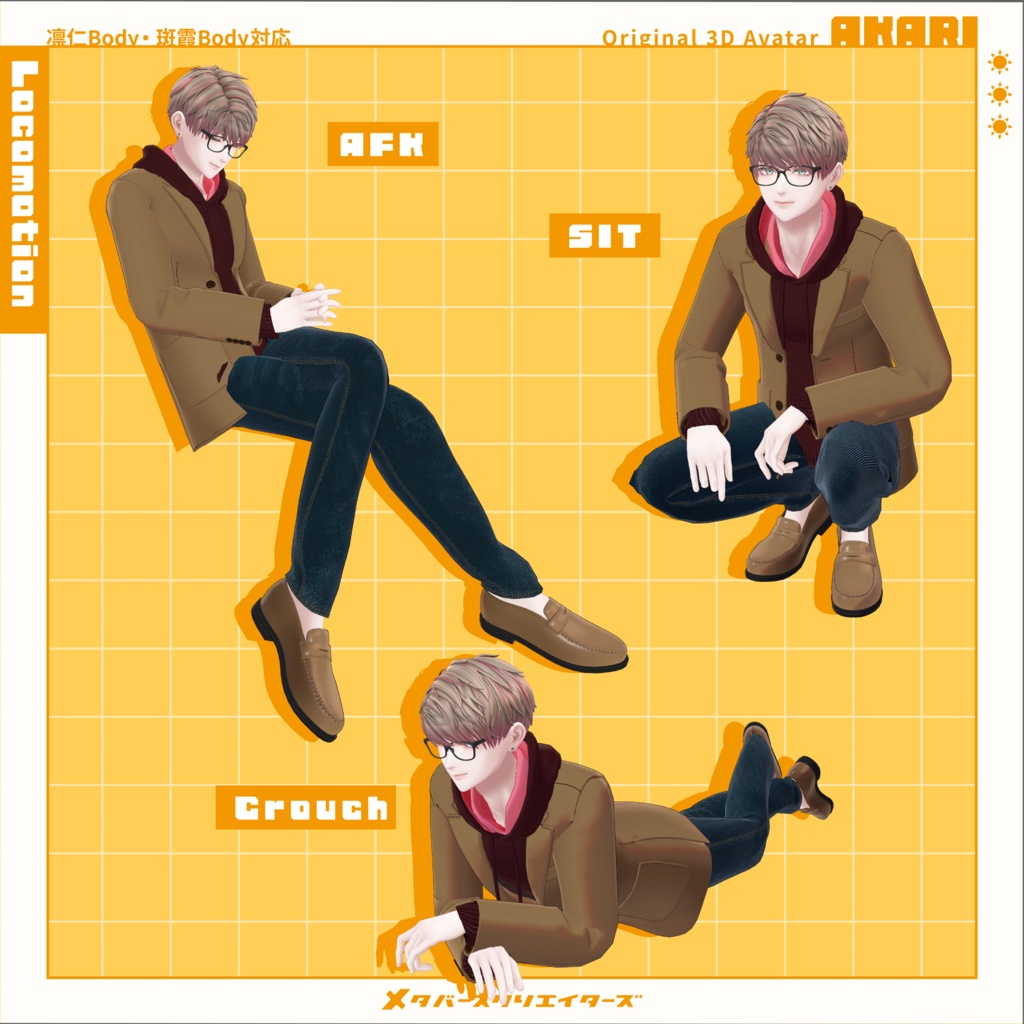
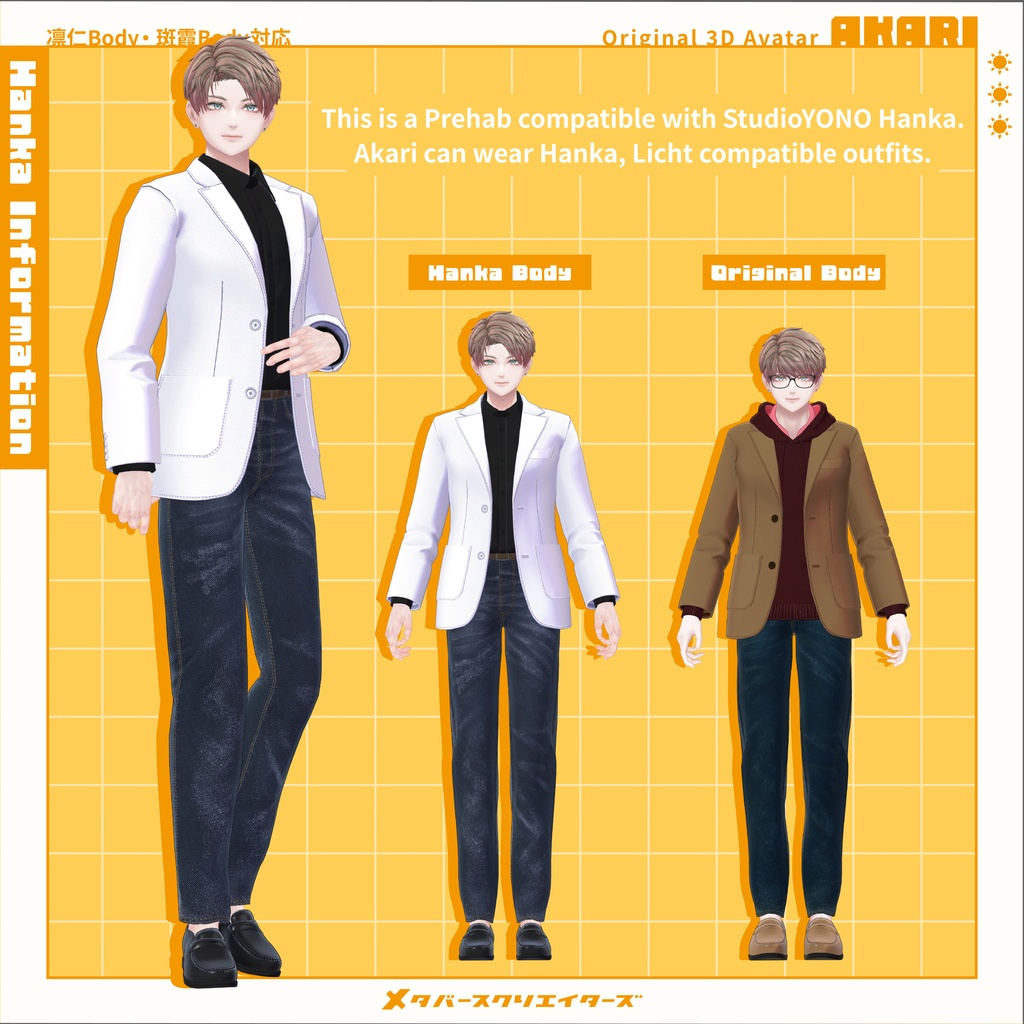


Original 3D Model “Akari” #Akari3D This model is set up for VRChat. Please upload it using a Unity project created via VCC (VRChat Creator Companion). The origin body shares the same base as Licht, allowing you to use outfits made for Licht. A Hanka body version is also included, enabling compatibility with Hanka outfits. Original 3D Model “Licht” https://metacreatorstyo.booth.pm/items/7430852 Original 3D Model “Hanka” https://studioyono.booth.pm/items/6970249 ⚠️ Important Notes Due to the nature of downloadable products, returns and refunds are not available. Please review the product description and terms of use before purchasing. ◆ Item Overview ● Contents MCT_Akari_Full.unitypackage ReadMe.txt Model Akari_Grasses.fbx Akari_HankaBody.fbx Akari_OriginalBody.fbx PSD Face.psd Hair.psd SkinHanka.psd SkinOriginal.psd ● Required Shader liltoon https://lilxyzw.booth.pm/items/3087170 ● Required Asset Modular Avatar https://modular-avatar.nadena.dev/ja/docs/intro ※ The UnityPackage includes ADS_Tools, which synchronizes dance and facial expressions with Avatar Dance Stage. ● Model Data Akari_OriginalBody (55,189 polygons) Body: 12,358 BodyAll: 22,716 Hair_All: 16,215 Hair_Front: 896 Glasses: 2,088 Glasses_Lens: 340 Pierce: 576 Akari_HankaBody (50,415 polygons) Body: 12,354 BodyAll: 17,946 Hair_All: 16,215 Hair_Front: 896 Glasses: 2,088 Glasses_Lens: 340 Pierce: 576 MCT_TradWear (42,580 polygons) Bottom_GPanz: 3,848 Bottom_Slacks: 3,952 Inner_Foodie: 3,744 Inner_HiNeck: 2,686 Inner_HiNeck_Half: 1,906 Inner_Yshirt: 5,188 Inner_Yshirt_Open: 5,630 InnerT_shirt: 1,624 Jacket: 6,052 Jacket_Makuri: 4,520 NeckTie: 1,296 Shoes_Loafers: 2,134 Mesh Count: 11 Material Count: 10 PB Components: 4 PB Colliders: 3 Shapekeys Face: 444 Body: 61 Hanka Body: 55 Import Folder ● Avatar Assets > MCT_Avatars > MTC_Akari ● Outfit Assets > MCT_Avatars > MTC_TradWear ※ Outfit prefabs are included for both Origin (Licht-compatible) body and Hanka body. ◆ Installation Instructions Set up the latest VRC SDK in VCC Install required assets (liltoon, Modular Avatar) via VCC Import this package Place either: Akari_OriginalBody.prefab Akari_HankaBody.prefab from Assets > MCT_Avatars > MTC_Akari into the Scene Upload via the VRC SDK ◆ EX Menu Dance Mode Turn this ON before stepping onto the stage in Avatar Dance Stage to sync facial expressions with dance animations. ◆ Customization For avatar modification, use: Assets > MCT_Avatars > MTC_Akari > Prefab_ForCustom Akari_OriginalBody.prefab Akari_HankaBody.prefab Color customization can be done using material colors, PSD files, and textures. This avatar uses an Animator Controller by Mimii Lab: https://booth.pm/ja/items/4301775 Please refer to their documentation for detailed setup and facial expression customization. ※ FX Controller is based on Custom_FX_Basic ◆ Terms of Use https://drive.google.com/drive/folders/1qRMXoIxM1ZgacBPfwOigQRtXP1vCbNMn?usp=sharing ◆ Production Environment Setup: Unity Ver2022.3.22f1 VRChat SDK - Avatars Ver3.10.1 (VCC) liltoon 2.3.2 ModularAvatar 1.16.0 ◆ Credits Head Model: kaiiiiiiiii https://x.com/kaiiiiiiiiiVRC https://kaikaikai.booth.pm/ Base Body: yosohuta https://twitter.com/yosohuta https://yosohuta.booth.pm/ Hanka Body: YONO https://x.com/NOyonokoNO https://studioyono.booth.pm/ Outfit: Takeryu https://www.airgreen.net/ https://airgreen.booth.pm/ AFK / Crouch / Prone Animations: Rokuro https://rocrocot.booth.pm/ Support / Inquiries https://discord.gg/bmw3PWE37M ◆ Update History 2026/03/20 — Release