
Fence Assets (.fbx)
- Digital100 JPY
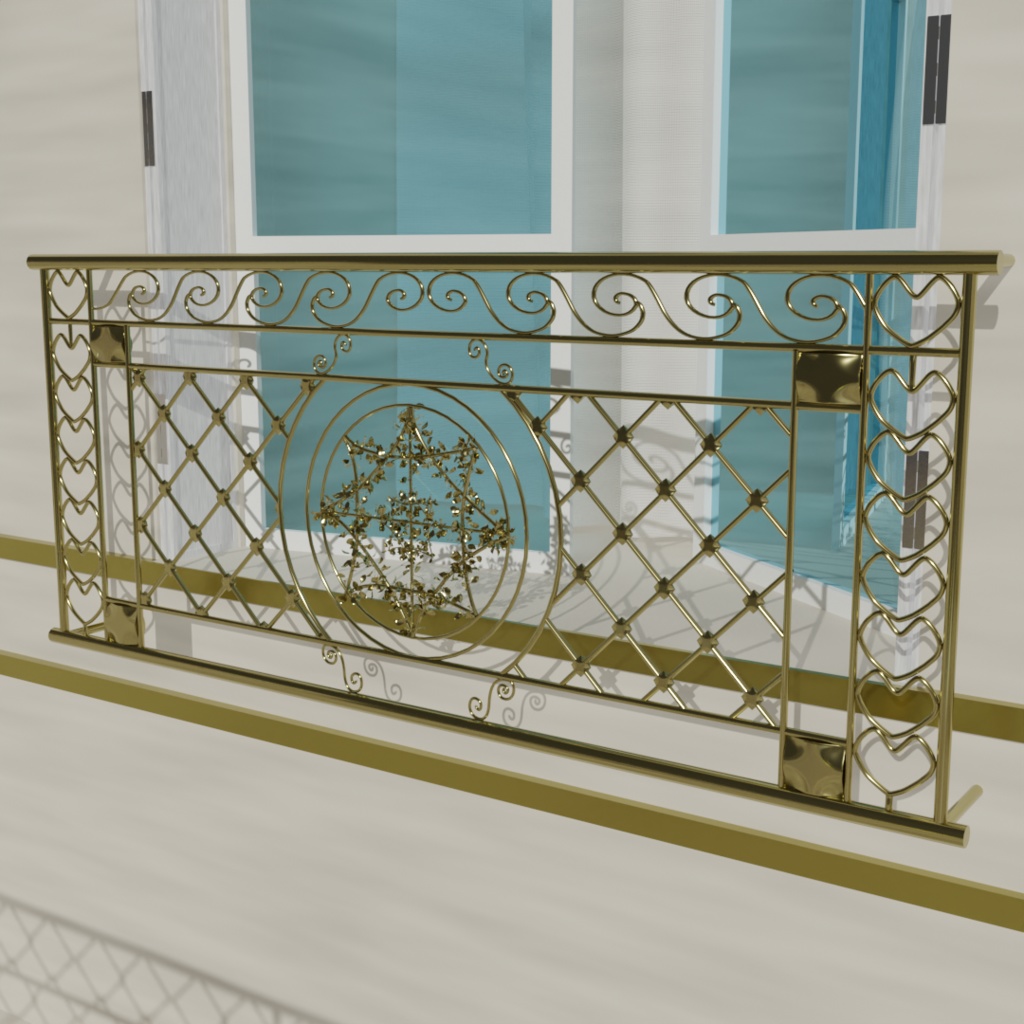
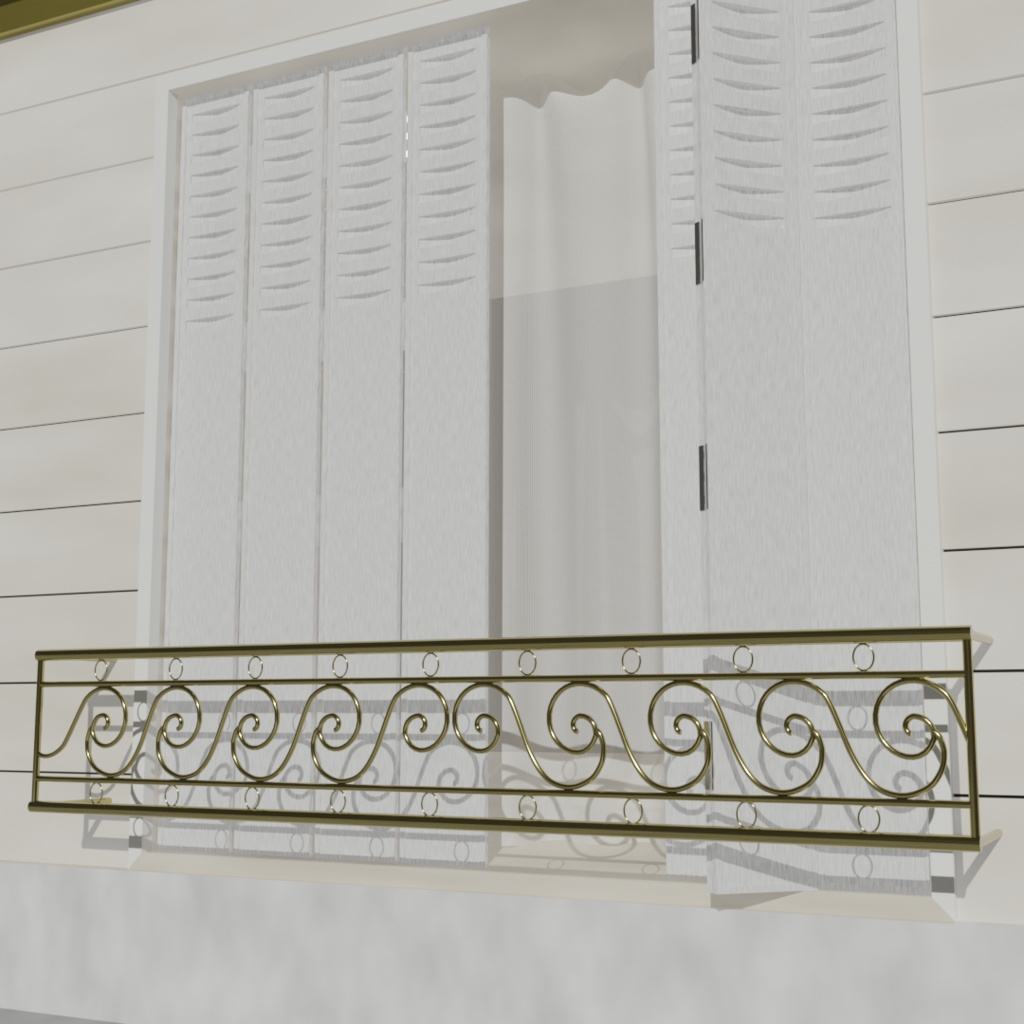
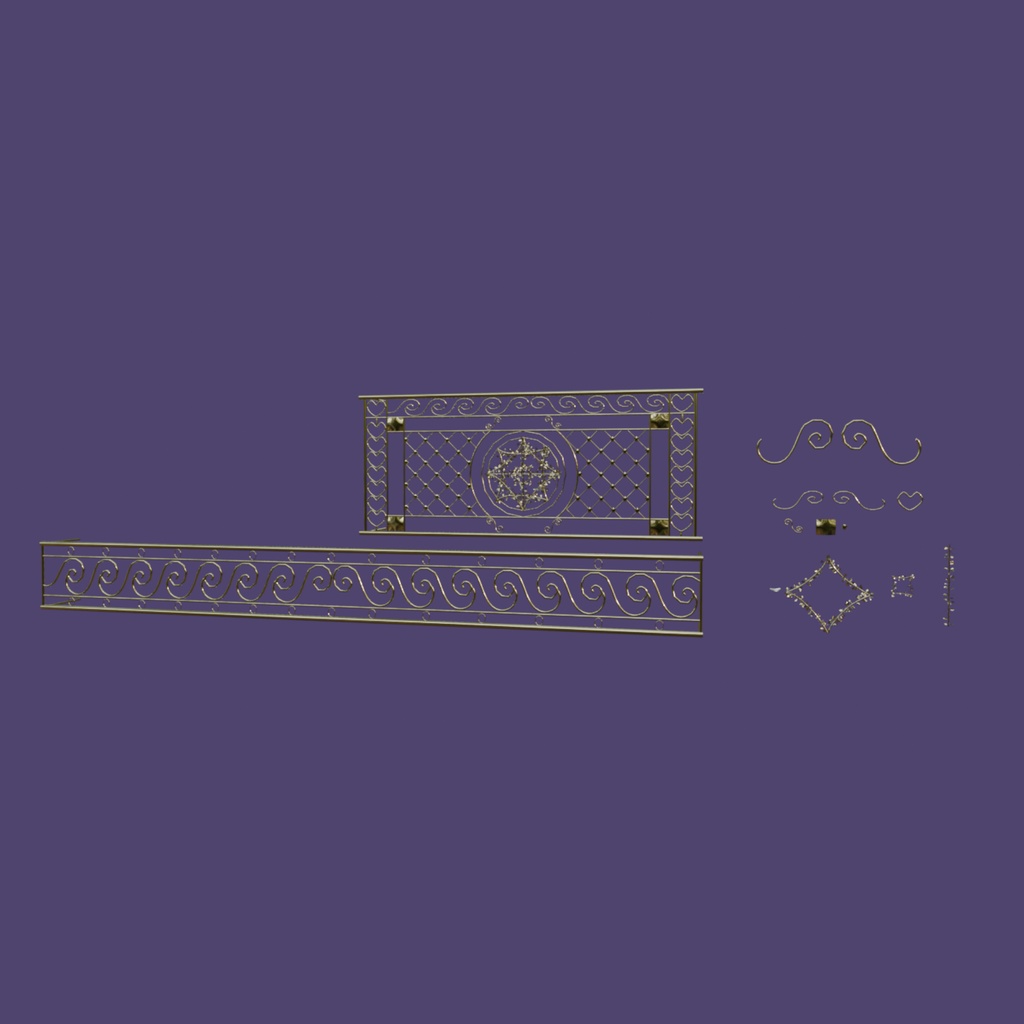


데이터 수정은 자유입니다!! (색상, 크기, 형태 등등) 재배포는 금지입니다. 해당 데이터를 수정해서 배포하는 것도 금지입니다. 데이터 자체를 배포하는 것은 금지지만 해당 데이터를 활용한 vrchat이나 와루도 맵을 배포하는 것은 허용합니다. 금지 사항이 아니라면 데이터를 활용한 상업 활동 가능합니다(영상, 게임 등) 파티클 시스템을 사용하고 있기에 가능하면 fbx파일보다는 블렌더 파일을 사용하는것을 추천합니다. 블렌더 4.5 버전에서 작업하였습니다. 다른 버전을 사용하신다면 파일 > append를 사용하여 오브젝트들을 불러와주세요. 포함된 오브젝트 중 Fence_E의 경우 오브젝트를 수정하기 힘들기에 참고용으로 봐주시면 좋을 것 같습니다. 커브로 모양을 잡고 오브젝트로 변환 후 Fence_E에 적용된 파티클 시스템을 활용해주세요. -append 방법- File > Append 다운받은 블렌더 파일 선택 오브젝트 폴더 클릭 오브젝트 전체 선택 후 append하기 ----------------------------------------------------------------- You are free to modify the data!! (color, size, shape, etc.) Redistribution is prohibited. Distributing modified versions of this data is also prohibited. While distributing the data itself is not allowed, using it in VRChat or Warudo maps and distributing those is permitted. Commercial use (such as videos, games, etc.) is allowed as long as it does not violate the above restrictions. Since a particle system is used, it is recommended to use the Blender file rather than an FBX file if possible. This project was created in Blender version 4.5. If you are using a different version, please use File > Append to import the objects. For Fence_E, modifying the object directly may be difficult, so it is recommended to use it as a reference. Please create the desired shape using a curve, convert it to a mesh, and then apply the particle system used in Fence_E. データの改変は自由です!!(色、サイズ、形状など) 再配布は禁止されています。 また、本データを改変して配布することも禁止されています。 データそのものの配布は禁止ですが、本データを使用したVRChatやWarudoマップの配布は許可されています。 上記の禁止事項に該当しない限り、商用利用(動画、ゲームなど)も可能です。 パーティクルシステムを使用しているため、可能であればFBXファイルではなく、Blenderファイルの使用をおすすめします。 本データはBlenderバージョン4.5で作成されています。異なるバージョンをご使用の場合は、「ファイル > Append」からオブジェクトを読み込んでください。 Fence_Eはオブジェクトの直接編集が難しいため、参考用としてご利用いただくことをおすすめします。 カーブで形状を作成し、オブジェクトに変換した後、Fence_Eに使用されているパーティクルシステムを適用してください。 ----------------------------------------------------------------- -How to use Append- File > Append Select the Blender file (.blend) Enter the 'Object' folder Select all objects and click 'Append'