

【lilToon】ライト調整ツール - Light Sliders
- Digital222 JPY
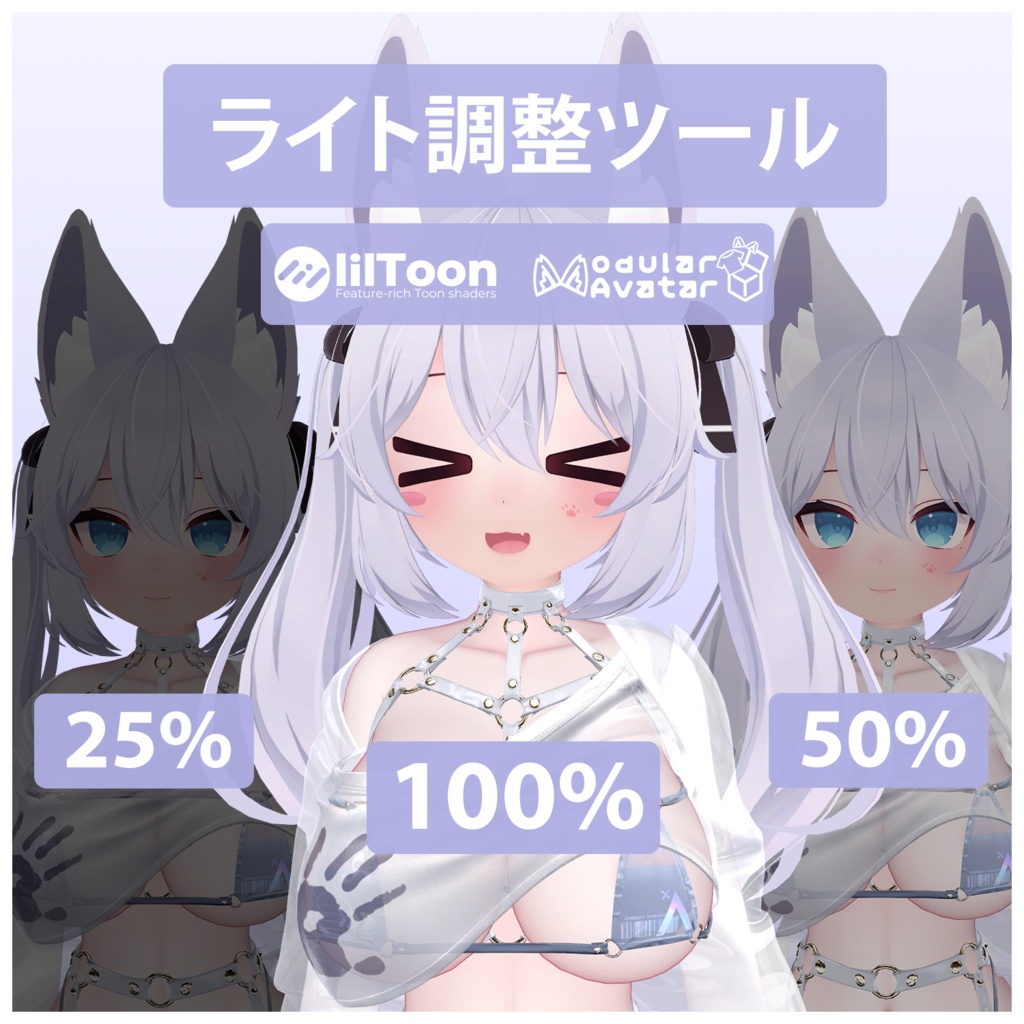
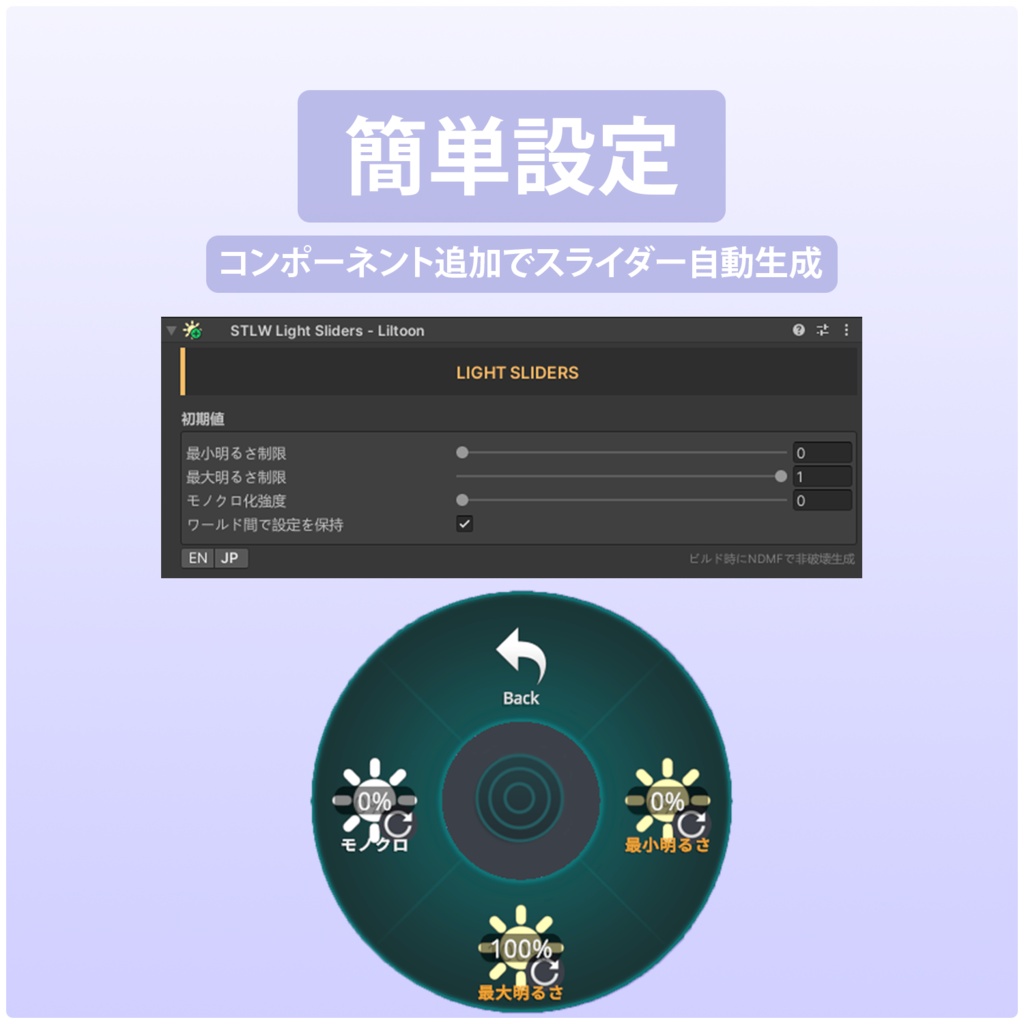


(Poiyomi Version: https://xoxosex.booth.pm/items/8579456) 本ツールは、アバターの明暗(輝度)をメニューから自在に操作できるスライダーを自動構築するUnityエディタースクリプトです。 アバターが周囲の環境(ワールドの照明など)に影響されすぎるのを防ぎ、常に最適な見栄えを保つことができます。 【lilToon専用】 広く使われているlilToonシェーダーのライト設定に特化しています。 (https://lilxyzw.github.io/lilToon) 本ツールの動作には、事前に以下の外部ツール の導入が必要です。 Modular Avatar (https://modular-avatar.nadena.dev/docs/intro) lilToonとModular Avatarが導入されたプロジェクトで、アバターのルートオブジェクトにSTLW Light Slidersコンポーネントを追加するだけで設定完了です(インスペクター上で初期値の微調整も可能です)。あとは通常通りアバターをビルド・アップロードすれば、ビルド時に調光スライダーが自動的かつ非破壊で組み込まれます。 EN: This Unity Editor script automatically generates Expression Menu sliders to adjust your avatar's brightness on the fly. Prevent your avatar from being over-lit or too dark in various world environments, ensuring you always look your best. Works only with liltoon materials: https://lilxyzw.github.io/lilToon/ The following external tool must be imported into your project first for this script to work: Modular Avatar (https://modular-avatar.nadena.dev/docs/intro) With Modular Avatar imported, simply attach the STLW Light Sliders component to your avatar's root object to complete the setup (you can optionally tweak the default settings in the inspector). Then, build and upload your avatar as usual, the adjustment sliders will be automatically and non-destructively generated on build.