
imagePad Holder.3【imagePad拡張機能搭載差し替えモデル】
- Digital800 JPY
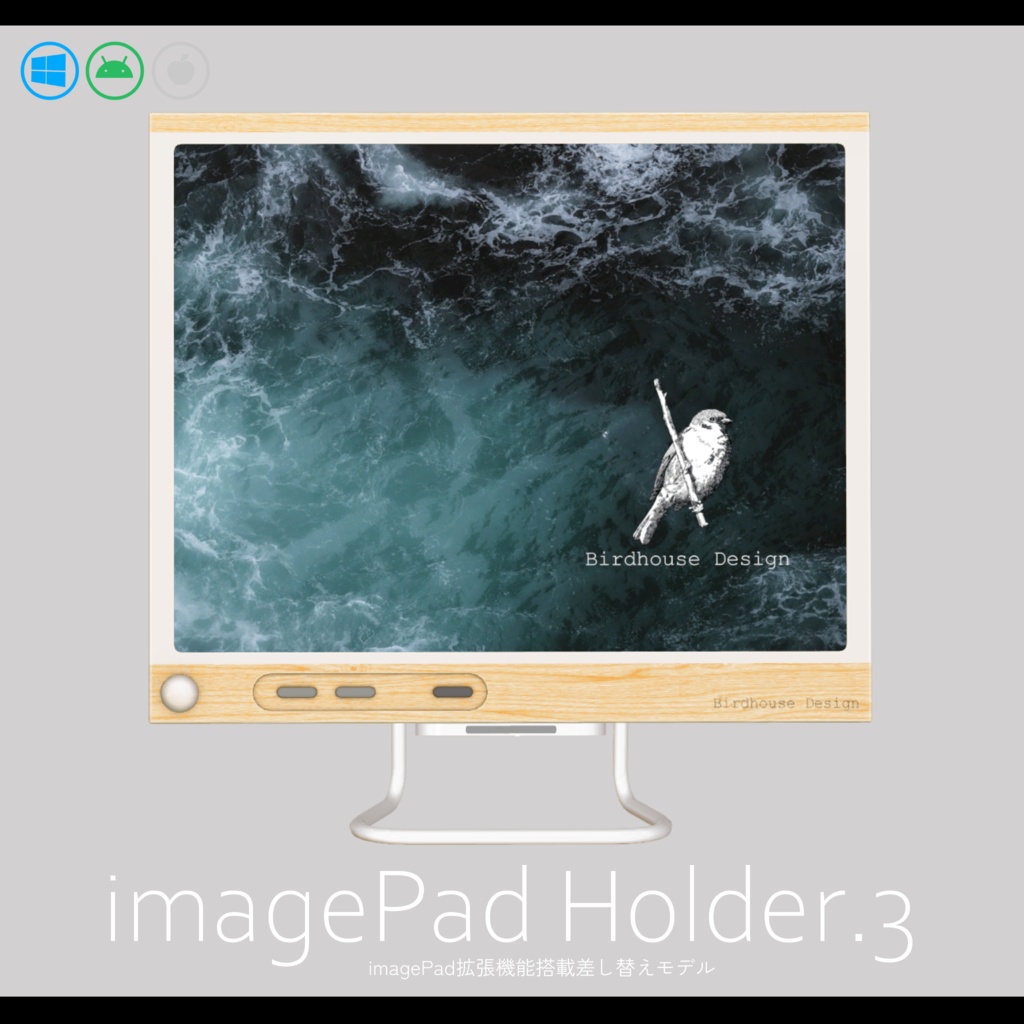
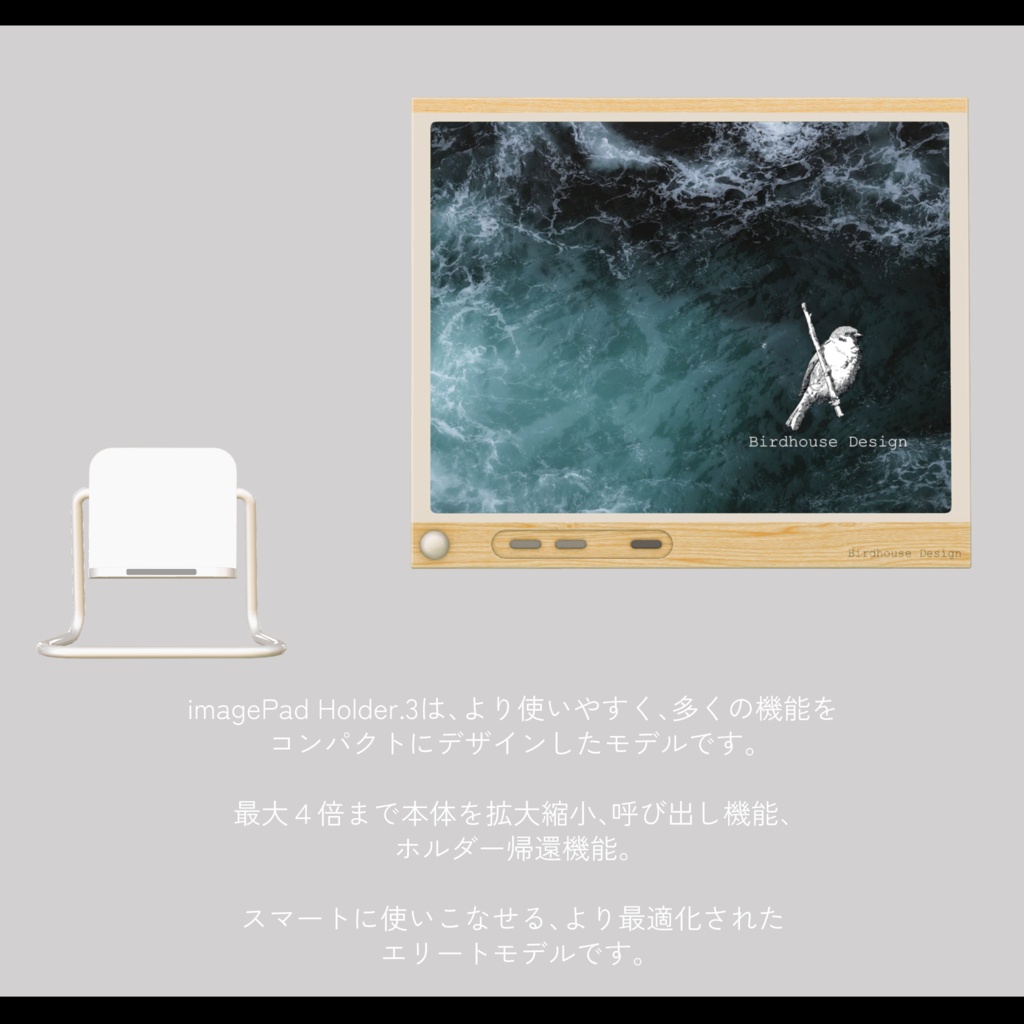
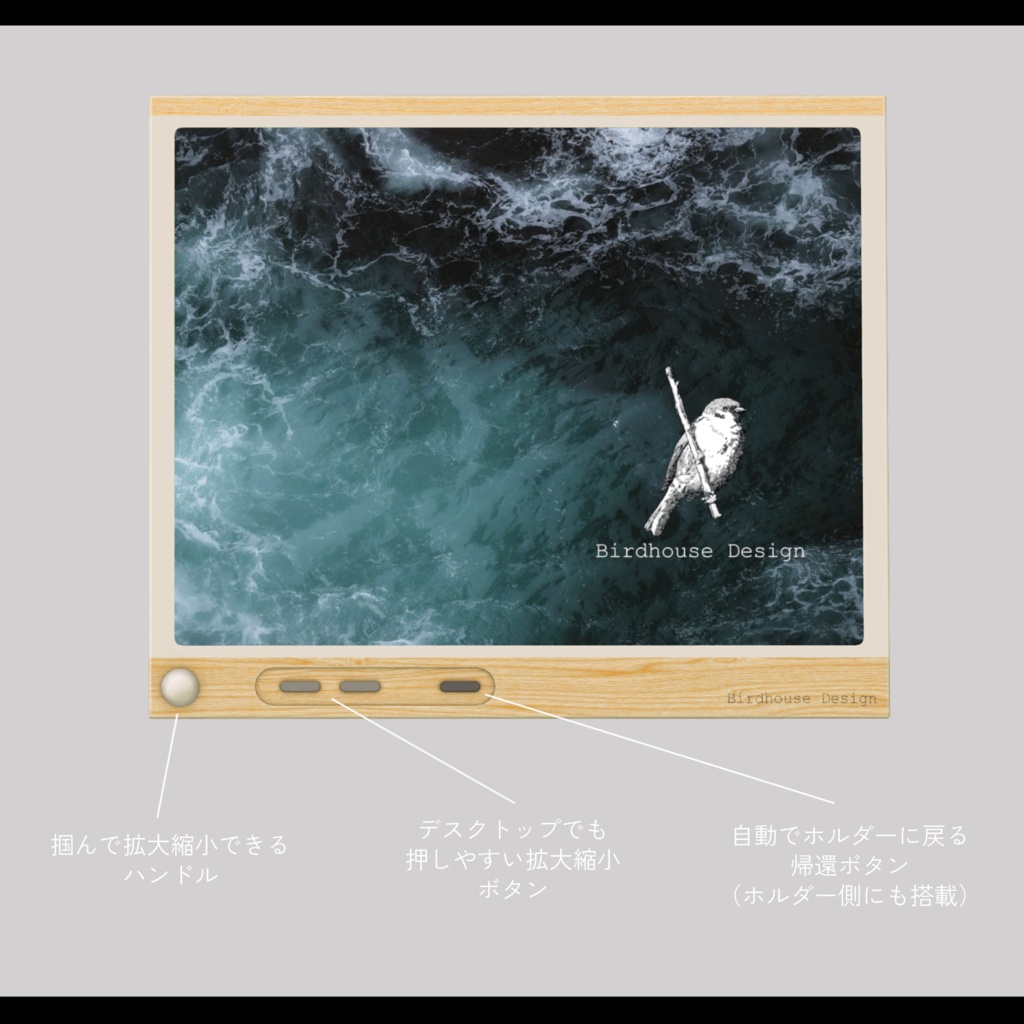
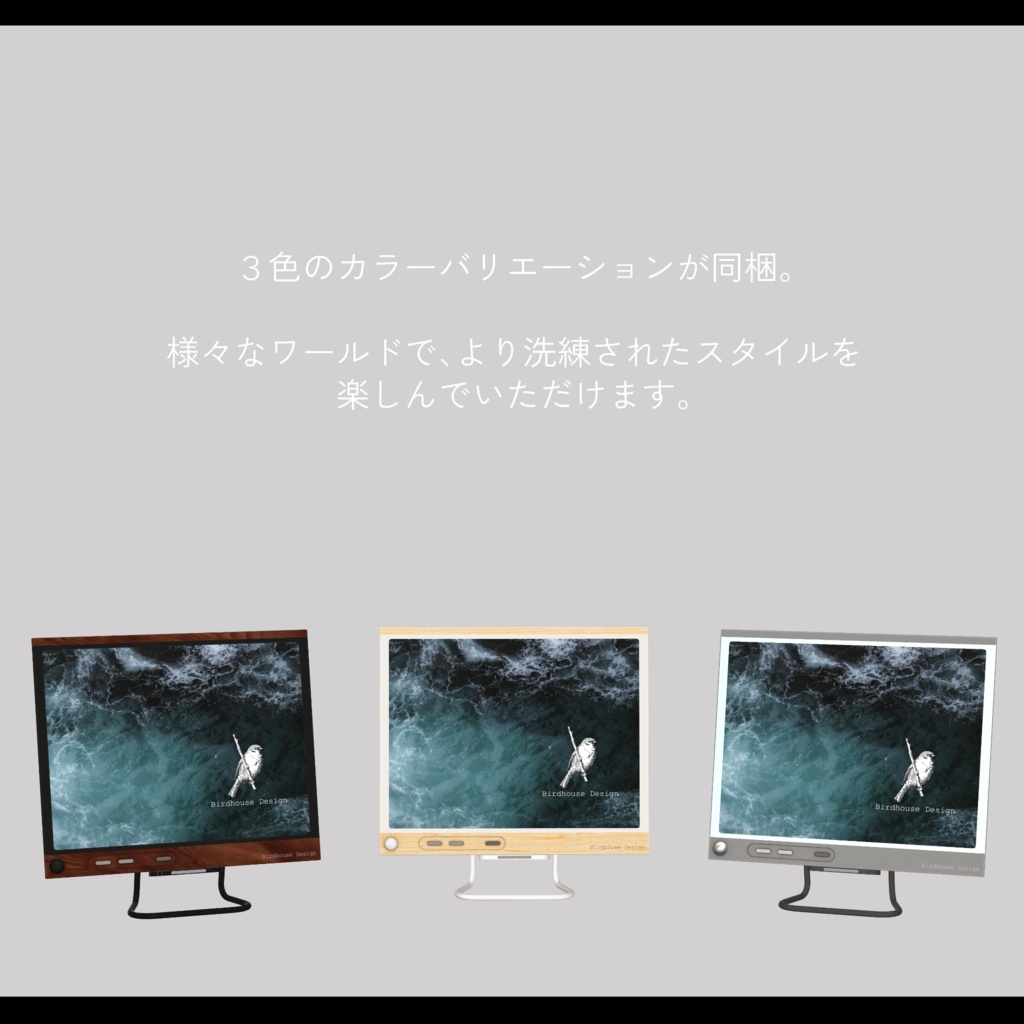
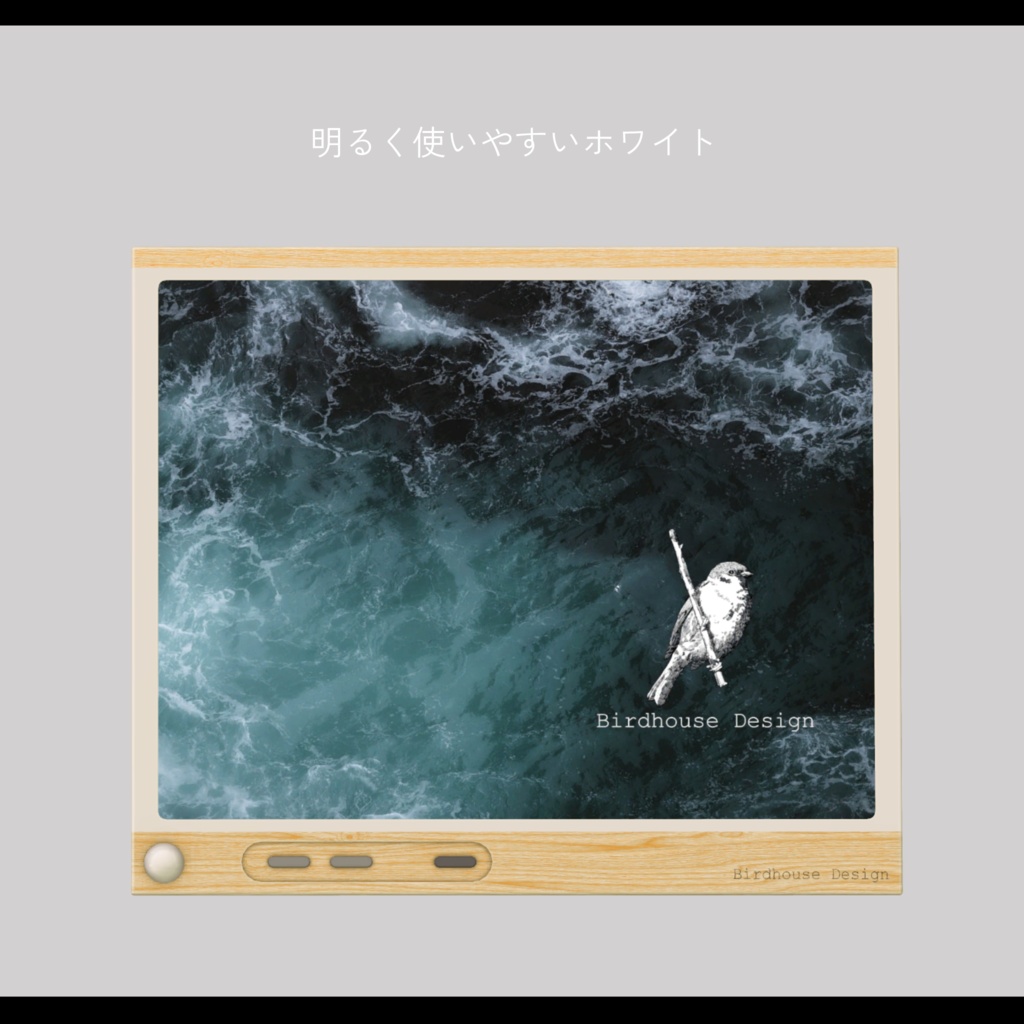
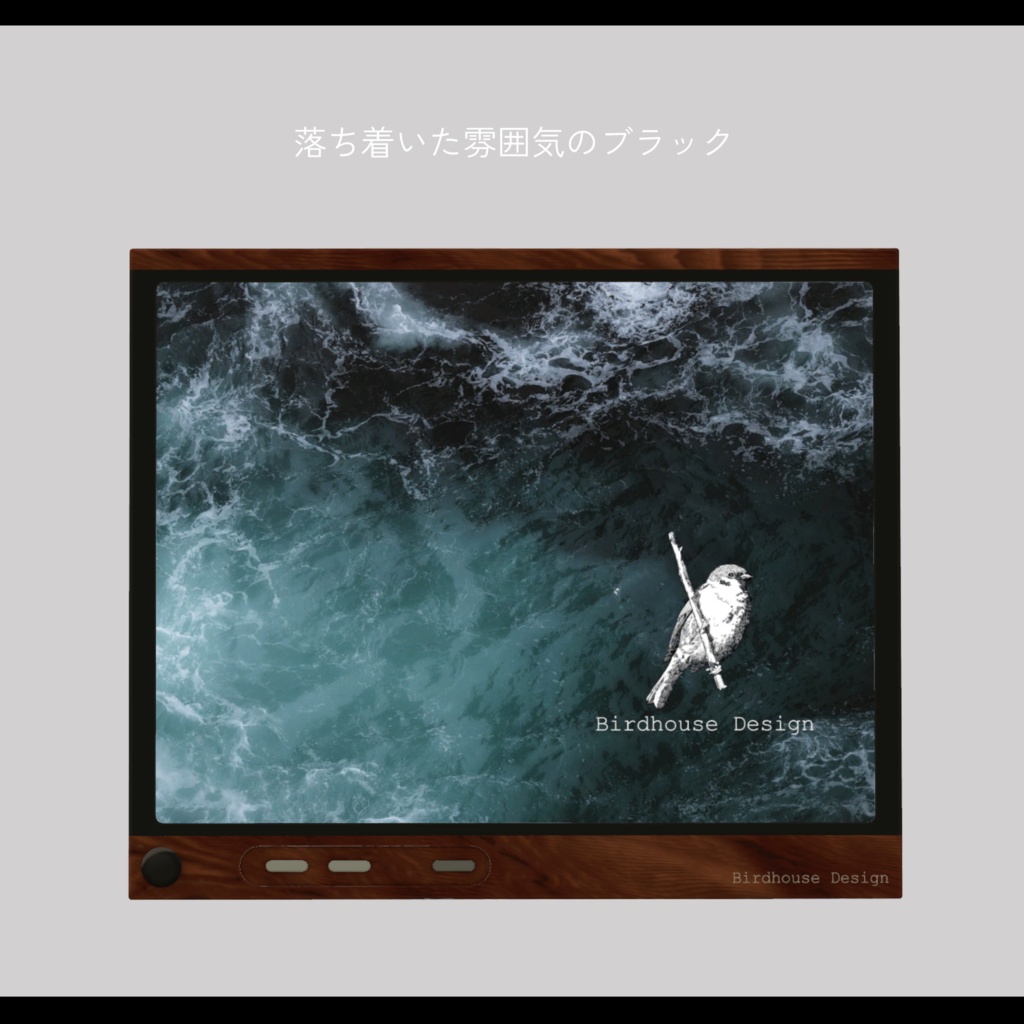
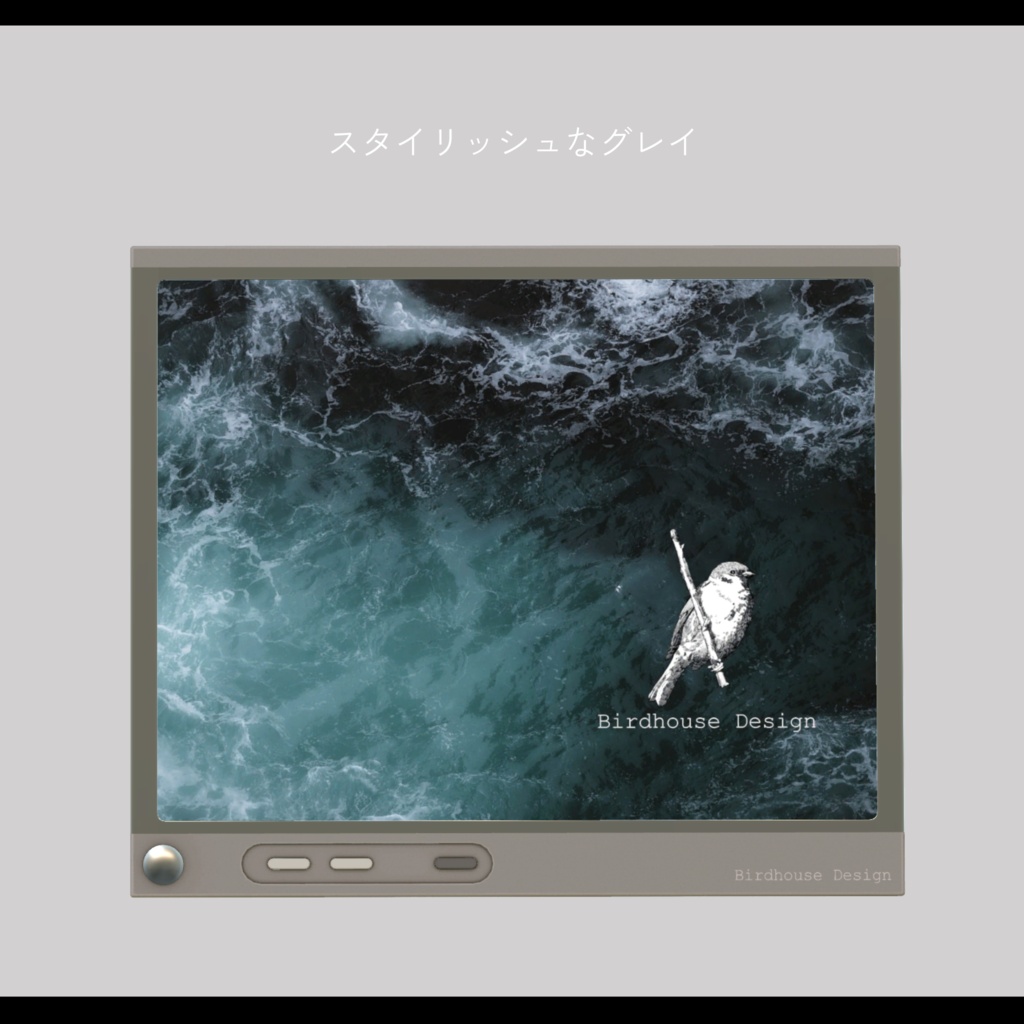
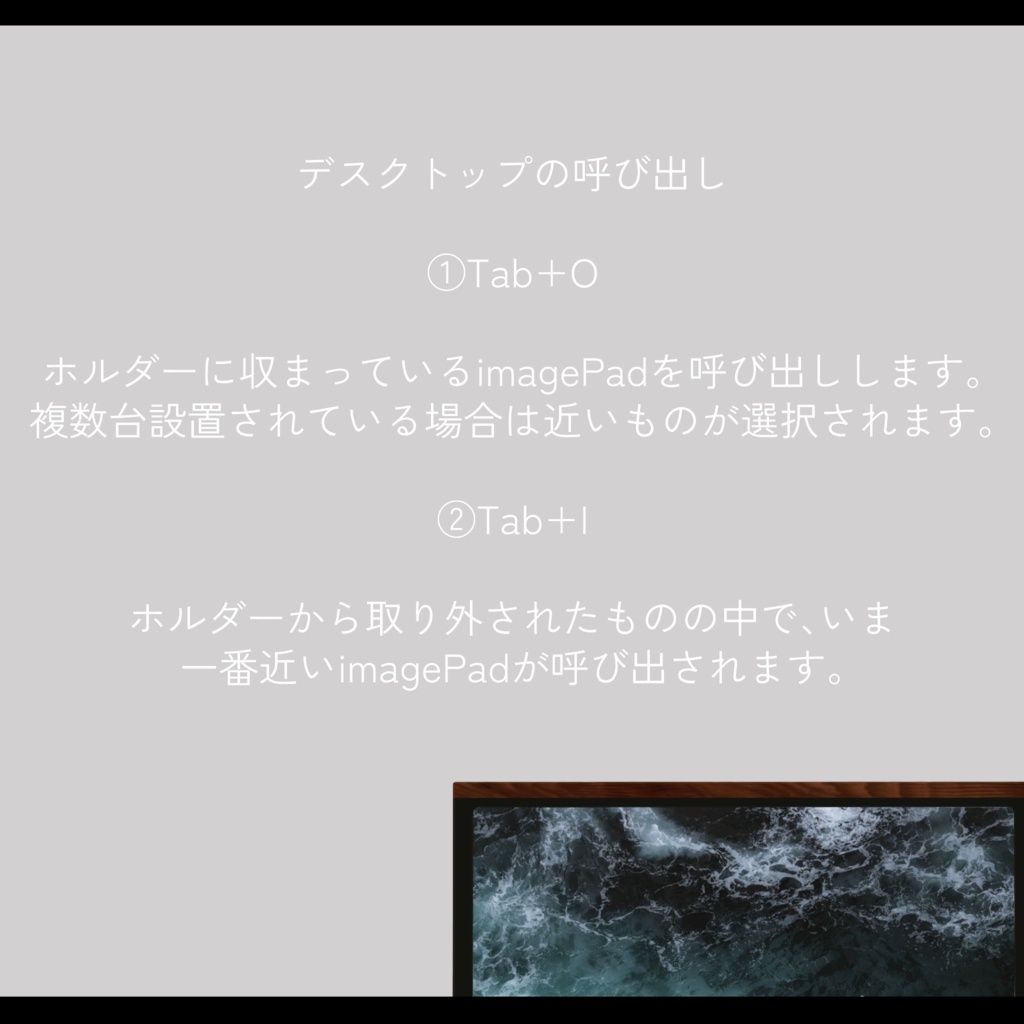
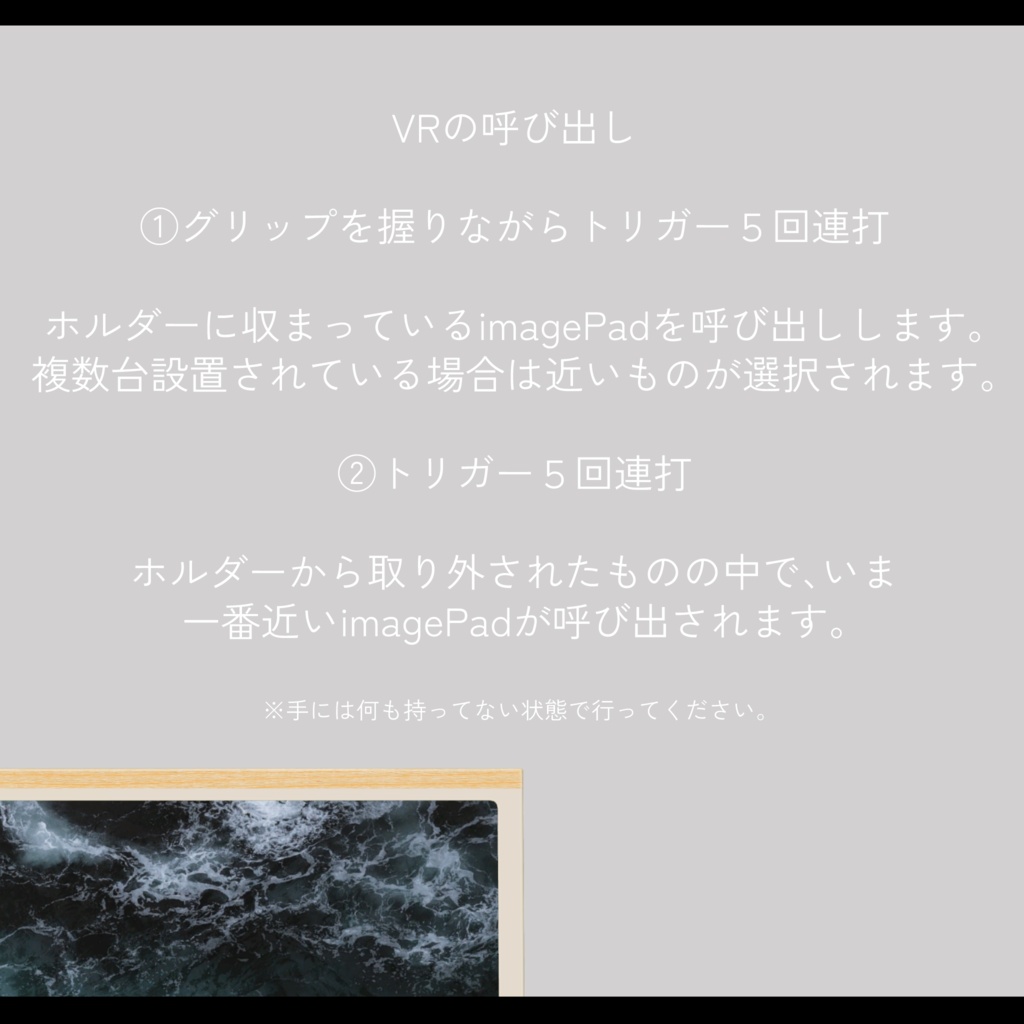
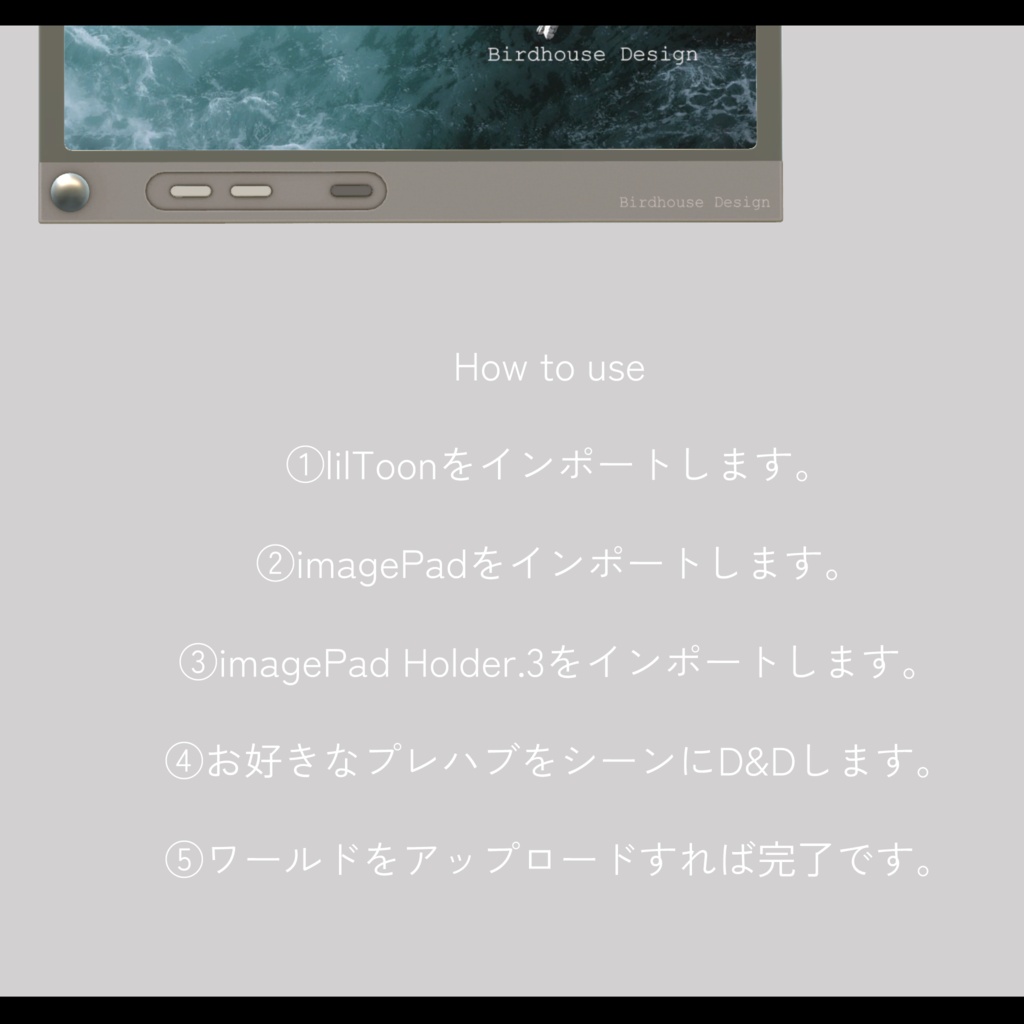
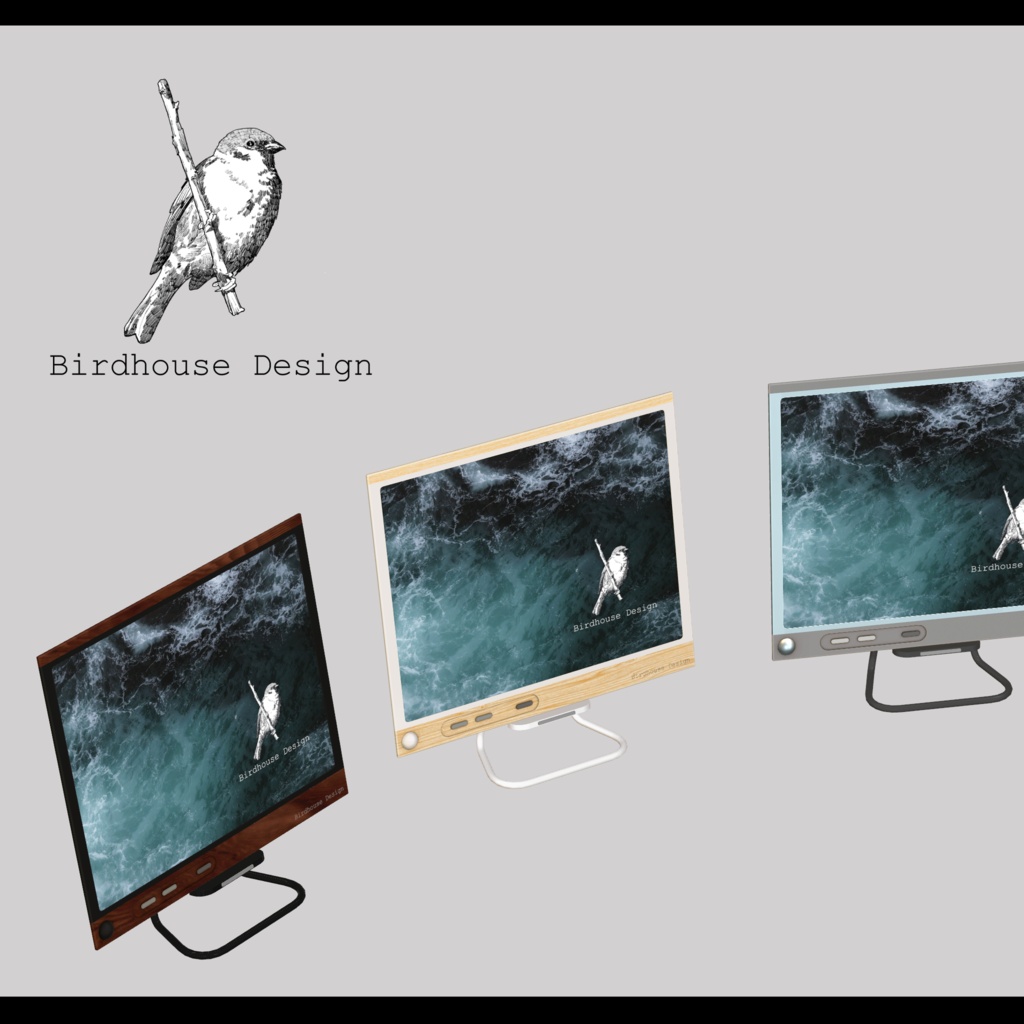
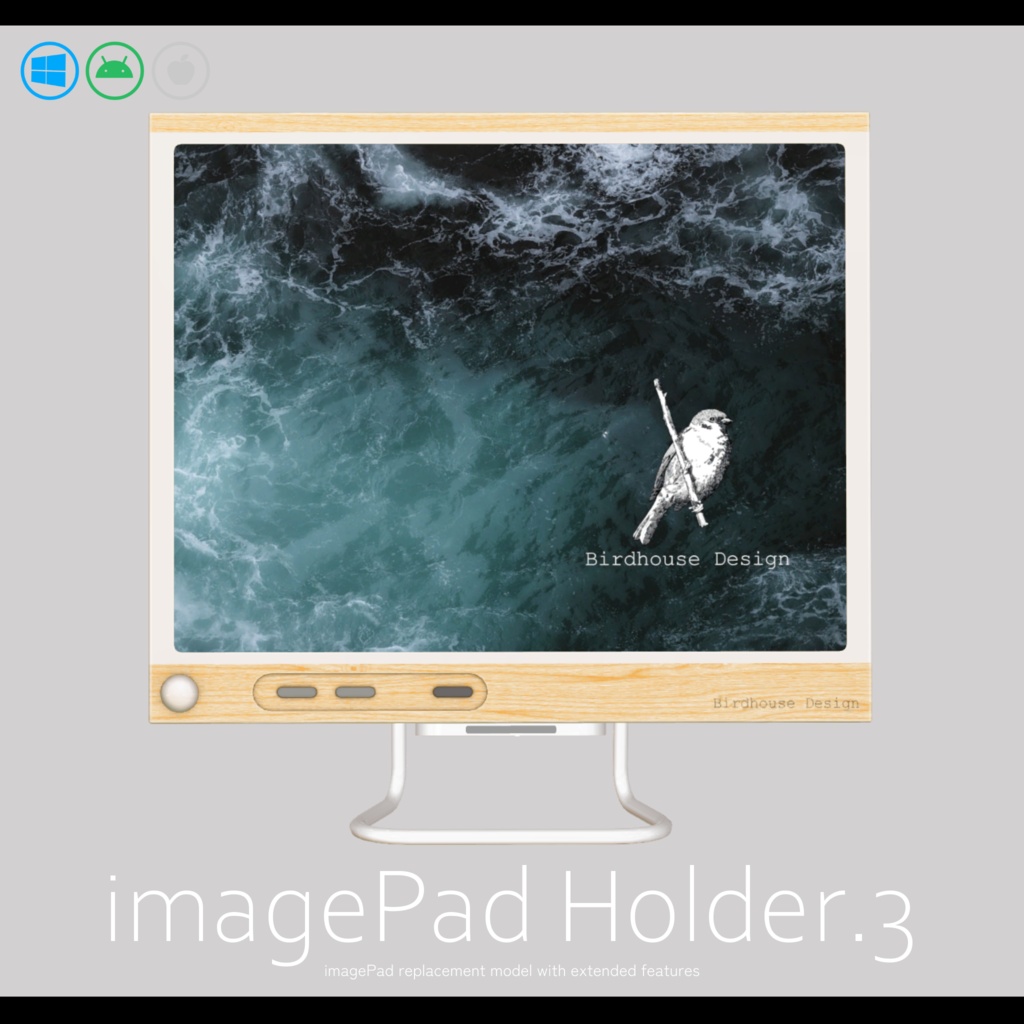
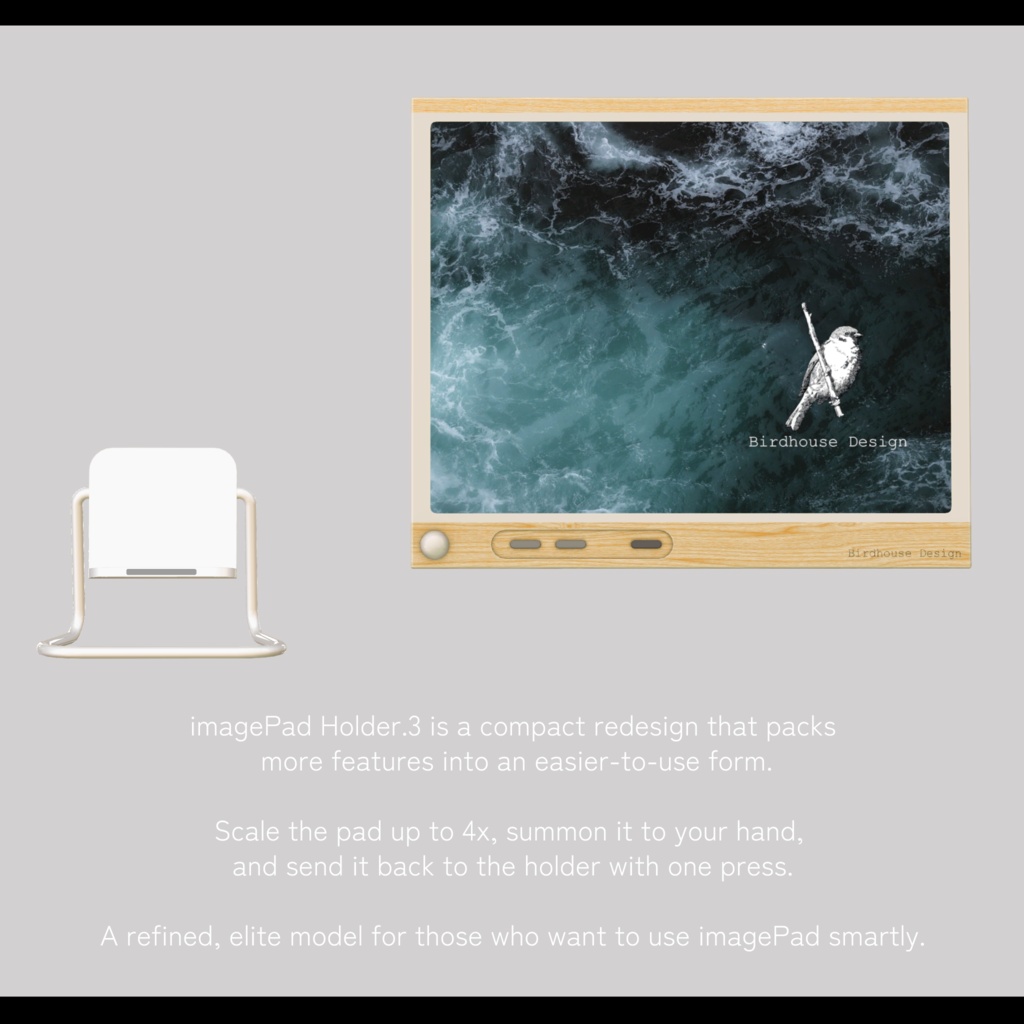
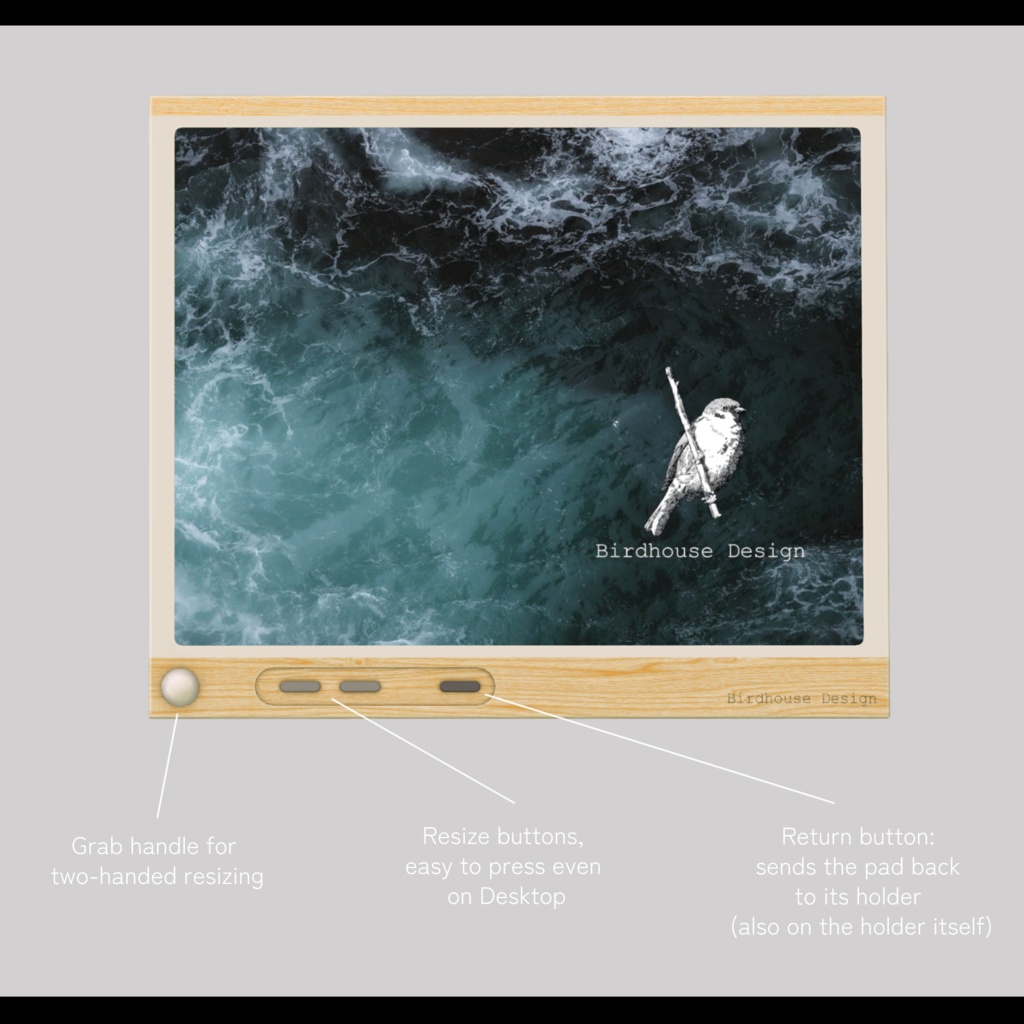
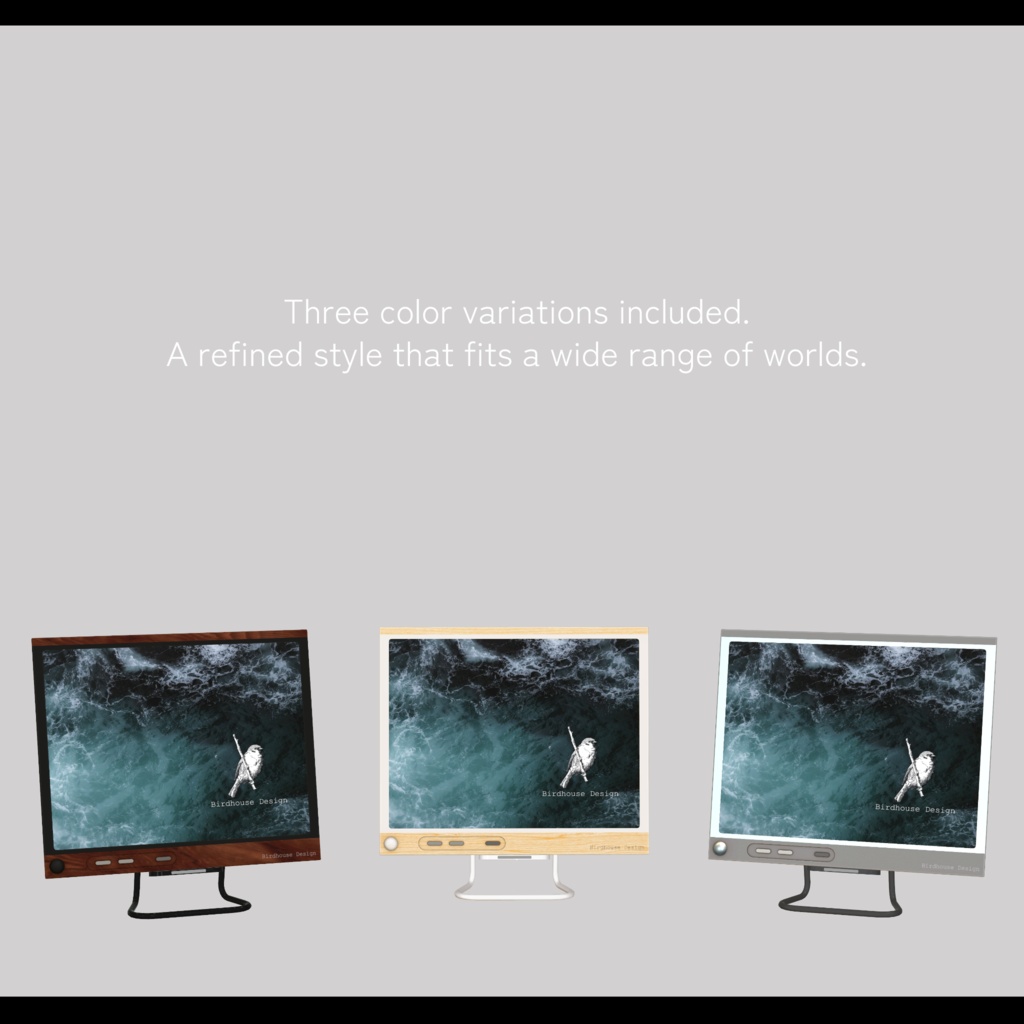
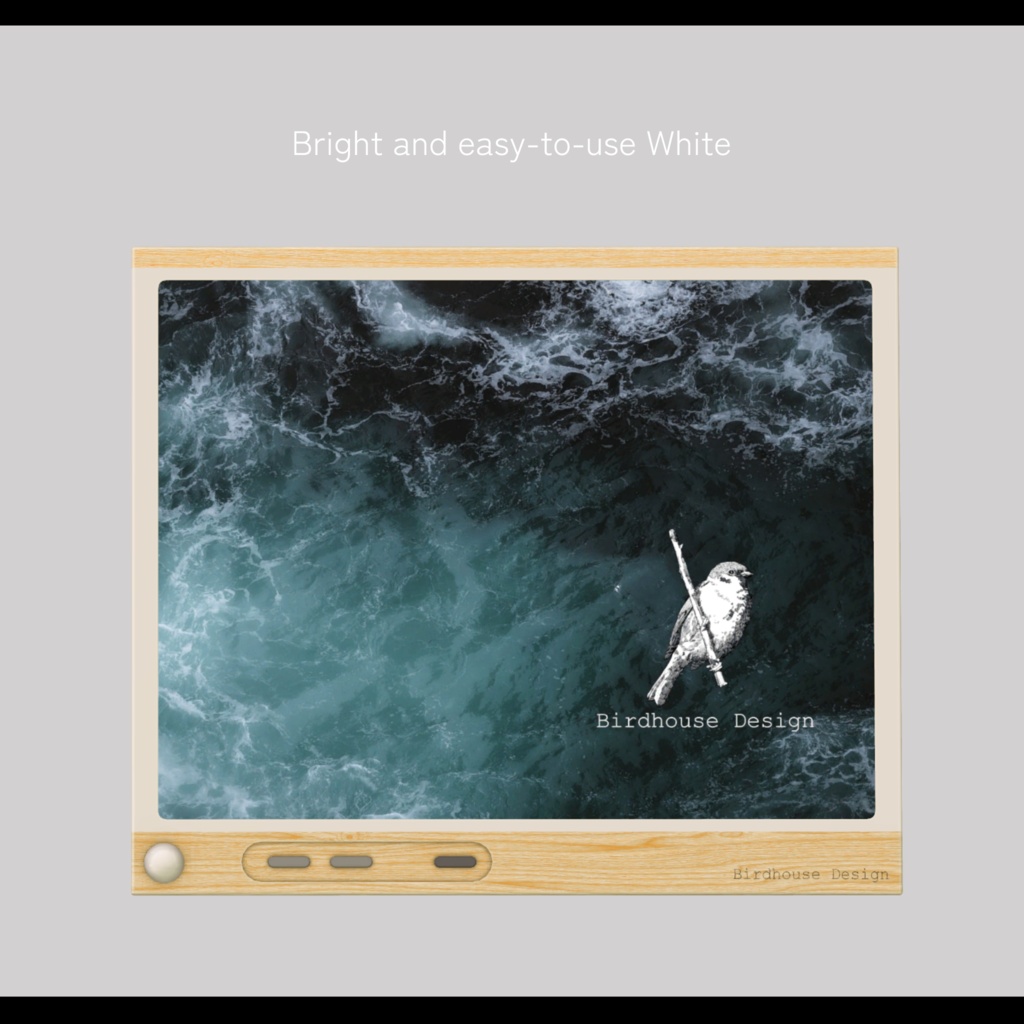
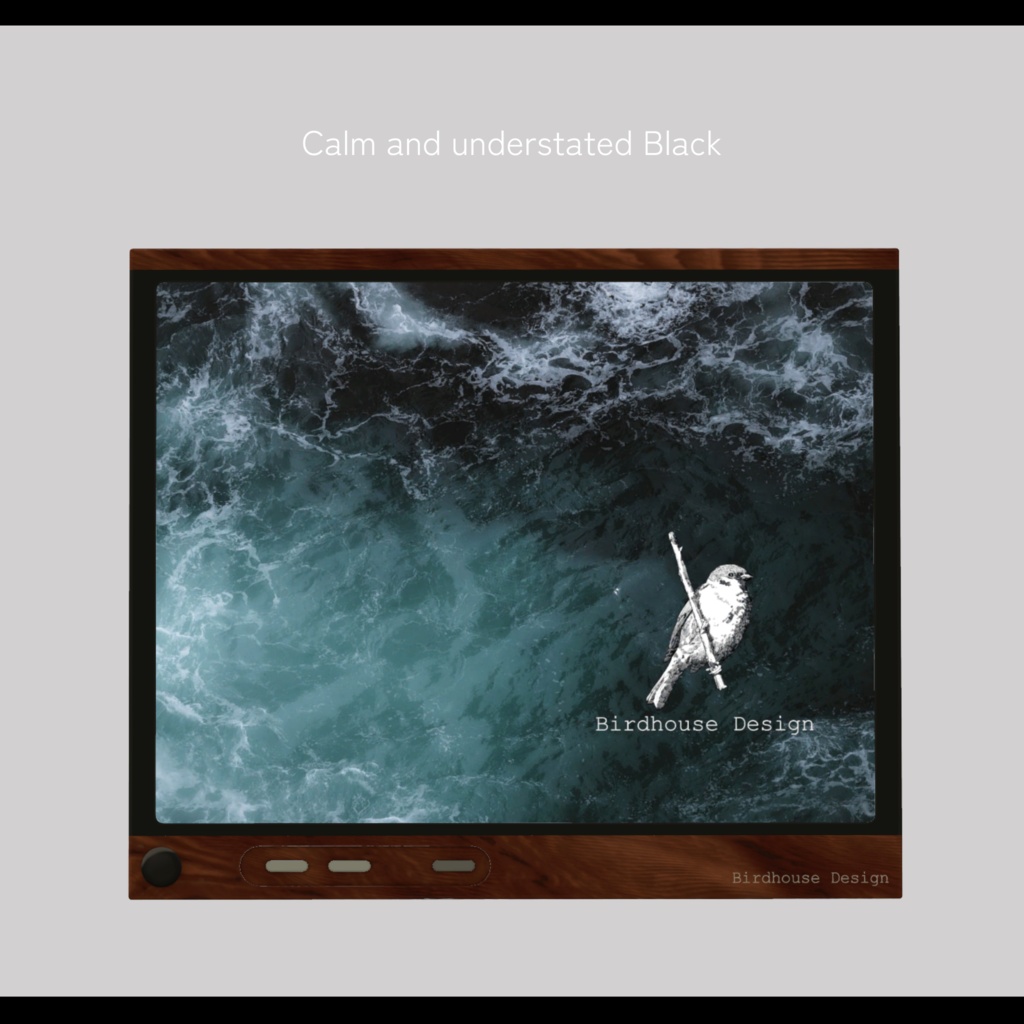
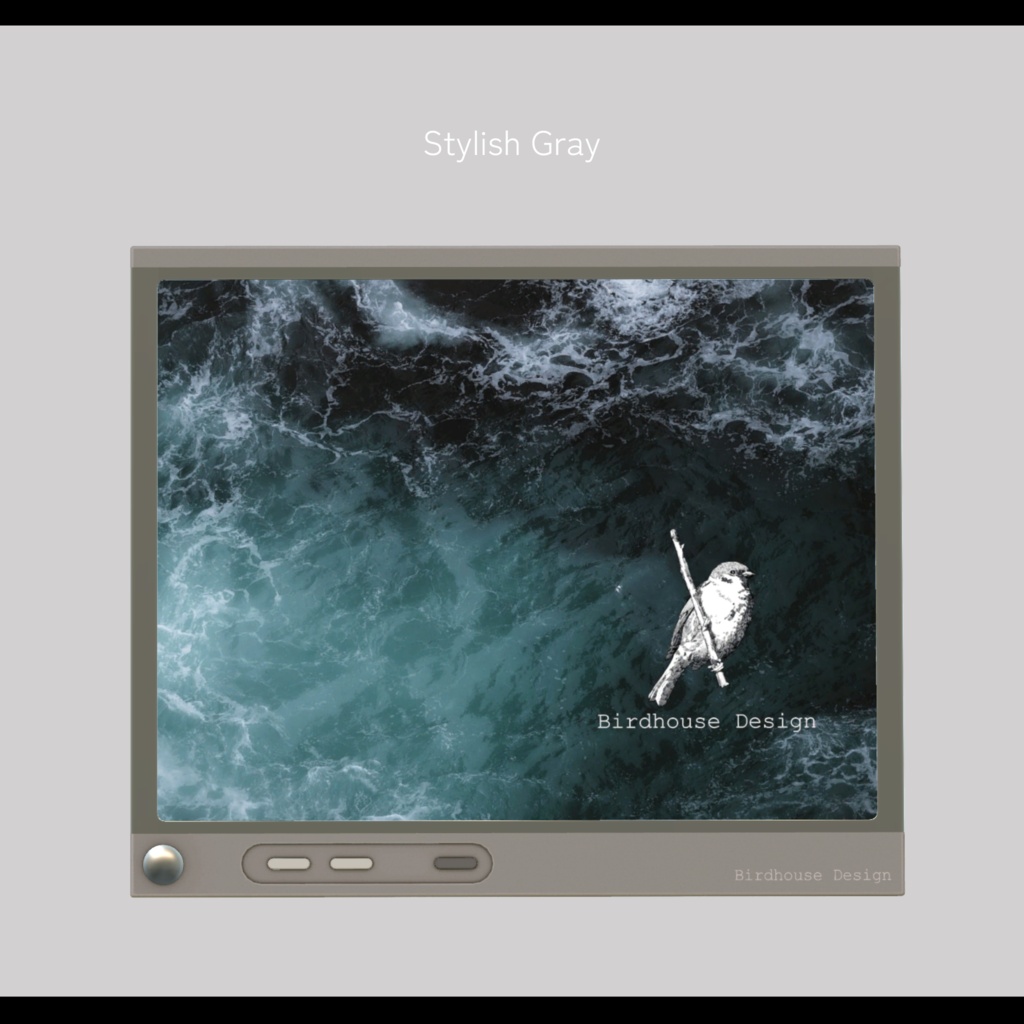
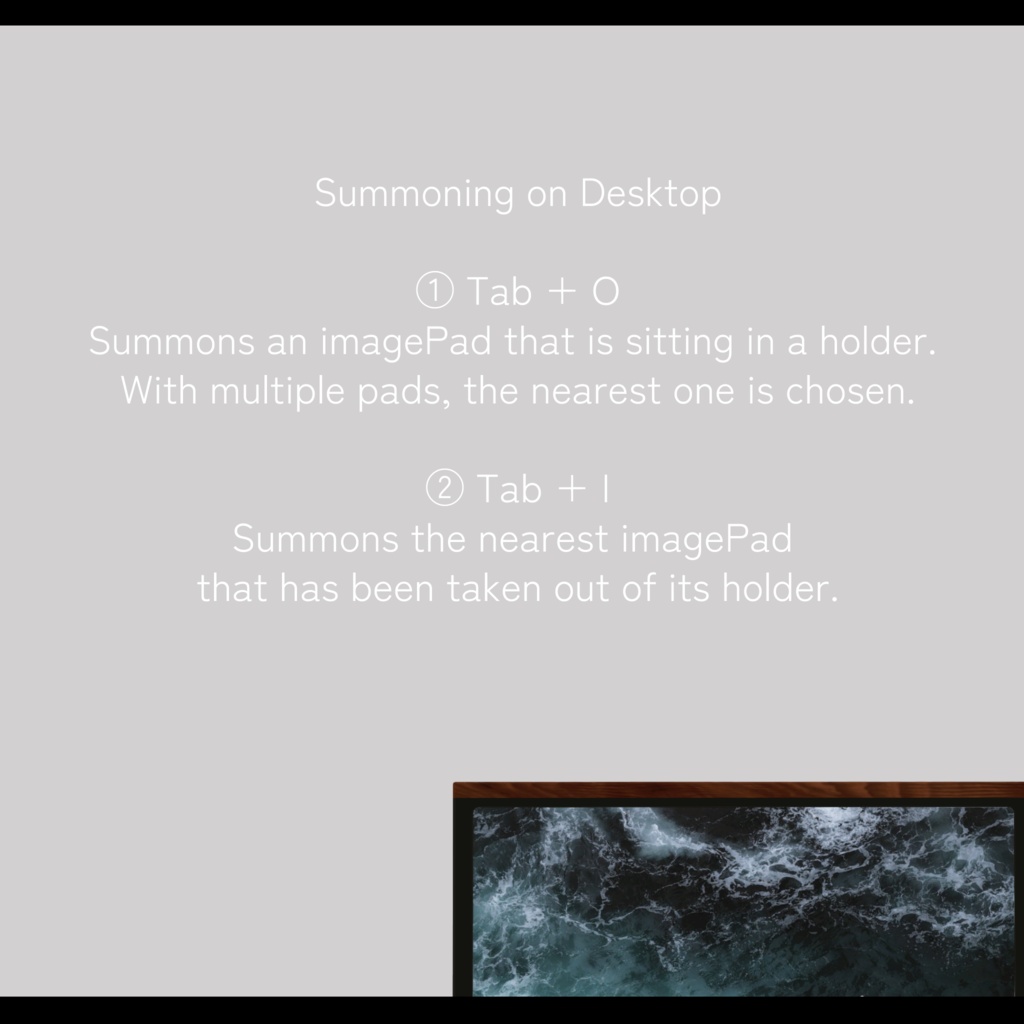
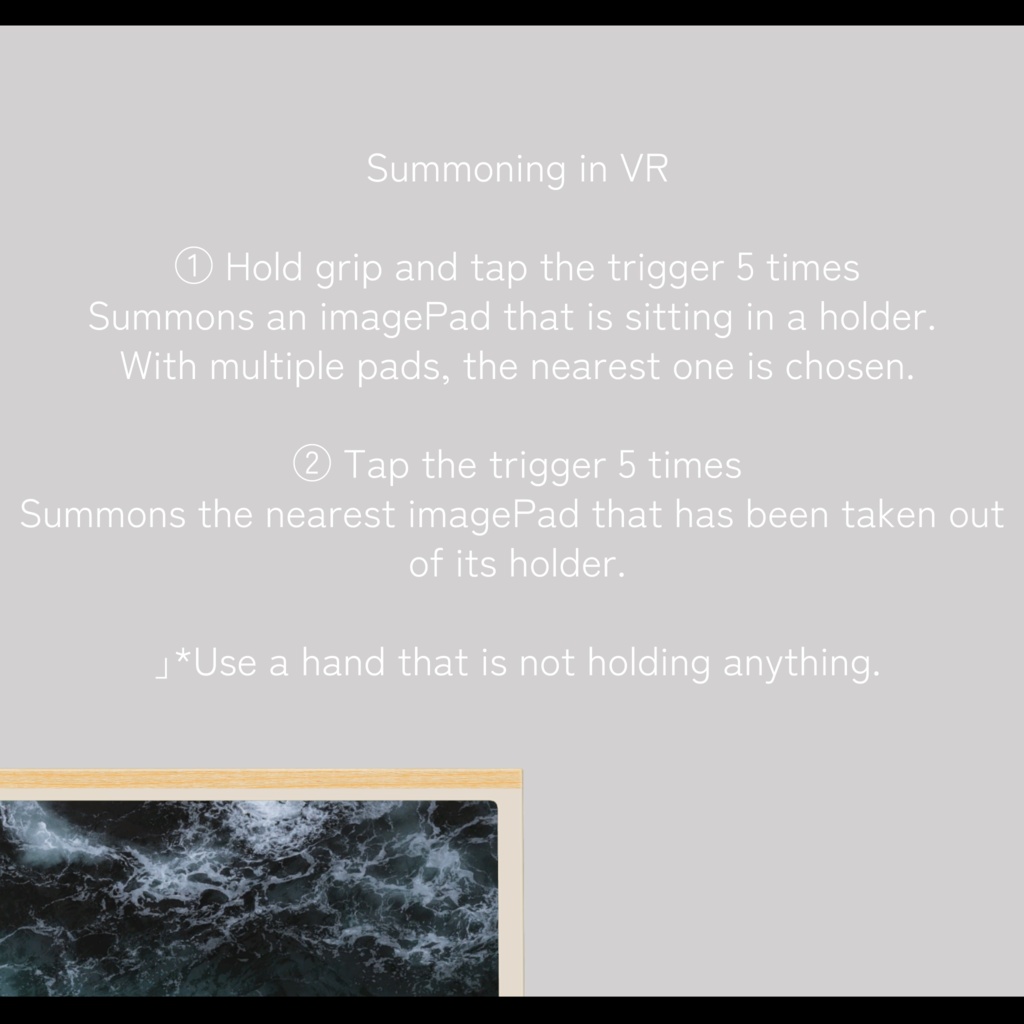
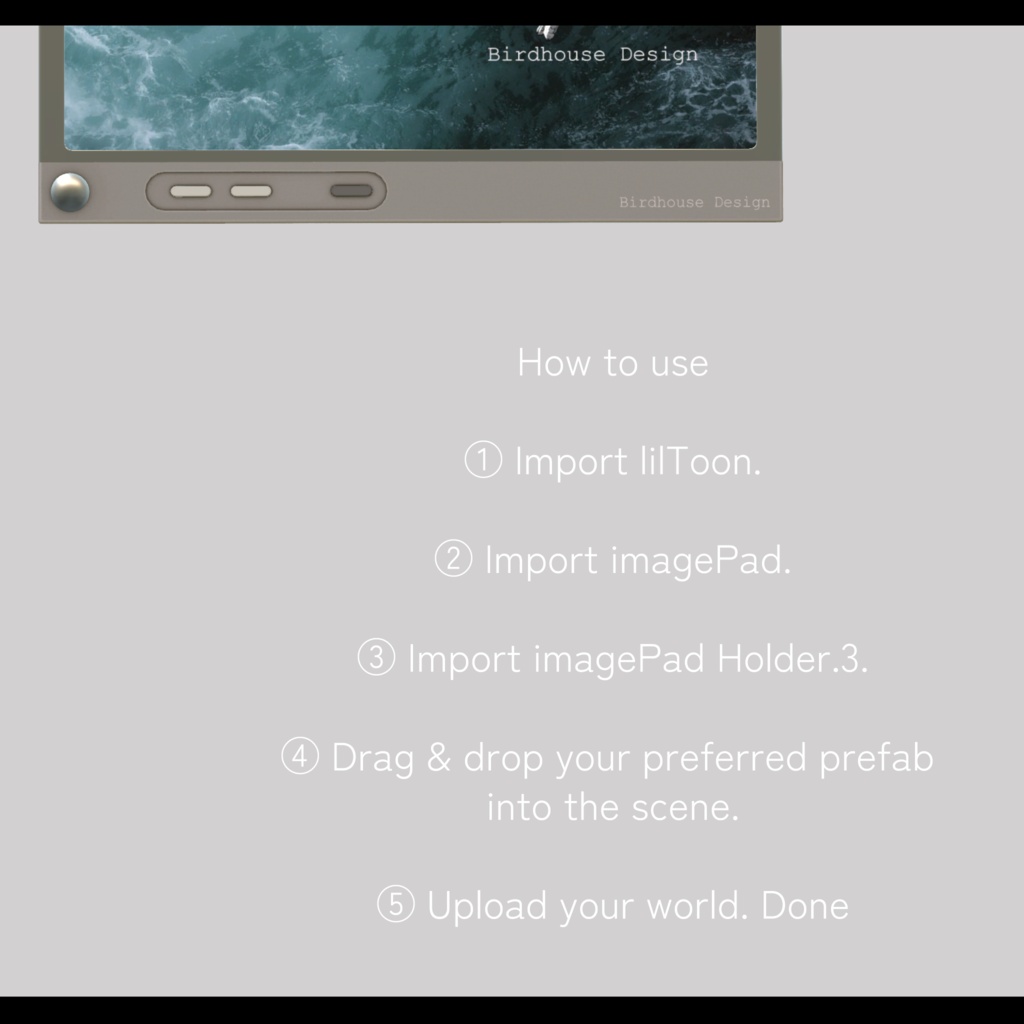
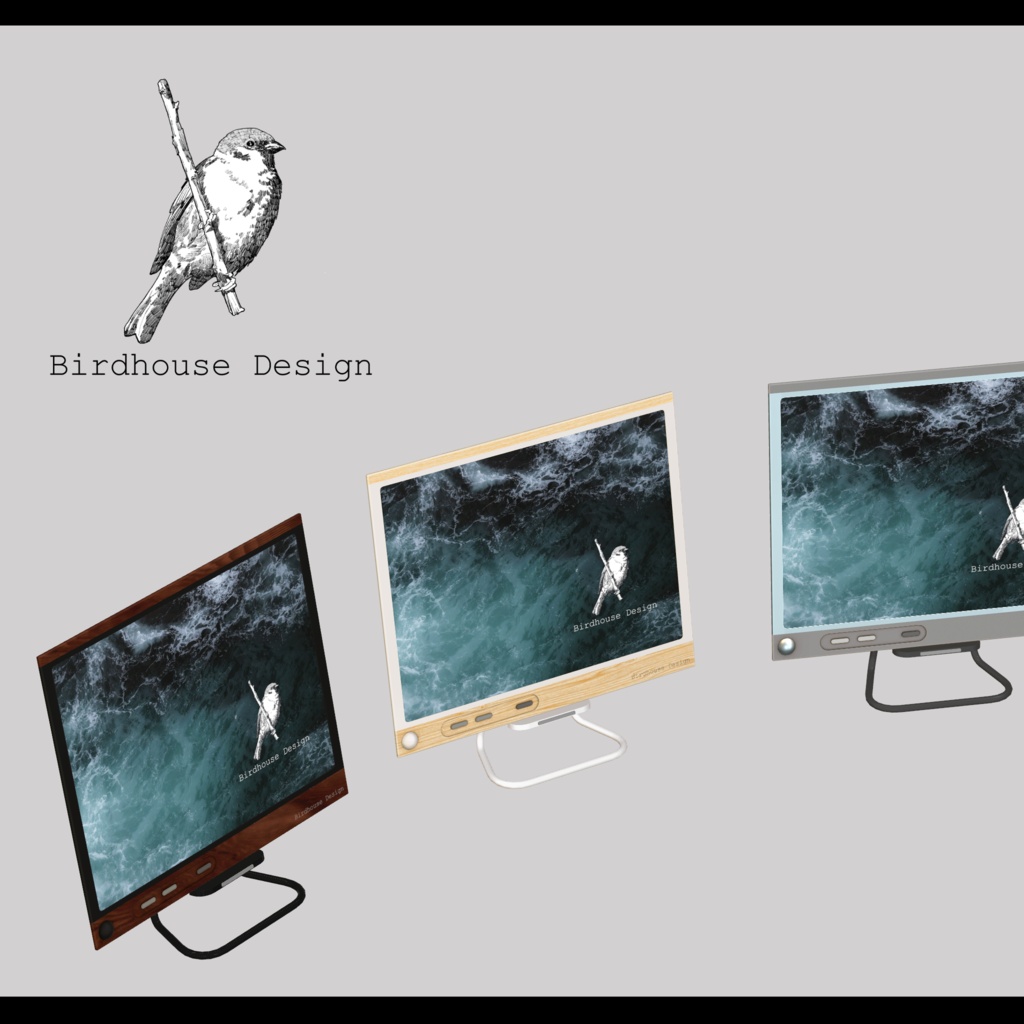


imagePad Holder.3は、高度な拡張機能をそなえたimagePadの差し替えモデルです。 本体の拡大縮小、手元への呼び出し、ホルダーへの帰還ボタンなど、あると便利な機能を搭載しました。 使っているうちにどこかへ行ってしまった、もう少し大きく見たい――いつも使うimagePadを、さらに使いやすく変えてくれます。 また複数台を設置しても安心。シーンにD&Dするだけで、それぞれが個別に動作します。 洗練されたデザインで3色同梱。 どんなワールドにも馴染み、雰囲気をよりスタイリッシュにしてくれます。 ぜひいつもの暮らしにお使いください。 ーーーーーーーーーーーーーーーーーー 【主な機能】 ・両手で掴んで拡大縮小(最大4倍)。縮めて離すと元のサイズに戻ります ・拡大縮小ボタン(デスクトップでも操作可能) ・手元への呼び出し(下記「操作方法」参照) ・ホルダーへの帰還ボタン(本体側・ホルダー側の両方に搭載) ・ホルダーに収まっている間は自動で等倍に戻り、拡縮操作は無効になります ーーーーーーーーーーーーーーーーーー 【操作方法(呼び出し)】 デスクトップ ・Tab + O … ホルダーに収まっているimagePadを呼び出し ・Tab + I … ホルダーから取り外されたimagePadを呼び出し VR ・グリップを握りながらトリガー5回連打 … ホルダーに収まっているimagePadを呼び出し ・トリガー5回連打 … ホルダーから取り外されたimagePadを呼び出し ※どちらも何も持っていない手で操作してください。複数台ある場合は最も近い ものが呼び出されます。 ーーーーーーーーーーーーーーーーーー 【動作環境】 ・imagePad(bironist様)導入済みのワールドで使用可能。本製品にimagePad本体は含まれません。別途ご購入ください ・lilToon 必須 ・PC / Android(Quest)、ios対応 ・動作確認環境: Unity 2022.3.22f1 / VRChat SDK 3.x.x / imagePad ーーーーーーーーーーーーーーーーーー 【導入手順】 ① lilToonをインポート ② imagePadをインポート ③ imagePad Holder.3をインポート ④ 好きなプレハブをシーンにD&Dして配置 ⑤ ワールドをアップロードすれば完了です ーーーーーーーーーーーーーーーーーー 【元アセット】 商品名: 3Dモデル「imagePad」+ VRChat Udon用ギミック 権利者様: bironist URL: https://booth.pm/ja/items/4573315 商品名: lilToon 権利者様: lilLab URL: https://booth.pm/ja/items/3087170 ーーーーーーーーーーーーーーーーーー imagePad Holder.3 is a replacement model for imagePad with advanced extended features. It adds the functions you actually want: resizing the pad, summoning it to your hand, and a return-to-holder button. Lost track of it while using it? Want to see it a little bigger? Holder.3 makes the imagePad you use every day even easier to live with. Multiple units need no wiring — just drag & drop into your scene and each one works independently. A refined design with three colors included, blending into any world and giving it a more stylish feel. Enjoy it in your everyday VR life. ーーーーーーーーーーーーーーーーーー Features Two-handed grab to resize (up to 4x). Shrink and release to return to the original size Resize buttons (also usable on Desktop) Summon to your hand (see "Controls" below) Return-to-holder button (on both the pad and the holder) While in the holder, the pad automatically returns to 1x and resizing is disabled ーーーーーーーーーーーーーーーーーー Controls (Summon) Desktop Tab + O … Summon an imagePad sitting in a holder Tab + I … Summon an imagePad taken out of its holder VR Hold grip and tap the trigger 5 times … Summon an imagePad sitting in a holder Tap the trigger 5 times … Summon an imagePad taken out of its holder *Use a hand that is not holding anything. With multiple pads, the nearest one is summoned. ーーーーーーーーーーーーーーーーーー Requirements For worlds with imagePad (by bironist) installed. imagePad itself is NOT included. Please purchase it separately. lilToon required PC / Android (Quest) supported. Tested with: Unity 2022.3.22f1 / VRChat SDK 3.x.x / imagePad Ver 1.04 ーーーーーーーーーーーーーーーーーー Setup ① Import lilToon ② Import imagePad ③ Import imagePad Holder.3 ④ Drag & drop your preferred prefab into the scene ⑤ Upload your world — done ーーーーーーーーーーーーーーーーーー Original assets Product: 3D model "imagePad" + Udon gimmick for VRChat Creator: bironist URL: https://booth.pm/ja/items/4573315 Product: lilToon Creator: lilLab URL: https://booth.pm/ja/items/3087170
利用規約
・政治利用および宗教や特定の思想を目的とした使用を禁止します。 ・内部データの二次配布および販売を禁止します。 ・内部データの譲渡を禁止します。 ・営利を含まないワールドのパブリックでの使用を許可します。 ・パブリック使用の際には著しく著作物の品位を貶める改変を禁止します。 ・動画撮影な商品撮影など、撮影された動画や画像の公開を許可します。
更新履歴
2026.09.03 ver 1.0 販売開始
