
【OBS】歌枠セットリスト表示ツール|クリックで1曲ずつ進む・今うたってる曲テロップ付き【7デザイン/背景透明対応】
- Digital500 JPY
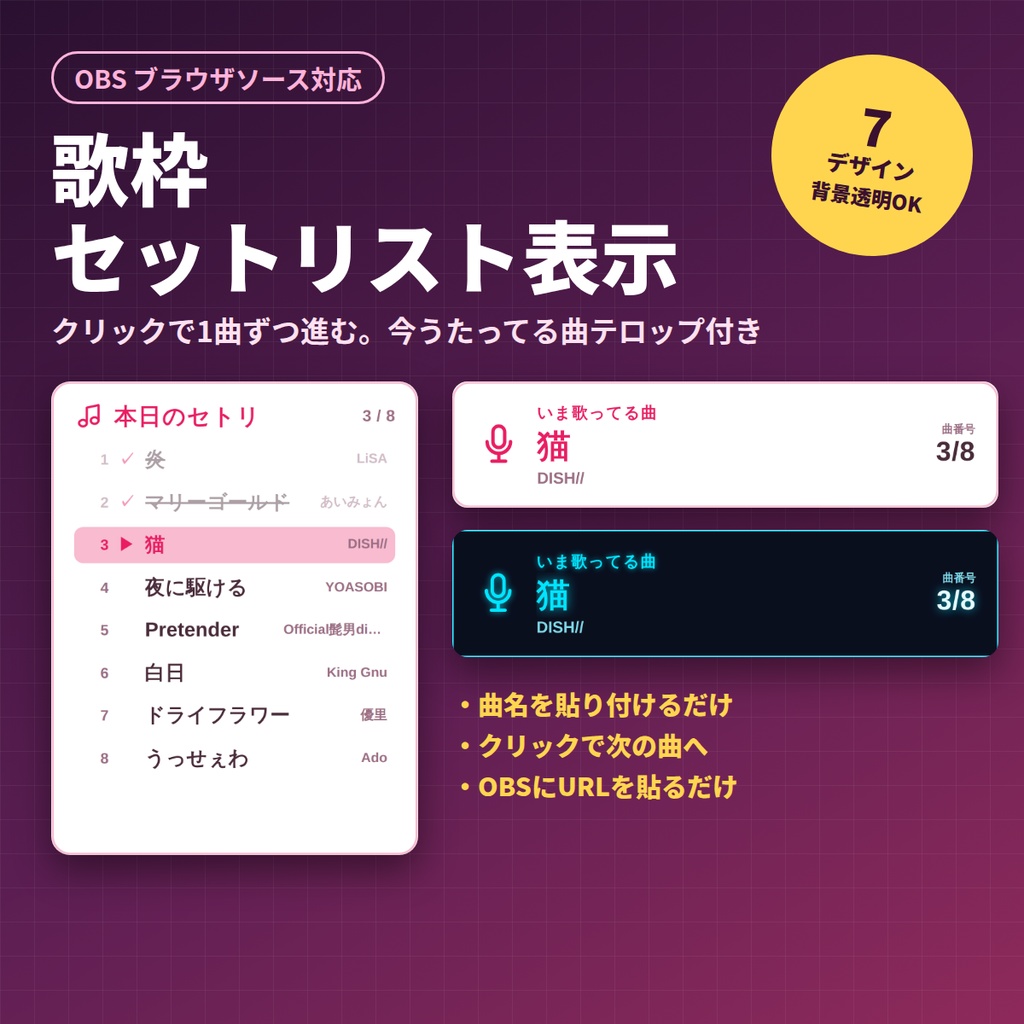
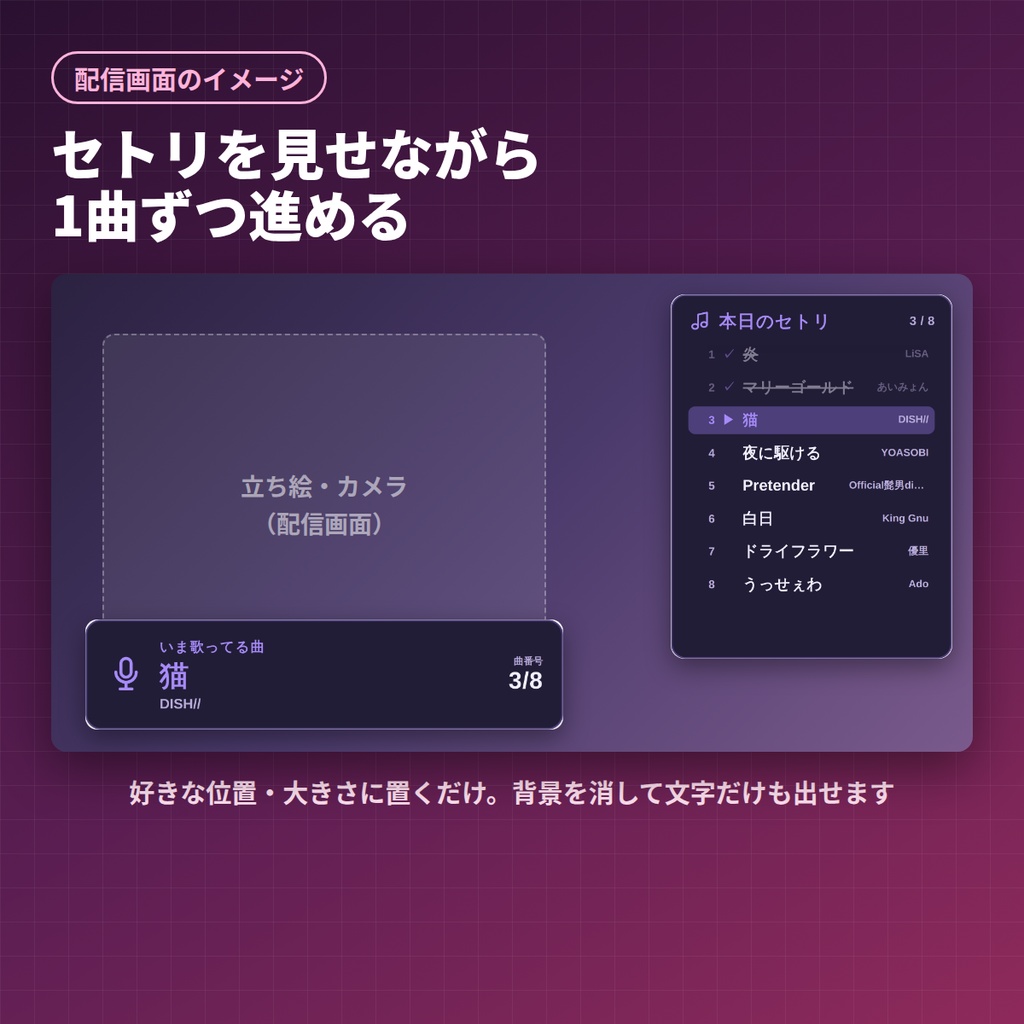
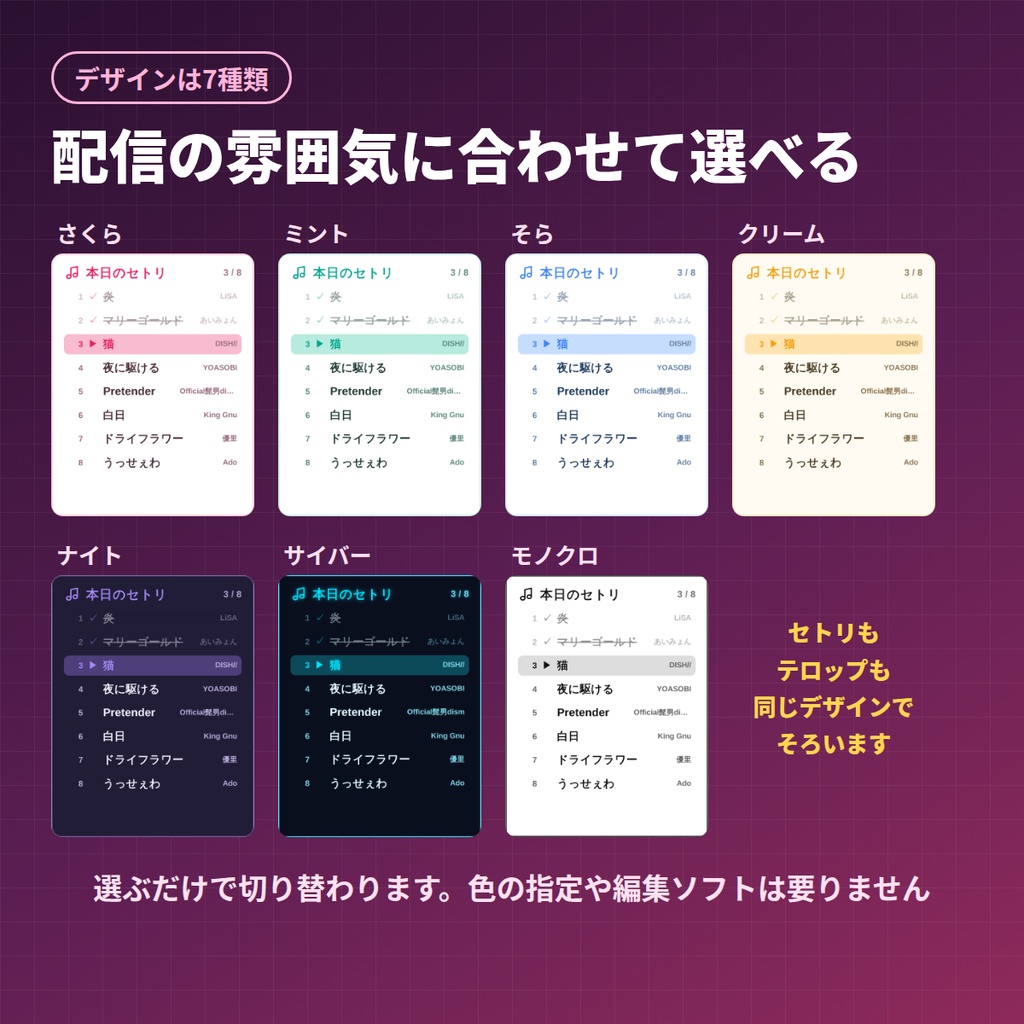
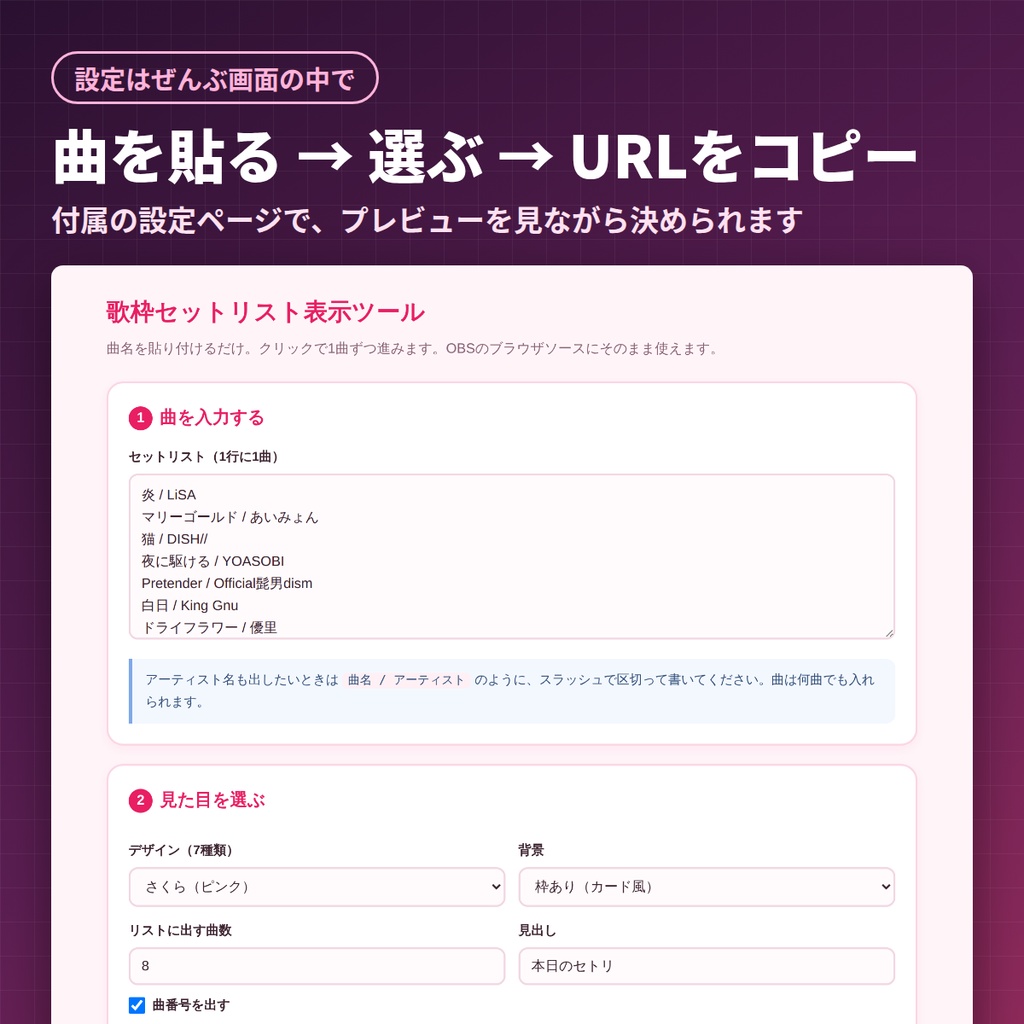


歌枠の「今なに歌ってるの?」を、配信画面にそのまま出せるOBS用オーバーレイです。 曲名を入れてURLを貼るだけ。クリックするたびに1曲ずつ進み、歌い終わった曲は自動でうすくなります。 ■ 入っているもの ・SongList.html … セットリスト一覧(今の曲をハイライト表示) ・NowSinging.html … いま歌ってる曲だけを出す横長テロップ ・START_HERE.html … 設定ページ(曲名入力 → URL作成 → プレビュー) ・readme.txt … かんたんな説明 ■ できること ・クリックやキーボードで1曲ずつ進む/戻る(長押しで最初に戻す) ・歌い終わった曲は「うすく/打ち消し線/非表示」から選べます ・全7デザイン(さくら・ミント・スカイ・クリーム・ナイト・サイバー・モノトーン) ・背景透明モードで配信画面になじませられます ・文字サイズ・曲番号の有無・見出しの文字を変更できます ・曲数が多いときは自動で縮小&自動スクロール ・一覧とテロップを両方置くと、進行が自動で連動します ・OBSを閉じても進行状況が残ります ■ 使い方 1. START_HERE.html を開く 2. 曲名を1行ずつ入力し、デザインを選ぶ 3. 「URLをコピー」を押す 4. OBS → ソース+ → ブラウザ → URL欄に貼り付け ※ むずかしい設定やアプリのインストールは不要です。 ■ 動作環境 ・OBS Studio 28以降のブラウザソース(Windowsで動作確認) ・入力した内容がどこかに送信されることはありません ・画面の文字には、インターネット経由でフォントを読み込みます(オフラインでも、パソコンに入っているフォントで動きます) ・zip形式(解凍してお使いください) ■ ご利用について ・配信・録画での利用OK/クレジット表記は不要です ・個人・法人、収益化の有無を問わずご利用いただけます ・ファイルの再配布・転売・素材としての二次配布は禁止です ・ご自身の配信用に改変するのは自由です ───────────────────────────── English A setlist overlay for karaoke streams, as an OBS browser source. Paste your song list, copy the URL, and click once per song: the list advances, finished songs are crossed out, and a separate telop shows the song you are singing right now. What's inside ・START_HERE.html … settings page (paste songs, build the URL, preview) ・tools/setlist.html … the setlist (vertical, recommended size 560 x 720) ・tools/nowsinging.html … "now singing" telop (horizontal, recommended size 900 x 220) ・readme.txt … short guide Features ・One song per line. Write "Title / Artist" with a slash to show the artist too ・Click or press the arrow keys to move one song forward or back; R restarts from the first song ・Finished songs go dim with a strikethrough ・7 designs (Sakura / Mint / Sky / Cream / Night / Cyber / Mono) ・Transparent background mode to overlay on your scene ・Choose how many songs the list shows, whether to number them, and the heading text ・Long lists scroll automatically; long titles shrink to fit ・Put both sources on screen and they advance together ・Your position is remembered, so it survives an OBS restart Requirements ・OBS Studio 28+ browser source (tested on Windows) ・Runs from the extracted folder. Nothing you type is sent anywhere. Please note: the settings page itself is written in Japanese. The song titles and the heading are text you enter, so your viewers see whatever you type. License: fine for streaming and recording, monetized or not. No credit required. Please do not redistribute or resell the files.