
MotionForge for Maya 2027.2
- Digital150 JPY
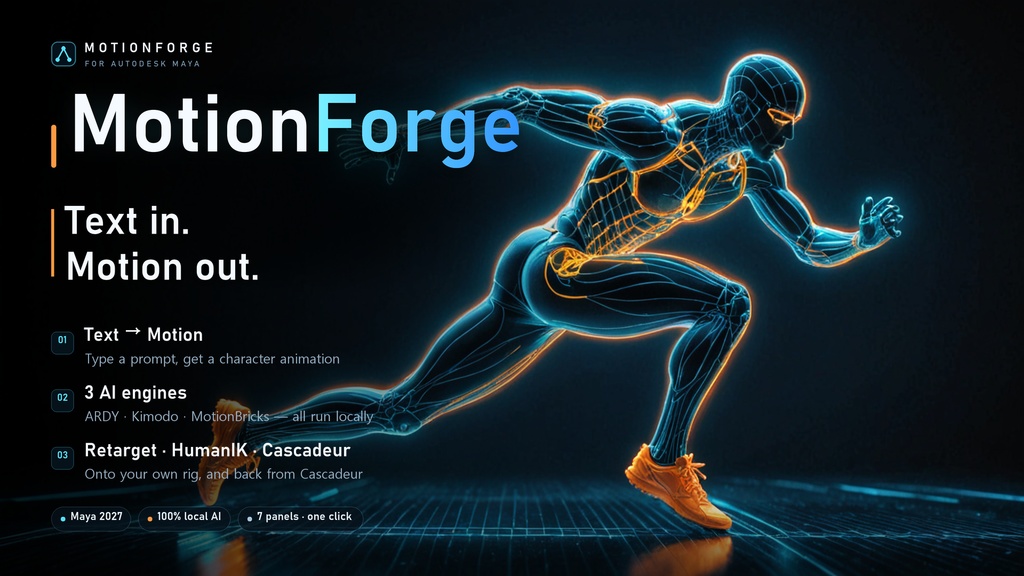

MotionForge for Maya turns one line of text into character motion inside Maya 2027, moves that motion onto your own character, and can send it on to Cascadeur. Every engine runs on your own computer; nothing is uploaded anywhere. It is a port of the MotionForge Blender add-on to Maya. It is not the Blender add-on, and it does not use the Blender add-on's licence. 📖 Install guide and full manual: https://mayalhc.github.io/Maya_MotionForge_Wiki/ (English, and 한국어 from the top of the page) 0.2.0 — 2026-10-28 New MotionBricks person (SOMA Human) In the MotionBricks panel, + now asks for a SOMA Human or a Unitree G1 Robot. The person has the same Style, Go, Speed, Generate, Bake, Live and Retarget as the robot. The person's model runs on the CPU in a mayapy of its own (ONNX Runtime) - no GPU needed. 14 styles come with Install Engines: idle, walk, slow walk, jog, run, injured, stealth, scared, zombie, happy, boxing, gun, and elbow and hand crawling. Make Missing makes any that are missing (or that you deleted) with Kimodo in a few minutes; Save as Style adds your own from a take of at least 60 frames. End on Pose Key - pose and key the character on the frames it should arrive at; the take is made up to there. Poses to Use (1-4) and Transition Early By - flow through several poses instead of stopping at each one. Arrive in a Clip Pose - end a take in a pose taken from a style's clip. Takes for MotionBricks characters Every character holds a list of takes (+ Take / - Take / Show Take), each with its own style, direction or target, speed, seed and length. They run one after the other on one timeline; Generate Motion makes all the ticked ones, each starting where the one before ended, and Bake writes them into one animation. Takes are saved with the scene. MMD models, both ways With maya_mmd_tools installed, the Retarget panel has an MMD box: Import MMD Model (PMX) and Import MMD Motion (VMD). As a source: an imported model appears in the source list as MMD: <name>, and its VMD keys are copied onto your character like any take. As a target: set Rig Type to MMD model (Auto-Detect finds one too). Bones are read by their MMD names, so a model that calls its arm upperarm_L works as well as one that calls it left_arm; a model registered as a group is found as well. While a take is baked onto an MMD model, its leg IK is switched off so the keyed legs are what you see: the knees stand as keyed from the first frame, the skin's D-bones (left_leg_d and the like) follow the legs, and the leg IK controllers ride along with the feet. Reset All switches the leg IK back on and puts the controllers back. The arm, elbow, hand and neck solvers are left as they are. Torso and limbs are mapped; finger and twist bones are not yet. Engine updates Install Engines also updates: a runtime file that differs from the published one is replaced, so a newer Kimodo, ARDY or MotionBricks runtime reaches an older install, and the person's styles come with it. Check for Updates (in the window, or MotionForge > Check for Engine Updates) says what is newer without downloading anything, and turns the install button into Update Engines when there is something. A style you made or edited is never overwritten. The person's model and ONNX Runtime are shared with the Blender add-on's install: one Engine Folder serves both. Guide Installation now says exactly how to lay out the folder: rename the unzipped Maya_MotionForge-<version> folder to MotionForge, so MotionForge.mod sits directly inside the folder on MAYA_MODULE_PATH. The package now carries these release notes and the guide's pictures. Notes The person's model (about 380 MB) is NVIDIA's and stays under NVIDIA's licence; Install Engines fetches it with its licence into the Engine Folder. maya_mmd_tools is a separate download under its own licence; MotionForge does not ship it.