

Outfit Refit|非対応衣装を自分のアバターに着せ替え【Blenderアドオン】
- StandardDigital2,500 JPY
- ProDigital3,800 JPY
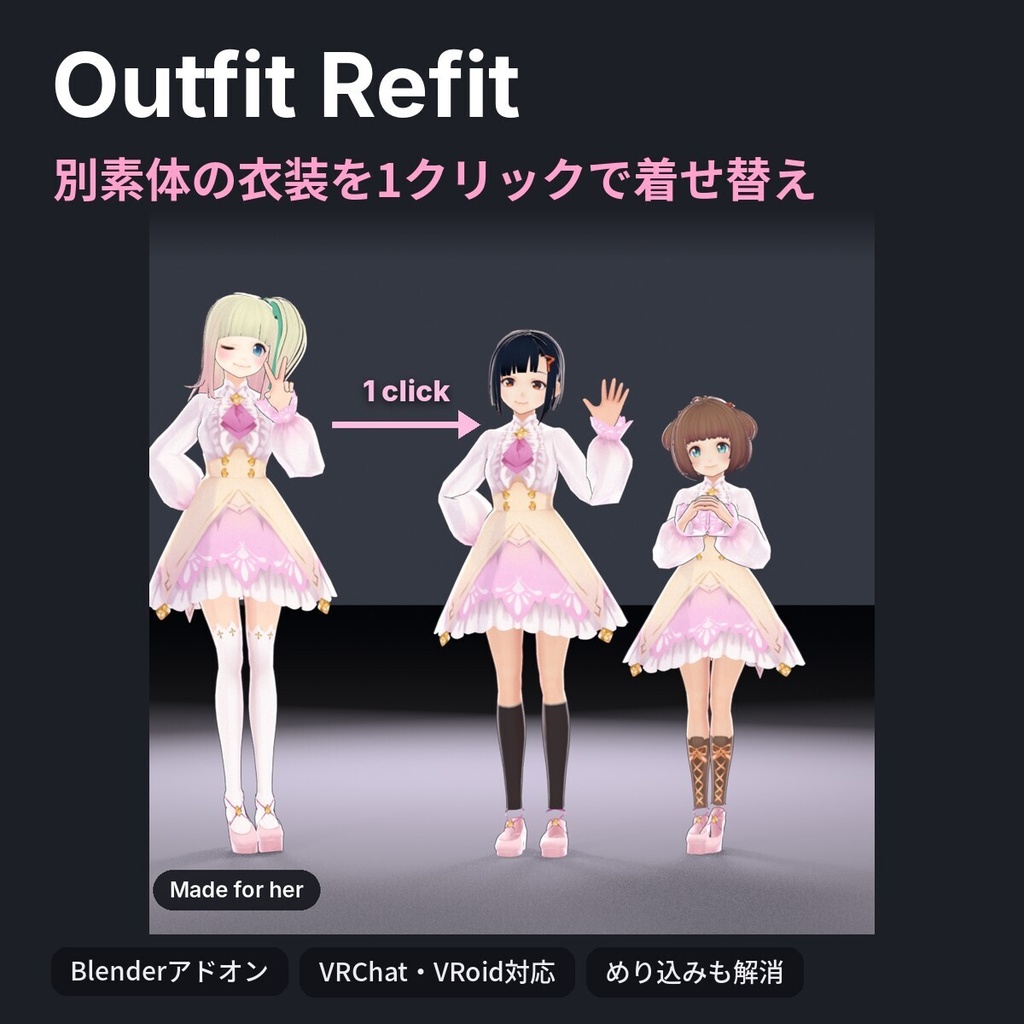
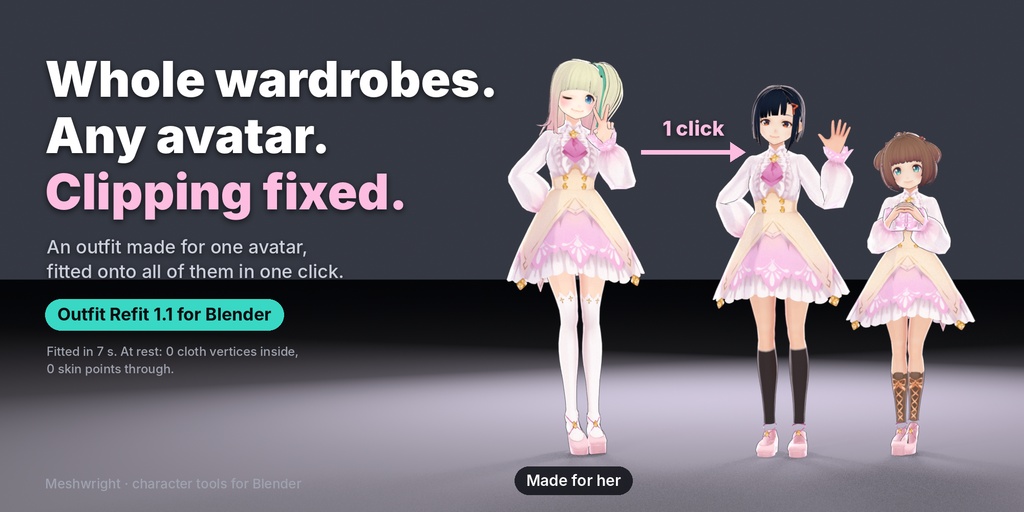
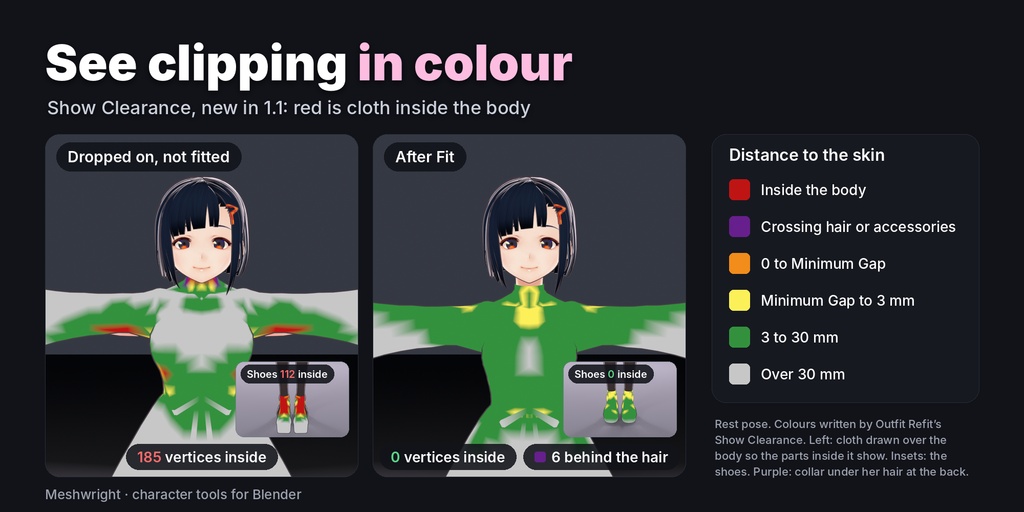
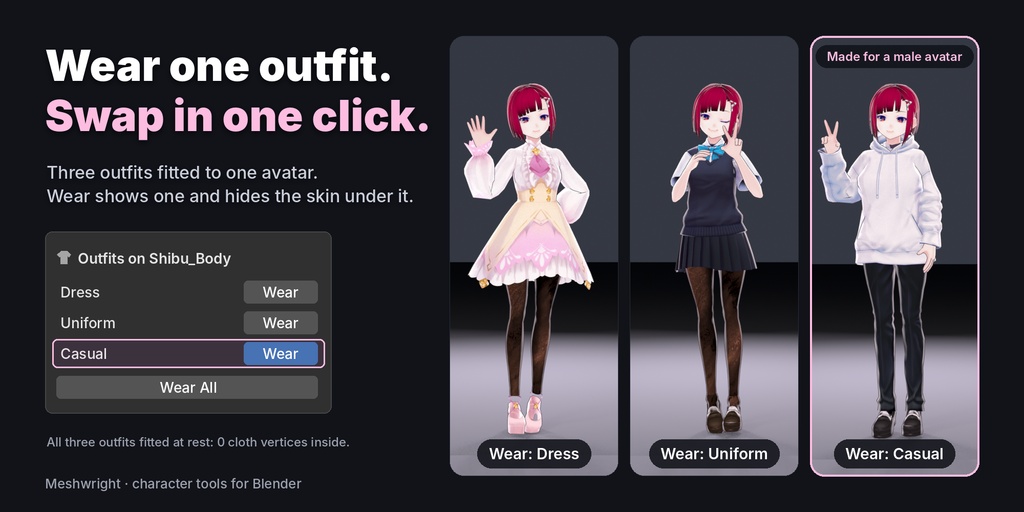
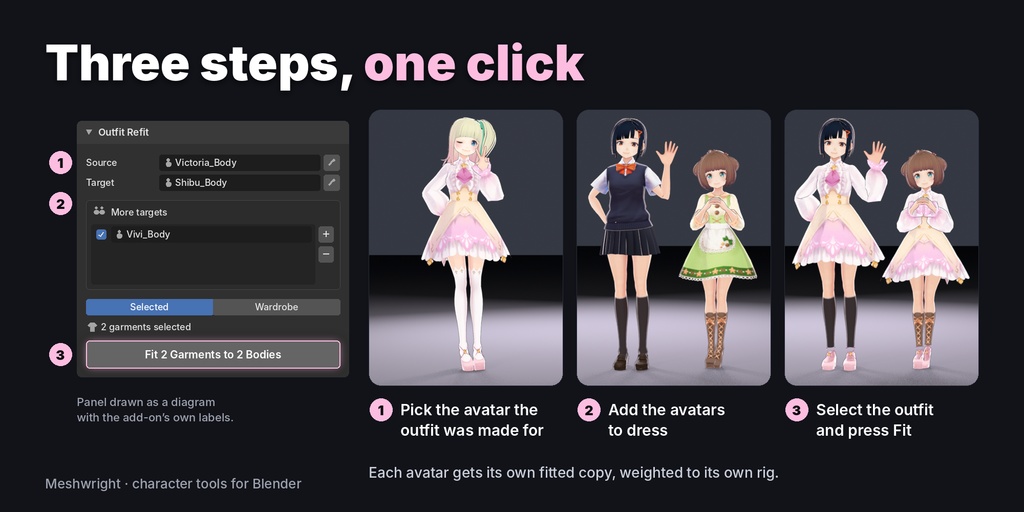


元のアバター不要。衣装をあなたのアバターにフィット。 ・元のアバターを持っていなくても、衣装とそのアーマチュアだけで自分のアバターに着せられます(Pro)。 ・貫通修正、ウェイト転送、シェイプキーに対応。10ポーズで肌が出る場所をチェックします。 ・アーマチュアを1つに統合して、VRChat・Unity向けにFBXで書き出せます(Pro)。 ・変換プロファイルは不要。素体と衣装のメッシュから、そのままBlenderで合わせます。 ※操作画面は日本語・英語に対応(Blenderの言語を日本語にすると日本語表示)。Blender 4.2以降。 別の素体向けに作られた衣装(非対応衣装)を、ワンクリックで自分のアバターに合わせるBlenderアドオンです。 元の素体・アバター・衣装を選んで「Fit」を押すと、1分以内に各アバターがフィット済み・ウェイト済みの衣装を着た状態になります。複数のアバターにも一度に合わせられます。 ■ 特長 ・静止状態のめり込みを、しわを保ったまま解消 ・スカートや髪のボーンはPhysBones向けにそのまま ・体のシェイプキーに追従するシェイプキー ・元の衣装データは変更しません ・1.1の新機能:Show Clearance(布と肌の距離を色で表示)、Wear(衣装を1着表示し、下の肌を非表示) ・Blender 4.2〜5.2(Windows・macOS・Linux) ■ ご注意 ・Standardは、衣装が作られた元の素体(対応アバター)のデータが必要です。Proは衣装のアーマチュアがあれば使えます。 ・体型が大きく違う場合は、手直しが必要になることがあります。 ■ 内容物 Standard:outfit_refit-2.0.1-standard.zip、outfit_refit-1.1.0.zip(旧版) Pro:outfit_refit-2.0.1-pro.zip (どちらもBlender拡張機能) ■ インストール Blenderで「編集 > プリファレンス > 拡張機能(Get Extensions)」を開き、右上の ∨ メニューから「ディスクからインストール」を選んで、zipファイルを指定します(解凍しないでください)。 ■ ご利用について ・アドオンの画面は日本語と英語に対応しています(Blenderの言語を日本語にすると日本語で表示されます)。 ・作った衣装やデータは、商用・非商用を問わず自由にお使いいただけます。元のアバター・衣装の利用規約(VN3ライセンスなど)に従ってください。 ・アップデートは購入履歴から無料でダウンロードできます。 ・お問い合わせ:BOOTHのメッセージ、または info@meshwright.net(日本語・英語) 動画(使い方チュートリアル・英語・約4分):https://youtu.be/r6eLMetYFrY 動画(2.0):https://youtu.be/nVdRyuMF6IU 動画(1.1):https://youtu.be/vp4Yjsh_ZUo 【English】 Outfit Refit fits an outfit made for one base body onto your avatars in one click. Pick the source body, the avatars and the outfit, press Fit: each avatar gets its own fitted, weighted copy in under a minute. Clipping at rest is removed with folds kept, skirt and hair bones stay for PhysBones, shape keys follow the body's shape keys, and the original outfit is not changed. New in 1.1: Show Clearance (cloth to skin distance in colour) and Wear (show one outfit, hide the skin under it). Standard needs the base body the outfit was made for. New in 2.0: Outfit Refit Pro fits an outfit even without the original avatar, from your avatar and the outfit's own armature, and Merge Armatures leaves one armature for VRChat and Unity. Blender 4.2 to 5.2. The add-on UI is in English and Japanese.