

【11/6 18:00 JST 発売 / Release】はるか フェイストラッキング / Haruka Face Tracking
- Digital0 JPY
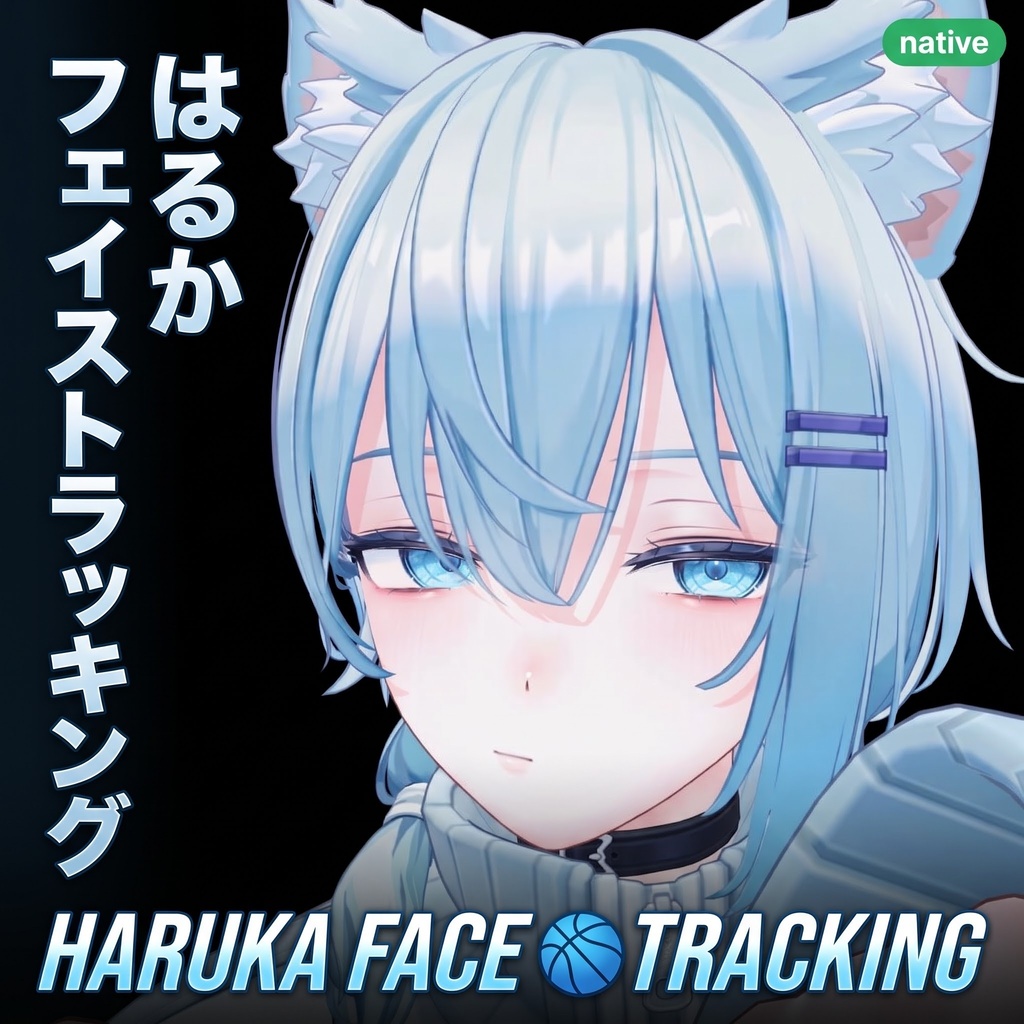
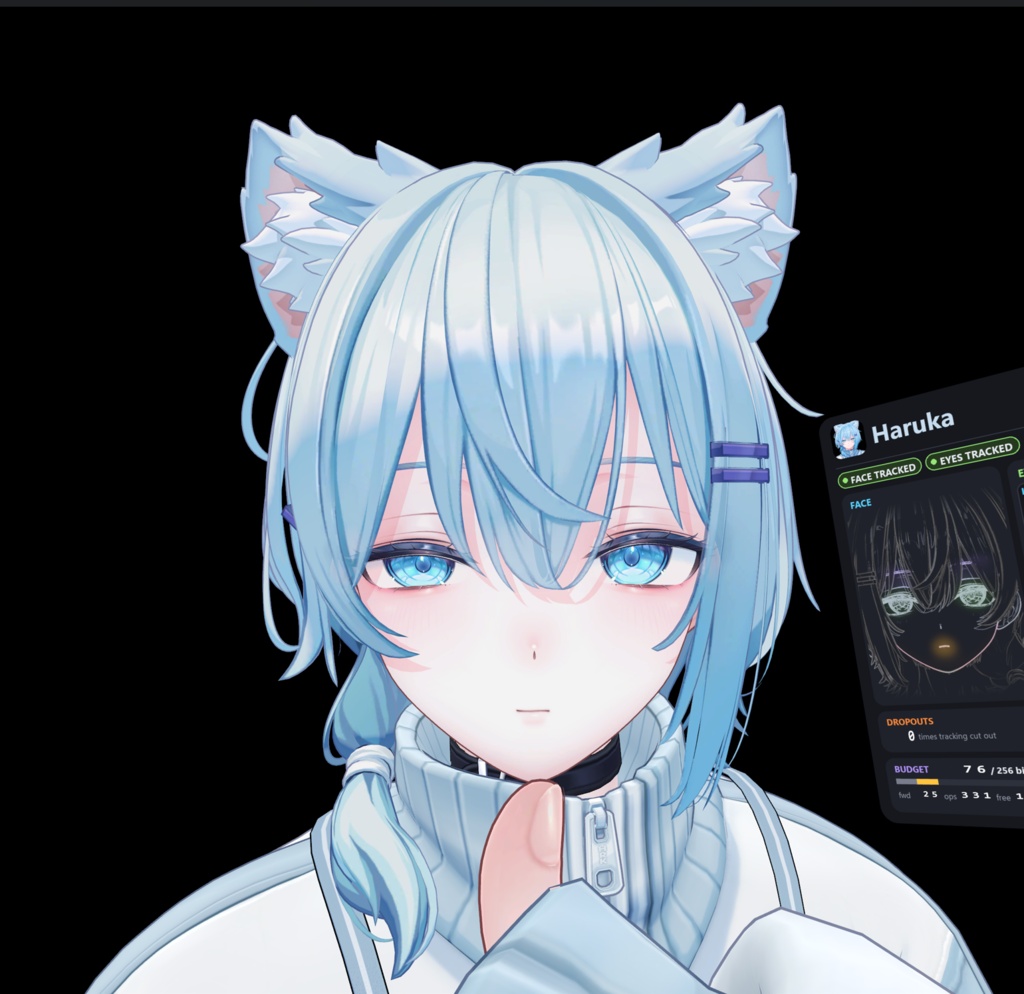
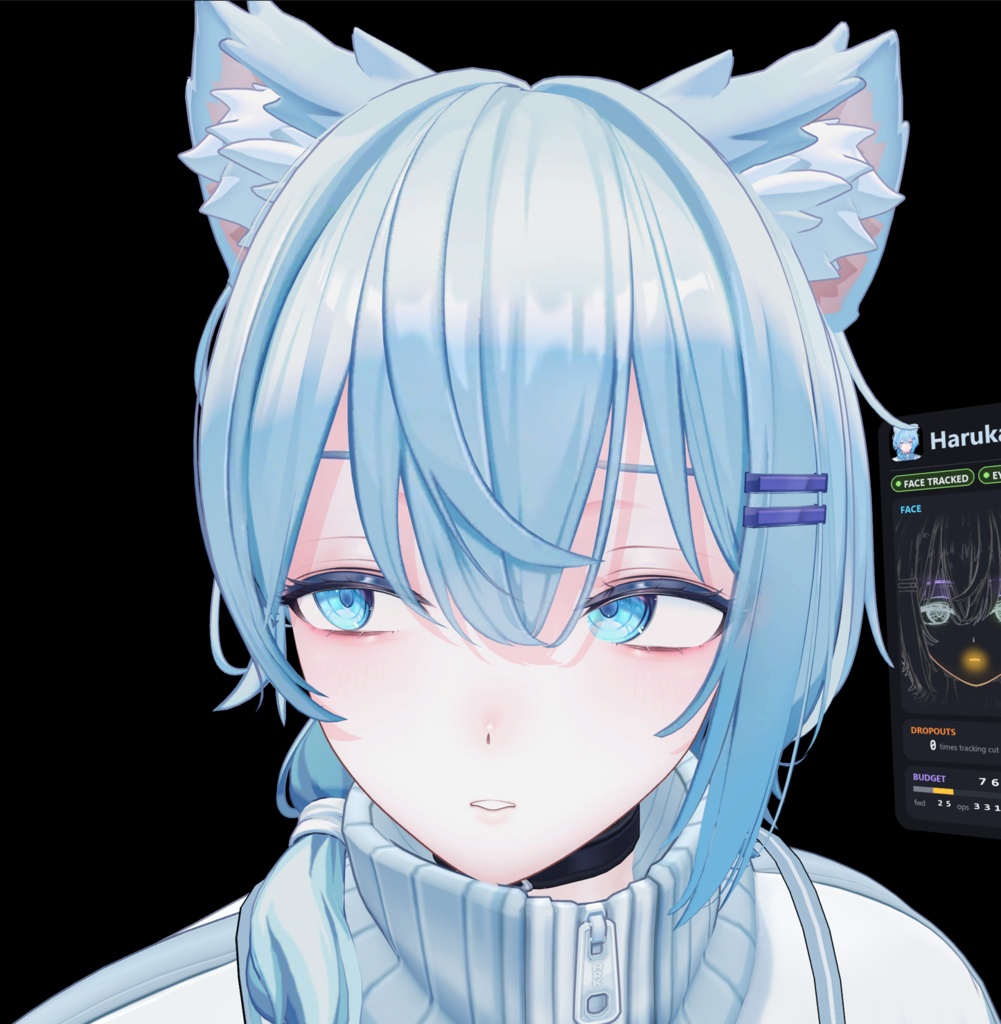
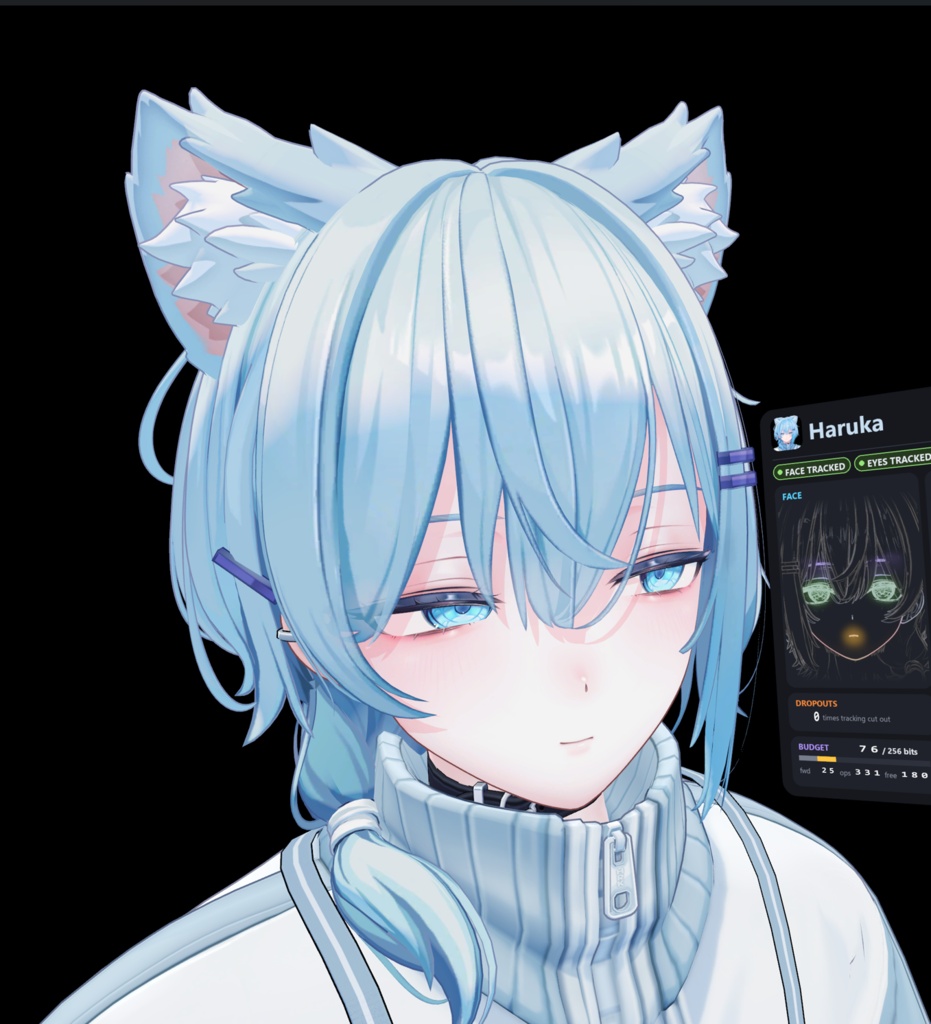
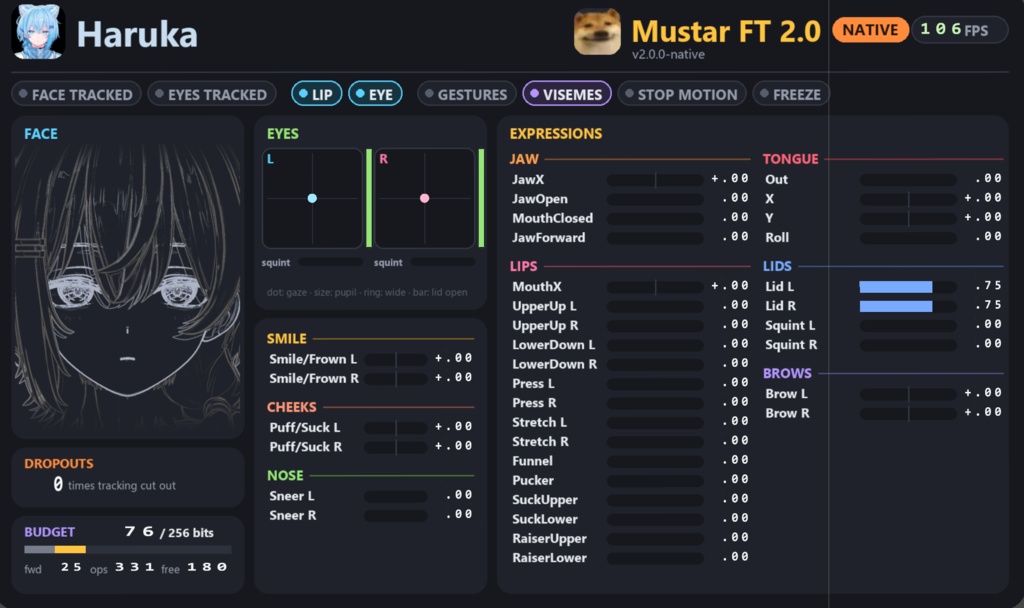


はるか フェイストラッキング / Haruka Face Tracking ■ アドオンは 2026/11/06 18:00 JST (はるか発売時) に販売開始します。それまでは無料の Stats だけ置いています (BOOTH の販売期間設定を調べるのが面倒でした :') )。 ■ The add-on goes on sale on 2026/11/06 18:00 JST, when Haruka releases. Until then, only the free Stats is here (I was too lazy to figure out BOOTH's sales periods :') ). ■ 今の無料 Stats には、はるか本体の情報は載せていません。FT に関する内容だけです。完全版の Stats と追加の画像は発売時に載せます。 ■ The free Stats here shows only the FT side, nothing about Haruka himself. The full Stats and more pictures come on release. ■ YouTube デモ動画は発売時に公開します。/ The YouTube demo comes out on release. このフェイストラッキングも FT テンプレートも、私 (mustar) が作りました。 The face tracking and the FT template are both made by me, mustar. mFT 2.0: VRChat 本体の FT で動作、従来版も同梱。 On VRChat's built-in FT, classic install included. はるか -Haruka- (BLUESTELLA) 用のフェイストラッキング。 Face tracking for Haruka by BLUESTELLA. ゼロから自作した FT テンプレート。フレームレートに左右されないスムージング、0 bit のコンボ、4段階で伸びる舌、統一した歯まで、すべてカスタムです。 Built on my own FT template, written from scratch: frame-rate exact smoothing, 0-bit combos, a 4-stage tongue and one clean bite, all custom. ■ はるか本体は含まれません / Haruka is NOT included ■ 購入前に無料レポート Haruka_Stats をどうぞ (10言語) / Read the free Haruka_Stats report before buying (10 languages) 日本語 / English / 中文 / 한국어 / Русский / Español / Français / Bahasa Melayu / हिन्दी / العربية ■ 不具合・質問 / Bugs, questions: Discord mustar22 / mustar4231@gmail.com はるか -Haruka- by BLUESTELLA: https://booth.pm/en/items/8591283 ~~~ ■ 必要なもの / Needs はるか、VRChat SDK (3.10.6 以降)、VRCFT、VRCFT (Unified Expressions) で動くフェイストラッカー。VRCFT は Steam 版 (メインでもベータブランチでも可)。はるか本体の導入は BLUESTELLA さんの説明書に従ってください。 Haruka, the VRChat SDK (3.10.6 or newer), VRCFT, and a face tracker that works with VRCFT (Unified Expressions). VRCFT from Steam, main or beta branch. For Haruka himself, follow BLUESTELLA's manual. ■ 中身 / What you get ・Haruka の口、目、舌、頬、眉があなたの顔に合わせて動きます。FT 用シェイプ 69 個。 ・Haruka's mouth, eyes, tongue, cheeks and brows move with your face. 69 face tracking shapes. ・本物のアイボーンで視線が動き、外側 49°、内側 49°、上下 27° / 47°。 ・Gaze on his real eye bones: 49° outward, 49° inward, 27° / 47° up and down. ・Stop Motion モード (アニメモード): 顔がポーズを保ち 1 秒に 8 回切り替わり、口は声に合わせてパキッと動きます。 ・Stop Motion mode (anime mode): the face holds a pose and jumps 8 times a second, and the mouth snaps with your voice. ・ボタンひとつで導入。元のファイルには触りません。 ・One button to install. Your original files are never touched. ・はるか本体とフェイストラッキング機器は含まれません。 ・Haruka and a face tracking device are not included. ・ワールド内キャリブレーションと微調整ダイヤル 7 種。 ・In-world calibration and 7 fine-tune dials. ・デバッグパネル: 顔、目、全表情の値をその場で表示。メニューで開閉、左手首のボタンは導入時に選べます。 ・Debug panel: face, eyes and every expression value, live. Open it from the menu, or add a button on your left wrist in the installer. ・スムージング Off / 5〜30 ms、または Stop Motion。設定は見ている人にも同じに映ります。 ・Smoothing Off / 5 to 30 ms, or Stop Motion. Viewers see you as you set it. ・FT anime visemes: 声で口がパキッと切り替わり、トラッキングの口に重なります。 ・FT anime visemes: the mouth snaps with your voice, on top of tracking. ・表情キープ (Freeze)、瞳 (エミュレート / トラッカー)、目が表情に反応 (笑顔、にらみ、下を見る)。 ・Freeze, pupils (emulated or tracker), and eyes that react to your face (smile, glare, looking down). ・歯の統一: 口を閉じたときの歯を 1 つのきれいな噛み合わせに揃えました。 ・One clean bite: his teeth meet in a single set position when the mouth is closed. ・PaperTrackerMode: Paper Tracker でファンネルとパッカーが同時に出るとき、強い方だけを使います。 ・PaperTrackerMode: when Paper Tracker fires funnel and pucker together, the stronger one wins. ・エモート 11 種, 歯メニュー (導入時に選択). 詳細は発売時に公開します。 ・11 emotes, Teeth menu (pick it in the installer). Details on release. ■ 測定 / Measured Animator cost of the face tracking, per frame, measured in Unity: ・ネイティブ / Native: 自分 / You +0.28 ms, 他の人 / Viewers +0.28 ms ・従来版 / Classic: 自分 / You +0.82 ms, 他の人 / Viewers +0.81 ms ・ネイティブ FT / Native FT: 顔の動き 0 bit / the face itself 0 bits. 追加機能 / Extras: 38 (Full), 9 (Light) ・数字はすべて自己申告です :') / All of these are self-reported :') ■ 弱点 / Cons ・はるか専用。PC で確認、Quest は未検証。 ・Haruka only. Tested on PC, Quest is untested. ・キャリブレーションと Tune は保存されますが、アバターのリセットでは初期値に戻ります。 ・Calibration and Tune are saved, but Reset Avatar puts them back to default. ・はるかの更新で顔のメッシュが変わると、対応版が必要です。 ・If a Haruka update changes his face mesh, an updated version is needed. ■ 導入 / Install 1. unitypackage を入れる / Import the unitypackage 2. シーンに Haruka プレハブ を置く / Put the Haruka prefab in the scene 3. Tools > mustar > Haruka Face Tracking Patcher を開き、アバターを選ぶ / Open Tools > mustar > Haruka Face Tracking Patcher, pick your avatar 4. mFT 2.0: VRChat native face tracking にチェックして パッチを当てる (チェックなし = 従来版) / Tick mFT 2.0: VRChat native face tracking, press Patch (unticked = classic) 5. いつも通りアップロード / Upload as usual 元のアバターをコピーして、名前の末尾に _FT が付いたコピーにパッチします。/ It patches a copy named <name>_FT, the original is hidden. ~~~ はるか -Haruka- ©BLUESTELLA. Face tracking by mustar. #BLUESTELLA 非公式の二次創作アドオンです。/ Unofficial third-party add-on. ■ 利用規約 / Terms ・購入者本人のはるかアバターに使用できます。アップロードと改変も可能です。 ・本アドオン、パッチ済みアバター、シェイプデータの再配布・転売は禁止です。 ・はるか本体の利用は BLUESTELLA さんの規約に従ってください。 ・無保証です。 ・Use it on your own Haruka avatars. Uploading and editing are fine. ・Don't redistribute or resell the add-on, patched avatars or shape data. ・Haruka himself stays under BLUESTELLA's terms. ・Provided as is, no warranty.